 MCLG-372
World Progress Reset
I have roughly 6 or 7 hours on my first legends world on a 2015 Xbox one.
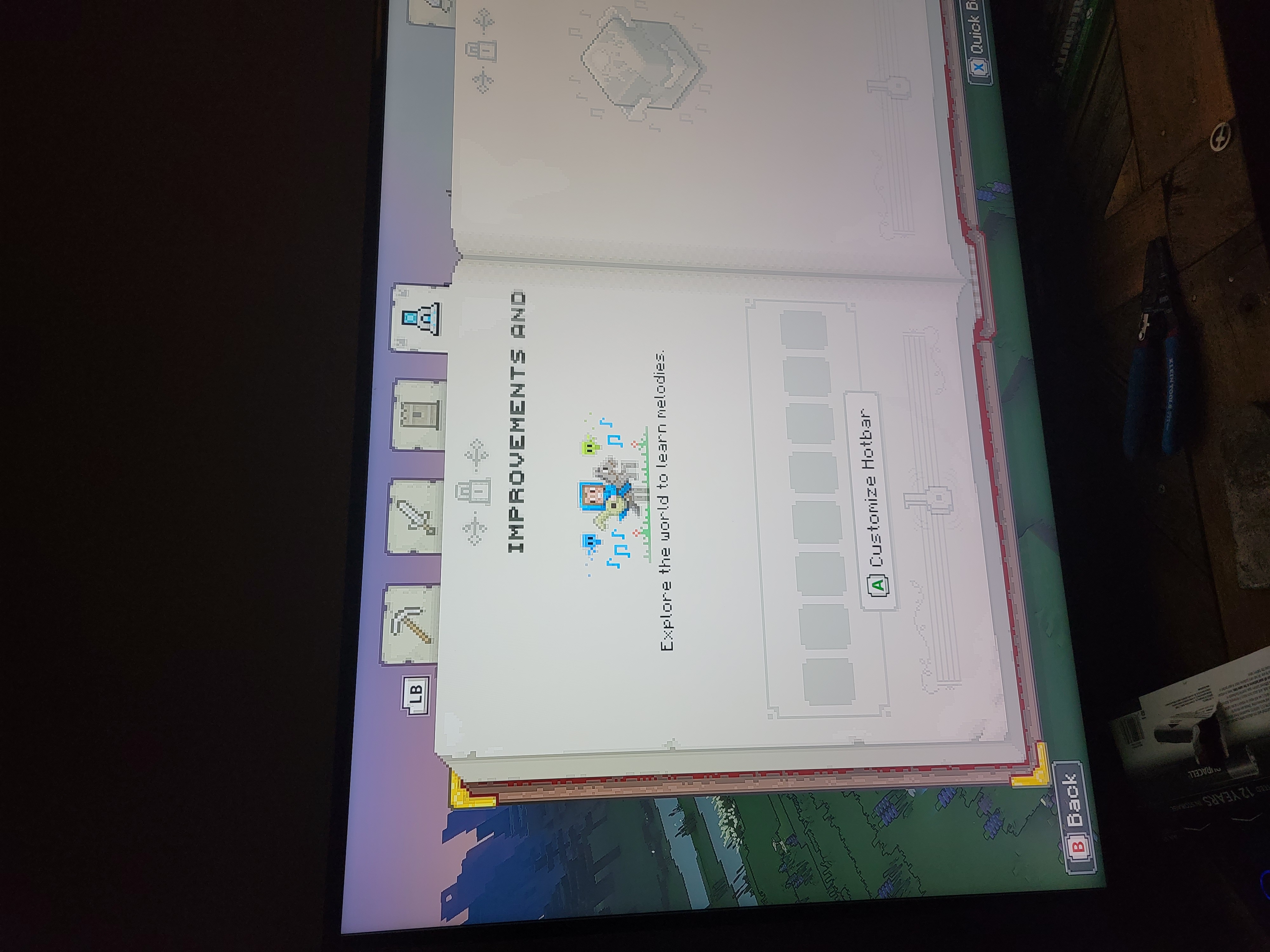
I love the game but every time I try to leave the game and save, the save loading bar freezes and will not complete even being left for a full day while I'm at work. The consequence is that in order to access my world I have to close the game and reopen, where it shows my hours in game as counted, but once I load in I am reset back to where the player is instructed to save the first village under attack and forced to replay the tutorial each time. However, defenses built around villages still partially remain, and appear to sustain damages consistent with raids, but all piglin bases respawn in full as if never destroyed. I love the game but I can't save any of my progress against the piglins and I would love to play for longer than one session as all my learned melodies and well upgrades dissappear after each session.


Created Issue:
World Progress Reset
I have roughly 6 or 7 hours on my first legends world on a 2015 Xbox one.
I love the game but every time I try to leave the game and save, the save loading bar freezes and will not complete even being left for a full day while I'm at work. The consequence is that in order to access my world I have to close the game and reopen, where it shows my hours in game as counted, but once I load in I am reset back to where the player is instructed to save the first village under attack and forced to replay the tutorial each time. However, defenses built around villages still partially remain, and appear to sustain damages consistent with raids, but all piglin bases respawn in full as if never destroyed. I love the game but I can't save any of my progress against the piglins and I would love to play for longer than one session as all my learned melodies and well upgrades dissappear after each session.
We do not have enough information to find the cause of this issue.
Have you attempted to create a new save world?
If you have created new saves, how often does this issue occur?
Have you reproduced this issue on the newest build of the game?
As in: created a new save of the game, progressed, attempted to save, left the game, launched the save again, and observed same results are reported here.
Please record a video of this happening and attach it to this report.
If you are on Windows, you can use Windows+Alt+R to open a built-in app for recording game footage.
If you are on Mac (Mojave or later), you can use Shift+Command+5 to open a built-in app for recording your screen.
In case you don't have a program to record videos, we recommend using the free recording software OBS.
In case the resulting video file is too large to be uploaded to the bug tracker directly, please upload it elsewhere (e.g. as unlisted video on YouTube) and link to it here.
This issue is being temporarily resolved as Awaiting Response. Once the requested information has been delivered, the report will be reopened automatically.
Quick Links:
📓 Bug Tracker Guidelines – 📧 Mojang Support
📓 Project Summary – ✍️ Feedback and Suggestions – 📖 Game Wiki – 📖 FAQs