 MCPE-188370
Skin is not loading correctly on launch
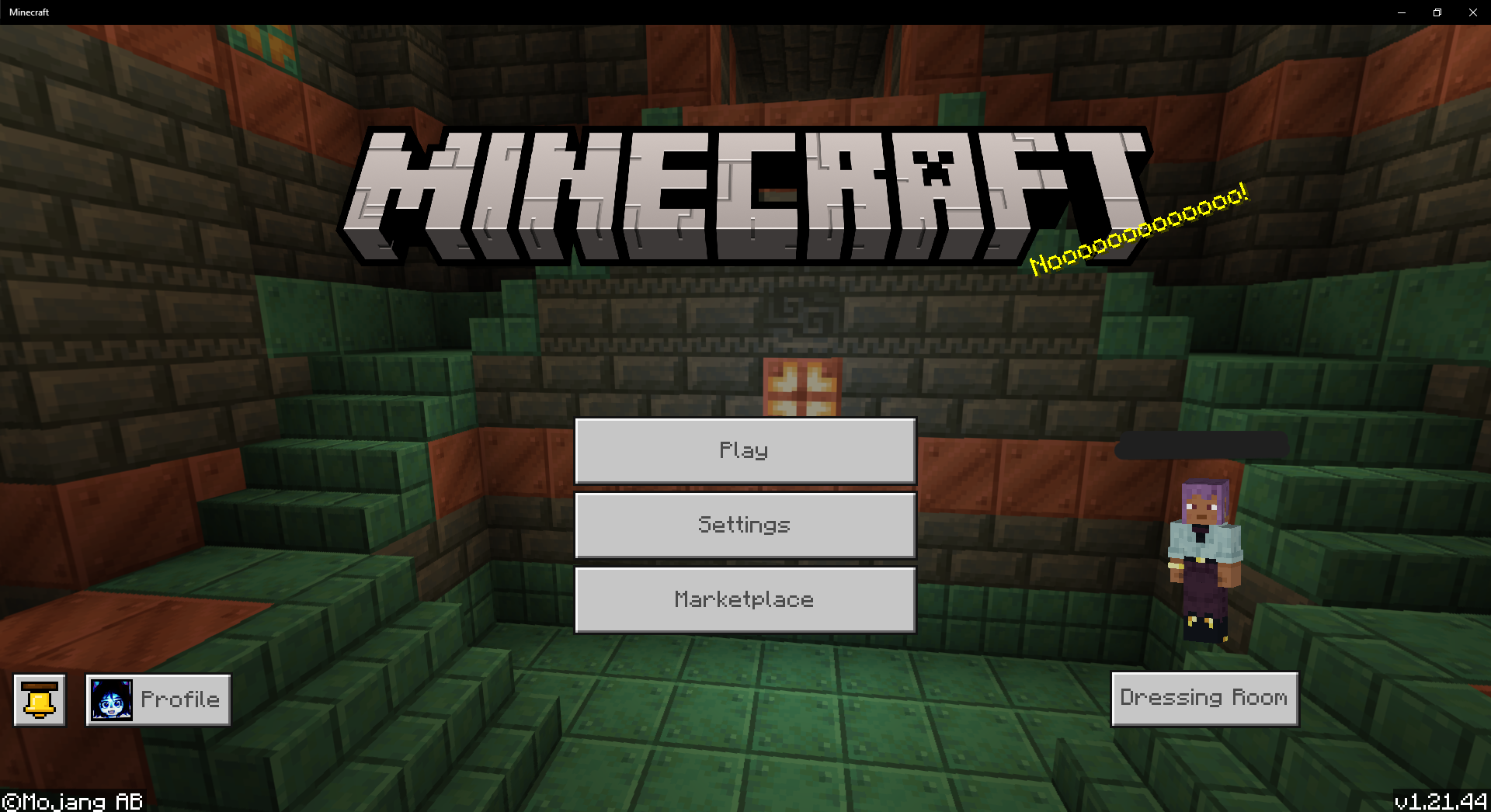
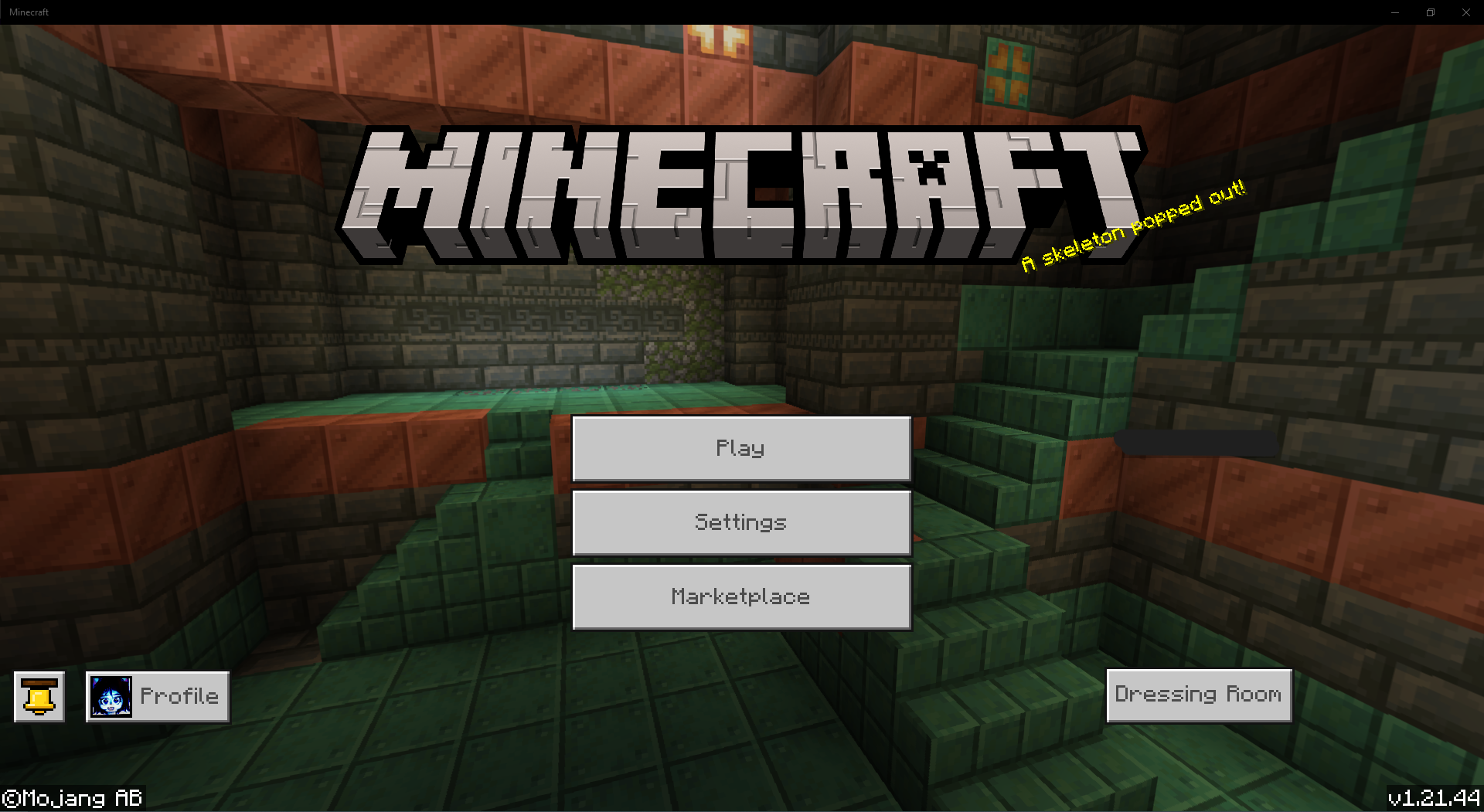
Recently, sometime around the release of 1.21 up to the current version, I've started having an issue where every time I launch Minecraft Bedrock for Windows, my skin does not load at first.
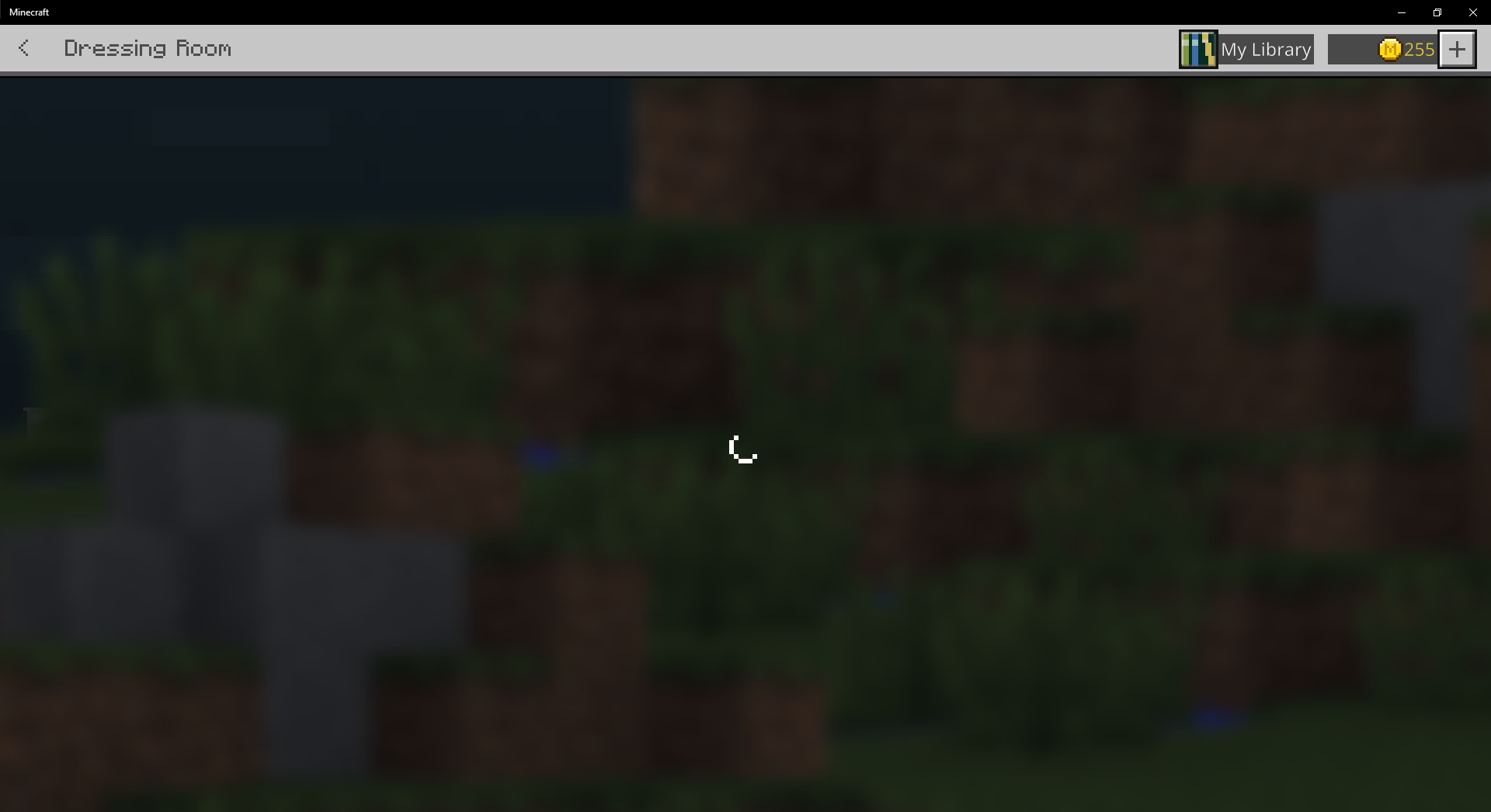
Instead, it shows one of the default skins, and doesn't load my skin unless I load the Dressing Room. For some reason, loading the dressing room also seems to have issues, and I've had the loading screen for it freeze on me a few times.
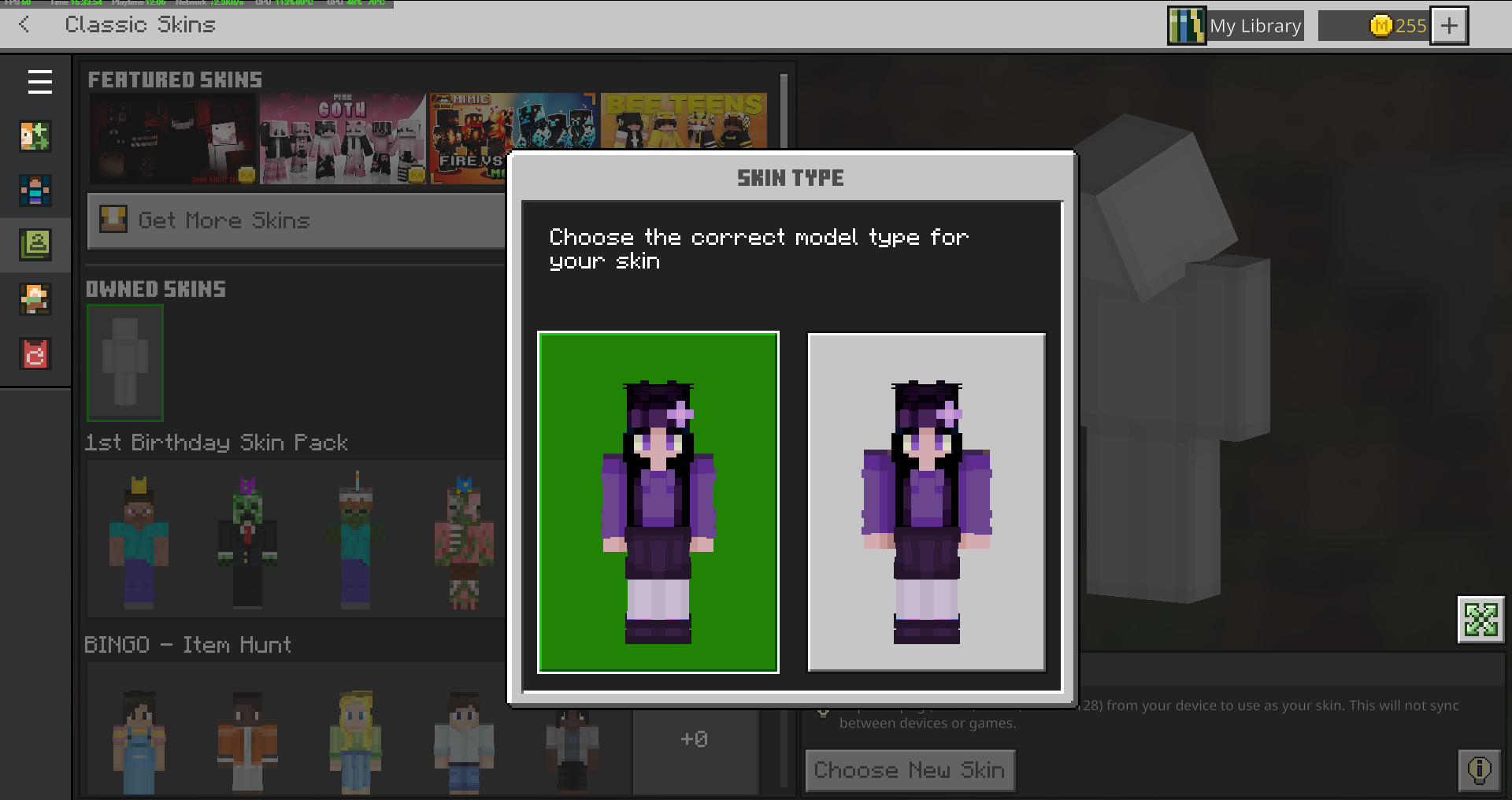
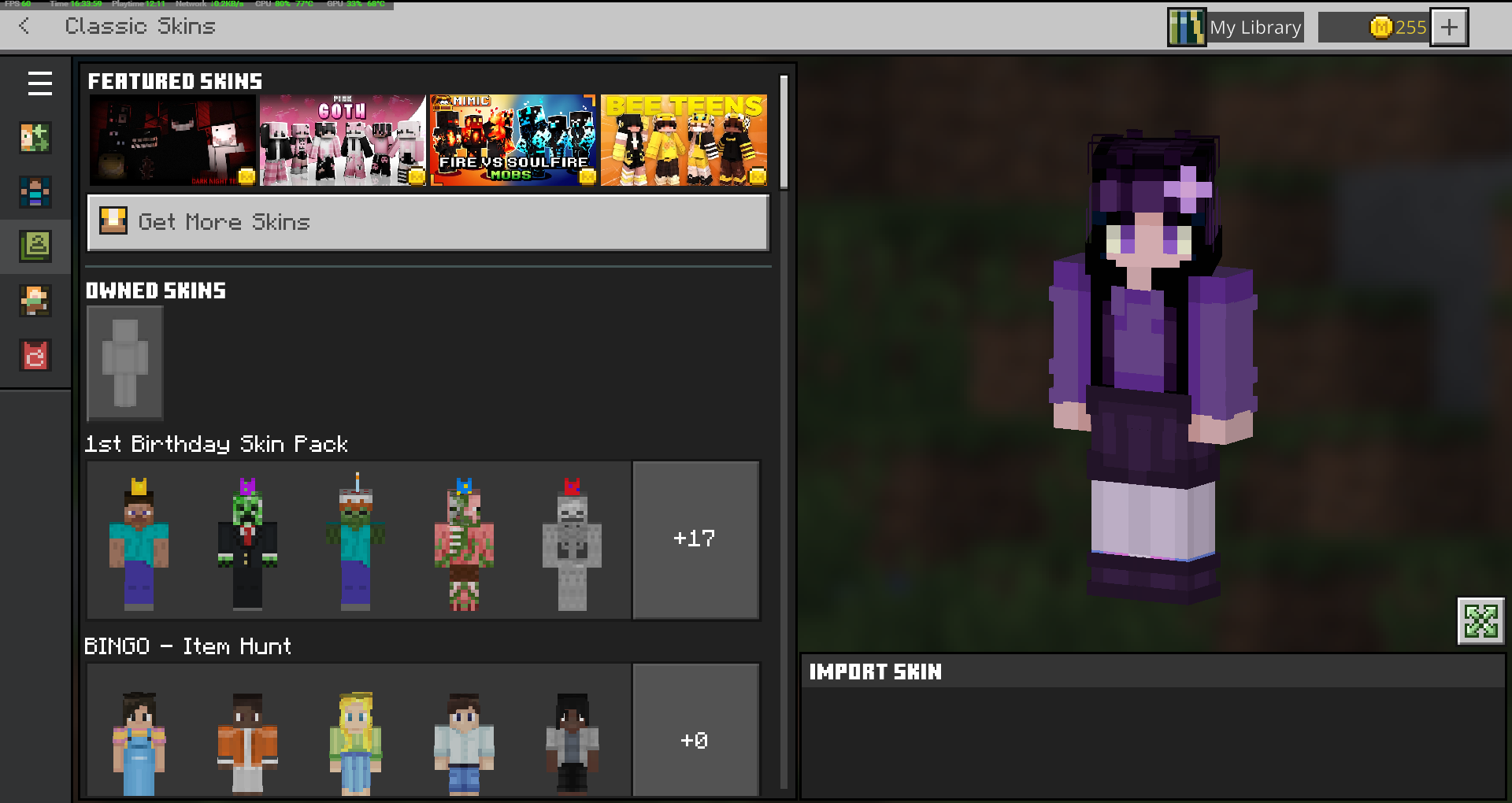
Once I manage to get into the Dressing Room, it will sometimes still show one of the default skins and wont load my uploaded skin. Sometimes, it will show my classic skin, but it wont be the skin type I set it as.
I set my classic skin to the slim skin type, but every time I get back on and load up the Dressing Room, it changes it back to the wide skin type. So I always have to re-upload my skin file, and set it back to the slim type. [I didn't draw my skin to be a wide type skin, so every time it sets it to wide, it makes my skin look broken].
It's not the worst bug I've come across, but I thought I should bring this up. Thank you.



Created Issue:
Skin is not loading correctly on launch
Recently, sometime around the release of 1.21 up to the current version, I've started having an issue where every time I launch Minecraft Bedrock for Windows, my skin does not load at first.
Instead, it shows one of the default skins, and doesn't load my skin unless I load the Dressing Room. For some reason, loading the dressing room also seems to have issues, and I've had the loading screen for it freeze on me a few times.
Once I manage to get into the Dressing Room, it will sometimes still show one of the default skins and wont load my uploaded skin. Sometimes, it will show my classic skin, but it wont be the skin type I set it as.
I set my classic skin to the slim skin type, but every time I get back on and load up the Dressing Room, it changes it back to the wide skin type. So I always have to re-upload my skin file, and set it back to the slim type. [I didn't draw my skin to be a wide type skin, so every time it sets it to wide, it makes my skin look broken].
It's not the worst bug I've come across, but I thought I should bring this up. Thank you.
Attachments3
Ever since 1.21 I've noticed a lot of visual bugs with characters. This report is about the cape/elytra texture bug, but I also made a report about the skin bug in: MCPE-188370
The texture for my cape wont show on my elytra. My friends and I have also had issues with the elytra showing the wrong cape texture. Sometimes, it will show the texture of a cape someone else on our server is wearing.
A while ago, my friend was telling me about how somehow he had the Progress Pride Cape texture showing on his elytra when he was actually wearing the MCC 15th Year Cape and he does not own the Pride cape. I noticed that it was showing the MCC 15th Year Cape on my elytra, but I was not wearing my MCC cape-- I was wearing my Pride cape. So essentially, it had swapped our cape textures.
Thank you.
Sometimes the skin wont load at all. Also here's a screenshot of the Dressing Room infinite loading circle of doom.
A similar problem is occurring in my Minecraft Bedrock for IOS.
I upgraded to v1.21.44 and the skin could not be loaded.
Character 3 is reloading forever.
The skin is created only from the parts provided by Minecraft.
At the same time, my world also crashed.
The crashed world was created in v1.20.
Like the skin, there was no problem until the version upgrade.
Thank you.
There's also an issue with the cape/elytra textures
MCPE-188384, which may be related to this.I can confirmed that it is still an issue today.