 Celeste_mc
- Celeste_mc
- JIRAUSER769460
- Europe/Stockholm
- Yes
- No
 REALMS-11781
 MCPE-188370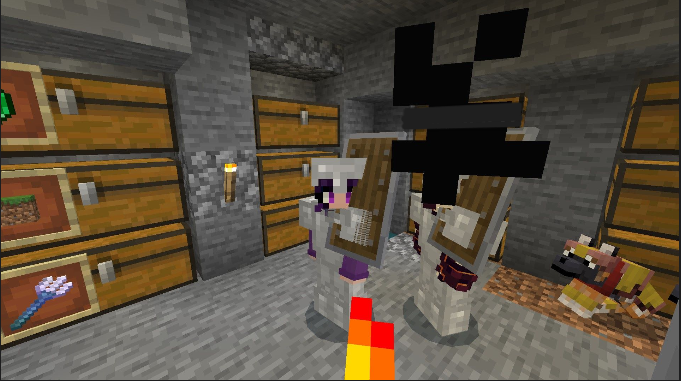
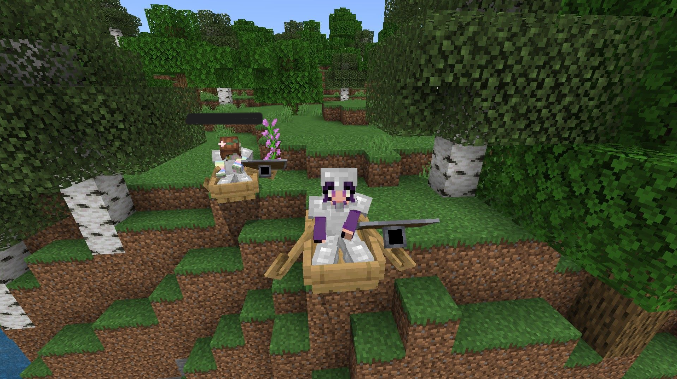



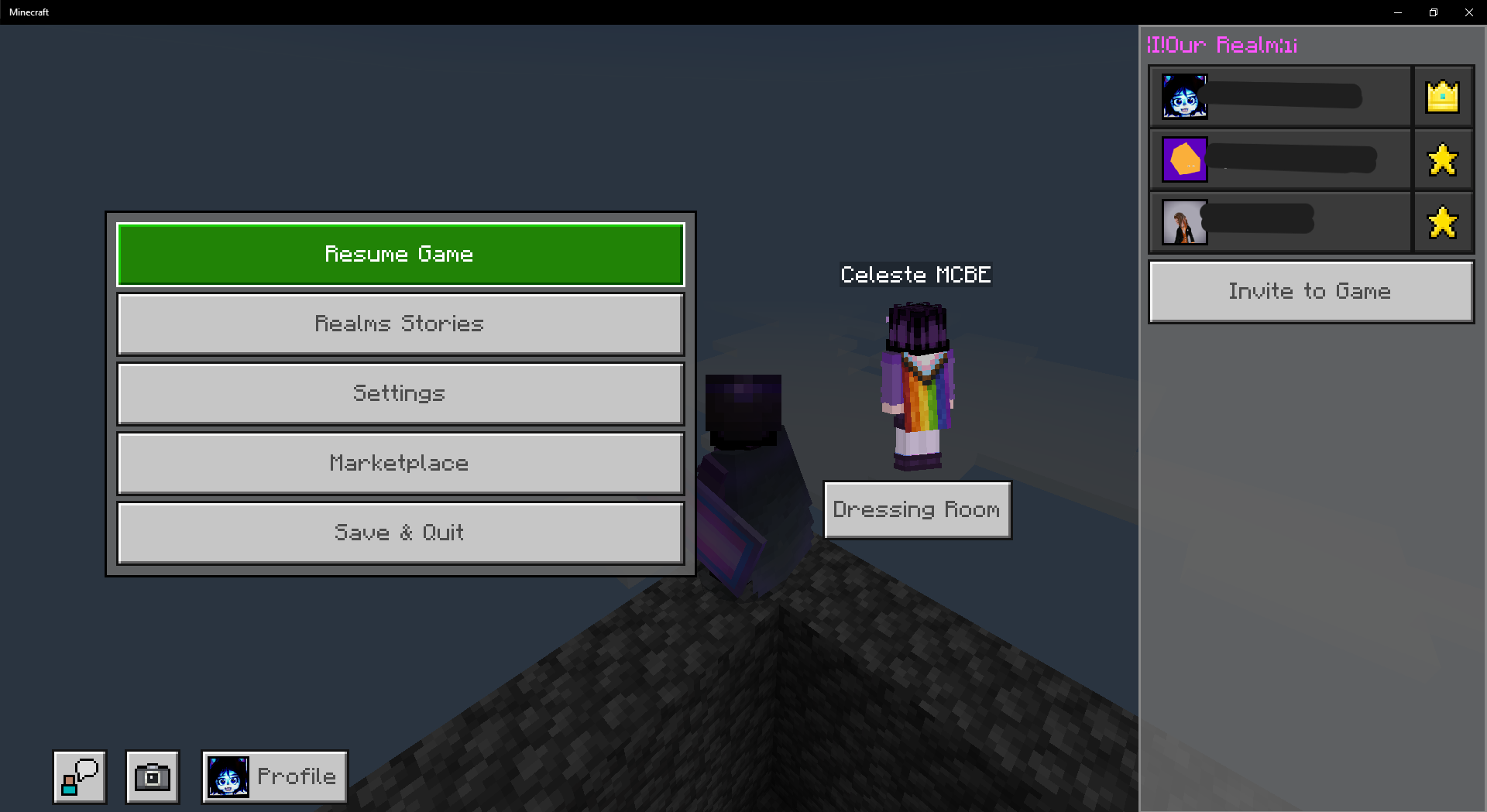
I discovered that when my friends and I take screenshots in the 3rd perspective, using the in-game screenshot button, and post it in Realm Stories, shields do not render correctly.
This is a visual bug, and is quite harmless.
I checked on all devices I play on, and this bug seems to appear every time.
Screenshots [edited to redact name-tags]:
Windows 10,
Minecraft Bedrock Edition, Realms, version 1.20.81Windows 10, Android 12, Nintendo Switch Lite, Xbox Series S, Play Station 4
I discovered that when my friends and I take screenshots in the 3rd perspective, using the in-game screenshot button, and post it in Realm Stories, shields do not render correctly.
This is a visual bug, and is quite harmless.
I checked on all devices I play on, and this bug seems to appear every time.
This bug can be recreated by taking a screenshot using the in-game screenshot button.
Screenshots [edited to redact name-tags]:
When opening Realm Stories, the realm gets stuck on loading, and stays like this indefinitely, it appears. I had my PC on for an entire day trying to see if it would load eventually.

When opening Realm Stories, the realm gets stuck on loading, and stays like this indefinitely, it appears. I had my PC on for an entire day trying to see if it would load eventually.
If a world has already been generated, then existing chunks cannot have new content. You will have to explore new chunks to find Tricky Trials content. Also: Keep in mind that 1.21 content is still experimental, and have to be enabled in world settings.
This bug also appears to happen with any item in the off-hand.
It also happens with the spying glass.
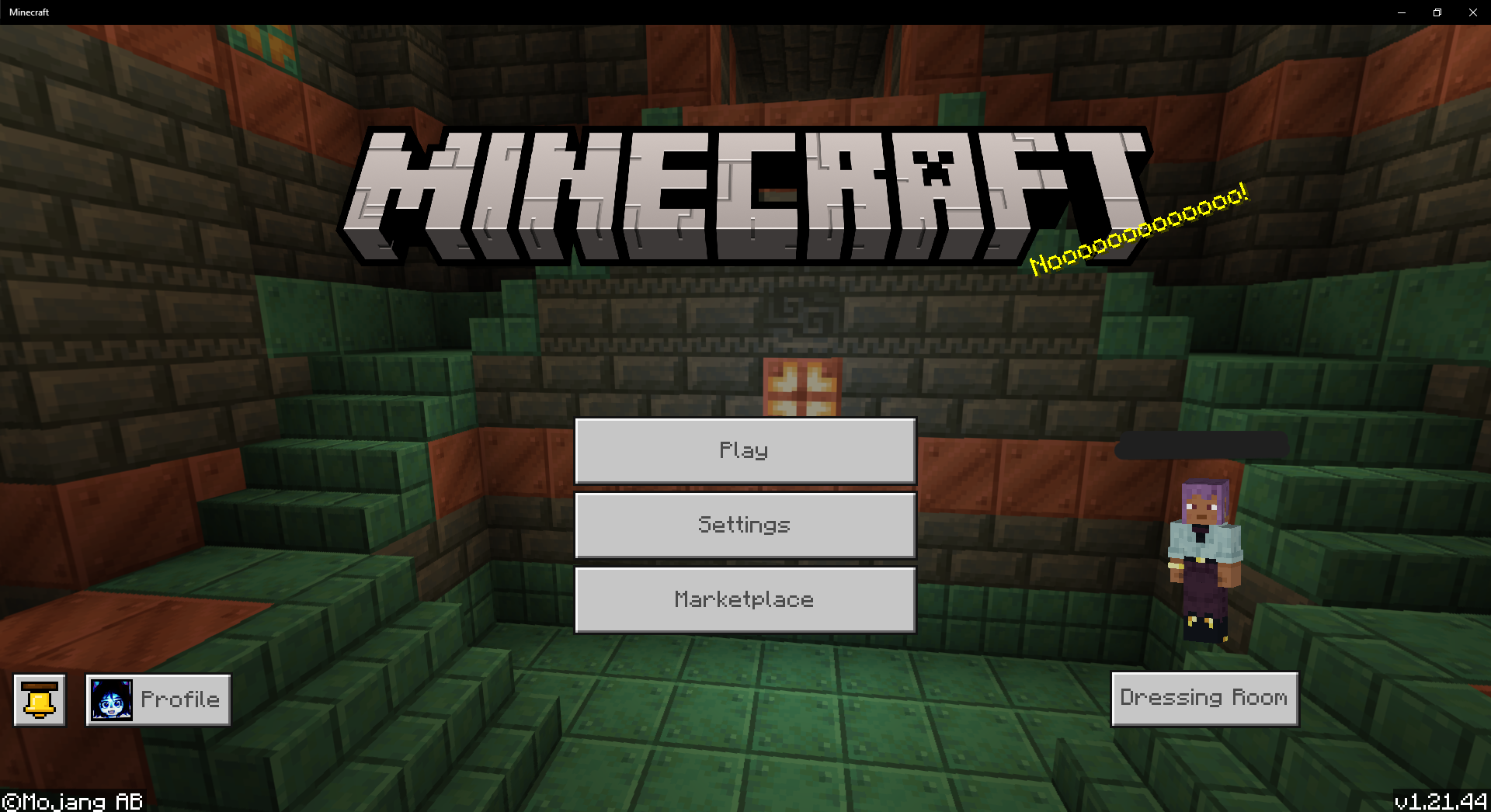
Hello, I should confirm that the name of my realm, in the screenshot I took is completely unrelated to the issue. I used the "§" symbol, which is used for formatting text in Minecraft BE. In the world list menu, the formatting works as it has since text formatting has been implemented into Minecraft BE, but in the Realm Stories menu, it does not format it, and just shows the symbols used for formatting.
It's actually an interesting difference between menus, and I've considered suggesting that the Realm Stories menu should format the same way as the rest of the game.
There's also this funny menu where the obfuscated format code [§k], caused the quotation mark to also obfuscate.
I'm not sure if these would be counted as visual bugs, but I thought I should explain why my Realm looks like that.
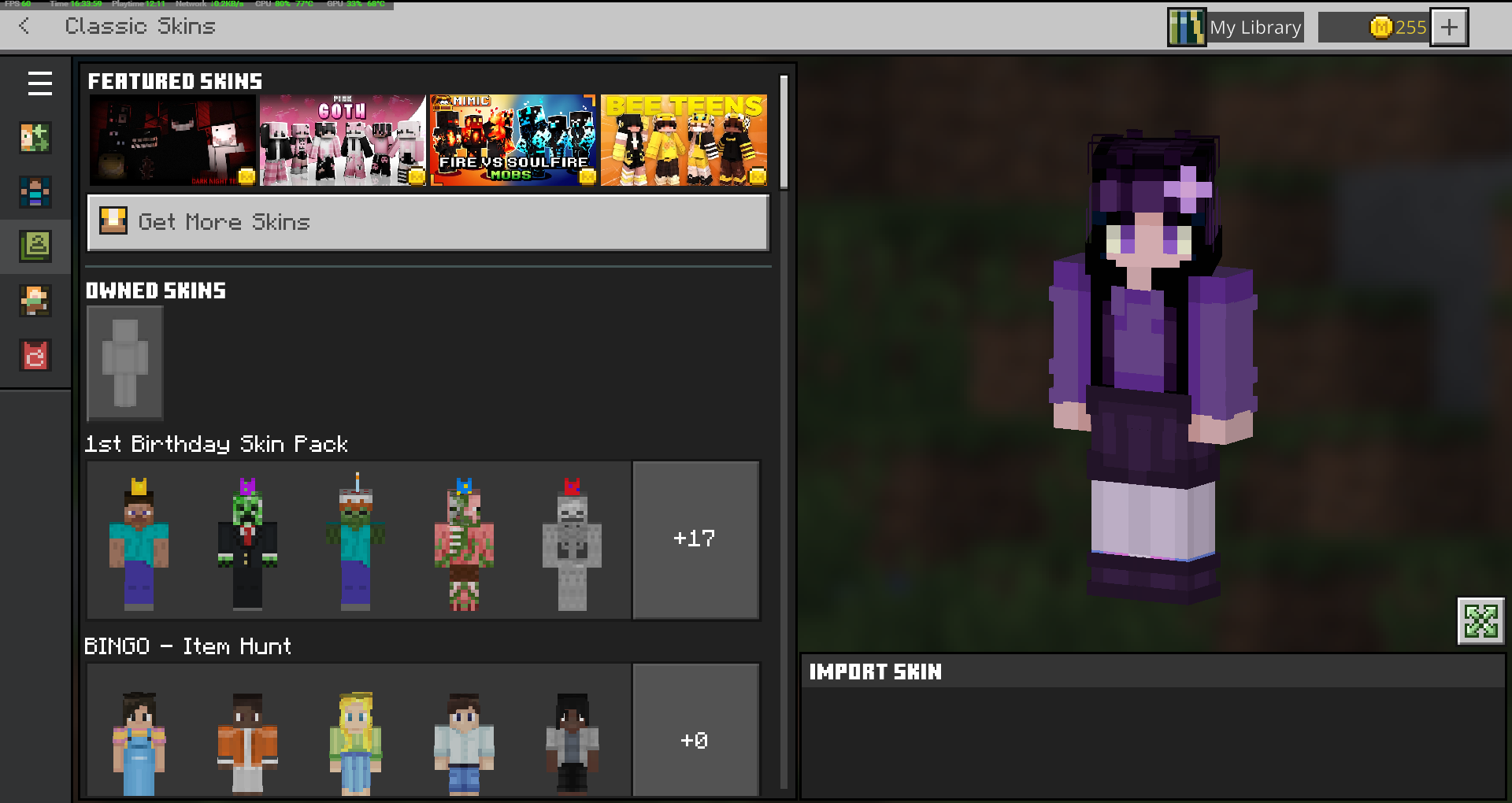
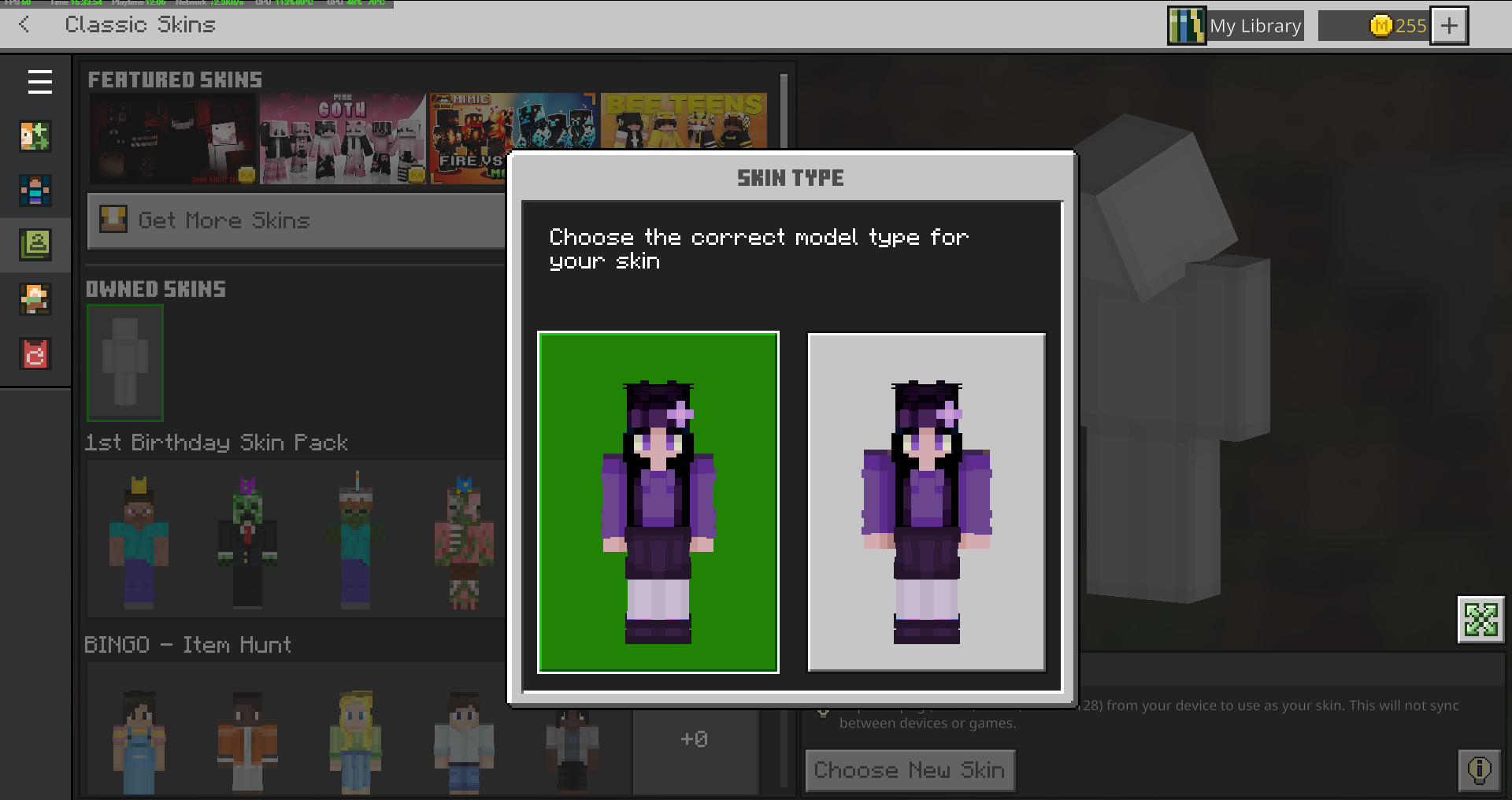
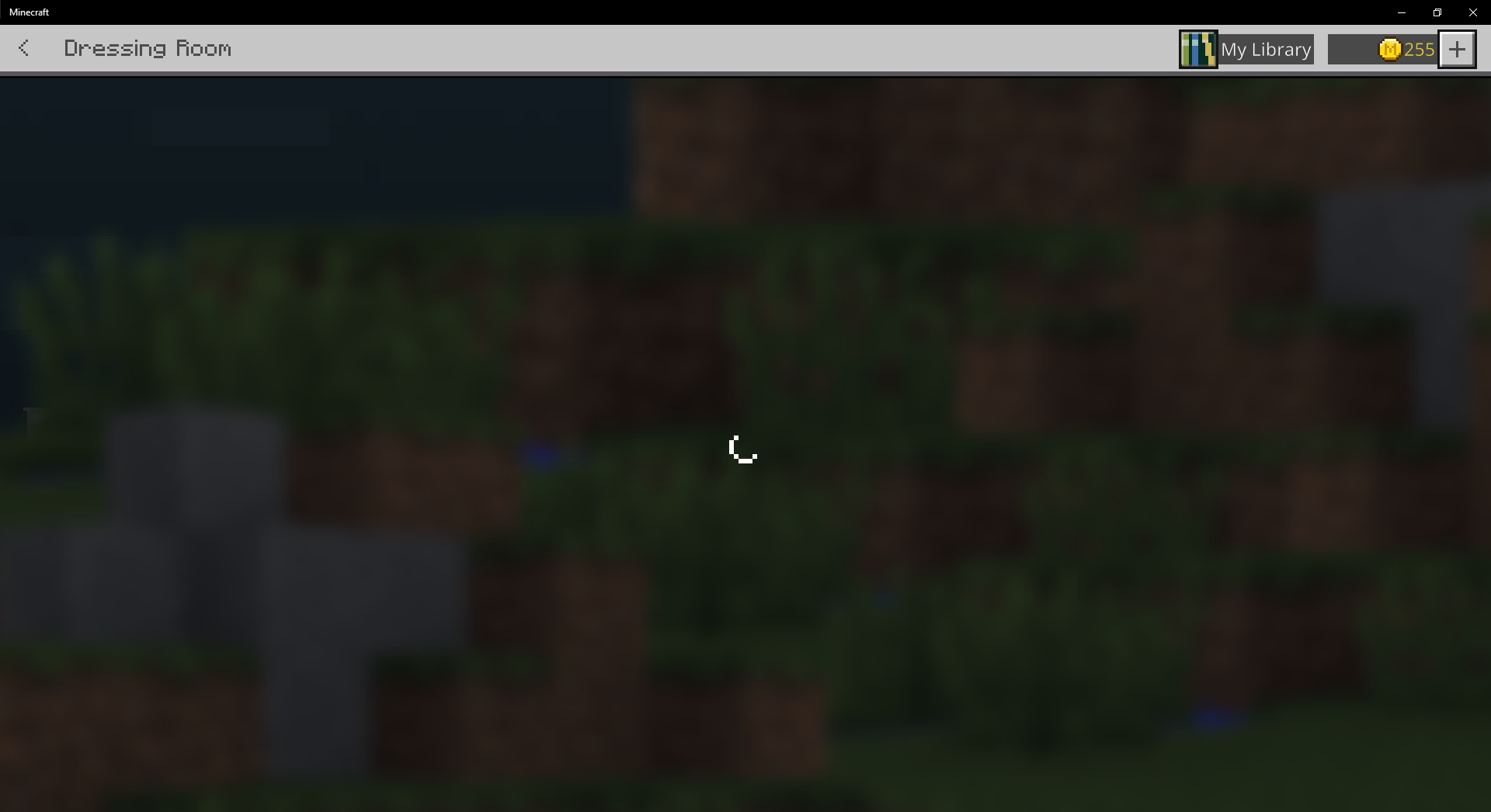
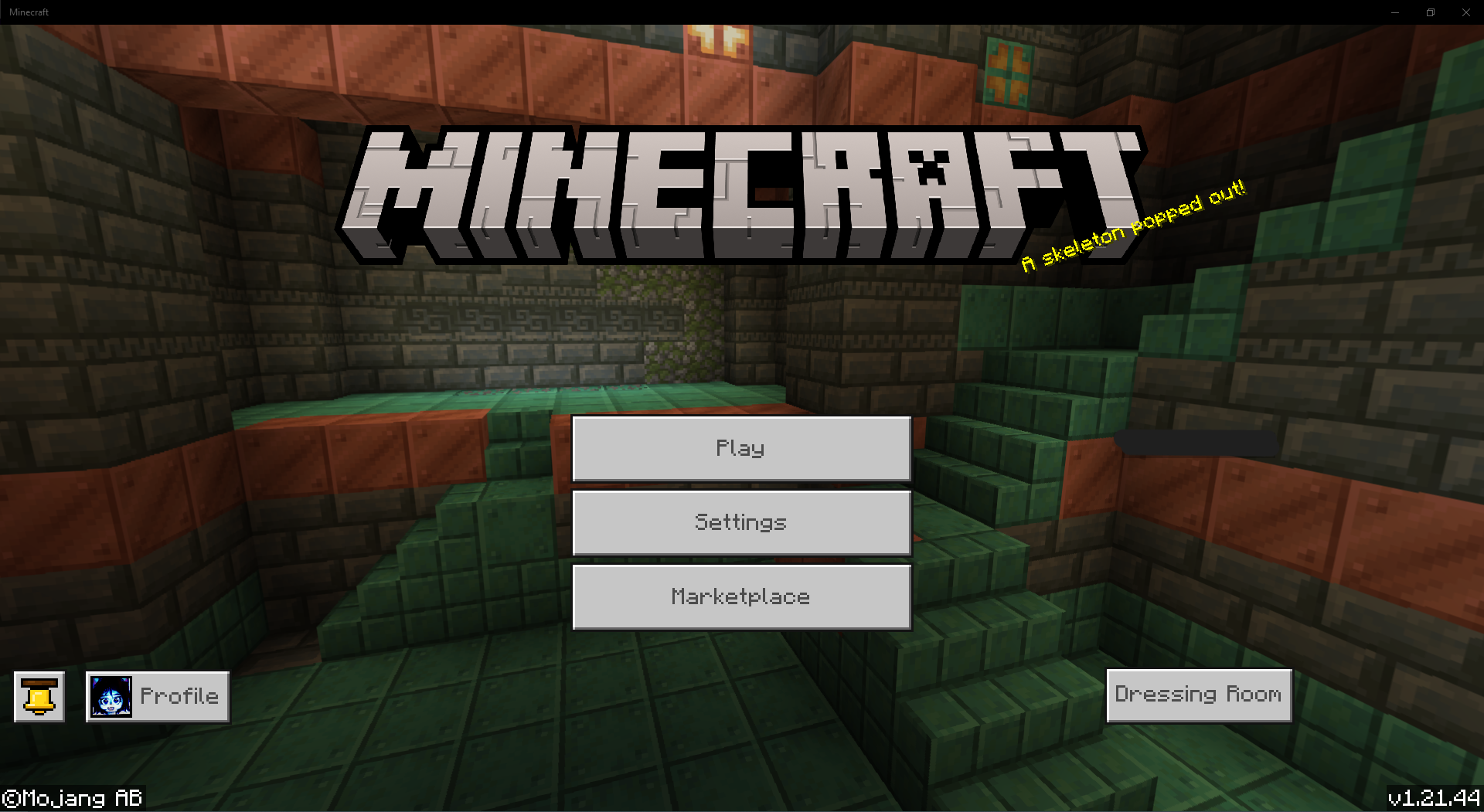
Sometimes the skin wont load at all. Also here's a screenshot of the Dressing Room infinite loading circle of doom.
There's also an issue with the cape/elytra textures
MCPE-188384, which may be related to this.