 MCPE-33350
GUI scale too big!
on my 17 inch 1920x1080 laptop monitor guy is too large and I can't lover it like I was used to on 1.2.6, 1.2.8 I can't play like this.
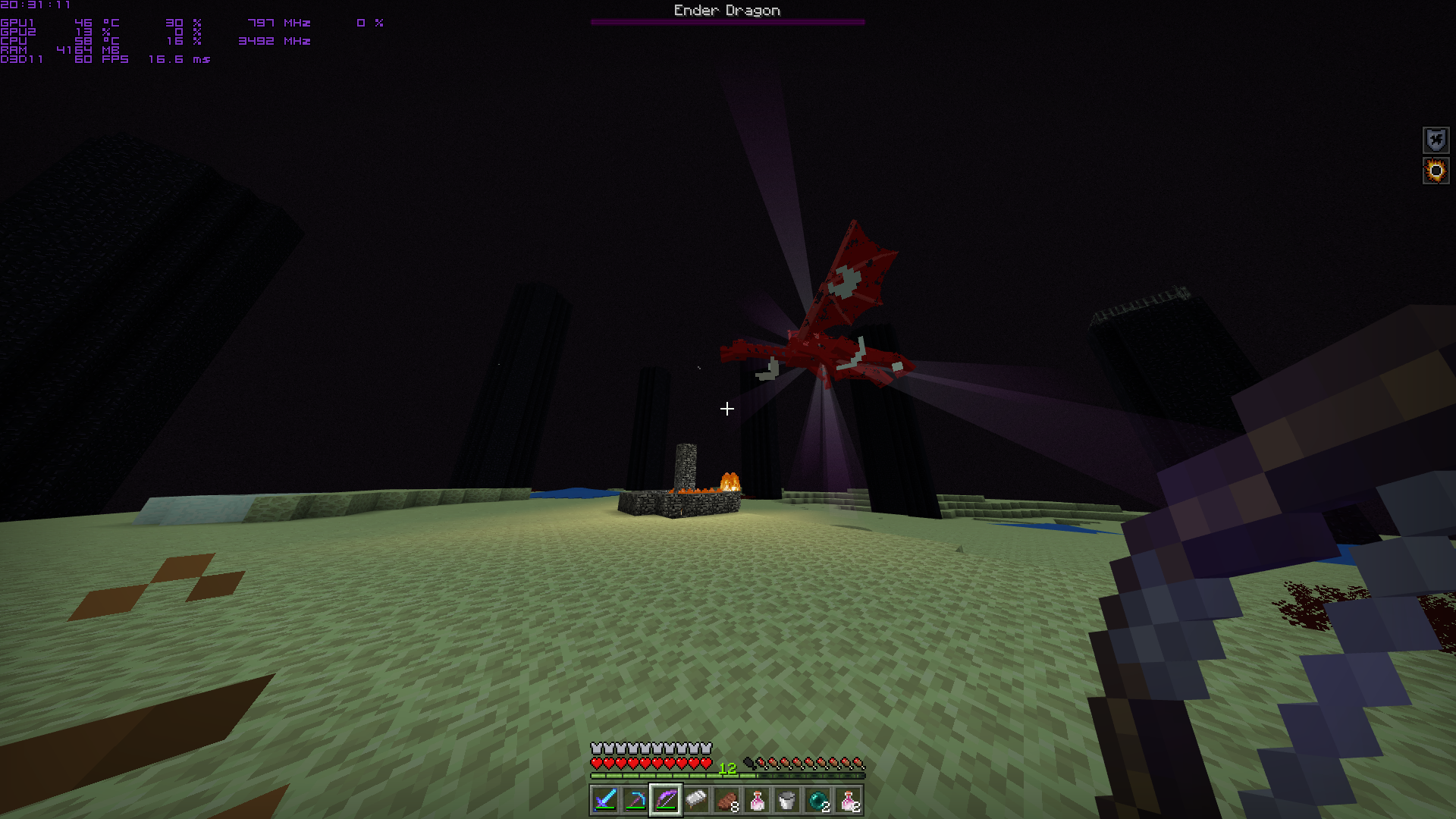
I am on the lowest GUI scale on both screenshots!
I attached two picures before.png and after.png
Look at the size of the hotbar on the pictures
Linked Issues
Attachments2


Created Issue:
Guy scale too big!
on my 17 inch 1920x1080 laptop monitor guy is too large and I can't lover it like I was used to on 1.2.6, 1.2.8 I can't play like this.
I attached two picures before.png and after.png
Look at the size of the hotbar on the pictures
Attachments2
- Unresolved
- Open
- Unconfirmed
- Windows
- Windows 10 Version 1803 Build 17134.48
- 1.5.0.1 1.4.0.5
on my 17 inch 1920x1080 laptop monitor guy is too large and I can't lover it like I was used to on 1.2.6, 1.2.8 I can't play like this.
I am on the lowest GUI scale on both screenshots!
I attached two picures before.png and after.png
Look at the size of the hotbar on the pictures
![[MCPE Mod] Auldrick](../../../data/avatars/users/10122.svg)
![[Mojang] Mega_Spud (Jay Wells)](../../../data/avatars/users/92696.png)
duplicates

This is totally still an issue and I find no reason to close this as "resolved".
Please allow us to change the GUI size, this game gives me headache while playing because of the too big GUI.
This is normal actually. But if you want it smaller just go to video options and turn down the GUI scale modifier.
I can't I am on the lowest already that is the point!
the GUI Scale modifier used to have the -2, -1 and 0 configurations. Now, it seems -2 option disapeared.
exactly the -2 option is GONE! Why?
Thank you for your report!
However, this issue is a Duplicate of
MCPE-33349.If you have additional information, please add it to that report.
Please search before reporting, as it's likely that one exists already.
Quick Links:
📓 Issue Guidelines – 💬 Community Support – 📧 Customer Support – 📖 Game Wiki