![[MCPE Mod] Auldrick](../../../data/avatars/users/10122.svg) [MCPE Mod] Auldrick
[MCPE Mod] Auldrick
- Auldrick
- handlbar.rick@comcast.net
- America/New_York
- Yes
- No
 MCPE-25902MCPE-28360MCPE-28798
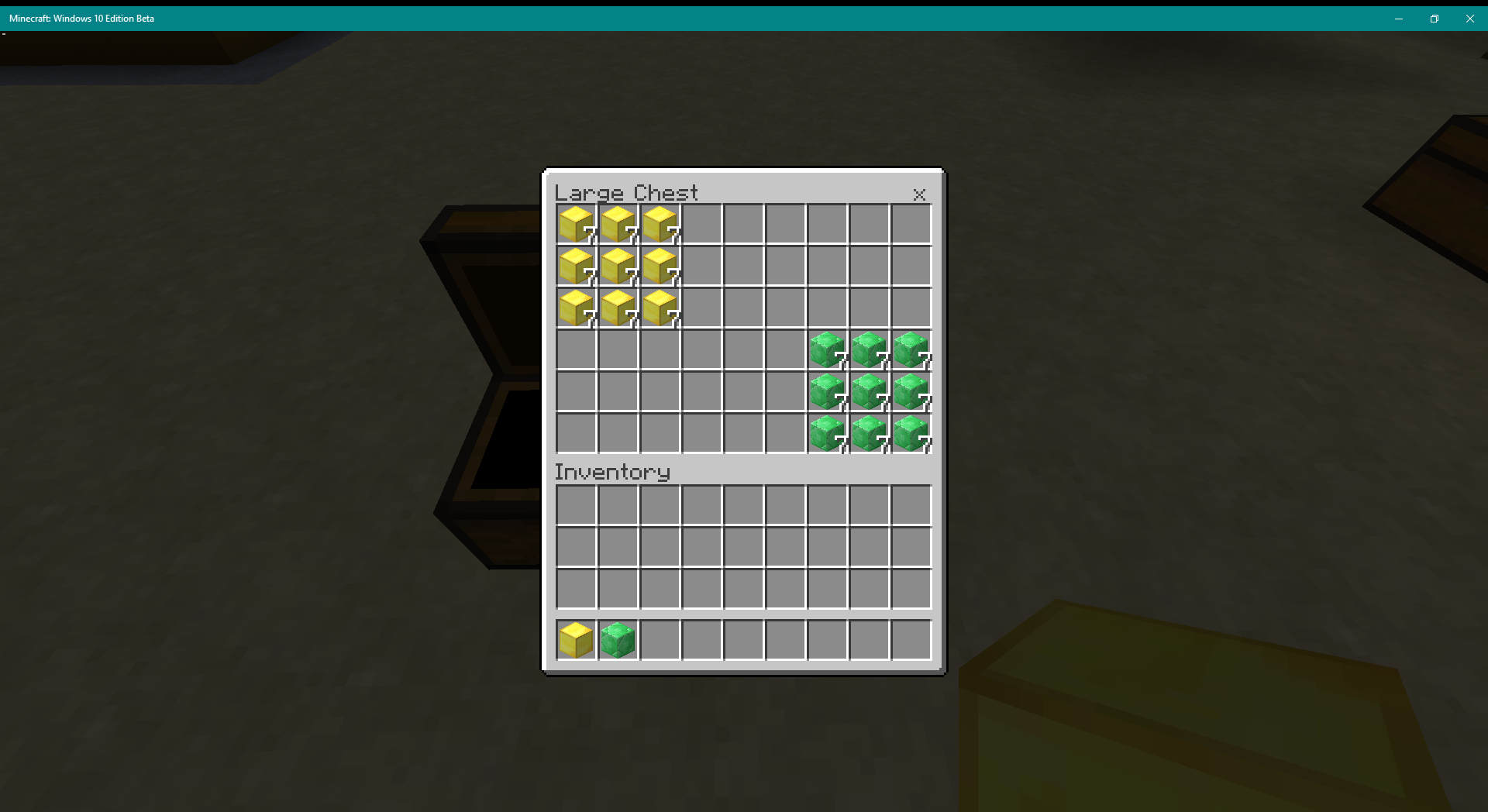
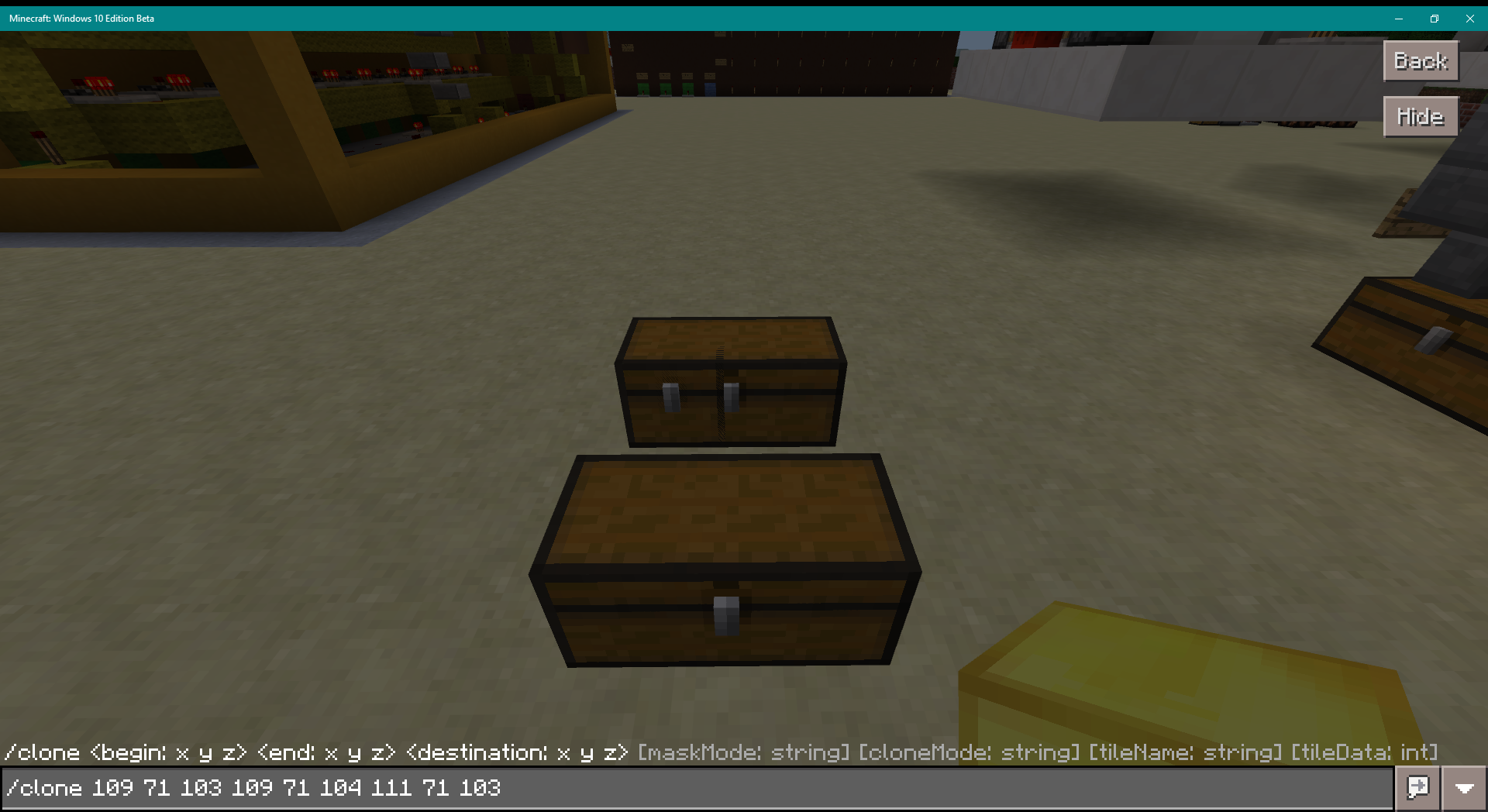
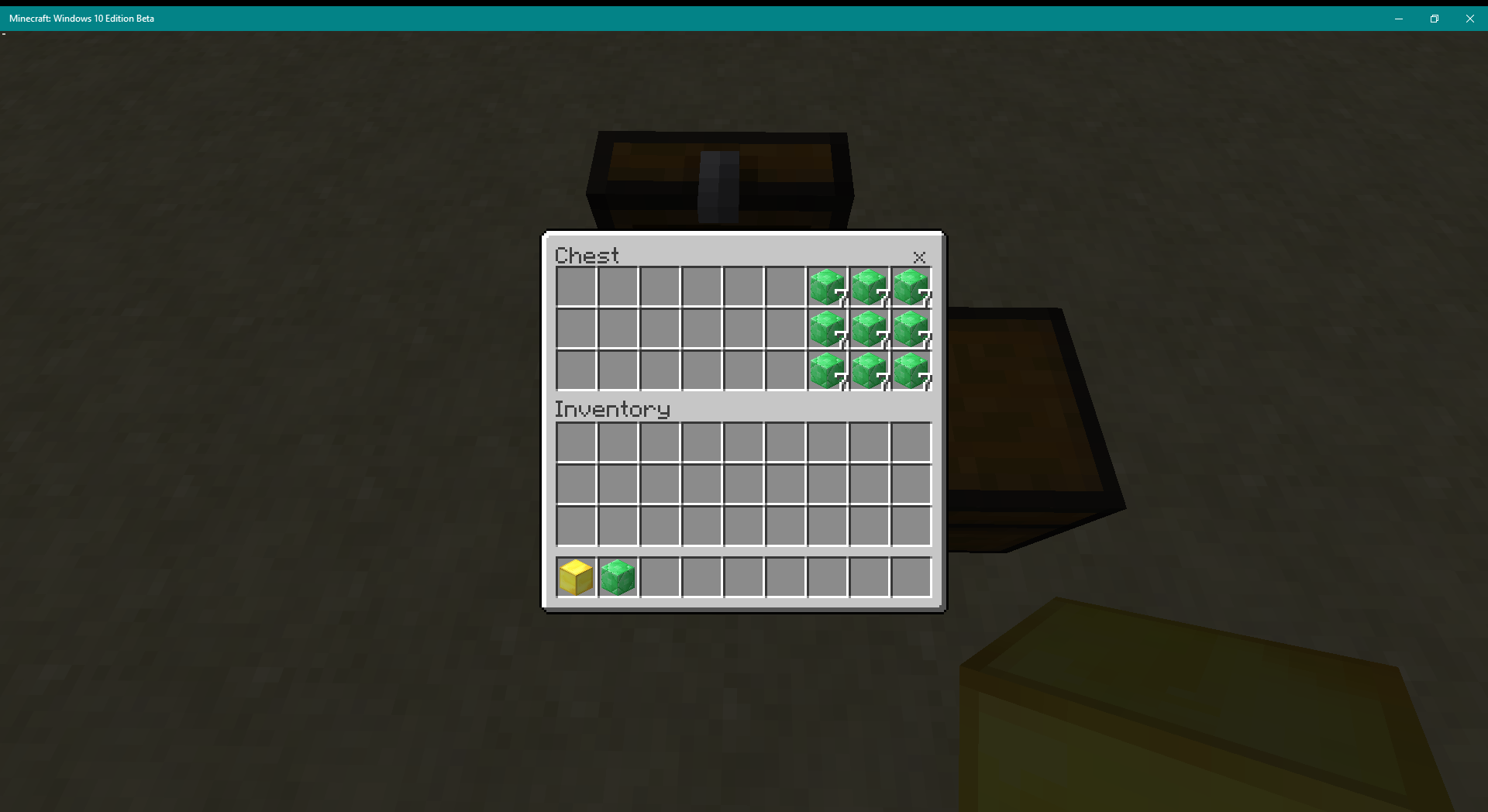
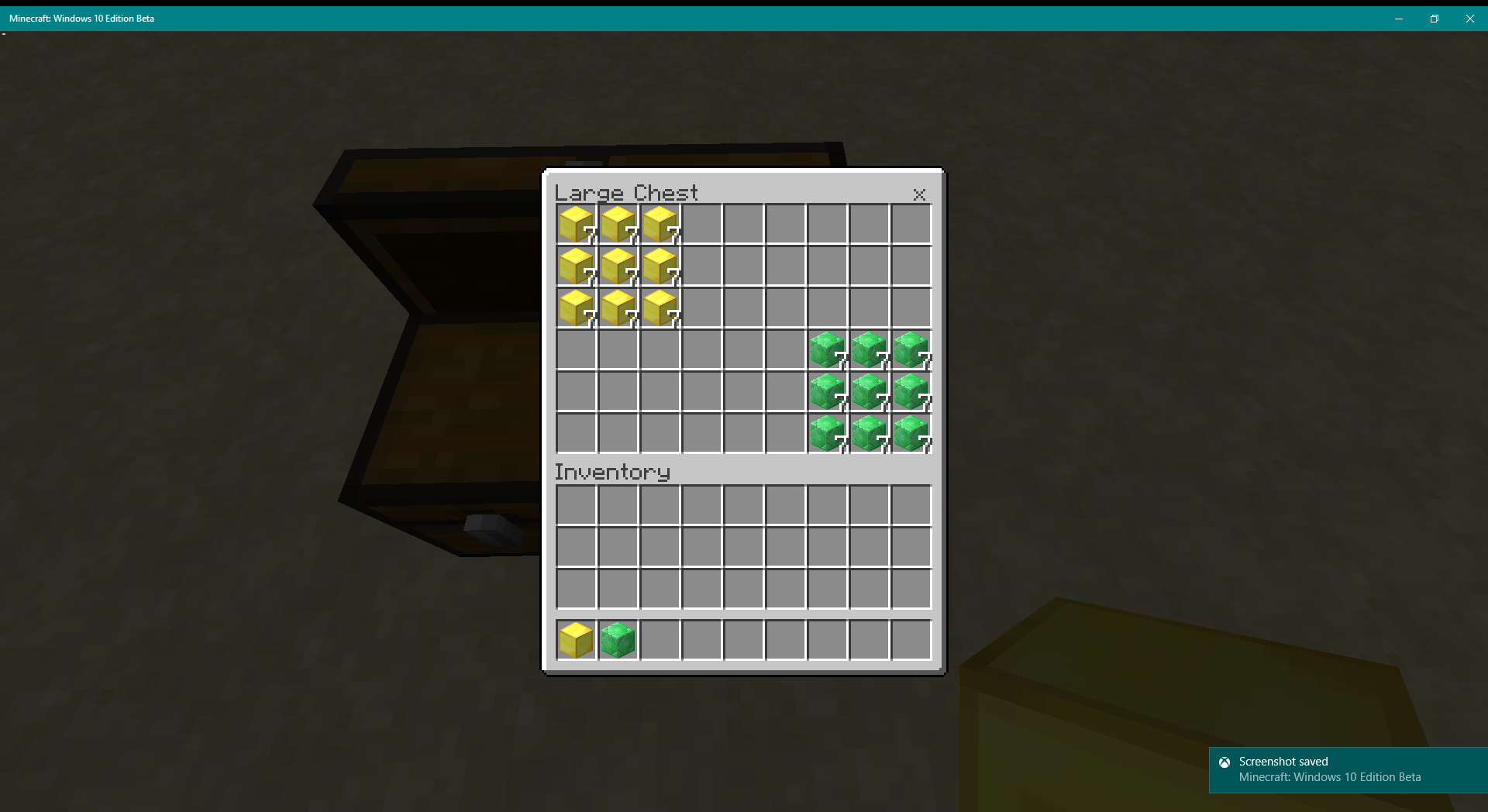


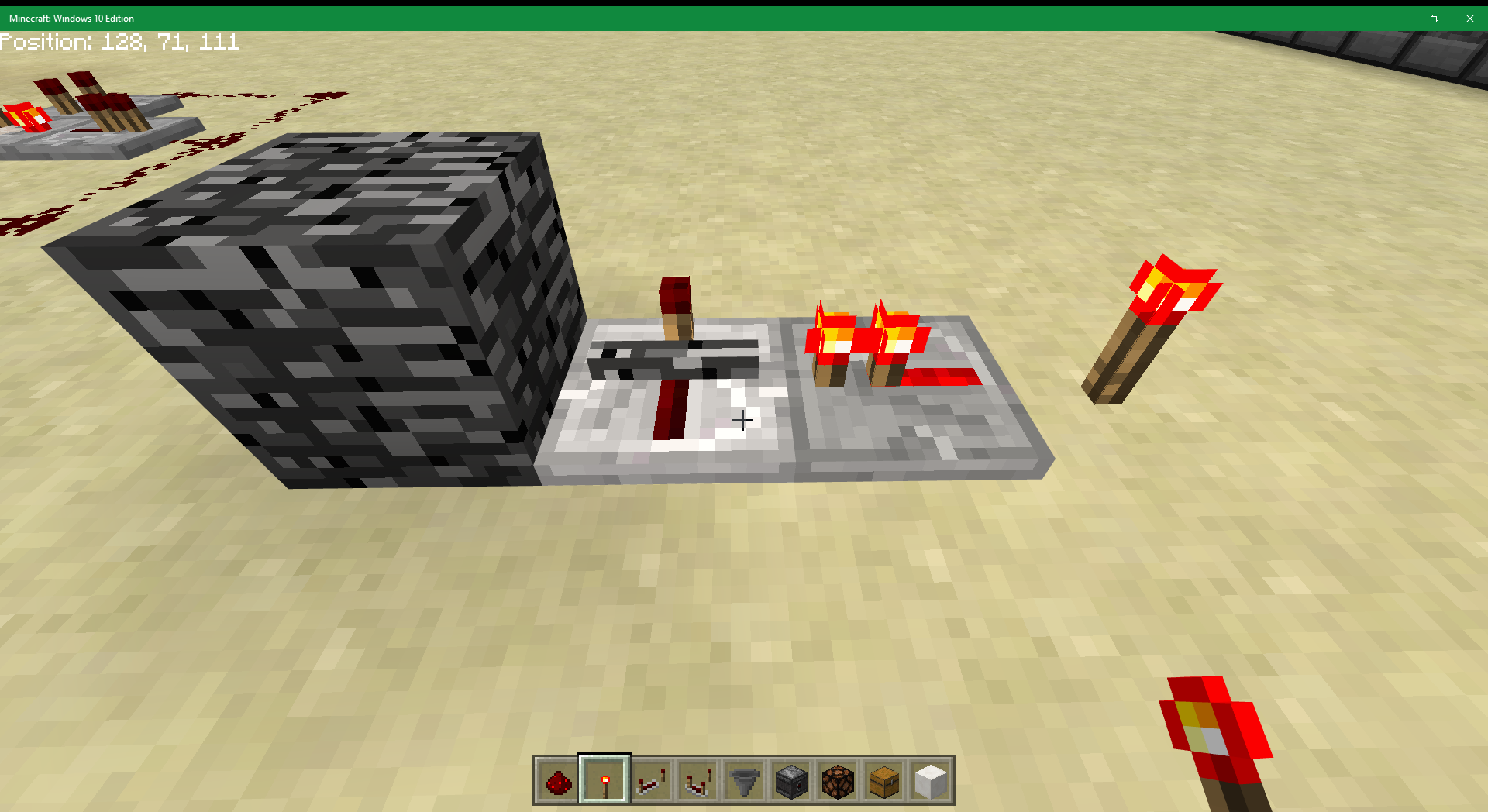
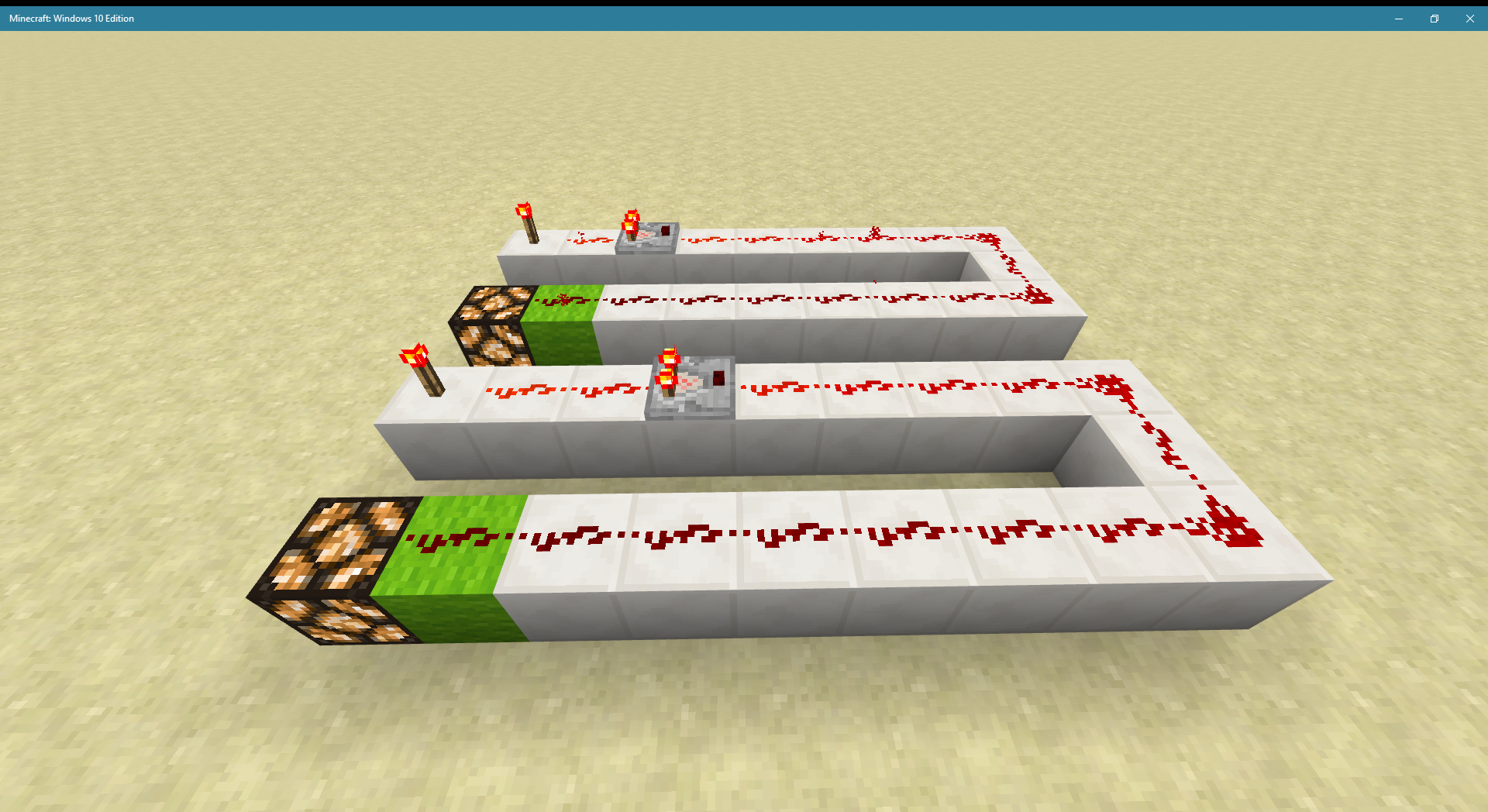




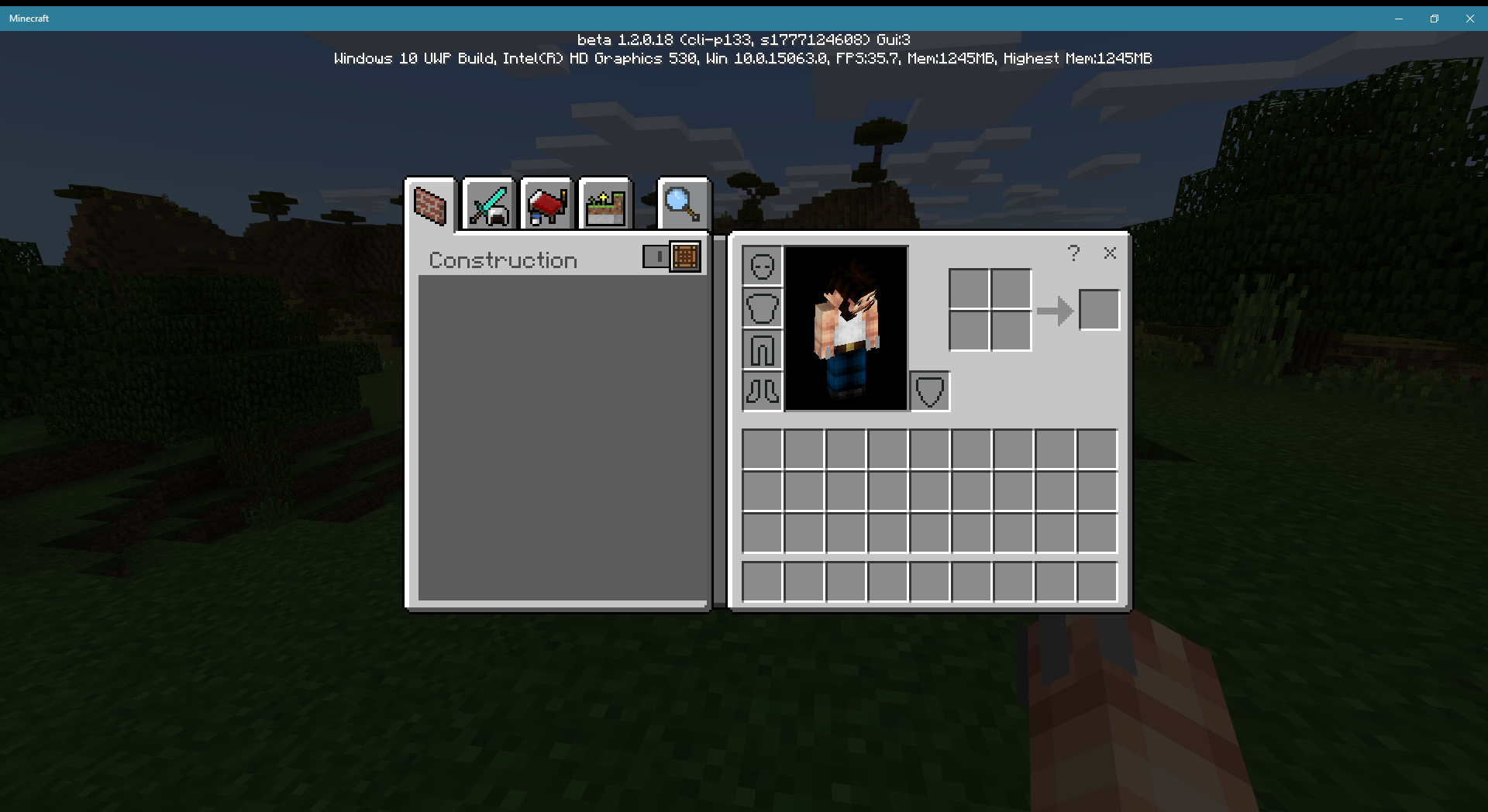
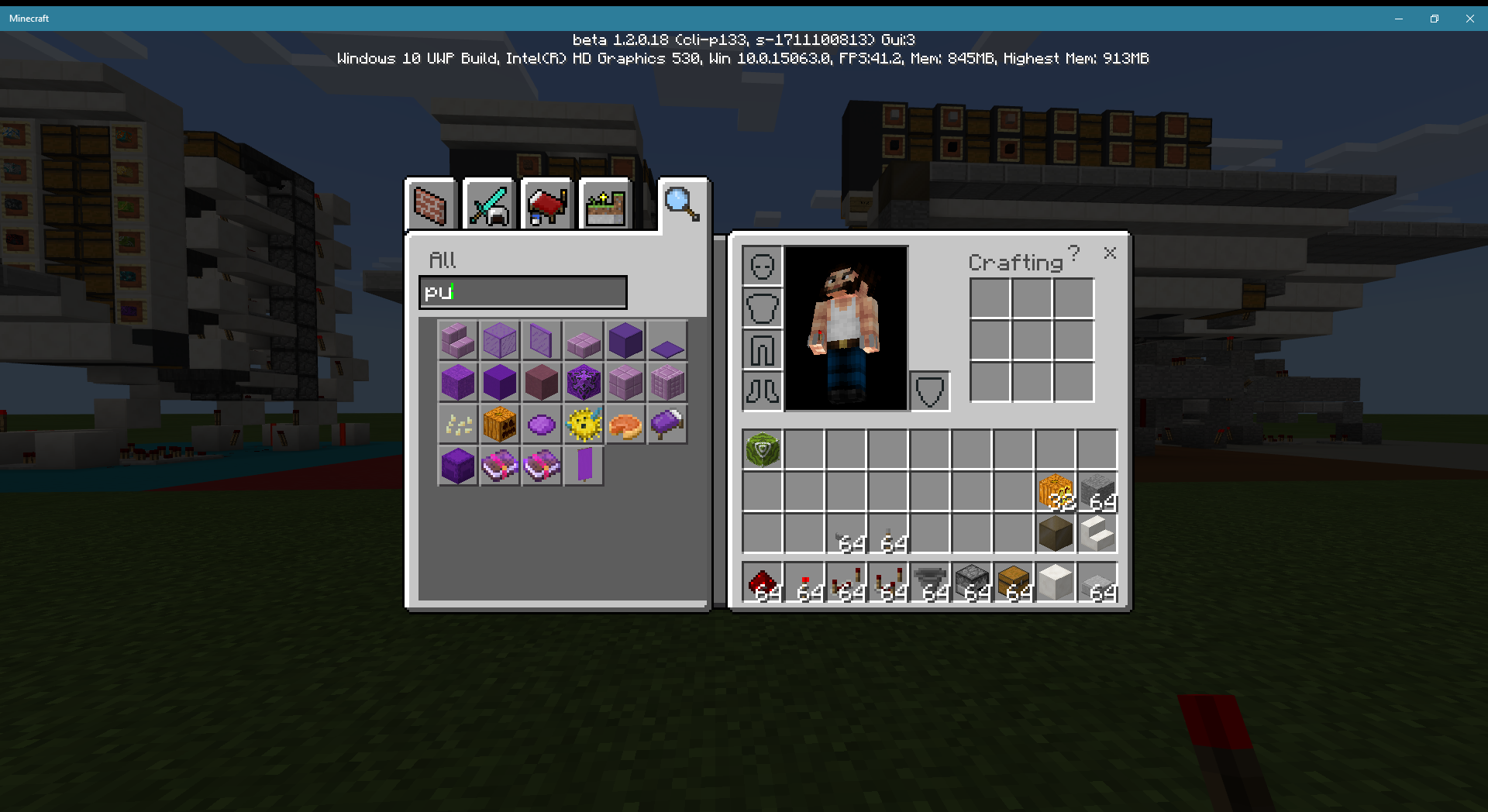
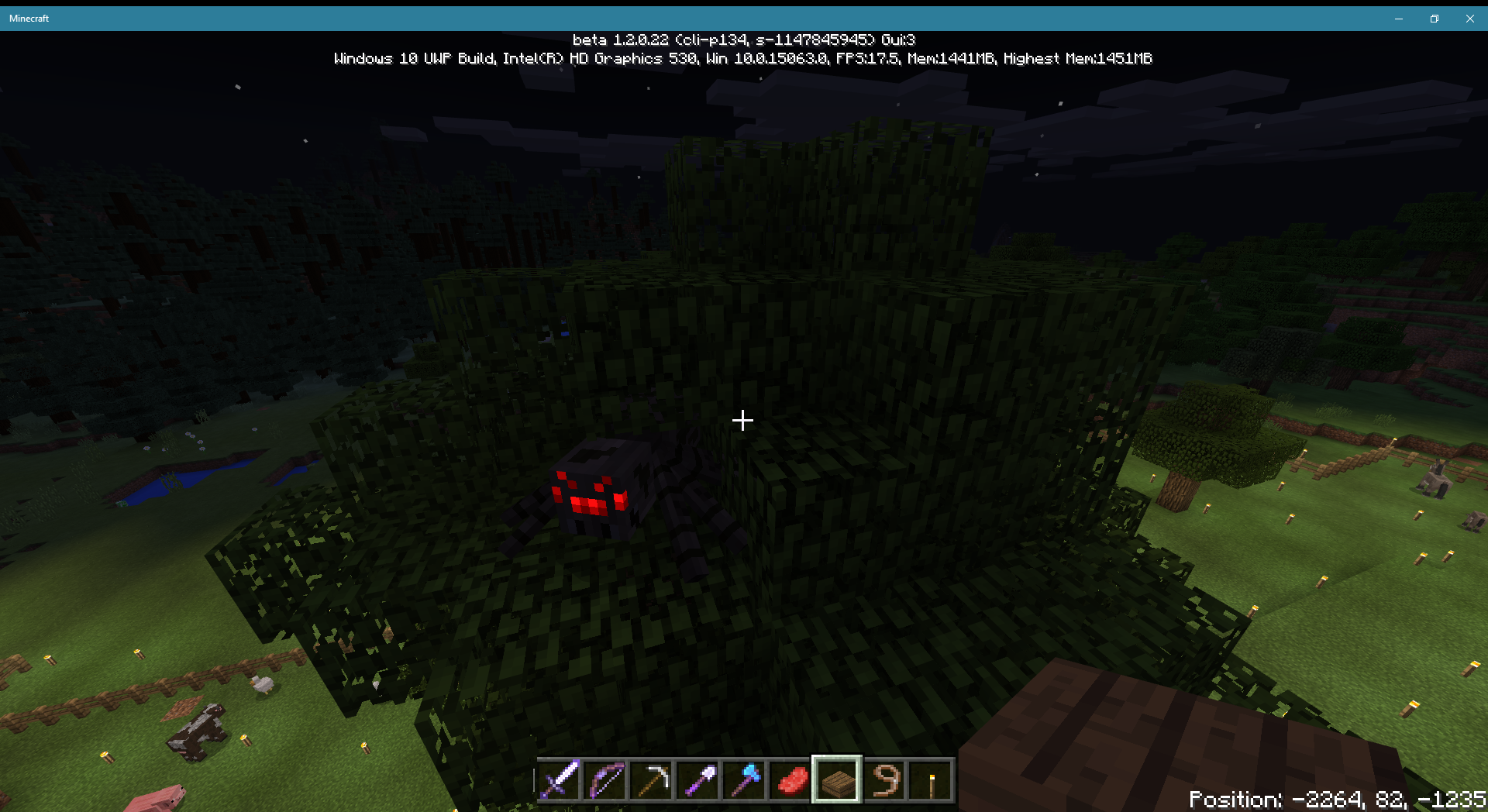
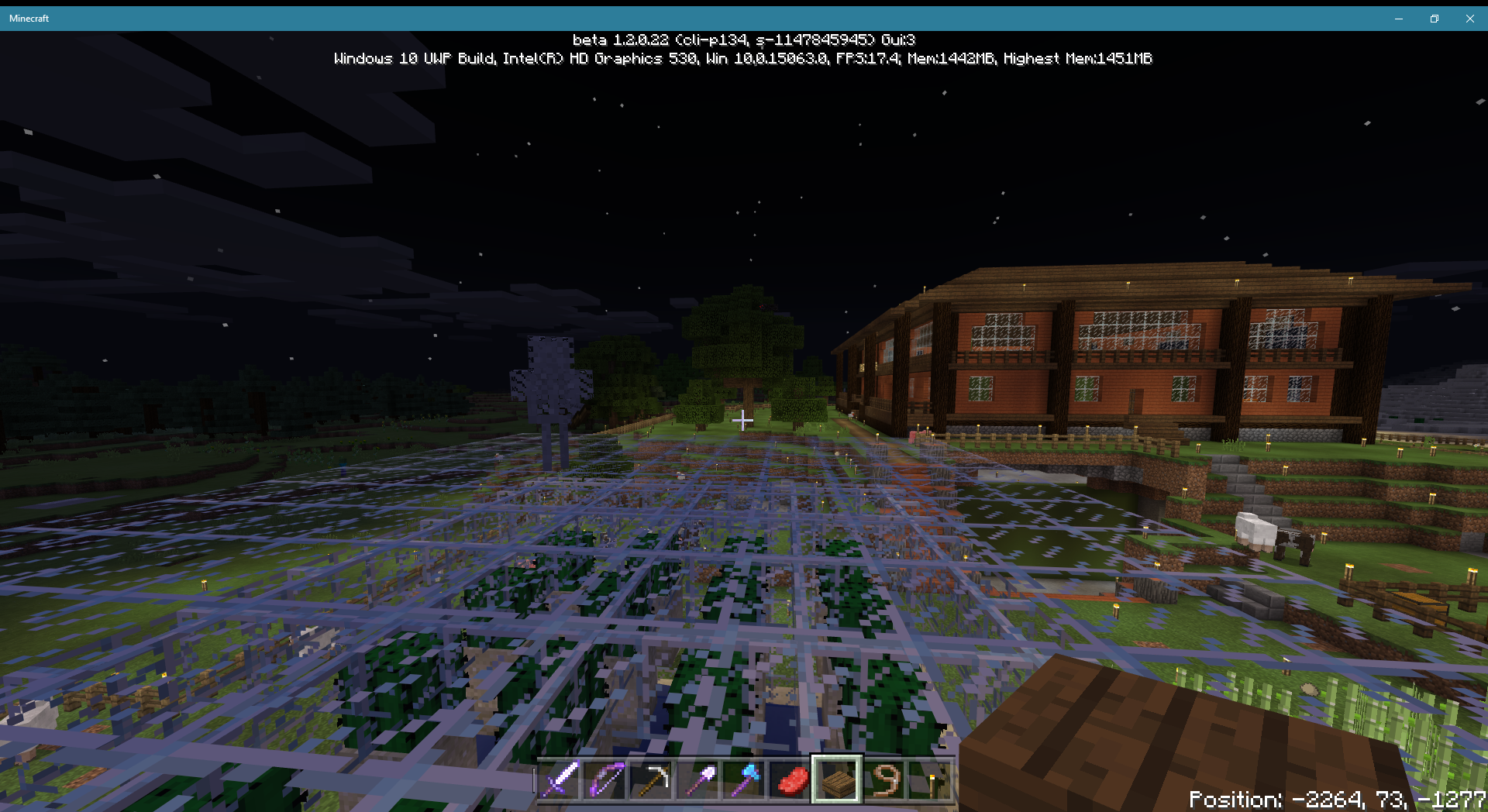


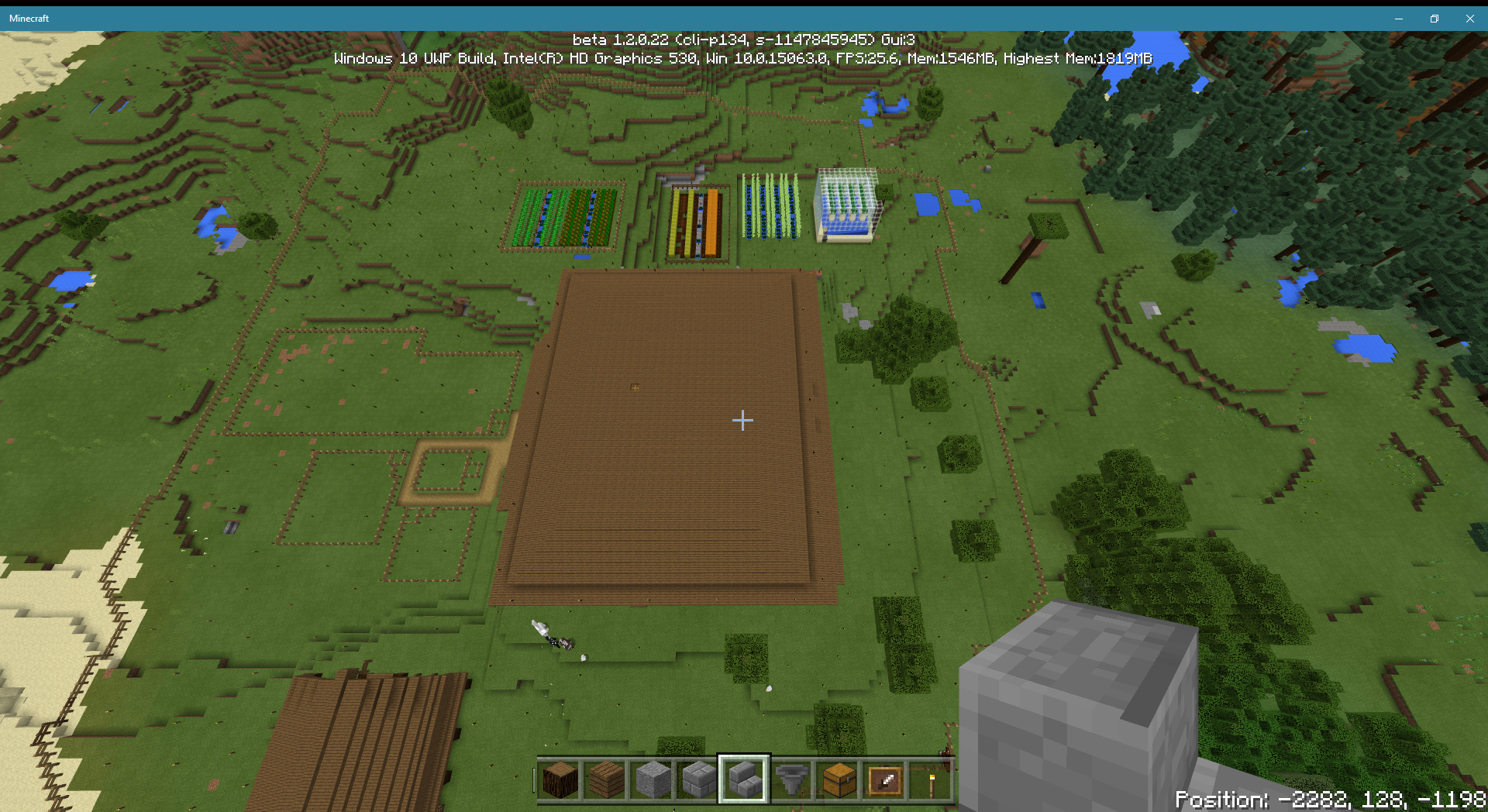

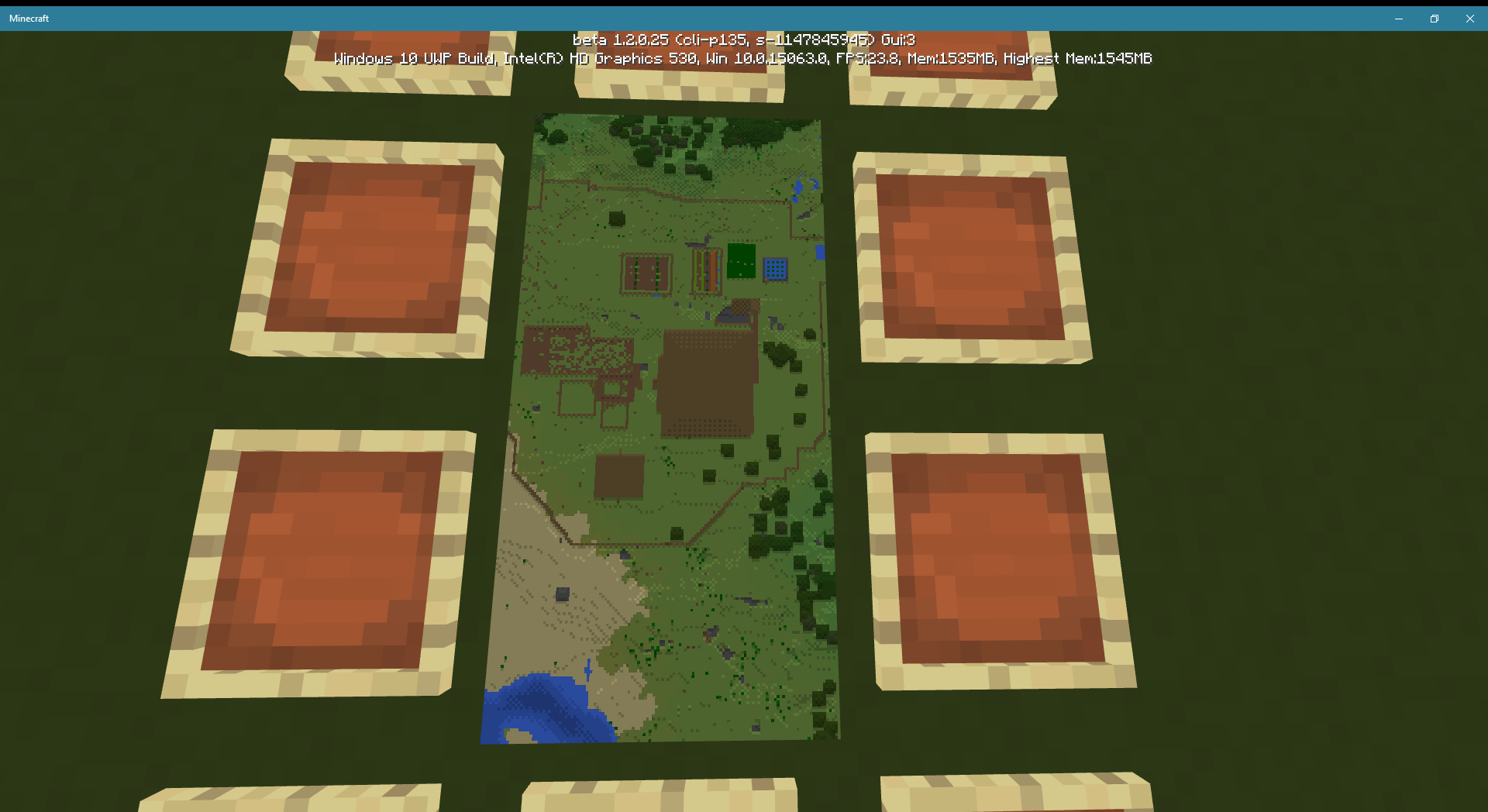

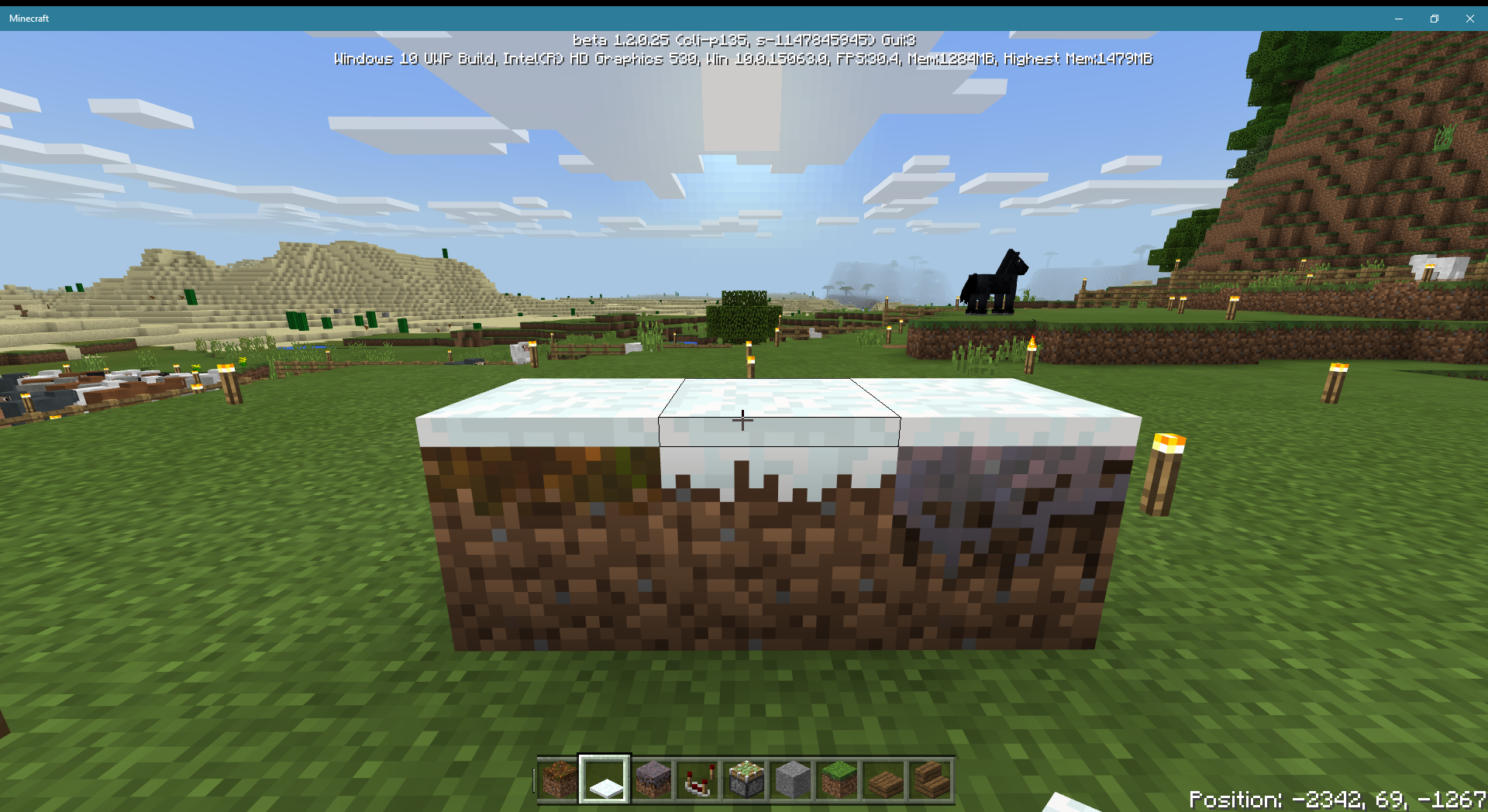

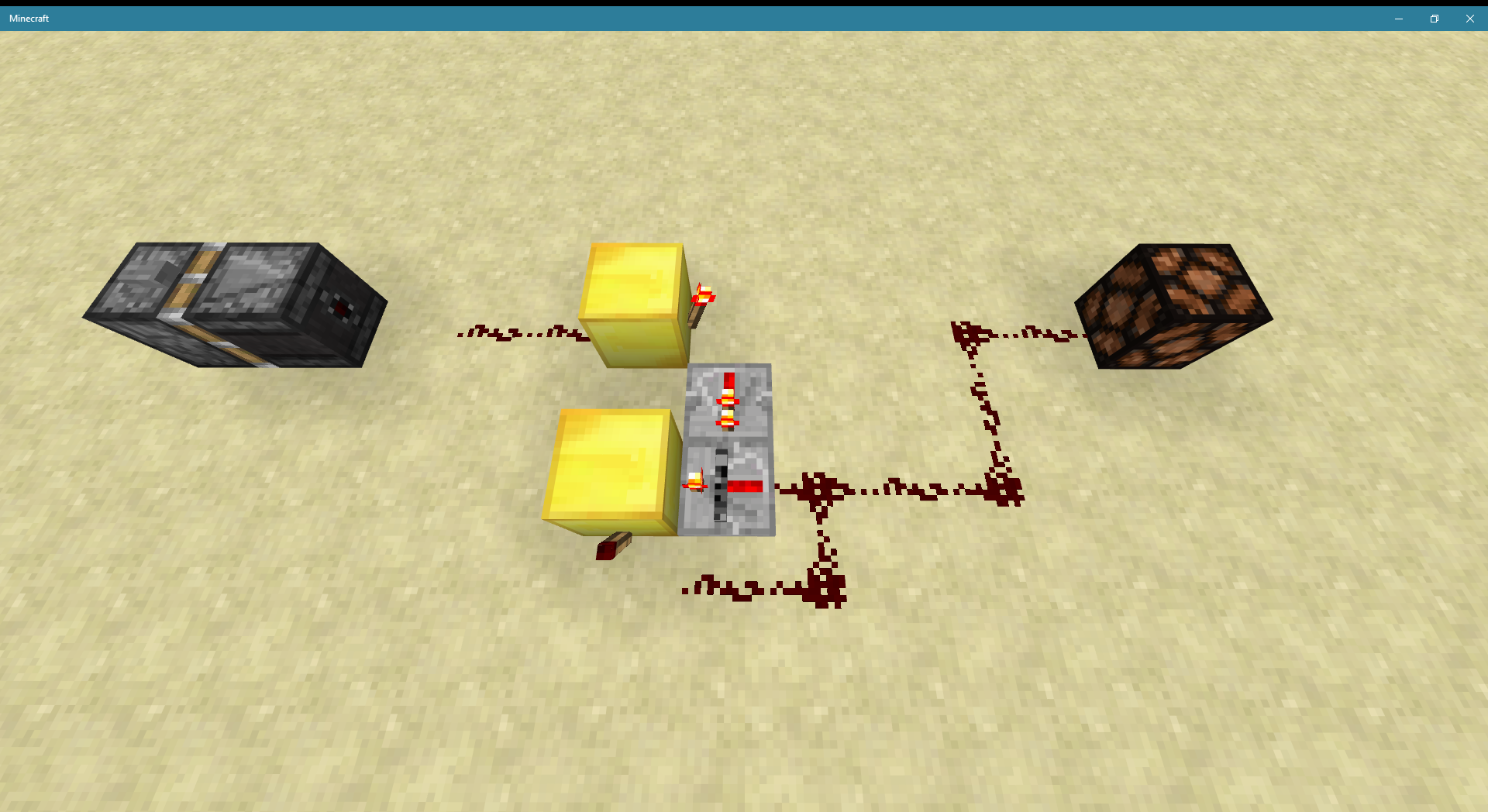
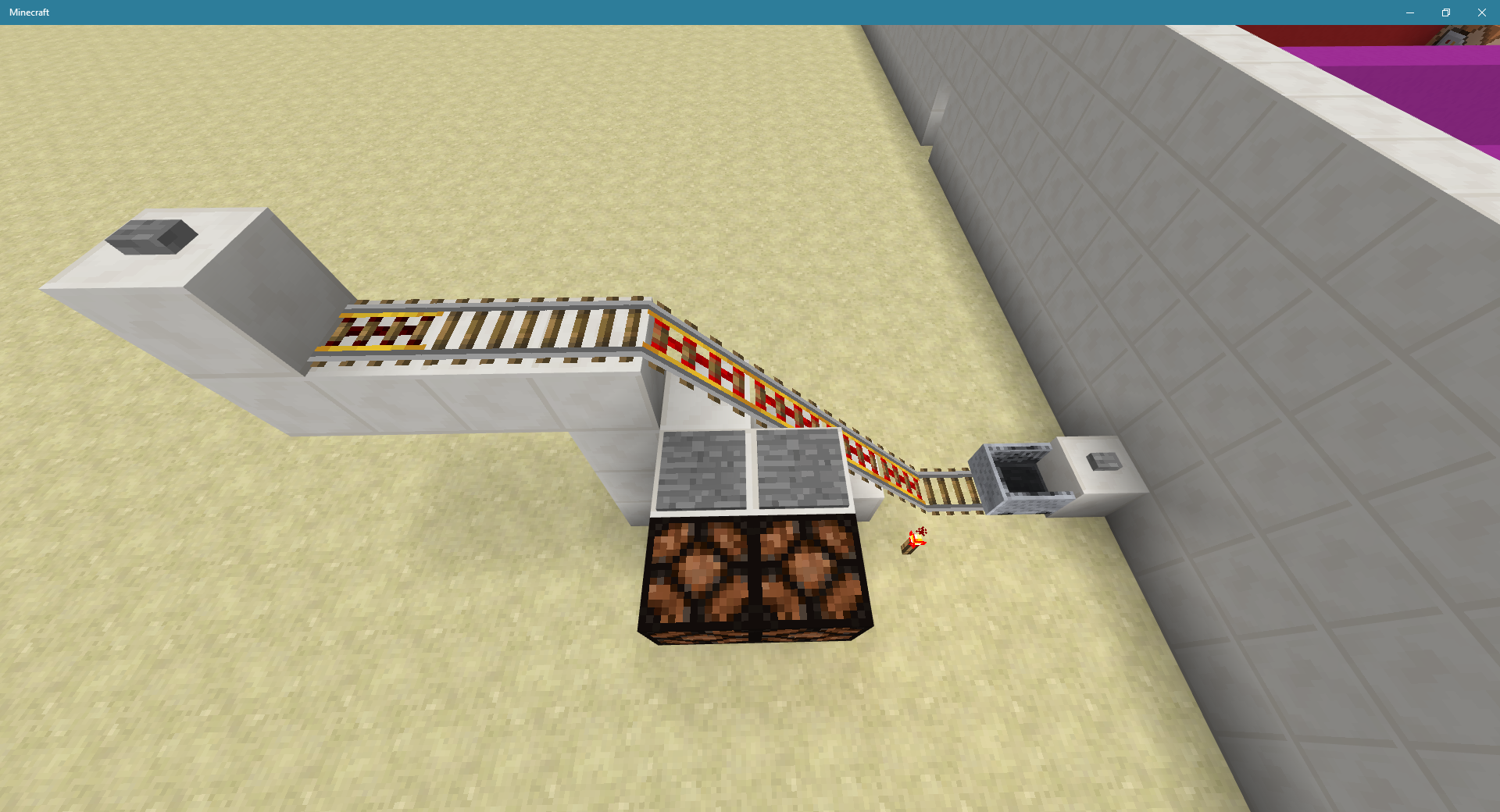

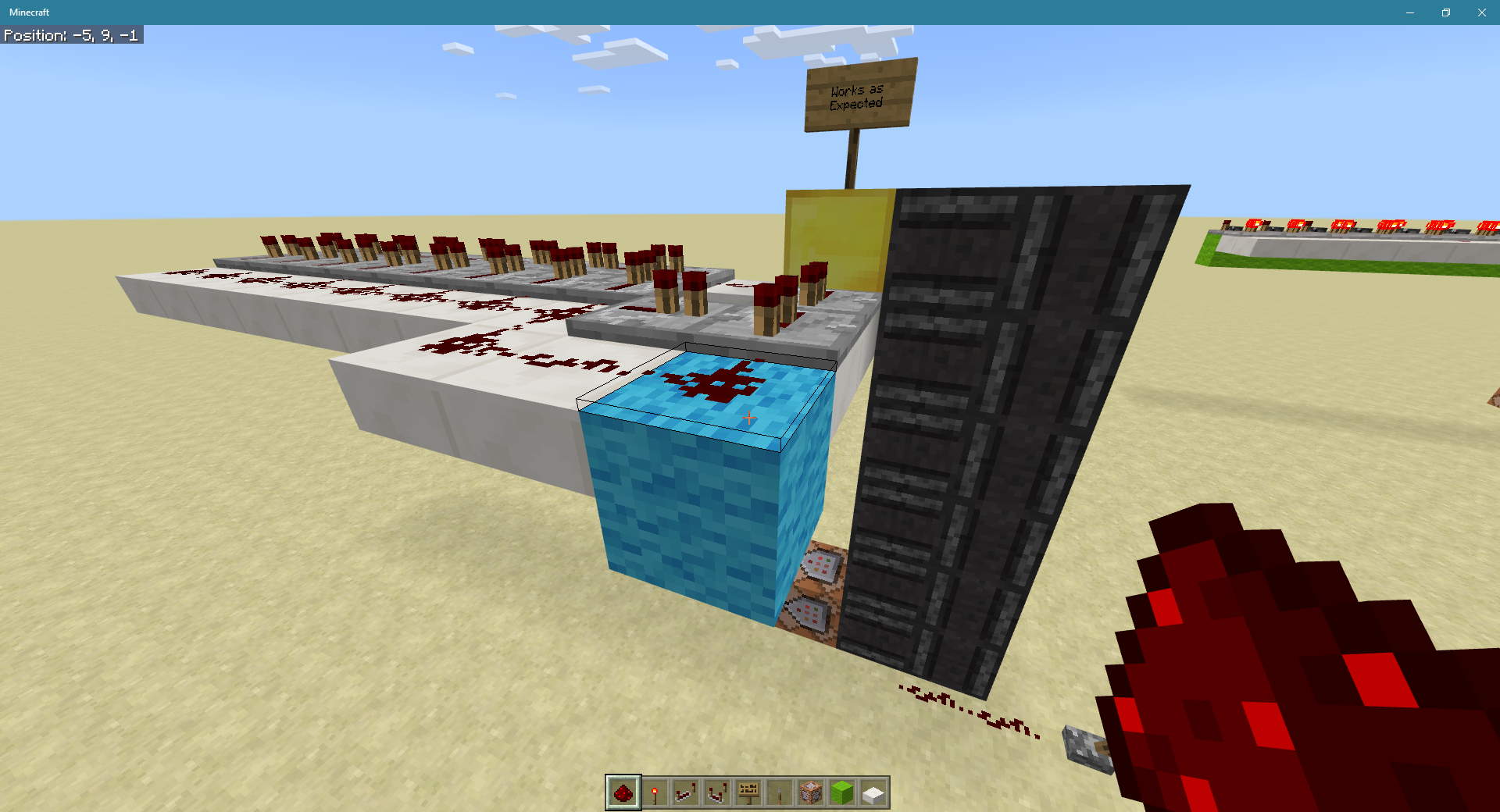
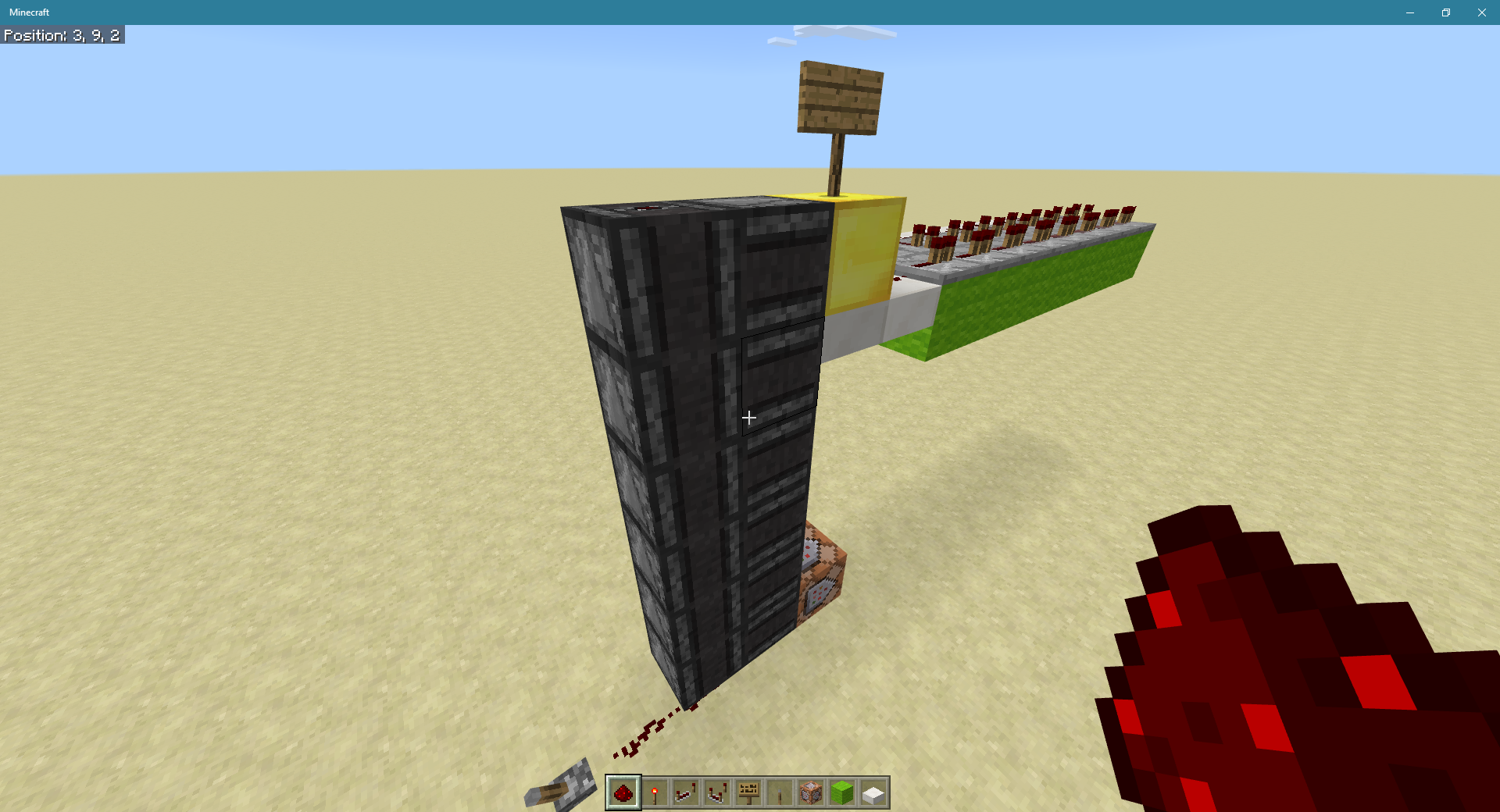

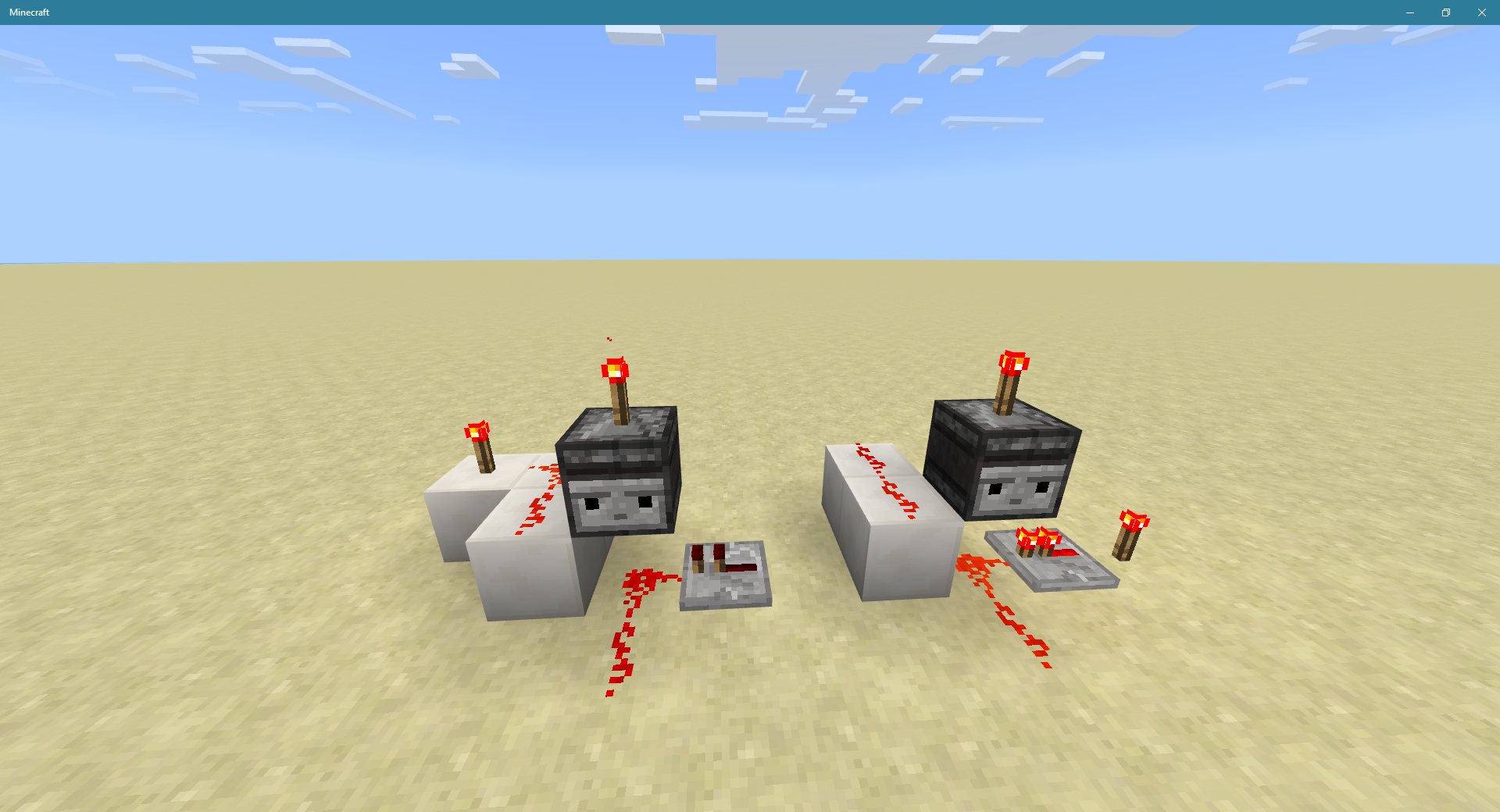

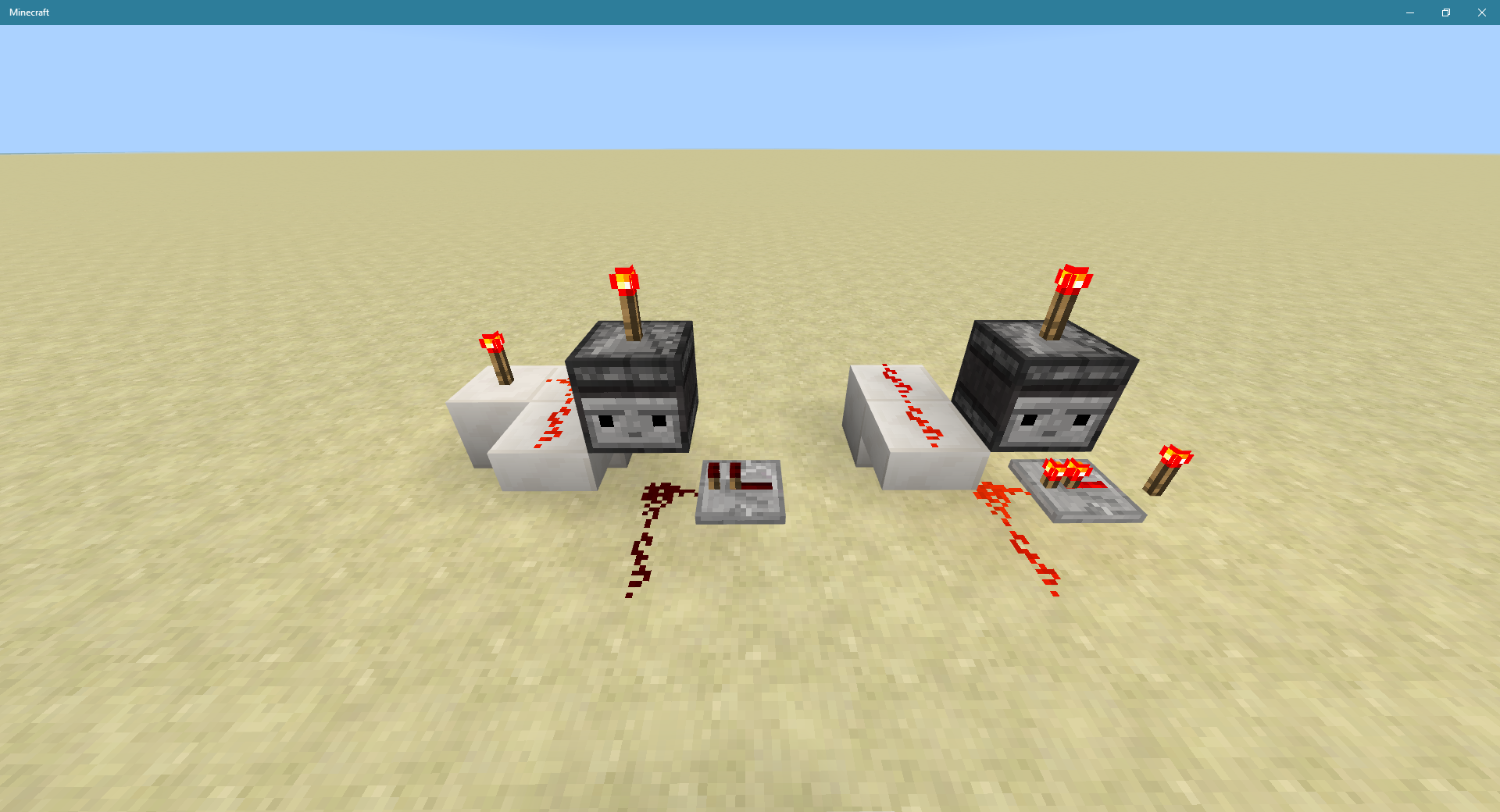



When cloning a large chest, the right half is cloned as a small chest on the left and the double chest is cloned either in the same block or one block to the right.
Steps to reproduce:
1. Place a double chest facing west.
2. Place two distinct items in left and right sides of chest.
3. Use /tp to determine coordinates of chest.
4. Use /clone to clone the chest two blocks to the east.
5. Observe overlapping small and large chests at destination.
6. Observe small chest on left contains item placed in right side of original chest, large cloned chest contains both items from original chest.Also affects version 0.16.1 but that id is not in the JIRA versions list yet.
This result was observed while trying to reproduce the clone error shown in the "Alternate result" screenshot, where the large chest overlapped the block to its right (a hopper which was also cloned). I don't know what the condition is that changes the result, but both results likely have the same cause.
Locked repeater texture changesrandomlyLocked repeater texture changes during redstone updates
[Resolved] Locked repeater texture changes during redstone updates
Strange behavior of redstonelampindirectly powered by a comparatorStrange behavior of redstone mechanisms indirectly powered by a comparator
There is a "gutter" in between each pair of adjacent maps at the same zoom level within which the player marker is not displayed correctly. When the player's world coordinates correspond to a pixel in this gutter, his player marker has the dot shape on both adjacent maps. It should alw
yas have the pointer shape on one or the other..The gutter occurs on every edge of every locator map and is 1 pixel wide. Since the number of blocks mapped by a pixel depends on the zoom level, this corresponds to a variable number of blocks in the mapped area: 1 block for Level 0 maps, 2 blocks for Level 1 maps, 4 blocks for Level 2 maps, 8 blocks for level 3 maps, and 16 blocks for level 4 maps. The actual number of blocks where the bug can be observed is actually twice this number, because each map has its own gutter and they are adjacent to each other. Thus, when using zoom level 4 maps there is a 32 block wide zone centered on every map boundary within which your player marker is displayed as a dot when it should be a pointer.
As a consequence of this bug, if you watch a map while you walk, waiting for the pointer to change to a dot, and immediately create a new map when it does, you will get a duplicate of the map you thought you just left. In addition, if you carry adjacent maps and try to switch to the next map when you pointer changes to a dot, you will find that your marker is a dot on both adjacent maps, which is confusing and disorienting. The effect gets worse with higher zoom levels because the gutters map more blocks in the world.
Steps to reproduce:
1. In Creative Mode, go to coordinates (0, 0) and use an Empty Locator Map to create a filled map. It should be named Map 1.
2. Go to coordinates (128, 0) and create another filled map. It should be named Map 2.
3. Go to coordinates (62,0) and look at Map 1. Note that your player marker is a pointer as expected.
4. Move 1 block east to coordinates (63, 0). Note that your player marker on Map 1 changes to a dot, even though you are still within the area mapped by Map 1. You have entered the gutter.
5. Look at Map 2. Note that your player marker on Map 2 is also a dot.
6. Move 1 more block east to coordinates (64, 0). Check both maps and note that both still show your player marker as a dot, even though you are now within the area mapped by Map 2.
7. Move 1 more block east to coordinates (65, 0). Note that Map 2 now shows your player marker as a pointer, as expected. You have left the gutter.There is a "gutter" in between each pair of adjacent maps at the same zoom level within which the player marker is not displayed correctly. When the player's world coordinates correspond to a pixel in this gutter, his player marker has the dot shape on both adjacent maps. It should always have the pointer shape on one or the other..
The gutter occurs on every edge of every locator map and is 1 pixel wide. Since the number of blocks mapped by a pixel depends on the zoom level, this corresponds to a variable number of blocks in the mapped area: 1 block for Level 0 maps, 2 blocks for Level 1 maps, 4 blocks for Level 2 maps, 8 blocks for level 3 maps, and 16 blocks for level 4 maps. The actual number of blocks where the bug can be observed is actually twice this number, because each map has its own gutter and they are adjacent to each other. Thus, when using zoom level 4 maps there is a 32 block wide zone centered on every map boundary within which your player marker is displayed as a dot when it should be a pointer.
As a consequence of this bug, if you watch a map while you walk, waiting for the pointer to change to a dot, and immediately create a new map when it does, you will get a duplicate of the map you thought you just left. In addition, if you carry adjacent maps and try to switch to the next map when you pointer changes to a dot, you will find that your marker is a dot on both adjacent maps, which is confusing and disorienting. The effect gets worse with higher zoom levels because the gutters map more blocks in the world.
Steps to reproduce:
1. In Creative Mode, go to coordinates (0, 0) and use an Empty Locator Map to create a filled map. It should be named Map 1.
2. Go to coordinates (128, 0) and create another filled map. It should be named Map 2.
3. Go to coordinates (62,0) and look at Map 1. Note that your player marker is a pointer as expected.
4. Move 1 block east to coordinates (63, 0). Note that your player marker on Map 1 changes to a dot, even though you are still within the area mapped by Map 1. You have entered the gutter.
5. Look at Map 2. Note that your player marker on Map 2 is also a dot.
6. Move 1 more block east to coordinates (64, 0). Check both maps and note that both still show your player marker as a dot, even though you are now within the area mapped by Map 2.
7. Move 1 more block east to coordinates (65, 0). Note that Map 2 now shows your player marker as a pointer, as expected. You have left the gutter.
There is a "gutter" in between each pair of adjacent maps at the same zoom level within which the player marker is not displayed correctly. When the player's world coordinates correspond to a pixel in this gutter, his player marker has the dot shape on both adjacent maps. It should always have the pointer shape on one or the other.
.The gutter occurs on every edge of every locator map and is 1 pixel wide. Since the number of blocks mapped by a pixel depends on the zoom level, this corresponds to a variable number of blocks in the mapped area: 1 block for Level 0 maps, 2 blocks for Level 1 maps, 4 blocks for Level 2 maps, 8 blocks for level 3 maps, and 16 blocks for level 4 maps. The actual number of blocks where the bug can be observed is actually twice this number, because each map has its own gutter and they are adjacent to each other. Thus, when using zoom level 4 maps there is a 32 block wide zone centered on every map boundary within which your player marker is displayed as a dot when it should be a pointer.
As a consequence of this bug, if you watch a map while you walk, waiting for the pointer to change to a dot, and immediately create a new map when it does, you will get a duplicate of the map you thought you just left. In addition, if you carry adjacent maps and try to switch to the next map when you pointer changes to a dot, you will find that your marker is a dot on both adjacent maps, which is confusing and disorienting. The effect gets worse with higher zoom levels because the gutters map more blocks in the world.
Steps to reproduce:
1. In Creative Mode, go to coordinates (0, 0) and use an Empty Locator Map to create a filled map. It should be named Map 1.
2. Go to coordinates (128, 0) and create another filled map. It should be named Map 2.
3. Go to coordinates (62,0) and look at Map 1. Note that your player marker is a pointer as expected.
4. Move 1 block east to coordinates (63, 0). Note that your player marker on Map 1 changes to a dot, even though you are still within the area mapped by Map 1. You have entered the gutter.
5. Look at Map 2. Note that your player marker on Map 2 is also a dot.
6. Move 1 more block east to coordinates (64, 0). Check both maps and note that both still show your player marker as a dot, even though you are now within the area mapped by Map 2.
7. Move 1 more block east to coordinates (65, 0). Note that Map 2 now shows your player marker as a pointer, as expected. You have left the gutter.There is a "gutter" in between each pair of adjacent maps at the same zoom level within which the player marker is not displayed correctly. When the player's world coordinates correspond to a pixel in this gutter, his player marker has the dot shape on both adjacent maps. It should always have the pointer shape on one or the other.
The gutter occurs on every edge of every locator map and is 1 pixel wide. Since the number of blocks mapped by a pixel depends on the zoom level, this corresponds to a variable number of blocks in the mapped area: 1 block for Level 0 maps, 2 blocks for Level 1 maps, 4 blocks for Level 2 maps, 8 blocks for level 3 maps, and 16 blocks for level 4 maps. The actual number of blocks where the bug can be observed is actually twice this number, because each map has its own gutter and they are adjacent to each other. Thus, when using zoom level 4 maps there is a 32 block wide zone centered on every map boundary within which your player marker is displayed as a dot when it should be a pointer.
As a consequence of this bug, if you watch a map while you walk, waiting for the pointer to change to a dot, and immediately create a new map when it does, you will get a duplicate of the map you thought you just left. In addition, if you carry adjacent maps and try to switch to the next map when your pointer changes to a dot, you will find that your marker is a dot on both adjacent maps, which is confusing and disorienting. The effect gets worse with higher zoom levels because the gutters map more blocks in the world.
Steps to reproduce:
1. In Creative Mode, go to coordinates (0, 0) and use an Empty Locator Map to create a filled map. It should be named Map 1.
2. Go to coordinates (128, 0) and create another filled map. It should be named Map 2.
3. Go to coordinates (62,0) and look at Map 1. Note that your player marker is a pointer as expected.
4. Move 1 block east to coordinates (63, 0). Note that your player marker on Map 1 changes to a dot, even though you are still within the area mapped by Map 1. You have entered the gutter.
5. Look at Map 2. Note that your player marker on Map 2 is also a dot.
6. Move 1 more block east to coordinates (64, 0). Check both maps and note that both still show your player marker as a dot, even though you are now within the area mapped by Map 2.
7. Move 1 more block east to coordinates (65, 0). Note that Map 2 now shows your player marker as a pointer, as expected. You have left the gutter.
Screen Shot 11-13-18 at 10.12 PM.PNG
(This issue has existed since the first Beta build, but I didn't report it.)
Redstone dust, repeaters, and torches, and probably comparators (i.e. all components that show powered/unpowered state visually) are not rendered smoothly and continuously. In the video is a simple clock set to switch states every 5 RS ticks. When I look at it, the components all flash as expected for 3 seconds, then behave erratically for 3 seconds. The appearance in the erratic state varies from one cycle to the next. Sometimes two adjacent pieces of redstone dust will freeze with one of them lit and the other dark. (You can see it in the video just above the repeater in the clock.) Sometimes the erratic behavior ends with a rapid succession of updates as if the renderer were rushing to catch up.
This is a rendering problem only, it doesn't affect the internal states. As evidence:
- If I attach an empty dropper to the clock, it clicks precisely once per second without interruption, even while it appears to be unpowered..
- If I use the clock to power a redstone torch that disables a hopper under a filled chest, the hopper pulls items from the chest at a perfectly regular rate, including while the torch appears to be disabling it.
- I have seen redstone particles emitted by dust that appears to be unlit.
Positioning myself so that I can only see a single redstone component has no effect on the stutter.
I observed the problem with Task Manager running. There is no noticeable correlation with CPU utilization, disk utilization, or network utilization. Memory utilization is flat.
This problem makes debugging redstone devices much more difficult because it's hard to determine whether a component is behaving the way you expected it to when half the time it's behaving erratically anyway for an unrelated reason.
(This issue has existed since the first Beta build, but I didn't report it.)
Redstone dust, repeaters, and torches, and probably comparators (i.e. all components that show powered/unpowered state visually) are not rendered smoothly and continuously. In the video is a simple clock set to switch states every 5 RS ticks. When I look at it, the components all flash as expected for 3 seconds, then behave erratically for 3 seconds. The appearance in the erratic state varies from one cycle to the next. Sometimes two adjacent pieces of redstone dust will freeze with one of them lit and the other dark. (You can see it in the video just above the repeater in the clock.) Sometimes the erratic behavior ends with a rapid succession of updates as if the renderer were rushing to catch up.
This is a rendering problem only, it doesn't affect the internal states. As evidence:
- If I attach an empty dropper to the clock, it clicks precisely once per second without interruption, even while it appears to be unpowered..
- If I use the clock to power a redstone torch that disables a hopper under a filled chest, the hopper pulls items from the chest at a perfectly regular rate, including while the torch appears to be disabling it.
- I have seen redstone particles emitted by dust that appears to be unlit.
Positioning myself so that I can only see a single redstone component has no effect on the stutter.
I observed the problem with Task Manager running. There is no noticeable correlation with CPU utilization, disk utilization, or network utilization. Memory utilization is flat.
This problem makes debugging redstone devices much more difficult because it's hard to determine whether a component is behaving the way you expected it to when half the time it's behaving erratically anyway for an unrelated reason.
(This issue has existed since the first Beta build, but I didn't report it.)
Redstone dust, repeaters, and torches, and probably comparators (i.e. all components that show powered/unpowered state visually) are not rendered smoothly and continuously. In the video is a simple clock set to switch states every 5 RS ticks. When I look at it, the components all flash as expected for 3 seconds, then behave erratically for 3 seconds. The appearance in the erratic state varies from one cycle to the next. Sometimes two adjacent pieces of redstone dust will freeze with one of them lit and the other dark. (You can see it in the video just above the repeater in the clock.) Sometimes the erratic behavior ends with a rapid succession of updates as if the renderer were rushing to catch up.
This is a rendering problem only, it doesn't affect the internal states. As evidence:
- If I attach an empty dropper to the clock, it clicks precisely once per second without interruption, even while it appears to be unpowered..
- If I use the clock to power a redstone torch that disables a hopper under a filled chest, the hopper pulls items from the chest at a perfectly regular rate, including while the torch appears to be disabling it.
- I have seen redstone particles emitted by dust that appears to be unlit.
Positioning myself so that I can only see a single redstone component has no effect on the stutter.
I observed the problem with Task Manager running. There is no noticeable correlation with CPU utilization, disk utilization, or network utilization. Memory utilization is flat.
This problem makes debugging redstone devices much more difficult because it's hard to determine whether a component is behaving the way you expected it to when half the time it appears to be behaving erratically anyway for a completely different reason.
[Resolved] Redstone rendering stutter
Affects version 1.2.0.18 (not available in list), not 1.2.0.15.
When the Recipe Book doesn't require a scroll bar, the frame is not rendered on the side where the scroll bar would be.When the Recipe Book doesn't require a scroll bar, the frame is not rendered on the side where the scroll bar would be.
When the Recipe Book doesn't require a scroll bar, the frame is not rendered on the side where the scroll bar would be.
(Note: Does not affect 1.2.0.15; at the time I reported this 1.2.0.18 was not in the list. Now I can't remove 1.2.0.15.)
Affects version 1.2.0.25. (May have been present in 1.2.0.22, I don't know, but 1.2.0.25 was not yet in the list when I created this report.)
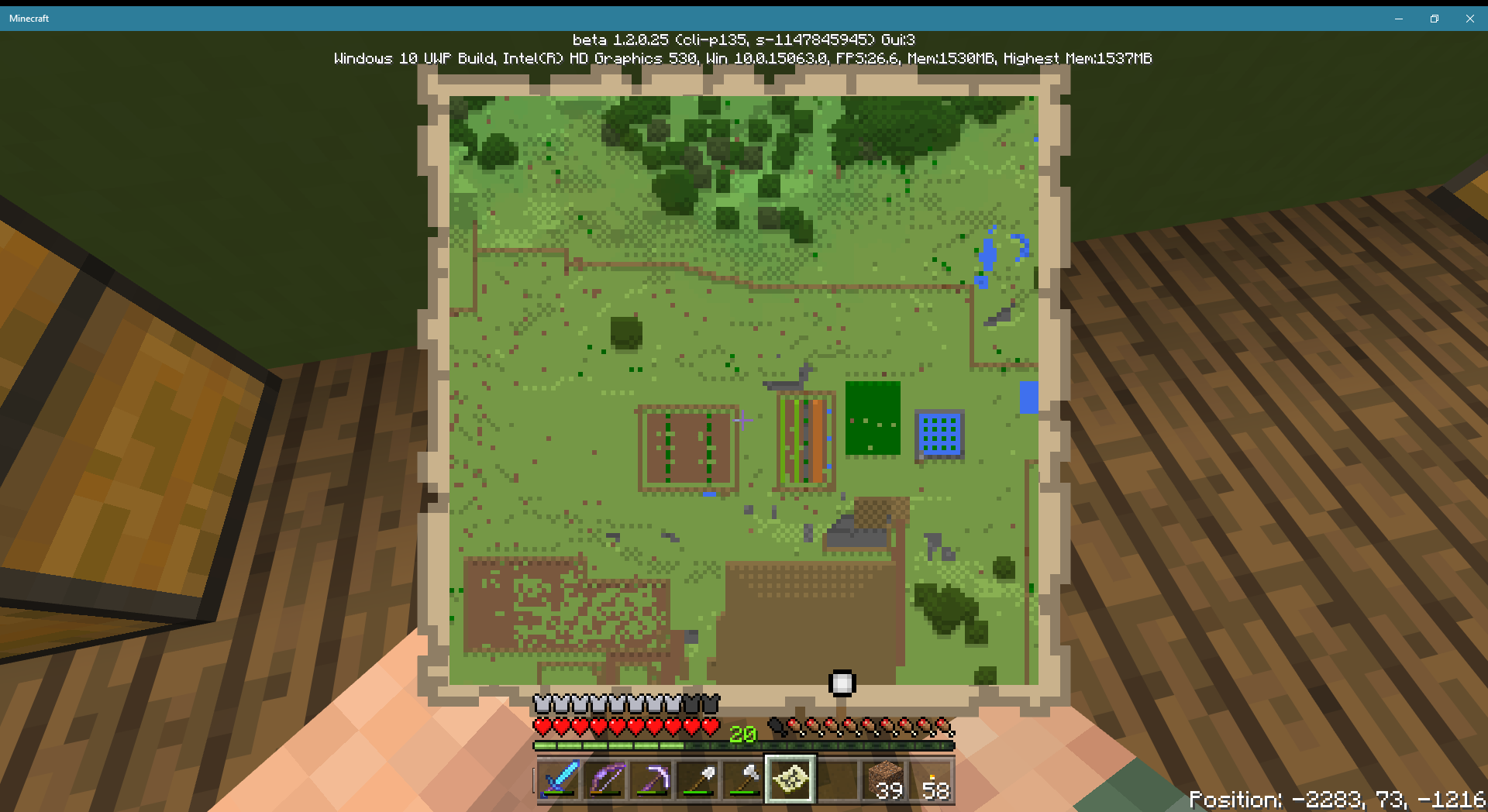
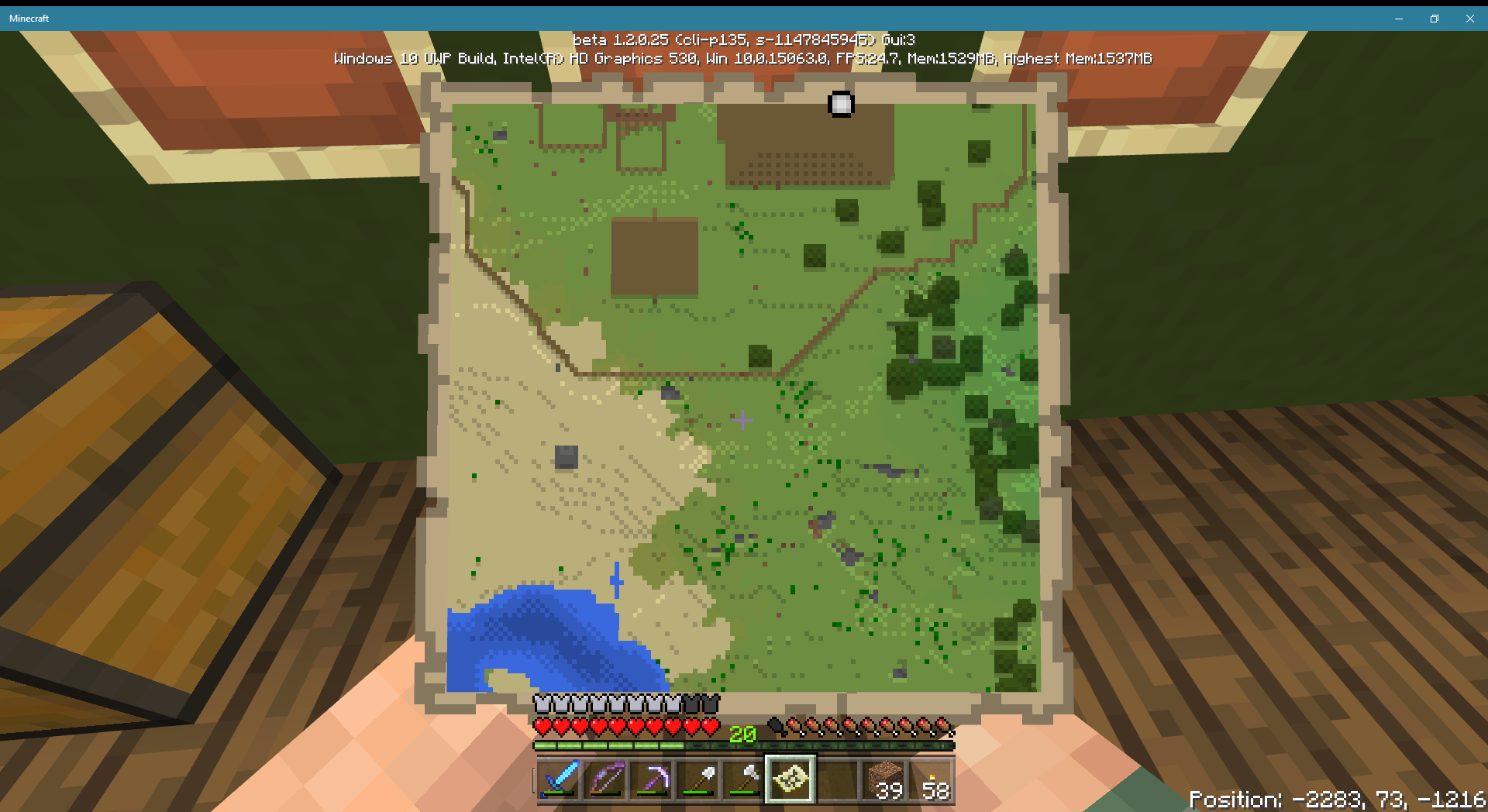
In certain cases, locator maps placed in item frames do not show a green indicator when they should. I have only seen this once, in a case where the indicator's position should be on the edge between two maps. When I moved the maps to the next pair of frames, the indicator appeared at the edge, half on each map, as expected. When I moved them back they disappeared again. I have included screenshots showing indicators appearing when the maps are held in the hand and in the second pair of frames, but absent in the first pair of frames. These are level 0 maps.
May be related to
MCPE-23622, which reportsindicators disappearingin the "gutter" area between maps. May also be distantly related toMCPE-25487.Affects version 1.2.0.25. (May have been present in 1.2.0.22, I don't know, but 1.2.0.25 was not yet in the list when I created this report.)
In certain cases, locator maps placed in item frames do not show a green indicator when they should. I have only seen this once, in a case where the indicator's position should be on the edge between two maps. When I moved the maps to the next pair of frames, the indicator appeared at the edge, half on each map, as expected. When I moved them back they disappeared again. I have included screenshots showing indicators appearing when the maps are held in the hand and in the second pair of frames, but absent in the first pair of frames. These are level 0 maps.
May be related to
MCPE-23622, which reports player markers having the wrong shape in the "gutter" area between maps. May also be distantly related toMCPE-25487.
Affects version 1.2.0.25. (May have been present in 1.2.0.22, I don't know, but 1.2.0.25 was not yet in the list when I created this report.)
In certain cases, locator maps placed in item framesdo not show a green indicator when they should. I have only seen this once, in a case where the indicator's position should be on the edge between two maps. When I moved the maps to the next pair of frames, the indicator appeared at the edge, half on each map, as expected. When I movedthemback they disappeared again. I have included screenshots showing indicators appearing when the maps are held in the hand and in the second pairofframes, but absent in the first pair of frames. These are level 0 maps.May be related to
MCPE-23622, which reports player markers having the wrong shape in the "gutter" area between maps. May also be distantly related toMCPE-25487.Locator maps placed in item frames that are in blocks corresponding to the pixels on the left and top edges of the map do not show a green indicator. For example, a level 0 locator map centered at (0,0) maps the blocks from (-64,-64) to (63,63). If placed in an item frame located anywhere from (-64,-64) to (63,-64) (the northern edge of the mapped area) or from (-64,-64) to (-64,63) (the western edge), it will not display the green indicator.
Steps to reproduce:
- In any convenient world, go to coordinates (0,0).
- Activate a locator map.
- Move to any block in the range (-64,-64) to (63,-64).
- Place a solid block on any side of the block you are on. Then place an item frame on that block, and place a copy of the map in the item frame.
- Destroy the map, then move to any block in the range (-64,-64) to (-64,63).
- Repeat step 4.
Expected results:
The map displays a green indicator because the item frame in which it's mounted is within its mapped area.Observed results:
No green indicator appears on the mounted map.
Locator maps placed in item frames that are in blocks corresponding to the pixels on the left and top edges of the map do not show a green indicator. For example, a level 0 locator map centered at (0,0) maps the blocks from (-64,-64) to (63,63). It should display a green dot indicator if mounted in an item frame anywhere within that square of blocks. However, if placed in an item frame located anywhere from (-64,-64) to (63,-64) (the northern edge of the mapped area) or from (-64,-64) to (-64,63) (the western edge), it will not display the green indicator.
Steps to reproduce:
- In any convenient world, go to coordinates (0,0).
- Activate a locator map.
- Move to any block in the range (-64,-64) to (63,-64).
- Place a solid block on any side of the block you are on. Then place an item frame on that block, and place a copy of the map in the item frame.
- Destroy the map, then move to any block in the range (-64,-64) to (-64,63).
- Repeat step 4.
Expected results:
The map displays a green indicator because the item frame in which it's mounted is within its mapped area.Observed results:
No green indicator appears on the mounted map.
Locator maps placed in item frames that are in blocks corresponding to the pixels on the left and top edges of the map do not show a green indicator. For example, a level 0 locator map centered at (0,0) maps the blocks from (-64,-64) to (63,63). It should display a green dot indicator if mounted in an item frame anywhere within that square of blocks. However, if placed in an item frame located anywhere from (-64,-64) to (63,-64) (the northern edge of the mapped area) or from (-64,-64) to (-64,63) (the western edge), it will not display the green indicator.
Note: This bug is probably the result of confusing the center point of the map with the block having the same coordinates. The block itself is to the east and south of the center point. If it is treated as the center of a square of blocks, that square must have an odd number of blocks on a side, so for a level 0 map with center (0,0) the mapped area would range from (-63,-63) to (63,63), which is the area within which the green indicator actually does appear. But this is incorrect logic, because a map always covers a square of blocks with an even number of blocks on a side.
Steps to reproduce:
- In any convenient world, go to coordinates (0,0).
- Activate a locator map.
- Move to any block in the range (-64,-64) to (63,-64).
- Place a solid block on any side of the block you are on. Then place an item frame on that block, and place a copy of the map in the item frame.
- Destroy the map, then move to any block in the range (-64,-64) to (-64,63).
- Repeat step 4.
Expected results:
The map displays a green indicator because the item frame in which it's mounted is within its mapped area.Observed results:
No green indicator appears on the mounted map.
Locator maps placed in item frames that are in blocks corresponding to the pixels on the left and top edges of the map do not show a green indicator. For example, a level 0 locator map centered at (0,0) maps the blocks from (-64,-64) to (63,63). It should display a green dot indicator if mounted in an item frame anywhere within that square of blocks. However, if placed in an item frame located anywhere from (-64,-64) to (63,-64) (the northern edge of the mapped area) or from (-64,-64) to (-64,63) (the western edge), it will not display the green indicator.
Note: This bug is probably the result of confusing the center point of the map with the block having the same coordinates. The block itself is to the east and south of the center point. If it is treated as the center of a square of blocks, that square must have an odd number of blocks on a side, so for a level 0 map with center (0,0) the mapped area would range from (-63,-63) to (63,63), which is the area within which the green indicator actually does appear. But this is incorrect logic, because a map always covers a square of blocks with an even number of blocks on a side.
Steps to reproduce:
- In any convenient world, go to coordinates (0,0).
- Activate a locator map.
- Move to
any block in the range (-64,-64) to (63,-64).- Place a solid block
on any side of the block you are on. Then place an item frame on that block, and place a copy of the map in the item frame.Destroythe map,then move to any block in the range (-64,-64) to (-64,63).Repeat step 4.Expected results:
The map displays a green indicator because the item frame in which it's mounted is within its mapped area.Observed results:
No green indicator appears on the mounted map.Locator maps placed in item frames that are in blocks corresponding to the pixels on the left and top edges of the map do not show a green indicator. For example, a level 0 locator map centered at (0,0) maps the blocks from (-64,-64) to (63,63). It should display a green dot indicator if mounted in an item frame anywhere within that square of blocks. However, if placed in an item frame located anywhere from (-64,-64) to (63,-64) (the northern edge of the mapped area) or from (-64,-64) to (-64,63) (the western edge), it will not display the green indicator.
Note: This bug is probably the result of confusing the center point of the map with the block having the same coordinates. The block itself is to the east and south of the center point. If it is treated as the center of a square of blocks, that square must have an odd number of blocks on a side, so for a level 0 map with center (0,0) the mapped area would range from (-63,-63) to (63,63), which is the area within which the green indicator actually does appear. But this is incorrect logic, because a map always covers a square of blocks with an even number of blocks on a side.
Steps to reproduce:
- In any convenient world, go to coordinates (0,0).
- Activate a locator map.
- Move to (3,-64).
- Place a solid block at (3,-65), then place an item frame on it at (3,-64).
- Place a copy of the map in the item frame.
- Notice that the map does not display a green indicator.
- Destroy the map, then move to (-64,5).
- Place a solid block at (-63,5), then place an item frame on it at (-64,5).
- Place a copy of the map in the item frame.
- Notice that the map does not display a green indicator.
Expected results:
The map displays a green indicator because the item frame in which it's mounted is within its mapped area.Observed results:
No green indicator appears on the mounted map.
Message from [MCPE Mod] Auldrick
There has been a long-lasting misunderstanding of what this ticket is reporting. I think we have now cleared that up, and I have attached a demo world (MCPE-25717.mcworld) which clearly illustrates that this is not working as intended.Locator maps placed in item frames that are in blocks corresponding to the pixels on the left and top edges of the map do not show a green indicator. For example, a level 0 locator map centered at (0,0) maps the blocks from (-64,-64) to (63,63). It should display a green dot indicator if mounted in an item frame anywhere within that square of blocks. However, if placed in an item frame located anywhere from (-64,-64) to (63,-64) (the northern edge of the mapped area) or from (-64,-64) to (-64,63) (the western edge), it will not display the green indicator.
Note: This bug is probably the result of confusing the center point of the map with the block having the same coordinates. The block itself is to the east and south of the center point. If it is treated as the center of a square of blocks, that square must have an odd number of blocks on a side, so for a level 0 map with center (0,0) the mapped area would range from (-63,-63) to (63,63), which is the area within which the green indicator actually does appear. But this is incorrect logic, because a map always covers a square of blocks with an even number of blocks on a side.
Steps to reproduce:
- In any convenient world, go to coordinates (0,0).
- Activate a locator map.
- Move to (3,-64).
- Place a solid block at (3,-65), then place an item frame on it at (3,-64).
- Place a copy of the map in the item frame.
- Notice that the map does not display a green indicator.
- Destroy the map, then move to (-64,5).
- Place a solid block at (-63,5), then place an item frame on it at (-64,5).
- Place a copy of the map in the item frame.
- Notice that the map does not display a green indicator.
Expected results:
The map displays a green indicator because the item frame in which it's mounted is within its mapped area.Observed results:
No green indicator appears on the mounted map.
Message from [MCPE Mod] Auldrick
There has been a long-lasting misunderstanding of what this ticket is reporting. I think we have now cleared that up, and I have attached a demo world (MCPE-25717.mcworld) which clearly illustrates that this is not working as intended.Locator maps placed in item frames that are in blocks corresponding to the pixels on the left and top edges of the map do not show a green indicator. For example, a level 0 locator map centered at (0,0) maps the blocks from (-64,-64) to (63,63). It should display a green dot indicator if mounted in an item frame anywhere within that square of blocks. However, if placed in an item frame located anywhere from (-64,-64) to (63,-64) (the northern edge of the mapped area) or from (-64,-64) to (-64,63) (the western edge), it will not display the green indicator.
Note: This bug is probably the result of confusing the center point of the map with the block having the same coordinates. The block itself is to the east and south of the center point. If it is treated as the center of a square of blocks, that square must have an odd number of blocks on a side, so for a level 0 map with center (0,0) the mapped area would range from (-63,-63) to (63,63), which is the area within which the green indicator actually does appear. But this is incorrect logic, because a map always covers a square of blocks with an even number of blocks on a side.
Steps to reproduce:
- In any convenient world, go to coordinates (0,0).
- Activate a locator map.
- Move to (3,-64).
- Place a solid block at (3,-65), then place an item frame on it at (3,-64).
- Place a copy of the map in the item frame.
- Notice that the map does not display a green indicator.
- Destroy the map, then move to (-64,5).
- Place a solid block at (-63,5), then place an item frame on it at (-64,5).
- Place a copy of the map in the item frame.
- Notice that the map does not display a green indicator.
Expected results:
The map displays a green indicator because the item frame in which it's mounted is within its mapped area.Observed results:
No green indicator appears on the mounted map.
Message from [MCPE Mod] Auldrick
There has been a long-lasting misunderstanding of what this ticket is reporting. I think we have now cleared that up, and I have attached a demo world (MCPE-25717.mcworld) which clearly illustrates that this is not working as intended.Locator maps placed in item frames that are in blocks corresponding to the pixels on the left and top edges of the map do not show a green indicator. For example, a level 0 locator map centered at (0,0) maps the blocks from (-64,-64) to (63,63). It should display a green dot indicator if mounted in an item frame anywhere within that square of blocks. However, if placed in an item frame located anywhere from (-64,-64) to (63,-64) (the northern edge of the mapped area) or from (-64,-64) to (-64,63) (the western edge), it will not display the green indicator.
Note: This bug is probably the result of confusing the center point of the map with the block having the same coordinates. The block itself is to the east and south of the center point. If it is treated as the center of a square of blocks, that square must have an odd number of blocks on a side, so for a level 0 map with center (0,0) the mapped area would range from (-63,-63) to (63,63), which is the area within which the green indicator actually does appear. But this is incorrect logic, because a map always covers a square of blocks with an even number of blocks on a side.
Steps to reproduce:
- In any convenient world, go to coordinates (0,0).
- Activate a locator map.
- Move to (3,-64).
- Place a solid block at (3,-65), then place an item frame on it at (3,-64).
- Place a copy of the map in the item frame.
- Notice that the map does not display a green indicator.
- Destroy the map, then move to (-64,5).
- Place a solid block at (-63,5), then place an item frame on it at (-64,5).
- Place a copy of the map in the item frame.
- Notice that the map does not display a green indicator.
Expected results:
The map displays a green indicator because the item frame in which it's mounted is within its mapped area.Observed results:
No green indicator appears on the mounted map.
While flying in creative mode, you can no longer press SHIFT while holding the SPACE bar to stop going up or down. Instead, it causes you to move down, though at a slower speed th
en pressing SHIFT alone.This causes a problem when you're trying to place a block against another block that has a USE interaction, since the only way I know of to avoid invoking the USE interaction is to hold SHIFT while you right click to place the block. If the block you want to place against is up in the air, it's tricky to place the new block while you're descending. This is especially inconvenient for redstone components such as hoppers and repeaters where you have to click the block you want its output to face.
The changelog for build 9 included a fix description "Drift has been reduced in creative flight mode and players won't drop out of flight by touching the ground." While I like not dropping out of flight mode any more, I suspect that that fix introduced this problem. If I had to choose, I'd rather have it the way it used to be because the changed mechanic is making my redstone builds a lot more difficult.
Steps to reproduce:
1. Place a hopper, dropper, or any other block that has a USE interaction.
2. Enter creative mode and start flying.
3. Attempt to place redstone dust, a slab, a trapdoor, etc. against the block by holding down SHIFT and SPACE together while right clicking. Notice that you are moving downward as you're doing this.Incidentally, it is still possible to press A, S, or D while holding SHIFT and SPACE to move sideways or backwards, but pressing W to move forward has never worked for some reason. It would be nice if you could because it would make it easier to, for example, add stairs to the edge of a roof if you didn't have to do it while flying backwards.
While flying in creative mode, you can no longer press SHIFT while holding the SPACE bar to stop going up or down. Instead, it causes you to move down, though at a slower speed than pressing SHIFT alone.
This causes a problem when you're trying to place a block against another block that has a USE interaction, since the only way I know of to avoid invoking the USE interaction is to hold SHIFT while you right click to place the block. If the block you want to place against is up in the air, it's tricky to place the new block while you're descending. This is especially inconvenient for redstone components such as hoppers and repeaters where you have to click the block you want its output to face.
The changelog for build 9 included a fix description "Drift has been reduced in creative flight mode and players won't drop out of flight by touching the ground." While I like not dropping out of flight mode any more, I suspect that that fix introduced this problem. If I had to choose, I'd rather have it the way it used to be because the changed mechanic is making my redstone builds a lot more difficult.
Steps to reproduce:
1. Place a hopper, dropper, or any other block that has a USE interaction.
2. Enter creative mode and start flying.
3. Attempt to place redstone dust, a slab, a trapdoor, etc. against the block by holding down SHIFT and SPACE together while right clicking. Notice that you are moving downward as you're doing this.Incidentally, it is still possible to press A, S, or D while holding SHIFT and SPACE to move sideways or backwards, but pressing W to move forward has never worked for some reason. It would be nice if you could because it would make it easier to, for example, add stairs to the edge of a roof if you didn't have to do it while flying backwards.
Mobs killed by lava floating above a bottom slab
no longer drop anything. Since in MCPE lava sets fire to signs, fences, etc., placing lava above a bottom slab is practically the only way to use lava as a killing mechanism in mob farms, so this breaks them. Hoppers below the bottom slabs will collectitems thrownonto the slabs (below the lava),so it has to be that the mobs aren't dropping anything. I have tried cows, chickens, and iron golems; nothing is dropped. (Drops still occur after death by drowning, suffocation, or fall damage.)Mobs killed by lava floating above a bottom slab drop their items in the block above the slab, where a hopper below the slab cannot suck them before the lava destroys them. Previously, the items were dropped on top of the bottom slab and the hoppers would suck them before they were destroyed. If items are thrown into the space above the slab and below the lava, the hoppers will suck them, so the problem is that the drops are being placed higher up than they used to be.
Mobs killed by lava do not drop anything, mob farms uselessMobs killed by lava floating above a bottom slab do not drop anything
Screenshot attached. I have a ladder leading to a trapdoor to my roof. No matter how I wiggle, I cannot fit through the trapdoor. I have tried both from below and from above. I have also tried removing my armor and switching to the Steve skin. I am not using any add-ons.
In 1.2.0 I was able to go through with ease, with just a normal amount of wiggling. I can still do so if I remove the trapdoor. So it seems like either the trapdoor hitbox or the player model has gotten a tiny bit larger. I sometimes have trouble going through regular doors, too (not very often), so it may be the latter.
Edit: In case it matters, the trapdoor is attached to a bottom slab.
Screenshot attached. I have a ladder leading to a trapdoor to my roof. No matter how I wiggle, I cannot fit through the trapdoor. I have tried both from below and from above. I have also tried removing my armor and switching to the Steve skin. I am not using any add-ons.
In 1.2.0 I was able to go through with ease, with just a normal amount of wiggling. I can still do so if I remove the trapdoor. So it seems like either the trapdoor hitbox or the player model has gotten a tiny bit larger. I sometimes have trouble going through regular doors, too (not very often), so it may be the latter.
Edit: In case it matters, the trapdoor is attached to a bottom slab.
Edit 9/30/2017: This occurred in my main survival world which was first created more than a year ago. When 1.2.1.1 came out I saw it had a lot of bugs, so to hedge against corrupting my world I made a copy. I had been playing that copy for a while before I discovered the bug. But yesterday I made a new copy of the pre-1.2.1.1 world and tried going through the trapdoor. I HAD NO PROBLEM. So whatever caused the bug in the first copy appears to have been introduced DURING 1.2.1.1 GAMEPLAY, which means it's probably not reproducible.
Cheatlook open even thoughother people and you aren’t initChests look open even though no player has opened it
Chests look open even though no player has openeditChests look open even though no player has opened them
Thank you for your report!
However, this issue is a duplicate ofMCPE-28028. If you have additional information to add, please add it to that report.Also, please remember to search to see if your issue has been reported previously. (Having similar problems on one report can really help us understand and resolve the problem sooner.) If you find a similar issue, you can upvote it and add your version, or if it's already closed as Fixed you can add a comment to request reopening it.
[Resolved] Maps in chests are inaccessible after world upgrade
[Resolved] Skeletons killed by player never drop weapons or armor
[Resolved] Comparator output incorrect for brewing stand
2Structure block and invite to game button for xbox not showingInvite to game button for xbox not showing
Update by [MCPE Mod] Auldrick
Hostile mobs spawn a light levels 8 or higher on both solid and transparent/non-solid blocks.
Original description:
I think there is a problem with hostile mobs.
It seems like hostile mobs (monsters) are spawning anywhere they want. I've seen a creeper literally spawn on top of a torch... It seems they will spawn in any light level.
Also, I've seen monsters spawn on: frosted ice, half slabs, stairs, and leaves. I don't think this is supposed to happen. I think there is a bug.
Thank you!
Summary by [MCPE Mod] Auldrick
Since the 1.2.3 update, many players across all platforms are experiencing moderate to severe lag when they approach certain areas in their worlds. Two of the most common locations mentioned are near villages (this ticket) and near passive mobs (MCPE_28028). Experiments have shown that such lag can be caused when a mob is unable to find a path to a player or villager, and that the degree of lag is correlated with the number of mobs that cannot find a path. Since mobs occur throughout a world, often engage in pathfinding, tend to cluster together when targeting the same player, and in the case of hostile mobs may be in shallow caves and not visible to the player, this pathfinding problem can potentially explain any report of lag where this cause hasn't been specifically excluded. Consequently, for the present time all new reports of lag will be considered duplicates of one of these tickets unless the reporter provides convincing evidence of a different cause.<hr>
Original description:
after the 1.2.3 update.
When the night arrives, it is impossible to walk in and near the Village, the game is slow at night and only returns to normal when day falls.
This did not happen in previous versions!
- The Lag only happens near the Village, at night.
- When you leave town at night, the LAG disappears.
Summary by [MCPE Mod] Auldrick
Since the 1.2.3 update, many players across all platforms are experiencing moderate to severe lag when they approach certain areas in their worlds. Two of the most common locations mentioned are near villages (this ticket) and near passive mobs (MCPE_28028). Experiments have shown that such lag can be caused when a mob is unable to find a path to a player or villager, and that the degree of lag is correlated with the number of mobs that cannot find a path. Since mobs occur throughout a world, often engage in pathfinding, tend to cluster together when targeting the same player, and in the case of hostile mobs may be in shallow caves and not visible to the player, this pathfinding problem can potentially explain any report of lag where this cause hasn't been specifically excluded. Consequently, for the present time all new reports of lag will be considered duplicates of one of these tickets unless the reporter provides convincing evidence of a different cause.<hr>
Original description:
after the 1.2.3 update.
When the night arrives, it is impossible to walk in and near the Village, the game is slow at night and only returns to normal when day falls.
This did not happen in previous versions!
- The Lag only happens near the Village, at night.
- When you leave town at night, the LAG disappears.
Summary by [MCPE Mod] Auldrick
Since the 1.2.3 update, many players across all platforms are experiencing moderate to severe lag when they approach certain areas in their worlds. Two of the most common locations mentioned are near villages (this ticket) and near passive mobs (MCPE_28028). Experiments have shown that such lag can be caused when a mob is unable to find a path to a player or villager, and that the degree of lag is correlated with the number of mobs that cannot find a path. Since mobs occur throughout a world, often engage in pathfinding, tend to cluster together when targeting the same player, and in the case of hostile mobs may be in shallow caves and not visible to the player, this pathfinding problem can potentially explain any report of lag where this cause hasn't been specifically excluded. Consequently, for the present time all new reports of lag will be considered duplicates of one of these tickets unless the reporter provides convincing evidence of a different cause.
Original description:
after the 1.2.3 update.
When the night arrives, it is impossible to walk in and near the Village, the game is slow at night and only returns to normal when day falls.
This did not happen in previous versions!
- The Lag only happens near the Village, at night.
- When you leave town at night, the LAG disappears.
Summary by [MCPE Mod] Auldrick
Since the 1.2.3 update, many players across all platforms are experiencing moderate to severe lag when they approach certain areas in their worlds. Two of the most common locations mentioned are near villages (this ticket) and near passive mobs (MCPE_28028). Experiments have shown that such lag can be caused when a mob is unable to find a path to a player or villager, and that the degree of lag is correlated with the number of mobs that cannot find a path. Since mobs occur throughout a world, often engage in pathfinding, tend to cluster together when targeting the same player, and in the case of hostile mobs may be in shallow caves and not visible to the player, this pathfinding problem can potentially explain any report of lag where this cause hasn't been specifically excluded. Consequently, for the present time all new reports of lag will be considered duplicates of one of these tickets unless the reporter provides convincing evidence of a different cause.
Original description:
after the 1.2.3 update.
When the night arrives, it is impossible to walk in and near the Village, the game is slow at night and only returns to normal when day falls.
This did not happen in previous versions!
- The Lag only happens near the Village, at night.
- When you leave town at night, the LAG disappears.
Summary by [MCPE Mod] Auldrick
Since the 1.2.3 update, many players across all platforms are experiencing moderate to severe lag when they approach certain areas in their worlds. Two of the most common locations mentioned are near villages (this ticket) and near passive mobs (MCPE-28028). Experiments have shown that such lag can be caused when a mob is unable to find a path to a player or villager, and that the degree of lag is correlated with the number of mobs that cannot find a path. Since mobs occur throughout a world, often engage in pathfinding, tend to cluster together when targeting the same player, and in the case of hostile mobs may be in shallow caves and not visible to the player, this pathfinding problem can potentially explain any report of lag where this cause hasn't been specifically excluded. Consequently, for the present time all new reports of lag will be considered duplicates of one of these tickets unless the reporter provides convincing evidence of a different cause.
Original description:
after the 1.2.3 update.
When the night arrives, it is impossible to walk in and near the Village, the game is slow at night and only returns to normal when day falls.
This did not happen in previous versions!
- The Lag only happens near the Village, at night.
- When you leave town at night, the LAG disappears.
Update by [MCPE Mod] Auldrick
In conversation on Discord, it appears that the issue is that when a PVP player is killed in Java Edition, it is knocked back and its death animation occurs a little distance away, but that this knocking back does not happen in Bedrock. It apparently doesn't significantly affect gameplay except for limiting the surviving players' view of the arena.
Original description:
As the bedrock edition of the game becomes the new primary version i believe you need to make it look and feel like the old Java edition of the game.
There is one thing that really affects the old PVP community on that edition and that is...
Knockback! Knockback in the bedrock version of the game is completely BROKEN you can litteraly make someone fly using your fist.
According to the wiki, stone and wooden pressure plates should be activated by minecarts on "diagonal" (which I assume means slanted) rails adjacent to them. Wooden pressure plates should always be activated, stone pressure plates should be activated if the minecart contains a mob or player.
This does not happen. Neither stone nor wooden pressure plates are activated by a passing minecart, with or without a player in it. I tried it with ordinary rails and powered rails.
Steps to reproduce:
1. Build the rig shown in the "Pressure plates" attachment.
2. Get in the minecart and press the button.
3. Listen for the pressure plate sounds and/or observe the redstone lamps as you pass. Notice that they are not activated.What I expected to happen:
I expected to hear the sounds of at least one of the pressure plates being pressed and released, and to see the redstone lamps turning on briefly as I passed.What actually happened:
No sounds were heard and the lamps remained dark.
Stoneand woodenpressure plates next toslantedrails are not activated by minecartsStone pressure plates next to diagonal rails are not activated by minecarts
-According to the wiki, stone and wooden pressure plates should be activated by minecarts on "diagonal" (which I assume means slanted) rails adjacent to them. Wooden pressure plates should always be activated, stone pressure plates should be activated if the minecart contains a mob or player.
This does not happen. Neither stone nor wooden pressure plates are activated by a passing minecart, with or without a player in it. I tried it with ordinary rails and powered rails.
Steps to reproduce:
1. Build the rig shown in the "Pressure plates" attachment.
2. Get in the minecart and press the button.
3. Listen for the pressure plate sounds and/or observe the redstone lamps as you pass. Notice that they are not activated.What I expected to happen:
I expected to hear the sounds of at least one of the pressure plates being pressed and released, and to see the redstone lamps turning on briefly as I passed.What actually happened:
No sounds were heard and the lamps remained dark.-This was based on a mistaken assumption that "diagonal" rail meant a slanted one. Please close, as it works as intended.
-According to the wiki, stone and wooden pressure plates should be activated by minecarts on "diagonal" (which I assume means slanted) rails adjacent to them. Wooden pressure plates should always be activated, stone pressure plates should be activated if the minecart contains a mob or player.
This does not happen. Neither stone nor wooden pressure plates are activated by a passing minecart, with or without a player in it. I tried it with ordinary rails and powered rails.
Steps to reproduce:
1. Build the rig shown in the "Pressure plates" attachment.2. Get in the minecart and press the button.3. Listen for the pressure plate sounds and/or observe the redstone lamps as you pass. Notice that they are not activated.What I expected to happen:
I expected to hear the sounds of at least one of the pressure plates being pressed and released, and to see the redstone lamps turning on briefly as I passed.What actually happened:
No sounds were heard and the lamps remained dark.-This was based on a mistaken assumption that "diagonal" rail meant a slanted one. Please close, as it works as intended.
According to the wiki, stone and wooden pressure plates should be activated by minecarts on "diagonal" (which I assume means slanted) rails adjacent to them. Wooden pressure plates should always be activated, stone pressure plates should be activated if the minecart contains a mob or player.
This does not happen. Neither stone nor wooden pressure plates are activated by a passing minecart, with or without a player in it. I tried it with ordinary rails and powered rails.
Steps to reproduce:
1. Build the rig shown in the "Pressure plates" attachment.
2. Get in the minecart and press the button.
3. Listen for the pressure plate sounds and/or observe the redstone lamps as you pass. Notice that they are not activated.
What I expected to happen:
I expected to hear the sounds of at least one of the pressure plates being pressed and released, and to see the redstone lamps turning on briefly as I passed.
What actually happened:
No sounds were heard and the lamps remained dark.This was based on a mistaken assumption that "diagonal" rail meant a slanted one. Please close, as it works as intended.
When placing bone meal on the ground, there is flowers at the end usually. Butwhen you try tograbthem, they disappear !Flowers, ferns, and tall grass spawned by applying bone meal on grass sometimes disappear when you try to mine them
Several commands, including at least/fill, /clone, /setblock, and /testforblock, sometimes incorrectly issue themessage "Cannot <xxx> blocks outside of the world" when given simple absolute coordinates that definitely are within the world limits."<xxx>" varies with the command and can be at least "place", "test for", or "clone". It seems obvious the commands are using a common validation procedure for the coordinate arguments, and this procedure is incorrectly failing the validation. However, a given set of coordinates will succeed sometimes and fail other times, and the effect is reproducible using the following test case ON MY COMPUTER.
Steps to reproduce:
1. Create a new flat world. For convenience, I turned off daylight cycle and weather cycle and mob spawning, but I don't think these affect the results.2. /tp 0 4 0
3. /setblock 0 3 0 gold_block (to ensure the chunk is generated)
4. /tp 480 4 0
5. /setblock 0 3 0 diamond_block
> The error message is displayed
6. /tp 416 4 0
7. /setblock 0 3 0 diamond_block
> The block is placed
8. /tp 464 4 0
9. /setblock 0 3 0 iron_block
> The block is placed
10. /tp 480 4 0
11. /setblock 0 3 0 diamond_block
> The block is placed
Notice that steps 5 and 11 are placing the same block at the same location from the same player position, but that step 5 fails while step 11 succeeds.What I found is that once the /setblock fails, it will consistently fail until I get to within 416 blocks (26 chunks?) of the target coordinates, and once it succeeds it will consistently succeed as I move farther away until I move 4 or more chunks in one jump.
These steps might not reproduce the problem on another device. The steps may be Windows 10 specific, or even specific to my computer, though I expect other Windows 10 computers with relatively limited memory could reproduce it with specific distances that might be different from mine. The reason I say this is that I have a hunch this problem is dependent on the destination chunk being unloaded, which would vary with the amount of available memory, and it might even be dependent on the specific memory management algorithms in use, which are often platform-specific.
The /fill, /clone, /setblock, and /testforblock commands issue an error message if given a target area outside of an allowed area. The error message is "Cannot <xxx> blocks outside of the world", where "<xxx>" can be "place", "clone", or "test for" depending on the command. The allowed area is the circular set of chunks centered on the chunk containing the player or command block and having a radius R = RD + B, where RD is the value of the current Render Distance setting and B is a buffer size that appears to depend on RD. On my Windows 10 PC, which has render distance settings of 5, 8, 16, 24, 32, 40, 48, and 56, B = 5 for all settings except 16, for which B = 1 for some reason.
I originally believed this message was issued in error, because the complex set of activating conditions (render distance, variable buffer size, player or command block location, rounding to chunk boundaries in calculating distance, and direction of the target area from the player or command block) made the results appear spurious. Now that I have worked out what those conditions are, I can see that this behavior might be intentional. However, if that is the case then the error message is far from adequate to explain what the problem is. I'd suggest as an alternative "Cannot xxx blocks outside of the visible part of the world".
Original description:
Several commands, including at least /fill, /clone, /setblock, and /testforblock, sometimes incorrectly issue the message "Cannot <xxx> blocks outside of the world" when given simple absolute coordinates that definitely are within the world limits.
"<xxx>" varies with the command and can be at least "place", "test for", or "clone". It seems obvious the commands are using a common validation procedure for the coordinate arguments, and this procedure is incorrectly failing the validation. However, a given set of coordinates will succeed sometimes and fail other times, and the effect is reproducible using the following test case ON MY COMPUTER.
Steps to reproduce:
1. Create a new flat world.
2. Teleport to (0, 4, 0).
3. Enter the command: /fill ~127 ~ ~ ~127 ~ ~ dirt
Observe that the result is "1 blocks filled".
4. Enter the command /fill ~128 ~ ~ ~128 ~ ~ dirt2. /tp 0 4 0
3. /setblock 0 3 0 gold_block (to ensure the chunk is generated)
4. /tp 480 4 0
5. /setblock 0 3 0 diamond_block
> The error message is displayed
6. /tp 416 4 0
7. /setblock 0 3 0 diamond_block
> The block is placed
8. /tp 464 4 0
9. /setblock 0 3 0 iron_block
> The block is placed
10. /tp 480 4 0
11. /setblock 0 3 0 diamond_block
> The block is placed
Notice that steps 5 and 11 are placing the same block at the same location from the same player position, but that step 5 fails while step 11 succeeds.What I found is that once the /setblock fails, it will consistently fail until I get to within 416 blocks (26 chunks?) of the target coordinates, and once it succeeds it will consistently succeed as I move farther away until I move 4 or more chunks in one jump.
These steps might not reproduce the problem on another device. The steps may be Windows 10 specific, or even specific to my computer, though I expect other Windows 10 computers with relatively limited memory could reproduce it with specific distances that might be different from mine. The reason I say this is that I have a hunch this problem is dependent on the destination chunk being unloaded, which would vary with the amount of available memory, and it might even be dependent on the specific memory management algorithms in use, which are often platform-specific.
Several commands incorrectly issue themessage "Cannot xxx blocks outside of the world"Several commands issue the confusing message "Cannot xxx blocks outside of the world"
The /fill, /clone, /setblock, and /testforblock commands issue an error message if given a target area outside of an allowed area. The error message is "Cannot <xxx> blocks outside of the world", where "<xxx>" can be "place", "clone", or "test for" depending on the command. The allowed area is the circular set of chunks centered on the chunk containing the player or command block and having a radius R = RD + B, where RD is the value of the current Render Distance setting and B is a buffer size that appears to depend on RD. On my Windows 10 PC, which has render distance settings of 5, 8, 16, 24, 32, 40, 48, and 56, B = 5 for all settings except 16, for which B = 1 for some reason.
I originally believed this message was issued in error, because the complex set of activating conditions (render distance, variable buffer size, player or command block location, rounding to chunk boundaries in calculating distance, and direction of the target area from the player or command block) made the results appear spurious. Now that I have worked out what those conditions are, I can see that this behavior might be intentional. However, if that is the case then the error message is
far from adequatetoexplain what the problem is. I'd suggest as an alternative"Cannot xxx blocks outside of the visible part of the world".Original description:
Several commands, including at least /fill, /clone, /setblock, and /testforblock, sometimes incorrectly issue the message "Cannot <xxx> blocks outside of the world" when given simple absolute coordinates that definitely are within the world limits.
"<xxx>" varies with the command and can be at least "place", "test for", or "clone". It seems obvious the commands are using a common validation procedure for the coordinate arguments, and this procedure is incorrectly failing the validation. However, a given set of coordinates will succeed sometimes and fail other times, and the effect is reproducible using the following test case ON MY COMPUTER.
Steps to reproduce:
1. Create a new flat world.
2. Teleport to (0, 4, 0).
3. Enter the command: /fill ~127 ~ ~ ~127 ~ ~ dirt
Observe that the result is "1 blocks filled".
4. Enter the command /fill ~128 ~ ~ ~128 ~ ~ dirt2. /tp 0 4 0
3. /setblock 0 3 0 gold_block (to ensure the chunk is generated)
4. /tp 480 4 0
5. /setblock 0 3 0 diamond_block
> The error message is displayed
6. /tp 416 4 0
7. /setblock 0 3 0 diamond_block
> The block is placed
8. /tp 464 4 0
9. /setblock 0 3 0 iron_block
> The block is placed
10. /tp 480 4 0
11. /setblock 0 3 0 diamond_block
> The block is placed
Notice that steps 5 and 11 are placing the same block at the same location from the same player position, but that step 5 fails while step 11 succeeds.What I found is that once the /setblock fails, it will consistently fail until I get to within 416 blocks (26 chunks?) of the target coordinates, and once it succeeds it will consistently succeed as I move farther away until I move 4 or more chunks in one jump.
These steps might not reproduce the problem on another device. The steps may be Windows 10 specific, or even specific to my computer, though I expect other Windows 10 computers with relatively limited memory could reproduce it with specific distances that might be different from mine. The reason I say this is that I have a hunch this problem is dependent on the destination chunk being unloaded, which would vary with the amount of available memory, and it might even be dependent on the specific memory management algorithms in use, which are often platform-specific.
The /fill, /clone, /setblock, and /testforblock commands issue an error message if given a target area outside of an allowed area. The error message is "Cannot <xxx> blocks outside of the world", where "<xxx>" can be "place", "clone", or "test for" depending on the command. The allowed area is the circular set of chunks centered on the chunk containing the player or command block and having a radius R = RD + B, where RD is the value of the current Render Distance setting and B is a buffer size that appears to depend on RD. On my Windows 10 PC, which has render distance settings of 5, 8, 16, 24, 32, 40, 48, and 56, B = 5 for all settings except 16, for which B = 1 for some reason.
I originally believed this message was issued in error, because the complex set of activating conditions (render distance, variable buffer size, player or command block location, rounding to chunk boundaries in calculating distance, and direction of the target area from the player or command block) made the results appear spurious. Now that I have worked out what those conditions are, I can see that this behavior might be intentional. However, if that is the case then the error message is misleading. I took it to mean I was trying to place blocks in a chunk that had never been generated, which was not the case. I'd suggest rephrasing it as "Cannot xxx blocks outside of the currently visible part of the world".
Original description:
Several commands, including at least /fill, /clone, /setblock, and /testforblock, sometimes incorrectly issue the message "Cannot <xxx> blocks outside of the world" when given simple absolute coordinates that definitely are within the world limits.
"<xxx>" varies with the command and can be at least "place", "test for", or "clone". It seems obvious the commands are using a common validation procedure for the coordinate arguments, and this procedure is incorrectly failing the validation. However, a given set of coordinates will succeed sometimes and fail other times, and the effect is reproducible using the following test case ON MY COMPUTER.
Steps to reproduce:
1. Create a new flat world.
2. Teleport to (0, 4, 0).
3. Enter the command: /fill ~127 ~ ~ ~127 ~ ~ dirt
Observe that the result is "1 blocks filled".
4. Enter the command /fill ~128 ~ ~ ~128 ~ ~ dirt2. /tp 0 4 0
3. /setblock 0 3 0 gold_block (to ensure the chunk is generated)
4. /tp 480 4 0
5. /setblock 0 3 0 diamond_block
> The error message is displayed
6. /tp 416 4 0
7. /setblock 0 3 0 diamond_block
> The block is placed
8. /tp 464 4 0
9. /setblock 0 3 0 iron_block
> The block is placed
10. /tp 480 4 0
11. /setblock 0 3 0 diamond_block
> The block is placed
Notice that steps 5 and 11 are placing the same block at the same location from the same player position, but that step 5 fails while step 11 succeeds.What I found is that once the /setblock fails, it will consistently fail until I get to within 416 blocks (26 chunks?) of the target coordinates, and once it succeeds it will consistently succeed as I move farther away until I move 4 or more chunks in one jump.
These steps might not reproduce the problem on another device. The steps may be Windows 10 specific, or even specific to my computer, though I expect other Windows 10 computers with relatively limited memory could reproduce it with specific distances that might be different from mine. The reason I say this is that I have a hunch this problem is dependent on the destination chunk being unloaded, which would vary with the amount of available memory, and it might even be dependent on the specific memory management algorithms in use, which are often platform-specific.
The /fill, /clone, /setblock, and /testforblock commands issue an error message if
given atarget area outsideof an allowed area. The error message is "Cannot <xxx> blocksoutsideofthe world", where "<xxx>" can be "place", "clone", or "test for" depending on the command. The allowed area is the circular set of chunks centered on the chunk containing the player or command block and having a radius R = RD + B, where RD is the value of the current Render Distance setting and B is a buffer size that appears to depend on RD. On my Windows 10 PC, which has render distance settings of 5, 8, 16, 24, 32, 40, 48, and 56, B = 5 for all settings except 16, for which B = 1 for some reason.I originally believed this message was issued in error, because the complex set of activating conditions (render distance, variable buffer size, player or command block location, rounding to chunk boundaries in calculating distance, and direction of the target area from the player or command block) made the results appear spurious. Now that I have worked out what those conditions are, I can see that this behavior might be intentional. However, if that is the case then the error message is misleading. I took it to mean I was trying to place blocks in a chunk that had never been generated, which was not the case. I'd suggest rephrasing it as "Cannot xxx blocks outside of the currently visible part of the world".
Original description:
Several commands, including at least /fill, /clone, /setblock, and /testforblock, sometimes incorrectly issue the message "Cannot <xxx> blocks outside of the world" when given simple absolute coordinates that definitely are within the world limits.
"<xxx>" varies with the command and can be at least "place", "test for", or "clone". It seems obvious the commands are using a common validation procedure for the coordinate arguments, and this procedure is incorrectly failing the validation. However, a given set of coordinates will succeed sometimes and fail other times, and the effect is reproducible using the following test case ON MY COMPUTER.
Steps to reproduce:
1. Create a new flat world.
2. Teleport to (0, 4, 0).
3. Enter the command: /fill ~127 ~ ~ ~127 ~ ~ dirt
Observe that the result is "1 blocks filled".
4. Enter the command /fill ~128 ~ ~ ~128 ~ ~ dirt2. /tp 0 4 0
3. /setblock 0 3 0 gold_block (to ensure the chunk is generated)
4. /tp 480 4 0
5. /setblock 0 3 0 diamond_block
> The error message is displayed
6. /tp 416 4 0
7. /setblock 0 3 0 diamond_block
> The block is placed
8. /tp 464 4 0
9. /setblock 0 3 0 iron_block
> The block is placed
10. /tp 480 4 0
11. /setblock 0 3 0 diamond_block
> The block is placed
Notice that steps 5 and 11 are placing the same block at the same location from the same player position, but that step 5 fails while step 11 succeeds.What I found is that once the /setblock fails, it will consistently fail until I get to within 416 blocks (26 chunks?) of the target coordinates, and once it succeeds it will consistently succeed as I move farther away until I move 4 or more chunks in one jump.
These steps might not reproduce the problem on another device. The steps may be Windows 10 specific, or even specific to my computer, though I expect other Windows 10 computers with relatively limited memory could reproduce it with specific distances that might be different from mine. The reason I say this is that I have a hunch this problem is dependent on the destination chunk being unloaded, which would vary with the amount of available memory, and it might even be dependent on the specific memory management algorithms in use, which are often platform-specific.
The /fill, /clone, /setblock, and /testforblock commands issue an error message if any part of the target area is outside the render distance. I thought it was saying that my coordinates were outside the world limits (which should be infinite) or that I couldn't use a target area that had ungenerated chunks, so I spent a lot of time and effort forcing chunk generation and moving the player around between executing command blocks. The message is misleading and I would argue it's an error. A better message would be something like "Cannot xxx blocks outside of the currently rendered part of the world".
Original description:
Several commands, including at least /fill, /clone, /setblock, and /testforblock, sometimes incorrectly issue the message "Cannot <xxx> blocks outside of the world" when given simple absolute coordinates that definitely are within the world limits.
"<xxx>" varies with the command and can be at least "place", "test for", or "clone". It seems obvious the commands are using a common validation procedure for the coordinate arguments, and this procedure is incorrectly failing the validation. However, a given set of coordinates will succeed sometimes and fail other times, and the effect is reproducible using the following test case ON MY COMPUTER.
Steps to reproduce:
1. Create a new flat world.
2. Teleport to (0, 4, 0).
3. Enter the command: /fill ~127 ~ ~ ~127 ~ ~ dirt
Observe that the result is "1 blocks filled".
4. Enter the command /fill ~128 ~ ~ ~128 ~ ~ dirt2. /tp 0 4 0
3. /setblock 0 3 0 gold_block (to ensure the chunk is generated)
4. /tp 480 4 0
5. /setblock 0 3 0 diamond_block
> The error message is displayed
6. /tp 416 4 0
7. /setblock 0 3 0 diamond_block
> The block is placed
8. /tp 464 4 0
9. /setblock 0 3 0 iron_block
> The block is placed
10. /tp 480 4 0
11. /setblock 0 3 0 diamond_block
> The block is placed
Notice that steps 5 and 11 are placing the same block at the same location from the same player position, but that step 5 fails while step 11 succeeds.What I found is that once the /setblock fails, it will consistently fail until I get to within 416 blocks (26 chunks?) of the target coordinates, and once it succeeds it will consistently succeed as I move farther away until I move 4 or more chunks in one jump.
These steps might not reproduce the problem on another device. The steps may be Windows 10 specific, or even specific to my computer, though I expect other Windows 10 computers with relatively limited memory could reproduce it with specific distances that might be different from mine. The reason I say this is that I have a hunch this problem is dependent on the destination chunk being unloaded, which would vary with the amount of available memory, and it might even be dependent on the specific memory management algorithms in use, which are often platform-specific.
I downloaded your world (very nice, btw) but didn't see any problem with it, but it was just me alone and not on Realms so that's expected.
Your problem sounds like a communication issue between the Realms server and one of your devices, but I'm not sure whose. Do either you or your friend sometimes have trouble receiving data? Does the problem get better or worse if one of you plays from a different location?
I'm also not sure what you mean when you say you "can't open boxes, kill animals, just walk". Is that your own experience, or how your friend sees you? If it's your experience, is it possible your friend is pranking you by changing your permissions to Visitor? (You would have to give him the Operator permission for him to be able to do that.)
In the How to Play topic "Host and Player Options", the text says "...you can find these options in the chat window by pressing [
image of mouse with right button being clicked] ." This is incorrect. You must now left-click/touchthe "/" button beside the chat input text box.In the How to Play topic "Host and Player Options", the text for mouse and keyboard input says "...you can find these options in the chat window by pressing [right click icon] ." This is incorrect. You must now left-click the "/" button beside the chat input text box.
sighn glitch
So, I got the update for 1.2.5.12 today, and now chat has the REALLY annoying lag. I should mention I notice this also in the Xbox App & Xbox Beta app.(if they happen to be related)
Basically if I type "lol dude you failed that jump so hard" by the time I've typed "so hard" minecraft only shows "lol dude you failed tha"
I would probably just be like "well, I guess my pc is just slow" but I ONLY see it in MCW10 & Xbox App(and not always in the Xbox App).
I type pretty fast, and minecraft is just too slow to keep up? I don't know...Not chrome, not notepad++, nothing else. So weird.
Reproduce:
1) Open chat.
2) Type whatever you want "hahhaha your so funny like damn boii you are just omgggg" - And it takes forever to update, this would be okay if it was delayed by some minuscule amount, like 100ms, fine, but it isn't.Other things I want to mention)
1) This seems to be worse depending on amount of players on a server.
2) The first few words of whatever you type are fine, but anything after that is just painfully slow.
3) It appears in all text fields, not just chat.
4) It first appeared in 1.2.5
5) This ONLY happens on McW10 (well at least only this bad on McW10)Half-Workaround:
1) Click this (https://imgur.com/a/mzBYl) (bottom left)
2) So it looks like this (https://imgur.com/a/6lqL0)Notes (related to work around):
1) This only works in Chat
2) This has to be done every, single,god, damn,time, that, chat, is, opened.
The presence of redstone lamps, droppers, dispensers, and command blocks in a device can change the behavior of observers and possibly other redstone components in the same device, despite that they should not be affecting them in any way.
Screenshots and a world download are attached.
The test world contains two identical test jigs. The first jig works as expected; the second one does not. Each time you build this jig in another location, there is a random chance that it will work as expected. Once built, a jig's behavior does not change; one that exhibits the problem always exhibits it in the same way, while one that doesn't exhibit the problem never exhibits it.
The test jig is designed to produce a sequence of 1-tick pulses out of the sideways facing observers, 1 tick apart, in order from bottom to top. It has a memory display at the top (on the green blocks) that records the pattern of output pulses from the top sideways facing observer. At the bottom of the jig is a red block on which a test component can be placed.
Expected behavior: The topmost sideways facing observer emits a 1-rtick pulse, regardless of what, if anything, is on the red block.
Actual behavior (in a jig that exhibits the problem): The output varies depending on which, if any, component is on the red block, and in the case of the command block, what its settings are set to.
Steps to reproduce the problem (repeat on each jig):
1. Ensure that the memory display is clear (break/replace the dust on the blue block).
2. Place a redstone lamp, dropper, dispenser, or command block on the red block, facing in any direction other than the observer. (See note below for command block settings). Alternatively, remove any component to test without one.
3. Toggle the lever.
4. Examine the memory display. Note that jig 1 always displays a single on-pulse, while jig 2 displays one of the following sequences of pulses:
*Test Component* *Output Sequence* (none) On Redstone Lamp On-On Dropper On-Off-On Dispenser On-Off-On Command Block (varies depending on settings)
5. As a test variation, break some combination of the 2nd through 5th sideways facing observers, counting from the bottom, and repeat the test. Note that the displayed pulse pattern may change. (I think that if you break both the 2nd and 3rd observers from the bottom, the problem disappears.) If no component is on the red block, breaking these observers has no effect on the output.Note: The command block behavior depends on its settings. Not all settings cause unexpected output. Known settings which do include (Impulse, Unconditional, Needs Redstone) and (Repeat, Unconditional, Needs Redstone). It is not necessary to enter a command into the block.
The presence of redstone lamps, droppers, dispensers, and command blocks in a device can change the behavior of observers and possibly other redstone components in the same device, despite that they should not be affecting them in any way.
Screenshots and a world download are attached.
The test world contains two identical test jigs. The first jig works as expected; the second one does not. Each time you build this jig in another location, there is a random chance that it will work as expected. Once built, a jig's behavior does not change; one that exhibits the problem always exhibits it in the same way, while one that doesn't exhibit the problem never exhibits it.
The test jig is designed to produce a sequence of 1-tick pulses out of the sideways facing observers, 1 tick apart, in order from bottom to top. It has a memory display at the top (on the green blocks) that records the pattern of output pulses from the top sideways facing observer. At the bottom of the jig is a red block on which a test component can be placed.
Expected behavior: The topmost sideways facing observer emits a 1-rtick pulse, regardless of what, if anything, is on the red block.
Actual behavior (in a jig that exhibits the problem): The output varies depending on which, if any, component is on the red block, and in the case of the command block, what its settings are set to.
Steps to reproduce the problem (repeat on each jig):
1. Ensure that the memory display is clear (break/replace the dust on the blue block).
2. Place a redstone lamp, dropper, dispenser, or command block on the red block, facing in any direction other than the observer. (See note below for command block settings). Alternatively, remove any component to test without one.
3. Toggle the lever.
4. Examine the memory display. Note that jig 1 always displays a single on-pulse, while jig 2 displays one of the following sequences of pulses:
*Test Component* *Output Sequence* (none) On Redstone Lamp On-On Dropper On-Off-On Dispenser On-Off-On Command Block (varies depending on settings) 5. As a test variation, break some combination of the 2nd through 5th sideways facing observers, counting from the bottom, and repeat the test. Note that the displayed pulse pattern may change. (I think that if you break both the 2nd and 3rd observers from the bottom, the problem disappears.) If no component is on the red block, breaking these observers has no effect on the output.
Note: The command block behavior depends on its settings. Not all settings cause unexpected output. Known settings which do include (Impulse, Unconditional, Needs Redstone) and (Repeat, Unconditional, Needs Redstone). It is not necessary to enter a command into the block.
The presence of redstone lamps, droppers, dispensers, and command blocks in a device can change the behavior of observers and possibly other redstone components in the same device, despite that they should not be affecting them in any way.
Screenshots and a world download are attached.
The test world contains two identical test jigs. The first jig works as expected; the second one does not. Each time you build this jig in another location, there is a random chance that it will work as expected. Once built, a jig's behavior does not change; one that exhibits the problem always exhibits it in the same way, while one that doesn't exhibit the problem never exhibits it.
The test jig is designed to produce a sequence of 1-tick pulses out of the sideways facing observers, 1 tick apart, in order from bottom to top. It has a memory display at the top (on the green blocks) that records the pattern of output pulses from the top sideways facing observer. At the bottom of the jig is a red block on which a test component can be placed.
Expected behavior: The topmost sideways facing observer emits a 1-rtick pulse, regardless of what, if anything, is on the red block.
Actual behavior (in a jig that exhibits the problem): The output varies depending on which, if any, component is on the red block, and in the case of the command block, what its settings are set to.
Steps to reproduce
the problem (repeat on each jig):
1. Ensure that the memory display is clear (break/replace the dust on the blue block).
2. Place a redstone lamp, dropper, dispenser, or command block on the red block, facing in any direction other than the observer. (See note below for command block settings). Alternatively, remove any component to test without one.
3. Toggle the lever.
4. Examine the memory display. Note that jig 1 always displays a single on-pulse, while jig 2 displays one of the following sequences of pulses:
*Test Component* *Output Sequence* (none) On Redstone Lamp On-On Dropper On-Off-On Dispenser On-Off-On Command Block (varies depending on settings) 5. As a test variation, break some combination of the 2nd through 5th sideways facing observers, counting from the bottom, and repeat the test. Note that the displayed pulse pattern may change. (I think that if you break both the 2nd and 3rd observers from the bottom, the problem disappears.) If no component is on the red block, breaking these observers has no effect on the output.
Note: The command block behavior depends on its settings. Not all settings cause unexpected output. Known settings which do include (Impulse, Unconditional, Needs Redstone) and (Repeat, Unconditional, Needs Redstone). It is not necessary to enter a command into the block.
The presence of redstone lamps, droppers, dispensers, and command blocks in a device can change the behavior of observers and possibly other redstone components in the same device, despite that they should not be affecting them in any way.
Screenshots and a world download are attached.
The test world contains two identical test jigs. The first jig works as expected; the second one does not. Each time you build this jig in another location, there is a random chance that it will work as expected. Once built, a jig's behavior does not change; one that exhibits the problem always exhibits it in the same way, while one that doesn't exhibit the problem never exhibits it.
The test jig is designed to produce a sequence of 1-tick pulses out of the sideways facing observers, 1 tick apart, in order from bottom to top. It has a memory display at the top (on the green blocks) that records the pattern of output pulses from the top sideways facing observer. At the bottom of the jig is a red block on which a test component can be placed.
Expected behavior: The topmost sideways facing observer emits a 1-rtick pulse, regardless of what, if anything, is on the red block.
Actual behavior (in a jig that exhibits the problem): The output varies depending on which, if any, component is on the red block, and in the case of the command block, what its settings are set to.
Steps to reproduce: (repeat on each jig):
1. Ensure that the memory display is clear (break/replace the dust on the blue block).
2. Place a redstone lamp, dropper, dispenser, or command block on the red block, facing in any direction other than the observer. (See note below for command block settings). Alternatively, remove any component to test without one.
3. Toggle the lever.
4. Examine the memory display. Note that jig 1 always displays a single on-pulse, while jig 2 displays one of the following sequences of pulses:
Test Component Output Sequence (none) On Redstone Lamp On-On Dropper On-Off-On Dispenser On-Off-On Command Block (varies depending on settings) 5. As a test variation, break some combination of the 2nd through 5th sideways facing observers, counting from the bottom, and repeat the test. Note that the displayed pulse pattern may change. (I think that if you break both the 2nd and 3rd observers from the bottom, the problem disappears.) If no component is on the red block, breaking these observers has no effect on the output.
Note: The command block behavior depends on its settings. Not all settings cause unexpected output. Known settings which do include (Impulse, Unconditional, Needs Redstone) and (Repeat, Unconditional, Needs Redstone). It is not necessary to enter a command into the block.
The presence of redstone lamps, droppers, dispensers, and command blocks in a device can change the behavior of observers and possibly other redstone components in the same device, despite that they should not be affecting them in any way.
Screenshots and a world download are attached.
The test world contains two identical test jigs. The first jig works as expected; the second one does not. Each time you build this jig in another location, there is a random chance that it will work as expected. Once built, a jig's behavior does not change; one that exhibits the problem always exhibits it in the same way, while one that doesn't exhibit the problem never exhibits it.
The test jig is designed to produce a sequence of 1-tick pulses out of the sideways facing observers, 1 tick apart, in order from bottom to top. It has a memory display at the top (on the green blocks) that records the pattern of output pulses from the top sideways facing observer. At the bottom of the jig is a red block on which a test component can be placed.
Expected behavior: The topmost sideways facing observer emits a 1-rtick pulse, regardless of what, if anything, is on the red block.
Actual behavior (in a jig that exhibits the problem): The output varies depending on which, if any, component is on the red block, and in the case of the command block, what its settings are set to.
Steps to reproduce: (repeat on each jig):
1. Ensure that the memory display is clear (break/replace the dust on the blue block).
2. Place a redstone lamp, dropper, dispenser, or command block on the red block, facing in any direction other than the observer. (See note below for command block settings). Alternatively, remove any component to test without one.
3. Toggle the lever.
4. Examine the memory display. Note that jig 1 always displays a single on-pulse, while jig 2 displays one of the following sequences of pulses:
Test Component Output Sequence (none) On (as expected) Redstone Lamp On-On Dropper On-Off-On Dispenser On-Off-On Command Block (varies depending on settings) 5. As a test variation, break some combination of the 2nd through 5th sideways facing observers, counting from the bottom, and repeat the test. Note that the displayed pulse pattern may change. (I think that if you break both the 2nd and 3rd observers from the bottom, the problem disappears.) If no component is on the red block, breaking these observers has no effect on the output.
Note: The command block behavior depends on its settings. Not all settings cause unexpected output. Known settings which do include (Impulse, Unconditional, Needs Redstone) and (Repeat, Unconditional, Needs Redstone). It is not necessary to enter a command into the block.
The presence of redstone lamps, droppers, dispensers, and command blocks in a device can change the behavior of observers and possibly other redstone components in the same device, despite that they should not be affecting them in any way.
Screenshots and a world download are attached.
The test world contains two identical test jigs. The first jig works as expected; the second one does not. Each time you build this jig in another location, there is a random chance that it will work as expected. Once built, a jig's behavior does not change; one that exhibits the problem always exhibits it in the same way, while one that doesn't exhibit the problem never exhibits it.
The test jig is designed to produce a sequence of 1-tick pulses out of the sideways facing observers, 1 tick apart, in order from bottom to top. It has a memory display at the top (on the green blocks) that records the pattern of output pulses from the top sideways facing observer. At the bottom of the jig is a red block on which a test component can be placed.
Expected behavior: The topmost sideways facing observer emits a 1-rtick pulse, regardless of what, if anything, is on the red block.
Actual behavior (in a jig that exhibits the problem): The output varies depending on which, if any, component is on the red block, and in the case of the command block, what its settings are set to.
Steps to reproduce: (repeat on each jig):
1. Ensure that the memory display is clear (break/replace the dust on the blue block).
2. Place a redstone lamp, dropper, dispenser, or command block on the red block, facing in any direction other than the observer. (See note below for command block settings). Alternatively, remove any component to test without one.
3. Toggle the lever.
4. Examine the memory display. Note that jig 1 always displays a single on-pulse, while jig 2 displays one of the following sequences of pulses:
Test Component Output Sequence (none) On (as expected) Redstone Lamp On-On Dropper On-Off-On Dispenser On-Off-On Command Block (varies depending on settings)5. As a test variation, break some combination of the 2nd through 5th sideways facing observers, counting from the bottom, and repeat the test. Note that the displayed pulse pattern may change. (I think that if you break both the 2nd and 3rd observers from the bottom, the problem disappears.) If no component is on the red block, breaking these observers has no effect on the output.
Note: The command block behavior depends on its settings. Not all settings cause unexpected output. Known settings which do include (Impulse, Unconditional, Needs Redstone) and (Repeat, Unconditional, Needs Redstone). It is not necessary to enter a command into the block.
The presence of redstone lamps, droppers, dispensers, and command blocks in a device can change the behavior of observers and possibly other redstone components in the same device, despite that they should not be affecting them in any way.
Screenshots and a world download are attached.
The test world contains two identical test jigs. The first jig works as expected; the second one does not. Each time you build this jig in another location, there is a random chance that it will work as expected. Once built, a jig's behavior does not change; one that exhibits the problem always exhibits it in the same way, while one that doesn't exhibit the problem never exhibits it.
The test jig is designed to produce a sequence of 1-tick pulses out of the sideways facing observers, 1 tick apart, in order from bottom to top. It has a memory display at the top (on the green blocks) that records the pattern of output pulses from the top sideways facing observer. At the bottom of the jig is a red block on which a test component can be placed.
Expected behavior: The topmost sideways facing observer emits a 1-rtick pulse, regardless of what, if anything, is on the red block.
Actual behavior (in a jig that exhibits the problem): The output varies depending on which, if any, component is on the red block, and in the case of the command block, what its settings are set to.
Steps to reproduce: (repeat on each jig):
1. Ensure that the memory display is clear (break/replace the dust on the blue block).
2. Place a redstone lamp, dropper, dispenser, or command block on the red block, facing in any direction other than the observer. (See note below for command block settings). Alternatively, remove any component to test without one.
3. Toggle the lever.
4. Examine the memory display. Note that jig 1 always displays a single on-pulse, while jig 2 displays one of the following sequences of pulses:
Test Component Output Sequence (none) On (as expected) Redstone Lamp On-On Dropper On-Off-On Dispenser On-Off-On Impulse Command Block On-On-Off-On Repeat Command Block On-Off-On 5. As a test variation, break some combination of the 2nd through 5th sideways facing observers, counting from the bottom, and repeat the test. Note that the displayed pulse pattern may change. (I think that if you break both the 2nd and 3rd observers from the bottom, the problem disappears.) If no component is on the red block, breaking these observers has no effect on the output.
Note: The command block behavior depends on its settings. Not all settings cause unexpected output. Known settings which do include (Impulse, Unconditional, Needs Redstone) and (Repeat, Unconditional, Needs Redstone). It is not necessary to enter a command into the block.
Thank you for your report!
However, this works as intended. See the Minecraft Wiki article named Cauldron.
The comparator output is proportional to how full the cauldron is. For an empty cauldron, the output power level is 0.
Not fixed in 1.2.6 release. Even the use cases in the earlier attachments do not work. Minecraft 12_6_2017 12_50_08 PMTrim.mp4

An observer placed in the position shown in the screenshot should prevent redstone dust below it from connecting to redstone dust beside it on top of a solid block, upside down stair, or top slab. Visually it
does so(the redstone dusts do not configure themselves to point to each other), butit neverthelessallows a redstone signal to pass between them. It behaves, in other words, like glass,not like a dispenser or dropper as it should.*Expected behavior:*
Redstone dust should not power redstone dust on top of an adjacent solid block, top slab, or upside down stair when a full-block mechanism component is above it.*Actual behavior*
The two redstone dusts configure themselves as expected, but redstone power is transmitted between them.An observer placed in the position shown in the screenshots should prevent redstone dust below it from connecting to redstone dust beside it on top of a solid block, upside down stair, or top slab. Visually it behaves this way (the redstone dusts do not configure themselves to point to each other), but logically it allows a redstone signal to pass between them. In other words, it behaves like glass, logically, when it should behave like a dropper or dispenser..
*Expected behavior:*
Redstone dust should not power redstone dust on top of an adjacent solid block, top slab, or upside down stair when a full-block mechanism component is above it.*Actual behavior*
Redstone dust behaves as expected when a dropper or dispenser is above it, but when an observer is above it, it allows the Redstone dust to transmit power "through" the observer. In the case of a solid block, it can be transmitted either upward or downward. In the case of an upside down stair or top slab, it is transmitted only upward.
An observer placed in the position shown in the screenshots should prevent redstone dust below it from connecting to redstone dust beside it on top of a solid block, upside down stair, or top slab. Visually it behaves this way (the redstone dusts do not configure themselves to point to each other), but logically it allows a redstone signal to pass between them. In other words, it behaves like glass, logically, when it should behave like a dropper or dispenser..
*Expected behavior:*
Redstone dust should not power redstone dust on top of an adjacent solid block, top slab, or upside down stair when a full-block mechanism component is above it.*Actual behavior*
Redstone dust behaves as expected when a dropper or dispenser is above it, but when an observer is above it, it allows the Redstone dust to transmit power "through" the observer. In the case of a solid block, it can be transmitted either upward or downward. In the case of an upside down stair ortop slab, it is transmitted only upward.An observer placed in the position shown in the screenshots should prevent redstone dust below it from connecting to redstone dust beside it on top of a solid block, upside down stair, or top slab. Visually it behaves this way (the redstone dusts do not configure themselves to point to each other), but logically it allows a redstone signal to pass between them. In other words, it behaves like glass, logically, when it should behave like a dropper or dispenser..
*Expected behavior:*
Redstone dust should not power redstone dust on top of an adjacent solid block, top slab, or upside down stair when a full-block mechanism component is above it.*Actual behavior*
Redstone dust behaves as expected when a dropper or dispenser is above it, but when an observer is above it, it allows the Redstone dust to transmit power "through" the observer. In the case of a solid block or stair, it can be transmitted either upward or downward. In the case of a top slab, it is transmitted only upward.
An observer placed in the position shown in the screenshots should prevent redstone dust below it from connecting to redstone dust beside it on top of a solid block, upside down stair, or top slab. Visually it behaves this way (the redstone dusts do not configure themselves to point to each other), but logically it allows a redstone signal to pass between them. In other words, it behaves like glass, logically, when it should behave like a dropper or dispenser..
*Expected behavior:*
Redstone dust should not power redstone dust on top of an adjacent solid block, top slab, or upside down stair when a full-block mechanism component is above it.*Actual behavior*
Redstone dust behaves as expected when a dropper or dispenser is above it, but when an observer is above it, it allows the Redstone dust to transmit power "through" the observer. In the case of a solid blockor stair, it can be transmitted either upward or downward. In the case of a top slab, it is transmitted only upward.An observer placed in the position shown in the screenshots should prevent redstone dust below it from connecting to redstone dust beside it on top of a solid block, upside down stair, or top slab. Visually it behaves this way (the redstone dusts do not configure themselves to point to each other), but logically it allows a redstone signal to pass between them. In other words, it behaves like glass, logically, when it should behave like a dropper or dispenser..
*Expected behavior:*
Redstone dust should not power redstone dust on top of an adjacent solid block, top slab, or upside down stair when a full-block mechanism component is above it.*Actual behavior*
Redstone dust behaves as expected when a dropper or dispenser is above it, but when an observer is above it, it allows the Redstone dust to transmit power "through" the observer. In the case of a solid block, it can be transmitted either upward or downward. In the case of a stair or top slab, it is transmitted only upward.
Bug occurs when a second player gains experience and the orbs constantly orbit in front of her view. They go away when going through a nether portal, but the issue is very common anytime her player gets new orbs. It sounds similar to the desync bug on the regular version (
MC-460), and may be the same thing, just for us pocket edition folks
(XP)
I never experience this issue as host (on an asus memo ME173X with android 4.2.2)Additional information by [MCPE Mod] Auldrick
This also happens in singleplayer worlds. It's a relatively rare occurrence. The bugged orbs are attracted to a player in the normal way, but never get absorbed. They just hover around, sometimes flying into the player's face or otherwise pestering him.
relates to
 MC-460
The bug
XP orbs randomly desync from the actual position causing players being unable to collect them causing them to constantly block the view of the player.This is a desync issue as if you find one of these desynced orbs then do /tp @e[type=xp_orb] @s the orb is then collected without an issue.Additional information by [MCPE Mod] Auldrick
This also happens in singleplayer worlds. It's a relatively rare occurrence. The bugged orbs are attracted to a player in the normal way, but never get absorbed. They just hover around, sometimes flying into the player's face or otherwise pestering him.XP orbs on the client randomly desync from the corresponding entities on the server, so that players can't absorb them. This result is often that orbs fly around the player's face, blocking their view.
Workaround
Someone with Operator permissions can
This is a desync issue as if you find one of these desynced orbs then do /tp @e[type=xp_orb] @s the orb is then collected without an issue.Additional information by [MCPE Mod] Auldrick
This also happens in singleplayer worlds. It's a relatively rare occurrence. The bugged orbs are attracted to a player in the normal way, but never get absorbed. They just hover around, sometimes flying into the player's face or otherwise pestering him.
XP orbs on the client randomly desync from the corresponding entities on the server, so thatplayerscan't absorb them. This result is often that orbs fly around the player's face, blocking their view.Workaround
Someone with Operator permissions canThis is a desync issueasifyoufind one of these desyncedorbsthen do /tp @e[type=xp_orb]@s the orb is then collected without an issue.Additional information by [MCPE Mod] Auldrick
This also happens in singleplayer worlds. It's a relatively rare occurrence. The bugged orbs are attracted to a player in the normal way, but never get absorbed. They just hover around, sometimes flying into the player's face or otherwise pestering him.Sometimes, XP orbs hover around a player constantly, instead of being absorbed as they should. In some cases, the player can be so distracted and/or blinded by them that they don't notice hazards like ravines or lava.
Cause
XP orbs on the client randomly desync from the corresponding entities on the server, so that players can't absorb them. This result is often that orbs fly around the player's face, blocking their view.
Workaround
Use a command like /tp @e[type=xp_orb] @s to teleport all the floating orbs in all ticked areas to your position, so that you should immediately absorb them. (Or, to give them to another player, use the command tp @e[type=xp_org] <gamertag>, specifying the gamertag of the player.)Otherwise, try moving around the area where the orbs originally dropped or you first saw them, including moving vertically if there are surfaces that invisible orbs could be lying on.
If you hear the tinkling bell sound of an orb being absorbed, you'll know that you found one, even if you didn't see any.
Experience OrbsConstantly Orbit Player Blocking ViewExperience Orbs Not Being Absorbed
Sometimes, XP orbs hover around a player constantly, instead of being absorbed as they should. In some cases, the player can be so distracted
and/or blindedby them that they don't notice hazards like ravines or lava.Cause
XP orbs on the client randomly desync from the corresponding entities on the server, so that players can't absorb them. This result is often that orbs fly around the player's face, blocking their view.
Workaround
Use a command like /tp @e[type=xp_orb] @s to teleport all the floating orbs in all ticked areas to your position, so that you should immediately absorb them. (Or, to give them to another player, use the command tp @e[type=xp_org] <gamertag>, specifying the gamertag of the player.)Otherwise, try moving around the area where the orbs originally dropped or you first saw them, including moving vertically if there are surfaces that invisible orbs could be lying on.
If you hear the tinkling bell sound of an orb being absorbed, you'll know that you found one, even if you didn't see any.
Sometimes, XP orbs hover around a player constantly, instead of being absorbed as they should. In some cases, the player can be so distracted
and/or blindedby them that they don't notice hazards like ravines or lava.Cause
XP orbs on the client randomly desync from the corresponding entities on the server, so that players can't absorb them. This result is often that orbs fly around the player's face, blocking their view.
Workaround
Use a command like /tp @e[type=xp_orb] @s to teleport all the floating orbs in all ticked areas to your position, so that you should immediately absorb them. (Or, to give them to another player, use the command tp @e[type=xp_orb] <gamertag>, specifying the gamertag of the player.)Otherwise, try moving around the area where the orbs originally dropped or you first saw them, including moving vertically if there are surfaces that invisible orbs could be lying on.
If you hear the tinkling bell sound of an orb being absorbed, you'll know that you found one, even if you didn't see any.
Update by [Mojang] Mega_Spud (Jay Wells):
Summary:
Falling blocks such as sand will break even when landing on blocks that have a full height hitbox, such as hoppers, upturned stairs, or top-half slabs.
Steps to Reproduce:
- Place sand a few blocks above an upturned stair block
Observed Results:
The sand will break and drop as an item as it hits the stair block.
Expected Results:
I expected the sand to fall and land as a block, not drop as an item.
Screenshots/Videos attached: Yes
Notes:
List of blocks that cause the falling entity to break, that do not in Java:
- Hoppers
- Stair blocks (any orientation)
- Top-half slabs
- Cauldron
- Composter
- Shulker Box
- Iron Bars
- Glass Pane
- Trapdoors (iron and wooden)
- Normal Glass

- Stained Glass
- Leaves
- Ice (not packed ice)
=Fixed in 1.16
(Also happens on the following, but for a different reason: These blocks have collision box heights that are > 1 block, which would cause the gravity block to become a stuck falling block if they didn't break. Thanks to yusufulus for pointing this out.)
- Fences
- Cobblestone (and other) walls
Additional info by [MCPE Mod] Auldrick:
"Gravity block" as used here means any of the following blocks:
- Anvil
- Concrete Powder
- Dragon Egg
- Gravel
- Red Sand
- Sand
Although Scaffolding and Top Snow also fall under the influence of gravity, they behave very differently from the above and are reported in other tickets.
Original Description:
Gravity blocks are broken when they are falling on non-full blocks (wooden fences, slabs, stairs, cobblestone walls (mossy and regular) daylight sensors, end portal frame, cake, enchanting table, grasspath, hoppers, cauldrons, and hoppers). Galaxy tab 4
Villagers leave open doors at the player's first encounter, but do not close them. Then, when a new closed door is presented to them, they open, then close the door, as they should. But when the door is opened by a player or a redstone signal, villagers walk through without closing them. This affects all Android and iOS devices running 1.1.0.9 and 1.1.0.55.
This report is about villagers not closing doors that are already open when they encounter them. If you were searching for the bug where villagers don't close doors that they opened themselves, please see MCPE-41170 and upvote/watch/comment on that report instead of this one.
Message from [MCPE Mod] Auldrick
There has been a long-lasting misunderstanding of what this ticket is reporting. I think we have now cleared that up, and I have attached a demo world (MCPE-25717.mcworld) which clearly illustrates that this is not working as intended.
Locator maps placed in item frames that are in blocks corresponding to the pixels on the left and top edges of the map do not show a green indicator. For example, a level 0 locator map centered at (0,0) maps the blocks from (-64,-64) to (63,63). It should display a green dot indicator if mounted in an item frame anywhere within that square of blocks. However, if placed in an item frame located anywhere from (-64,-64) to (63,-64) (the northern edge of the mapped area) or from (-64,-64) to (-64,63) (the western edge), it will not display the green indicator.
Note: This bug is probably the result of confusing the center point of the map with the block having the same coordinates. The block itself is to the east and south of the center point. If it is treated as the center of a square of blocks, that square must have an odd number of blocks on a side, so for a level 0 map with center (0,0) the mapped area would range from (-63,-63) to (63,63), which is the area within which the green indicator actually does appear. But this is incorrect logic, because a map always covers a square of blocks with an even number of blocks on a side.
Steps to reproduce:
- In any convenient world, go to coordinates (0,0).
- Activate a locator map.
- Move to (3,-64).
- Place a solid block at (3,-65), then place an item frame on it at (3,-64).
- Place a copy of the map in the item frame.
- Notice that the map does not display a green indicator.
- Destroy the map, then move to (-64,5).
- Place a solid block at (-63,5), then place an item frame on it at (-64,5).
- Place a copy of the map in the item frame.
- Notice that the map does not display a green indicator.
Expected results:
The map displays a green indicator because the item frame in which it's mounted is within its mapped area.
Observed results:
No green indicator appears on the mounted map.

I have a survival world with cheats disabled, not in Creative, and I have obtained other Achivements in it. However, when I tried to get the map room achivement, it didn't make progress or unlock. I placed 9 maps in a 3 by 3 arrangement in item frames, using regular maps with a 1:1 ratio, completely filled out, then put all 9 of them in the correct order in the item frames, and it didn't unlock.
The Map Room achievement requires that all the maps in a 3 x 3 array of item frames be fully filled out, that is, that there are no missing pixels. This issue is usually the result of one or more maps missing pixels, because this can be very difficult for a player to see:
- For a map being held in the hand, missing pixels have the color of the map background, which is a light tan color similar to sand or sandstone. If it happens that a desert or beach is near the corresponding location in the world, it is very hard to spot the missing pixels.
- For a map mounted in an item frame, missing pixels have the color of the item frame beneath them, which is mostly reddish brown with some light birch-type colors around the edge. If it happens that the corresponding location in the world is in a mesa or contains regions of red sand, various colors of terracotta, a structure made of birch wood, etc. it is very hard to spot the missing pixels.
If you've already checked for missing pixels but overlooked one for reasons such as the above, it's understandable that you might conclude that it must be a bug. But if it's not actually a bug, the devs won't be able to find a bug, and in that case they set the bug report aside to try again later. This can go on for months before they give up, so you could be waiting for all those months only to be told that no bug was found. Then you're right back where you were, looking for missing pixels. The reality is that most people don't seem to be having this problem, so it probably isn't a bug.
So what you need is something to help you find missing pixels more easily. I have attached three resource packs that can help. They change the backgrounds of maps in hand and the backgrounds of item frames to a bright color that you're not likely to find in maps. There are 3 colors available, Cyan, Red, and Yellow. Here's an example of what the yellow one looks like:
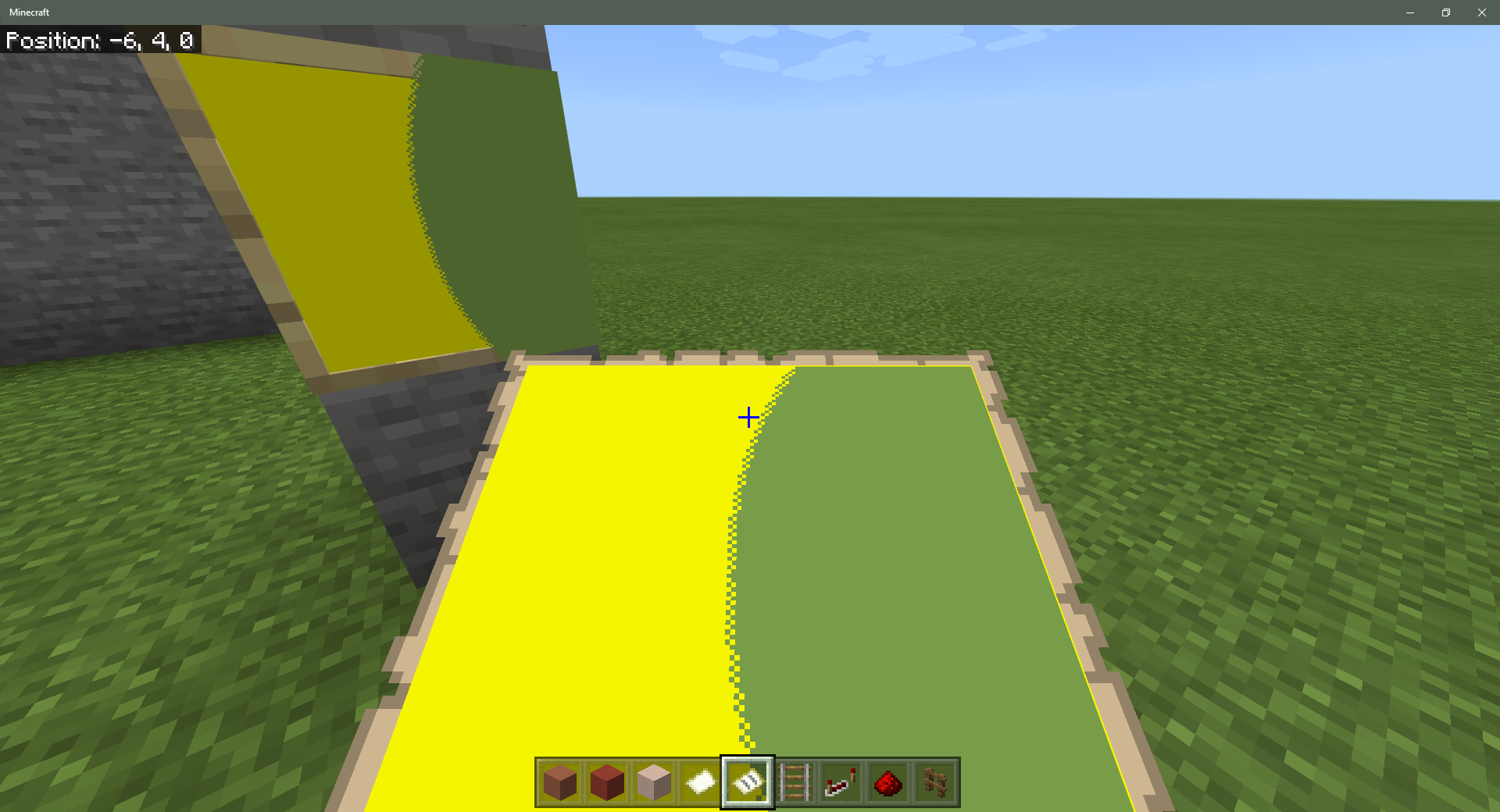
They're even more helpful for maps at levels above 0/4. For example, this map is level 4/4. I activated this map in creative and flew around to fill it. You can see where I deliberately circled back just a little too far from my earlier course, leaving 3 yellow pixels that didn't get filled.

You can activate these packs either in a world or in Global Resources.

Summary by [MCPE Mod] Auldrick
Since the 1.2.3 update, many players across all platforms are experiencing moderate to severe lag when they approach certain areas in their worlds. Two of the most common locations mentioned are near villages (this ticket) and near passive mobs (MCPE-28028). Experiments have shown that such lag can be caused when a mob is unable to find a path to a player or villager, and that the degree of lag is correlated with the number of mobs that cannot find a path. Since mobs occur throughout a world, often engage in pathfinding, tend to cluster together when targeting the same player, and in the case of hostile mobs may be in shallow caves and not visible to the player, this pathfinding problem can potentially explain any report of lag where this cause hasn't been specifically excluded. Consequently, for the present time all new reports of lag will be considered duplicates of one of these tickets unless the reporter provides convincing evidence of a different cause.
Original description:
after the 1.2.3 update.
When the night arrives, it is impossible to walk in and near the Village, the game is slow at night and only returns to normal when day falls.
This did not happen in previous versions!
- The Lag only happens near the Village, at night.
- When you leave town at night, the LAG disappears.
Update by [MCPE Mod] Auldrick
Hostile mobs spawn a light levels 8 or higher on both solid and transparent/non-solid blocks.
- Updated *
Original description:
I think there is a problem with hostile mobs, and may require a cumulative fix.
-Monsters often won't despawn in the overworld.
-Spawning cages stop working after a few days of functioning normally.
-They are spawning in high light-levels
-They are spawning on half blocks/transparent blocks
-The nether fortress becomes empty after killing the mobs inside.
All of these combined lead me to believe there is a cumulative issue with mobs spawning. My theory was that the game fails to recognize the environment correctly (when it scans for mobs), then spawning becomes erratic.
The worst part is that the cages in my mob farms have completely ceased up.
All of this is occurring on a world that was synced and added to a Realm.
Please check into this! Thank you.

Update by [MCPE Mod] Auldrick
In conversation on Discord, it appears that the issue is that when a PVP player is killed in Java Edition, it is knocked back and its death animation occurs a little distance away, but that this knocking back does not happen in Bedrock. It apparently doesn't significantly affect gameplay except for limiting the surviving players' view of the arena.
Original description:
As the bedrock edition of the game becomes the new primary version i believe you need to make it look and feel like the old Java edition of the game.
There is one thing that really affects the old PVP community on that edition and that is...
Knockback! Knockback in the bedrock version of the game is completely BROKEN you can litteraly make someone fly using your fist.

My game crashes everytime I try and load my saved world.
Any save game I try and load from the past 6 months crashes. But if I go back to a save from 6 months ago I can play. Something I built is causing the crash, I'm guessing something based on redstone, but that's a huge guess.
I was also able to find a save where I wasn't in my base. I was able to load up the game, then I traveled through the nether and enter the portal to my base, then the game crashed.
Added by [MCPE Mod] Auldrick
There is evidence that worlds created on earlier releases (prior to 1.0?) are getting upgraded incorrectly, corrupting them and causing them to crash. The crash seems to occur when the player is in particular locations, perhaps near an unknown block or entity that was incorrectly upgraded. Because many players stay in one place for an extended time, they may be near the problem location most of the time, and in that case the world crashes almost immediately after loading.
Currently, the only known workaround is to leave the Beta, revert to release 1.2.9, and restore a backup copy of the world. Reverting requires uninstalling Minecraft after leaving the Beta. This will delete all worlds and return all settings to the defaults. Be sure to save a backup copy from 1.2.9 before you open a world in 1.2.10, and keep those backups until 1.2.10 is out of Beta.
Minecraft: Bedrock Edition translators suck, no united translations, don't follow Minecraft: Java Edition translations, and even do translate wrongly.
I really hope Mojang get rid of these translators as soon as possible and make it translated via Crowdin and Minecraft: Java Editon proofreaders manage it. I'm even playing on English although I'm Korean! (It would be very hard to do it from scratch to fix the horrible mess, on unofficial Minecraft: Bedrock Edition Crowdin made by fromgate (Minecraft: Java Edition Crowdin Russian proofreader), it has more pages than Minecraft: Java Edition has - Minecraft: Bedrock Edition already got so much exclusive strings now)
Actually I already reported about this problem on JIRA before, but it didn't help a lot. Also, some people also suggested on Minecraft feedback website to make Minecraft: Bedrock Edition use Crowdin, but their suggestions also did nothing.
[Edited by [MCPE Mod] Auldrick to remove profanity. Please use appropriate language on the bug tracker.]
Until Mojang also creates Crowdin for Minecraft: Bedrock Edition, you can use unofficial Minecraft: Bedrock Edition Crowdin (I think you know it?) by fromgate (Minecraft: Java Edition Crowdin Russian proofreader), as I stated above: https://crowdin.com/project/translations-for-minecraft
(P.S: Maintaining it is really a pain, but I'm doing my best)
[Edited by [MCPE Mod] Auldrick to remove profanity. Please use appropriate language on the bug tracker.]
![[Mojang] Mega_Spud (Jay Wells)](../../../data/avatars/users/92696.png)
I think I can see the issue here, the player's gamemode does not get updated by changing the default gamemode 'in-game', and can result in it being out of sync.
To get you back into the correct gamemode, you need to follow the steps above from @[MCPE Mod] Auldrick:
- If the world is open, save and quit.
- Go into the game settings and look at Default Game Mode. If it's set to Adventure, skip to step 6.
- Change the Default Game Mode to Adventure.
- Exit the settings back to the Play menu.
- Go into the game settings again.
- Change the Default Game Mode to Survival.
- Exit the settings back to the Play menu.
- Select the world button to load and play the world. You should now be in Survival mode again.

Hallo.
Seit dem letzten Update auf die Vers. 1.2.10 funktioniert das ändern des Schwierigkeitsgrades nicht mehr richtig, egal ob man offline, online oder im Real spielt. Spielt man auf "Friedlich" und stellt während dem Spiel auf eine andere Schwierigkeitsstufe um und will diese dann nach einer Zeit wieder auf Friedlich stellen, wird dies nicht übernommen und bleibt auf der eingestellten Stufe stehen. Auch das beenden des Spiels nützt nichts. Man muss die Konsole komplett Neustarten. Dachte es würde an der Konsole liegen, hab das Spiel gelöscht und Cache geleert, danach neu installiert, der Fehler besteht weiterhin. Habe mich an Microsoft gewendet und diese verwiesen mich hier her.
Gruß Dirk
-------------------------------------------------------------------------------------------------------------------------
Original machine translation edited by [MCPE Mod] Auldrick
Hello.
Since the last update to version. 1.2.10, changing the degree of difficulty doesn't work right any more no matter whether one plays off-line, on-line or in Realms. If you play on "Peaceful" and change it during play to another difficulty level, then after a time it will reset to Peaceful, this can not be overridden and it stays on the set level. Also the end game is unplayable. You must restart the console completely. I thought it might lie with the console, have closed the game and emptied the cache, then reinstalled, the error still exists. I have turned to Microsoft and they directed me here.
Greetings Dirk

When we click multiple times in a command block, several boxes appear, due to the delay of the animation.
Watch the video below to understand:
Additional info provided by [MCPE Mod] Auldrick
Apparently, a delay in showing the command block UI persuades the user to right-click the command block multiple times, resulting in multiple copies of the UI being opened.

So when you have your recipe book thing turned off, it turns back on when you re-enter the world. You can only reproduce this on PC.
Additional information added by [MCPE Mod] Auldrick:
In the Classic UI Inventory panel there are two (Survival) or three (Creative) buttons to choose between Creative Inventory, Recipe Book and Inventory, or Inventory Only layouts. The last option selected is not saved with the game, so when the world is reloaded it always reverts to the first button.
Steps to reproduce:
1. In a Survival world, open your inventory and select the Inventory Only button
2. Save and reload the world, then open your inventory.
Expected result: Inventory Only layout is displayed.
Actual result: Recipe Book and Inventory layout is displayed.
3. Select the Inventory Only button.
4. Change to Creative Mode.
5. Save and reload the world, then open your inventory again.
Expected result: Inventory Only layout is displayed.
Actual result: Creative Inventory layout is displayed.

Revised description by [MCPE Mod] Auldrick
Since updating to 1.2.13, crops can only be planted continuously in consecutive blocks in a straight line, similar to how solid blocks can only be placed that way, and most take longer to plant than before. Previously, crops could be rapidly spam-planted anywhere on suitable ground by holding the Use control, and if you went too fast and missed a block you could go back and fill in the hole later. Now you must plant them strictly in rows and usually at a slower pace than normal walking speed. The only crops that seem to plant at walking speed are sugar canes, cocoa beans, and perhaps nether wart.
Steps to reproduce:
- Select any crop and prepare a rectangular area suitable for growing it on.
- Attempt to fill the prepared area with the seed, root, etc. for the crop by holding the Use control.
- Use various speeds and directions of motion and observe the sequence in which planting occurs.
Expected results:
When moving at normal walking speed, every suitable selected block gets a plant until you select an unsuitable block, release the Use control, or run out of seeds..
Observed results:
The first block gets a plant. A second plant is placed only in an adjacent block. Subsequent plants are placed only in the next adjacent block in the same direction. For most plants, there is a delay in placing a plant that prevents continuous planting at normal walking speed.
Original description:
So you added feature in update
"Gameplay
Crops can once again be harvested continuously"
Before update can grow continuously, but now can't anymore, need to grow each crop separate.

In the latest beta , The texture of the door is only facing onlupy one direction ....
Edit by [MCPE Mod] Auldrick
Except for oak doors, all doors (including iron doors) are rendered with their hinges on the north or east side, regardless of which side they actually pivot on when opened and closed. This causes the hinges to appear on the wrong side of
- Doors placed while facing north
- Doors placed while facing east, when they are open
- Doors placed while facing west, when they are closed
Steps to reproduce:
While facing north or west, place any type of door except an oak door.
Expected result: The closed door is rendered with its hinges on the left from your point of view. When opened, the hinges continue to be rendered on the left side.
Actual result: The closed door is rendered with its hinges on the north side if you're facing east or west, or on the east side if you're facing north or south. When opened, the hinges switch from being rendered on the north side to the east side or vice-versa, giving the appearance of flipping the door if you're facing east or west.
If there is a floor block available, the button/lever will snap to it, otherwise the placement will fail completely.
Torches and redstone torches exhibit similar behaviour, but will still attach themselves to the side if no floor block is available.
Interestingly, heads are unaffected by this and instead exhibit MCPE-32690. Signs are affected by MCPE-32689.
In most cases, you can replace a vines block by placing any block while pointing to either the vines themselves or the surface of an adjacent block (below, above, or on any side). The exception is that when placing an "attaching block" (a block that attaches itself to an adjacent block), this only works the same way if you are not pointing at the vines themselves. If you attempt to place an attaching block while pointing at the vines, the behavior varies depending on what kind of attaching block you're placing. This deviation from the expected behavior causes confusion and frustration.
The following paragraphs list how the various kinds of attaching blocks behave when placed while pointing at the vines. The expected behavior in each case would be that the block would attach itself to the wall the vines were on.
Lever, Button, Item Frame, Bell:
If there is a solid block below the vines, the attaching block attaches to it. Otherwise, the vines remain and the block is not placed.
End Rod, Sign, Grindstone:
If there is a solid block below the vines, the attaching block attaches to it. Otherwise, the attaching block is placed as if there were a block there, which leaves it floating. (In the case of a sign, it will always have the standing_sign shape.)
Torch, Redstone Torch:
The attaching block searches for a block to attach to, in the order Below, South, West, North, East. (At least one of these must exist, the one the vines were attached to.)
Lantern:
The attaching block searches for a block to attach to, in the order Below, Above. If neither is found, the vines remain and no lantern is placed.
Banner, Tripwire Hook:
These cannot be placed while pointing at vines, but can be placed on an adjacent block in which case the vines are broken. Note that the banner is 2 blocks high. When placed, it will only break the vines in the upper half; the lower half can coexist with vines on another wall if they were already present.
Coral Fan, Dead Coral Fan:
These cannot be placed in a vines block, not even by pointing at an adjacent block.
While reviewing original documentation and testing /time query gametime command, it appeared that the command was not returning the result of the world age. Instead, it appeared to return a result indicating the world was only a few days old maximum.
Please confirm if this is a bug on bedrock android version. My world was originally created on Nov 29, 2017. The values being returned by the commands are as follows:
Day is 1.
Daytime is 15029.
Gametime is 39590.
Based on the information from this page ( https://minecraft.gamepedia.com/Day-night_cycle#Minecraft_time_to_real_time ), it would appear that this gametime should be much higher than a mere 39590. This is a SMP game world that is played on for at several hours daily. The day-night cycle is active in this world.
The only thing to note is that this world was originally created on a different android device and then copied to a new device in December and continued playing on the new device since that date. Should that affect the gametime stamp returned by the command?
Edited by [MCPE Mod] Auldrick: Questions to be resolved by mods
In a single-player world, /time query gametime returns the number of ticks since the world was opened.
- Is this also true for multiplayer and Realms worlds?
- Does Java return the same measurement?
- Is this the intended behavior?
(I need the answer to the first two questions so I can update the wiki.)

When you want to enchant in the enchantment table in beta 1.5.0.1, the names of enchantments do not appear and that makes it difficult to choose a necessary enchantment.
This problem apparently happens only when the Language is set to Spanish.
Using mouse and keyboard controls, placing a lot of items in the crafting bench, then pressing + shift to craft about 64 items like crafting 64 planks from 16 wood for example, directly after that the item in the player inventory becomes unmovable by mouse or keyboard or controller, the player still can quite the UI. this happens in 2*2 and 3*3 crafting.
Device: Low end Windows 10 device (Notebook)
Update:
I realized the issue makes the UI responses slower and not making the items completely unmovable.
Edit by [MCPE Mod] Auldrick
UI responds very sluggishly at times. This is especially noticeable whenever the game is loading and rendering chunks, either initially after loading a world or later when changing dimensions or moving rapidly through a dimension. It seems as if UI panels do not open, and open panels do not react to inputs, until the rendering has finished.
When I place a slab above a leaf block adjacent to a Grass Path Block, the leaf block should be visible through the small gap created by the path block. Instead, the leaf block dissapears, creating a visual "x-ray bug".
Steps to Reproduce:
1. Place a Grass Path, then, dig a 1x1 hole in any direction right next to it. Place an Oak Leaf Block in that slot you created.
2. Put a Slab Block above the Grass Block.
3. Notice that the Leaf Block can't be seen through the gap created by the Grass Path anymore.
Note: It only can be reproduced with the "Better Leaves" feature on.
Added by [MCPE Mod] Auldrick:
With Fancy Leaves turned on. Affects all species of leaves. The slab can be a bottom slab, top slab, or double slab. When a top slab is used, the top texture of the leaves is rendered. The side texture is not rendered at all, so the sky can be seen above the grass path.
Placing a sea pickle in an item frame doesn’t sit properly, Xbox one natural skin pack v1.4.2
Edit by [MCPE Mod] Auldrick
The texture of the sea pickle is offset down and to the right, and also forward from the surface of the item frame.
Edited by [MCPE Mod] Auldrick:
When the Mob Griefing game rule is disabled, farmer villagers will not plant or harvest crops, nor pick up crop or seed items.
Steps to reproduce:
- Enclose a flat area of up to 9 x 9 blocks using fences or a 2-high wall of blocks.
- Create farmland with a water source within the enclosed area.
- Ensure Mob Griefing is turned off.
- Spawn a villager (farmer/brown coat) in the enclosure.
- Throw wheat seeds, carrots, potatoes, or beetroots at the farmer.
Results: The farmer should pick up the seeds or crops and plant it in the farmland, but it does not do so. - Plant seeds or crops in some of the farmland, then use bone meal to grow it to maturity.
Results: The farmer should harvest the mature plants, then re-plant, but it does not do so. - Break some of the mature crops and leave them floating as items.
Results: The farmer should pick up the items, but it does not do so. - Turn on Mob Griefing.
Results The farmer picks up items, harvests mature crops, and plants new crops as expected.
Original description:
I have planted every type of crop and thrown every type of crop to farmer villagers and they will not plant harvest or pick up any of them.
I searched and found someone reported this saying they pick up potatoes and carrots but they do not for me so I though I'd report
Edited by [MCPE Mod] Auldrick:
In worlds of the Old type, redstone ticking only occurs within the central 96 x 96 blocks. The active area does not depend on the player position nor the Simulation Distance setting. Block updates, on the other hand, work normally.
Steps to reproduce:
1. Create a world with the Old type.
2. Place a redstone torch with a redstone dust beside it, within 32 blocks of any edge.
Expected results: The torch powers the redstone dust.
Actual results: The redstone dust is unpowered.
Original description:
Started an old world type with experimental gameplay enabled when it was first released, now with the prior and latest update redstone wont update. So all buildings and devices that used to function no longer update properly. Taking it out and rebuilding it doesn't work either. I have tried to copy and export it, but the new files wont update either. Switching it to infinite world type fixed the issue, but this doesn't help me still use my old world type.
screenshot and world attached

When I'm logged into the Microsoft Account/XboxLive on my Nintendo Switch I can join other Windows10/mobile crossplay worlds, but I can not join other Nintendo Switch worlds.
People can join my hosted Switch Worlds with their Windows 10/mobile device, but not their Switch. Switch to Switch does not work. Once the game tries to connect to a multiplayer world, it fails and says can't connect to World.
I already changed all my internet settings, NAT type, opened ports (XboxLive and Nintendo ports), and tried without Microsoft Account (Nintendo Profile to Nintendo Profile) etc., still won't work.
NOTE: The previous "Minecraft: Switch Edition" works without any problems, I can connect to other Minecraft: Switch Edition multiplayer worlds instantly, and I can also play any other games online. It is literally only the bedrock Minecraft version that has issues.
NOTE 2: Yes, all Accounts (Nintendo, Microsoft, XboxLive) have perfect settings, that's why I can play everything else online.
The game updated to Version 1.6.0, it is still not working.
Additional information added by [MCPE Mod] Auldrick:
This issue appears to affect Switch-to-Switch connections via the Nintendo Switch Online network as well as via Xbox Live.
[MCPE Mod] Auldrick
Players having Custom permissions that exclude Operator are incorrectly able to change Default Game Mode and Personal Game Mode controls in the World settings. Although changing Default Game Mode does not actually affect the server, doing so nevertheless enables all the other settings controls as well as permissions controls for all players. Changing those controls likewise does not affect the server, but it creates the illusion (on their device) that they're able to take control of the game, and can cause significant confusion between players. All such settings changes are client-side only; they're reset if the player leaves and rejoins the world.
If the player changes the Personal Game Mode control to Creative, they obtain access to Creative inventory and the ability to fly, but in most aspects they are still in Survival mode. For instance, they're unable to take items from the Creative inventory and can take damage. This is an abnormal hybrid game mode which also causes confusion.
In all of my Minecraft worlds all players only with one or more permission have access to toggling their game mode, but as Visitors (without permissions) they can't change their game mode. When a player without operator changes their game mode to Creative, they can actually get hurt and killed as if they're in Survival, yet the player has all Creative options, such as the Creative menu and ability to fly. Though, a player who has forced their way into Creative can not take items from their Creative menu, and if they "give" themselves a permission it will not actually be given to them unless an Operator gives or has given them a permission. This is confusing, but just think of it as an illusion.
I have tried to fix this bug by: re - converting the worlds from Minecraft: Nintendo Switch Edition. Copying the worlds. Re-downloading Minecraft (twice). Checking for corrupted data (none). And toggling some options in settings like ensuring that Trust Players options is not set to Operator.
None of these worked and I really hope someone sees this and looks into it!
A way around this bug is setting the players game mode to Adventure, which blocks them from "changing" their game mode and permissions.

13-Nov-19: - The symptoms described in this report can have very many causes. At the time of this report, 3 separate causes were identified, and all of them were fixed by the time 1.8 was released. There were no subsequent reports of the bug, so this ticket was closed as Fixed 10 months ago.
The recent reports of similar symptoms on iOS since 1.13.0 was released have unrelated causes which are being tracked at MCPE-54465. I would recommend upvoting and watching that issue if you started having a problem like this on your iOS device at about the time of the 1.13.0 release. Some of the causes of the problem were fixed in 1.13.1, but the developers have more known causes that they're still working on.
11-Oct-18: - The 1.8.x beta versions now have a loading screen feature that enables us to see exactly what is being loaded - if you are able to include a screenshot here of the loading screen at the point where it is crashing it would very helpful.
25-July-18: - The 1.5.2.1 hotfix should have resolved the issue for many of the players. For anyone still affected, could you please leave a comment below that includes your device details and any new information that might help in finding out the cause of the problem.
23-July-18: The latest on the issue is that players are getting stuck on the loading screen as it tries to load in certain textures for the in game store. The developers have pinned down the problem and we are working on getting a hotfix out to resolve this as soon as possible. Thank you for your patience!
I have the Samsung Galaxy S9+ and I have uninstalled the app, cleared cache, cleared data, restarted my phone, did a factory reset and I checked to see if my device supported NEON (it does) , and it still wont yo past the first white minecraft loading page

- Using the looting enchantment the chances of mobs drops does not increase. It can happen to use the maximum level and several times do not drop anything from the mobs and also using the same enchantment (and level) will not increase correctly the amount of items dropped by the entity
Device: LG K10
Looting does not increase the chance of getting drops from mobs, only the number of items if any are dropped.
- If you killed 50 mobs and got 0 drops with Looting, that is not this bug, although it may be a different bug.
- If you killed 50 mobs and 15 of them dropped items, but only the same number of items you would get without Looting, that is this bug.
- If you killed 50 mobs and got 22 items with Looting when you expected more, we have no way of knowing whether you're describing this bug, or any bug at all, because you haven't told us how many of them dropped anything. Looting only applies when they drop something.
When adding your experiences, please be careful to exclude mobs who didn't drop anything from your counts.
Note that this makes testing for a Looting bug a lot more work. If the chances of a mob dropping anything are only 50%, you would need to do twice as many tests to get a given number of cases that were eligible for the Looting effect, and you need a fairly large number of such cases to establish that Looting isn't working (because the Looting effect is itself only a statistical average).
I unable to put a chest on a donkey even I clicked the right button, and it look like a issue which
just on windows 10 vision
Edit by [MCPE Mod] Auldrick
Steps to reproduce:
1. Place a single chest.
2. Use an axe to break it, then pick it up.
3. Tame a donkey or mule, then attempt to equip the chest on it by holding Shift and right clicking with the chest selected in your hotbar.
Expected results:
The chest is equipped onto the animal and its UI does not appear.
Actual results:
The chest remains in your hotbar and the animal's UI is displayed.
If the NBT of the chest in your inventory is inspected, it has the Damage: 4 tag. It should have Damage: 0.

Redstone component generated in jungle temple is abnormal
(Edited by [MCPE Mod] Auldrick - your screenshots appear to be of a jungle template, not a desert temple, so I edited the description.)
Revised description by [MCPE Mod] Auldrick:
Several years ago, it used to be that crops (wheat, carrots, potatoes, and beetroots) could not be planted in blocks at light levels below 8, and if a planted crop's light level fell below 8 it would quickly break and drop the original item when a block update occurred in an adjacent block. This no longer occurs in 1.21.0 (actually, since much earlier). Crops can now be planted in any light level, even 0, and block updates never cause them to break. This ruins several designs for crop farms.
Steps to reproduce:
- Build an enclosure with an interior size of at least 5 x 5, made of opaque blocks. Don't include any light source inside it.
- Embed a water block in the center of the floor. Replace some of the nearby floor blocks with farmland.
- Try to plant crops on the farmland.
Expected results:
You can't plant crops because the light level is 0.
Observed results:
You plant the crops.
Next steps:
- Run the command "/randomtickspeed 500".
- Place any solid block on the floor next to a crop.
- Place any solid block above a crop.
- Place a wooden pressure plate on the floor next to a crop, then step on it.
Expected results:
Each step causes the crop to break and drop an item.
Observed results:
The crops don't break. No matter how long you wait, they just sit there.
Additional information:
In Java, crops can be planted at light level 8 or greater and break at light levels below 8. The Bedrock behavior could be described the same way but with light level 0 instead of 8. That is, crops can be planted at light level 0 or greater (i.e. can always be planted) and break at light levels below 0 (i.e. never break because no such light level ever occurs). So this might be as simple as an incorrect value of a parameter or constant.
Original description:
Whilst building a potato-farm in survival I noticed that the crop in the middle - which is supposed to pop off on any block-update as the light-level is too low - didn't break. No matter how low the light-level is, the crop still stays on its place and can even be bonemealed. Light-updates don't seem to trigger it, nor does the blockupdate from the adjacent pressure plate. When testing in creative and waiting a little the crops díd pop, but incredible slow. It therefore seems to me that the crop only realizes it's too dark when it grows a stage.
This bug makes constructing a villager farm using this crop-in-low-light behavior pretty useless, so I hope it gets fixed soon.
21/Jan/19 by [Mojang] Mega_Spud (Jay Wells)
As mentioned this issue has been fixed in the 1.9 beta version, but we will leave this ticket open as a point of reference until the fix is fully released.
Workaround: Players have found that placing a pool of water at the world spawn point will often prevent the player from falling to their death when the world is reloaded.
31/Dec/18 by [MCPE Mod] Auldrick:
This issue has already been fixed in the beta. We expect it to be fixed in release 1.9 when it becomes available. The release date for 1.9 has not been determined yet. Please limit additional comments to recurrences in the 1.9 Beta releases.
15/Dec/18 Workaround for Windows 10 by [MCPE Mod] Auldrick:
After saving and quitting, make sure to export a backup copy of your world before you load it again. (Doing it immediately after saving is the best practice.)
If you spawn in the wrong place and die, delete the world, then import your backup copy and try again. It worked for me!by
Samsung Galaxy S7 Active.
Saved game loaded. Player was near sea level but restored at above cloud level. Gravity worked.
Edit: confirmed the player was restored directly above the original spawn point, i.e., fell onto the location where player was spawned when the world was created.
Edit: confirmed still occurs after placing a bed. Fall still takes place over original spawn point, not over the bed.
When I put a block of soul in the water the bubbles blows high in the air instead of blows up to the water.
Added by [MCPE Mod] Auldrick:
It has also been reported that bubbles above a magma block may be flowing into the block; see MCPE-39120.

Scaffoldings are unable to be placed a single block above various non-solid blocks, such as lava, carpets, leaves, etc. They are able to be placed above water however.
(The red glass in the image shows where the scaffolding cannot be placed.)
This issue is about attaching scaffolding to the side of another scaffolding block where it would happen to be directly above lava, carpet, leaves, etc. This is different from placing it directly on one of those blocks as described in MCPE-40407.
The fix for MCPE-40407 has fixed this for cauldrons, top slabs, glass blocks, and a few others. As of 1.9.0 it is not fixed for lava, carpet, leaves, or bottom slabs.
Without apparent reason the textures of items and blocks are converted into black blocks.
Begins with items and finally make the world unplayable because all blocks are black, ,even torches and all blocks of light :'(.
My phone is a GoMobile 504.

Some reports say that this only happens near the player.
Reported OS versions include Android 6.0 and Android 7.1.2.
Reported GPUs include Mali-400 MP and several Adreno models.
There are currently two unrelated bugs having similar symptoms of dark shadows:
MCPE-39439describes a bug that causes unusually dark but still gradual shadows. It can be worked around by momentarily placing a torch or other light source in the shadowed area, or by any action that would cause a lighting update such as breaking blocks above the shadow to expose it to the sky light.- This bug causes fully black shadows with sharp edges, even right next to a light source. Placing a torch does not correct this problem.

When crafting items with a full inventory, it is possible to lose the crafted items. AKA they get deleted after being crafted. This is a massive flaw in the crafting system, and can result in up to a 90% loss in crafted items, especially for those on windows 10 who are mass crafting. Mass crafting being where you break double chests full of items to craft them. Melon slices to melons for example.
It only happens in a specific way, and its rather hard to explain in text, so i'll just link to the bugrock of the week video i did on this, which shows how to reproduce 100% of the time.
Steps to reproduce:
1. In Creative mode, place a full stack of oak planks in your inventory. Fill the rest of your inventory with wooden shovels.
2. Switch to Survival mode.
3. Open a crafting interface (either the player's inventory or a crafting table).
4. Locate the recipe for oak slabs in the recipe book and shift-click it. This will leave a stack of 60 oak slabs attached to the cursor because there is no room to store it in the player's inventory.
5. Shift-click the oak slab recipe a second time.
Expected results:
Uncertain. The excess items should probably be thrown on the ground, since there's nowhere to put them. They could also be put in the crafting grid if there's a place for them, but once the grid is full the same problem arises.
Actual results:
The ingredients are consumed but no output items are produced and stored.
Slightly edited by [MCPE Mod] Auldrick
I have several systems that automate the collection of crops, and to do this faster I have rails and minecarts with hopper, apparently the chunk only supports two minecarts, because I place the third and this disappears when I go to another place for a long time, I already repeated this several times to see if it remained but it keeps disappearing.
Lgk10
I crafted about a stack of concrete powder in my survival world and wanted to turn it into concrete. I went to some water and made a stack out of the blocks. I went to the bottom and started mining the concrete. After I had finished, there was some concrete powder left flying in the sky.
Edit: Most of the powder broke and fell down. Since this was quite a while ago, I don't really remember that there was some flying concrete powder. I will try testing this out again in 1.9.
Additional information added by [MCPE Mod] Auldrick:
Re-confirmed in 1.16.40 Hotfix on Windows 10. Confirmation was in a single-player world (Multiplayer toggle off).
Steps to reproduce:
- In 1-deep water, place a block of concrete powder. Stack about 64 more concrete powder on top of it.
- In survival mode, mine the bottom concrete block with a pickaxe, and keep using the pickaxe as new blocks of powder fall into its place.
Expected results:
As you mine blocks of concrete, the concrete powder blocks above them fall straight down as gravity blocks, replacing the mined block and turning into concrete. After collecting the floating mined items, you have about 65 blocks of concrete.
Actual results:
Some of the powder above the block you're mining is ejected sideways from the stack into the water and is not converted to concrete. After collecting the floating items, you have about 32 blocks of concrete and about 32 blocks of concrete powder. There may also be ghosts of some of the powder blocks in their pre-mining positions above you; they disappear if you try to interact with them.
I went to get the ender dragon heads that I forgot to get, and I threw an ender pearl into the gateway. My coordinates started flicking and then I got stuck in nothingness. I threw the rest of my ender pearls and ate my golden apples. I also tried placing water but I couldn't seem to place it anywhere. None of these did anything and I am currently just stuck there. I copied the world to check it out in creative, and I couldn't break any blocks or do anything. I just teleported myself back to 0 90 0 and I saw that a huge chunk of the main island was not loaded in. I rejoined the game and it came back. When I tried teleporting through again, the same thing happened.
When you throw an ender pearl into an end gateway that was generated in a release prior to 1.9, you get stuck in a loop teleporting between the two gateways. In many cases, your head may be trapped in the bedrock above the gateway, causing you to suffocate and die. In all cases, if you're unable to escape the gateway (which is difficult to accomplish), the rapid teleporting apparently causes an eventual renderer failure that leaves you in what appears to be a black void, This failure persists even if you're able to save and reload the world, provided you don't exit the game. When you attempt to reload the world without exiting the game, the failure to render blocks leaves the Generating World UI on the screen, creating an illusion that the game is hung.
Possible workarounds
Gateways generated before 1.9 will fail consistently, but new gateways should not have the problem so you can try using one generated more recently. Note, however, that due to another bug (MCPE-19699), gateways that were generated in an area where chunks already existed (because you bridged or flew there) will also have the rapid teleporting issue.
Some people have been able to ender pearl out during the time you're flipping between the gateways. If you're able to do this, save the world, exit the game and restart it, and then load the world again. It should look normal and work normally (but the bug is still present, so don't use the gateway again).
Expected result: Lantern and sea lantern are different
Real result: They have same name
Reproduce:
- Open the creative inventory
- Search sea lantern
Device: Huawei BGO-DL09
Additional information added by [MCPE Mod] Auldrick:
This occurs with the Language setting en-UK, but not with en-US.
I made a TNT cannon and when the primed tnt gets to the end of the water it falls through the ground.
Primed TNT at Y=64 will fall to Y=63, even if there is a solid block below it. It will then continue to fall until it encounters a solid surface below Y=63.
Steps to reproduce:
- Place a TNT block on or above a surface at Y=64.
- Prime the TNT.
Expected results:
The TNT falls to the surface, stops, and explodes there.
Actual results:
The TNT falls through the Y=64 level to Y=63. It then continues falling until stopped by a solid surface below it.
Additional information
MCPE-43744 describes a similar issue that a player who stands on a chest at Y=63 will fall through it. This suggests that there is an issue with entity hit box detections at Y=64.

I downloaded the 1.9.0 Update yesterday on my Nintendo Switch and once i entered my World i got multiple issues with Performance and framerate, Frames went down to an unlocked 30fps, World took over 2 minutes to load up and UI crafting/inventory menu cursor stuttering while moving it around, also whenever i press Pause the game freezes and soon after crashes the game, it seems that after every Update the Performance gets slower and worse for Nintendo Switch, if I’m wrong then its an issue within this particular Update. The video i left below may not look like the framerate is below 30fps but it’s worse in-game. Please fix this ASAP because its become unplayable at this point. (I've left a 2nd video showing the freezing bug if it helps)
[MCPE Mod] Auldrick
These performance issues were found to have two different causes. The first and more severe bug affected all Switch players. It was fixed in 1.10.0 and performance was greatly improved.
The second bug mainly affects games where the Multiplayer Game setting is enabled. Its most prominent symptoms seem to be pauses of several seconds when the game is autosaving, but there can also be brief delays at any time. During these times, delays may be observed when breaking blocks, opening chests, anvils, and other UI panels, and perhaps some other actions. This bug is difficult to fix so it will take a bit longer, but a team of developers is and has been working diligently on it.
Workaround: Users are reporting that the following workaround can temporarily restore your console to normal or near-normal performance for new worlds, at the expense of temporarily (until there's a fix) making your current worlds unavailable for play. I'm unable to verify this myself since I don't have access to a Switch, so use discretion when deciding whether to try this method.
- Backup your game data to the cloud using Switch online service.
- In the Data Management Settings, delete save data for the game.
- Uninstall the game from your console entirely. (Don't worry, your worlds will be saved.)
- Re-download the game from the Nintendo eShop. Do not restore your cloud backup.
- Turn off "Automatic back up save data" by clicking + on game, then "Save data cloud" and click your user. (Turning this off won't cause your cloud-saved worlds to be lost.)
Once all these bugs/issues are fixed, you'll be able to restore your cloud data and play on your worlds again.

This issue with pink and black squares / textures seems to occur on Xbox One after an update, and is usually resolved by reinstalling the game. Please ensure that your world are backed up before attempting a reinstallation.
My Minecraft world (expirmental on) is almost all pink/black except for enitlies.
Additional information by [MCPE Mod] Auldrick:
This has also been reported when using the Education Edition toggle.
![[Mod] tryashtar](../../../data/avatars/users/41963.png)
This has seemingly been an issue since 1.1 or earlier. I can't check earlier versions.
When using §n, the code and letter is gray to indicate it's being used as formatting:

If it was not intended to do anything, then it would be white like this:

However, the text is not actually underlined.

The §m code (strikethrough) also does not work.

When exporting a world or structure to a folder backed (synced) by OneDrive, the export fails silently and leaves an empty .MCWORLD or .MCSTRUCTURE file. Users can be unaware that the export failed, and this can result in the total loss of worlds if the backup was followed by deleting the world in-game to recover storage space.
Steps to Reproduce:
(Requires a Windows PC with access to OneDrive cloud storage)
- Access any world's Game settings. Scroll to the bottom and click the Export World button.
- In the Save As dialog, select a folder anywhere under your personal OneDrive folder. (The default path is %USERPROFILE%\OneDrive, but if you're using OneDrive to back up your Documents folder, you can select any folder under Documents in File Explorer.)
- Exit Minecraft.
- Examine the exported file in File Explorer.
Expected Results:
- In Minecraft, you get toast messages at the start and end of the export process.
- In File Explorer, the exported file size is >0.
Observed Results:
- In Minecraft, no toast messages appear. The game just waits for you to do something else.
- In File Explorer, the exported file size is 0.
by [MCPE Mod] Auldrick
This problem apparently occurs only when you are exporting to somewhere in your personal OneDrive folder. If you are using OneDrive to backup your files (something you may have been encouraged to do when setting up a new PC or upgrading to Windows 11), your Desktop, Documents, and Pictures folders are probably being redirected to subfolders of the OneDrive folder and you have this problem.
One way to work around the problem is to export the world somewhere that is not inside your OneDrive folder. You can then either use that as your Minecraft world backup folder (keeping in mind that this folder itself is not backed up to offline storage anymore), or you can use File Explorer to copy it from there to the OneDrive managed folder you're used to.
Personally, I suggest the following technique to get as close as possible to the normal world backup process:
- As a one-time task, open your home folder (C:\Users\<username>) in File Explorer. Create a subfolder named "BackupTemp" there. Open the subfolder and create in it a shortcut to the folder in OneDrive where you want your backups to live.
- When it's time to back up a world, click Export World in the world settings (as usual) but in the Save As dialog, select the BackupTemp folder in your home folder. Then click Export to store the file. (Note that the game will remember this folder until you select a different one, so you probably only need to select it the first time.)
- Immediately afterword, click Export World in the world settings again. This time, the Save As dialog will show both your shortcut and the save file you just created. Drag the save file and drop it onto the shortcut to move it to your OneDrive folder, then cancel the Save As dialog. (You only clicked Export World again as an easy way to get to your BackupTemp folder, you don't need to actually save another copy.)
The reason this technique works is that when the game exports the world save, it repeatedly opens and closes the save file (I think). That causes a problem because OneDrive is competing with it to access the file at the same time. But when you drag and drop the file, the whole file is moved in one operation and OneDrive waits until File Manager is done before trying to copy it to the cloud.
Original description:
After exporting, Minecraft reports export successful, but file size for exported world is 0kb. This was happening on 1.8 as well. Just updated to see if it would fix it but it has not. Did not realize last three exports failed until now, tried multiple times with current world and copy of world and tried exporting to Desktop AND backup folder just in case. World size is currently 244.5MB, but this has been happening since world was around 195 MB.

This bug has been reported to our internal bug tracker for further testing and a fix. It is scheduled to be fixed in one of the future updates (no specific date can be provided).
If you would like to add a vote and any NEW information in the comments below it would be appreciated.
With the release of 1.11.0.3, you should no longer need to use the workaround described below. If you were already using it, I recommend re-disabling Developer Mode after updating to 1.11.0.3.
Some players have found that enabling Developer Mode on Windows 10 enables the game to load. Please be cautious before you decide to try this workaround. Developer Mode may reduce your protection from a malware attack, and will make other changes to how Windows behaves that you may not want. The developers are still working on a proper fix, so if you have doubts about using Developer Mode we would advise you to wait.
Workaround: You must be using an account with Administrator permissions to perform these steps.
Open Settings > Update & Security > For developersImportant! Click the "Learn more" link to understand what changing this setting will do to Windows.Select Developer mode to enable Developer mode.
- If you are still unable to open Minecraft,-
Make sure you have backup copies of your worlds. (Use Export in the game settings to make a backup.)Uninstall Minecraft, then reinstall it from the Store.
When you're finished playing Minecraft for a while, it's a good idea to go back to the Settings page and disable Developer Mode by re-selecting "Microsoft Store apps". This will revert to the previous behavior of Windows and restore your protection from malware.
WARNING: If your copy of Minecraft was obtained from any source other than the Microsoft Store, it could have been modified to contain malware. With Developer Mode enabled, the malware may not be detected and could compormise your system and your files.
Thanks to Cameron C for initially finding the underlying certificate problem and ChongXG for discovering that Developer Mode circumvents it!
Original description:
When i try to launch Minecraft, It crashes.I havent seen this Before
When TNT exploded, it just stay on the same position it won't go away.
Steps to reproduce:
- Place a TNT on the ground.
- Place a second TNT on top of it or beside it.
- Using flint and steel, ignite the first TNT.
Observed results:
The second TNT ignited but is not launched away by the explosion. However, if the block supporting it is destroyed, it will fall as usual.
Expected results:
The second TNT is ignited and launched away from the explosion. It explodes after flying some distance away.
The logic used in Bedrock to set and use player respawn points results in different behavior from Java Edition under certain circumstances. It also provides an opportunity for other players to grief a target player and create an infinite death loop.
Griefing/Infinite Death Loop
Steps to reproduce:
1. Player 1 places a bed and uses it to set their respawn point.
2. Player 2 notes where player 1 was standing and digs there a hole deep enough, or builds an obsidian-topped pillar high enough, to kill an unequipped player from fall damage. The pillar could also be used for extortion instead.
3. Player 1 dies for any reason.
Expected results:
Player 1 respawns either at another block near the bed or at world spawn.
Actual results:
Player 1 respawns at the set respawn point and falls to their death again. This repeats infinitely or until someone breaks the bed.
Java Parity Breaks
- Breaking a bed does not reset the respawn points of players who last used the bed. Because of this, if you break a bed and place a new one in the same position, your respawn point remains in effect. Note that after replacing the bed, using the new bed will not change your respawn point or display the message, even if you're standing at a different place when you use it. This is unintuitive and could be confusing, particularly if you took your bed on an expedition but never actually used it to set your respawn point until you came back home, at which time you would find you cannot reset it. Another unintuitive situation would be if you break your bed and independently, another player places his bed in the same spot. This would prime you to respawn unexpectedly in a different player's bed, one that perhaps has a different color and orientation than your own had,
- The game saves a player's bed position, but not its orientation. Because of this, if you break a bed and place a new one in the same position but with a different orientation, your respawn point remains in effect. This is also unintuitive and could be confusing.
- The game always respawns a player at the player's last bed position if a bed exists there, even if the respawn position is obstructed. In Java Edition, the player is respawned at world spawn under these circumstances.
- If a player's respawn point, from either a bed or world spawn, is obstructed, the game respawns the player on the block with sky access at the same X and Z coordinates. This can cause the player to be spawned on a sky island or an overhang from which it's impossible to return without dying, yielding an unintended infinite death loop. In Java Edition, I think the player is respawned at a horizontally nearby block under these circumstances.
Original description:
Occasionally, when trying to set your spawn point by clicking on a white bed, it will simply not work.
This of course needs to be done during the day, but normally when clicking on a bed during the day, it will tell you that your spawn point has been set.
I have only seen this happen with white beds, and it has happened to me several time, in both creative and survival. Very frustrating when you realize after you die that it didn't work
Video footage of this bug in action. Skip to 8:22
https://www.youtube.com/watch?v=9AgSEVfJicE

If you place a block of slime down and jump beside it nothing happens.
if you place a boat next to that slime and slightly touch it and jump on the boat you will hear the slime sound and get the jump bounce from the slime.
I am unsure if this is a feature or a bug. here is a clip of it.
https://clips.twitch.tv/DeterminedDiligentSushiTooSpicy
The bug can be reproduced with a single slime block, but is easiest to reproduce when the boat is placed in the inside corner formed by two or more slime blocks. The effect is sensitive to the player's exact position in a complex way, but always occurs (as a minimum) in the part of the boat closest to a slime block.
Steps to reproduce:
- Place two slime blocks touching at one corner to form an inside corner.
- Place a boat in that inside corner so that it makes contact with at least one of the slime blocks.
- Jump onto the boat (not into it, as in right-clicking).
- Move as close as possible to a slime block without touching it.
- Jump.
Expected results:
You jump once and do not bounce, and no slime block sound is heard.
Actual results:
You bounce up and down and hear the sound of a slime block bouncing.
This ticket is being used to track issues around crashes that occur while in or approaching the new villages and subsequent crashes when reloading the world. The tickets linked as duplicates have a variety of descriptions but all involve crashes at villages and we believe they have the same underlying cause.
In 1.11.0.4, the game sometimes crashes while a player is in a new village or is approaching one. This happens in both worlds created in 1.11.0.4 and worlds upgraded from earlier releases, and both with and without Experimental Gameplay enabled. The villages can be new V2 villages or V1 villages that the player has been manually upgrading for V2 villagers. There are some indications that certain workplace blocks may be involved, but this is not well established.
The bug appears to be triggered at random, because in some cases these villages have been visited multiple times prior to the game crashing. Once triggered, some worlds crash the game every time you attempt to load them, but there are also cases where you can reload the world after it crashes and it doesn't crash again until you return to the village.
I have attached test worlds. "Ad hoc bug testing 1.9" was last opened in 1.9. "Ad hoc bug testing 1.11.0.4 crashed" was imported from the 1.9 world, then opened and explored until the crash happened (with the player at about -1300,90,-450).
Steps to reproduce:
- Import Ad hoc bug testing 1.9.mcworld into 1.11.0.4 Beta. You should spawn at world spawn, about (600,72,0).
- Go to the command blocks and press the button on the center one, labeled "to village". This takes you to an old village whose villagers have been converted but no work as been done to upgrade the village.
- Fly up to about Y=90, then fly east to about X=1307.
- Sprint fly south to about Z=-350. You see a village ahead of you. You might crash as you get close, or you might not crash until after you pass over the village. If you don't crash by Z=-500, start over, as the bug is apparently triggered randomly.
If you can't get the bug to trigger, it might be worth trying on a device with less memory available or a less powerful graphics processor.
Original description:
Opening a world (from the same beta 11.0.0.4 version or any previous versions) will result on a crash. It'll show the usual loading world screen but it's just crashes once it's done loading.
Creating a new world will not result in a crash but after closing and trying to reopen that same world, the game will crash once again.
Reproducing the bug is really easy to do since all you have to do would be to try to open a world on Huawei Mate 10 (ALP-L09) EMUI 8 (Android 8)
Jonathan Hanzel - Are you able to provide some more information about the problem in 1.11.0.4 Beta? As far as I can see the worlds provided will open again now in the latest beta.
A valid workaround (as mentioned by [MCPE Mod] Auldrick above] is to minimise and reopen the app, if the game gets stuck in the loading screen.

Villagers do not have 2 levels. When we call the villagers they immediately have iron, but there must be a stone and they do not have emerald, that is, 4 levels.
Sorry for the mistakes because I am translating from Google translator and if something is not clear ask me.
Revised description added by [MCPE Mod] Auldrick
Villagers are missing 2 trade tier badge textures. When we spawn villagers they initially have iron badges instead of stone, and when you unlock their tier 5 trades they still have diamond instead of emerald badges.

I had a world that was less than 10 MBs in size, after downloading beta 1.11.0.5 I played on the world and even though not much was changed its size grew to more than 35 MBs, after this I started getting some lag where if I break blocks I won't hear their breaking sound or see the particles and after more than 15 seconds I'll see all the blocks getting broken together, or all the blocks I broke will come back.
After I close and opened the game the world started to take more than a minute to load, the chunks take a while to load too and the beta text shows that it's using more than 1GB of memory and it keeps increasing as I'm on the world, and once it starts using more than 2GBs of memory the game crashes. Also in the beta text it shows the "ServerTime" which usually keeps changing but just stays frozen in my world and entities don't move at all.
Additional information by [MCPE Mod] Auldrick:
Steps to reproduce:
- Open the attached world.
- Without moving, watch the server time and memory usage information in the Beta heading.
- Proceed to one of the buildings and open doors and chests.
- Mine some blocks.
Expected results:
Server time and memory show a normal pattern of fluctuations. Doors and chests play their normal open/close sounds. Blocks break instantly.
Actual results:
Server time cycles between periods of normal fluctuation and stalls. While stalled,
- Doors open and close without playing sounds.
- Chests do not open when interacted with.
- Mined blocks do not break.
- Memory usage first rises, then falls back to normal, ending the stall.
Also, some of the LevelDB files in the saved world are much larger than normal, up to tens of MB. Each time you quit and save, they grow larger.
Additional example:
This world was provided by Mauricio (Thank you!) as a sample of a 1.11.0.3 world that develops the problem after upgrading it to 1.11.0.5.

Pillagers and illager captains don't respawn around the outpost. Sometimes they do respawn sometimes they don't.
This issue was fully fixed in 1.13.0.9 Beta on Android, but partially fixed for Windows 10. In Windows 10, killing the captain that initially spawned in an outpost will not respawn anymore, normal pillagers respawn properly but not the illager captains. If you are experiencing an issue where illager captains don't attack, see MCPE-44987.
As far as we can determine, this is fixed in the 1.13.0.9 Beta for all platforms, including Windows 10. To anyone still having problems in the Beta, please comment below. This bug is expected to be fully fixed in the 1.13 release.
When standing on a chest placed at Y coordinate 63, you fall through.
Also affects trapped chests. See also MCPE-41313 for a similar problem where an entity falls into a solid block at Y=63.

Well, clarifying this bug can occur in official versions (1.10) with a probability of 1 among 10 starts when entering the world of minecraft, but this bug is more noticeable in beta versions only when the language is selected in Spanish, I have passed that when playing in a world who believes it can see the enchantments and who entered as a guest can not, or that the guest can see them and the host can not.
Re-translation of last part by [MCPE Mod] Auldrick:
It has happened to me that when playing in a world, the one who creates it can see the enchantments and the one who joined as a guest cannot, or that the guest can see them and the host cannot.
I attached 2 screenshots.
Screenshot_20190414-220051.png shows the mistake in the .JSON file.
Screenshot_20190414-223325.png shows an stone mason giving 14 polished diorite.
Both images were taken in 1.11.0.10.
P.S. Obchod means Trade in Czech.
Edited by [MCPE Mod] Auldrick:
Please don't link to unofficial sources for resource or behavior packs. Also, I think we have all the information we need for the developers to fix this, thank you.
I was working on defenses for my artificial village (that I built by myself and got some villagers), the defences consisted of iron doors (in front of the wooden doors) that closes during night, or can be manually closed during raids. But villagers, when they go in or out through an open iron door,they close it behind, despite having the door powered by a redstone signal.
This needs fix a fast as possible because it is ruining the defence.
This bug has been fixed in the 1.16.0.51 Beta version. It should become fixed for everyone in the next release version. (No specific date can be given.)
Please limit any further comments to reporting that this bug is still present in 1.16.0.51 or later Beta version.
You should be able to avoid this problem as follows: Immediately outside the door, create a short corridor along the wall that the door is embedded in. The corridor should be at least 3 blocks long and can extend in either direction, or both directions if you like. On each block within the corridor, place a button. Make sure that when the door is open, every floor block that can be seen from a villager's perspective has a button on it. The following screenshots show what I mean:
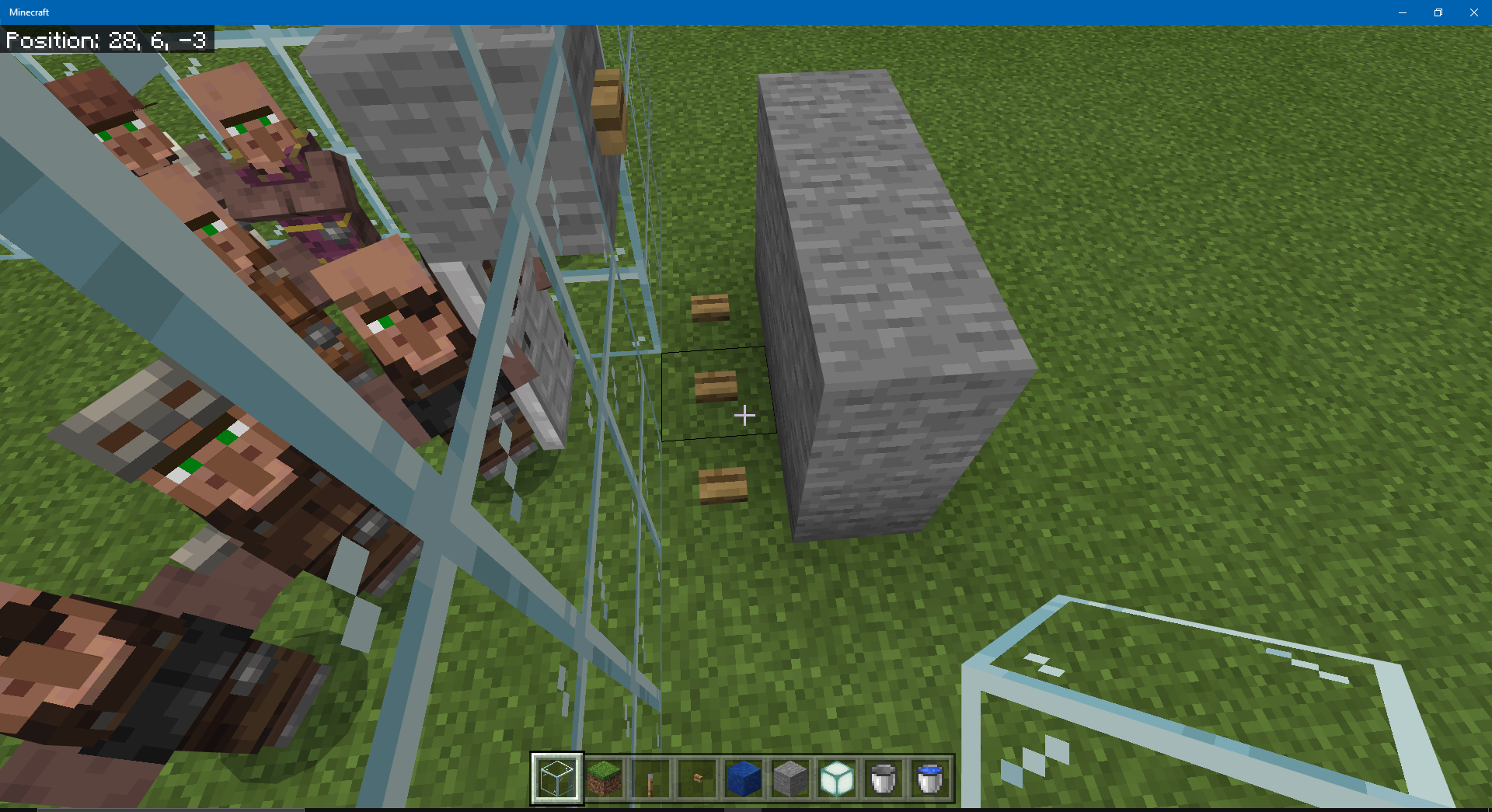
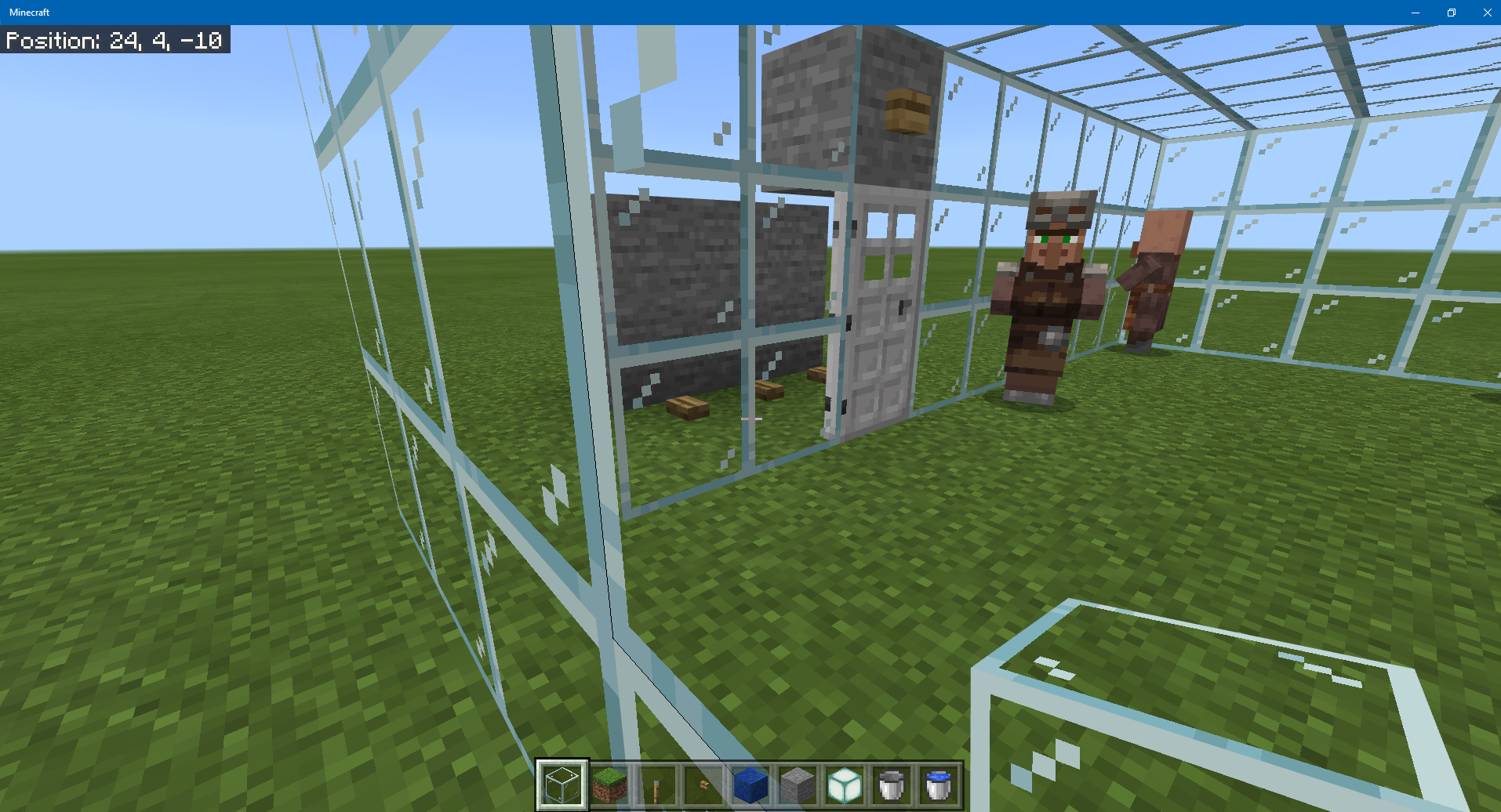
The reason this works is that villagers cannot pathfind over or through a block with a button in it. What's happening is that when a player opens an iron door, nearby villagers can see surface blocks outside the door. If a villager is looking at the player (which they do all the time, to signal their willingness to trade when they're close by) and happens to also be looking for somewhere to wander to, there's a high probability it will choose a block outside the door as its target. Once that happens, it will start pathfinding toward that block, and it will open and close any doors it encounters on the way. (The bug is that it shouldn't be able to open an iron door, but opening wooden doors is intended behavior.) But a villager can't target a block with a button on it, so this technique ensures it never chooses a target block outside the door. In fact, you wouldn't even need the door any more, except that crowded villagers can nudge each other onto a block with a button in it, and they could eventually escape that way or become stuck there.

I was walking around my village and noticed a lot of yellow on the villager small wheat farm, And what caused it? The villagers not harvesting crops! How to reproduce? Good question, I think you will need a bunch of farmers to see if any of them will refuse to harvest crops.
(Note: Mob Griefing is ON!)
If you cannot reproduce I can give out a world download to the specific affected world, So you can see the problem more carefully! (Give me instructions on where to post the world download and I will give you the link, The coords to the village are in the screen during the video)
Videos and Screenshots below!
(Please dont mind the lag, It was only on the videos for some reason)
New:
I have done some experiments, Take a look at results:
1-Farmers DO re-plant, They dont just harvest them just as you can see here: Image
(That is way more grown than one of the images below)
2-If I clone the world in creative mode they work normally (?!?!?!?!)
Image of the villagers from a good distance
This issue was fixed for Java Edition in Snapshot 19w12a MC-145857
[MCPE Mod] Auldrick
The problem is that farmers who have 3 or more bread in their inventory will not harvest crops. They also will not share bread with another villager unless they have at least 6 (that's by design), so there's no way to reduce their bread enough to get them harvesting again.
Steps to reproduce:
- Open the attached world
MCPE-47166Harvesting demo.mcworld. This is a flat world with 2 villagers, a farmer and a butcher. The butcher's inventory is empty. The farmer has 4 bread but is otherwise empty. The world has 8 crops, 2 each of beetroot, carrots, potatoes, and wheat. The daylight cycle is disabled and the time is 5000. - Set the random tick speed to 100, or just wait for the crops to mature. Notice that the farmer wanders away from its job site occasionally, but never harvests any of the crops.
- Exit the world and use a world editor to reduce the number of bread in the farmer's first slot to less than 3.
- Open the world again. Notice that the farmer now harvests crops.
Update 7 July:
Farmers will also stop harvesting when they have 12 carrots or 12 potatoes. Since this isn't enough for them to share and they have no way to get any more, the only way for them to resume producing and distributing food is for a player to supplement their inventory, allowing them to share and reduce their inventory below 12. They will then harvest again, but will immediately get back into the same state, so it's not even useful as a workaround.
Please see this comment by [MCPE Mod] Auldrick. Any further comments that do not add any information will be removed.
Original description:
Good Day Mojang!
While setting up everything for a multiplayer recording(LAN MP), some instances of unexpected skin switching happens on our characters.
2 devices has Android 6.0 as players, and 1 device has Android 7.1.1 with ColorOs 3.1 for Oppo phones, that also acts as spectator for the recording.
Before we can even start, skin switching does occur, and only being resetted to correct ones after manually switching to any skin before changing it back to the intended skin.
The bug appears to do that certain bug to the full extent that another player sees his skin as my skin, and his skin sometimes becomes my skin, or another one's skin. It appears to be that way on Pause Screen, Paperdoll model, and your player's POV, in First Person, own Third Person, and another player's POV.
To summarize:
Bug: Unexpected Skin Switches happens in Multiplayer LAN
Bug appears in:
- LAN Multiplayer
- - First Person POV of the actual player (Hand)
- - Third Person POV of the actual player (Front and Back)
- - Any POV of another player
Temporary Fixes:
- Manual changes needs to be performed in Skin Selection Menu on the Pause Menu
Probable Temporary Fixes(Not tested):
- Rejoining the world of the host

An error in an update to Windows 1903 causes this and several other issues:
- No sound on some systems
- Incorrect surround sound behavior
- Sound that changes incorrectly as you change your line of sight
You can read more about it in the Known Issues part of this page. Microsoft expects to have a fix for the issue in "late September". It should automatically be applied by Windows Update.
As a workaround, try turning off Spatial Sound in the right-click menu of the Volume Control taskbar icon.
The Jukebox volume is dependent on whether or not it is within the player's line-of-sight, not the player's proximity to the Jukebox. I put a record in the Jukebox and the volume works perfectly fine if I am looking in its direction even if I am dozens of blocks away, however looking in any other direction causes the volume to decrease/mute even if I am standing right next to it.
Expected Behavior: The Jukebox should be audible as long as the player is near to it, with with the volume decreasing as the player moves away from it. The music should sound like it is coming from the direction of the Jukebox relative to the player
Actual Behavior: The Jukebox can only be heard while looking directly at it, or at an angle that puts it just outside the FOV. Looking in any other direction causes the volume to decrease/mute.
Steps to reproduce:
- Place a Jukebox and put a record into it (I tested it with strad, 11, and Cat). Stand on the block directly next to the Jukebox.
- Look directly at the Jukebox. Volume will be at maximum.
- Face the Jukebox and turn 90 degrees right or left. Volume will decrease.
- Face the Jukebox and look directly up or 180 degrees behind you. Volume will completely mute.
- Face the Jukebox and walk backwards away from it. Volume will gradually decrease and eventually mute 60-70 blocks away, but remains audible even if obstructed by other blocks.
- Face the Jukebox, turn around and walk away from it with your back to the Jukebox. Volume will be muted. While walking away, periodically pause and turn around, and the Jukebox will become audible.
Sorry if this is a duplicate, but I couldn't find any of this same bug in the sea of "jUkEboX noT woRkIng!1!!" reports with no other details. I would upload a video but there's a 10mb size limit on file uploads.

Updated description by [Mod] GoldenHelmet
Steps to reproduce
- Place a bed and workstation.
- Fully enclose the bed and workstation in opaque blocks.
- Spawn a villager.
Expected result
The villager does not link to the bed and workstation.
Actual result
The villager links to the bed and workstation, even though he can neither see them nor pathfind to them.
Original description
Very similar to MC-155238 I have a village behind my house, blocked in by fences/gates, the villagers are detecting my workstations through the walls and also my bed, which is a floor up and involves a spiral staircase made of slabs. Seems the villagers are not using a pathfinding algorythm but are instead just going off raw distance
You can easily work around the specific problem of villagers claiming beds and workstations you don't want them to by placing them where a villager can't detect them.
First, you need to slightly adjust how you think about villagers detecting POI blocks (beds and workstations for our purposes). Without going down the technical rabbit hole, think of it as follows:
- A villager can only discover POI blocks that are within 16 blocks horizontally and 4 blocks vertically of their position.
- When a villager discovers a POI block, it immediately communicates the kind and position of the block to all the other dwellers in its village.
- If a POI block is broken, all the village dwellers instantly know about it and forget the block.
- Any villager can claim any POI blocks that isn't already owned, regardless of which villager discovered it initially.
- The block has to be rediscovered by one of the villagers every few minutes (the exact time is unknown or unpredictable) or it will be forgotten.
Given the above rules, it's easy to see that all you have to do is keep your personal POI blocks at least 16 blocks horizontally and/or 4 blocks vertically away from anywhere a villager might stand. Ways to keep the villagers away might include:
- Placing your blocks on a hill or in a valley where they can't pathfind to (but make sure there are no hills or caves they can get to that could get them in range).
- Building a defensive wall or fence around the village, then subdividing it with another fence or wall to make yourself an enclave. Make sure your blocks are at least 16 blocks from the dividing fence.
- Dig a hole about 7 blocks below the lowest point in the village and build your mini-base in it. Make sure there are no caves around that villagers could get into.
If an accident happens and your POI blocks are discovered, just fix the problem that let the villagers get too close, get them back where they belong, and then break the POI blocks and replace them.
The bell is stuck in the inventory and I can't move it at all. When I broke it, it kind of glitched into my inventory without sound and without it dropping as it should. I have tried restarting the game and restarting my Xbox.
This has been reported happening with other items, including:
- Leaves mined with Silk Touch before 1.13
It has also been reported to happen when trying to equip armor.
As you can see Minecon capes don't work with custom skins that you import into the game.
Additional information by [MCPE Mod] Auldrick:
The cape referred to in this report is the Founder's Cape on the Capes tab of the Profile. If you try to add it to a skin that you imported, no change is visible. Either the cape is applied but is invisible, or the attempt to apply it is rejected without an error message. (There's no way to know which is true.)
There is a skin pack in the Marketplace named Minecon 2016 Skin Pack. If you download it, it appears on the Classic Skins tab, in the Owned list. The skins in that pack all have a Minecon 2016 cape, so there is a potential for confusion about whether this bug is meant to apply to that pack. It isn't. The capes in that pack are implemented differently and do not appear on the Capes tab of the Profile.

- Go to character creator
- On one slot, any slot(2nd) set a custom skin
- Then on other slot(4th) set second custom skin
- Second skin will load on both slots
So that means you can't have 2 diffrent custom skins in your character creator at same time.
Sry for my bad english
The game will let you create multiple characters from an imported custom skin file, and it will let you change the custom skin file you've imported at any time, but you can't use this to have characters with different skins based on different custom skin files. Instead, whichever custom skin file you imported last replaces the skins of all characters based on an imported file. The only way to have multiple custom skins is to create a personal skin pack.
This issue was fixed in the 1.14.1 Hotfix release. However, it was discovered that the fix caused a different problem (see MCPE-59682), so it was backed out in the 1.14.2 Hotfix release. Mojang is working on a solution that will resolve both issues.
This problem is well understood and its impact (as revealed by the vote count) is fully appreciated, so we don't really need any additional information in the form of additional screen shots and descriptions of it.
It turns out that the fix to MCPE-59682 did not revert this fix after all. In other words, mobs are not spawning on leaves and glass in 1.14.20. There was some confusion about what it did revert (there have been quite a lot of mob spawning bugs reported in the last few months, and somebody got confused).
I have therefore re-resolved this report as Fixed. If anybody has evidence that it's still occurring, please comment below.
All the usual hostile and neutral mobs, including endermen, spiders, zombies, zombie villagers, skeletons, creepers, and witches, will spawn on leaves and glass blocks. Additional blocks I tested include crafting table and fletching table, but there are reports that any non-full block will work.
Steps to reproduce:
- Build a platform of leaves or glass blocks a few blocks above the local maximum elevation.
- Move to a point about 45 blocks above the platform.
- Enable mob spawning and set the time to midnight.
Results:
Mobs spawn on the leaves or glass blocks.
Original description:
endermen spawn keep spawning on leaves
We are using the latest version of BDS to run a private server. Both my wife and I are using custom skins made using the Alex model. We updated to 1.13 today and I noticed that although my wife has chosen her skin, she appears in game to both me and herself as using my skin. To troubleshoot we both logged off and she logged into the server first. Now I have her skin appearing for me and for her. Both of us are running Windows 10's latest build. So whoever logs into the server first sets the skin for everyone.
From duplicate reports, we get the following information:
- This has been reported for all multiplayer play, on Realms, BDS servers, and over LAN.
- It's not necessarily that all players have the same skin, it's that players can have a skin that belongs to a different player.
- Different people may see a third player wearing different skins at the same time, so the mixup must be happening in the client.
- The evidence points to this being an issue only for imported skins, not Character Creator skins or skins obtained from a skin pack.
- When a player tries to fix their skin by re-importing it, the model chooser will often have the foreign skin in one of its choices, even though the skin file for that skin doesn't exist on this player's computer. (See
MCPE-54848for a related bug.)
Since I updated to 1.13 my game freezes when I open chat.
Also some weird screens pop up in game see screenshot.
Besides this problem there are also light issues with the game, light sources are very dimmed on distance, also there are weird shadow spots on open areas in the map.
MCPE-55337 describes a similar issue that affects the Resource Packs UI.

When I want to change to a second custom skin it asks which body style I want.
The thin arms version shows the new skin I have selected, the thick arms version shows the previous custom skin.
If I want to use the thick arms body style my old skin is chosen so I have to choose thin arms.
If I want to add a 3rd custom skin, the body selector shows both previous custom skins and I cannot use the new skin unless I close minecraft and restart.
I found a better workaround for this. While the body type selector is being displayed, minimize the game window to the taskbar. When you restore it, the body type window will be rebuilt with your new skin in both positions.
[MCPE Mod] Auldrick
You're not right. Both skin packs have similar features. And they have similar "bugs" with the mapping problem. Even the creator's cape was not immediately displayed in the raincoats menu. This means that this function was introduced for him recently. Which will not be difficult to do for 2016. We are “players” not to blame for the fact that the creators did not foresee this in the future.
[MCPE Mod] Auldrick
https://feedback.minecraft.com/ such a site does not even exist. Maybe you mean .net?
[MCPE Mod] Auldrick Thanks so much for a more detailed explanation!
BUT! Most recently added cape Creator during Minecon. After that, a few more builds came out without the CAPE tab in the character creators. After this tab appeared there added the Creator of cape. And, here's the main coincidence: at this point, the skin pack from cape Creator ceases to appear on Alex/Steve skins as well as the Minecon 2016 skin pack. (You can check for yourself. It is now.) It turns out that the system defines them as capes and removes their display.
Since the last update 1.13.0 phantoms have been occasionally spawning when the game is set to peaceful difficulty. They remain passive until the game is set to a difficulty other than peaceful.
It used to be that monsters in chunks outside of ticked areas were not deleted when you set the difficulty to peaceful, so if you visited an area during the night with normal difficulty, left while it was still dark, and then switched to peaceful and went back there, one of two things would happen:
- If it was daylight when you went back, the hostile mobs would still be there and the undead ones would catch fire and burn to death.
- If it was night when you went back, the hostile mobs would still be there and would target you if you were close enough.
Mojang recently made changes that included causing some mobs to despawn more frequently. Perhaps at that time, they arranged for hostile mobs outside the player's ticking area to despawn as well, because the above scenario no longer occurs. Instead, if you return to the area during the day, the hostile mobs are simply gone. Except for phantoms. Any phantoms you left behind in the darkness will still be there when you return, even if the difficulty is set to peaceful.
Steps to reproduce:
- Select a world you haven't slept in for several days, so that phantoms will spawn in it.
- In creative mode with difficulty set to normal, find a good sized plain (for visibility's sake).
- Set the time to night. Watch for a bunch of monsters to spawn, including phantoms.
- Fly (or teleport) at least 200 blocks away.
- Set the time to noon. Set the difficulty to peaceful.
- Fly or teleport back to the plain.
Expected results:
All the monsters are gone.
Actual results:
All the monsters except phantoms are gone. The phantoms are there and start burning as soon as you get within ticking range.
Kelp stops growing prematurely, at least in most cases. This cessation of natural growth is permanent for a given kelp plant, but growth can be resumed by breaking any kelp block in the stalk. Growth of a plant can also be resumed (sometimes) by causing a block update to the topmost kelp block of the stalk. When either of these methods is used, the growth will eventually stop prematurely again, but at a new maximum height. Note that bone meal cannot be used to resume growth.
The height at which any given plant stops growing is variable, but is not random. In a fresh copy of a world imported from a backup, any given kelp plant will always stop growing at the same height (but different plants will stop at different heights), So for a single plant, the behavior is reproducible, but at the scale of a kelp farm the maximum growth height appears to be randomly determined.
The normal mechanics of kelp growth that are intended to limit how high a plant grows have been eliminated as possible causes of this behavior.
- The block above the top kelp block is water or flowing_water.
- The kelp's age property (examined with multiple 3rd party tools) is less than 25. In fact, it has been observed to be 0 in some cases. As additional evidence, placing and then breaking a solid block above the kelp will sometimes cause it to resume growing, so it must have had age < 25 when it was stopped.
Impact:
In a kelp farm, a piston is used to break a kelp plant that has grown to a certain height or for a certain length of time. Each time it's broken, its top block is randomly assigned a new age, which determines how high the plant can grow before the next harvest cycle. (I believe the intent is to produce a more natural looking kelp bed by preventing all the plants from topping out at the same height.) The kelp farm is designed with the piston positioned to break the second block of the plant so that, regardless what the randomly assigned age may be, the plant is always guaranteed to grow high enough to be broken again during a later harvest cycle.
This bug thwarts that design because each time the piston breaks the plant, the plant may become affected by the bug and cease growing at some effectively random height. Most of the time, that height will still allow it to grow high enough to be broken again. But the shortest maximum height that can occur this way is 1, so from time to time a plant will become unable to grow up in front of the piston any more. Once that happens, its bug-imposed maximum height cannot change, so the plant will never grow again without intervention.
Because the bug-imposed maximum height is randomly determined, a farm will start out growing kelp at a rapid pace, but as more and more plants become stuck at maximum height 1 and stop growing, the output of the farm declined over time until ultimately it produces no kelp at all.
Steps to reproduce:
1. Import the world MCPE-57330 right after building, no growth.mcworld. This world contains a single kelp block in a miniscule farm. The kelp block is known to be affected by the bug and has a maximum growth height of 2, despite the actual age of the kelp being 0. The world's randomtickrate is set to 300 to speed up the testing process.
2. Wait for the kelp to grow at least 2 blocks, which should activate the observer and fire the piston to break the kelp.
Expected results:
The kelp eventually grows to 3 blocks in height, which triggers the observer, which fires the piston to break the kelp. (I didn't actually connect the observer output to the piston, but it doesn't matter because the kelp never grows high enough anyway.)
Actual results:
The kelp grows to 2 blocks in height, then stops growing forever.
Speculation:
As a hunch, this might be related to the fix for MCPE-50175. That fix eliminated large numbers of erroneously generated pending chunk data elements associated with kelp farms, which was causing extreme lag as they continued accumulating and were not being deleted. If creating and destroying pending chunks data is part of the normal processing logic for kelp, which seems likely given the association with kelp farms, it might be that the fix was too aggressive in eliminating them, with the result that a necessary trigger for resuming deferred kelp growth under certain circumstances is no longer happening. The fix was implemented in 1.14.0, which is the same release when people started reporting this bug.
Problem: Kelp seems to be growing much, much slower than it used to.
I've noticed this in the past several Beta Updates. I can't remember which update specifically.... but Kelp has been growing extremely slow compared to how it used to grow.
In my Kelp farm, I broke them all down to last base Kelp and waited, and after nearly 30 minutes of waiting only a Single stalk of Kelp had grown, and it had only grown once.
This is... so much slower than it used to be. Is this a bug? Or was it an intended change?
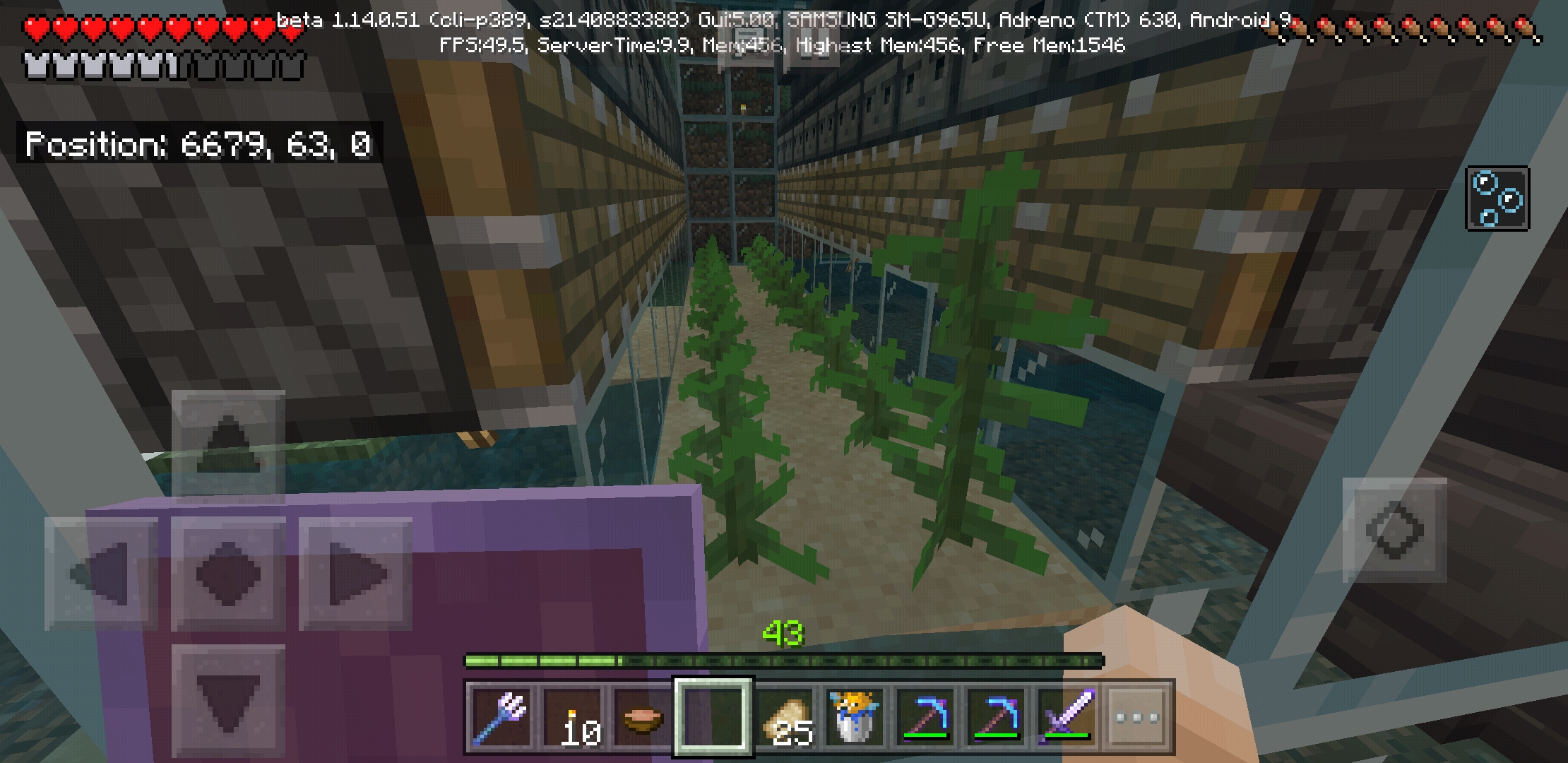
Every light source doesn't light beyond the chunk it's in when I have reloaded a previously explored area. It's only for chunks I've already loaded, I'll go caving and mob proof with torches but when I go back to base then return everything gets cut off at chunk lines.
Steps to reproduce:
- Open the attached world 1.16 Lighting Repro.mcworld.
- /tp 290 73 233 90 and notice that all the armor stands appear lit up.
- Fly or teleport to coordinates 490, 68, 233.
- Either place a light source there or remove the one that's already there. (The point is to cause a block light recalculation in that chunk.)
- Fly or teleport back to 290, 73, 233.
Expected results:
The armor stands remain brightly lit because they are 2 blocks from a light source.
Actual results:
The armor stands are in shadows. If you place a light source near them, the light levels are recalculated. If you then removed that source, the shadow does not come back.
Analysis:
There is a chunk boundary between the light sources and the armor stands. When you fly 200 blocks east, you cause the edge of the ticking area to align with that chunk boundary, with the light source on the nearer side and the armor stand on the farther side. The shadow appears in the farther chunk when you cause a lighting update with this alignment in effect.
People have observed that you can fix the shadow by placing a light source near or in it, but that the fix doesn't persist. I expect that's because placing the light source in the shadow causes a different shadow to appear at the edge of the ticking area as it exists at that time. The player then travels around looking for more improper shadows, finds the new one, and place a light source to correct it. But reciprocally, that causes the original shadow to be at the edge of the new ticking area, so it returns. It ends up being a game of whack-a-mole.
You can work around this problem by identifying where the dark shadows are and placing a torch between each one and its nearest light source, at least 4 blocks from the light source. That should prevent the shadows from forming again later. After a fix has been released, you can go back and remove the extra torches.
Loading the backup file we used in UME you can see where an entire strip of the world has been removed. States no chunk found but there was a giant build in this exact chunk just hours before. The one lone chunk that does show in that strip is the chunk that is now completely missing.
Blank stripes in the map in UME (Universal Minecraft Editor) are the result of a bug in UME. I've been seeing that in large worlds for years. Sometimes you can make the stripes fill in by over-scrolling past them and coming back.
In general, if you find something that looks like a bug in a third-party tool like UME or MCC Toolchest PE, please verify it in Minecraft and use the latter when reporting it as a bug. Mojang does not use such tools and can't tell whether it's a bug in the tool or in Minecraft, so they have to ignore evidence that comes from a tool.
I'm removing the unusable screenshots from this comment and the next one, but will leave them as attachments in case you need them.
everytime i try to remove my beehives from my ender chest or shulker box it wont be removed it goes back inside the chest every time
Duplicate reports have identified the following blocks as affected:
- Beehive
- Bee Nest
- Honey Block
- Honeycomb

Tested 100 minecarts being destroyed by cactus
Zero hoppers dropped.
Tried with skeletons fireing also zero dropped.
Exploding Tnt drops some but It should be all.
In Survival mode:
| Destroyed by | Drops: Minecart | Hopper | Hopper Contents |
| Cactus | Yes | No | Yes |
| Arrow | Yes | No | Yes |
| TNT | Yes | No | Yes |
| Pickaxe | Yes | Yes | Yes |
In Creative mode:
| Destroyed by | Drops: Minecart | Hopper | Hopper Contents |
| Cactus | Yes | No | Yes |
| Arrow | No | No | No |
| TNT | No | No | No |
| Pickaxe | No | No | Yes |
In testing with cactus, there was a possibility that the hopper might land on the cactus and being destroyed. I used a hopper under the rail to try to grab the drops before this could happen. The hopper successfully grabbed the minecart and/or hopper contents, but never a hopper.
To test with an arrow in Creative, you have to initially aim at something else, then slide to target the minecart with hopper while holding down the use control.
![[Mod] LateLag](../../../data/avatars/users/92884.png)
[MCPE Mod] Auldrick Just tested on Java and it behaves just like I expected it to. The reason why it shouldn't stay on the ground is because the player model disappears, and so should everything attached to it. I'm not saying that it should be dropped, it's just that it should become invisible upon death.

Just as the title says, some mobs are invisible. I'm working on on open space (garden build) and I have encountered this phenomenon twice. However, a majority of other mods still are visible. I killed both and it dropped pork chops so bother instances were pigs.
The developers have already implemented a fix for this problem (and others) in the latest Beta release. It is hoped that they'll be able to migrate the fix into the regular release soon, though no specific date can be given.
In the meantime, additional reports of this issue in 1.16.100 or 1.16.101 are not needed...because the problem has already been fixed. You're just experiencing continued issues because you don't have the fixed version yet.
Of course, if you still have this problem in a Beta version, that's different, because it means the new fix is incomplete or doesn't work. In that case, please leave a comment telling us about it.
Additional information by [MCPE Mod] Auldrick:
These issues do not seem to be limited to mobs; they have been reported for some other kinds of entities as well, such as arrows and boats.
- Many kind of mobs attested: pig, sheep, baby zombie, creeper, zombie, hoglin, and more.
- Mobs split into a visible, frozen "statue" and an invisible, normal acting "ghost".
- The statue cannot be interacted with and is invulnerable. It has been reported that the ghost is also invulnerable, but this is not confirmed.
Mobs are invisible to player but cast shadowThe statue casts a shadow, the ghost mob doesn't.- The mob does not split for other players. They see a normal mob where the first player observes the ghost.
Mobs make no sound.I believe this intended to mean the ghosts make no sound.- Shield defense is effective against the ghost.
MCPE-102711in particular hints that it may be the player position that is desynchronized between server and client, rather than the mob position

Using the /ability @s mute true, will pass on the affect to other worlds, and now I whenever I log in I have to mute myself, then un-mute myself, just to chat in other worlds. and it is getting quite annoying
The /ability command is only defined in 1.14.60 Hotfix if the Education Edition toggle is turned on.

When the chicken grows up, all others die from suffocation or burning (not sure which one)
Steps to reproduce:
- Download the demo world MCPE-79960 demo.mcworld and open it. Note: There are two nearly identical copies of a partial automatic chicken farm/cooker. The only difference between them is what kind of block is behind the lava blade.
- On each farm in turn, toggle the lever to activate the egg dispenser. After two or more chicks have hatched, toggle the lever off again.
- Feed seeds to one of the chicks until it turns into an adult chicken.
Expected results:
In both farms, the adult chicken gets cooked by the lava, and the remaining chicks are left alone.
Actual results:
The left farm works as expected, while in the right one the remaining chicks are burned up along with the new adult.
There's no easy workaround for this problem, but you can modify the farm to use a different design that doesn't trigger the bug. The block above the dispenser has to be a full-size solid block. It's probably a hopper at the moment, so you'll need to move that hopper to the back or one side of the dispenser. That will set your egg-layer chickens free, unfortunately. but you would need to move them anyway to be above the new hopper position. You may wish to look up a tutorial on YouTube that uses this alternative design.
[MCPE Mod] Auldrick: I figured it out. In your step 5, you have to Save & Quit, set the difficulty to peaceful in the world settings, then reopen the world. That causes the phantoms to not be loaded when the difficulty is switched. Apparently the game only despawns phantoms with the action of switching to peaceful, and not when they are ticked while the difficulty is set to peaceful. If you don’t relog, the phantoms 200 blocks away or in the nether remain loaded even though they aren’t ticked. In that case switching to peaceful through the world settings in the “pause” menu, or with the command /difficulty p, does despawn phantoms.
Are you still having this issue when downloading the latest realm backup? There were some problems with* realms connections going on from June 8-12 or so but those seem to have been resolved.
* inserted by [MCPE Mod] Auldrick for clarity
@Amy Potts & others: to add just a bit to what [MCPE Mod] Auldrick has said, we do have open tickets on out-of-control breeding (MCPE-47212) and new/younger villagers stealing workstations from established villagers (MCPE-43071). Both of these phenomena occur when you spend significant amounts of time with part of a village within your simulation distance and part of it outside your simulation distance. For example if you were building something or sitting afk a short distance from the village. Or if it's a large village with beds and workstations > 64 blocks apart and you're building down on one end of it for a while.
Also, senior villagers getting priority in linking was added to Java in 1.16 as a fix for MC-164233, so that feature may be added to Bedrock in the future.
Finally, the video linked in the report summary is there to help the developers understand the mechanics behind the issue and to suggest ways to fix it. For help with village design follow Auldrick's suggestions.
The clarification provided in the description note by [MCPE Mod] Auldrick only applies to common drops.
For rare drops, such as gold ingots from drowned or zombified piglins, looting should increase the chance of a drop, but not the number of items. So for example
- Drowned drop gold ingots at a rate of 11% + 2% per looting level.
- Zombified piglins drop gold ingots at a rate of 2.5% + 1% per looting level.
- Wither skeletons drop skulls at 2.5% + 2% per looting level.
You can read the numbers for common and rare drops in the entity .json files in the vanilla behavior pack loot_tables folder.
For equipment drops the expected rate is 8.5% according to the wiki as well as MCPE-13966. Like with rare drops, looting should increase the chance of a drop. However, from my testing the base drop rate seems to be about 25% and looting has different effects on different mobs. Even though there are entity gear/equipment loot table .json files, for some equips they only show the enchantment chance, not the rates. I've confirmed MCPE-80504 regarding equipment drops being too high
Here are my bow drops results from killing 100 skeletons with a mele trident, and with a looting III sword:
| Trial | No Looting | Looting III |
|---|---|---|
| 1 | 25 | 34 |
| 2 | 30 | 25 |
| 3 | 28 | 26 |
| 4 | 30 | 20 |
| 5 | 22 | 32 |
| Total | 135 / 500 = 27% |
137 / 500 = 27.4% |
There are two problems here:
- The drop rate is way too high. According to the wiki entry for drops, which is presumably based on Java code analysis, the drop rate for equipment is 8.5%. That was also the expected result stated way back in
MCPE-13966before they added equipment drops to the game, and that issue was supposed to be fixed. The issue of no bow drops at all has apparently reverted twice, as it was reported again in 1.2.0.9 and fixed in 1.2.0.22 (MCPE-24591), and reported again in 1.12 and fixed in 1.13.0.5 (MCPE-48891). It's impossible to tell from these reports when the ~25% rate was put in. - The looting enchant seems to have no effect. My test sample here is not large enough to draw a definitive conclusion. If anything, [MCPE Mod] Auldrick's data from
MCPE-48891suggests that looting increases the rate by 1% per level. That's hardly noticeable with a 25% base rate.
@[MCPE Mod] Auldrick Sorry. I am having a few issues lets say so i am doing stuff a bit wrong. I will try to improve.
Here is a video of what [MCPE Mod] Auldrick describes in the preceding comment, in case it is not clear:
Is orb up ladder.mp4
Auldrick allowed me to examine his world, and I think I can shed some light on what is going on. Here is a top-down map of the area:
| -2225 | -2226 | -2227 | -2228 | |
|---|---|---|---|---|
| -1276 | Skeletons at Y = 12 |
SOLID | SOLID | SOLID |
| -1277 | Open at Y = 12 |
SOLID | Ladder, open at Y = 11 to 13 |
SOLID |
| -1278 | Floor | Floor | Floor | Floor |
I looked at the save data in MCCToolchest and found that most of the time when the orbs glitch, the server-side orbs remain at the back of the skeleton kill box. Their saved coordinates when stuck back there are always one of the following:
-2224.875 12.0625 -1275.125
-2224.125 12.0625 -1275.125
I think what is happening is as follows:
- The server-side orbs get trapped behind the skeletons. They cannot move in the X or Z directions because they collide with the skeletons.
- The client-side orbs follow the player because they don't have the same collision behavior (as I suggested in my previous comment).
- When the player climbs up the ladder, the server-side orbs follow in the Y direction. Once they rise above the skeleton collision boxes, they can move closer to the player in the X and Z directions and be absorbed. When the player climbs down the ladder the orbs cannot get any closer, so they are not absorbed.
The skeletons' heads are at Y = 13, so there is empty space above them at Y = 14, but the orbs don't get absorbed until Y = 15.5 or so. I think this is because the player needs to rise high enough to give the client-side orbs enough vertical momentum to overcome the horizontal momentum that is pinning them against the skeletons.
If you allow a very large number of skeletons to accumulate in the kill box, you can get glitched orbs that are not absorbed when climbing the ladder. In this case orbs fly out of the kill box with extreme velocity and land on the other side of the room. The following video shows a client-side orb that cannot be picked up going up and down the ladder or near the kill box, but can be picked up near the bookshelves opposite the kill chamber: Orb is not up ladder, it's by the bookcase.mp4
![[Mod] Jarl-Penguin](../../../data/avatars/users/92849.png)
[MCPE Mod] Auldrick Yes, in Java Edition villagers always retain their professions when cured. Furthermore, this could be used to exploit nitwits by turning them into regular villagers through zombification and curing.
I have 2 texture packs on a realm. One only has a few different textures that I like more than the other. The other texture pack is the city texture pack. For some reason the city texture pack ignores the load order for the texture packs and puts the other texture pack does not show up. This only happens on the realm though, when I download the world to any system(pc or console), it reverts back to the way it should look, a hybrid of the two texture packs. This just happened on September 3, up until then it worked totally fine. It's not a big issue, but it really ruins how many of our builds on the world look.
This problem seems to have gone away for at least some people, which suggests that it was a problem with outdated Marketplace packs being accessed by Realms, rather than a bug in the game. Apparently those packs have now been updated in the Store, fixing the problem.
If you are still having this problem, please be sure to comment below ASAP so that we can keep this ticket open. Otherwise, we'll assume there is no bug and close this ticket.
Note: You must own a license for a Minecraft-branded texture pack in the Marketplace to perform these steps.
- Upload a world with no texture packs activated to Realms. (It also works to upload a world with a Minecraft-branded texture pack applied, in which case skip the next step.)
- In the Realms world settings, go to Resource Packs and activate a Minecraft-branded texture pack.
- Open the Realm.
Expected results:
The texture pack is activated and changes the look of the world.
Actual results:
The texture pack has no effect.
This bug seems to only affect certain Minecraft-branded texture packs downloaded from the Marketplace and used in a Realms server. Packs reportedly having this problem are:
- City Texture Pack
- Natural Texture Pack
- Fantasy Texture Pack
- Skyrim Mash-Up Pack
- Norse Mythology Mash-Up Pack
- Super Cute Texture Pack
- Cartoon Textures
A few Minecraft-branded packs seem to not be affected:
- Greek Mythology Mash-up Pack
- Deep Sea Mash-up Pack
Experiments suggest that most non-Marketplace packs are not affected, however there is one report that contradicts this.
Please comment below with additional Marketplace packs that have the problem, or if you find that those listed above as being unaffected are, in fact, affected on your Realm. Comments reporting affected non-Marketplace packs are also welcome, but please don't report about a non-Marketplace pack that does work at this time (because for now we're assuming those work correctly).
The creative inventory contains duplicate boats and banner patterns. https://youtu.be/3gtS1B12THA
As expected, the creative inventory Items category contains a group named Boats that has the 6 items for boats of each wood species. This category also has a group named Banner Patterns that has the 6 items for predefined banner patterns.
However, both groups also appear under the Nature category, with the Boats group containing only Oak Boat and the Banner Patterns group containing only Creeper Charge.
Missing bee summon egg in creative inventory and commands: /give. https://youtu.be/t5060GghXyc
1. Creative Inventory does not contain spawn eggs for Bee or Wandering Trader.
2. The /give command's itemName tab expansion list does not contain "bee_spawn_egg".
3. The /summon command's entityType tab expansion list does not contain "bee" (but it does contain "minecraft:bee").

[MCPE Mod] Auldrick This is a parity issue and it meets the criteria (https://www.reddit.com/r/Mojira/comments/g9rjfh/from_now_on_well_accept_bug_reports_about_certain/), so definitely not a suggestion. Please reopen.
To ensure that changes you make to commands and/or buttons in the Advanced NPC Settings dialog box are saved, make sure to always exit the NPC UI panels after you make the changes. You can then immediately reopen the Non Player Character UI and click Edit Dialog to test your changes.

[MCPE Mod] Auldrick Silentwisperer did explain in his trading hall video that, temporary discounts last for 4 hours in irl. Like you said, the timer will stop if the player unloads the chunks and starts back to run down to Zero if the chunk is loaded.
In 1.16.40 Hotfix i used temporary discount to reduce all my other villagers prices and i kept one villager for permanent discount price. I by mistakenly AFK'ed. My temp discount time ran out. I came to know about that when i went to trade, but when i checked the one villager that i cured for permanent discount, he still has that discount and that villager still offers one emerald prices of everything in his list. I experience this in 1.16.40 Hotfix. This is not the case anymore in 1.16.100.
In 1.16.100 temporary discounts give only -1 discount every cure, where as permanent discounts matches with the java edition due to the parity implemented in the 1.16.100 update.
In 1.16.40 Hotfix temporary discounts gave one emerald trade to all villagers by following this:- if any villager saw a villager being cured in a 33 wide and 33 long and 34 tall area, (this is the "talking" mechanism in bedrock) that results in temporary discount price. This mechanism still works in 1.16.100, but gives only -1 discount per cure.
(For Example:- 32 31 For a book of mending.
This is the current state of temporary discounts.)

@Cyberfox: as Auldrick explained to me: the server and client components of the game run in separate processes - yes, pretty normal for this kind of games, your single-player game is actually server hosting one client, both running at your own hardware.
@[MCPE Mod] Auldrick: the horses and donkeys reminds me, that I got stuck in a boat. Sounds very similar (although not a mob). The boat would not move, could not turn around and it was shaking, like if the boat was fighting my command. Reloaded the world and everything was fine, I could turn the boat and travel again. (And the desync makes sense, yes, two positions, two sides of physics/rendering - client/server - fighting who is the boss)
@Amber Baker: thank you for the detail you've provided. I think what you're describing fits MCPE-106349 better than this report, since [MCPE Mod] Auldrick above traced the issue reported here to the player's logout position in a particular world. I will copy your comment over. You may wish to follow that report.
![[Mod] EVGENSYPERPRO](../../../data/avatars/users/92853.png)
I'm a little surprised!
You can link to the xbox site with a solution to this problem. I can't find something.
The change "Added new logic for mobs dismounting rideable" breaks the minecart logic and boat exiting.
The following issues occur:
- A player in a minecart going over an activator rail with solid blocks at a head height will suffocate, because the minecart prefers to put the player inside of solid blocks instead of on trapdoors, water, or a safe fall next to the track (see Mine cart Murders me.mcworld ).
- Minecarts going over activator rails no longer drop mobs into holes, ruining many mob farms and villager transport systems.
- It doesn't fix the issue with the boat, as you fall through when you get in water. Fall through boat.mp4 (
MCPE-105535) - It doesn't fix the issue on the strider on going into lava.
I am unclear on what this actually fixes as the stated fixes are not actually not fixed and the the player/entities end up often put into more hazardous locations IE inside of blocks causing suffocation damage.
This is a regression that actually causes death in more condition then it prevents.
See this comment for information on how to work around this problem.

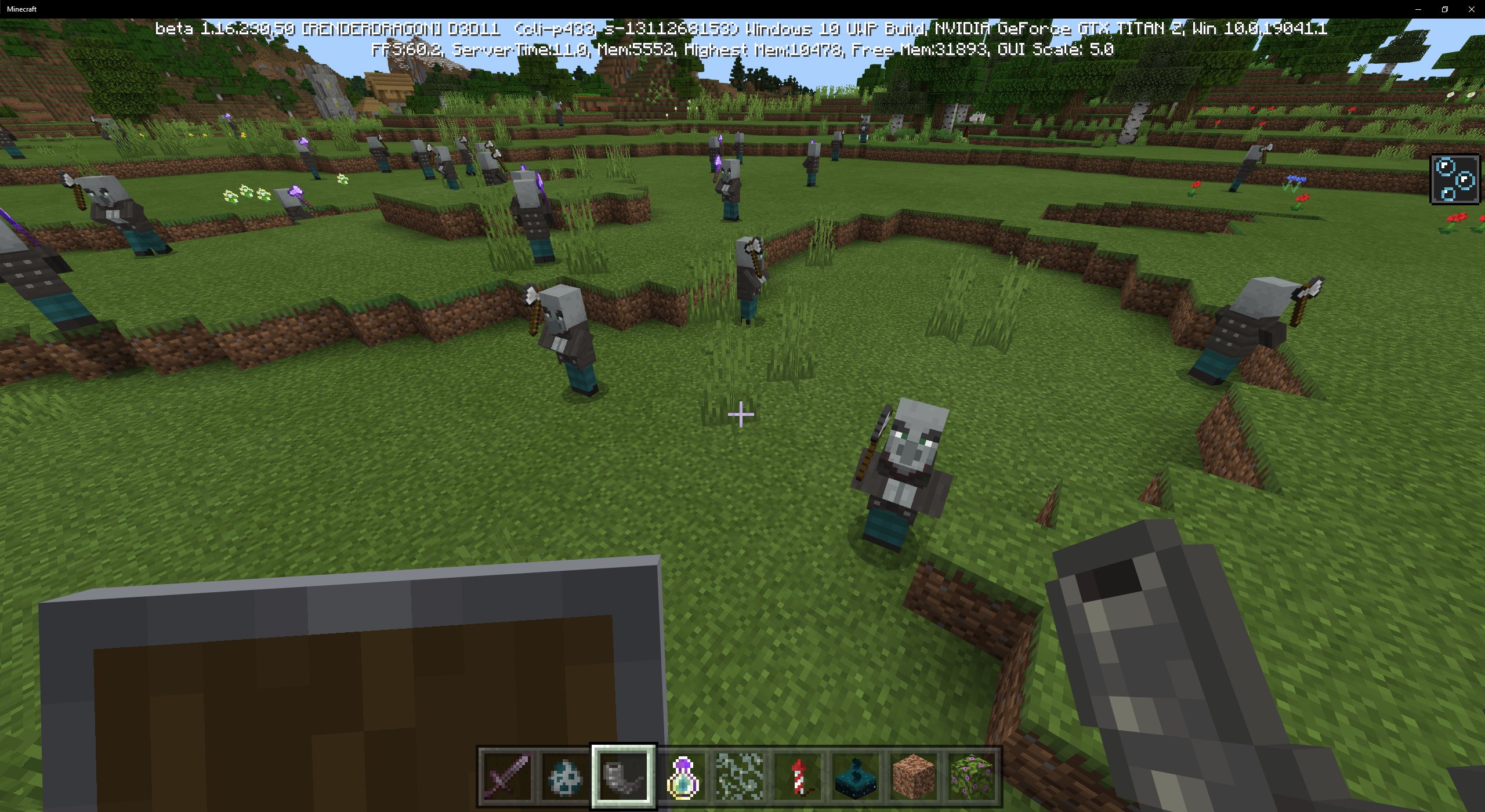
I was playing Minecraft beta and was playing around with building a custom pillager outpost. when the turn came to spawning vindicators in there section of the build I noticed a wired bug.
the pillagers were holding there axe in the wrong position and even when there arms were crossed. i have added a picture that I took in my bug report world
Steps to reproduce:
- Apply a resource pack having "format_version": 1 in its manifest.json file. (The Classic Texture Pack from the Marketplace can be used.)
- Open the demo world. Get into Creative mode if you aren't.
- Spawn a vindicator and look at it.
Expected results:
The vindicator's arms are folded and its axe is not visible.
Actual results:
The vindicator's axe is visible and held in attack position, even though its arms are folded and there is nothing for it to attack.
We have learned that this issue is triggered by activating older resource packs in a world's Resource Packs list or in Global Resources. Until the big is fixed, you can circumvent the problem as follows.
First, for any packs you obtained from a third-party source (i.e. not the Marketplace), see if an updated version is available. (Marketplace packs are updated by the game automatically, so this step doesn't apply to them.)
If that doesn't work, you need to identify which packs are causing the problem. First deactivate any resource packs in your Global Resources list. Next, for each world you want to fix, deactivate any resource packs in its Resource Packs list, then add them back one at a time, checking after each one to see whether the problem comes back. If it does, deactivate that pack and don't use it again until the bug is fixed.
After you've fixed the problem for each individual world, use the same process in Global Resources: Activate one pack at a time and check whether it triggers the bug again.
If you're a pack author or you're familiar with how packs are made, you might prefer to identify the problem packs by looking at their JSON code. Any resource pack that uses "format_version": 1 in its manifest.json (or pack_manifest.json) file will trigger this issue. You can either deactivate it or correct the problem by changing it to "format_version": 2. You also have to add "min_engine_version": [1, 16, 0] (with an appropriate version number) to the header section because format version 2 requires it, and if the filename is pack_manifest.json I think you have to rename it to manifest.json. Please note that teaching you how to do this is not the bug tracker's job: If you try this and run into troubles, please ask for help on the Minecraft Discord.
In 1.16.220 I am getting the same results as [MCPE Mod] Auldrick above.
Issue affecting my lenovo yoga 2
Note by [MCPE Mod] Auldrick: Lenovo Yoga 2 laptop with Intel HD Graphics 4400
[MCPE Mod] Auldrick: That's fake. The reason why the bug doesn't cause any problem in v1.17.30.21 beta is that this version targets API level 29. We're at step 1 that hasn't added the migration. It's not over.
You're right. 
But the truth is, this resource pack does not affect minecraft in any way. But still:
There is indeed a bug where the function of the command block does not change when the settings on the left are changed, and it seems to function as if the "previous output" settings are the current settings. We are tracking that at MCPE-71326. However, as [MCPE Mod] Auldrick explains, this report does not make clear exactly what sequence of events was being reported, and the text on the right of the command block panel has often been misunderstood. See also MCPE-20304.
skeleton generators not working in version 1.17.30 I made a farm with a skeleton generator, but when I updated to version 1.17.30 it stopped generating skeletons, although there is no lighting nearby and the difficulty is on hard
Confirmed on Windows 10 1.17.34.
Steps to Reproduce:
- Download the attached file
MCPE-142285World.zip. - Extract the contents (one folder) and move it to the com.mojang\minecraftWorlds folder in your Minecraft AppData folder.
- Restart Minecraft to cause the world to appear in the Worlds screen
- Open the world. Observe that the spawner is spawning skeletons.
- Go through the Nether portal, then return.
Observed Results: The spawner stops spawning new skeletons.
Expected Results: The spawner continues functioning normally.
Additional notes:
I tried several ways to make the spawner resume functioning.
- Reloading the world fixes the problem.
- Changing /gamerule mobspawning (false, then back to true) has no effect.
- Changing /difficulty (Peaceful, then back to Hard}} has no effect.
- Teleporting or flying away far enough to stop ticking at the spawner doesn't fix the problem. (Although I think this contradicts what some other people have said, I was not able to get the spawner to resume functioning by flying or teleporting away and back.)
Also, the issue is with the spawner block data, not just in the code. Once you have a spawner that has stopped working, you can place a second spawner a few blocks away, put a spawn egg in it, and it immediately starts spawning mobs.
Thanks to Nick for the sample world!

Thank you for your time and effort [MCPE Mod] Auldrick . With this world you should also be able to confirm that this problem is not just multiplayer related.
After my original post I continued testing and found that with just one player logged in the exact same behavior could be observed.
Step 1) Load world and confirm the spawner is working.
Step 2) Travel to the nether & back.
Step 3) Move within activation range of the spawner & observe.
Observed Results: The spawner stops spawning new mobs
Expected Results: The spawner's spawn activity is unaffected.
I'm not sure if this info changes how things get reported but it is worth mentioning.
Thank you to everyone who has commented & voted
This bug also affect 1.17.40.6 Windows 10 Edition. Single player, LAN Multiplayer worlds & BDS hosted servers.
Steps to reproduce, observed and expected results as per [MCPE Mod] Auldrick instructions.
A newly generated world has been included.
If we can't discuss theories and speculation in the structure of a bug tracker, how are we supposed to coordinate and validate our testing? The average Discord or Reddit thread is so chaotic this sort of targeted and topical discussion is basically impossible. This is the only forum for solid structured discourse regarding specific issues. On Discord and Reddit we're shouting into the wind and hoping to find each other, here, we're already here. Unless you'd rather these threads become filled with links to discussion threads off platform?
[MCPE Mod] Auldrick
Sorry, but them's the rules. Of course, that's not a satisfying answer and you're being quite reasonable while asking for a justification, so let me try to do so this once.
The problem is that the devs' only source of information about the bug comes from these reports. That means they have to read them top to bottom, including comments because as often as not those have the best clues. As moderators, we need to ensure that the devs can do this as efficiently as possible, From past experience, we know that a leniently moderated report will become dominated by distracting, useless comments: "me too" comments, complaints about how long it's taking, questions that we can't answer, attempts to report similar or related problems that need to be in a report of their own, and suggestions and analysis from nontechnical people that, while well-meaning, are based on false beliefs. And those are just the general categories of useless comments, from the devs' viewpoint. Some widespread bugs have garnered hundreds of such comments. When a ticket becomes so overloaded with drivel, the devs simply can't waste the time it takes to trudge through it looking for clues. Our job as moderators is to prevent that, but we are even fewer than the devs and we're volunteers who don't really want to spend all our free time here. And while many of us are technical, some even former devs, we don't know the game's internals and often aren't qualified to pick out what's useful to the devs, so we have to leave questionable stuff alone. So it's important that on a ticket with many comments – that is, one that affects many people severely – we keep those comments focused and informative to the devs.
We often say this as "this is not a discussion site". Although it looks somewhat like one and was meant by the Jira authors to function as one, they anticipated an audience of developers, not nontechnical people who are ignorant of the development process and who therefore have no basis on which to judge what is relevant here. The Jira software is not ideal for the use Mojang has put it to, it was just the closest they could find at the time, and now they're pretty much committed to it. So it falls to us moderators to keep it adapted to the use Mojang has put it to, and keeping comments focused is how we do that.
On topic:
The issue at hand looks to be mathematical. For some reason tridents that aren't at whole number coordinates are being unloaded incorrectly, that is, not at all. Tridents that are located by pistons against the north or west edges of a block, can be inferred, and if my favorite Bedrock map editor was working currently, confirmed, to be exactly located at x.0000 coordinates. However, when thrown on to a block or otherwise piston located against the south or east edges of blocks, they will have full decimal coordinates. In the case of the south and east edges something like x.999999.
Auldrick your point is well taken. At the same time though, it seems likely that the devs would find it helpful to see whether other people do or don't observe the same direction-dependence. At this point I'd rate the work around as "probable but unconfirmed" because we don't have enough independent reports to rule out random chance
[MCPE Mod] Auldrick
-A limited number of confirmations of each others' test experiences is, of course, welcome. You need to understand, though, that there's only so much reliance the devs can put into reported user experiences. We all (including us Mojira staff) play a certain way, most of us on a single platform, and it's not likely that a couple, or even a dozen, of our experiences cover the gamut of the bug's consequences. To that you can add that generally speaking, our inferred models of how the game works internally are extremely likely to be oversimplifications of what is actually going on. We simply don't have the devs' broad perspective on the details of what the game does and why. So what the devs are looking for as they read through a report is just the core of a bug, which they then have to explore themselves on various platforms and with knowledge of why the code works the way it does. Our conclusions are only speculations that might give them something to include in their analysis, but they aren't typically conclusive to the devs, who will need to test across many more platforms before deciding how to characterize the error.-
On review and reflection, let me try to say that a better way: I don't think the devs are guided as much by our experimental results and confirmations of them as we might expect, though that doesn't mean they're not wanted. I think the devs evaluate our reported experiences in light of their greater breadth of understanding of the game's internal logic, and when they find that something we suggest is plausible, they proceed to test it themselves, whether or not it has confirmations from other users. But they can really only draw conclusions from their own testing, so our confirmations only contribute a little to their plausibility assessment.
In my old world, in which I ran tests, it is slightly different than [MCPE Mod] Auldrick.
In my world, if you just turn on "Caves and Cliffs" without loading the territory in 1.17.41, bugs with flying leaves and water are not observed. But if you load the territory at 1.17.41, go out and turn on "Caves and Cliffs" and then fly away from the place where the blocks appear, and then return - the blocks will appear. And this does not apply to loading new chunks, as Aldrick said above. I specially flew there where I previously loaded chunks and the blocks appeared anyway. And the appearance of the blocks (the place of appearance) depends on the load of the territory in 1.17.41.
I also noticed that very rarely leaves can simply disappear on their own. This happened after the reloading the chunk and after the reboot of the world.
*I opened the world a long time ago.
Steps to reproduce 1:
- Download the original world (didn’t open in 1.17 (and I don’t remember when it was last opened)).
- Import the world into the game.
- Load the island you appeared on.
- Get off (preferably on a small mountain in the middle of the island).
- Turn on "Caves and Cliffs".
- Enter the world and fly away from the island (~ 700 blocks).
- Return to the island.
- Look carefully for foliage, vines, or a block of water over or near the island.
In case, with the first method, nothing happened. I will provide the second. In it, foliage will appear in a specific place.
Essentially, in the second method, I made points 3 and 4 for you.
Steps to reproduce 2:
- Download the world whose chunks were loaded in 1.17.41.
- Turn on "Caves and Cliffs".
- Enter the world and fly away from the island (~ 700 blocks).
- Return to the island.
- Visit the terrain by coordinates 475 110 391 and 623 92 580.
Observed results:
Flying vines, leaves or a water source are formed in the air.
Expected results:
In chunks loaded by the player, new blocks should not appear on their own.
Image:


Sorry to almost repeat something I mentioned earlier (see my previous post), but given my map coordinates being messed up after the glitch I went in the world to the "new" coordinate 0,0 to see if mobs had somehow moved there as part of the error.
Sadly found nothing.
I have removed the part of your comment addressed to other users. Comments must be addressed to the developers. If you want to discuss with other users, please do it elsewhere.
@mod_auldrick
I would actually prefer if you didn’t keep modifying peoples messages since every time I get sent an extra useless email to my inbox. Thanks.
Edit: Apologies. I do very much understand where you are coming from and you are correct. Thank you and the other mods for up-keeping all the bug reports and making sure that comments help the developers fix the bugs in a quicker manner. Kind regards.
[MCPE Mod] Auldrick
I'm sorry you find it inconvenient, but if I didn't remove them, more people would see the "me too" and information-free comments and think they were wanted. You would then likely see even more useless emails than you do now. Besides, the bug tracker is for the devs first and foremost, and they don't want or need to see such comments. As a long time user of the bug tracker, I would have thought you'd know that.
It's been a while since I looked at this report. In the meantime, I've discovered a simpler workaround that my experiments show works with hoglins and piglins. I'm attaching a screenshot.
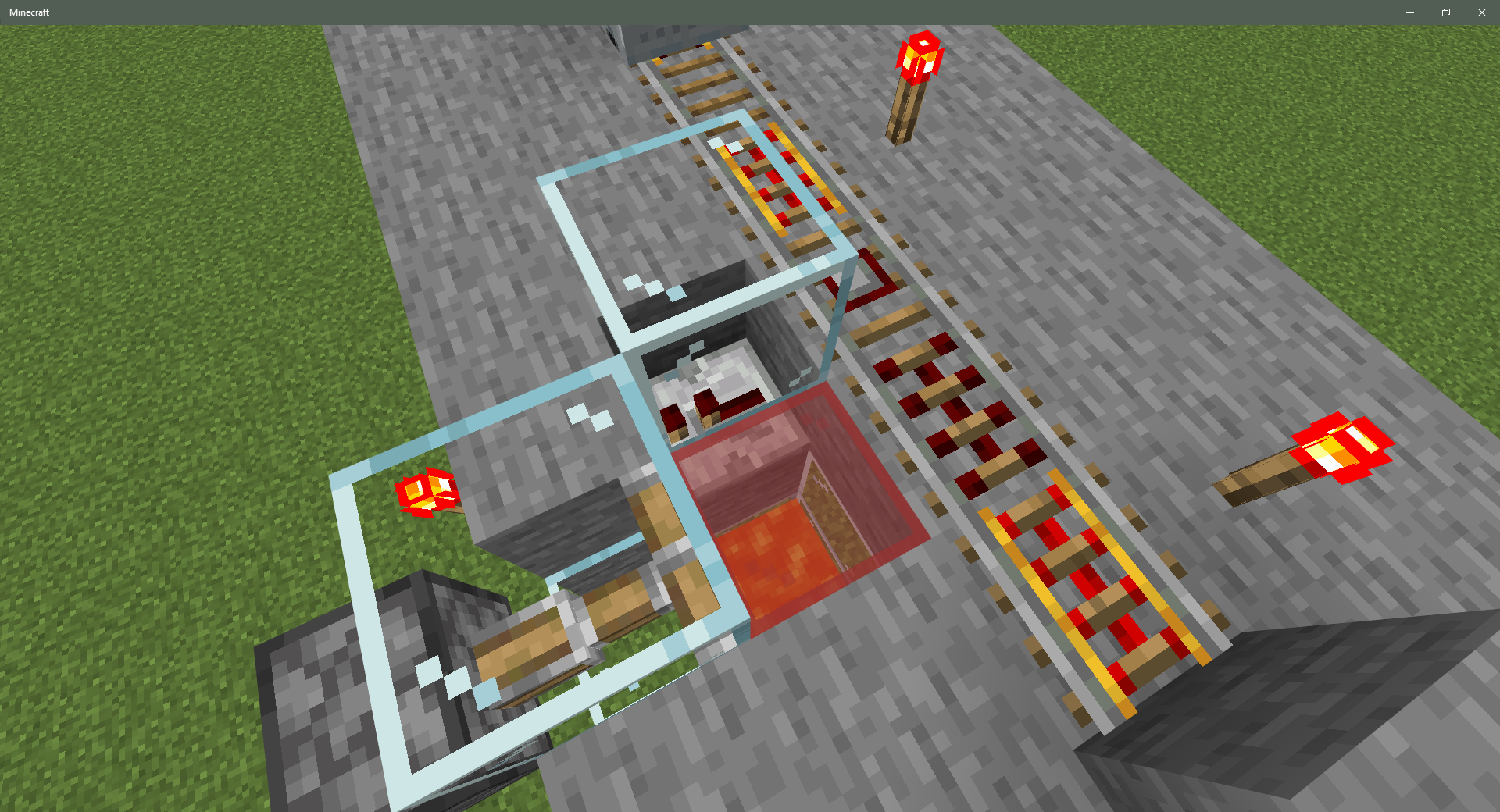
Note that the glass blocks are used to reveal hidden details; you will probably prefer opaque blocks.
In case it's not easy to see what's going on, the detector rail simultaneously powers the activator rail and a redstone repeater. The activator rail shakes the mob out of the minecart onto the red glass block. Meanwhile, the repeater powers a block holding a redstone torch, which turns off the torch, which causes the sticky piston to retract the red glass block before the mob has time to move off it. The mob then falls through the hole, which in this demo drops it into lava but you could make it your 3 x 3 pit, a water stream, or anything else.
I have also attached a demo world, Activator Rail Workaround.mcworld

Maybe I'm wrong but the thunder sound is also playing underground (y=5), and is really loud, (maybe this was in bedrock always the case, or never noticed it.) and its definitely thundering more than normal (every ~15 seconds).
Version: 1.17.41, Windows 10 Edition
Reply from [Mod] GoldenHelmet: hearing thunder underground is intended: see MC-19263.
Reply from [MCPE Mod] Auldrick: You can lower the volume using the Settings > Audio > Weather slider. (It also controls the rain volume.)
Thank you [MCPE Mod] Auldrick, I wasn't sure if the thumbnail was accurate, as it may not get updated if the app was force closed (which isn't what we're looking for in terms of a repro). If this is a copy of the world from before the mobs starting disappearing that would be useful though!

From what I've noticed these issues are only happening with worlds created before 1.18?
I had this problem also in an old world of mine, but I still haven't accessed it after the upgrade as I'm waiting for a definitive solution.
That's why I decided to create a new world, I've already tamed a dog and so far I haven't had any problem with a tamed dog disappearing (in another world before 1.17 about 8 tamed dogs disappeared).
Could it be that worlds generated in this new version are not affected by the bug?
Note: Sorry for any grammatical errors and syntax. My mother tongue is not English, that's why I'm following this bug with google translator, I also used this tool to translate what I just published.
Reply from [MCPE Mod] Auldrick:
We know there are plenty of worlds from 1.17 or earlier that aren't affected., and we haven't been using 1.18 long enough to decide whether any new worlds are affected, so it's premature to be speculating about this.
As a general rule, drawing conclusions based only on the experiences of one person or on one device isn't very reliable. Bugs often have seemingly different behaviors for different people, because there are many, many differences in devices, in people's play styles, and between versions of the game. So in looking for what causes a bug, the developers have to consider everybody's individual experiences to make sure their fix fixes the problem from everybody.
BTW, the translation looks flawless to me.

Latest version on an ipad. Started a new village away from home base, 400 blocks away, left the new village to save back at home base hoping that if I wasn’t near the villagers when I saved that they would not be lost. Went back to the new village after saving and reloading and they were all gone. The cats were still there… iron golem and villagers gone.
Reply from [MCPE Mod] Auldrick:
I think that like any mob, a villager will despawn by the time you get 128 blocks away unless it's marked as Persistent. Whether it's persistent depends in the first place on how it spawned (but also on how you interacted with it later). You say you "started a new village" but it's not clear what that means. Did you make changes to an existing village, or are you creating one from scratch? How did you obtain the villagers, and how did you interact with them?
I never had this happen to me before today and it happened after the 2.36 update but it says here this has been fixed and I just had it happen to me shortly after the the 2.36 update, got out of my boat and it was was gone
Reply from [MCPE Mod] Auldrick:
There is no 2.36 update. Minecraft is currently at release 1.18.2. Please correct.

This is happening for me as well. Minecraft 1.18.2.
Reply from [MCPE Mod] Auldrick:
Please do not add "me too" comments. Comments are for providing information that would help the devs find and fix the bug. "Me too" comments are just noise that gets in the way. To register yourself as an affected user, use the "Vote for this issue" link above instead.
If you haven't already, please familiarize yourself with the Mojira guidelines and FAQ.

From what I noticed, Windows 11 doesn't have this problem. I know this because one of my Windows 10 computers that was having this issue was recently upgraded to Windows 11, and after upgrading, doesn't have the issue anymore. (if this is worded confusingly, I can reword it)
Reply from [MCPE Mod] Auldrick:
Negative evidence is commonly inconclusive. For instance, I have two Windows 10 devices, neither of which has ever had this issue, and I'm fairly confident that the same is true for most Windows devices. Obviously that doesn't mean it's not affecting you, though. Likewise, there might be Windows 11 users having this issue even if you aren't.

Minecraft_2021-12-17-11-34-52_1.mp4
Could this be related? I frequently lost boats on the sea so I tried reproducing the glitch.
If you sail too far, the boat have chance to disappear. But it gets fixed if you reopen the map.
Samsung Galaxy7s
Android 8.0.0
MCPE 1.18.2
Reply from [MCPE Mod] Auldrick:
The boat bug is MCPE-125388. A search for "lost boats" will lead you to it via any of dozens of duplicate reports. If you're not familiar with using the search function, you might want to check the search help in our guidelines and FAQ.
Yes, I only wonder when, and is there even a chance to solve it? I can't enter the game with my kids, and see them cry for lost pets and stuff.
Reply from [MCPE Mod] Auldrick:
This is not a customer support site, it's only for providing information about bugs to the devs. The moderators here are not Mojang employees and have no access to their internal systems, so we can't give specific answers to questions like yours. However, I can assure you that Mojang doesn't simply forget about bug reports that affect so many users as this one does.
Ok then. Can you link me to the proper place, where I can communicate with Mojang employees with access to their internal systems, and able to give specific answers to these questions, since I get here linked directly from official Mojang site.
Reply from [MCPE Mod] Auldrick:
Again, because we are not a customer support site I don't keep information about customer support resources at hand. There are some links in our guidelines and FAQ that might get you to somebody who knows more.
You should know, though, that fixing bugs is an iterative process that involves diagnosis, patch design and coding, and verification through testing. Because these are creative tasks, the overall process takes as long as it takes and isn't predictable, so there is no reliable answer to the question about how long a fix will take. (Nevertheless, in response to the second part of your question I have no doubt a solution is possible.)
You should also understand that keeping a staff large enough to satisfy queries from 250 million impatient customers would be utterly impractical and require pricing the game too high to be competitive. That's why there's no official customer support site for Minecraft and other games from small studios with huge customer bases. Such games rely on their community to support itself, as Mojang does through its Community Support Discord. You can find a link to it in our FAQs.

I also have this same issue. I have a theory about the cause and would like to find out if any of the admins have the ability to modify my account. As @David Somo mentions this occurred for me after an updated (1st Cliffs and Caves I believe). After the update I have factory reset my XboxOne 3 times and reloaded the game a few dozen etc. As with the other reports my slowness happens if I am in a world or not and if I leave it in the menu it will freeze as well. Also I can do the unfreeze by opening the Xbox menu and closing it, which will give me a few seconds in which to do something before it freezes again.
In my profile I have several worlds that are completely inaccessible to me as when I attempt to load or modify them (even to delete) I receive an error on sync. One of my world's is my son's (who is 4) that is filled with just junk data but had ballooned to about 500MBs in size. After the factory reset I am unable to delete this or any older worlds from my profile. My working theory is based on a problem I have dealt with in the Active Directory arena. When a person logs into a new computer or server their roaming profile must be transferred to the workstation if they store dumb things like music or movies in their profile it can case the profile to be a few GBs in size and the login to the machine can take a really long time.
If the profile fails to load in windows it just gives you a temp profile, but my theory is that a background sync may be running while I am in the menu or playing the game and it is failing to download this massive world(s) in the profile and is resulting in poor performance. If at all possible can someone go into my profile and delete any world over say 50 MBs just to see if this will work to resolve the issue? I would do it, but I get the sync error on any of the older worlds.
If needed I can provide video of the freeze, with my phone because if you take it with the Xbox capture the world still works fine, but you are just standing still.
Reply from [MCPE Mod] Auldrick:
The bug tracker's purpose is to gather bug reports and additional information about the bug. The staff here are volunteers from the community. We do not even have access to your Minecraft account, let alone your Xbox account or your personal file storage. Literally all we can do is forward the bug information we manage to the devs, This is not a customer support site.
Please familiarize yourself with the bug tracker Guidelines and FAQ, which explains how you can use the bug tracker. If you haven't, I would also recommend reading the previous comments.
Will there be any solution for vanished items, villagers and pets, or I just should leave it like it is, with no help?
Reply from [MCPE Mod] Auldrick:
Please use comments only to add new information that might help the devs find and fix the bug. The bug tracker is only meant for submitting bug information, it's not for asking questions. We are not Mojang employees and we don't have the answers you want.
EDIT: This issue is a bit harder to reproduce on Windows 11 due to an issue where V-sync is not enabled properly if specified in options.txt. That issue has been reported separately (as MCPE-151510). While I'm not trying to deny Auldrick's response to my previous comment. I did find this something worth noting. (moderators, if this counts as off-topic, you may remove this comment without warning)
Reply from [MCPE Mod] Auldrick:
If I misunderstood your intention in the previous comment, I apologize. I was simply trying to discourage comments that such-and-such doesn't happen in somebody's particular case. I'm sure you're aware how often we get "me too" comments that add nothing useful, and that we try to discourage because they scatter useful stuff. But consider how much worse it would be if a lot of people commented "not me", given that most bugs do not affect most people.
Bed placement is not 16x16 square in the below test FYI. Came up as 16, 16, 15, 15.
I placed a villager at 70, 4, -70. I then marked out 5 block spaces from there ( villagers at base 0). 2 of the 4 sides only reach 15 spaces whereas the other two sides reached 16 spaces.
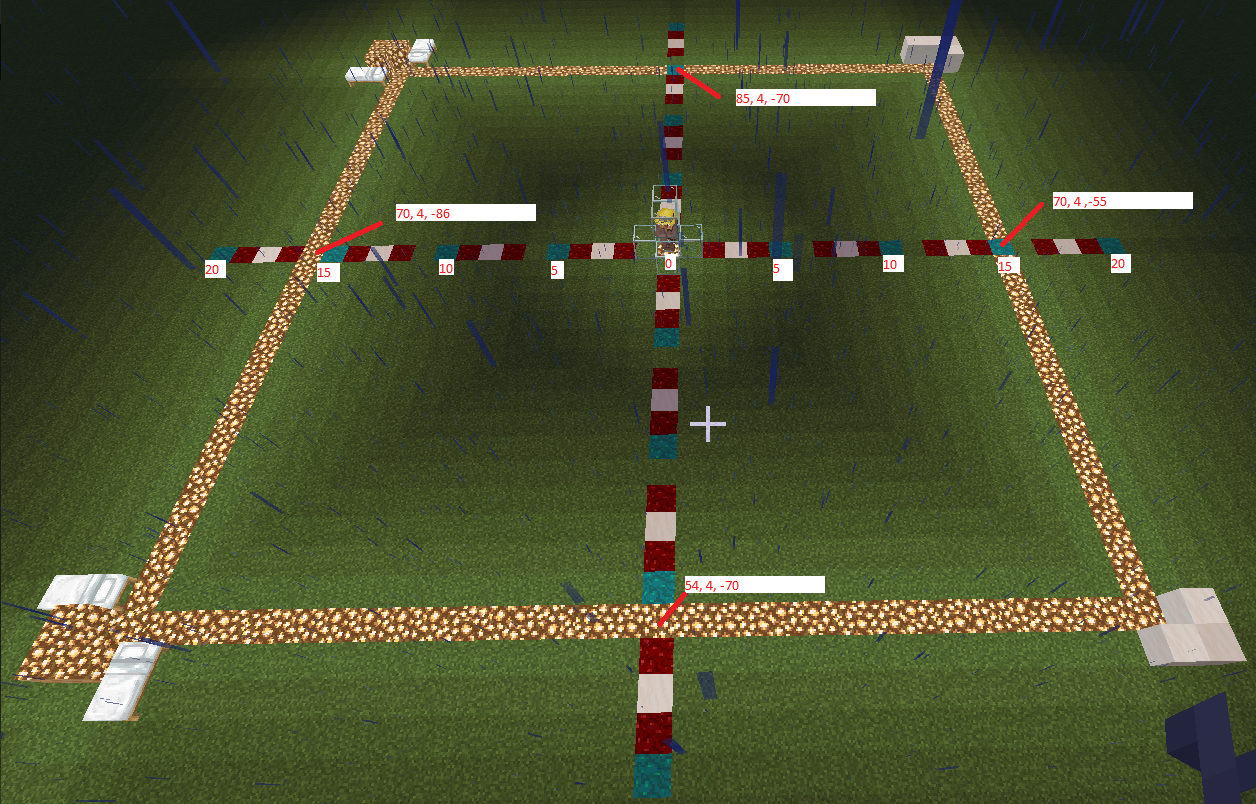
Reply from [MCPE Mod] Auldrick:
I think the reason you're seeing those results is that you're counting blocks rather than measuring distance. The block space the bed is in is not the center of the square, because the center of a square is a point, not a block space. If you instead measure from the northwest corner of that block space, I think you'll measure it as 16, 16, 16, 16. Edit: This also implies that the glowstone blocks on the left and top sides are inside the square, while those on the right and bottom are in the adjacent squares.
Just ran into the same issue on Realms. Although with Realms, you can't just restart the world. I had to download the world to my PC and then reupload it - which forced a restart. I'm guessing I could probably have restored a backup as well but I would have lost some changes if I had done that.
Reply from [MCPE Mod] Auldrick:
If you have Realms+ (10-player subscription), something else you might want to try is activating a different slot temporarily, then reactivating the original. You probably wouldn't even have to open the second world for this to work.

Bedrock 1.18 realms. Villagers are despawning even after naming them. Cows and pigs are despawning even after naming them. Diamond armor on stands are despawning. Cows and pigs will spawn so that I can feed and add them to a farm. But, villagers are not spotting back in to build the village back up. Is there a fix for this?
Reply from [MCPE Mod] Auldrick:
The bug tracker is only for reporting bugs. Comments here are meant for adding new information; anything else is considered off-topic and subject to removal. To register that a bug affects you, please use the "Vote for this issue" link near the top instead of repeating information that was already reported months ago.
We are community volunteers, not Mojang employees, and we don't have access to status of a fix. When a fix is available, you will see a version number added above in the Fix Version field. (We get this from Mojang's changelogs.) Usually the fix will appear first in a Beta version, and if no problems are found with it will propagate into the next release version. (In the particular case of this issue, several fixes have already been applied, but additional causes of the problem remain to be fixed.)
If you haven't, please read our Guidelines and FAQ. It explains all of the above and more. Understanding how to use the site will help both you and us.

This has had an effect on redstone clocks as well. Given chunks refused to unload, I did catch my grinder's clock lost items (again). And given they are considered as an enity in some cases, I have a clip of it.
Note from [MCPE Mod] Auldrick: I edited the link to correct the URL.

Update
In Bedrock Edition Release 1.18.30, 3 of the 4 listed temples that were not generated are generating now in the latest version, so it means this issue seems to be partially fixed.
–
Reply from [MCPE Mod] Auldrick:
We let the developers decide when an issue is fixed. This is mainly because an issue may appear fixed to you but still be affecting somebody with a different world. So while we appreciate that you want to help, comments like this aren't really helpful.
Also, as far as this particular issue goes, the fact that one temple didn't generate for you doesn't by itself prove that the issue isn't fixed. The world seed is used to generate a bunch of coordinate sets where the game will try to generate temples, but sometimes it's not possible to generate a particular temple near those coordinates. In that case, world generation just skips it. This isn't a bug, it's a consequence of two things: the extraordinarily vast variability of how nearby biomes can affect one another's generations, and the fact that /locate typically calculates the coordinates before the chunks in the area are even generated (since you haven't visited the temple yet), so /locate doesn't actually know whether the game will be able to generate the temple there.
I vote for this bug. Hello, I made a bug report like for us Android and iOS players. I would not want my bug report be linked to this unless you change it into Multiple in the platforms. The only platform described on your bug is Windows.
Reply from [MCPE Mod] Auldrick:
I changed the platform back to Windows because this issue is more than a year old, has hundreds of affected players, and apparently all of them are Windows users. Your issue MCPE-154153 apparently started very recently with the expansion of RenderDragon (you say). It's obviously unrelated and there's no reason we should link to this report in the first place.
Please use comments only to add information for the devs about the issue, not to discuss it with other players or the Mojira staff. Discussions and issues with reports should take place on the Mojira Discord or Mojira subreddit on Reddit. For links, see our Guidelines and FAQ .

Got emailed comments on this issue that don't appear to be here! anyway, it looks to me like this issue is fixed also, but will wait for official confirmation, It definitely has changed in 1.18.30 and for the better.
Reply from [MCPE Mod] Auldrick:
We removed that and similar contents because they're not helpful and might be misleading. We know people are just trying to be helpful, but we can't assume that if it's fixed on your platform and device then it must be fixed for everybody. We have to rely on Mojang to tell us when it's fixed, which they do by listing the report on the changelog. They didn't list this ticket yet, so we have to assume they still have more work to do.
So thank you for being involved, but please don't try and tell us when to close our reports.

If I knew how to reproduce this, I would... 
Reply from [MCPE Mod] Auldrick:
If you can't reproduce it, how is Mojang supposed to? And if they can't make it happen, how do you imagine they can fix it?
I've asked you in response to your comments elsewhere to read our Mojang Bug Tracker Guidelines and FAQ. You've been using the site to report your personal observations and speculations about bugs. This is not what it's for. Bug reports and comments are for providing information to the developers that could be helpful to them in finding and fixing the issue. Like the original bug description, it should be based on reproducible observations and hard evidence, not guesswork. Guesswork is harmful because it scatters the useful information, making it harder for the mods and devs to gather. So please read the Guidelines and learn how you're expected to use the bug tracker.
So, any ETA on when this might be fixed, or should I just keep waiting?
Reply from [MCPE Mod] Auldrick:
Please read our guidelines. The bug tracker is not a customer service site and does not get status information from Mojang. Our purpose is just to collect bug information for them.
Comments are meant for providing additional information for the devs. Any other use is off topic and subject to removal.
The explanation given in MCPE-19426 by [MCPE Mod] Auldrick implies that this is intentional because it explains why it is impractical to prevent the end portal frames from being destroyed, and not why stronghold generation isn't required to generate a portal room.
Some of the screenshots that were added by Tommy Dendy are from a stronghold with a portal that was overwritten by other parts of the stronghold. The reasoning that [MCPE Mod] Auldrick gave when resolving this bug report as "Works as Intended" would apply to this case, but not to cases where the stronghold didn't even generate a portal room. It confuses people by making them think that it is intended that the end portal room is not required to generate in strongholds. An example of a stronghold without a portal room is the seed pollinating sandboxes, at coordinates (74659, -21, -2044).
Update by [MCPE Mod] Auldrick:
This comment and the one that follows it were based on false information. Please disregard them. They have been left here to provide necessary context for later messages.
Sean Stenson: I downloaded your world from Google Drive and loaded it into MC on my PC. I immediately noticed that it appears in the world list with the world type "Survival – Experimental", meaning that at some point you turned on one of the Experiments toggles (specifically, the Caves and Cliffs toggle) in the world settings. Doing this permanently disqualified the world from ever being used to earn further achievements.
There are no longer any Experiments toggles turned on in the world because there is no longer any Caves and Cliffs toggle, since 1.18 added the C&C as standard features. I believe that at the time you created this ticket, use of Experiments features was not exposed in the worlds list, so there was no longer any indication to the user that experimental features had been used and achievements were disabled. Thus, we were not able to figure out what the problem was. But by taking another look now and finding the "Survival – Experimental" designation, and in addition looking into the world save and finding out that Experiments: Caves & Cliffs had been toggled on, it all makes sense and is working as intended.
Before you ask, it's not possible to reactivate the ability to earn achievements in this world. At the time you opened it with Caves & Cliffs enabled, the game would have generated data for the chunks around your character. The format of that data was experimental and isn't compatible with 1.19. You might still be able to open it on 1.19, but it might crash unexpectedly or be broken in some other way, so it's not advisable (except that you could inspect it, which might allow you to recreate it as a new world). This is the kind of problem you are warned about by Mojang at the time you turn on an Experiments toggle.
Update from [MCPE Mod] Auldrick:
This comment and the one that precedes it were based on false information. Please disregard them. They have been left here to provide necessary context for later messages.
Everybody else: Now that I know the resolution to the original issue and that it was not caused by a bug, that leaves many, many others of you who submitted reports that were closed as duplicates of this one. Some of them probably are legitimate duplicates because, like the reporter in this case, you have enabled Experiments and didn't realize doing so would permanently disable earning achievements.
I expect we'll eventually resolve this ticket without a fix since the reporter didn't have an actual bug, but there are still dozens of you who created "duplicate" (not really, I now know) tickets that need to be addressed. Mojang apparently found some issues in the code, because they have tickets for it in their internal bug tracker, but I can't look at those tickets to find out what they found, so I need to do some research. Once I have more info, I'll be able to tell you how we want to proceed getting your bug reported. I should know something by the end of the week. If you don't hear from me by then, leave a comment to ping me; I'm watching activity on this report.

i HOPE i dont get censored this time, but indeed game works now in 1.19.21, in low end devices it actually takes like 3 minutes in red screen but at some point it will actually launch, but there is a weird bug with camera
Reply from [MCPE Mod] Auldrick:
It's not censorship, it's enforcing the rules for comments as published in our Guidelines, which you were advised to read when you created your account. Please be sure to familiarize yourself with it.
Note that comments reporting that a bug is "fixed" are not really helpful, especially for hardware-related problems, because while it may be fixed on your device, that doesn't imply that it's fixed for everyone. When Mojang informs us that they've fixed an issue, we assume it's fixed for everyone (unless they tell us otherwise), so your confirmation isn't needed. Instead, tell us when a newly applied fix does not fix the issue for you, and provide additional information (including your platform and any change in the bug's behavior) so the devs can investigate it further.
Regarding your camera bug, please search for another report that describes it. You cannot report new bugs in a comment. If you're unable to find a report for it, feel free to create one following the format given in the Guidelines.

Affects 1.19.22 in a single-player survival world.
Reply from [MCPE Mod] Auldrick:
As you can see in the Affected Versions list (not to mention the comment immediately above), it has already been reported in 1.19.22. Please don't duplicate reporting, it causes us unnecessary work.
Please see above. The issue effects Windows and Linux BDS software, including Realms. I have already made a new big report that mentioned it does not effect single-player modes, but it was closed as a duplicate.
Reply from [MCPE Mod] Auldrick:
Yes, thank you for reminding me. There have been several "duplicate" reports lately, and we may decide to use one of them to track this presumably new problem, or we may decide to create a new report that combines them for the devs. Stay tuned.
This was also fixed for me in 1.19.40 BDS for Linux. Thank you for your help Auldrick!
Reply from [MCPE Mod] Auldrick:
You're welcome, but allow me to explain something. With millions of players, it's not practical for the bug tracker to track individual customer incidents the way a customer service site does. Instead, we're here to collect and consolidate your reports of bugs and pass them to Mojang. When Mojang fixes a bug, they notify all of us (usually) via the changelog, and that's when we normally mark a bug report as Fixed. So it's not really informative to notify us that it's fixed for you, unless you're the only person who has reported the bug. Instead, what we need is for you to let us know when it's not fixed after we mark the report Fixed. When that happens, we'll reopen the report and tell Mojang they need to keep working on it.
When multiple people have the same bug, it's possible that there are multiple independent causes. In that case, they may not all get fixed at the same time, so some people might find that it was fixed while others still have the problem. When somebody comments that it's fixed for them, the ones who aren't yet fixed might become concerned that Mojang will stop working on it (or has already stopped), even if we haven't marked it Fixed yet. They might even re-report the bug unnecessarily, thinking a new one is needed. For this reason, we would actually prefer that you not tell us when it's fixed for you (again, unless you're the only person reporting it).
@[MCPE Mod] Auldrick: Thank you for your notice. As I can reproduce this issue on my Android and iOS devices, I set the platform field to "Multiple".
the workaround doesn't work even with a restart of the app immediately after clearing the cache
Replay from [MCPE Mod] Auldrick: Thank you!
My apologies I have trouble understanding sometimes, yes I have Cleared the Cache then immediately exited MineCraft before tying the download again, this I’ve done multiple times sorry if you misunderstood me before
From [MCPE Mod] Auldrick: Thank you! I will forward this to Mojang.

Last night, I updated minecraft on my switch. After the update, I tried to login, however, the error message ‘There was a problem loading Natural Texture Pack’ appeared. I have tried to delete/ uninstall and then reinstall the texture pack, restart my switch/ minecraft, but I cannot use the natural texture pack. I downloaded the city texture pack and this works just fine along with the OG minecraft texture. My world has been created using the natural texture pack and it just looks awful in any other texture pack! I’m hoping it’s just a bug and can get sorted soon! Please let me know if anyone else is having similar issues.
Additional information from [Mod] OcelotOnesie:
This issue affects:
- Plastic Texture Pack
- Cartoon Texture Pack
- Candy Texture Pack
- Fantasy Texture Pack
- City Texture Pack
- Natural Texture Pack
Note that these are all Minecraft-branded texture packs that were developed for Mojang Studios by 4J Studios. There are two other texture packs that fit this description (Steampunk Texture Pack and Pattern Texture Pack) which we have not been informed have this problem.
Additional information from [MCPE Mod] Auldrick:
This appears to be an issue with the licenses granted when these packs were purchased. When we look at Marketplace > My Content on the platform we purchased them on, these packs (once downloaded) are labeled "Owned (P)" instead of just "Owned", and on other platforms they are offered for purchase (not owned), which suggests the "(P)" indicates a platform restricted license. If a pack is then re-bought on a different platform, all platforms will change to show "Owned" and these can then be activated in a world's Resource Packs list on the original (or any other) platform - that is, this issue error goes away.
It's been a long time since I purchased these packs, but I don't remember ever being told I would only be allowed to use them on a particular platform. In any case, I bought them on Windows (it was my only platform until recently) and I shouldn't be getting an error trying to use them on Windows - that is the bug. But I feel like I shouldn't have to buy them again for another platform, and if these license restrictions were lifted this problem would presumably just go away, so maybe Mojang will consider that.
[MCPE Mod] Auldrick - Do you have any custom skin packs imported? Is that not the same behavior already described in the report?

Note: 1.21 Tricky trials update will be release date June 13
Heavy Core will be normal
Edited by [MCPE Mod] Auldrick: Sorry, this is incorrect. The fix will come in 1.21.10 release. It wasn't ready in time for 1.21.0.
The stories dont load when you click on realms stories.
Edit by [MCPE Mod] Auldrick:
Steps to reproduce:
- Open the world list.
- From the Realms section, click the Realms Stories button (open book, all the way to the right)
OR - OR click the Edit Realm button (to the left of the Realms Stories button), then on the Edit Realm screen click the Realms Stories button.
- On the <realm name> Stories screen, select the Story Feed button.
Expected results:
A list of stories for the realm is displayed.
Observed results:
The list shows a "wait" spinner and never completes.
Additional information:
I tried this in a realm in which I'd created a story under 1.20. I got the wait spinner. I then created a new story (with screenshot) and tried again. Still get the wait spinner.
Note: I have attached an image uploaded to the duplicate report REALMS-11856. The realm name in this image contains strange characters, I assume because the uploader uses a different font (such as MBCS). My own realm name looks normal, so the strange characters are unrelated to the problem.
For me, it only affects resource packs that are included on Nintendo Switch, but not purchased on my Microsoft Account. To check if the content was affected, Go to Marketplace, then head to My Contents, and download some if the content was not downloaded, if there's "(P)" after "Owned" on it, it is most likely to be affected by this bug.
There is an issue someone was having and the cause of another issue from them can be found here.
Also I think it relates to MCPE-61368 as both are results of the game treating these contents incorrectly.
For working around on Nintendo Switch, I can still activate the affected resource pack as a global resource pack (specifically Natural Texture Pack), even after a game reboot, but cannot activate that pack on a world even with a redownload. And mine in "My Contents" is "Owned (P)"
Edit: Can reproduce another symptom which I cannot enter the world with affected resource / texture pack activated as global resource pack without deleting and re-downloading, and workaround from mountainlover works for me, but after deleting the affected resource pack, I had to go back to Marketplace for the re-download, as mentioned by [MCPE Mod] Auldrick.
Edit 1: Edited the whole comment so it is clearer. Additional context based of next comment from me is that I have a skin pack that is specifically owned on iOS, on My Contents, that skin pack is labelled with "Owned (P)" instead of just "Owned", for more about that label, please take a look at the description of the issue added by [MCPE Mod] Auldrick.
[MCPE Mod] Auldrick For the issue on Windows that the packs are not working, I've just purchased one of the affected texture pack, City Texture Pack, and that works with no problem, and for me, it is "Owned", and not "Owned (P)" on My Contents in Marketplace.
The fact is I don't even know what the "Owned (P)" stand for, I only see that on Nintendo Switch and iOS, so multiple platforms, but functionally, with that, the content usually won't be synced on a player's Microsoft Account, and that seemed to be a culprit.
Were there "Owned (P)" on affected resource packs when you headed to My Contents in Marketplace? for my interest.
Answer from [MCPE Mod] Auldrick: Yes, My Contents in Marketplace shows "Owned (P)" for these (and only these) packs.
[MCPE Mod] Auldrick, So could the affected resource / texture packs be downloaded on another platform (like mobile) without spending any additional Minecoins? For me, it's a no.
Answer from [MCPE Mod] Auldrick:
You're onto something here. No, the 3 packs I have that were marked "Owned (P)" were not owned on Android. As an experiment, I bought the Fantasy Texture Pack again on Android and it shows just "Owned" there. And after that I restarted Minecraft on Windows and checked the Marketplace, and Fantasy there no longer has the (P) either. To top it off, I can now activate Fantasy Texture Pack on my world without any problem. So apparently the problem has to do with the licenses granted when the packs marked with (P) were purchased.
I will update the problem description with the relevant information. Thanks for your help!
![[Mod] violine1101](../../../data/avatars/users/92858.png)
This is no longer happening in newer versions of the game as per MC-257741 (which got erroneously resolved as a duplicate of this bug report, adding 1.19.2 to affected versions) and recent testing by [MCPE Mod] Auldrick for MCPE-36863. Resolving as Cannot Reproduce.
[MCPE Mod] Auldrick: You were right, that fixed it. Thank you! The mentioned report describes a different error, BUT I followed the instructions for deleting all the Minecraft saved data for the profile - and once deleted I was able to install the games.
[MCPE Mod] Auldrick I've noticed that if I plug my USB keyboard and USB mouse into a USB 2.0 hub plugged into my PC (that I built), the same issue occurs. Could they possibly be related? I've only tested with two USB 2.0 hubs, but with a few different brands of keyboards and mice. I'll have to test with other Windows 11 PCs that I have.
I was going to report this but I think it's probably the same bug so I'll add it here.
When two resource packs are installed in the Global Resources list, the same icon is shown for both. These are converted PE texture packs (Faithful PE and CodeCrafted Custom PE). I reorganized the texture files and wrote pack_manifest.json files, giving each unique uuid's, names, and descriptions for both the add-on and the resource pack. I then built .zip files, renamed the extensions to .mcpack, and installed them by double-clicking.
I have checked that the pack_icon.png files in the com.mojang\resource_packs subfolders are correct and different.
The duplicate icon also appears in the resource packs list in world settings, whether or not one or both packs are activated for the world. The world folder itself has no resource_packs subfolder.
Deleting a subfolder from com.mojang\resource_packs will cause the remaining global resource pack's icon to be correct.
I had this problem in 0.15 but it seems to have gone away in 0.16.
Confirmed still an issue in Windows 10 Edition 0.16.0.
In the similar arrangement shown in the 3rd attachment image, items placed in the top chest will all end up in the bottom chest. Items placed in the chest on the left side end up about 60/40 in the bottom and right chests respectively. I found I can get it to behave properly by disabling the left hopper 5 ticks out of 6.
Also affects Windows 10 Edition 1.0.0.
1.0 has resolved this problem.
Appears to be fixed in 1.0 (Windows 10 at least).
Additional info: The original large chest was created by placing two small chests side by side. Call the first one S1 and the second S2. S2 can be placed on either side of S1, but S1 will always contain the top half of the resulting large chest's inventory. From the behavior of this bug I infer that when S2 is placed, S1 is updated with a reference to S2. Likewise, S2 is updated with a reference to S1.
The /clone command correctly duplicates S1 and S2 at the target coordinates. Call the cloned blocks D1 and D2 corresponding to S1 and S2, respectively. However, it doesn't fix up the references correctly. D2 ends up as a small chest with no connection to D1. D1 ends up as an apparent large chest, and D1 and S2 (not D2) are linked by references. This can be demonstrated after the /clone operation in several ways:
(1) Right-clicking on S2 opens D1 instead of S1.
(2) Changing the contents of S2 changes D1's inventory.
(3) Breaking S1 leaves an invisible chest at S2.
(4) Breaking S2 (whether or not you broke S1 first) converts D1 into a single chest.
(5) Breaking D2 if necessary to get it out of the way, one side of D1 can be seen to have no hit box. You can place a block there, or if you attempt to break it you will break the block below or behind it instead.
Additional information: The oscillation of textures seems to be chunk-related. All repeaters within a chunk appear to oscillate in sync, but repeaters in different chunks are not in sync, and repeaters in some chunks do not oscillate randomly at all (they match Texture 1.png). However, if you watch a lock bar as you cross a chunk boundary, you will see it oscillate to Texture 2.png and back again, exactly once, in every chunk.
Also, I created a flat world to experiment and replaced the top grass layer of a bunch of chunks with different colors of stained hardened clay so I could monitor where the chunk boundaries are more easily. I have not been able to reproduce the random oscillating textures in that world, so it may be that something else in my original world is triggering the bug. The single oscillation that occurs when you cross a chunk boundary does persist in my experimental world, however. I will continue to experiment to see if I can cause the bug in this world.
I have now determined how to reproduce the bug on demand. It is definitely caused by redstone updates being initiated within a chunk or from an adjacent chunk. It is not random; it only appeared random to me because I had several unsynchronized clock circuits operating in different adjacent chunks.
The top of a locking bar is normally rendered as in the Texture 1 attachment, using pixels 3-14 from rows 7-8 of the Bedrock.png texture. When the bug is triggered it changes to rows 8-9, then reverts back to rows 7-8 one tick later. (I'm not sure if it's one game tick or one redstone tick.)
In MCPE, "tallgrass" is a special case: You must always specify a [data: int] value for it, either 1 for a fern or 2 for tall grass (which is just called Grass in the inventory). Because your command didn't specify the [data] value, it defaulted to 0, but in MCPE there is no name for that combination.
What your command actually gave you was Block 31 with Data value (DV) 0, which is neither Grass nor Fern. You can tell this by trying to stack it with either Grass or Fern items that you obtained without a command, for example from Creative Inventory. It won't stack with those because it's actually a different block, called Shrub in the PC version but it doesn't exist in MCPE. When the inventory GUI couldn't find a name for it, it defaulted to the first name defined for that block type and labeled it Fern.
Block 31 is the only block that has this kind of quirk. For every other block type, if you omit the [data] value you will get the block or item you expected.
It actually does continue to suck the same items, but only one at a time. If you look at the hopper's inventory after throwing the second stack on top of it, you'll see that the first slot, which had a partial stack of torches when you threw the second stack, fills up again one item at a time (since the hopper sucks items twice as fast as it pushes them out). So apparently what's happening is that when a hopper sucks an item and finds that it already has a partial stack of that item, it only sucks one item at a time instead of sucking the whole stack. It works this way even if it has an empty slot. For example, if you put a partial stack in slot 3 and then throw a full stack on top, it sucks the items from the full stack one at a time and puts them in slot 1, even though there is room for a full stack in slot 1. This might be a "works as intended".
You're right. The wiki says charcoal can be made by smelting "Any Wood", and I mistook that to mean any item made of wood, but in this case the capitalized "Wood" refers to the block named Wood, which is a log. This report should be closed as "Works as intended".
I also have this problem, and more information about it. Apparently, adult chickens can't fit between the hitboxes of 2 diagonally adjacent fences. To demonstrate this, place 8 fences around a single block and spawn a chicken in the center. It may turn, but won't move from the center block even if you lure it with seeds. (You can even remove the corner fences and it still won't move!) However, it can be nudged through this barrier, and if there is a fence in the corner it becomes trapped because it's now surrounded by hitboxes. Once it's trapped and can't move, it can't cause any collisions to occur, so the net effect is that chickens can only be nudged into a corner, never out of one; it's a unidirectional process. With many chickens, the result is that most of them will eventually become trapped in one of the corners, the effect gradually diminishing as the number of chickens still able to nudge each other falls.
Chickens seem to gravitate toward fence corners (maybe due to rounding away from zero in their random walk pathing calculation?). That by itself is a trivial problem, but it contributes to this bug because it causes chickens to congregate near the corners, increasing the rate of collisions between them.
One workaround is to replace the corner fences with solid blocks, because the solid block's hitbox prevents chickens from being nudged into the corner gap. Make sure to use a stack of two solid blocks, because there's a small chance that a chicken will jump onto a single block and escape.
There are two ways to analyze these circuit configurations: Either the comparator is measuring the power level of the solid opaque block, or it is measuring the state of the block on the opposite side of it.
In the first case, a lever adjacent to a solid opaque block should only power it if the lever is attached to it and is toggled on, and a redstone torch should only power it if the torch is beneath it. Neither condition applies in these configurations, so the block should not be powered and the comparator should always output zero.
In the second case, the comparator would have to be detecting the fullness of a container or the state of a certain handful of other blocks. Neither the lever nor the redstone torch is a container, nor is it one of these certain blocks, so the comparator should see nothing it can measure in these configurations and again it should always output zero.
If the devs are asking for feedback, I can only imagine they're considering sanctioning the reported behavior either by a change to one of the preceding general rules or by adding a special case rule. Changing the general rules would be extremely unwise, especially for the redstone torch which is used in so many circuits with so many purposes; it would certainly break the majority of them. But making another special case rule would further complicate the task of redstone designers who already have to remember so many of them. It should only be done for a compelling reason.
Although the reported behavior might have some value, it's hard for me to imagine a situation where it couldn't be accomplished with only slight modifications to the circuit to cause the block to be powered in the normal way. I just don't see any justification for sanctioning this behavior with a special case rule. Likewise, the notion of adding levers and/or redstone torches to the list of blocks whose state a comparator can measure makes no sense, because their "state" is merely their redstone power output level, which the comparator already measures as a basic function. The special case rule would only be useful in allowing it to measure the lever or torch through a solid opaque block, which might have some rare advantage but isn't something I'd call a compelling reason.
To summarize, I recommend that whatever causes the comparator to respond in these configurations be considered an actual bug to be fixed, not a feature to be sanctioned. The devs avoided polluting PE with quasi-connectivity for sound reasons, and I think those reasons apply to this situation.
This happened to me in Win 10 Edition after journeying quite a ways away. I lost my largest map wall – frames and maps – when they despawned before I discovered it. However, I also noticed my clock in an adjacent chunk, which had the corrupted texture from
MCPE-22977, was normal again after being messed up for several IRL days. You may want to mark these two reports as related.I have been seeing this in Windows 10 Edition (1.1.4) as well. Today, after several IRL days of the texture being wrong, it came back to normal and has been fine all day. But I also noticed today that the item frames and maps on my largest map wall were gone. The map wall happens to be on a chunk boundary, and the clock is in a neighboring chunk. Yesterday I went on a long journey, far enough to cause these chunks to unload, and when they were reloaded the item frames probably popped off due to
MCPE-11477and they and my maps despawned before I noticed. I mention this because it suggests that reloading the chunk fixed the clock/compass texture problem, which might be a clue to the devs about what causes it.Affect version 1.2.0.2 (Win 10).
Appears to be fixed in 1.2.0.2 (Win 10).
Seem to be fixed in 1.2.0.2.
Seems to be fixed in 1.2.0.2.
Seems to be fixed in 1.2.0.2
Seems to be corrected in 1.2.0.2. I won't say "fixed" because the Brewing Stand itself changed in a way that would have changed the comparator output, but this is no longer an issue.
Edit: The Brewing Stand was changed in 1.2.0 to require blaze powder as fuel. That added a slot to its inventory, which made the comparator's calculation appropriate. This report should be closed.
I think I have the same problem. When you want to break a series of blocks, you press the left button while pointing to the first one. After it breaks, if you continue to hold the button and the cursor is pointing at another block within reach, that block is broken, and so on. When you are no longer pointing to a block within reach, the breaking stops. However, it used to be that if you continue holding down the mouse button and point to another block within reach, the breaking resumed. This no longer happens; you have to release the left button and press it again to start a new breaking sequence. This is very frustrating when trying to mine out a large area, destroy a building, or dismantle a redstone device.
Still affects 1.2.0.2.
(Edited: I had previous reported that it appeared to be fixed, but the very next time I opened the world this bug happened right in front of me.)
Actually, your problem is that the Windows Store account you're signed in with is defined as a child account. If you actually are under age 18, you cannot participate in the beta program and can't download 1.2 until it is officially released. If you're over 18, you should report the problem using support.xbox.com. The Mojang Support Center cannot help you with this, as they have no control over the Xbox Insider Hub.
Affects 1.2.0.2, 1.2.0.7.
Seems to be fixed in 1.2.0.7.
Affects 1.2.0.7.
Fixed in 1.2.0.7.
Fixed in 1.2.0.7.
Duplicate of
MCPE-23782Pixel_lime: Java has no bugs? Well, imagine that! (Note: This is not a discussion forum.)
Duplicates
MCPE-23782Same here, beta 1.2.0.7 broke it. I have always used this custom skin, and it worked fine up to now.
I was also having this problem in Win 10 1.1.3 and 1.1.4 but never reported it. For me, it only happened rarely. I would kill a skeleton in my mob farm and get 3 XP orbs but only absorb 2 of them; the 3rd would just bounce around in my face blocking my view until it despawned. I never did figure out how to absorb it, or how many XP points it carried. I was speculating that maybe the problem was that it carried 0 points, so there was nothing to absorb and the orb never got the signal to despawn.
The wrong fix version was entered. It should be 1.2.0.11.
Fixed in 1.2.0.11. See Changelog: "Mob Spawners work correctly now and don't despawn their mobs immediately after spawn in some situations"
Duplicates
MCPE-24098.Duplicates
MCPE-22977.More: A little later I was back in my Survival world, on my roof looking at the Zombie Villager tree. I noticed a spider spawned in the leaves just below where the Villager had been in my Creative copy (pic #1). When the day came I pillared up to take a look and found that it was actually in the leaves, with no air blocks at all as you can see In pic #2. Pic #3 is looking at it from above. Note that the leaves are 2 layers thick there. Pic #4 is the same angle but after I removed the top layer. Pic #5 shows the view from below, with the spider still in the remaining layer. So it must have spawned right in the leaf blocks, with air blocks below it.
@Frederick Williams You are seeing the effects of a bug fixed in 1.1.4. Prior to that, the sun and moon rose in the north. I made the same mistake of assuming that they were rising in the east, even though it meant I also had to assume that maps had east at the top. Now that the bug is fixed, I have adjusted to the change. BTW, the stars were overlooked in the 1.1.4 fix. They are fixed in 1.1.5 or 1.2.
This works as intended.
Also affects tripwire. Like rails, will only place north to south, even when tripwire hooks are in adjacent blocks on the east and west. (Windows 10)
You're correct, it was the coordinates add-on. I guess you can close this as invalid.Whoops! Wait a minute--it still happens with the add-on removed. It was my other issue that went away with the add-on removed. (I'll put a comment on that one,
MCPE-24585.)It turns out this problem only happens for me if I have a coordinates add-on in my Global Resources. After removing the add-on the problem went away.
Please reopen this issue per my comment above.Never mind: The problem went away in 1.2.0.22.Applies to 1.2.0.18.
This works as intended. In MCPE the sun and moon used to rise in the north, which would be on your left in the screenshot. This was a bug that was fixed in 1.1.
BTW, if you ever made a map before 1.1 you must have noticed (under the assumption that the sun was rising in the east) that east was at the top of the map. Since it was fixed, maps are now revealed to have north at the top after all.
Related to
MCPE-24715.Hostile mobs are also spawning on clear glass blocks and oak leaves. See screenshots from 8/24/2017 8:53 PM.
Applies to 1.2.0.22. Uploaded a clip showing orbs not being absorbed. I am standing on the leaves. XP orbs not absorbable.mp4
Not really, as I can't reproduce it on demand. The clip is a test setup for a different problem. In it, I had hollowed out a chunk down to level 15, sealed up the sides, lit the bottom, built a stack of oak logs 14 high in the middle, and surrounded the top log with leaves to the chunk walls. (It was to prove that mobs are spawning on leaves at the tops of trees.) I then went up top to kill a spider that was threatening to climb down. It dropped 3 orbs, 1 of which I absorbed. The other two sank into the grass blocks, went below/beside me, and popped out the side of my chunk wall, falling to the leaves. Don't know if there's a connection, but when I went after them they refused to be absorbed. But this problem also happens at my perfectly ordinary skeleton spawner XP farm, and on the surface when I kill mobs in the night. It's just random.
The problem seems to have gone away in 1.2.0.22.
Still working correctly in 1.2.0.31, 1.2.0.81, and 1.2.1
I am having a big problem with this in my Survival base, normal difficulty, render distance 24 chunks. It started with 1.2.0.18 and continues in 1.2.0.22. I kill all the unwanted mobs (outside my pens), but a few game days later they've built back up.
Screenshots. Overview shows my whole base looking north.
Facing East and Facing West are from 2 days ago. These were taken from a Creative mode copy so I could get shots from a height. I have drawn in the chunk boundaries fairly accurately (with 1 mistake erased).

After taking these pics I killed all the mobs, about 80 of them. The remaining 3 screenshots are from today, maybe 10 game days later. Note that the "From perimeter" pictures are too far from my pens for my livestock to render. The "From closer in" picture shows that the pens are actually quite full.


The mobs just seem to accumulate over time until they're literally crowding each other. I have tried watching from my roof, but the spawn rate seems normal. This leads me to guess that the problem may be that they're not depawning and the mob caps aren't being observed, or maybe they are depawning (making room under the mob cap) but not actually going away. I have tried moving 250 blocks away for a few minutes, which I believed should make them despawn, but they don't. Passive mobs don't despawn if they have interacted with a player, but as far as I know the meaning of "interacted" has never been specified in detail. Would encountering my perimeter fence qualify as "interacting with a player"? What about me being close enough to make them look at me?
During the days they were building up I have been mostly within about 5-6 chunks diagonally away from the overpopulated chunks. Strangely, the crowding only seems to happen in the chunks to the north of me. There are fewer mobs south and east, and my pens are in the west so they may be reducing natural spawns there.
This issue appears to be resolved in 1.2.0.22.
Update: The problem has not returned as of 1.2.1. Please close this report.
I built a test jig consisting of a hollow, covered 1-chunk area down to level 15 with a stack of oak logs in the middle and oak leaves filling the layer around the top log (level 34). As I watched, a spider spawned right on the leaves, nowhere near the log. I also regularly get spiders, skeletons, and zombie villagers on the top of my cactus farm, which is all glass blocks.
In 1.2.0.22, it's back to the original description: doesn't crash if you leave the window restored, only if you minimize it.
Fixed in 1.2.0.18 (build 6). See Changelog: "Maps can now be removed from chests after world upgrades"
It turns out this is caused by a resource pack. Please close this issue.
In a creative mode world, I /killed all mobs before performing an unrelated experiment. I then focused on the experiment for about 3 minutes. When I looked up, I was again surrounded by large numbers of mobs within the nearest chunks. I think the problem is that pack spawning is happening too frequently and/or generates more mobs than it's supposed to. I was unable to reproduce this behavior after several tries so it appears to be a low probability bug, but when it happens it generates dozens of mobs all at once.
Affects 1.2.0.25. Video clip attached.
No, it's not a duplicate. Compare the screenshots. That report is about a map carried in hand and a green indicator representing a map far away. This is about an indicator on a map in an item frame disappearing when you move the item frame 1 block. It doesn't seem likely that they would have the same root cause. Besides, the other report was closed a year and a half ago.
Affects 1.2.0.22 and 1.2.0.25.
Applies to 1.2.0.25, and now affects snow layer on mycelium too.

Although I did a search before creating this report, I didn't go back far enough to find
MCPE-14467. This appears to be a duplicate of that report.Assuming a beacon beam is an entity (which it should be since it's animated), this is consistent with other entities including boats, minecarts, and all mobs. The game only renders entities within a 70-block spherical radius of the player. On level ground, this is a distance of 4 1/2 chunks and includes all but the farthest corners of the 5x5 chunk update range. I always assumed this was by design.
Although the changelog says nothing about fixing it, this doesn't seem to be happening any more for me since upgrading to 1.2.0.31/build 9. Yay!
I have confirmed it, but I didn't see anything relevant to this in the changelog. Why do you expect it to be fixed? Is there another source for fixes I can cite when mentioning this was fixed on the wiki?
BTW, this fix may also have fixed
MCPE-25514andMCPE-14467. They weren't identified as dupes, but I think they all had the same root cause.This appears to be fixed in 1.2.0.31. I can now minimize the window without causing a crash.
The build 1.9 changelog entry might be "Fixed a crash on Win 10 devices running an older Win 10 update".
Still working properly as of 1.2.1.
I didn't see it in the changelog, but this seems to be fixed in 1.2.0.31.
I think this is a duplicate of
MCPE-23984, which was fixed in build 9.What do you mean? This IS build 9. And there was nothing in the changelogs about this issue. The closest fix was specifically to creeper and ghast spawns.
I discovered this some time ago, and consider it a feature. I make use of it to build chicken coops since it seems as if they're roosting. I put hoppers under the cauldrons to collect the eggs.
There actually is a way to dislodge them after they've settled in. If you place a block next to the cauldron while they are right up against the side (you can see the shadow of their feet on the side of the cauldron) they will usually jump right out.
Affects Windows 10 1.2.0.31 singleplayer world. Video clip: XP orb won't be absorbed
I've been trying to decide how to update this. My original report was based on both a chicken farm and an iron golem farm where I had slabs above hoppers with lava floating above the slabs. In the chicken farm the slabs were necessary to create a half-block gap where baby chicks could survive but adult chickens were killed and cooked. In the iron golem farm the slabs were merely aesthetic, to hide the hoppers.
PHO suggested that the drops were being destroyed by lava before the hoppers could get them. This turns out to be correct, and I have updated the title and description correspondingly.
PHO also suggested that the slabs aren't necessary. This is true for the iron golem farm, but not for the chicken farm, because it works by hatching eggs in the space above the slabs. The half-block space between the slabs and the lava is big enough to keep the chicks safe, but when they grow into adults their heads reach into the lava which kills and cooks them. Without the slabs the chicks would be killed before they grew up (and even before that, the eggs would be destroyed before they could hatch).
I was able to redesign both farms to work despite this problem, so I no longer care about it, but it remains true that the original farms (whose design was taken from and, as far as I know, still works in Java and Console Editions) do not work as of 1.2.0.31, apparently because items dropped by mobs dying on bottom slabs are created in the block above the slab rather than on the slab's surface. This may be the intended behavior, but hasn't been identified as such.
I have working piston double- and even triple-extenders. It's just a matter of getting the timing right for Bedrock. When they work inconsistently, you need to add 1 more tick. I doubt Mojang is going to try to make pistons work with the same timings as Java.
However, you'll find there are some old redstone bugs around repeaters and comparators, mainly, and some non-determinism that we've been waiting a long time for Mojang to fix. Keep in mind that technical Minecrafters have been a small minority in Bedrock codebase, so redstone bugs haven't gotten a lot of votes. Hopefully more Java redstoners will tackle the challenge of replicating designs in Bedrock and help upvote them, so we can get a more reliable base for redstone behavior.
Update is available now. For me, it became available about midnight EST (5:00 AM BST) on Thursday.
In my original comment I meant to say I have working piston double- and even triple-extenders that work 100% of the time. For example, I've copied cubfan's Hermitcraft V triple-extender elevator he uses to enter his base (modified to have a 2x2 floor and work on a push button). I would be willing to give you a copy of it, But we shouldn't be discussing this on Jira.
While traveling across a plain, I often see mobs appear several chunks away and instantly go through their death animation. I suspect mobs are being somehow tagged for despawning but not actually despawned until later, when their chunk comes into update range. (This would also explain why they despawn if you save and reload.) At first I thought they were spawning and being killed by sunlight, but I can tell from the shape that some of them are creepers so that's not it. If they're not actually despawning until you get closer to them, I wonder whether they count towards the mob cap and therefore prevent new mobs spawning.
Affects 1.2.0.81 Windows 10.
MCPE-15793 can be a complicating factor in piston circuits, but it isn't the whole problem being described here. This problem is that a piston requires 3 ticks after it retracts before it can be reliably retracted by a second (sticky) piston. If you only give it 2 ticks to cool down, it succeeds or fails unpredictably. MCPE-15793 happens when an activating pulse arrives during a game tick that isn't a redstone tick. You can fix it by putting an extra repeater in the circuit, because a repeater's output is always synchronized with a redstone tick (even when it outputs prematurely in such cases). But that fix doesn't help with the circuit shown in the first screenshot.
The wiki information was not from the official changelog. It came from a redditor who had asked Helen Angel about 3x3 item elevators, and she answered that they "should work now". In fact, they didn't work and don't work now: What actually happens is that items embedded in a transparent block will be pushed upward if there is air above the block but otherwise will just bounce up and down within the transparent block. The official changelog says "Items will now be pushed when a transparent block is placed over them" [emphasis added] but that doesn't necessarily mean they'll be pushed all the way to the top, and it says nothing about items dispensed into a transparent block. So the basic assumption here that 3x3 glass item elevators should work is possibly incorrect. I have asked HelenAngel to find out so I can fix the wiki if it is wrong, and will report what I hear back from her.
Relates to
MCPE-25902.In that case, I'm afraid this report duplicates
MCPE-15607, which was closed by the developers with the following comment (emphasis mine):"It takes exactly 2 rTicks to retract, but because the pulling piston starts retracting (toggleMechanismTiming example) at that same tick, the ticking order is scrambled (as designed) therefore the result is undefined."
As a tool for building automation, Java's redstone is a complete mess, but Bedrock's is worse, and despite what they say about Bedrock being the chance to fix the mistakes made in Java, M&M don't really want to fix it. It's too bad, because a redstone system founded on real world math, engineering, and CompSci would be a tremendous tool for teaching kids future career skills. Heck, make that life skills in the information age.
It couldn't hurt to suggest it. I'm surprised ibxtoycat hasn't already complained about this, since it breaks glass elevators in old worlds. He must not have noticed yet.
Upvoted, but I think it's in the wrong section. Should be under Minecraft (Bedrock). Betas and Snapshots sounds more like Java.
I imagine the problem is that for performance reasons, Bedrock uses a lot of multitasking, so each component runs as a separate, unsynchronized process and their order of execution is unpredictable. It could be solved by synchronizing them, but whatever method you use to do that will slow down the game so low end devices won't be able to run it any more.
Bedrock is only an "obvious" downgrade if you come from Java. If all you've ever known is Bedrock, it's the other way around.
Joseph Atkin, I don't think that's been established yet. At one point Helen Angel said in a tweet that they should work. (She was answering a question about whether they would work in the Better Together Update, and was saying that she believed they already did.) I have asked for a clarification but haven't had a reply yet.
...why the bug fix 1.2.1 didn't fix it
First, because this bug doesn't totally break the game. You can still get those blocks broken, just not as conveniently. You can even instamine using one of the workarounds mentioned above. Meanwhile, there are bugs that crash the game, lose or corrupt worlds, or make items in inventory disappear. Those bugs actually make the game unplayable, and they tend to motivate their victims to report the bug and upvote it more than this bug does. The devs look for high vote counts, among other criteria, because they're trying to help the most people they can as soon as they can.
Second, you said it yourself: There are tons of other bugs. Debugging is hard, especially when all you have to go on is what some non-programmer thought to mention. When most of us find a bug, we just describe what went wrong. What we should do Is try to find out when it doesn't happen as well, what conditions it depends on if any, because that's a really important clue! If a dev has the conditions, they can almost always find the bug. If they don't, which is most of the time, they have to be both smart and lucky. On a good day, a lucky dev might find and fix a whole 2 bugs. On a bad day, none at all. That's typical in the software industry. Obviously, if they have tons of bugs, it's going to take a lot of time and a lot of luck to fix them.
So don't think this web page is useless. They aren't ignoring these reports, they're just waiting for a luckier day, or a luckier dev. You gotta have faith that the devs do care and are doing the best they can with what we give them.
And don't forget to upvote the bugs that affect you, so the devs know which ones are affecting the most people.
The problem returned in 1.2.1 for me.
Also occurs in Windows 10 PC.
I'm pretty sure your analysis is correct. It is absolutely the case that passive mobs do not despawn beyond the 128-block limit. You can take a screenshot in Creative mode, go far away, and come back and take another screenshot. All the same mobs will be there in the same place, allowing for small random movements as you were coming and going. And I'm pretty sure it reduces the spawn rate over a long distance.
Until this is fixed, if you do a lot of exploring, make sure you bring back lots of food or you'll starve. (Or you could eat bread and veggies, of course.)
Works as intended. Also works the same as Java since 1.8.
The reason it works this way is so you can make map walls at higher zoom levels without going crazy and wasting a lot of maps. I'll try to explain.
Maps are designed to let you display them in an array of item frames to make an impressive giant map of your world. But this can only work if they don't have any overlapping areas. For level 0 maps, this is accomplished by forcing every map to be centered on coordinates that are multiples of 128. Since each level 0 map's width and height are 128 blocks, this ensures that their centers are always the right distance apart and their edges are on the same lines.
But that's only for level 0 maps. For level 1 maps, this wouldn't work because 128 is only half the width in blocks of the map. Instead, level 1 maps have to have centers whose coordinates are multiples of 256. And so on: 512 for level 2, 1024 for level 3, and 2048 for level 4. This wasn't done before Java 1.8, and it led to bitter complaints about not being able to put zoomed map walls together without a huge effort. That's why it was fixed.
Another way to look at it is that each level 1 map incorporates the contents of 4 level 0 maps. (Although the scale doubles, it doubles in both X and Z directions, which gives you 4 smaller maps.) If zooming preserved the center, then zooming each of the 4 level 0 submaps would give you 4 level 1 maps, but each would have a different center and they'd all only partly overlap with the other three. But they're all supposed to be the same map, overlapping 100% so they'll all align with the other level 1 maps. So preserving centers when zooming just can't be done if you want to have your zoomed maps tileable on a map wall.
Your design depends on a sticky piston not retracting a block when given a 1-tick pulse. That's a difference between Java and Bedrock. The devs have already said that this works as intended. See
MCPE-14851.Maybe you can replace it with this Bedrock-design T flip-flop? It takes the same input pulse and fits in a small space. It's also cheaper and silent. Unfortunately, it has a longer delay (4 ticks).

Note that the comparator has been replaced with a repeater.
The actual ticking distance, according to experiments I've done, is 4 chunks by taxicab distance. Note that the entity rendering distance is either 70 or 72 (I'm not sure which) blocks by spherical distance. Because these measurement methods are different, the ranges don't coincide and depending on which direction you look, either one may extend farther than the other. This means the entity may either disappear before it stops being ticked (in which case it might wander in and out of range, so that it disappears walking away from you and reappears walking toward you) or stop being ticked before it disappears (in which case it appears to freeze).
That mobs don't despawn outside the player's ticking area can also be demonstrated by using a /kill @e[type=!player] command in a world where you've explored enough to leave spawned mobs in the more distant chunks. After issuing the command, when you return close enough to those chunks the mobs will suddenly reappear and instantly go through their death animations. Apparently, the /kill remains pending on unticked chunks until their ticking is resumed. Since those mobs still technically exist in the mean time, it may be that they're reducing the available space under the mob cap and thereby suppressing spawns in active chunks.
Something else to note is that the range of /kill command is limited to some default if you don't give it a position-type target selector argument. That is, it only kills mobs out to some default distance. Because of this, if you turn off mob spawning, issue the /kill command, and then start walking you'll first see the local mobs die, then see mobs appear and instantly die in more distant chunks as described above, and eventually see mobs appear and not die in still more distant chunks. When I first noted this I thought the mobspawning rule wasn't working, but I eventually figured out that those mobs had spawned much earlier but were out of range of the /kill command. It looked just like they were spawning, but they were just reappearing when I got within the render distance of 70/72 blocks.
For completeness, I heard back from Helen Angel (see my comment above). She answered: "It should go to the first available space where it can exist whether up or sideways. So we believed we fixed it and that glass elevators should work but it looks like we didn't and it's still a bug?"
For those who wonder whether this is a bug or "works as intended", Helen Angel says that they intended glass elevators to work and guesses that it's a bug.
@r.takahashi Although the pistons are clearly getting pulsed at the same time, if you look closely you can see that the redstone dust next to the repeater is being activated 1 tick after the piston.
There is usually a delay of a few hours between an update becoming available in the Store and the corresponding version number appearing in the list here. The best thing to do in that case is to select the latest released version and make a note in your report about the actual version in which you experienced the problem. The message above yours came from a "bot", an automated system with no common sense. Don't take it as a scolding--it just doesn't know about such things.
That word happens to be spelled the same as an English word that is considered vulgar and profane. Such words are blocked by the chat filter. (I'm not sure why the chat filter is applied to text in the Search box, but it's probably applied to any input from the keyboard or on-screen keyboard.) I'm not saying this means it necessarily "works as intended" though: I was just informing you that this behavior does have an actual purpose. But perhaps the filter should be more forgiving with words that have harmless meanings in the player's language.
Correction: Since this word is changed to '*'s and not "#"s, it is being caused by the built-in chat filter. The built-in filter is going to be removed in a future release, so please be patient. Unfortunately, I'm not sure whether the new chat filter will be applied in this case. If it is applied, you'll start to see "#"s instead, and you should report that as a separate bug if it happens.
Duplicates
MCPE-17220.Duplicates
MCPE-26799.As a workaround, go to Settings > Video > Smooth Lighting and turn it off.
This looks like a texture pack problem. Does it happen with no resource packs in the game settings nor in Global Resources? If not, you need to get an updated texture pack.
Sometimes the game spawns mobs a little ways outside the area a player is in, beyond the chunks that are "loaded" (being actively updated). (Technically, although the game randomly picks a spawn point from within the active chunks, it then picks a second random point near it for the position of each actual mob. This is because sometimes a whole pack of mobs get spawned at the same time, and each one needs to be at a different position. If the first spawn point is near the edge of the active chunks around the player, the second randomization can move it beyond the edge into an inactive chunk.)
This happens mostly in chunks that are 4-6 chunks (about 64-111 blocks) away from the player. When it happens, the spawning is left in a suspended state because the inactive chunks aren't able to finish creating it. Turning off mob spawning doesn't destroy these mobs, since they haven't been fully spawned yet. So if you turn off mob spawning after loading the game, these previously-spawned suspended mobs aren't affected. Later, when you get nearer to them, the chunk becomes active and finishes spawning them, but since mob spawning is turned off they die immediately.
You can test whether this is causing your problem as follows:
If this is the problem, there are a couple of easy workarounds. You can either turn off mob spawning before you open the world, or you can save and exit and then reload the world after turning off mob spawning. This works because suspended mobs aren't saved with the game, since they don't really exist yet. Hopefully Mojang will sooner or later come up with a solution so workarounds like this won't be needed.
If this isn't the problem, try to narrow down the problem with more details about things that affect mob spawning. Does it happen even before you walk around after turning off mob spawning? Does it happen even if mob spawning was already turned off when you opened the world? How close to you (roughly) are these mobs? Is it all mobs, just passive mobs, or just hostile mobs? Could a nearby mob spawner be causing the problem, perhaps in a cave just below the surface? What are the lighting conditions like near these mobs? Any of these questions you answer can provide important clues to the developer about what's happening.
This is a feature of Bedrock Minecraft. The white represents snow/frost on the leaves. It happens in cold biomes or in any biome where the altitude is high enough for the air to be cold. I'm not sure about the sudden propagation to other leaf blocks, though. That might be a bug, but it's hard to say from your screenshots which ones might have been updated this way.
The chat filtering problem is a special case, as it's so disruptive of play that the Community Managers are intervening to fix the problem temporarily. Your report was properly created, so don't worry about it. A Community Manager should notice it and fix it soon.
Please check your spelling and clarify. Are you talking about "cheats", "chests", or "chat"? And how do you know what "the game thinks"? What do you see, specifically?
Something similar happens in my Windows 10 worlds after I minimize the Minecraft window, which forces Minecraft to release most of the memory it's using. This suggests that there might not be enough memory available to support your render distance. Does the problem get any less severe if you close all your other apps before running Minecraft, or if you reduce your render distance?
I saw this on a Realms world last night as well.
I modified the summary line to make it clear this is about chests, not cheats.
Ok, so what happens if you try to open the chest even though it already looks opened? Does the normal inventory screen appear and allow you to add and remove items? If so, after you exit does the chest appear closed or does it still appear opened?
Also, does this happen on every world or Realm, or just many or most of them?
Are you using any add-ons, either in Global Resources or in the world's Resource Packs? If so, please make sure this problem occurs without any add-ons.
I'm pumping you for additional information because little details like these give the devs a lot of hints about where they don't need to look in the code. That saves them a lot of time hunting for it and improves the odds of finding and fixing your problem sooner. So if there's anything else peculiar about this behavior that you've noticed but didn't mention, please include that in your report. The more information you give (within reason), the more you help the devs, yourself, and everybody else who has this problem.
Confirm still spawning on glass and leaves in 1.2.3.6.
Rest assured that the developers are aware of this problem and are working on a fix for devices that have more capability. No fix version cab be specified yet, but it's coming.
Thank you for your report!
However, this issue is a duplicate of
MCPE-24562. If you have additional information to add, please add it to that report.Also, please remember to search to see if your issue has been reported previously. If you find a similar issue, you can upvote it and add your version, or if it's already closed as Fixed you can add a comment to request reopening it. Having similar problems on one report can really help us understand and resolve the problem sooner.
Confirmed for Windows 10.
In testing this, I found that the problem is not with the wheat but with the animals. The lag starts when a player is holding wheat within detection range of a cow, but the cow is not able to pathfind to the player, typically because they are separated by a fence. In addition, the cow does not react by moving toward the player. The lag persists for as long as the player remains within detection range but unreachable. If the player moves a certain distance away from the fence (about 8 blocks in my tests) the lag suddenly stops (or is perhaps just noticeably reduced), but the lag resumes when the player returns within range, even if he is no longer holding wheat. But if the player instead enters the pen, everything is suddenly normal: the lag goes away, the cows crowd around, and the lag does not return when he leaves the pen, provided the player is not still holding wheat. Reloading the world also removes the lag.
The problem is not specific to cows. Sheep, pigs (using carrots), and chickens (using seeds) exhibit the same symptoms of inattention and lag. Tests of horses (using golden apples) were inconclusive.
The amount of lag seems to be proportional to the number of animals within detection range that cannot pathfind. It gives the impression that the pathfinding logic is looping individually for each affected animal, but only while the target is within the food detection range, and the loop does not exit until a path is found.
It would be helpful if the previous reporters would check whether their experiences match what I found in my testing. If not, please update this ticket to say what is different for you. It's possible that the problems I identified are actually a separate issue with some similarities.
Do you mean that the letters are invisible? If not, please explain why you think this is a bug.
Confirmed for 1.2.3.6 on Windows 10. Additional related problems:
The most likely reason this would happen is if the game didn't recognize your gamertag as someone who had ever played the world before. Is there any possibility that someone else had used your device and signed themselves into Xbox Live? You could fix that by signing out and signing into your account. Failing that, did you modify your gamertag, perhaps to correct spelling or capitalization?
"Walking through them" could be interpreted as an attack; I wouldn't recommend it, and it might be intended that it sets them off.
Are you aware that if you anger one enderman any others nearby will attack as well? This is normal in the End, where endermen are close together. Could that explain what you're experiencing?
Elton Oliphant, it sounds as if your results duplicated mine. If you can, try entering your animals' pens while holding the food(s) you offered, so that they can pathfind to you. You don't have to actually feed it to them, just let them crowd around. Then put the food away before leaving the pen. After I did this, the lag either stopped or was greatly reduced. If you could confirm that, it would be helpful.
David Salazar, lag can be caused by very many problems. Some of your lag (the part wheat and animals) could be related to this, but some isn't. If you have any additional details about those cases, you should report them in a different ticket. Please remember to do a search first to see if it has already been reported.
Rachel Thompson, having a floor between you and the animals is the same as having a fence. If they can't find a path that gets them next to you, the problem will start as soon as the wheat is selected in your hotbar.
It's possible that getting close enough to let them get next to you does not cure the lag, but only reduces it. In my case, it seemed to go away, but I might have a faster processor than you so you may see it continue.
David, your video doesn't show your hand. Were you holding wheat at the time? If so, this may be a duplicate of
MCPE-28028and you should add any additional details to that ticket. Please let us know either way, so we can either close this ticket or continue it.I have occasionally noticed something like this. In my case. it resolves within a second or two and happens sometimes when a new chunk loads (or reloads?), not just immediately after game start. It's as if the game were recalculating the lighting each time it loads a chunk.
That might or might not be the same issue you're reporting, or it may be the same but have a more problematical effect on your computer than on mine. Have you ever noticed it happening when you travel somewhere new, or where you haven't been for a good while?
Thank you for your report!
However, this issue is a duplicate of
MCPE-24148. If you have additional information to add, please add it to that report.Also, please remember to search to see if your issue has been reported previously. (Having similar problems on one report can really help us understand and resolve the problem sooner.) If you find a similar issue, you can upvote it and add your version, or if it's already closed as Fixed you can add a comment to request reopening it.
Confirmed in 1.2.3.6 on Windows 10 using vanilla textures.
Confirmed for 1.2.3.6 on Windows 10. If the mob has to jump up to reach the food, it appears to be unable to jump that high. It makes several attempts while looking at the player, falling back to its original position each time, then eventually gives up and wanders away. But a moment later it rediscovers the food and runs back, only to repeat the same behavior. If it happens to jump up the block while it is in normal wandering mode, it has no problem, and targets the player in the usual way.
If the mob has to jump down, it does so but then appears to have forgotten about the food. It may stare at the player or it may not. Eventually it notices the food again and targets the player, rushing until it encounters another up or down transition.
Confirmed for Windows 10. I saw the 1-high example, but not the 2-high example, and I didn't see the invisible door with just a hitbox. (I'm not questioning whether these observations were accurate, I'm just not able to confirm them. It doesn't matter though, because what I confirmed is enough.)
Thank you for your report!
However, this issue is a duplicate of
MCPE-28066. If you have additional information to add, please add it to that report.Also, please remember to search to see if your issue has been reported previously. (Having similar problems on one report can really help us understand and resolve the problem sooner.) If you find a similar issue, you can upvote it and add your version, or if it's already closed as Fixed you can add a comment to request reopening it.
Could you provide a picture of what you're talking about? This description is unclear, because "a piece of redstone" is more commonly used to mean redstone dust, and I'm sure you know that redstone dust doesn't power anything by itself. You might be talking about a block of redstone, but if so a picture would be needed for us to be able to reproduce the problem. If we can't reproduce it, it's almost impossible to fix it.
If you can't provide a picture, at least try to describe how your components are arranged, using the names of blocks and items as they appear in inventory.
Grass changing to dirt doesn't happen immediately. It's a random event that typically take several minutes to occur, so this may be working as intended. However, if you're seeing a lot of it within smallish spaces or it persists for a long time, this may be an issue. Try to give more details: What's the most examples you've seen all in a local area? Were they completely buried or did they just have a block on top of them leaving them partly exposed?
Edit: Also, what type of solid block is on top of them? Some solid blocks (glass, grass path) are transparent; grass will actually grow on dirt beneath them.
This issue may relate to
MCPE-28022, which reports excessive lag near villages, especially at night. Several users have described these similar issues in the same ticket. They may or may not have the same root cause, but for the present time we're treating them as independent issues. So if you have additional information about excessive lag, please try to choose which of these two tickets seems the more appropriate one (or, if in doubt, you could comment on both). Thank you.The reporter resolved his issue. Please close as invalid.
Please feel free to add any new information about this problem. But if you just want to let us know that you are also having a problem, use the "Vote for this issue" link up at the top right instead. Comments alone do not count as votes.
You may be encountering the difference between "default game mode" and "personal game mode". The Default Game Mode only applies to players who have never played in this world. Once they have joined the world, they get a Personal Game Mode, which is what actually determines whether they interact with the world using Creative or Survival Mode rules. So it's your Personal Game Mode you need to change.
To change your Personal Game Mode, you must have the world open. Bring up the in-game menu (some people incorrectly call it the "pause menu") and choose Settings. You will see it has a Personal Game Mode setting which in your case you want to change from Survival to Creative.
Please let us know if this solves your problem so that we can close this ticket. Otherwise, we may need some more information to make progress on this issue.
I believe this works as intended, as I see the same icon on Windows 10. I imagine that shrinking the full-size 3x3 crafting grid top to icon size would look off-center, since the icons are 16x16 pixels and 16 isn't divisible by 3, so they went with a 2x2 grid on the icon that resembles a trapdoor.
This is a problem reporting site, not a chat site. Please limit your comments to the issue being reported. Personal conversation should be conducted on Discord, Xbox Live, or another social media channel.
This report is probably a duplicate of
MCPE-28028.Sorry, Blinky, my bad, I pasted the wrong ticket number (there is some overlap in symptoms between the two issues). Please check
MCPE-28066to see if that doesn't describe your problem. Also, remember to upvote the issue if it does; it helps us get an idea of how many people are affected.Could not reproduce this in a Windows 10 local world. I see the block appear and immediately disappear, but it is not removed from inventory.
This may work mostly as intended. It's normal not to be able to place a block where it would intersect a player's hitbox. As for placing one near you, that should be ok, but depending on your FOV sometimes you can't tell the difference between intersecting and adjacent. But in any case, it shouldn't disappear from your inventory if it wasn't placed.
Does the inventory loss occur all the time, or only when you're playing a world over a network?
It sounds like the same issue I have noticed. You notice it most in shadowy areas because that's where the change is most drastic, but my hunch is that lighting updates are occurring, often invisibly, everywhere. I'll try to find out more details about the conditions that it happens under.
Ok, it confused me because /testforblock replied with "The block at x,y,z is Quartz Slab (expected: Air)". You'd think if it translates one way it should translate both ways.
Thank you for your report!
However, this issue is a duplicate of
MCPE-17220. If you have additional information to add, please add it to that report.Also, please remember to search to see if your issue has been reported previously. (Having similar problems on one report can really help us understand and resolve the problem sooner.) If you find a similar issue, you can upvote it and add your version, or if it's already closed as Fixed you can add a comment to request reopening it.
Thank you for your report!
However, this issue is a duplicate of
MCPE-27909. If you have additional information to add, please add it to that report.Also, please remember to search to see if your issue has been reported previously. (Having similar problems on one report can really help us understand and resolve the problem sooner.) If you find a similar issue, you can upvote it and add your version, or if it's already closed as Fixed you can add a comment to request reopening it.
Thank you for your report!
However, this issue is a duplicate of
MCPE-24562. If you have additional information to add, please add it to that report.Also, please remember to search to see if your issue has been reported previously. (Having similar problems on one report can really help us understand and resolve the problem sooner.) If you find a similar issue, you can upvote it and add your version, or if it's already closed as Fixed you can add a comment to request reopening it.
This is by design. Nothing changes in an unloaded chunk. This is also how Java works.
If you enable cheats, you can define a ticking area around any command blocks you want to work all the time. See the Commands page of the Minecraft Wiki for details.
Please check the following: With the world closed, go into your game settings and look for the message "Xbox Live achievements cannot be earned in this world." If the message appears, it means that at some point somebody enabled Cheats. Achievements cannot be earned in a world that has ever had Cheats enabled.
If the message doesn't appear, there are other things to check:
Thank you for your report!
However, this issue is a duplicate of
MCPE-28066. If you have additional information to add, please add it to that report.Also, please remember to search to see if your issue has been reported previously. (Having similar problems on one report can really help us understand and resolve the problem sooner.) If you find a similar issue, you can upvote it and add your version, or if it's already closed as Fixed you can add a comment to request reopening it.
Thank you for your report!
However, this issue is a duplicate of
MCPE-28028. If you have additional information to add, please add it to that report.Also, please remember to search to see if your issue has been reported previously. (Having similar problems on one report can really help us understand and resolve the problem sooner.) If you find a similar issue, you can upvote it and add your version, or if it's already closed as Fixed you can add a comment to request reopening it.
The temperature in an Extreme Hills biome or variant is 0.2 degrees, slightly above freezing. It will only snow there if the altitude is high enough for the temperature to drop. Unless you can go all the way to y=256 when it's raining without seeing any snow, this works as intended.
I was able to reproduce this problem in 1.2.3.6 with a witch and me separated by a 2-high cobblestone wall. (I used a second player in Creative mode to spawn the witch and observe.) At first the witch was unaware of me. When I started jumping in place so it could see I was there, its head bobbed up and down with my jumping (as seen by the observer) but it was not tracking me at that point; it would still break contact and wander randomly. But once I showed myself long enough for it to target me, from then on it was able to track me through the wall. It continued tracking me until I moved a certain distance away, at which point it took a potion of Night Vision and resumed tracking me. When I moved still farther away, it stopped targeting me and began to wander again. When I returned, it was no longer tracking me at first, but as soon as I got very close to the wall it resumed tracking and targeting me through the wall without having seen me again.
One interesting note is that at one point in my testing the witch hit me with a potion. After I drank milk to cancel the poison effects, the witch starting taking damage, which caused it to consume another potion. I believe the witch's damage was caused by my drinking milk, but I didn't know such an effect existed.
In addition, when I used the Creative observer to kill the witch, it threw a potion and my player took full damage (down to 1/2 heart) despite being 8 blocks away and separated by the wall.
I repeated the preceding experiments with a creeper. There was no sign that the creeper was able to see me through a cobblestone wall, even after it had started sizzling, except that if I remained next to the wall it exploded but if I backed away in time it stopped its attack. But if I backed away successfully, I could come back up against the wall immediately opposite to it and it would not re-trigger unless I jumped and it saw me and started a new attack, so it can only detect me through the wall while it is triggered. I assume the reports above of creepers exploding outside a wall or door are cases where the player did not move away quickly enough after the creeper triggered.
Thank you for your report!
Unfortunately, we can only accept reports in English, sorry. If you speak English, feel free to create a new ticket.
Quick Links:
📓 Issue Guidelines – 💬 Community Support – 📧 Feedback – 📖 Game Wiki
Thank you for your report!
Unfortunately, we can only accept reports in English, sorry. If you speak English, feel free to create a new ticket.
Quick Links:
📓 Issue Guidelines – 💬 Community Support – 📧 Feedback – 📖 Game Wiki
Thank you for your report!
Unfortunately, we can only accept reports in English, sorry. If you speak English, feel free to create a new ticket.
Quick Links:
📓 Issue Guidelines – 💬 Community Support – 📧 Feedback – 📖 Game Wiki
This issue is Invalid..
I'm sorry, but this site is for bug reports only. I would suggest you ask for this kind of help at Community Support
Thank you for your report!
However, this issue is a duplicate of
MCPE-28066. If you have additional information to add, please add it to that report.Also, please remember to search to see if your issue has been reported previously. (Having similar problems on one report can really help us understand and resolve the problem sooner.) If you find a similar issue, you can upvote it and add your version, or if it's already closed as Fixed you can add a comment to request reopening it.
Plutonium Mode was an experiment, so there was never any reason to expect it to be documented as a feature would be. However, it was a very successful experiment and the current plan is to implement it as a true feature. It was going to be turned on permanently, but Mojang decided after a bit that maybe they'd better keep it optional just in case. I don't know this for a fact, but I believe what may have happened is that it was turned on and the toggle was removed in this update. The toggle should come back in a future update.
Meanwhile, do you actually need the toggle, or were you just reporting it because you thought its absence might be unintentional?
Thank you for your report!
However, this issue is a duplicate of
MCPE-24148. If you have additional information to add, please add it to that report.Also, please remember to search to see if your issue has been reported previously. (Having similar problems on one report can really help us understand and resolve the problem sooner.) If you find a similar issue, you can upvote it and add your version, or if it's already closed as Fixed you can add a comment to request reopening it.
Thank you for your report!
However, this issue is a duplicate of
MCPE-25034. If you have additional information to add, please add it to that report.Also, please remember to search to see if your issue has been reported previously. (Having similar problems on one report can really help us understand and resolve the problem sooner.) If you find a similar issue, you can upvote it and add your version, or if it's already closed as Fixed you can add a comment to request reopening it.
Relates to
MCPE-28211, resolved as Invalid.This probably is not a bug. Whenever you use a nether portal, whether a new one or an existing one, the game converts its coordinates to the corresponding coordinates in the other dimension. It then searches for a portal at the destination coordinates, looking up to 128 blocks in any direction. If it finds one or more portals in that area, it uses the closest one. Otherwise it picks a spot to generate a new portal.
The problem is that the 128 block search radius is the same regardless of which dimension you're going to. When going from the Overworld to the Nether, the Overworld coordinates are divided by 8 to get the Nether coordinates. Suppose it finds a portal 50 blocks away in the Nether, so it teleports you there. But because of the 8:1 ratio, that 50 blocks of distance in the Nether corresponds to 400 blocks distance for the corresponding Overworld coordinates. When you try to come back, it only looks within a 128 block radius, so it can't find the original Overworld portal 400 blocks away. Therefore, it creates a new portal in the Overworld.
The Nether portal you arrived at was created when you used a different Overworld portal which you later disabled or destroyed without also disabling the Nether portal. I expect the intent was to move the Overworld portal but still have it link to the same Nether portal. But you can only move it a certain distance before the link becomes unreliable. (How far you can move it in any given direction depends on how far away it was from the "perfect" coordinates corresponding to the Nether portal's coordinates in the first place.) You're trying to move it too far.
One way to avoid this problem is to ensure that your Overworld portals are all at least 1024 (= 128 * 8) blocks apart. That's not always practical or helpful, though. It's possible to have them as close as 128 blocks apart if you plan and construct them carefully. The most critical element is ensuring that each portal to be linked is the closest one to the "perfect" coordinates corresponding to the other one, and that in any event the Overworld portal is within 128 blocks of the "perfect" coordinates.
I hope this helps you solve your problem. If so, I'd appreciate you leaving a comment so we can close this ticket. If not, leave a comment saying why you still think it's a bug so we know what to do next.
This works as intended. I'm not entirely sure what you mean by "disperse", but I imagine it either means they wander away or they're despawning. Animals wandering is intentional to make the game realistic; it wouldn't be very realistic if they just stood still all the time. Despawning is also intentional, because it helps avoid a buildup of too many animals in one place while another place has none at all.
If you want more animals to stick around in a particular area, you can stop them from wandering by putting up fences, and you can prevent them from despawning but "interacting" with them. Interacting can be a lot of things, including feeding them, putting a lead on them, and maybe (I'm not sure) even just getting close enough to have them look at you and turn to face you for a few seconds. Once you've interacted with an animal, it will no longer despawn under most circumstances.
Bear in mind, though, that doing either of these may increase the number of animals in this area at the expense of reducing them somewhere else.
Your gamertag must be the name of your Xbox Live account, and that account must be visible in Xbox Live for you to be able to join a server or a friend's world. I did a search for "Exenite" in Xbox Live and found nothing, so one of these conditions (probably the first one) is not being fulfilled. If you correct that problem, you should solve this issue.
As far as I can tell, this report has never been looked at.
Please read the comments before yours. Everything you describe has already been described in this and the related tickets. Repeating information is not helpful, but upvoting is.
This works as intended.. The Realms servers run the current public release, not the beta release. You do not have access to Realms when you're using a beta release.
You might want to check the world settings for the world you play offline. In the Multiplayer settings, make sure Multiplayer is turned off.
This report is invalid.
You need to report this to the texture pack's author. Mojang cannot fix problems with add-ons provided by third parties.
We can reset it for you, we just need to have the gamertags of everyone whose chat messages are being replaced with #s. The reset is only temporary for now; a more persistent solution is in the works.
Thank you for your report!
However, this issue is a duplicate of
MCPE-28028. If you have additional information to add, please add it to that report.Also, please remember to search to see if your issue has been reported previously. (Having similar problems on one report can really help us understand and resolve the problem sooner.) If you find a similar issue, you can upvote it and add your version, or if it's already closed as Fixed you can add a comment to request reopening it.
@Nicola Rampazzo, are you using 1.2.5 and experiencing this problem? We haven't had any reports of it in the beta, but I would expect it to be affected.
Confirmed on Windows 10. Obviously, an accidental double-tap of the W key will cause sprinting to start, but you can't sprint sideways or backwards so double-tapping A, D, or S should not cause sprinting.
On the other hand, it is possible to sprint while moving diagonally forward. However, there's an inconsistency in how this works. To sprint forward, you can double-tap W without releasing the key after the second tap. But if you're holding down W and double-tap A or D without releasing, you move diagonally without sprinting. To sprint diagonally you must tap the A or D key a third time, holding it down.
The S key works a little differently. Pressing W and S at the same time stops movement (as expected). As with A and D, double-tapping S while holding W starts you sprinting while double-tapping and holding works the same as simply pressing both at the same time. But triple-tapping and holding also stops you moving, which isn't surprising since you obviously can't sprint forward and backward at the same time.
Thank you for the additional details. The strange munching sound hasn't been reported before. It may or may not be related, but if you continue to hear it in this context please do mention it again.
There seems to be a correlation between the amount of lag and the number of animals who notice you holding food. I have chickens, pigs, cows, and sheep in pens all right next to each other. The chickens are the most densely packed and lag the worst, then the cows (their pen is big but I have a lot of them), then the pigs (I don't have very many). I don't count the sheep because they have a huge pen (so that they always have grass) and their density varies widely. So yes, I think the density is a major factor. But bear in mind that part of the bug is that animals don't visibly act interested if you're trying to feed them over a fence, so it's hard to tell exactly how many are reacting and causing lag.
Incidentally, most mobs (even hostiles) have a behavior called "look at player" that causes them to turn their heads to look at you, then a moment later turn their bodies toward you. This behavior occurs whenever you approach them unless they're doing something higher priority like panicking or targeting you. If an animal happens to be standing near the fence when you approach with food, "look at player" can be mistaken for the normal "targeting" behavior of rushing toward you but being held back by the fence. They're different, though: For "look at player" the animal merely turns, but for "targeting" it always moves as close as it possibly can, so you can tell the difference by moving a step to the side and seeing if the animal moves. As far as I can see, these animals are never targeting the player across a fence, but some of them do look at the player because that's just what they normally do. So don't be fooled into thinking that it's only certain animals that are ignoring the food, I believe they all are.
@Lucas Cardoso de Castro, This issue is mostly about lag experienced when attempting to feed animals. There is a related issue that describes lag related to wheat in villages. We aren't sure whether it has the same cause as this issue, so we're tracking them separately. Please also add your comment to
MCPE-28022, and thank you for the comment.Observation: Most, if not all, of the triggering conditions for this issue seem to be related to the "target-player" behavior. If animals rushing toward a player holding food are implemented as the same behavior (which seems plausible), the root cause may be the same for this issue and
MCPE-28028.Observation: Most, if not all, of the triggering conditions for this issue seem to be related to the behavior of animals rushing toward a player holding food. If this is implemented as the "target-player" behavior (which seems plausible), the root cause may be the same for this issue and
MCPE-28022.Most of this might be explained as the same problem as
MCPE-28028, which describes lag that happens when mobs try to pathfind to a player but are stopped by a barrier of some kind. Since you were trying to breed the horses, you must have had food in your hand. In the open terrain, it might have been hostile mobs in shallow caves just below you trying to target you. I'm not sure about the eggs, but perhaps you had previously fed some seeds to some of the chickens laying them?It's by no means certain that this is the same problem, but the pathfinding problem affects a lot of mobs in what seem like many different environments, and it's easy to misinterpret what triggers lag of any kind. So I'm just suggesting that you review
MCPE-28028(and perhaps the related ticketMCPE-28022) to see whether the conditions identified so far could explain your experiences with lag as well.Have you tried trading with the villagers? I heard an anecdotal report that trading will push them over the edge to breed. I don't know if that's intended, but if it matters it would be a good thing to know.
Thank you for your report!
However, this issue is a duplicate of
MCPE-28066. If you have additional information to add, please add it to that report.Also, please remember to search to see if your issue has been reported previously. (Having similar problems on one report can really help us understand and resolve the problem sooner.) If you find a similar issue, you can upvote it and add your version, or if it's already closed as Fixed you can add a comment to request reopening it.
@Eric - This is very interesting. It describes the same problem as
MCPE-28028, except that we haven't had a clear report before that it happens when you're inside the fence; in experiments, if you were inside where the animals could actually get to you their behavior seemed normal and it seemed to reduce the lag. You're not in the 1.2.5 beta update are you?Oops! Sorry, thanks for the report!
We can't see your screen or read your mind. We need details. Do you see some kind of error message or does the window just close? If there's a message, what does it say? Is it when you launch Minecraft or when you try to open a world? If the latter, is it all worlds or just a specific world? Have you tried it with no add-ons active in your Global Resources settings (assuming you can get that far)?
Please limit your tickets to one issue each. Issues must be worked on individually, but if a ticket contains a list of issues we can't manage them individually..
However, your structure block issue works as intended. Currently, structure blocks only have a function on the Windows 10 platform. I have changed the summary to reflect just the invite issue.
Can confirm on Windows 10 for an endermite in a boat, but not in a minecart. I tested the minecart in both the End and the Overworld, but the endermite didn't suffocate. Could it be that your minecart was partially embedded in a solid block, and the endermite was in that end of the boat?
Achievements are tracked by Xbox Life. There may have been a glitch when you acquired one of them, so it wasn't counted. Try breaking them all to get them back in your inventory and see if that fixed the problem.
Wooden doors are special in that they can define villages, and there are several issues currently with lag in or near villages, so this might be related. However, doors only define villages if there is a villager near enough to detect them, and if one side has more sky access than the other within 5 blocks. How many of these doors do you have in your house? Do you have a villager nearby, either one you've trapped or one who lingers even outside? Does your ceiling have any transparent blocks (including stairs, slabs, carpets, etc.) to give sky access to the blocks below them?
I had a similar problem that I think happened when a second stronghold was generated overwriting the first. Many corridors and rooms ended in blank walls of dirt and/or stone. This can make it impossible to reach the end portal unless you dig a few blocks into the blockage and find another room or corridor. It is a bug, but you may still be able to find the portal in this world.
This may or may not be a duplicate of
MCPE-14467. All the specific cases you mentioned are covered by 14467, but if you see any monsters spawning at night on regular solid blocks where the light level is 8 or higher, this is a different issue. Please clarify.Joe Smith: A helper noted that your issue
MCPE-28426is a duplicate of this one because all the specific cases you listed could be the result of this issue. However, your assumption that mobs were spawning at too-high light levels would not be covered, so we need a test case that demonstrates that. I updatedMCPE-28416to request a clarification. Please answer there.This issue is specifically about spawning on transparent or non-solid blocks, and as far as we know that problem has been fixed, so this ticket will remain closed unless a counterexample is reported.
Cannot reproduce in 1.2.3.6 on Windows 10. As expected, the magma block's shadow was lighter for me near the limit of the torch light.
Larry Jones: The other ticket is marked resolved because it doesn't mention anything about light levels, only transparent/non-solid blocks. That is a different issue which overlaps this one, and that part of it has been resolved. My request for clarification was to get a discriminating test case that establishes that this part of it remains unresolved, and you have provided that by confirming that creepers still spawn on solid blocks at higher light levels. Thank you for the confirmation.
Mods: This does not appear to be a duplicate of
MCPE-14467.Relates to
MCPE-14467, but has a broader scope.@ReportBugs: I have updated the summary in response to your comment. Although this ticket was originally about lag near villages (and
MCPE-28028was about lag when feeding animals), we Mojira mods and helpers currently believe that these and other reports of lag all result from a common cause, namely an error that occurs when a group of mobs are unable to find a path to their target, which could be a player or (in the case of zombies) a villager. The lag you reported inMCPE-28323can also be explained as one of these based on the information you provided, so it looks like a duplicate to us.If you want us to treat
MCPE-28323as a separate ticket, you must provide a reason to think that the mob pathfinding error is not causing your problem. This would not be easy. You would have to check for zombies hidden in caves near where the lag occurs, and those caves may not have an opening to the surface nearby, or may not have any opening at all. You would probably have to dig out the entire surrounding area down to a depth of 24 blocks to be sure.On the other hand, you could take a boat out into deep ocean, well away from the shore to ensure you're far from any zombies. (The ocean must be deep so that zombies in caves in the ocean floor are too far away to sense you.) If you still have lag in such a position, it would justify reopening your ticket. If you don't have lag there, it's very likely the pathfinding error is causing your problem as well.
Thank you for your report!
However, this issue works as intended.
013523053477933 in hexadecimal is C4C 94CC 802D. -1798537171 in hexadecimal is 94CC 802D. This shows that the seed change is the result of conversion to a 32-bit signed integer and truncation of the result. This is by design. Bedrock Edition converts whatever you enter for a seed into a 32-bit signed integer which it stores in the world and uses for chunk generation.
If you got 013523053477933 from a Java Edition or Console Edition world, be advised that even if the seed weren't changed, it would not have generated the same world anyway. World seeds are not compatible across editions, and may not be compatible between updates within a version.
Are you seeing any message when you respawn? If you're getting the message "Your bed was missing or obstructed", the reason is that your bed doesn't qualify when you respawn. To qualify, the block at floor level beside the head of the bed must be opaque and there must be a pair of adjacent blocks at floor level beside the bed with two blocks of air above them. So if, for example, your bed is on a raised platform, against a window that extends through the floor, or sunken into the floor your bed would not qualify and you would spawn at the world spawn point.
Yes, it is a duplicate, of
MCPE-28022and/orMCPE-28028. Please read the updated description inMCPE-28022. The cause of lag it describes is now well documented and verified, but it presents in different ways and is so common that even if there might be additional causes, they are hidden behind its pervasive effects. It can happen in the day or the night, but is especially common near villages at night because of zombies spawning (often underground) and trying to target a player or villager but not able to find a path because of a closed door. It can also happen during the day when animals target a player holding their food but can't reach him because of a fence or other barrier.Unless you can demonstrate that this is not causing your issue, we have to assume it is. Proving that it isn't would be difficult and nobody so far has been able to do so. So for now I'd recommend waiting for the other issues to be fixed. That will probably fix your lag, bug even if it doesn't they will no longer cloud the symptoms so your issue will be much easier to define and address.
Although the City Text Pack is provided by Microsoft, the SSPE Shaders pack is not, and its presence creates an environment which can not be supported by Mojang because they cannot detect whether it's working correctly nor fix it if it isn't. Can you reproduce the problem using the City pack alone, or with City and another Microsoft pack?
There is always a delay of up to a day between a new release and the time it shows up in the dropdown list of affected versions. Don't mind Arisa – it's a bot and doesn't know how to allow for such things. But in the future you can avoid the automated scolding by choosing the latest release in the list, then starting your comment with the actual release you were using.
Skeletons only burn in daylight if they are exposed to skylight (no obstructing blocks directly above them all the way to the sky). When bright sunlight hits them, they actively seek shade under a tree, roof, or terrain, and will stop burning if they reach it in time. When it's raining, they don't even need to find shade because the sunlight isn't bright enough to damage them. Does this explain what you're seeing, or are you actually seeing skeletons in the noonday sun that aren't burning?
Thank you for your report!
However, this issue is a duplicate of
MCPE-28022and/orMCPE-28028. If you have additional information to add, please add it to those reports.Also, please remember to search to see if your issue has been reported previously. (Having similar problems on one report can really help us understand and resolve the problem sooner.) If you find a similar issue, you can upvote it and add your version, or if it's already closed as Fixed you can add a comment to request reopening it.
When an app is in fullscreen mode, it can use faster methods to draw on the screen. Those methods aren't compatible with sharing the screen with other apps, so when you switch apps the fullscreen app is placed in a suspended state. That prevents it from being able to stay in touch with the server, so after a short time the server gives up trying to talk to it and breaks the connection. When you return to the fullscreen app, it tries to resume talking to the server for a few seconds, then concludes it's been disconnected.
One workaround is to run the app in a maximized window instead of fullscreen. In window mode there's no need to suspend the game; it just runs in the background (automatically switched to the "pause" menu, but the server connection isn't affected by that). The video updates will be slightly less efficient, but for Minecraft you probably wouldn't even notice, and the image size will only be slightly smaller than in fullscreen mode.
This is probably a duplicate of
MCPE-28028. Deserts frequently have shallow caves full of zombies and husks. If these are near enough to the surface and close enough for them to sense you, they try to pathfind to you, but sometimes the cave has no opening so their pathfinding is unsuccessful. That should be the end of it, but due to a bug it causes severe lag in the current release. It can also happen in other biomes where caves are near to the surface, in villages with zombies trying to get to the villagers but being stopped by doors, and near animals trying to get to food you're holding if they're stopped by a fence, wall, etc. We think all these issues are stemming from the same root cause.I would expect we would have had many other reports about this over the weeks since 1.2.3 was released, but we haven't, so I'm wondering if this is just a matter of your expectations. I imagine villages were probably closer together on average in Console Edition than in Bedrock. However, let's test whether there really aren't any villages being generated.
Create a Creative world with Cheats enabled and Mob Spawning on (just in case). Then enter the following command:
/locate village
If the answer is "No valid structure found in this dimension", then you're correct and there are no villages spawning. Otherwise, you just need to look farther to find one.
@Larry Jones: Just to confirm, the creeper spawning so close to a torch was at night, correct?
Not everyone here is familiar with knockback in PVP play on Java - it's kind of a specialized regime - so please explain in better detail. Are you talking about the game mechanic or about the enchantment? What do you do to observe this? What did you expect to happen, and what actually happened that was different? When you talk of "old Java edition", do you mean pre-1.9 combat mechanics, or is it just a way of saying "the old (former) Minecraft edition" with its current mechanics?.
Don't assume that Bedrock combat is intended to match the new Java combat mechanics; it isn't, because Pocket Edition's design was based on pre-1.9 Java. If you are asking that it be upgraded to the new mechanics, that's a feature request and belongs on the feedback site. This site is only for bug reports.
Thank you for your report!
However, this issue is a duplicate. The issue with lagging duplicates
MCPE-28022and/orMCPE-28028. The issue with motion not stopping immediately duplicatesMCPE-26288. If you have additional information to add, please add it to those reports.In the future, please put only one bug report in each ticket. Bugs are worked on individually and are fixed at different times. When multiple bugs are on the same ticket, it's hard to keep track of which ones are fixed and which ones still need work, because there's only one status for all of them.
Also, please remember to search to see if your issue has been reported previously. (Having similar problems on one report can really help us understand and resolve the problem sooner.) If you find a similar issue, you can upvote it and add your version, or if it's already closed as Fixed you can add a comment to request reopening it.
Thank you for your report!
However, this issue is a duplicate of
MCPE-26300. If you have additional information to add, please add it to that report.Also, please remember to search to see if your issue has been reported previously. (Having similar problems on one report can really help us understand and resolve the problem sooner.) If you find a similar issue, you can upvote it and add your version, or if it's already closed as Fixed you can add a comment to request reopening it.