 Uuuu
Uuuu
- Aaaapppplllleeee
- JIRAUSER488373
- Europe/Stockholm
- Yes
- No
 MCPE-78974
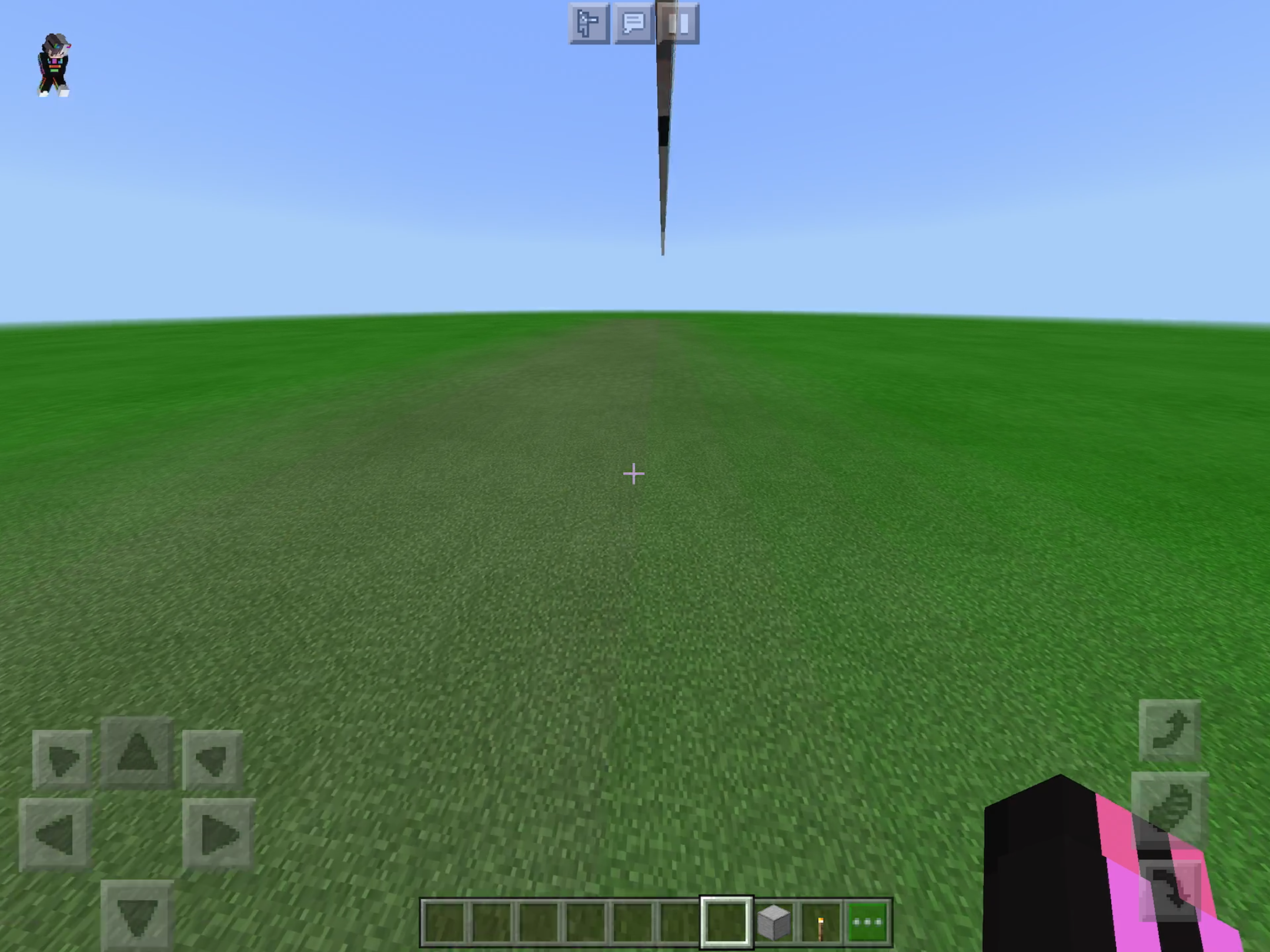


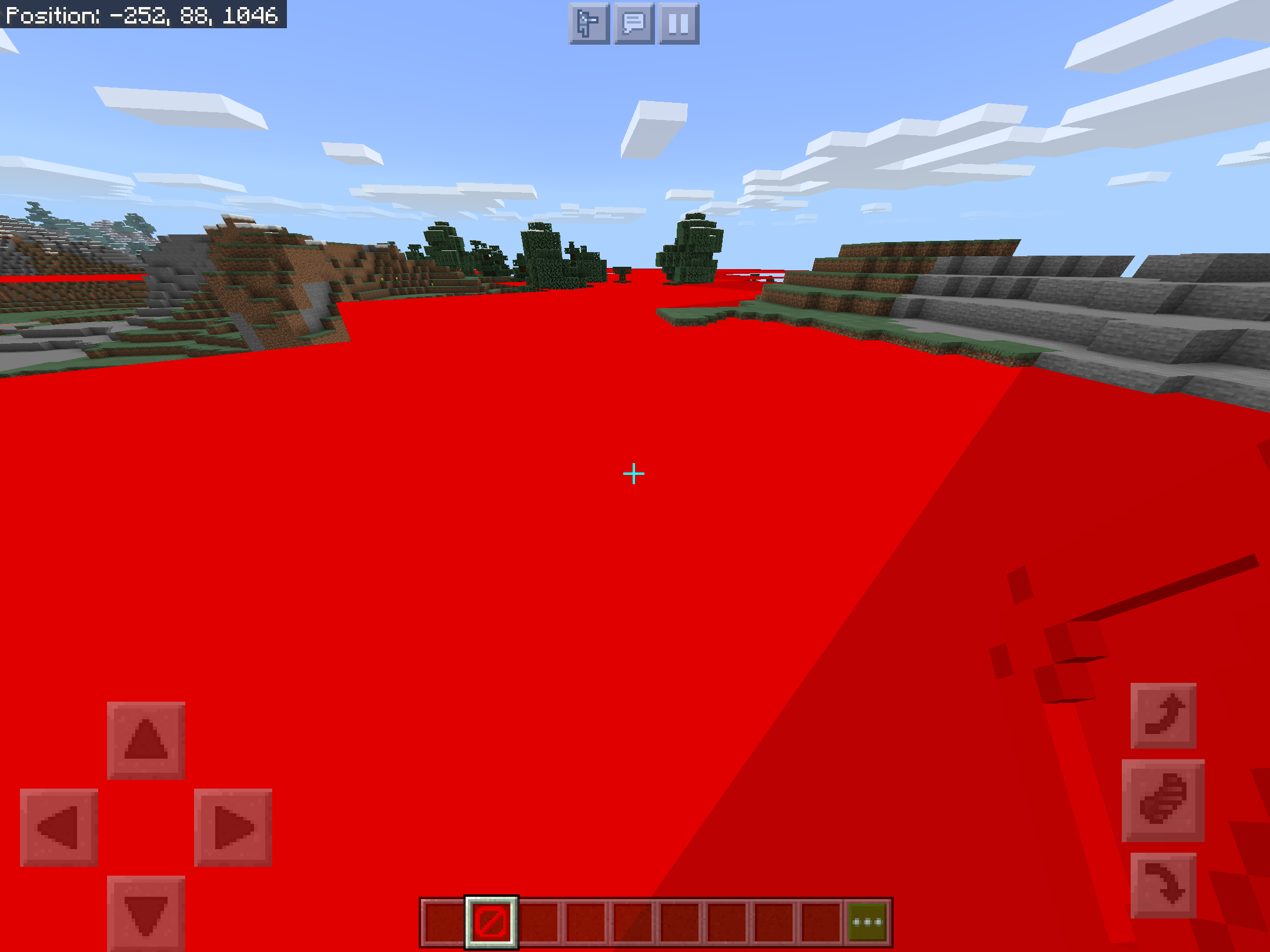
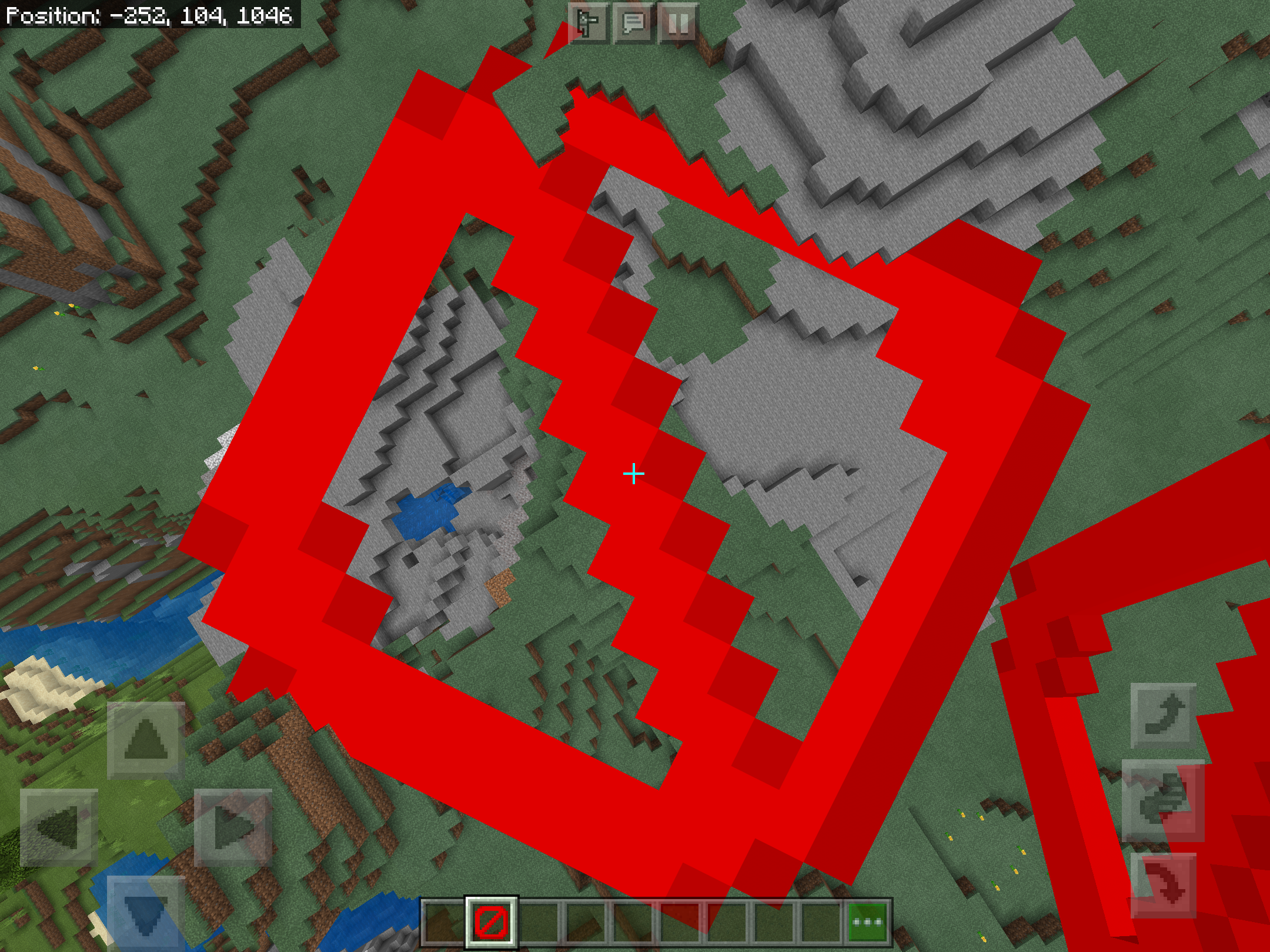

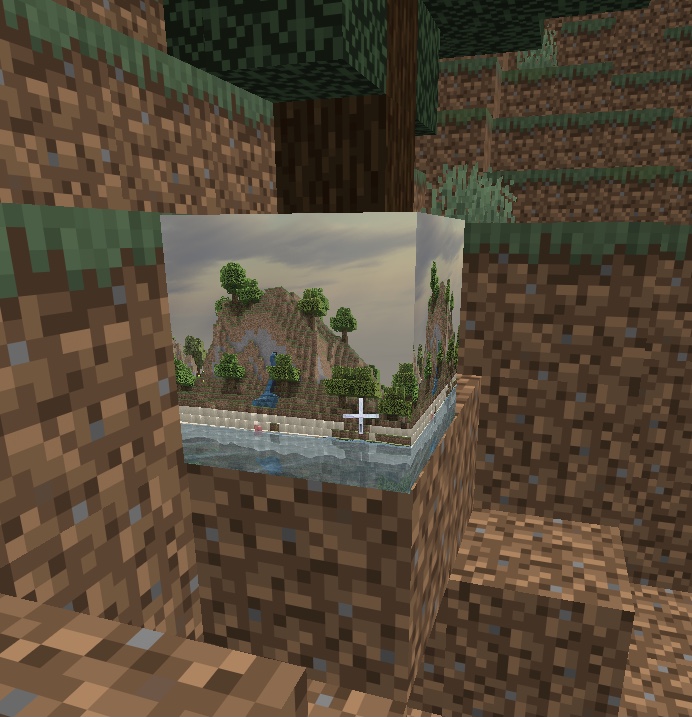



imported Slim
typeskins has problemwith the sidesimported Slim format skins has problem left leg
When Istarted a lan game I told my friend to join,(we were on different networks) but he can’t see the game on friends list. Only if I invited him to join. The game multiplayer settings are all on and the options showed friends of friends. I tested on my other device to join lan games on the same network and still didn’t show upstarted a lan game I told my friend to join,(we were on different networks) but he can’t see the game on friends list. Only if I invited him to join. The game multiplayer settings are all on and the options showed friends of friends. I tested on my other device to join lan games on the same network and still didn’t show up
Missing sound effects
Known:
Fireworks launch
Slime block bounce
The view button of Xbox core controller aka Xbox series x/s controller isn’t registered while in game and controller control bindings, from button output testers the view button is giving a output and is working.
The view button of Xbox core controller aka Xbox series x/s controller isn’t registered while in game and controller control bindings, from button output testers the view button is giving a output and is working.
Steps to Reproduce:
1.open Minecraft with a device on iOS 14.5 beta(only version that supports Xbox controller)
2.connect controller
3.load in a world
4.press the view/back button of the Xbox controller
Observed Results:
Nothing responds to that button
Expected Results:
The key binded to that button should activate
The view button of Xbox core controller aka Xbox series x/s controller isn’t registered while in game and controller control bindings, from button output testers the view button is giving a output and is working.
Steps to Reproduce:
1.open Minecraft with a device on iOS 14.5 beta(only version that supports Xbox controller)
2.connect controller
3.load in a world
4.press the view/back button of the Xbox controller
Observed Results:
Nothing responds to that button
Expected Results:
Thekey binded to thatbutton should activateThe view button of Xbox core controller aka Xbox series x/s controller isn’t registered while in game and controller control bindings, from button output testers the view button is giving a output and is working.
Steps to Reproduce:
1.open Minecraft with a device on iOS 14.5 beta(only version that supports Xbox controller)
2.connect controller
3.load in a world
4.press the view/back button of the Xbox controller
Observed Results:
Nothing responds to that button
Expected Results:
The action attached to the button should activate
Me too
But in older versions of the beta i think it had its own sound
Dam I got the EXACT same ipad lol
But I think on java it’s same speed
Aiming a block while walking slowing down isn’t intended
It is missing in iOS
Just updated a video
I tried to reinstall the app and still not there
Flickering is mostly visible with DLSS on