 dpskn1
- Arthur78234
- arthur78234
- America/Fortaleza
- Yes
- No
 MCD-2707
 MCPE-115764MCPE-119252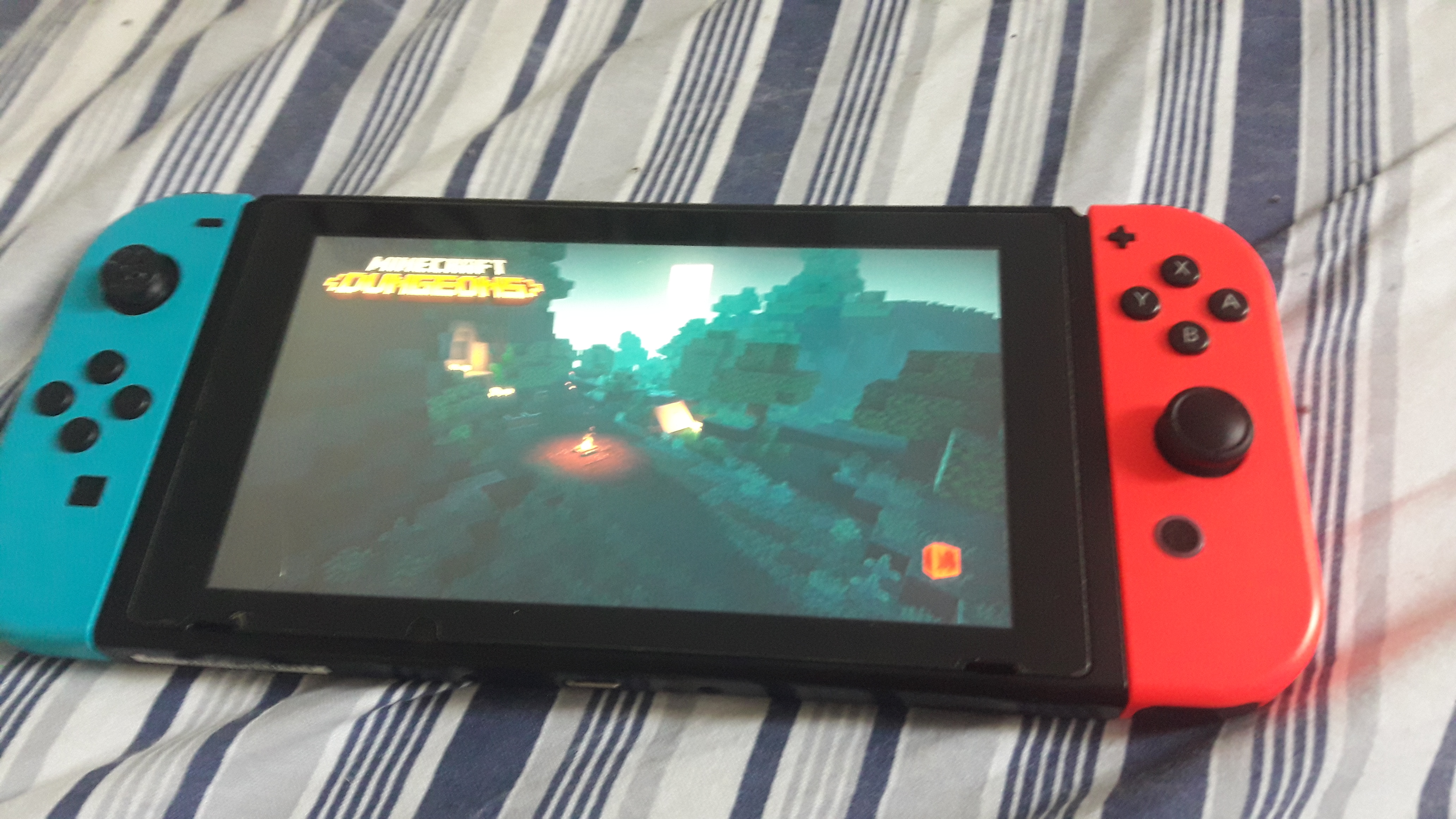


On the
[Minecraft Bedrock 1.14.30 hotfix|https://feedback.minecraft.net/hc/en-us/articles/360035247792-Minecraft-1-13-0-Bedrock-], it says that crashes were fixed. However, these still occour. Normally happens im multiplayer worlds, when someone joins my game.
I play on a Nintendo Switch (Blue/Red Joy-Con controllers model) and it's on it's recent version (9.1.0).
On the Minecraft Bedrock 1.14.30 hotfix (can be found on https://feedback.minecraft.net/hc/en-us/articles/360035247792-Minecraft-1-13-0-Bedrock-), it says that crashes were fixed. However, these still occour. Normally happens im multiplayer worlds, when someone joins my game.
I play on a Nintendo Switch (Blue/Red Joy-Con controllers model) and it's on it's recent version (9.1.0).
On the Minecraft Bedrock 1.14.30 hotfix (can be found on https://feedback.minecraft.net/hc/en-us/articles/360035247792-Minecraft-1-13-0-Bedrock-), it says that crashes were fixed. However, these still occour. Normally happens im multiplayer worlds, when someone joins my game.
I play on a Nintendo Switch (Blue/Red Joy-Con controllers model) and it's on it
's recent version (9.1.0).
MCPE-64219Crashes during gameplay still not fixed
↑ This is the bug report I made
I really don't know why the crashes are still occuring.
Unable to sign in for the first time on my new Windows 10 PC
The 1.16.200 update was just released today, but there's already issues regarding VR. So on the patch notes site, there was [
this link|minecraft://mode/?OpenXR=true]that would open Minecraft and then Mixed Reality Portal. Instead of directly opening Minecraft on the (emulated) headset, it just brings you to the hub. Trying to open manually Minecraft by selecting it with the hand controller does the VR game/app opening animation but then cancels it and brings you back to the hub. I've tried several times but the game still can't open.I haven't installed the OpenXR Developer Tools for Windows Mixed Reality app yet, which probably is obviously why it's not opening up. Either that, or it's because i'm using the official WinMR emulator instead of the headset itself, which is weird because before 1.16.200 I could play the game. I'm not even sure if this can be considered a bug.
The 1.16.200 update was just released today, but there's already issues regarding VR. So on the patch notes site, there was [link title|minecraft://mode/?OpenXR=true] that would open Minecraft and then Mixed Reality Portal. Instead of directly opening Minecraft on the (emulated) headset, it just brings you to the hub. Trying to open manually Minecraft by selecting it with the hand controller does the VR game/app opening animation but then cancels it and brings you back to the hub. I've tried several times but the game still can't open.
I haven't installed the OpenXR Developer Tools for Windows Mixed Reality app yet, which probably is obviously why it's not opening up. Either that, or it's because i'm using the official WinMR emulator instead of the headset itself, which is weird because before 1.16.200 I could play the game. I'm not even sure if this can be considered a bug.
The 1.16.200 update was just released today, but there's already issues regarding VR. So on the patch notes site, there was [link title|minecraft://mode/?OpenXR=true] that would open Minecraft and then Mixed Reality Portal. Instead of directly opening Minecraft on the (emulated) headset, it just brings you to the hub. Trying to open manually Minecraft by selecting it with the hand controller does the VR game/app opening animation but then cancels it and brings you back to the hub. I've tried several times but the game still can't open.
I haven't installed the OpenXR Developer Tools for Windows Mixed Reality app yet, which probably is obviously why it's not opening up. Either that, or it's because i'm using the official WinMR emulator instead of the headset itself, which is weird because before 1.16.200 I could play the game. I'm not even sure if this can be considered a bug.
The 1.16.200 update was just released today, but there's already issues regarding VR. So on the patch notes site, there was an link (minecraft://mode/?OpenXR=true) that would open Minecraft and then Mixed Reality Portal. Instead of directly opening Minecraft on the (emulated) headset, it just brings you to the hub. Trying to open manually Minecraft by selecting it with the hand controller does the VR game/app opening animation but then cancels it and brings you back to the hub. I've tried several times but the game still can't open.
I haven't installed the OpenXR Developer Tools for Windows Mixed Reality app yet, which probably is obviously why it's not opening up. Either that, or it's because i'm using the official WinMR emulator instead of the headset itself, which is weird because before 1.16.200 I could play the game. I'm not even sure if this can be considered a bug.
Minecraft is booting up normally again, thanks!
This has been happening to me for 9 or 10 days (as of this comment was posted).
I did follow the instructions so I can continue playing.
I just don't want to have to do this everytime I'm going to play MCD.
Brian, you can press and hold the HOME button and a little "quick menu" will show up. There you will find "Airplane Mode".
The bug was fixed and i've found out what caused this "bug" to happen.
My PC wasn't updated.
When I was instaling Windows 10 on this new computer, I copied and pasted most stuff my old PC had. But the old PC had 2 updates missing, then so I installed these updates and now today, i'm able to play online again.
5/6 months old, and it's updated.
https://www.mediafire.com/file/qukexr6z6ou3djn/Minecraft+2021-03-01+19-07-44.mp4/file
^This is a 4 minute long video of Minecraft getting stuck at the startup loading screen
My internet connection was as fine as it has always, and I already tried restoring Minecraft yesterday. If I realky have to reinstall the game, i'll do so later when I have time.
I'm just going to quote an (half-toxic) post I wrote on an other website, editing some parts of it:
"So apparently it seems like my Minecraft game decided that my (personal) resource pack is so bad that I will not be able to play today and it doesn’t even load the title screen. It keeps getting stuck on 50-60% (in other words, halfway through the loading bar). I did backups of the worlds and packs I made and got, then restored Minecraft, and it still does the same problem.
Great job, Microsoft. Great job. I’m not even gonna blame Mojang anymore. Bedrock Edition is a nightmare. Why does it need to be such an disappointment? Neither of these companies can take care of their own broken “special” edition of their game/franchise."
I still don't know if it's an issue with my Windows OS. Again, sorry for the toxic behavior in the message I quoted. It just angers me out that MCBE is so broken. Why is it even named "Bedrock" anyways??
"To enable the screen to complete loading, while the game is open and stuck, press Control + Shift + Escape to open up the task manager and click on more details, and click expand on Minecraft. Select 'Runtime Broker' and click on end task."
So that solution worked, and the game loaded normally. But the Runtime Broker thing keeps reappearing after the one second it's terminated. It is supposed to be like this? It is part of the engine?
I really want to not have to repeat the same step over and over.
The only thing I can say right is "What did Mojang just inject in the code to cause such an annoying issue like this?!".