 Austin
- BADBOY SMALLS
- JIRAUSER564661
- Europe/Stockholm
- Yes
- No
 BDS-9607
 MCPE-111532
 REALMS-6487
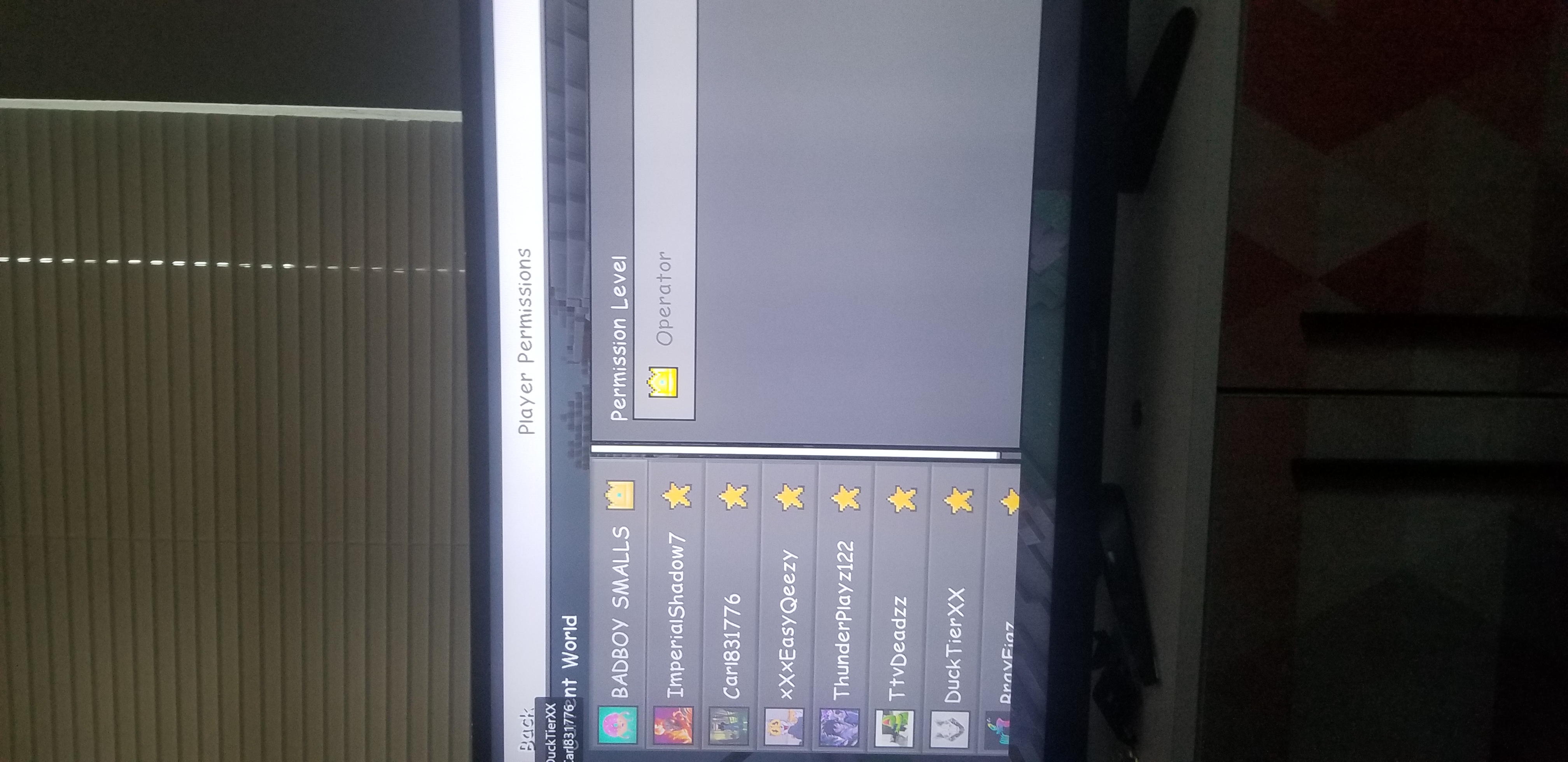



I Own a realm and i can't connect to it says something is wrong with my WIFI even though no one is using my internet, at first this glitch wasn't that bad know it is once in a hour. it only happenes A LOT on my xbox on my computer it says something about my internet connection once then stops, I haven't ran into this problem on Pocket Edition Minecraft.
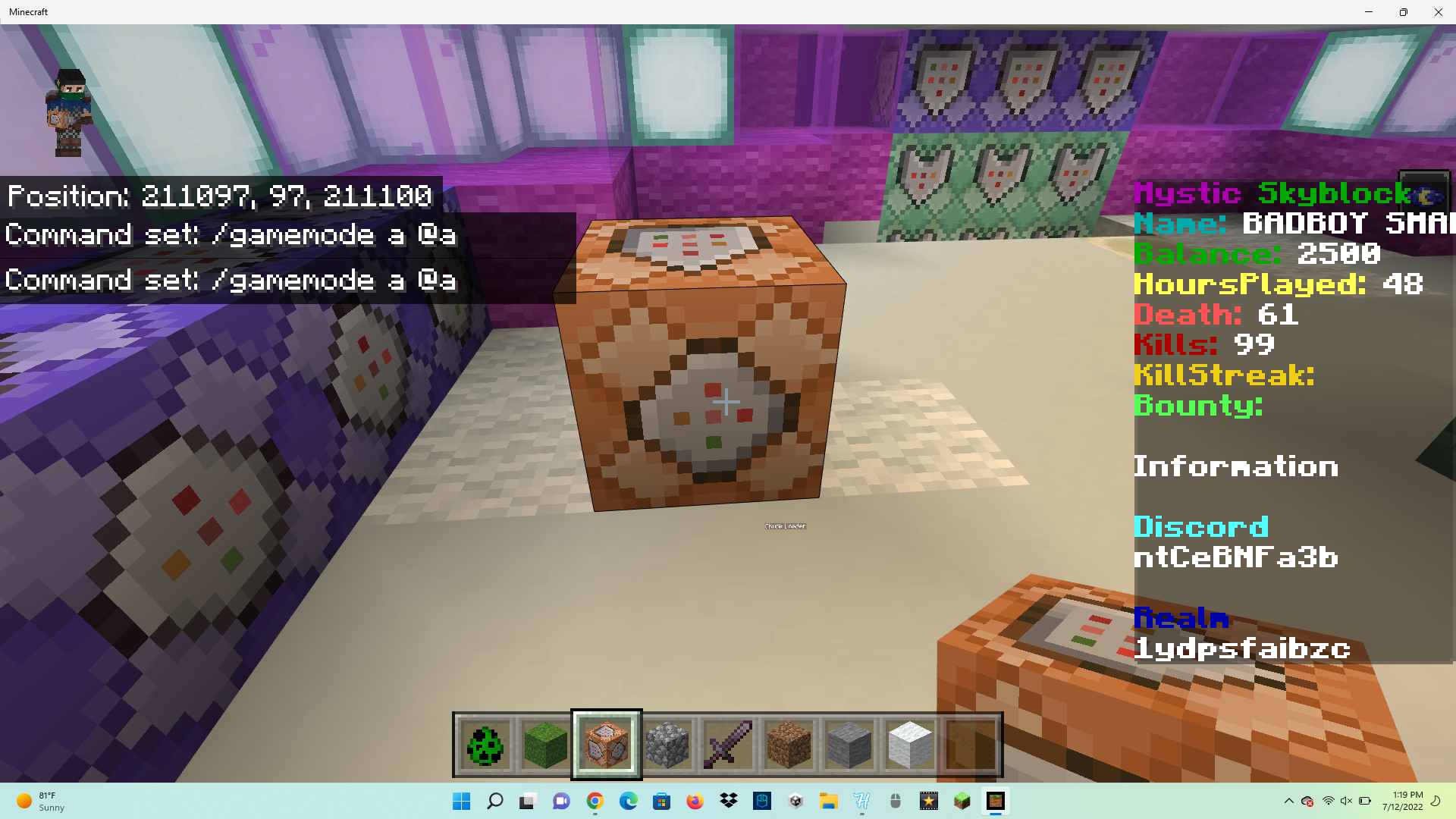
Hi, I'm reporting this bug because I have a realm using command blocks but the text in the commands disappears once I type something innit pls fix this quickly.
Once i click on the command block again it resets everything
Hi, I'm reporting this bug because I have a realm using command blocks but the text in the commands disappears once I type something innit pls fix this quickly.
Once i click on the command block again it resets everything
This glitch ONLY happens on realms for some reason since it didnt do it when i tested it on a world
Hi, I'm reporting this bug because I have a realm using command blocks but the text in the commands disappears once I type something in it.
Once i click on the command block again it resets everything
This glitch ONLY happens on realms for some reason since it didnt do it when
itested it on a worldSteps to Reproduce:
- Create and join a Realm
- Place and open a command block
- Type any text in the command block
- Close and reopen the command block
Observed Results:
The text disappears.Expected Results:
The text should not disappear.Hi, I'm reporting this bug because I have a realm using command blocks but the text in the commands disappears once I type something in it.
Once i click on the command block again it resets everything
This glitch ONLY happens on realms for some reason since it didn't do it when I tested it on a world
Steps to Reproduce:
- Create and join a Realm
- Place and open a command block
- Type any text in the command block
- Close and reopen the command block
Observed Results:
The text disappears.Expected Results:
The text should not disappear.
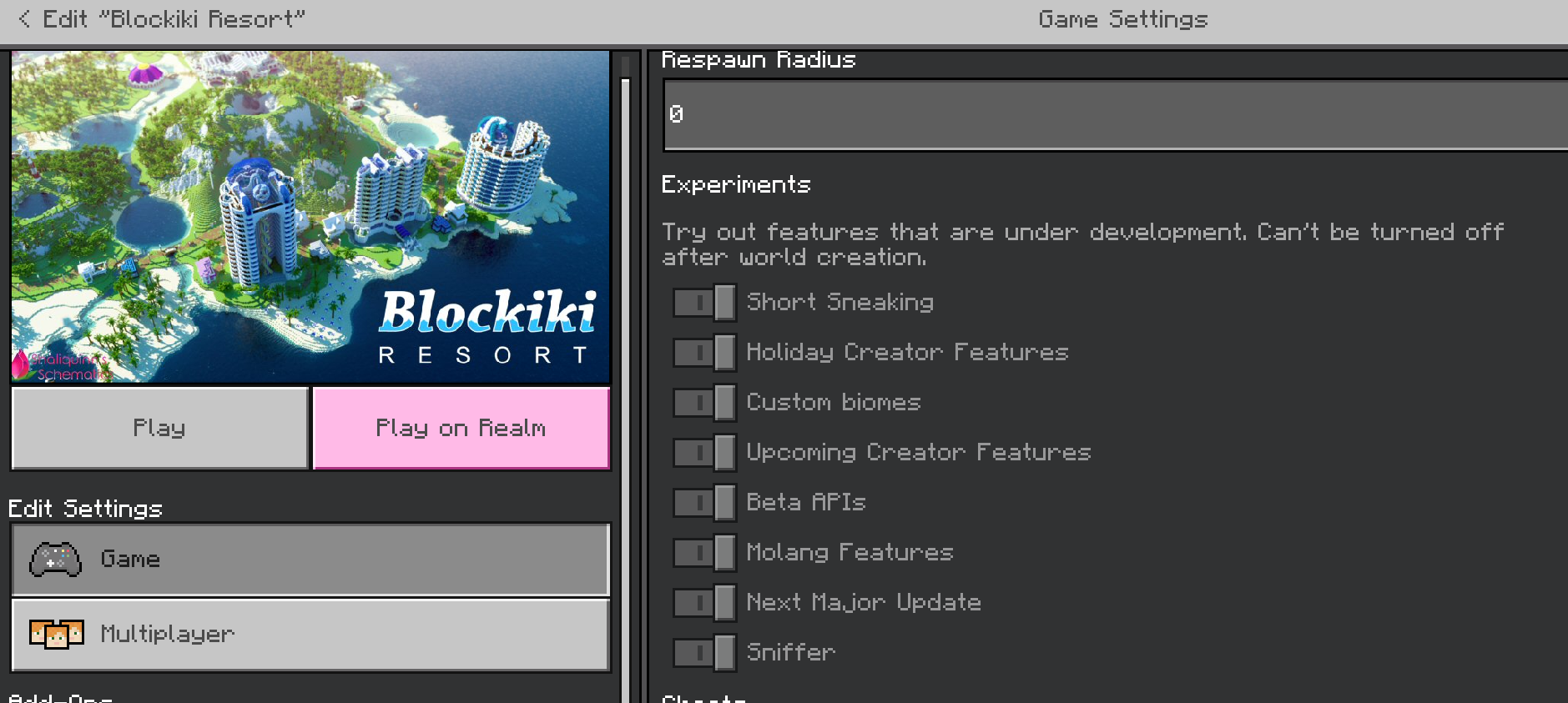
- Description of the Issue: I am currently using an Alienware Aurora R13 Gaming Desktop (Intel Core i7, 16GB Memory, NVIDIA GeForce RTX 3070, 1TB SSD, Liquid Cooling). However, when I attempt to enable the Next Major Update in the game, I consistently encounter crashes. It's important to note that all other features of the game appear to be working perfectly fine. Unfortunately, these crashes prevent me from accessing the exciting new content and features introduced in the update, which significantly hampers my overall gameplay experience on this specific hardware configuration.
- Steps to Reproduce: To reproduce the issue, please follow these steps: a. I launch the game on my Alienware Aurora R13 Gaming Desktop. b. I ensure that the game is updated to the latest version. c. I access the game's settings menu. d. I locate the "Next Major Update" toggle option within the settings. e. I enable the toggle to activate the Next Major Update. f. I observe the game's behavior after enabling the update, paying close attention to any crashes or performance issues.
- Expected Behavior: Upon enabling the Next Major Update, I anticipate a smooth transition into the new features, enhancements, and content introduced in the update. The game should remain stable without any unexpected crashes or disruptions to my gameplay experience.
- Observed Behavior: After enabling the Next Major Update, I consistently experience crashes throughout the game on my Alienware Aurora R13 Gaming Desktop. These crashes when i am loading into the game.
- Error Messages or Codes (if applicable): During the crashes, I do not encounter any specific error messages or error codes. The game simply freezes or abruptly closes without displaying any additional information.
- System Specifications: Here are the specifications of my Alienware Aurora R13 Gaming Desktop:
- Operating System: [Specify the name and version of your operating system]
- CPU: Intel Core i7
- GPU: NVIDIA GeForce RTX 3070
- RAM: 16GB
- Storage: 1TB SSD
- Cooling: Liquid Cooling
- Additional Notes:
- This issue appears to be specific to my PC configuration, so it would be helpful to determine if other Alienware Aurora R13 users are experiencing similar problems with the Next Major Update.
- I have attempted various troubleshooting steps, such as verifying game files, updating graphics drivers, and reinstalling the game, but the crashes persist when the Next Major Update is enabled.
By providing this detailed description of the issue, along with my system specifications, I hope to assist the development team in investigating and resolving the crashing problem associated with the Next Major Update
on my Alienware Aurora R13 Gaming Desktop.(written by ChatGPT)
- Description of the Issue: I am currently using an Alienware Aurora R13 Gaming Desktop (Intel Core i7, 16GB Memory, NVIDIA GeForce RTX 3070, 1TB SSD, Liquid Cooling). However, when I attempt to enable the Next Major Update in the game, I consistently encounter crashes. It's important to note that all other features of the game appear to be working perfectly fine. Unfortunately, these crashes prevent me from accessing the exciting new content and features introduced in the update, which significantly hampers my overall gameplay experience on this specific hardware configuration.
- Steps to Reproduce: To reproduce the issue, please follow these steps: a. I launch the game on my Alienware Aurora R13 Gaming Desktop. b. I ensure that the game is updated to the latest version. c. I access the game's settings menu. d. I locate the "Next Major Update" toggle option within the settings. e. I enable the toggle to activate the Next Major Update. f. I observe the game's behavior after enabling the update, paying close attention to any crashes or performance issues.
- Expected Behavior: Upon enabling the Next Major Update, I anticipate a smooth transition into the new features, enhancements, and content introduced in the update. The game should remain stable without any unexpected crashes or disruptions to my gameplay experience.
- Observed Behavior: After enabling the Next Major Update, I consistently experience crashes throughout the game on my Alienware Aurora R13 Gaming Desktop. These crashes when i am loading into the game.
- Error Messages or Codes (if applicable): During the crashes, I do not encounter any specific error messages or error codes. The game simply freezes or abruptly closes without displaying any additional information.
- System Specifications: Here are the specifications of my Alienware Aurora R13 Gaming Desktop:
- Operating System: [Specify the name and version of your operating system]
- CPU: Intel Core i7
- GPU: NVIDIA GeForce RTX 3070
- RAM: 16GB
- Storage: 1TB SSD
- Cooling: Liquid Cooling
- Additional Notes:
- This issue appears to be specific to my PC configuration, so it would be helpful to determine if other Alienware Aurora R13 users are experiencing similar problems with the Next Major Update.
- I have attempted various troubleshooting steps, such as verifying game files, updating graphics drivers, and reinstalling the game, but the crashes persist when the Next Major Update is enabled.
By providing this detailed description of the issue, along with my system specifications, I hope to assist the development team in investigating and resolving the crashing problem associated with the Next Major Update.
(written by ChatGPT)
image-2023-05-16-10-50-58-761.png
Then y is it in the game if it just lags a lot
Im also having this problem it pisses me off when it fills my command with ## symbols
I forgot to say this in the feedback but it only happenes A LOT on my xbox on my computer it says something about my internet connection once then stops, I haven't ran into this problem on Pocket Edition Minecraft.
Minecraft devs pls fix this problem i own a server with no crates or any events happening because when ever i type the /clone command it fills it with ### and literally any command that requires numbers
Wait did i get banned what do i do to fix this cuz this only happened when i updated my mc
This problem occurs on local worlds and that's all, I know for now, I am thinking of buying a realm and trying it on there to see if it stops crashing.
There is something wrong with my computer is there anything I can do to fix this problem? My game doesn't crash on my laptop or xbox. Nevermind It just happened I tried loading up a marketplace world with all experimental features on and it crashed.
Steps to Reproduce:
Observed Results: My Minecraft game crashes upon trying to join the imported world with the "Next Major Update Experimental" feature enabled. The game doesn't imminently crash it reaches the "Loading Resources" then crashes with no error message
Expected Results: The game should load and allow you to successfully join the world, without any crashes, even with the "Next Major Update Experimental" feature enabled.
(Usually it reaches the "Loading Resources" screen but this time it crashed at the "Building Terrain" screen. (Im on my Laptop)
I noticed a lot of errors saying that there are missing crafting recipes i am unable to take a picture of the errors due to my computer freezing when i try