 Balaram Chakrabarty
- Balaram
- balaram.sudip@gmail.com
- Europe/Stockholm
- Yes
- No
 WEB-2204
 MCPE-76329
 MC-188199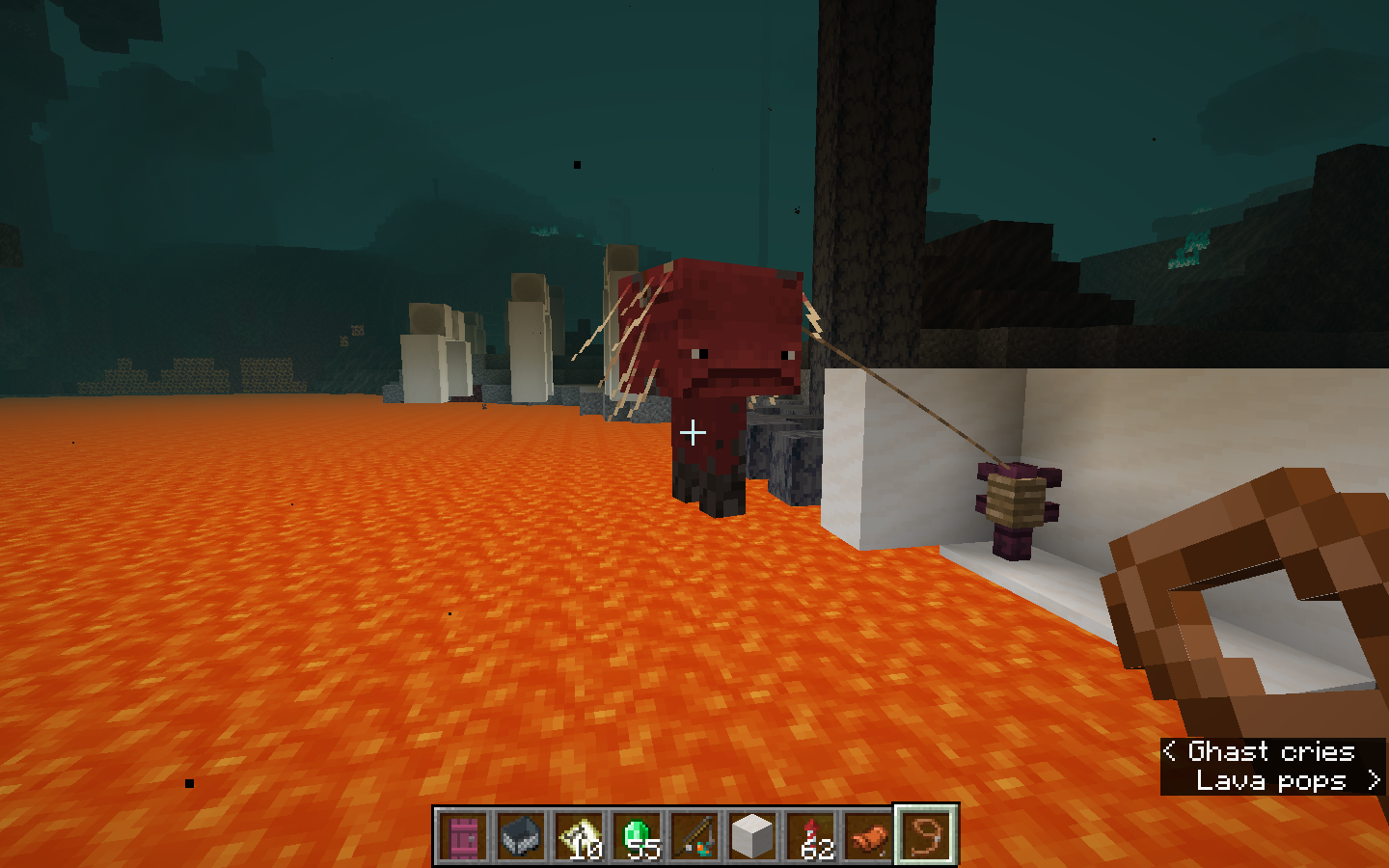


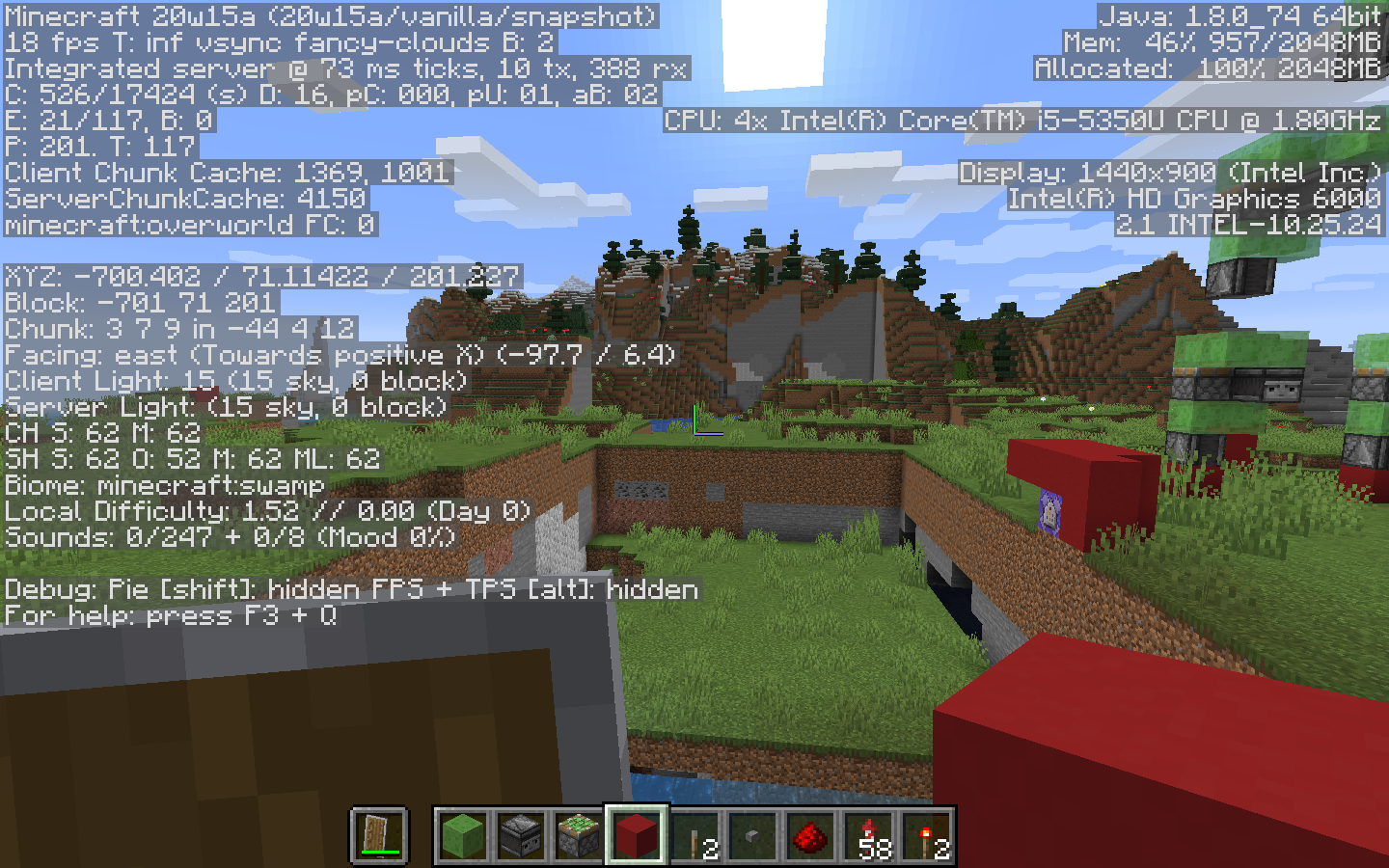
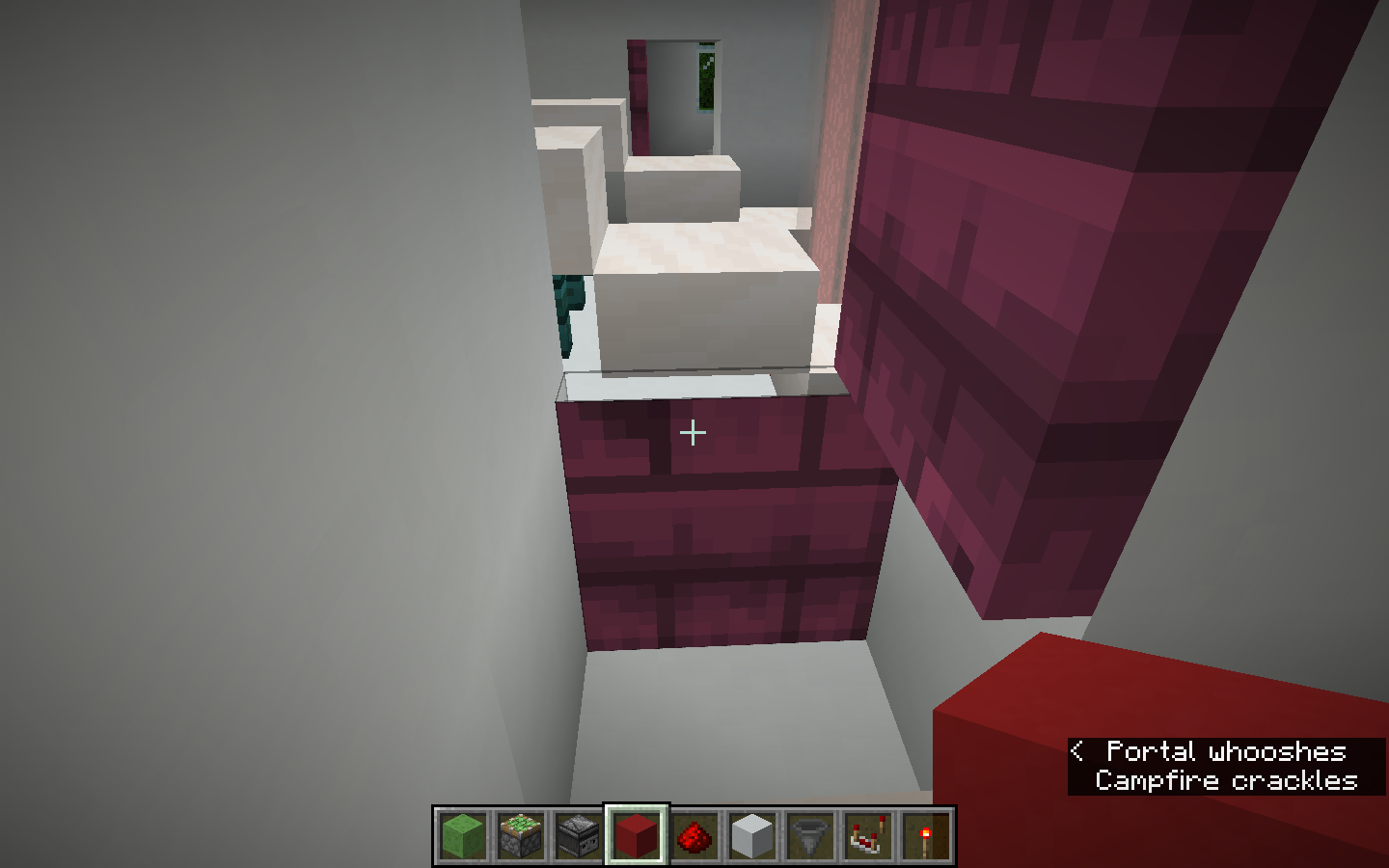

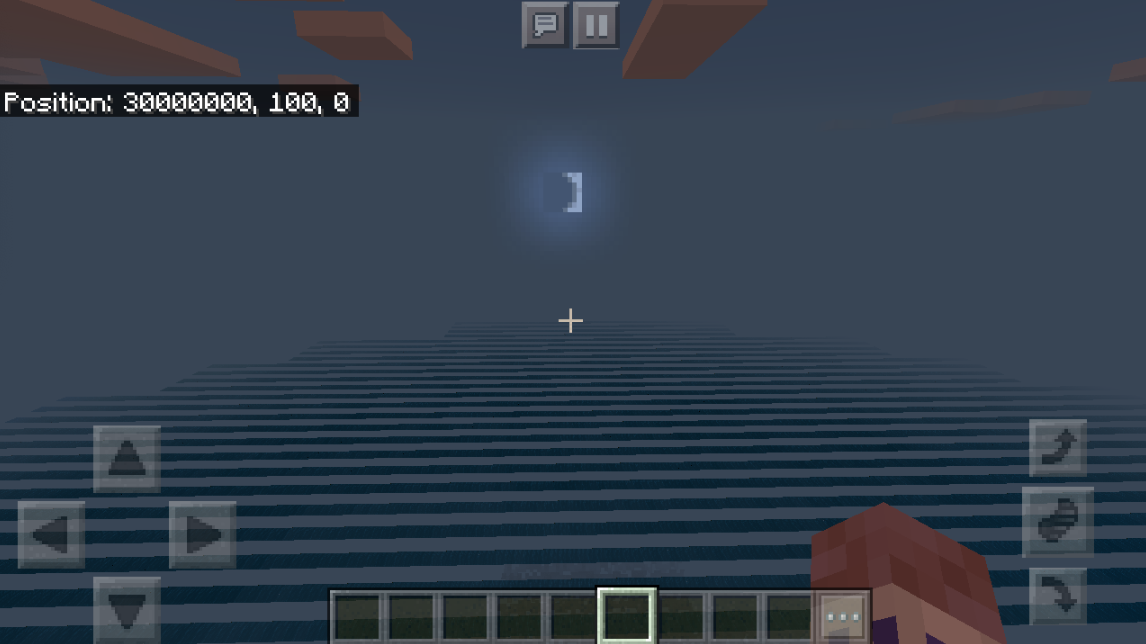

When I was playing hardcore minecraft, I found out I could not move the items in my inventoryMy inventory stopped working while I was playing hardcore minecraft
crash report
---- Minecraft Crash Report -------- Minecraft Crash Report ----// Shall we play a game?
Time: 3/25/20 2:08 PMDescription: Ticking player
java.lang.IllegalArgumentException: Cannot get property cdt{name=axis, clazz=class fr$a, values=[x, y, z]} as it does not exist in Block{minecraft:dark_oak_wall_sign} at cct.c(SourceFile:93) at btc.a(SourceFile:58) at ccu$a.d(SourceFile:691) at bib.a(SourceFile:171) at bib.a(SourceFile:364) at bhw.a(SourceFile:452) at bbp.j(SourceFile:290) at bbq.l(SourceFile:575) at amy.h(SourceFile:2175) at bbq.h(SourceFile:274) at yi.i(SourceFile:411) at yz.b(SourceFile:198) at lv.a(SourceFile:234) at yy.c(SourceFile:171) at net.minecraft.server.MinecraftServer.b(SourceFile:872) at net.minecraft.server.MinecraftServer.a(SourceFile:799) at ekh.a(SourceFile:129) at net.minecraft.server.MinecraftServer.run(SourceFile:658) at java.lang.Thread.run(Thread.java:745)A detailed walkthrough of the error, its code path and all known details is as follows:---------------------------------------------------------------------------------------
– Head --Thread: Server threadStacktrace: at cct.c(SourceFile:93) at btc.a(SourceFile:58) at ccu$a.d(SourceFile:691) at bib.a(SourceFile:171) at bib.a(SourceFile:364) at bhw.a(SourceFile:452) at bbp.j(SourceFile:290) at bbq.l(SourceFile:575) at amy.h(SourceFile:2175) at bbq.h(SourceFile:274)
– Player being ticked --Details: Entity Type: minecraft:player (yi) Entity ID: 4 Entity Name: BalaramChakra Entity's Exact location: 62.70, 77.00, 284.70 Entity's Block location: World: (62,77,284), Chunk: (at 14,4,12 in 3,17; contains blocks 48,0,272 to 63,255,287), Region: (0,0; contains chunks 0,0 to 31,31, blocks 0,0,0 to 511,255,511) Entity's Momentum: 0.00, 0.00, 0.00 Entity's Passengers: [] Entity's Vehicle: ~ERROR~ NullPointerException: nullStacktrace: at yi.i(SourceFile:411) at yz.b(SourceFile:198) at lv.a(SourceFile:234)
– Ticking connection --Details: Connection: lv@f3dea23Stacktrace: at yy.c(SourceFile:171) at net.minecraft.server.MinecraftServer.b(SourceFile:872) at net.minecraft.server.MinecraftServer.a(SourceFile:799) at ekh.a(SourceFile:129) at net.minecraft.server.MinecraftServer.run(SourceFile:658) at java.lang.Thread.run(Thread.java:745)
– System Details --Details: Minecraft Version: 20w12a Minecraft Version ID: 20w12a Operating System: Mac OS X (x86_64) version 10.12.6 Java Version: 1.8.0_74, Oracle Corporation Java VM Version: Java HotSpot(TM) 64-Bit Server VM (mixed mode), Oracle Corporation Memory: 1363284320 bytes (1300 MB) / 2147483648 bytes (2048 MB) up to 2147483648 bytes (2048 MB) CPUs: 4 JVM Flags: 8 total; -Xss1M -Xmx2G -XX:+UnlockExperimentalVMOptions -XX:+UseG1GC -XX:G1NewSizePercent=20 -XX:G1ReservePercent=20 -XX:MaxGCPauseMillis=50 -XX:G1HeapRegionSize=32M Player Count: 1 / 8; [yi['BalaramChakra'/4, l='expiriment of mods and glitchesx', x=62.70, y=77.00, z=284.70]] Data Packs: vanilla Type: Integrated Server (map_client.txt) Is Modded: Probably not. Jar signature remains and both client + server brands are untouched.crash report(actually in 20w12a, this won't let me)
---- Minecraft Crash Report -------- Minecraft Crash Report ----// Shall we play a game?
{name=axis, clazz=class fr$a, values=[x, y, z]}
Time: 3/25/20 2:08 PMDescription: Ticking player
java.lang.IllegalArgumentException: Cannot get property cdtas it does not exist in Block{minecraft:dark_oak_wall_sign} at cct.c(SourceFile:93) at btc.a(SourceFile:58) at ccu$a.d(SourceFile:691) at bib.a(SourceFile:171) at bib.a(SourceFile:364) at bhw.a(SourceFile:452) at bbp.j(SourceFile:290) at bbq.l(SourceFile:575) at amy.h(SourceFile:2175) at bbq.h(SourceFile:274) at yi.i(SourceFile:411) at yz.b(SourceFile:198) at lv.a(SourceFile:234) at yy.c(SourceFile:171) at net.minecraft.server.MinecraftServer.b(SourceFile:872) at net.minecraft.server.MinecraftServer.a(SourceFile:799) at ekh.a(SourceFile:129) at net.minecraft.server.MinecraftServer.run(SourceFile:658) at java.lang.Thread.run(Thread.java:745)
A detailed walkthrough of the error, its code path and all known details is as follows:---------------------------------------------------------------------------------------
– Head --Thread: Server threadStacktrace: at cct.c(SourceFile:93) at btc.a(SourceFile:58) at ccu$a.d(SourceFile:691) at bib.a(SourceFile:171) at bib.a(SourceFile:364) at bhw.a(SourceFile:452) at bbp.j(SourceFile:290) at bbq.l(SourceFile:575) at amy.h(SourceFile:2175) at bbq.h(SourceFile:274)
– Player being ticked --Details: Entity Type: minecraft:player (yi) Entity ID: 4 Entity Name: BalaramChakra Entity's Exact location: 62.70, 77.00, 284.70 Entity's Block location: World: (62,77,284), Chunk: (at 14,4,12 in 3,17; contains blocks 48,0,272 to 63,255,287), Region: (0,0; contains chunks 0,0 to 31,31, blocks 0,0,0 to 511,255,511) Entity's Momentum: 0.00, 0.00, 0.00 Entity's Passengers: [] Entity's Vehicle: ~ERROR~ NullPointerException: nullStacktrace: at yi.i(SourceFile:411) at yz.b(SourceFile:198) at lv.a(SourceFile:234)
– Ticking connection --Details: Connection: lv@f3dea23Stacktrace: at yy.c(SourceFile:171) at net.minecraft.server.MinecraftServer.b(SourceFile:872) at net.minecraft.server.MinecraftServer.a(SourceFile:799) at ekh.a(SourceFile:129) at net.minecraft.server.MinecraftServer.run(SourceFile:658) at java.lang.Thread.run(Thread.java:745)
– System Details --Details: Minecraft Version: 20w12a Minecraft Version ID: 20w12a Operating System: Mac OS X (x86_64) version 10.12.6 Java Version: 1.8.0_74, Oracle Corporation Java VM Version: Java HotSpot(TM) 64-Bit Server VM (mixed mode), Oracle Corporation Memory: 1363284320 bytes (1300 MB) / 2147483648 bytes (2048 MB) up to 2147483648 bytes (2048 MB) CPUs: 4 JVM Flags: 8 total; -Xss1M -Xmx2G -XX:+UnlockExperimentalVMOptions -XX:+UseG1GC -XX:G1NewSizePercent=20 -XX:G1ReservePercent=20 -XX:MaxGCPauseMillis=50 -XX:G1HeapRegionSize=32M Player Count: 1 / 8; [yi['BalaramChakra'/4, l='expiriment of mods and glitchesx', x=62.70, y=77.00, z=284.70]] Data Packs: vanilla Type: Integrated Server (map_client.txt) Is Modded: Probably not. Jar signature remains and both client + server brands are untouched.
Blackstone walls have the same use as stone/cobblestone. They aren't really decoration blocks, so they are in the building blocks tab
Blackstone walls, being walls, and decoration blocks, actually are supposed to be in the decoration block category.
The Chunk error has come back! there is now a massive hole in the ground that I can fall straight through near the world border. This has to do with custom superflats with entities everywhere on the top as part of the superflat.
The Chunk error has come back! there is now a massive hole in the ground that I can fall straight through near the world border. This has to do with custom superflats with entities everywhere on the top as part of the superflat.
This is not a duplicate of
MC-181511Because this is with a superflat full of entities.
The error is included in many many java class files.
For a client log, this is the log
19:39:08] [Render thread/INFO]: Environment: authHost='https://authserver.mojang.com', accountsHost='https://api.mojang.com', sessionHost='https://sessionserver.mojang.com', name='PROD'
[19:39:08] [Render thread/INFO]: Setting user: Player990
[19:39:09] [Render thread/INFO]: Backend library: LWJGL version 3.2.1 build 12
---- Minecraft Crash Report ----
// You're mean.
Time: 7/22/20 7:39 PM
Description: Initializing game
java.lang.ExceptionInInitializerError
at org.lwjgl.glfw.GLFW.glfwCreateWindow(GLFW.java:1842)
at dgy.<init>(SourceFile:90)
at ecn.a(SourceFile:21)
at dlx.<init>(SourceFile:449)
at net.minecraft.client.main.Main.main(SourceFile:177)
Caused by: java.lang.IllegalStateException: GLFW windows may only be created on the main thread and that thread must be the first thread in the process. Please run the JVM with -XstartOnFirstThread. For offscreen rendering, make sure another window toolkit (e.g. AWT or JavaFX) is initialized before GLFW.
at org.lwjgl.glfw.EventLoop$OffScreen.<clinit>(EventLoop.java:39)
... 5 more
A detailed walkthrough of the error, its code path and all known details is as follows:
---------------------------------------------------------------------------------------
– Head –
Thread: Render thread
Stacktrace:
at org.lwjgl.glfw.GLFW.glfwCreateWindow(GLFW.java:1842)
at dgy.<init>(SourceFile:90)
at ecn.a(SourceFile:21)
at dlx.<init>(SourceFile:449)
– Initialization –
Details:
Stacktrace:
at net.minecraft.client.main.Main.main(SourceFile:177)
– System Details –
Details:
Minecraft Version: 1.16.1
Minecraft Version ID: 1.16.1
Operating System: Mac OS X (x86_64) version 10.15.5
Java Version: 1.8.0_251, Oracle Corporation
Java VM Version: Java HotSpot(TM) 64-Bit Server VM (mixed mode), Oracle Corporation
Memory: 1460493456 bytes (1392 MB) / 1811939328 bytes (1728 MB) up to 2147483648 bytes (2048 MB)
CPUs: 4
JVM Flags: 7 total; -Xmx2G -XX:+UnlockExperimentalVMOptions -XX:+UseG1GC -XX:G1NewSizePercent=20 -XX:G1ReservePercent=20 -XX:MaxGCPauseMillis=50 -XX:G1HeapRegionSize=32M
Launched Version: 1.16.1
Backend library: LWJGL version 3.2.1 build 12
Backend API: NO CONTEXT
GL Caps:
Using VBOs: Yes
Is Modded: Probably not. Jar signature remains and client brand is untouched.
Type: Client (map_client.txt)
CPU: <unknown>
#@Unable to render embedded object: File (@# Game crashed) not found. Crash report saved to: #@!@# /Users/balaramc/MCCode/MinecraftAPP/./crash-reports/crash-2020-07-22_19.39.10-client.txt
This issue is in the java edition of the game too.
0:41:37.931
Preparing to launch minecraft client for 1.16-pre2
10:41:39.979
Checking installations.
10:41:39.981
Minecraft client 1.16-pre2 is ready to start.
10:41:39.982
Starting!
10:41:40.094
Using default game log configuration client-1.12.xml (outputs XML)
10:41:48.247
Unknown biome, defaulting to plains
10:41:49.851
Environment: authHost='https://authserver.mojang.com', accountsHost='https://api.mojang.com', sessionHost='https://sessionserver.mojang.com', name='PROD'
10:41:49.860
Setting user: BalaramChakra
10:41:50.112
Backend library: LWJGL version 3.2.1 build 12
10:41:52.067
Couldn't get pack info for: aag: 'pack.mcmeta' in ResourcePack '/Users/balaramc/Library/Application Support/minecraft/resourcepacks/Vanilla-Normals-Renewed-master.zip'
10:41:53.555
Reloading ResourceManager: Default
10:42:02.464
OpenAL initialized.
10:42:02.472
Sound engine started
10:42:03.680
Created: 1024x1024x4 minecraft:textures/atlas/blocks.png-atlas
10:42:03.744
Created: 256x128x4 minecraft:textures/atlas/signs.png-atlas
10:42:03.765
Created: 1024x512x4 minecraft:textures/atlas/banner_patterns.png-atlas
10:42:23.154
Preparing spawn area: 0%
10:42:23.615
Preparing spawn area: 0%
10:42:25.695
Time elapsed: 6149 ms
10:42:26.661
Changing view distance to 13, from 10
10:42:28.269
BalaramChakra[local:E:d321ae26] logged in with entity id 206 at (23.375836815242497, 75.20000004768372, -14.16667303572136)
10:42:28.402
BalaramChakra joined the game
10:42:28.678
Can't keep up! Is the server overloaded? Running 2494ms or 49 ticks behind
10:42:28.678
Saving and pausing game...
10:42:28.845
Saving chunks for level 'ServerLevel[expiriments of mods and glitches]'/minecraft:overworld
10:42:32.672
Saving chunks for level 'ServerLevel[expiriments of mods and glitches]'/minecraft:the_nether
10:42:32.677
Saving chunks for level 'ServerLevel[expiriments of mods and glitches]'/minecraft:the_end
10:42:32.975
Loaded 172 advancements
sun.reflect.Reflection.getCallerClass is not supported. This will impact performance.
//Note this error only happens sometimes. This does not happen all the time for some reason.
Mac OS, Intel i5 gpu, JDK 14.
It seems this was only in 20w15 and has been fixed since. I am not sure why, but that seems to be the case.
You are supposed to have your elytra still active so you can get out of water and lava. The fact that it gets you stuck in the position is the real bug here.
Yes I did, I forgot to turn it off, I thought I did and decided to continue on and that was when the bug happene.
By holding a map in my creative menu, then the game crashed
I did use 20w12a, the thing says that 20w12a is nonexistant, so i had to use 20w13 for the tag
Had to re-download minecraft, the bug crashed my launcher too.
this is 20w13a, it has been fixed
15:01:28.612
Preparing spawn area: 0%
15:01:28.613
Preparing spawn area: 0%
15:01:28.613
Preparing spawn area: 0%
15:01:28.613
Preparing spawn area: 0%
15:01:28.613
Preparing spawn area: 0%
15:01:28.614
Preparing spawn area: 0%
15:01:28.614
Preparing spawn area: 0%
15:01:28.614
Preparing spawn area: 0%
15:01:29.389
Preparing spawn area: 0%
15:01:29.535
Preparing spawn area: 83%
15:01:30.176
Time elapsed: 5143 ms
15:01:30.553
Changing view distance to 255, from 10
15:01:31.718
BalaramChakra[local:E:88107e93] logged in with entity id 203 at (81.90515392133021, 74.78508308423835, 237.0706256367038)
15:01:31.781
BalaramChakra joined the game
15:01:34.240
Can't keep up! Is the server overloaded? Running 2777ms or 55 ticks behind
15:02:31.742
15:02:31.745
Process crashed with exit code 9
I think it is resolved now. Here is how,
First I deleted my launcher and re-install it. Usually this helps but the crash was even quicker and worse. Then, I eradicated my computer of any proof that I had minecraft (the application the folder and all that stuff), then i went to the minecraft website to re-install it. I can play minecraft again.
The Major downside is that all of my worlds are gone, and I have to do everything again. I had 40 worlds and a lot of survival and hardcore worlds that are permanently gone, as well as all of my mods, optifine, all of the texture and shaderpacks that I downloaded and all my game versions.
why is it intended, it makes no logical sense!
so what if levers break on pisterns? if you are suggesting they should not, please go to https://feedback.minecraft.net/hc/en-us to suggest your thing.
Somebody resolve this
I have a storage room with around 10 chests, and in there is where the duplication happened. There is a lot of netherrack, and a lot of items such as armour, stuff from the end, and firework rockets.
I also lost netherite tools in there
I do not know any reason why it happened, or any source of it, is there someone that can find it out?
You can try in vanilla minecraft. The wither still suffocates in bedrock.
what is "out of bounds(black space)"
I had this bug this too.
All i changed was how frequent wither skeleton skulls drop.
Does not seem to crash all the time, think it is because I need to use .Jar.
happens on java too.
happenes in 20w15a not resolved.
Can reproduce.
Have a villager or zombie near lava with nowhere else to go. Instead of staying still, like they would do with any other threat, they jump straight into lava. IF it does not happen, repeat a few more times, or wait 10 minutes.
still an issue in 20w15a
/locatebiome basalt_deltas takes me to a huge nether wastes biome.
check the biome on the image, see if it makes sense
Daniel Tucker, not intended, this is a bug, you throw it rather than hitting the piglin.
Already reported
could be corruption, next time back up and use the back up world
I have this chunck lighting issue
So annoying happens so frequently.
I wonder why hoppers and comparators stop working in this snapshot.
Thanks, that helped.
Happened again in 20w16a
Minecraft Game Output
Caught exception in thread Thread[Worker-8,5,main] java.lang.OutOfMemoryError: Java heap space at java.lang.Thread.getName(Thread.java:1135) at v$1.onTermination(SourceFile:98) at java.util.concurrent.ForkJoinWorkerThread.run(ForkJoinWorkerThread.java:162)
08:26:04.752
Encountered an unexpected exception java.lang.OutOfMemoryError: Java heap space at j.a(SourceFile:295) at net.minecraft.server.MinecraftServer.b(SourceFile:854) at net.minecraft.server.MinecraftServer.a(SourceFile:791) at emt.a(SourceFile:128) at net.minecraft.server.MinecraftServer.run(SourceFile:650) at java.lang.Thread.run(Thread.java:745)
08:26:07.426
This crash report has been saved to: /Users/balaramc/Library/Application Support/minecraft/crash-reports/crash-2020-04-16_08.26.07-server.txt
I would also like a different resolution. Obviously, I do not like to delete my worlds every other week.