 Bigman1103
- Bigman1103
- bigman1103
- America/Chicago
- Yes
- No
 MC-53024
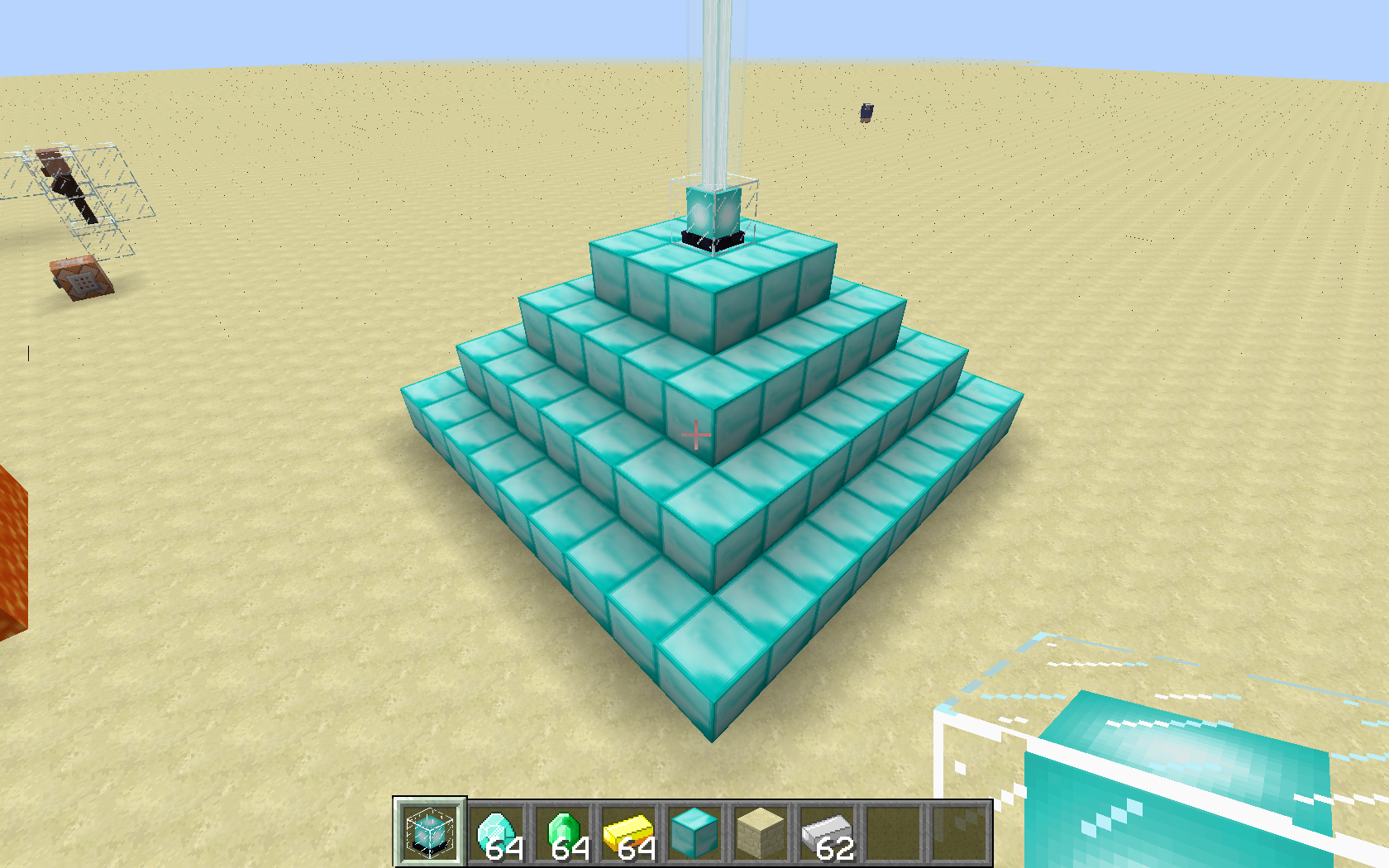
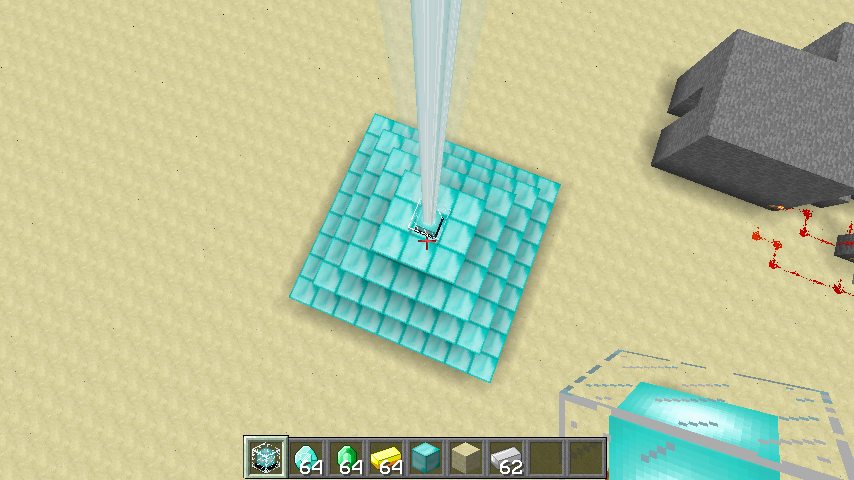
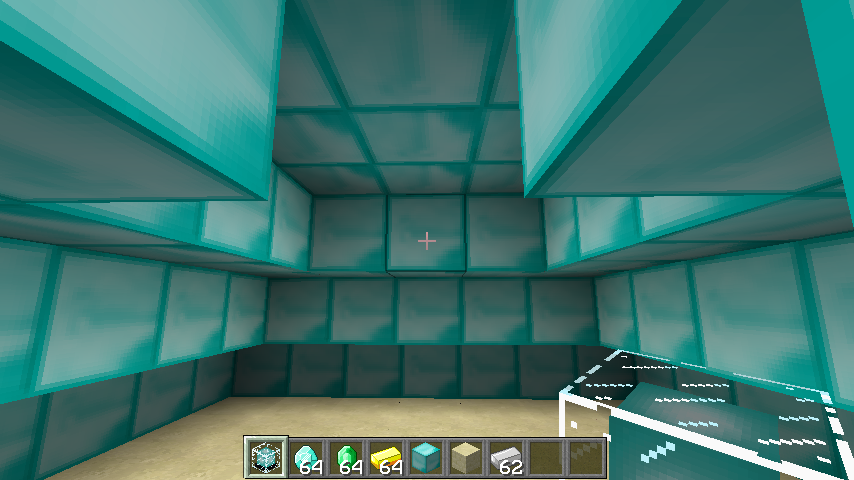
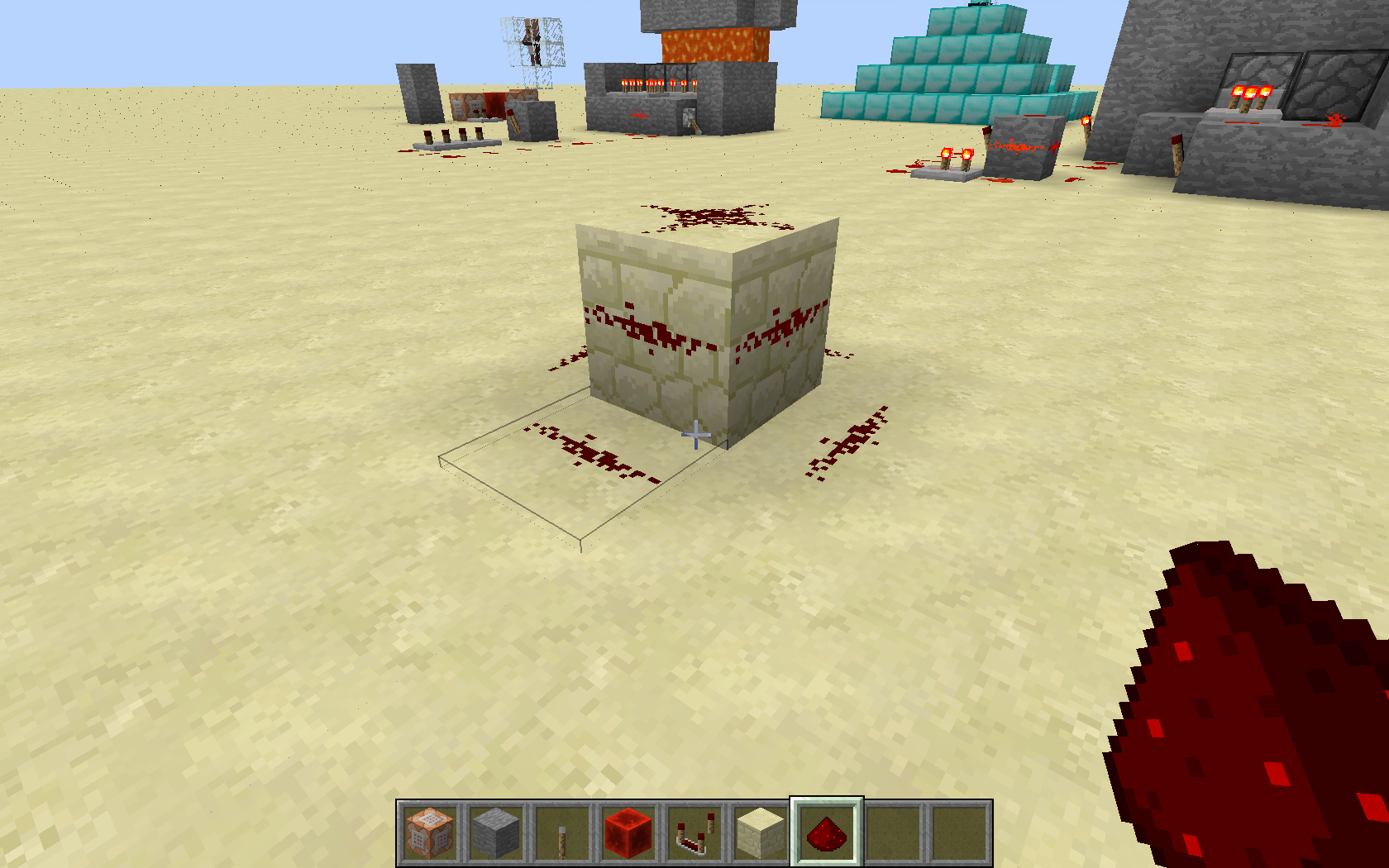




What I expected to happen was when I created a pyramid of diamond blocks four layers high I would have the option to select one of the 6 status effects or the option to get an upgrade for one of the effects.
What actually happened was when I placed the beacon and right clicked on it the GUI po
oped up and the only option were Haste, Haste II, Speed and Speed II, nothing else.1. Create a pyramid of Diamond, Gold, Iron or Emerald blocks with any number of layers.
2. Place a beacon on top like you usually would.
3. Open up the GUI.What I expected to happen was when I created a pyramid of diamond blocks four layers high I would have the option to select one of the 6 status effects or the option to get an upgrade for one of the effects.
What actually happened was when I placed the beacon and right clicked on it the GUI popped up and the only options were Haste, Haste II, Speed and Speed II, nothing else.
1. Create a pyramid of Diamond, Gold, Iron or Emerald blocks with any number of layers.
2. Place a beacon on top like you usually would.
3. Open up the GUI.
What I expected to happen was when I created a pyramid of diamond blocks four layers high I would have the option to select one of the 6 status effects or the option to get an upgrade for one of the effects.
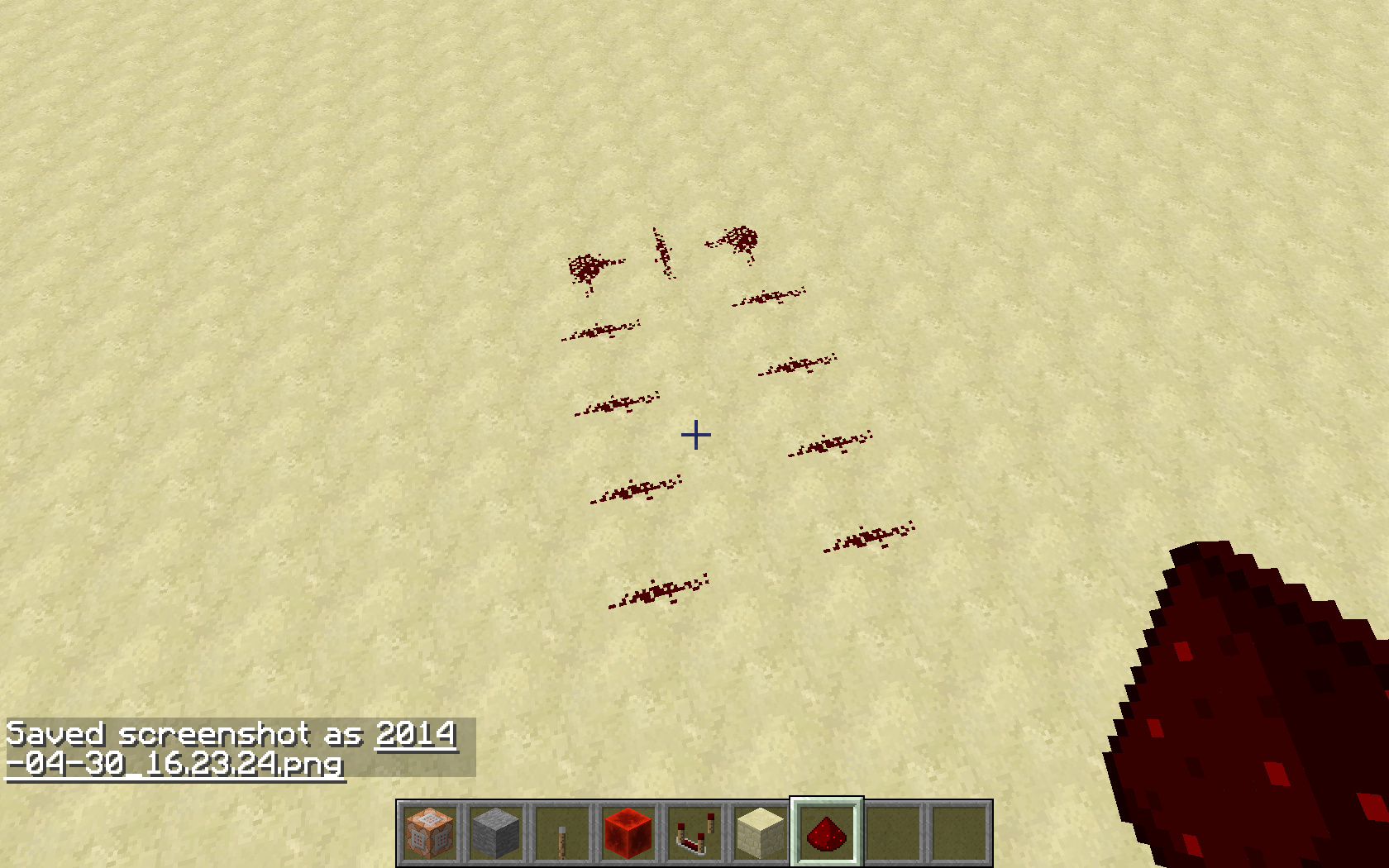
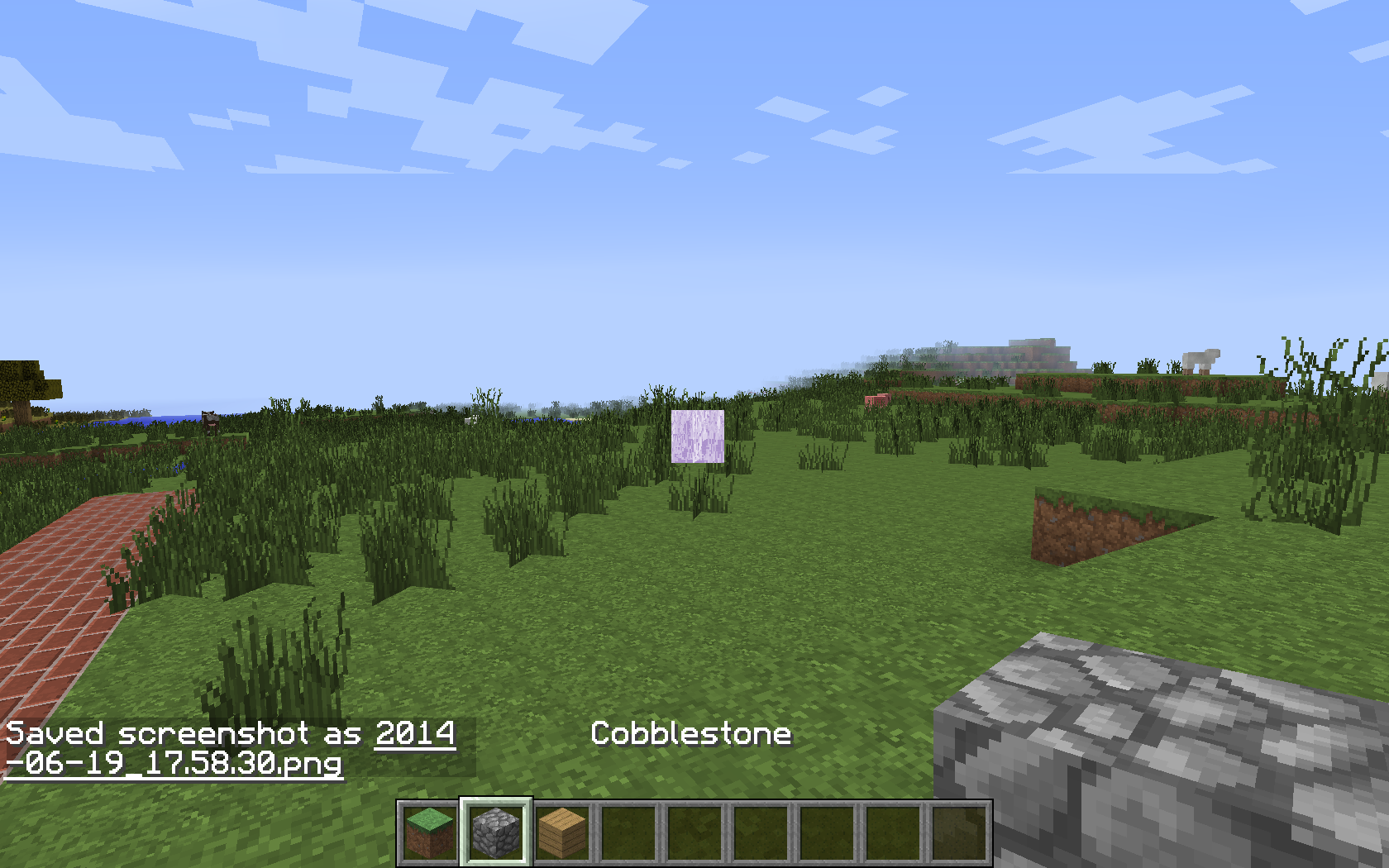
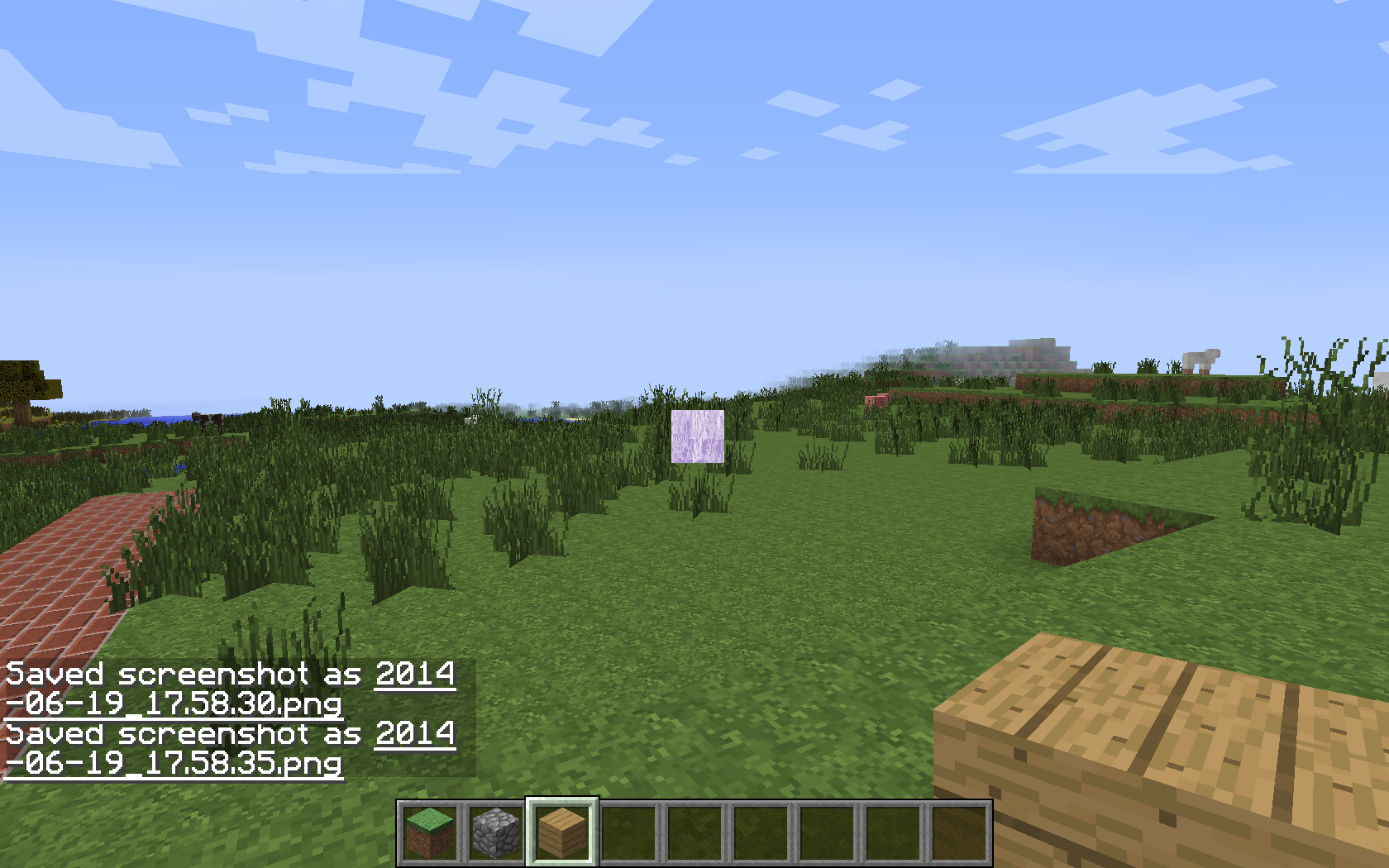
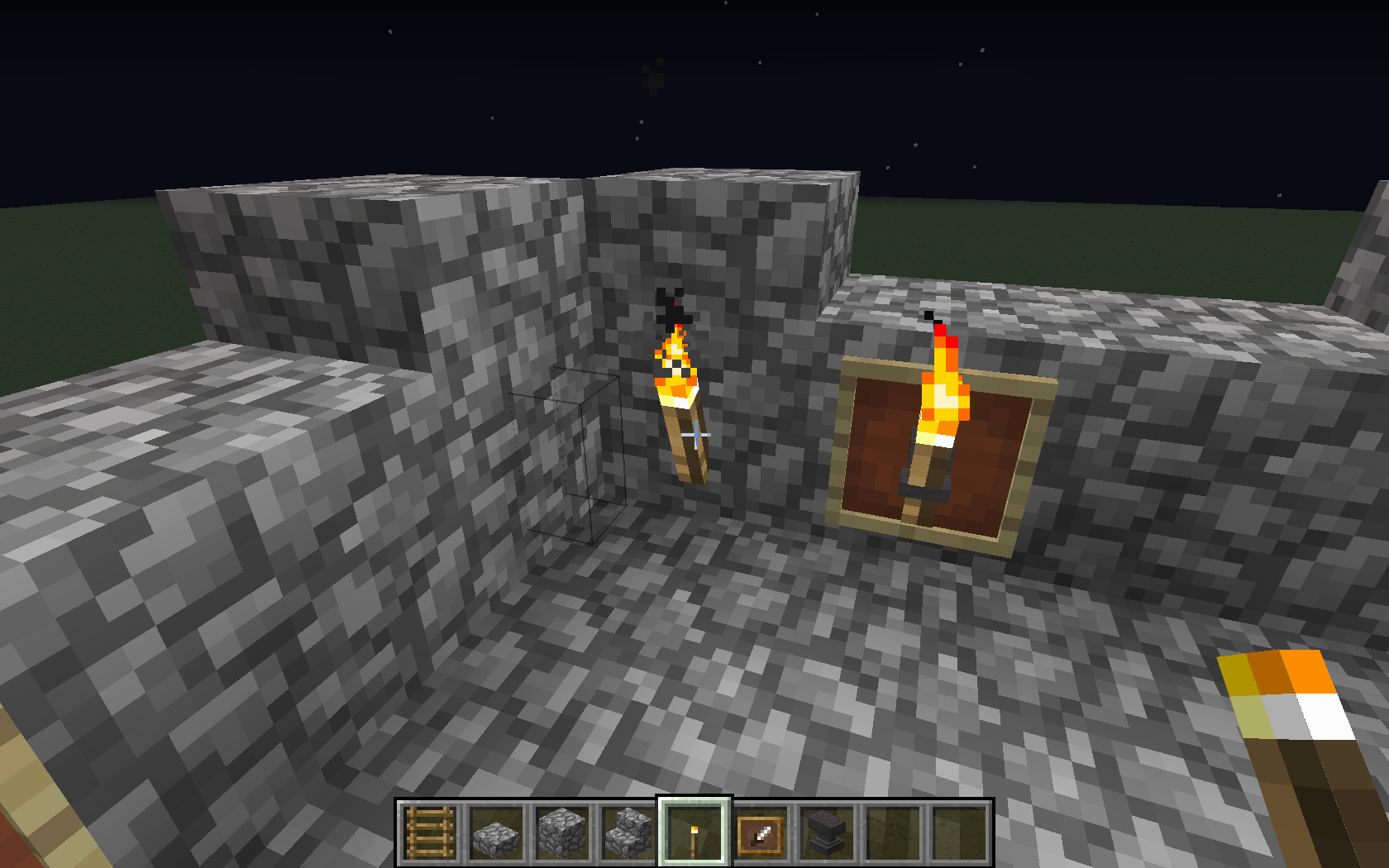
What actually happened was when I placed the beacon and right clicked on it the GUI popped up and the only options were Haste, Haste II, Speed and Speed II, nothing else. The first screen shot is that of a beacon on top of a pyramid with two layers, the next three are that of one with four layers. Either way I get the same result and the last three are just to show that I know how the build the correct pyramid structure.
1. Create a pyramid of Diamond, Gold, Iron or Emerald blocks with any number of layers.
2. Place a beacon on top like you usually would.
3. Open up the GUI.
The slot.villager tag does not work. When you run the command it says it was successful but when you look at the villager nothing has happened. Here is the command I used.
/replaceitem entity @e [type=Villager] slot.villager.1 minecraft:iron_hemet
After the stot.villager tag I have used many numbers other than one.
The slot.villager tag does not work. When you run the command it says it was successful but when you look at the villager nothing has happened. Here is the command I used.
/replaceitem entity @e[type=Villager,r=2] slot.villager.1 minecraft:iron_hemet
After the stot.villager tag I have used many numbers other than one.
The slot.villager tag does not work. When you run the command it says it was successful but when you look at the villager nothing has happened. Here is the command I used.
/replaceitem entity @e[type=Villager,r=2] slot.villager.1 minecraft:iron_hemet
After the stot.villager tag I have used many numbers
otherthanone.The slot.villager tag does not work. When you run the command it says it was successful but when you look at the villager nothing has happened. Here is the command I used.
/replaceitem entity @e[type=Villager,r=2] slot.villager.1 minecraft:iron_hemet
After the stot.villager tag I have used many other numbers than 1
2014-08-15_21.42.22.png
The slot.villager tag does not work. When you run the command it says it was successful but when you look at the villager nothing has happened. Here is the command I used.
/replaceitem entity @e[type=Villager,r=2] slot.villager.1 minecraft:iron_hemet
After the stot.villager tag I have
used manyothernumbers than 1The slot.villager tag does not work. When you run the command it says it was successful but when you look at the villager nothing has happened. Here is the command I used.
/replaceitem entity @e[type=Villager,r=2] slot.villager.1 minecraft:iron_hemet
After the stot.villager tag I have tried many numbers other than 1
how is the slot.villager tag used then?
Preben Gjelsvik yeah no problem I will add those.
Oh wow duh, thanks so much!!
It says on the Minecraft Wiki that Guardians don't take damage from lava.
people please vote for this issue because it needs to be fixed.
Dolphin263 the only thing that works for me is having more than one of a block in my inventory. I have tried your method but it didn't work. What items/blocks that wok may differ with resource pack but over all this bug is with Minecraft not with the textures themselves.
Thanks so much this is one of the most annoying bugs I have ever encountered.
For me nothing has changed as of 14w26b, I still have the bug unless I have more than one of an item in any hot bar slot. For instance if I have only one cobblestone in my hot bar I have the bug but if I have a stack of anything whether it be 2 or 64 of that item the bug does not appear.
it has been fixed for me as well.
MIakuss I tried that command when I first wanted to put an iron helmet on my villagers but it didn't work. I will try again though with a block.
The wiki page states otherwise
http://minecraft.gamepedia.com/14w26c
Can this issue please be reopened. On the 1.8 wiki page under Mobs it says that Villagers have a slot for blocks AND helmets
http://minecraft.gamepedia.com/Upcoming_features#Mobs_2
so I guess seeing as it can't be done in-game the german wiki is correct? Though why the English one says it can be done is beyond me.
I have had this problem for fire charges. At first the fire charges would flicker in and out of view but now they just float there and randomly catch fire for a fraction of a second.