 idontwantthemtoknow
- chaospillager
- chaospillager
- Australia/Melbourne
- Yes
- No
 MC-3466
 MCPE-2066
![[Mojang] Grum (Erik Broes)](../../../data/assets/gravatar/grum.png)









When editing a texture pack and putting the edit in the texture pack it fails
What I expected to happen:
The edit would go into the folder, overwriting the previous file and work fineWhat actually happened:
It would screw up and not workHow to do:
1. Make a texture
2. Put the texture in the pack
3. Open Minecraft
4. Check the texture pack
5. Change texture packs
6. Put another edit in the first texture pack
7. Now you see
When editing a texture pack and putting the edit in the texture pack it fails
What I expected to happen:
The edit would go into the folder, overwriting the previous file and work fineWhat actually happened:
It would screw up and not workHow to do:
1. Make a texture
2. Put the texture in the pack
3. Open Minecraft
4.Check the texture pack
5. Change texture packs
6. Put another edit in the first texture pack
7. Now you seeWhen editing a texture pack and putting the edit in the texture pack it fails
What I expected to happen:
The edit would go into the folder, overwriting the previous file and work fineWhat actually happened:
It would screw up and not workHow to do:
1. Make a texture
2. Put the texture in the pack
3. Open Minecraft
4. Try to put an edit in the pack
When editing a texture pack and putting the edit in the texture pack it fails
What I expected to happen:
The edit would go into the folder, overwriting the previous file and work fineWhat actually happened:
It would screw up and not workHow to do:
1. Make a texture
2. Put the texture in the pack
3. Open Minecraft
4. Try to put an edit in the packDemonstration: http://youtu.be/lLIWEFqEqkQ (not my computer)
When playing Minecraft, I noticed that clouds had the
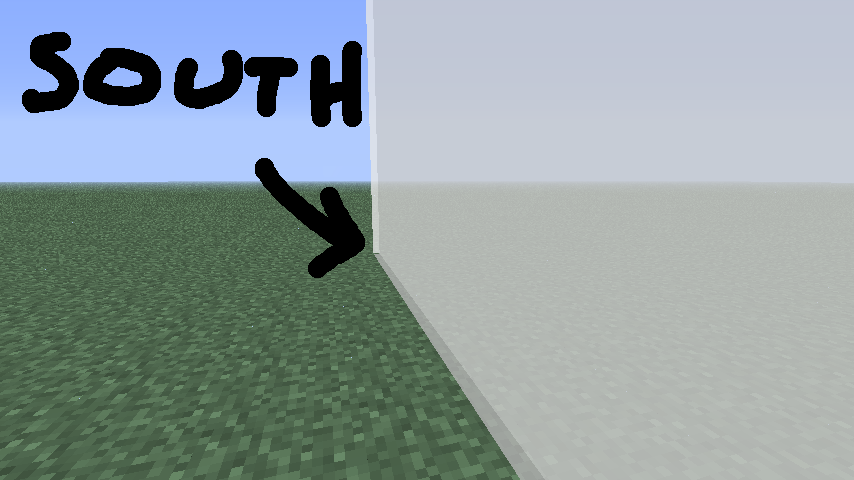
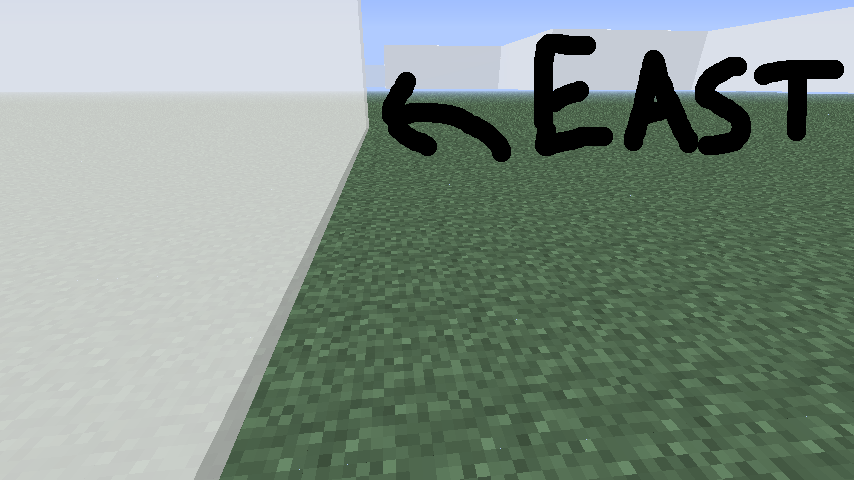
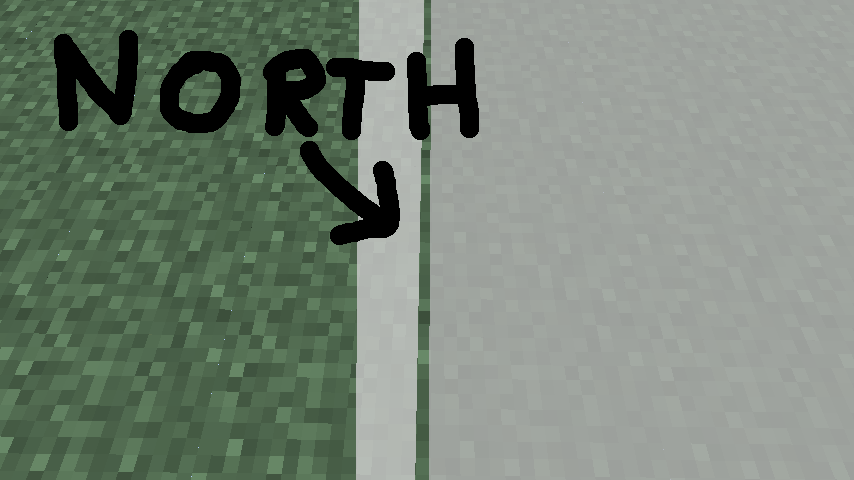
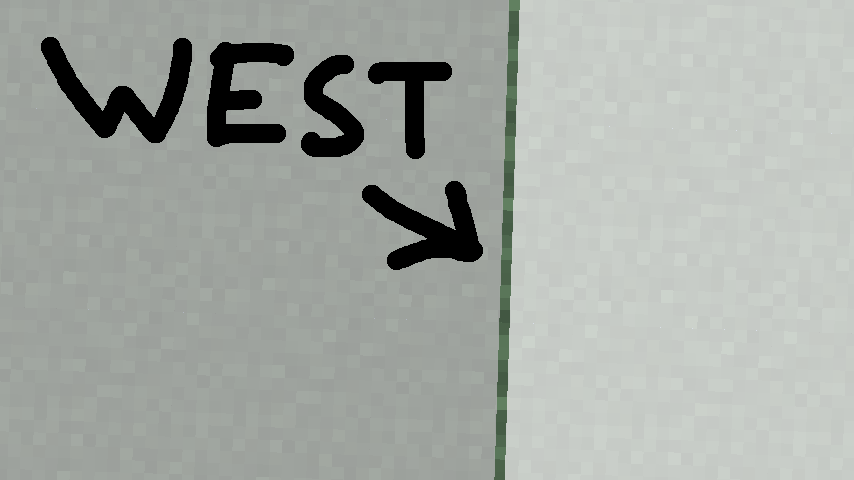
top and bottom slightly off (diagonally). I have some screenshots below.The South-East edge are in a tiny bit, while the North-West are out.
Can this be fixed?
When playing Minecraft, I noticed that clouds had the sides off. I have checked to see if it was the top and bottom that were out, but the top and bottom lined up to the edge of the dirt, right down to the pixel.
The South-East edge are in a tiny bit, while the North-West are out.
Can this be fixed?
When playing Minecraft, I noticed that clouds had the sides off. I have checked to see if it was the top and bottom that were out, but the top and bottom lined up to the edge of the dirt, right down to the pixel.
The South-East edge are
ina tiny bit, while the North-West are out.Can this be fixed?
When playing Minecraft, I noticed that clouds had the sides off. I have checked to see if it was the top and bottom that were out, but the top and bottom lined up to the edge of the dirt, right down to the pixel.
The South-East edge are a tiny bit in, while the North-West are a tiny bit out.
Can this be fixed?
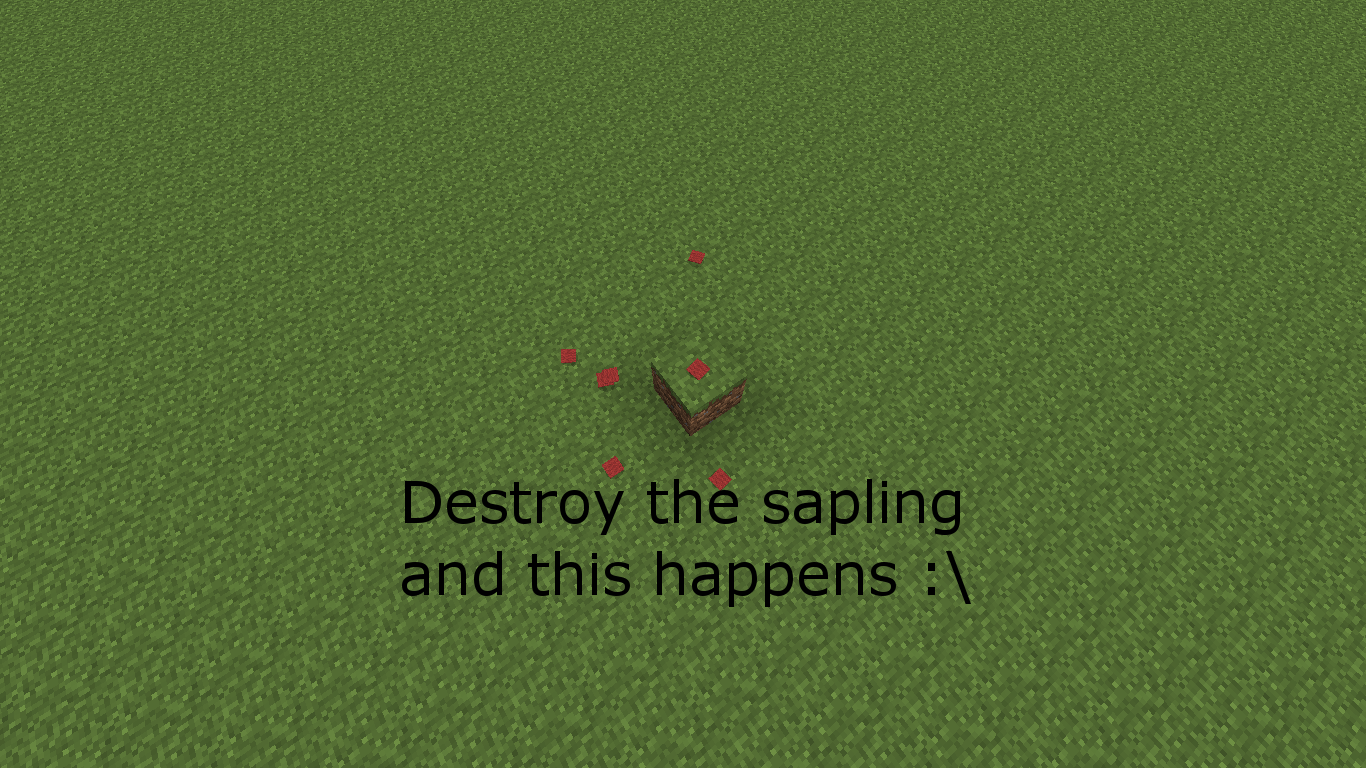
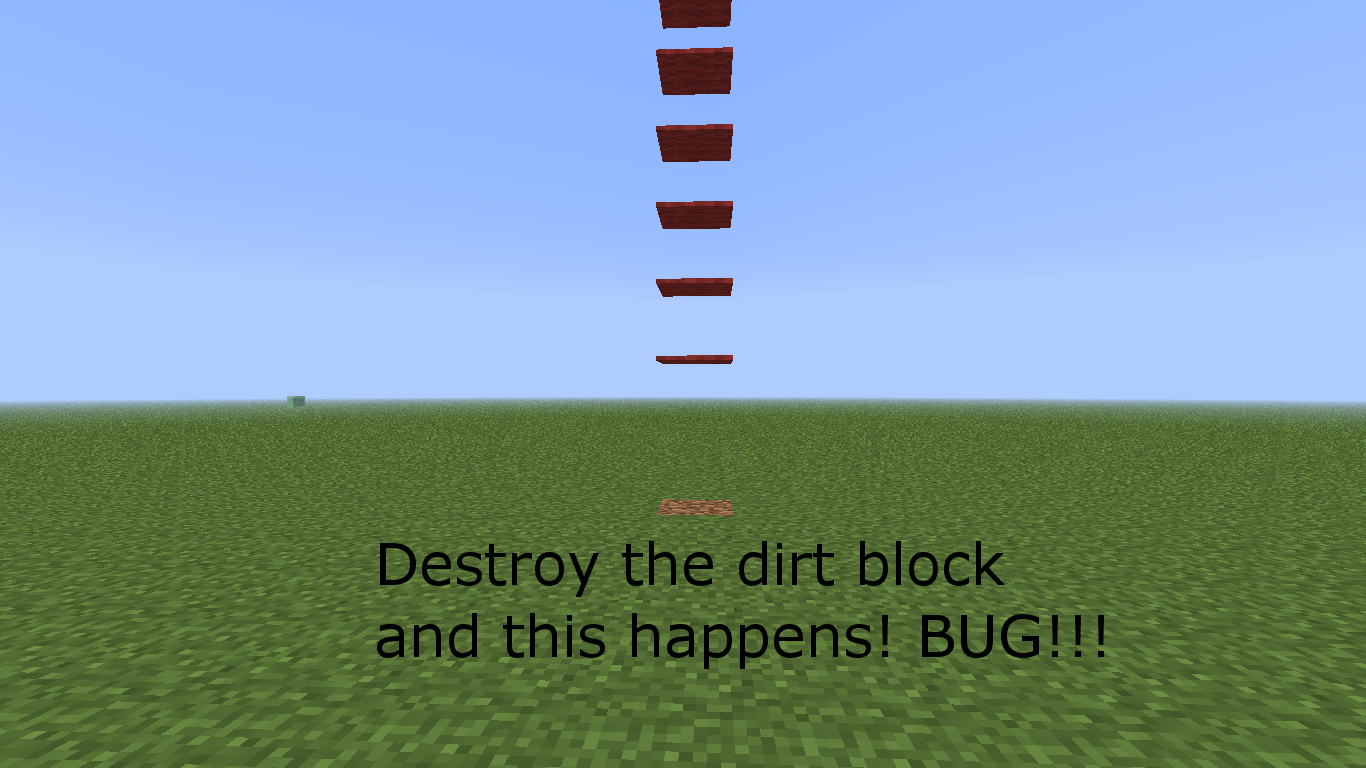
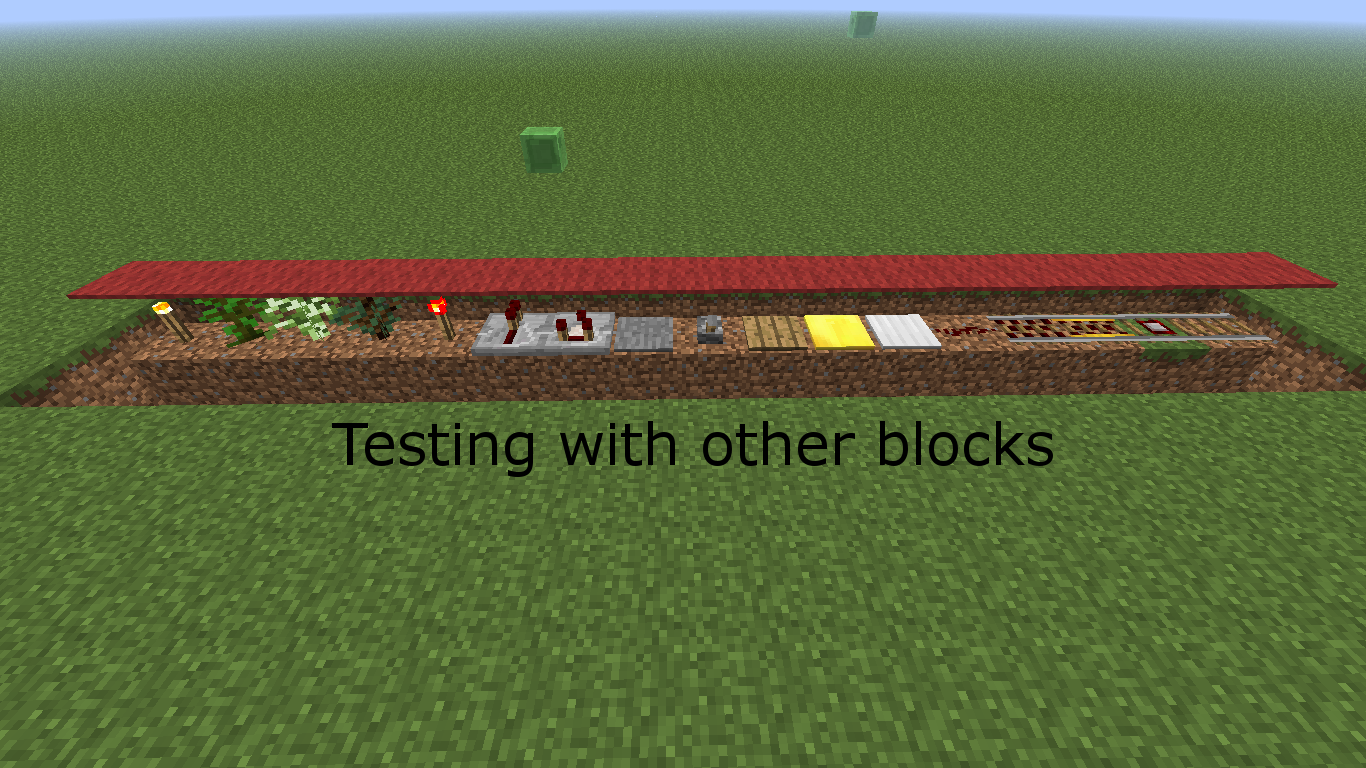
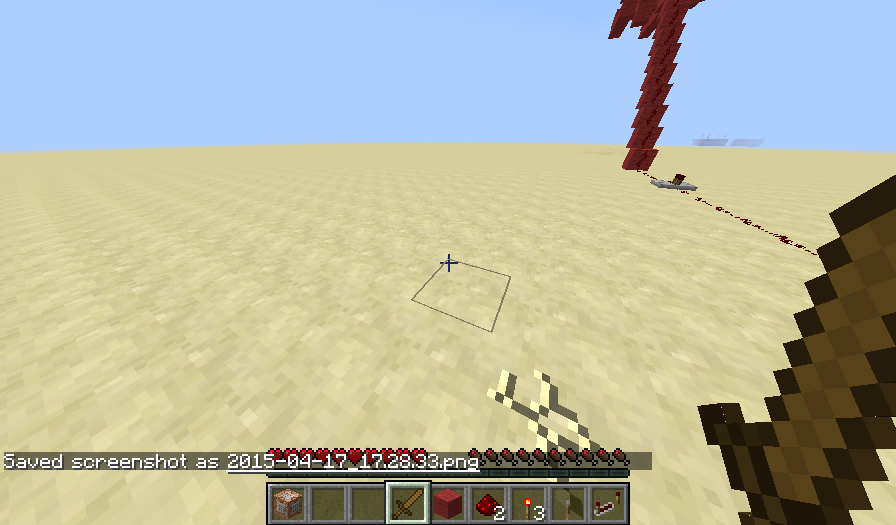
If you are to place a sapling on dirt then a carpet block on top and destroy the dirt NOT the sapling (dirt under sapling), the carpet will float. This doesn't work with any other block that gets destroyed when below block is destroyed. ONLY PLANTS WILL WIELD THIS EFFECT (except cactus)! Nothing else works.
While I was taking screenshots, I wanted to find out how to do the /effect command again (wanted to use night vision infinitely, as I wanted to see underwater). The text went over the other text. Underline also goes over next screenshot (especially if you take multiple at once).
Screenshot will show more and explain better.
You cannot put edited textures in the pack without closing Minecraft
No. That is different. I am talking about clouds having their sides being too far in or out.
These screenshots took a long time to get right...
I haven't checked the latest snapshot to see if it is still affected, but I'm sure it is. It doesn't say it's fixed in it.
Actually, this was a bug in the PC version back in... I forget... I guess it can be a feature and not a bug.
Same thing... I'm updating Java...
Updated Java. Still has same effect.
Forget this. I never play fullscreen anyways, so I don't see why it should bother me. I will show one last crash report. If no fix is found, then it will be fine.
Crash report with updated Java!!!
I've gone and tested more stuff and it appears only plants do this to the carpet, except cactus. Nothing else will wield this same effect.
that's because carpet floats on water.
Confirmed in 1.6.2
Please close this as it no longer is needed. The computer used for this has broke and is not used anymore. This one works fine.
New plants create the same effect.
Wow. Can't believe this worked. I thought something bad was gonna happen. Sorry if this caused any trouble.
You're welcome whoeveritwasicantread (but also WolfieMario (you're the reason I did it)) (insert reason why). Also, I seriously hope this is resolved. It's bugging me and the game.
I have something for this bug.
You can make it play twice (first time for a few seconds, then second time fully)
If you place the music disc in and at the same time pause the game, it plays the disc for a little while.
Once you unpause, it starts again, as if you just placed it in.
Also, if you eject the disc then pause the game at the same time, it doesn't play, but once you unpause, it plays the disc as if it was still in the jukebox.
These will not yield loops, but are a quicker way of seeing these bugs (also, you can play two or more music discs at a time with the eject and pause one).
They also don't need to be ending.
NEW for SMP:
This only works if there are 2 or more people in the world. One person must have a music disc, while the other has nothing. Simply follow these steps:
1. Have the second person hold down their right-click on the jukebox
2. Have the first person place the music disc in the jukebox
3. The music disc will pop out immediately
4a. The music will play fully with no music disc inside
OR
4b. The music will play, but finish early with no disc inside
Confirmed latest snapshots!
Good! It's fixed! Good job! Also, why is your avatar the right way around, Grum?
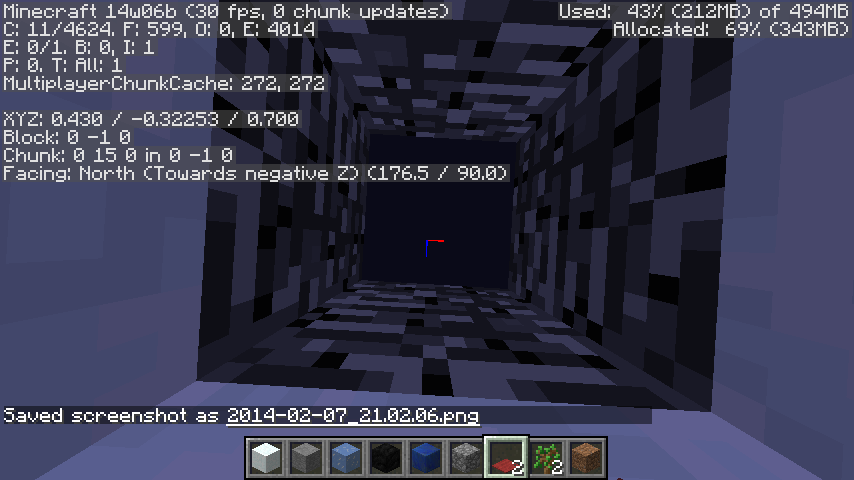
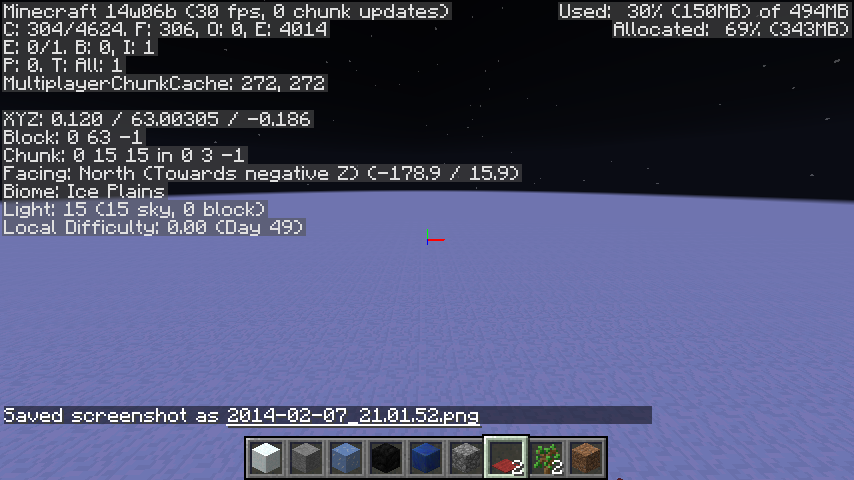
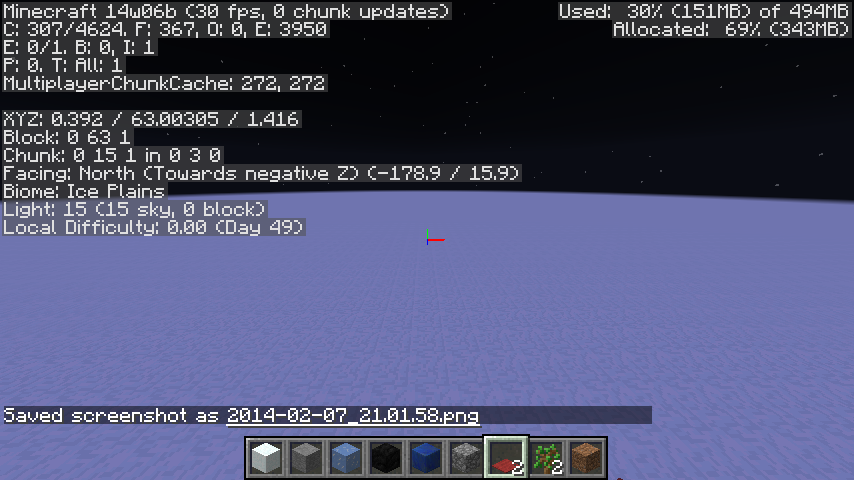
This is not talking about the XYZ positioning in F3 mode, but the Block positioning (see underneath XYZ). I can understand why you got confused.
i may not be a mod, but Your problem is that the resource pack being used is not updated to 1.8. Try using no resource pack.
I also noticed that having the wither II effect and under the totem of undying effect can crash the game too if the wither II kills you faster than the totem's effects run out (you MUST be holding another totem of undying for this to work).
This one is very easy to reproduce.