 chumps52
- chumps52
- chumps52
- Europe/Stockholm
- Yes
- No
 MC-373
 MCL-857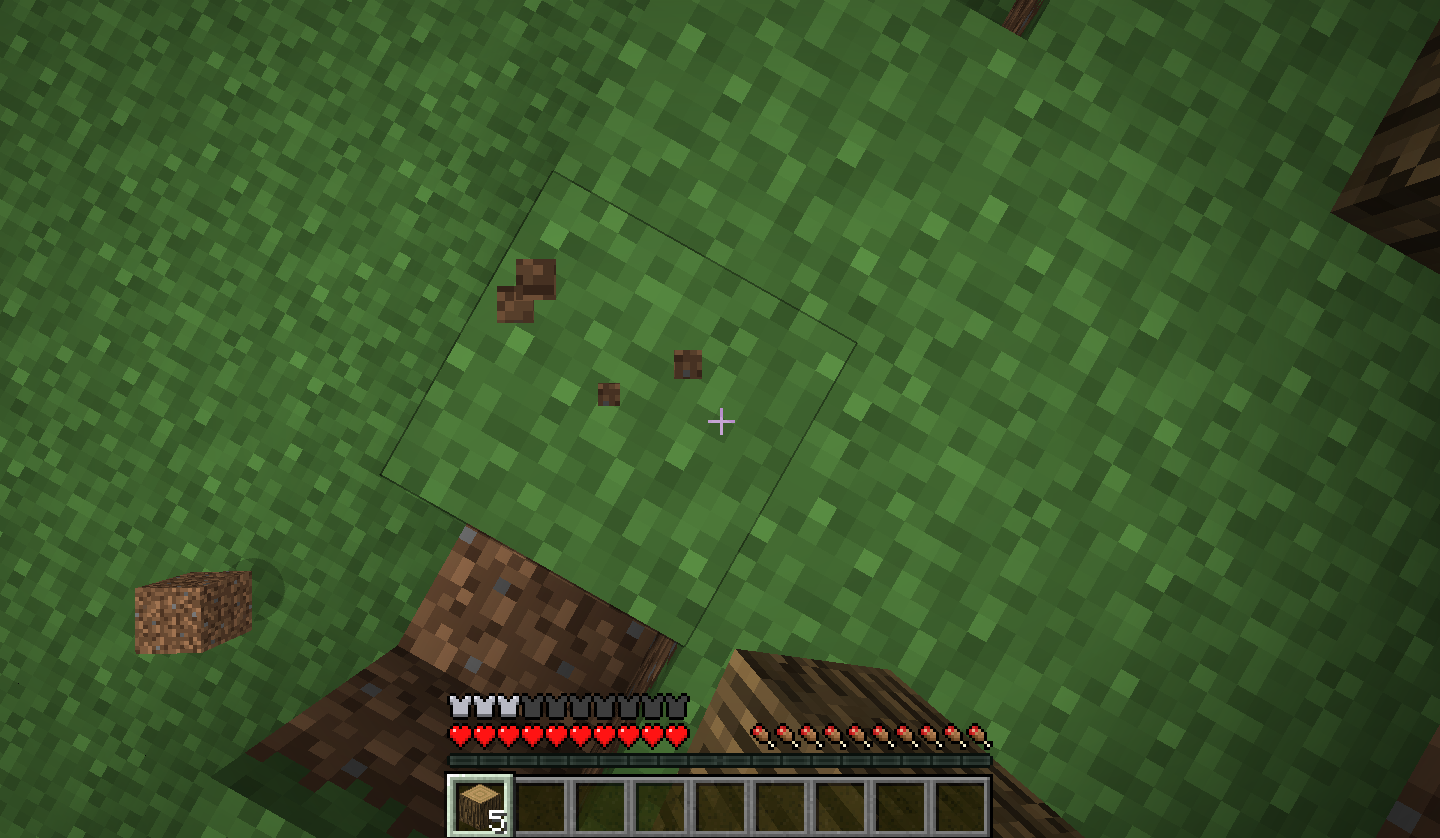


When breaking a block, for example grass, if doing so whilst looking directly up or down, the block "cracking" will disappear
.When breaking a block, for example grass, if doing so whilst looking directly up or down, the block "cracking" will disappear, or flicker
When
breaking a block, for examplegrass, if doing so whilst looking directly up or down, the block "cracking" will disappear, or flickerWhen you face directly/straight down or up, the cracking animation/stages glitch's. This happens to me 90% of the time, and it is not a graphics card problem as it has been tried on multiple different cards.
What I expected to happen was...:
The cracking animation/stages to appear.What actually happened was...:
Instead, the animation/stages either flicker or don't show at all.Steps to Reproduce:
1. Stand on or below a block.
2. Face directly down or straight up.
3. Start breaking the block.
2012-10-25_08.27.08.png
I have set up a server, and put the server texture pack as Faithful x32 (Lastest Version)
When you come onto the server, it downloads and applies the texture pack, but in random chunks all the textures are glitched.
I have tried this with 16x texture packs, with no problems.
To fix this you simply cause a block update in an affected chunk, eg breaking/placing a block, and it fixes itself, but only for that chunk.This is not only happening on my server, it has happened on some friends' too.
Using 1.5.2 on the OLD launcher, I got around 900fps, highest graphics settings. This was on a server.
On the same server, but using the new launcher and 1.5.2, I am only getting 75fps.
A friend of mine is having a very similar problem, except his GPU is not as good so Minecraft is rendered unusable/playable. He uses a Mac, which also shows this is not hardware/software related.
I know this is a launcher issue, as it never happened before. I have also checked the integrated graphics are not selected instead. It has the same problem on 1.6.1 too, further proving it is not the game that is causing this issue.
I know 75fps is still ok, but under some circumstances it can seriously lag, and only since using this launcher.
If anyone has a copy of the OLD launcher online for download I would be extremely grateful, just for use until this is fixed.
My specs:
i5 3570k
8GB RAM
ASUS 660ti
Potion duration is bugged.
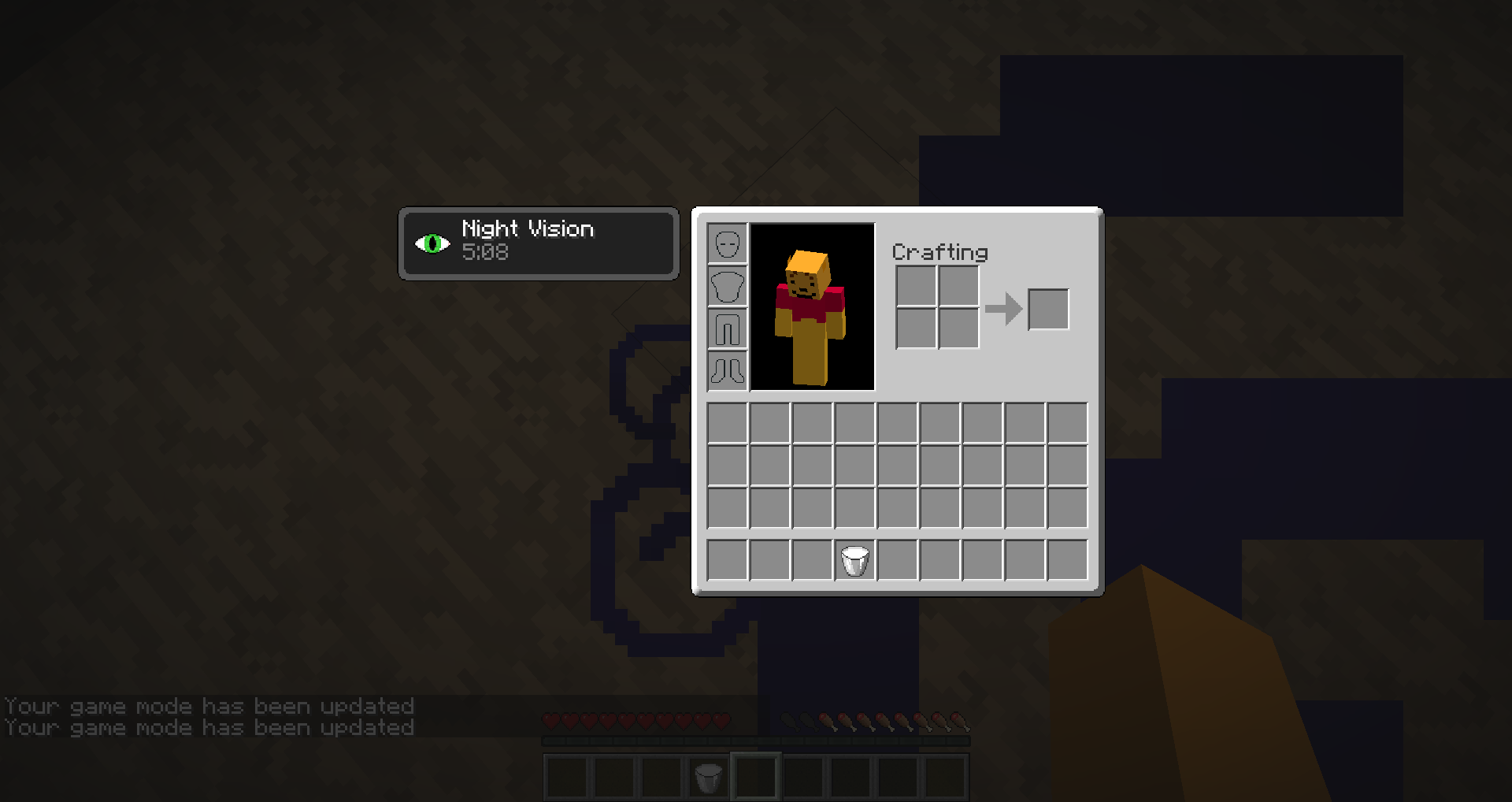
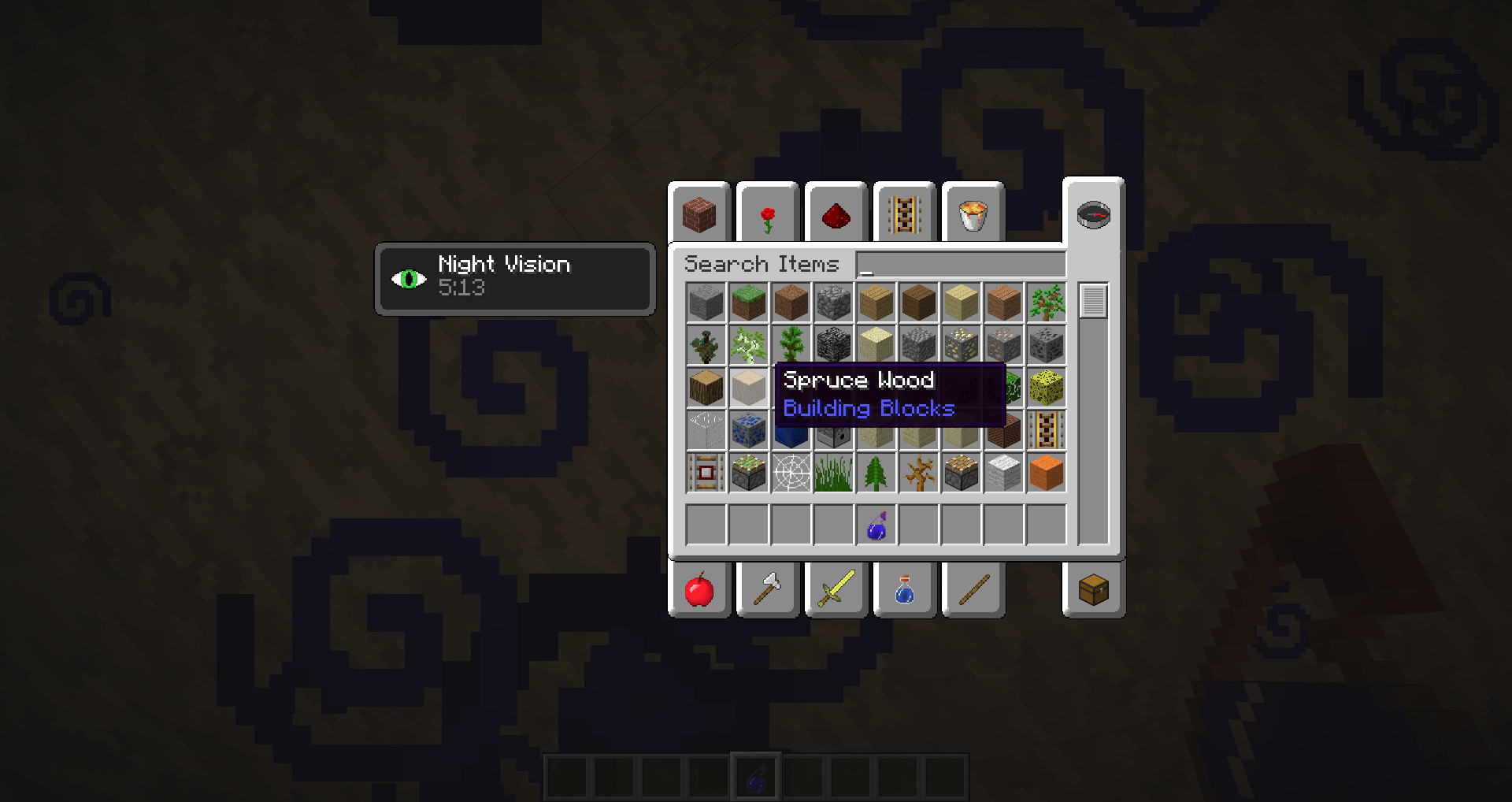
EG This splash potion of night vision is only giving me around 5:15 of night vision when it should be 6:00.Doesn't work correctly in survival or creative.
Seems to only happen to splash potions; normal potions work correctly.
It does not only occur to Night Vision potions.
Potion duration is bugged.
EG This splash potion of night vision is only giving me around 5:15 of night vision when it should be 6:00.Doesn't work correctly in survival or creative.
Seems to only happen to splash potions; normal potions work correctly.
It does not only occur to NightVision potions.Potion duration is bugged.
EG This splash potion of night vision is only giving me around 5:15 of night vision when it should be 6:00.Doesn't work correctly in survival or creative.
EDIT:
Seems to only happen to splash potions; normal potions work correctly.
It does not only occur to Night Vision potions.
My Minecraft is not modded.
Potion duration is bugged.
EG This splash potion of night vision (in the screenshot) is only giving me around 5:15 of night vision when it should be 6:00.Doesn't work correctly in survival or creative.
EDIT:
Seems to only happen to splash potions; normal potions work correctly.
It does not only occur to Night Vision potions.
My Minecraft is not modded.
Confirmed to happen in 1.6.2 too.
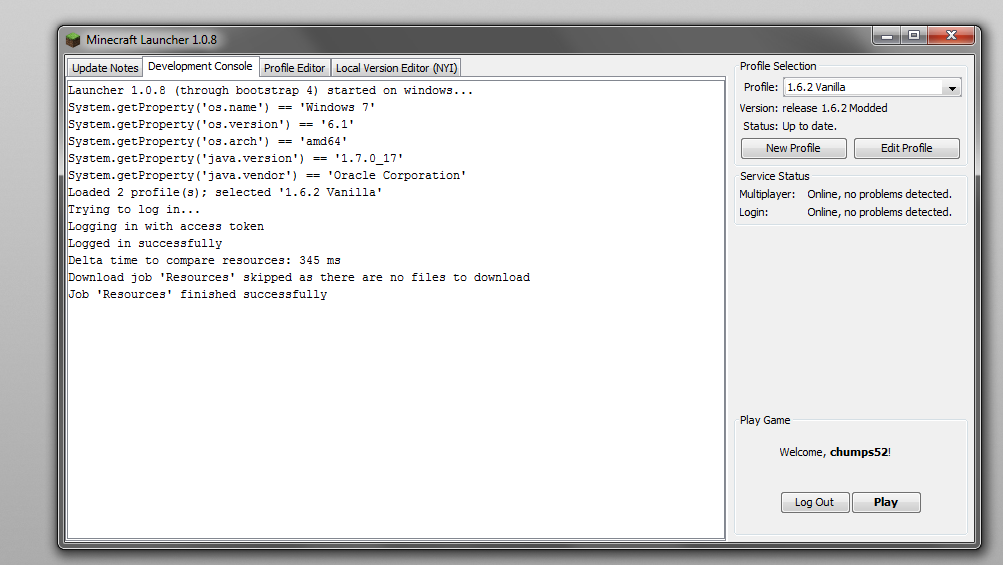
Only the newest profile created is able to be played online. For all others the only option is "Play offline". This stops you being able to play on servers with Online Mode set to true.
For example, if I only had a profile called "1.6.1" it would let me play online. However if I then created another profile called "1.6.2" then this new one would be online, yet "1.6.1" would then become "Play offline" only.
There is a launcher/dev. console error:
Trying to log in...
Logging in with access token
Couldn't go online
net.minecraft.launcher.authentication.exceptions.InvalidCredentialsException: Invalid token.
at net.minecraft.launcher.authentication.yggdrasil.YggdrasilAuthenticationService.makeRequest(YggdrasilAuthenticationService.java:123)
at net.minecraft.launcher.authentication.yggdrasil.YggdrasilAuthenticationService.logInWithToken(YggdrasilAuthenticationService.java:97)
at net.minecraft.launcher.authentication.yggdrasil.YggdrasilAuthenticationService.logIn(YggdrasilAuthenticationService.java:50)
at net.minecraft.launcher.ui.sidebar.login.NotLoggedInForm$1.run(NotLoggedInForm.java:162)
at java.util.concurrent.Executors$RunnableAdapter.call(Unknown Source)
at java.util.concurrent.FutureTask$Sync.innerRun(Unknown Source)
at java.util.concurrent.FutureTask.run(Unknown Source)
at java.util.concurrent.ThreadPoolExecutor.runWorker(Unknown Source)
at java.util.concurrent.ThreadPoolExecutor$Worker.run(Unknown Source)
at java.lang.Thread.run(Unknown Source)Going to play offline as 'chumps52'...
Screenshots attached. Does not matter if Minecraft is modded or not.
Only the newest profile created is able to be played online. For all others the only option is "Play offline". This stops you being able to play on servers with Online Mode set to true.
For example, if I only had a profile called "1.6.1" it would let me play online. However if I then created another profile called "1.6.2" then this new one would be online, yet "1.6.1" would then become "Play offline" only.
There is a launcher/dev. console error:
"
Trying to log in...
Logging in with access token
Couldn't go online
net.minecraft.launcher.authentication.exceptions.InvalidCredentialsException: Invalid token.
at net.minecraft.launcher.authentication.yggdrasil.YggdrasilAuthenticationService.makeRequest(YggdrasilAuthenticationService.java:123)
at net.minecraft.launcher.authentication.yggdrasil.YggdrasilAuthenticationService.logInWithToken(YggdrasilAuthenticationService.java:97)
at net.minecraft.launcher.authentication.yggdrasil.YggdrasilAuthenticationService.logIn(YggdrasilAuthenticationService.java:50)
at net.minecraft.launcher.ui.sidebar.login.NotLoggedInForm$1.run(NotLoggedInForm.java:162)
at java.util.concurrent.Executors$RunnableAdapter.call(Unknown Source)
at java.util.concurrent.FutureTask$Sync.innerRun(Unknown Source)
at java.util.concurrent.FutureTask.run(Unknown Source)
at java.util.concurrent.ThreadPoolExecutor.runWorker(Unknown Source)
at java.util.concurrent.ThreadPoolExecutor$Worker.run(Unknown Source)
at java.lang.Thread.run(Unknown Source)Going to play offline as 'chumps52'...
"Screenshots attached. Does not matter if Minecraft is modded or not.
I've had this bug even before the 1.4.2 updates. I've recently built a new PC.
I first had a laptop with a GeForce 330M card, now I'm just using Intel HD 4000 Integrated. Both have had the same problem.
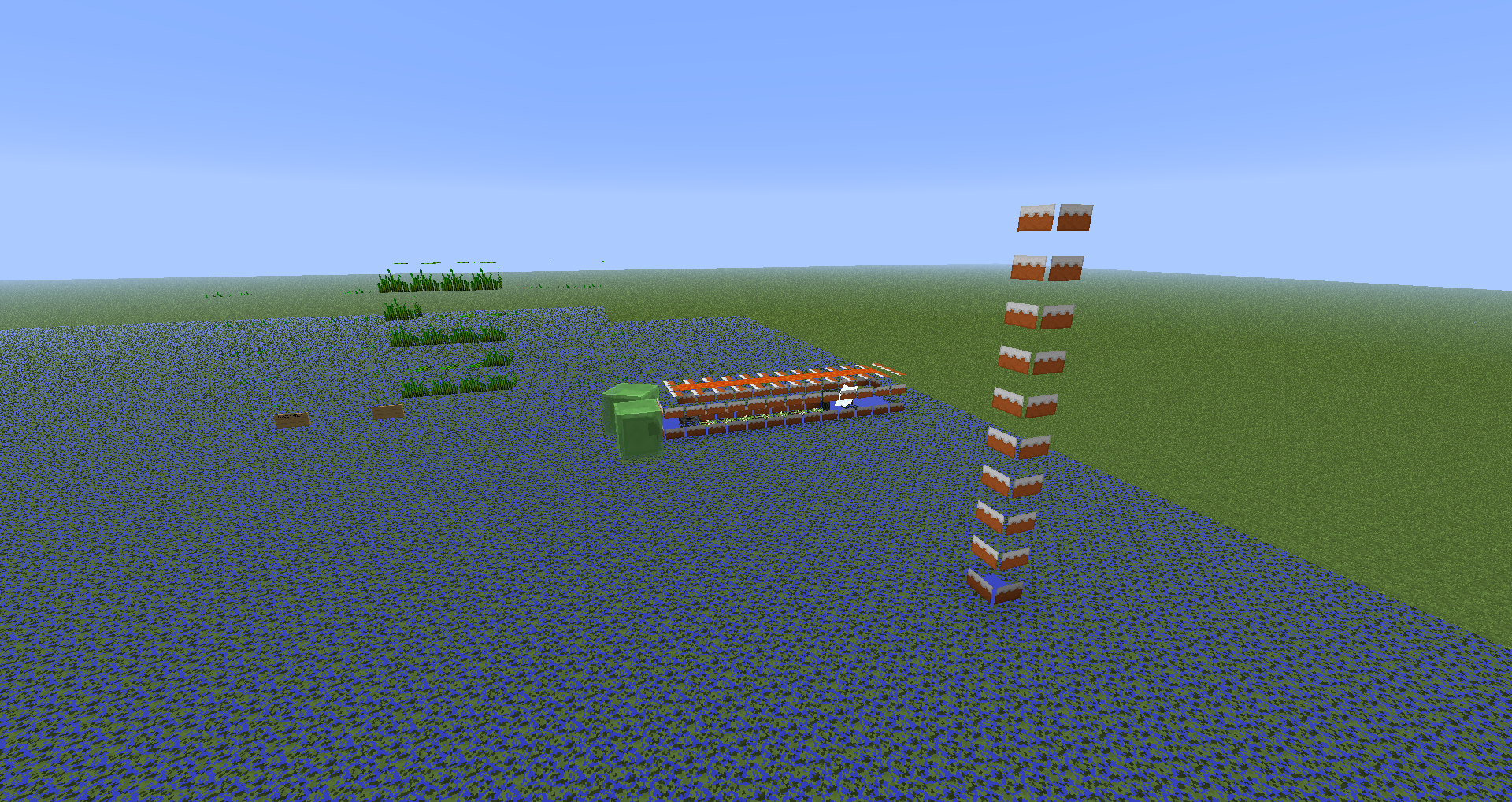
For example, on this screenshot the cakes on the right are meant to be Bedrock.
I'm guessing this is intended from what you've said, seeing as you're not exactly suddenly a ghost whilst riding a horse
Good good glad I'm not the only one