 jellysquid_
- collin1971
- collin1971
- America/Chicago
- Yes
- No
 MC-11931
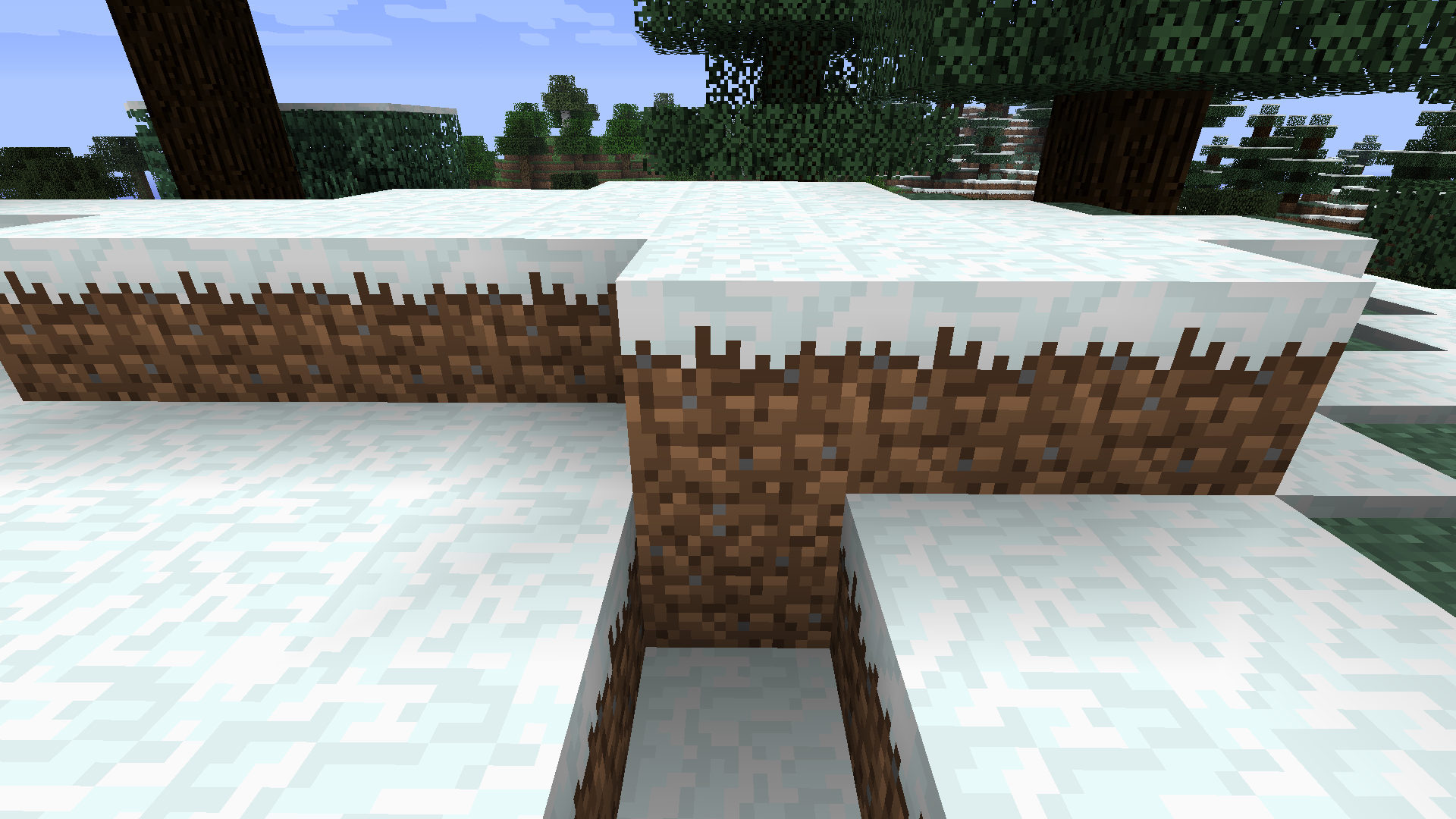



I was trying to find out if snow stacked when it was snowing, but discovered a very interesting problem. (I'm not sure if it's accidental or meant to be that way) Looking carefully, the texture of a normal grass block (side) is different to the snow grass block (side). Pictures attached below. I'm not talking about the color at the top changing to snow, look at the pixels very closely at the actual dirt part.
I noticed in Taiga biomes that when you have the "snow layer" block on top of leaves, it does not decrease the light level. It seems as if the "snow layer" block is completely transparent.
[b]What I expected:[/b]
For the light level beneath the leaves with snow layer to decrease.
[b]What happened:[/b]
Light level did not change.Picture 1: Leaves with snow layer, light level is 13 under the center.
Picture 2: Leaves without snow layer, light level is 13 under the center.I noticed in Taiga biomes that when you have the "snow layer" block on top of leaves, it does not decrease the light level. It seems as if the "snow layer" block is completely transparent.
What I expected:
For the light level beneath the leaves with snow layer to decrease.What happened:
Light level did not change.Picture 1: Leaves with snow layer, light level is 13 under the center.
Picture 2: Leaves without snow layer, light level is 13 under the center.
I noticed in Taiga biomes that when you have the "snow layer" block on top of leaves, it does not decrease the light level. It seems as if the "snow layer" block is completely transparent.
*strong*What I expected:
For the light level beneath the leaves with snow layer to decrease.What happened:
Light level did not change.Picture 1: Leaves with snow layer, light level is 13 under the center.
Picture 2: Leaves without snow layer, light level is 13 under the center.
I noticed in Taiga biomes that when you have the "snow layer" block on top of leaves, it does not decrease the light level. It seems as if the "snow layer" block is completely transparent.
*strong*What I expected:
For the light level beneath the leaves with snow layer to decrease.What happened:
Light level did not change.Picture 1: Leaves with snow layer, light level is 13 under the center.
Picture 2: Leaves without snow layer, light level is 13 under the center.
I noticed how many hopper reports are coming in so I'm going to bump this every 4-5 days for a while so it doesn't get buried (or at least until we get official word from someone in the team)
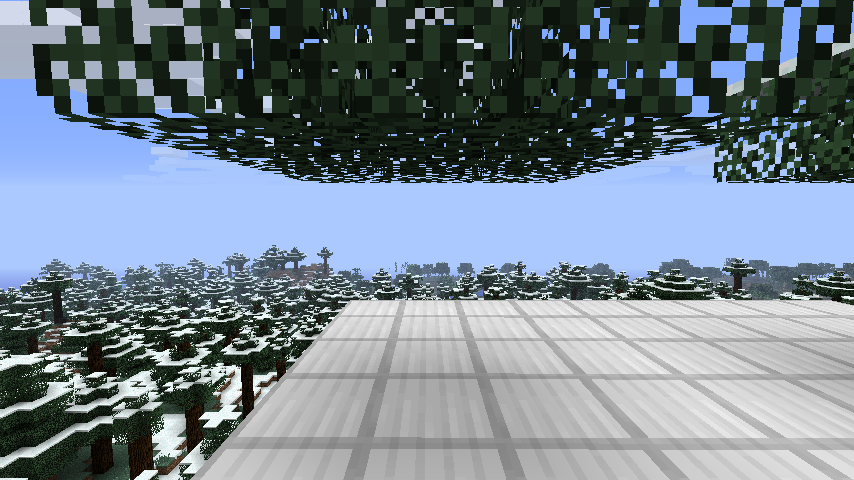
Enabling fancy clouds in Minecraft's video settings
nearly halves the frame rateof Minecraft.Enabling fancy clouds in Minecraft's video settings significantly drops the frame rate.
Enabling fancy clouds in Minecraft's video settings significantly drops the frame rate. The issue is not reproducible in Minecraft 1.7.10 or earlier, likely pointing to a performance degradation from 1.8.
Nobody? I'm sure this isn't a duplicate...
Set my Minecraft to use 180MB of RAM, (which is the lowest I could get it to go, 100MB didn't work), then loaded a world. It shows the same screen, just with a different way to reproduce.
On lower-end hardware (a laptop with an integrated AMD GPU running Linux), the performance hit is much more relevant. Enabling clouds drops the frame rate to an average of 30 from 45-50.
The issue is not reproducible in Minecraft 1.7.10 or earlier, so it's likely to be a performance degradation from recent updates given that clouds have not changed visually at all.