 Don Emanuel Vuckovic
- donemanuel
- donemanuel
- Europe/Stockholm
- Yes
- No
 MC-13574
 MCL-198


Changed Environment:
- OS X Mountain Lion (Latest)
- Java 6 and 7 (I dont know which opens minecraft, but both installed)
- Retina Macbook Pro (15" 16GB RAM version)
- OS X Mountain Lion (Latest)
- Java 6
- Retina Macbook Pro (15" 16GB RAM version)
Changed Summary:
Glowstone lightning issue! (inc. video to reproduce)
Changed Description:
When I put down a glowstone block in 100% dark place, and destroy any block that will lead the sunlight in it will create a brighter light, but when closing down sunlight and making it only glowstone light it will still look like it is sunlight!
- Especially noticeable with Aetherys Ascended texture pack, default a bit harder!
VIDEO TO REPRODUCE: http://youtu.be/itauXOst8Vw
Added Affects Versions: 1.5.2
Removed Affects Versions: 1.5.1
Added Attachments:
Hey smartypants Alex, READ THE WHOLE REPORT! And you will see it is in Java 6 environment!!! And it is fixed by mojang, just redownload now!
resolved o.O fixed
I'm sorry but thats your problem! If you would read Dinnerbone commented here to redownload the dmg. o.O facepalm
I am sorry, but its called programmer, and so am I! To be polite, please create a new issue with your problem, I hope it will get fixed! I don't think mojang will read our comments, so create a new issue and hope it will get fixed!
Im uploading a video to YouTube... Give me a min
Sorry for bad quality, I exported lower so it would finish faster and upload quicker! http://youtu.be/itauXOst8Vw
Ok, Ill do a comparasion pic on vanilla, its just a bit harder to notice! But the issue still exists!
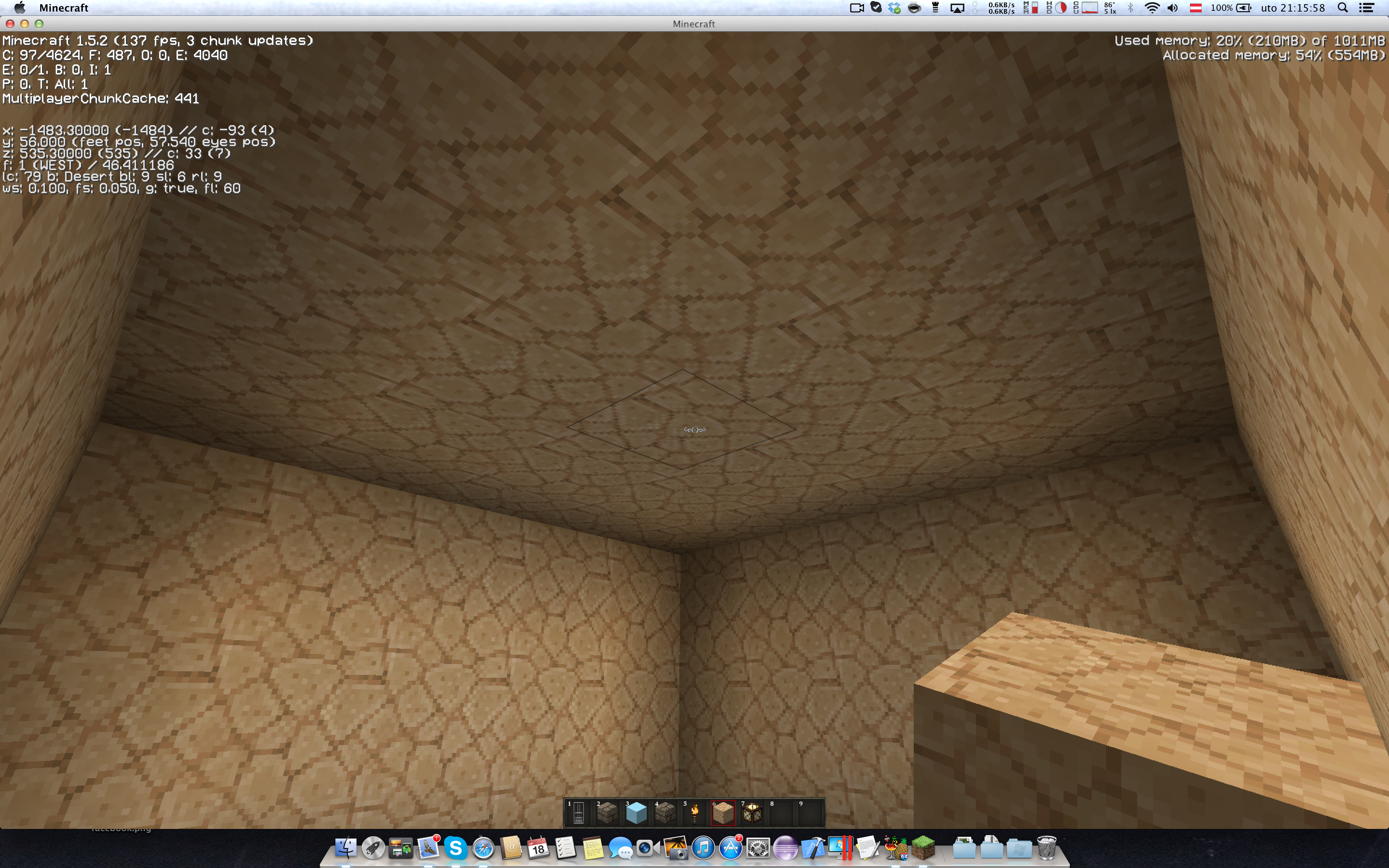
Take a deep look into both screenshots (Screen_2 bit brighter than Screen_1), watch the video to see what I did, these images are took in vanilla while the video is took with optifine!
You can see light change, same room only in Screen_2 I broke a block and placed it back up, light did not update, To fix i would have to relog or replace the glowstone.
If thats not convincing enough Ill shoot a video again!
Take a deep look into both screenshots (Screen_2 bit brighter than Screen_1), watch the video to see what I did, these images are took in vanilla while the video is took with optifine!
You can see light change, same room only in Screen_2 I broke a block and placed it back up, light did not update, To fix i would have to relog or replace the glowstone.
If thats not convincing enough Ill shoot a video again with default textures...
I'm having some difficulties uploading images, If i can't attach them here Ill upload them to tinypic or some img hosting site
Im giving it one more try uploading
It somehow uploaded images and told me there was an error... Weird! (ALSO NONTOPIC LOGIN SERVERS ARE DOWN)
Why is this a duplicate?
But (Look up in comments)
MCL-178has nothing to do with this (And its invalid as I see)... Even Dinnerbone commented here it was fixedThis is very annoying!
youtu.be is youtube shortlink like bit.ly but youtu.be is google redirect server (YouTubes own shortener)... Gosh!
I mean, how can U not know this xD
http://mashable.com/2009/12/21/youtu-be/ <<They explain to you really good about why it is youtu.be xD
Just want to add to the issue it is happening in macOS Catalina 10.15 as well!
Version:
Minecraft: 1.14.3-pre1
macOS: 10.15 Beta (19A471t)
Specs:
MacBook Pro (15-inch, 2017)
Processor: 2,9 GHz Intel Core i7
Memory: 16 GB 2133 MHz LPDDR3
Graphics: Radeon Pro 560 4 GB (currently active)
Intel HD Graphics 630 1536 MB