 Krayedon
- FlufferKittens
- flufferkittens
- America/Chicago
- Yes
- No
 MC-50933
 MCL-4652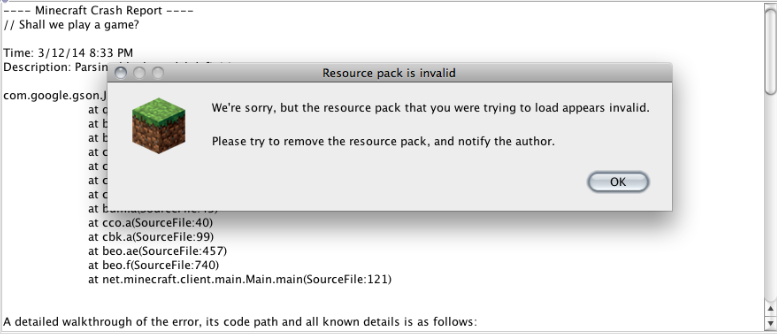



 Screen shot 2014-04-23 at 5.26.57 PM.png
The /tp @e [type=EnderDragon] @e [name=player] command doesn't work as it should. I believe this command when spammed with command blocks is supposed to
make the enderdragon follow you right? For some reason, it won't work and it just makes the enderdragon spam teleport and it is really annoying. Do I have to put a repeater or something?
The /tp @e
[type=EnderDragon] @e [name=player] command doesn't work as it should. I believe this command when spammed with command blocks is supposed to
make the enderdragon follow you right? For some reason, it won't work and it just makes the enderdragon spam teleport and it is really annoying. Do I have to put a repeater or something?
What are all of these setblock clocks and things?
It will take a while though because I forgot to turn mob griefing off on that world when it happened so I put the world away in a special folder. (good thing I made like five backup worlds for each world.)
TEST TEST
'test again'
#test test test#
"TEST"
test
cross this out out out out it makes me wanna shout shout shout shout
=test=
test
test
I really don't like this song water
"Water, it's a very wonderful thing water 'I can't hear you'"
OSX Macbook Pro 10.6.8 Duo Core (No mods, GMOD, Hacked Servers or hacked clients)
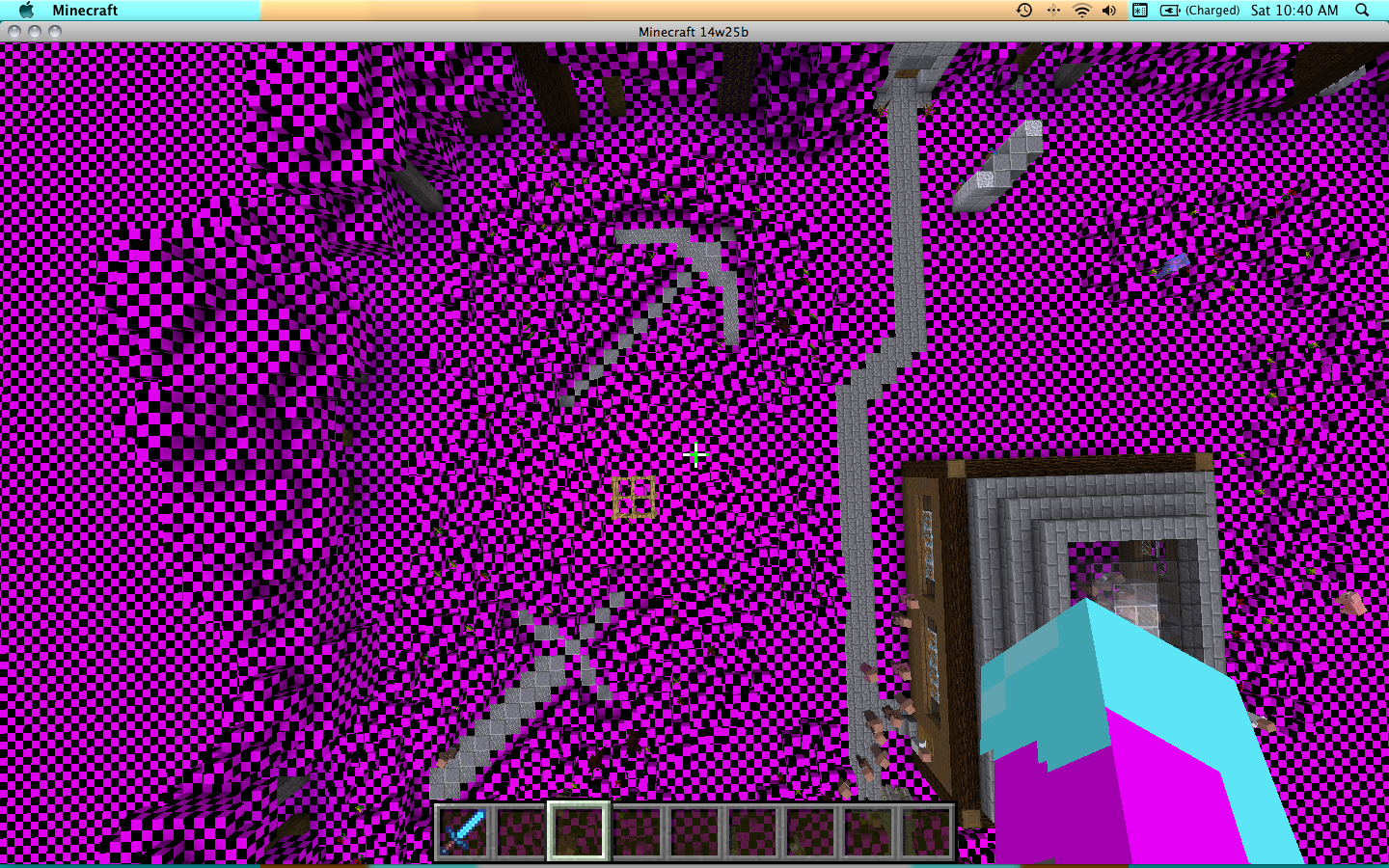
This is how it appeared/appears. I don't understand what is going on, as the textures are completely fine, and none are missing.
I fixed on my own, it apparently just thought that my texture pack was outdated, so i had to re-extract the files.....I did try to click the button that said to report it to mojang, but all it did was reopen the error message. But i didn't change the model files.... I just guess 14w07a was too old for the snapshot... weird.
okay, nevermind. for some reason on texture packs torches appear as black and pink checkerboard.
But thanks for your help anyway
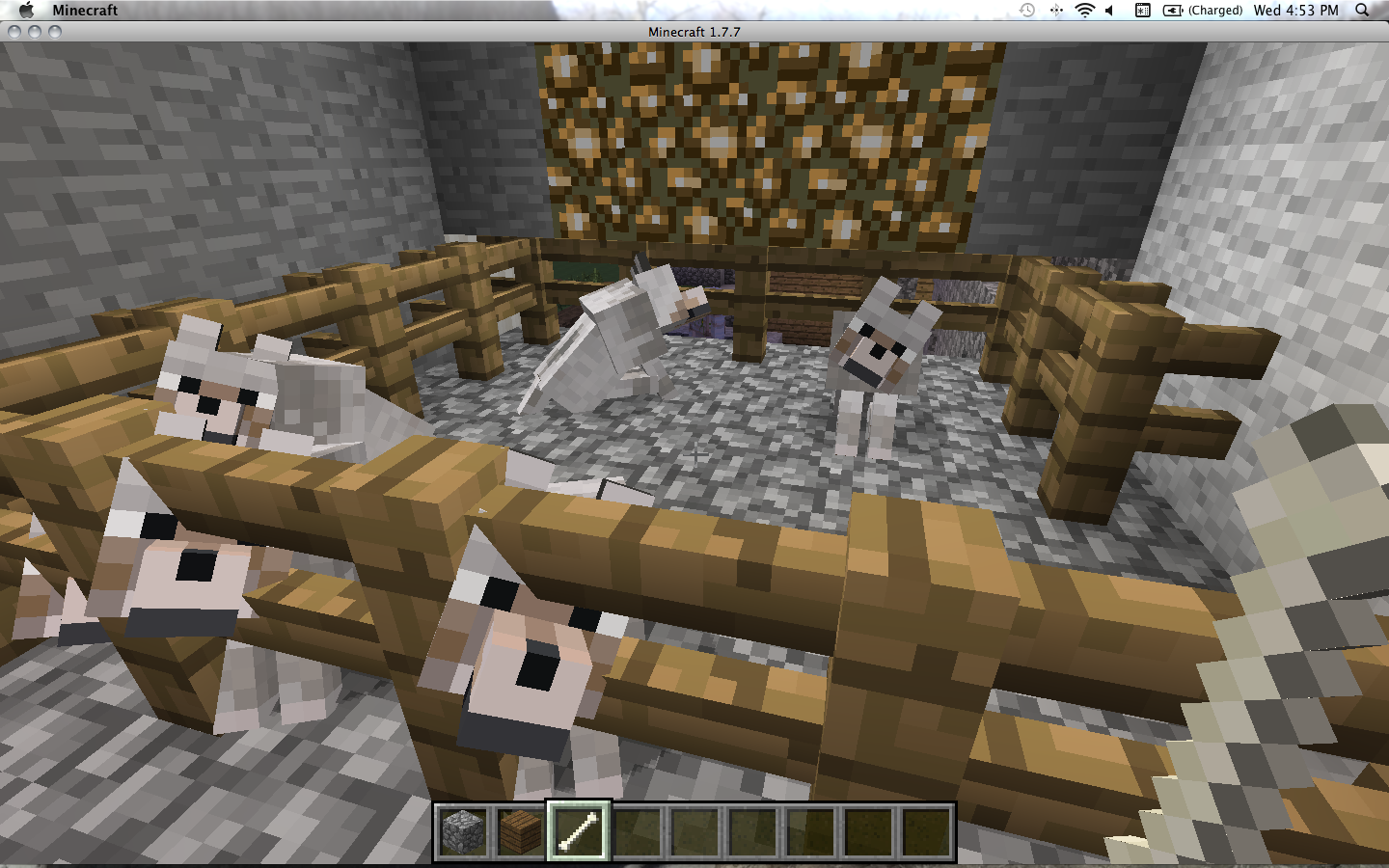
Picture of the wolves acting strange.......
Oh. So, For example, if I was in 1.7.5, and I went back to 1.7.4, the world would be corrupt? Sorry I am confused.
How can I fix the problem?
I'm talking about the PC edition.
When I said "xbox edition" I was talking about the border.
sorry, I have a mac so F3+c doesnt work because it just does this:
(see picture)
What key does FN stand for?
o wait nevermind
oh really? hmm. weird. I was building on the ground.
You mean I should dig down first and then continue building?
Okay thanks :'3
i will see. It might take a while though because I accidentally destroyed that world a little because
mob griefing was on so I stored it away in a folder. Good thing I backed it up like 5 times. XD
oh oops. It was already like that. It doesn't seem to work for me. What are all of these setblocks and things? Maybe those can help.
Copy and paste won't work for some odd reason, but here is how I typed it: tp @e[type=EnderDragon] @e[name=FlufferKittens]
could it be that I forgot the "/"?
I believe that it could be that I need a setblock clock, though I don't quite understand the description of how to build it as it says in the wiki. I will have to look it up.
how do you make the repeater clock?
(I used a command_block)
i will try this another day because i am tired right now and i am really bored of playing minecraft right now, too.
But thanks anyway ;'3
How Can I Fix The Problem?
But the odd thing is, I got stuck in it even though it was 100 blocks away, and I can't get out.
hmm. I wonder why I cant move in any direction.
How do can I stop this from happening?
This Is happening to me, too. Anyone know how to fix this? It's extremely annoying, especially when you spent a long time on the skin and it doesn't even show up properly.
Well, a firewall is basically a block set up by your computer or internet connection. It usually blocks unsafe things, so maybe check your minecraft worlds in your folder and see how much memory you have used up. (sorry it took so long to respond )
It depends. Do you own the server? If so, make a separate server for just 1.7 and stay on that version, because downgrading is not supported.
if you don't own it, stay on your current version.
Please tell me.
This is not resolved. Not even close. I have not been given an answer.
Me too! I don't know how to fix this either. Everytime I change my skin to something new, I will be steve.
Mine sometimes shows up weird, too. When I'm using my pack the steve guy's face is on his head and his legs are his arms and his face is covered with his shirt....i dont get it.
You need to fix the server so it is a 1.7. 1.5.2 servers are not supported because they use the old launcher. If you want to play minecraft on a server, you must use 1.7 or later. The reason it is probably crashing is because you used a newer version, for example, 1.8, but before that you used 1.5. If you went back, thats why it crashed.
I mean, "They" need to fix the server.
please help.
I really don't know how or why my resource pack keeps breaking like this....the thing that's even more strange is that only the new blocks that were added are the ones that i can see...
Well, mostly the new blocks...
I am pretty sure all of the files are there, I was just replacing them about a month ago...
Maybe I need to re-extract.
Ohhhhhhhhhh
Then I DEFINITELY need to re-extract! Thank You!
How do you fix this? It always happens to me!
Tried, Works, simply just my Mistake. Forgot the repeater and the "Replace air/redstone" command.
thanks!
That's weird, because when I made this I searched to make sure someone didn't already make a copy of this....
And I still don't understand how this can qualify as "resolved."
Sorry if it seems like I am being rude. It's just every time I report a bug, (Even when I search it first to make sure there are no duplicates) it always has a "Duplicated by" or "Duplication of" notice. Then of course, even though the other person had many duplicates, they still actually helped him.
Please Do the same for everyone.
~McKittens
Sorry there are no pictures, but my game seems to not want to open..
Oh sorry.
I think I broke it.
I put the system specs in a while ago.
No not player edited. I have the sensitivity to 70.
I litterally can't move except with the WASD keys. I could punch, however.
Here, let me double check.
It seems to be working just fine now, perhaps the server is overloaded. It has been pretty slow lately.
Okay. Thank you Galaxy_2Alex for your help.
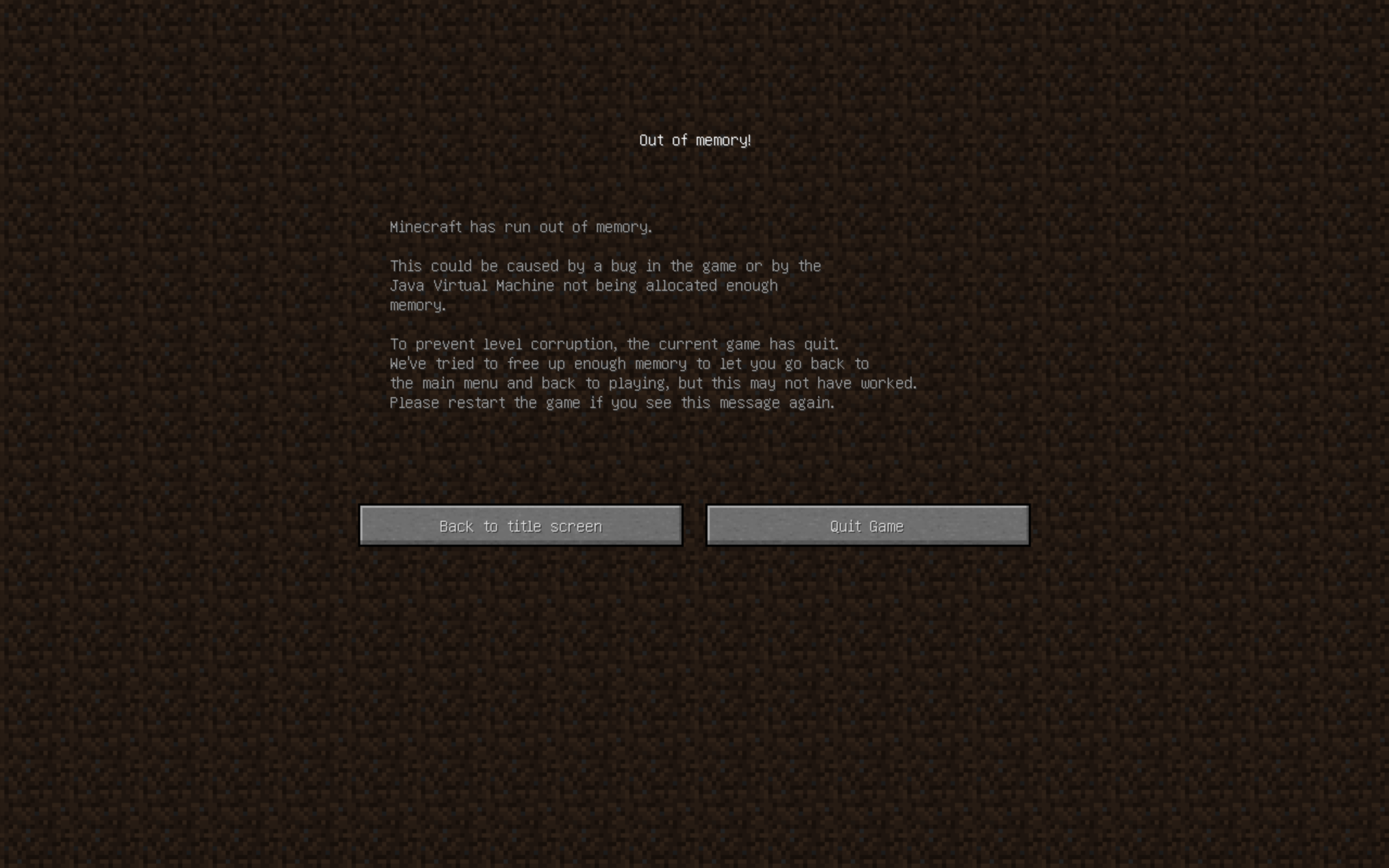
This keeps happening to me in the latest snapshot. It's probably my fault, because I didn't backup my world, AND I am using a pretty feature-loaded snapshot, but this was happening to me even before the most recent snapshot. The first time I knew what caused it, the following times I did not. The first time I practically crashed my world using the new command blocks. I was trying to get the summoned-in Enderdragon to come back to me, but I accidentally typed in summon @e. Bad idea. I had to spam escape before I could even do anything. Log out, log in, play world, /kill command, crash. Today I just played and it was in the process of crashing right when I joined. It has crashed twice today. The first being a java error, second being an insignificant amount of memory. I know this probably isn't a bug, but I'm using a pretty new macbook pro and this is probably the 6th time it has crashed since I got the computer. The macbook has plenty of room on it. Could it be that the world is corrupt?
It doesn't happen anymore.
Now it did it again...for the THIRD time today. (see attachment)
Am I missing something? I really need this fixed as I am literally unable to play the game without it being fixed.