 Fruxz
Fruxz
- Fruxz
- JIRAUSER532581
- Europe/Stockholm
- Yes
- No
 MC-232753
 MCL-20026
![[Mojang] Timur Nazarov](../../../data/avatars/users/18945.svg)
 Normal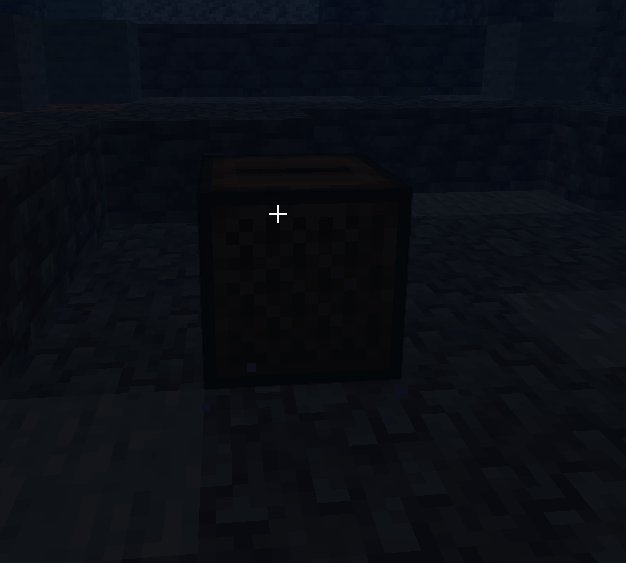


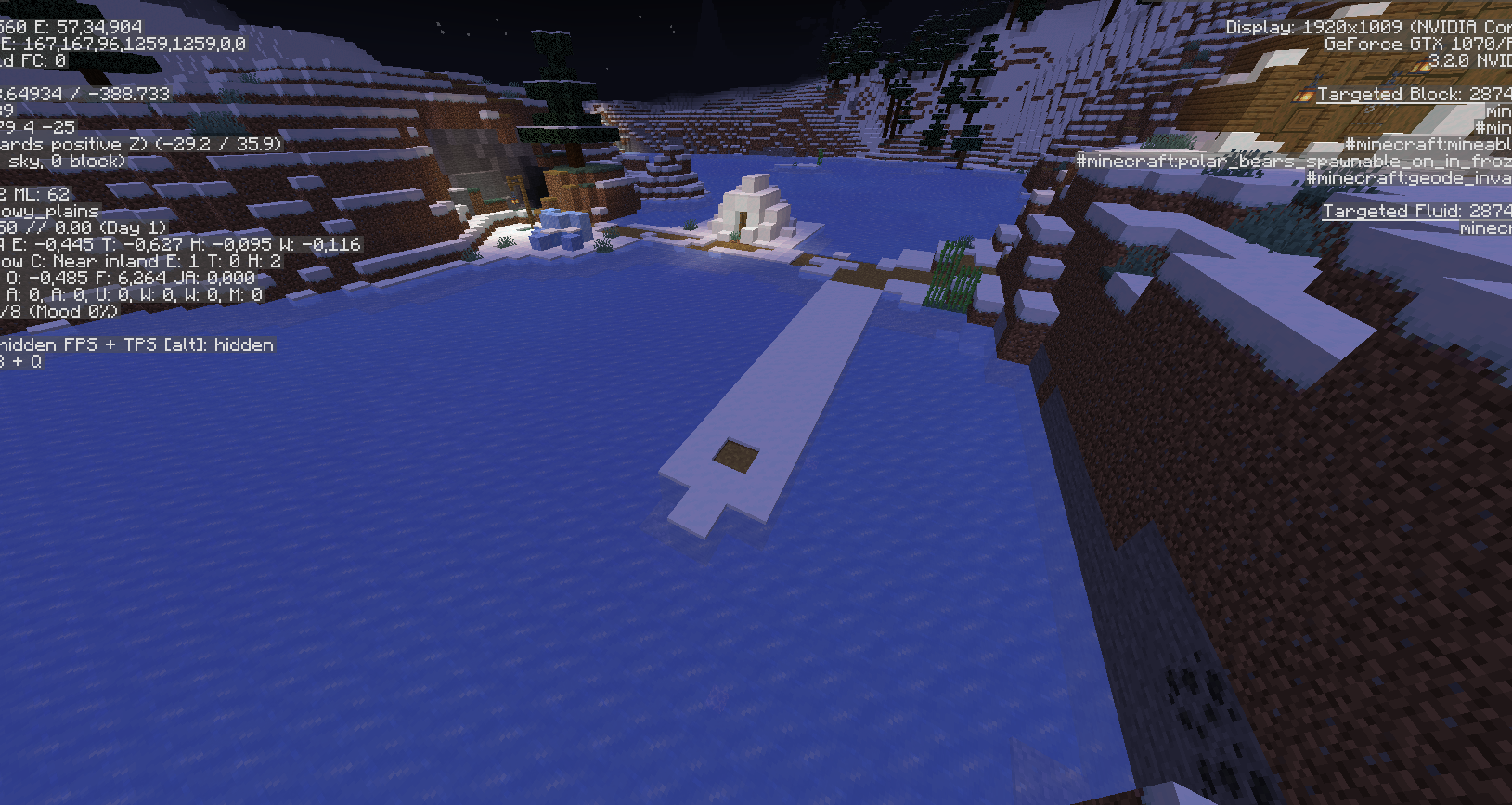
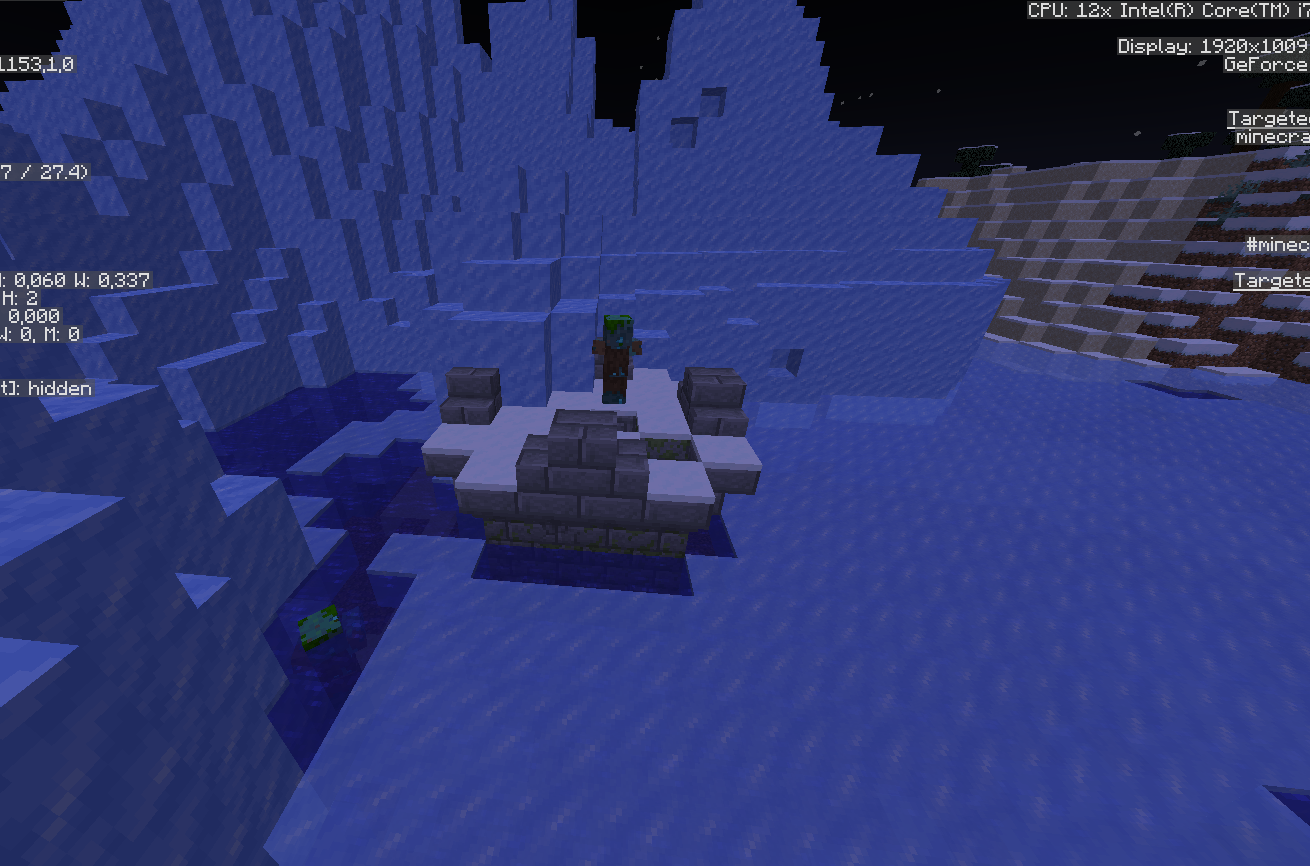



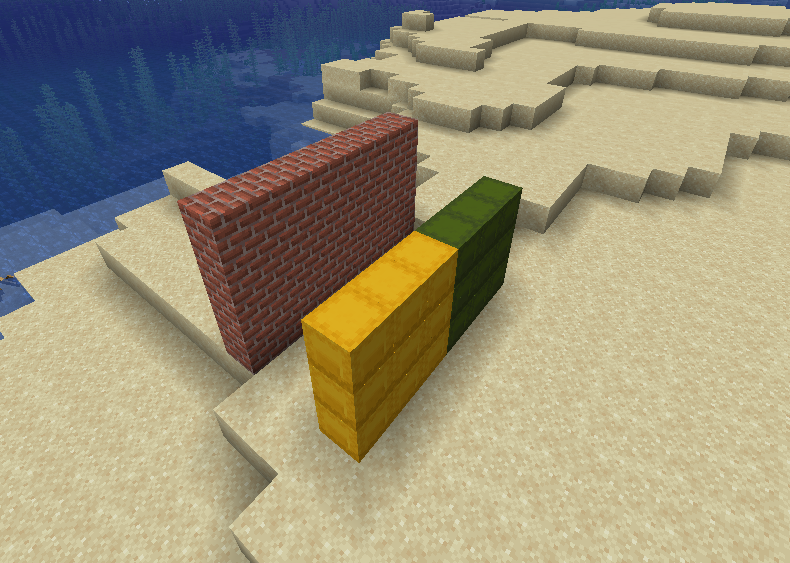





Even though I have been a customer of Microsoft for years and am therefore used to a lot of problems, selling software that simply doesn't work after a few months is outside the limits that a company like Microsoft or even Mojang can afford. Also in Microsoft and XBOX Support you will not get any help with this problem because this problem has supposedly already been fixed, but it still occurs in many cases. Congratulations!
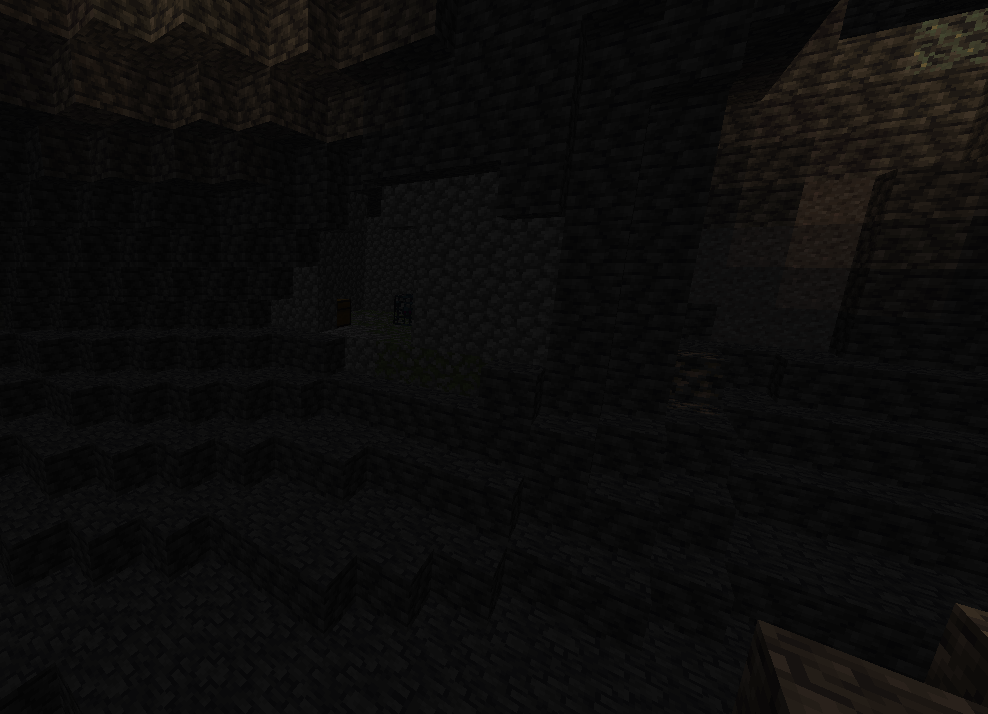
The spawner-rooms should use cobbledeepslate instead of cobblestone in a deepslate area, because the spawner-rooms are build with cobblestone inside the stone areas
The spawner-rooms should use cobbledeepslate instead of cobblestone in a deepslate area, because the spawner-rooms are build with cobblestone inside the stone areas

image-2021-11-20-18-35-53-695.png
Steps to Reproduce:
# Open the launcherNote! This seems to be only one of multiple different ways to produce this issue.
- Start the game
- Waiting 'til the launcher closes to run the game
- Again open the launcher, before the Minecraft instance pops up
- Now you're having the bugged state of the launcher
Observed Results:
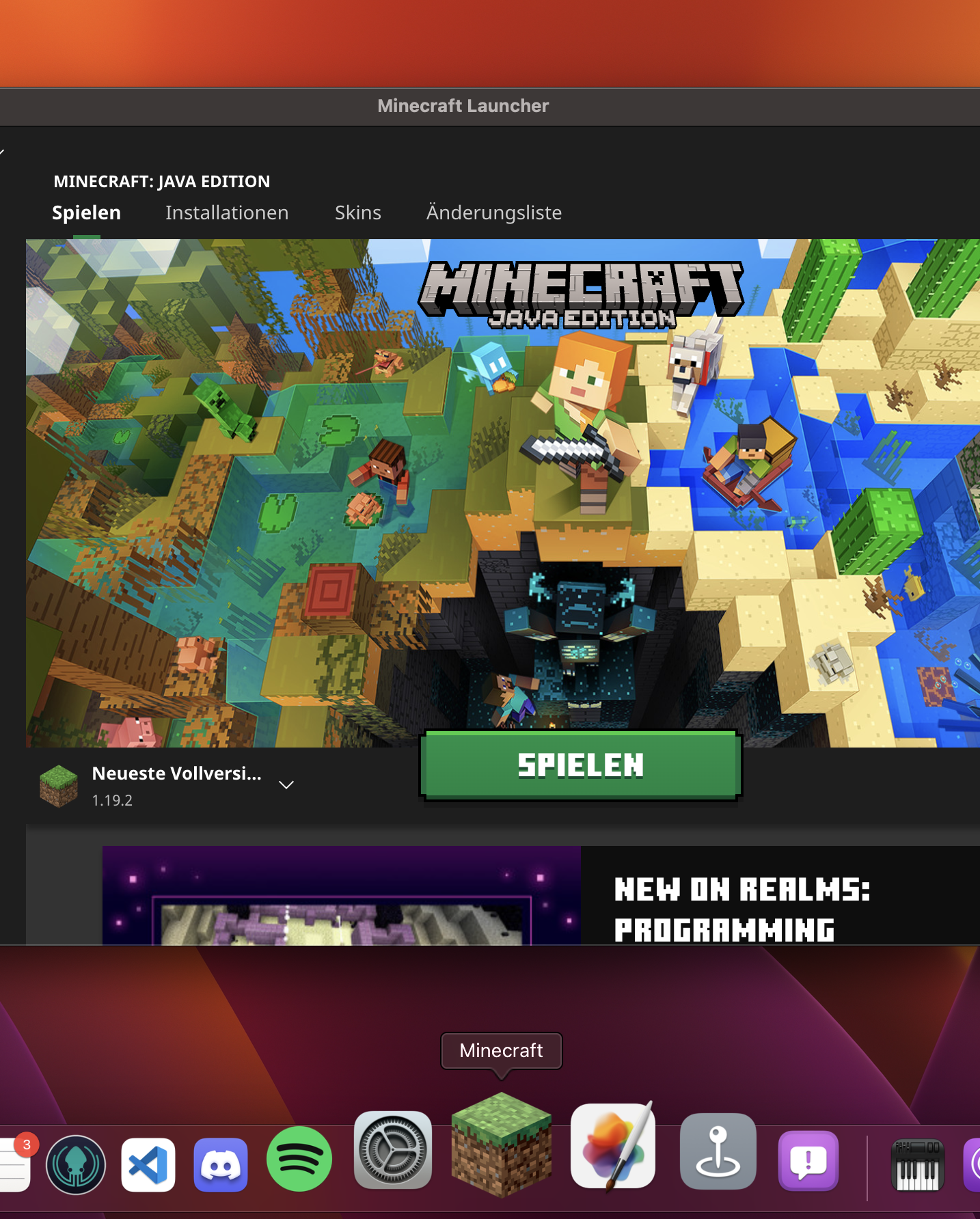
For macOS, sometimes, the launcher is not registered to be open/launched (often/mostly after the game has crashed). Then the icon doesn't show, that the program is open, the icon does not push the open launcher window to the front and shortcuts like [command] + [q] won't work properly.
The launcher is in between the state of open and not open. This leads to major problems in using the system properly, while the launcher is open.
[!thumbnail](Launcher not working properly on macOS.png
)
Expected Results:
Launcher not being in an buggy state
Steps to Reproduce:
# Open the launcherNote! This seems to be only one of multiple different ways to produce this issue.
- Start the game
- Waiting 'til the launcher closes to run the game
- Again open the launcher, before the Minecraft instance pops up
- Now you're having the bugged state of the launcher
Observed Results:
For macOS, sometimes, the launcher is not registered to be open/launched (often/mostly after the game has crashed). Then the icon doesn't show, that the program is open, the icon does not push the open launcher window to the front and shortcuts like [command] + [q] won't work properly.
The launcher is in between the state of open and not open. This leads to major problems in using the system properly, while the launcher is open.
[!thumbnail](Launcher not working properly on macOS.png
Expected Results:
Launcher not being in an buggy state
Steps to Reproduce:
Note! This seems to be only one of multiple different ways to produce this issue.
- Open the launcher
- Start the game
- Waiting 'til the launcher closes to run the game
- Again open the launcher, before the Minecraft instance pops up
- Now you're having the bugged state of the launcher
Observed Results:
For macOS, sometimes, the launcher is not registered to be open/launched (often/mostly after the game has crashed). Then the icon doesn't show, that the program is open, the icon does not push the open launcher window to the front and shortcuts like [command] + [q] won't work properly.
The launcher is in between the state of open and not open. This leads to major problems in using the system properly, while the launcher is open.
Screen-Capture of bug caught on camera.mov
Expected Results:
Launcher not being in an buggy state
Steps to Reproduce:
Note! This seems to be only one of multiple different ways to produce this issue.
- Open the launcher
- Start the game
- Waiting 'til the launcher closes to run the game
- Again open the launcher, before the Minecraft instance pops up
- Now you're having the bugged state of the launcher
Observed Results:
For macOS, sometimes, the launcher is not registered to be open/launched (often/mostly after the game has crashed). Then the icon doesn't show, that the program is open, the icon does not push the open launcher window to the front and shortcuts like [command] + [q] won't work properly.
The launcher is in between the state of open and not open. This leads to major problems in using the system properly, while the launcher is open.
Screen-Capture of bug caught on camera.mov
Expected Results:
Launcher not being in an buggy state
Steps to Reproduce:
# Open the launcherNote! This seems to be only one of multiple different ways to produce this issue.
- Start the game
- Waiting 'til the launcher closes to run the game
- Again open the launcher, before the Minecraft instance pops up
- Now you're having the bugged state of the launcher
Observed Results:
For macOS, sometimes, the launcher is not registered to be open/launched (often/mostly after the game has crashed). Then the icon doesn't show, that the program is open, the icon does not push the open launcher window to the front and shortcuts like [command] + [q] won't work properly.
The launcher is in between the state of open and not open. This leads to major problems in using the system properly, while the launcher is open.
Screen-Capture of bug caught on camera.mov
Expected Results:
Launcher not being in an buggy state
Steps to Reproduce:
# Open the launcherNote! This seems to be only one of multiple different ways to produce this issue.
- Start the game
- Waiting 'til the launcher closes to run the game
- Again open the launcher, before the Minecraft instance pops up
- Now you're having the bugged state of the launcher
Observed Results:
For macOS, sometimes, the launcher is not registered to be open/launched (often/mostly after the game has crashed). Then the icon doesn't show, that the program is open, the icon does not push the open launcher window to the front and shortcuts like [command] + [q] won't work properly.
The launcher is in between the state of open and not open. This leads to major problems in using the system properly, while the launcher is open.
Screen-Capture of bug caught on camera.mov
Expected Results:
Launcher not being in an buggy state
Steps to Reproduce:
Note! This seems to be only one of multiple different ways to produce this issue.
- Open the launcher
- Start the game
- Waiting 'til the launcher closes to run the game
- Again open the launcher, before the Minecraft instance pops up
- Now you're having the bugged state of the launcher
Observed Results:
For macOS, sometimes, the launcher is not registered to be open/launched (often/mostly after the game has crashed). Then the icon doesn't show, that the program is open, the icon does not push the open launcher window to the front and shortcuts like [command] + [q] won't work properly.
The launcher is in between the state of open and not open. This leads to major problems in using the system properly, while the launcher is open.
Screen-Capture of bug caught on camera.mov
Expected Results:
Launcher not being in an buggy state
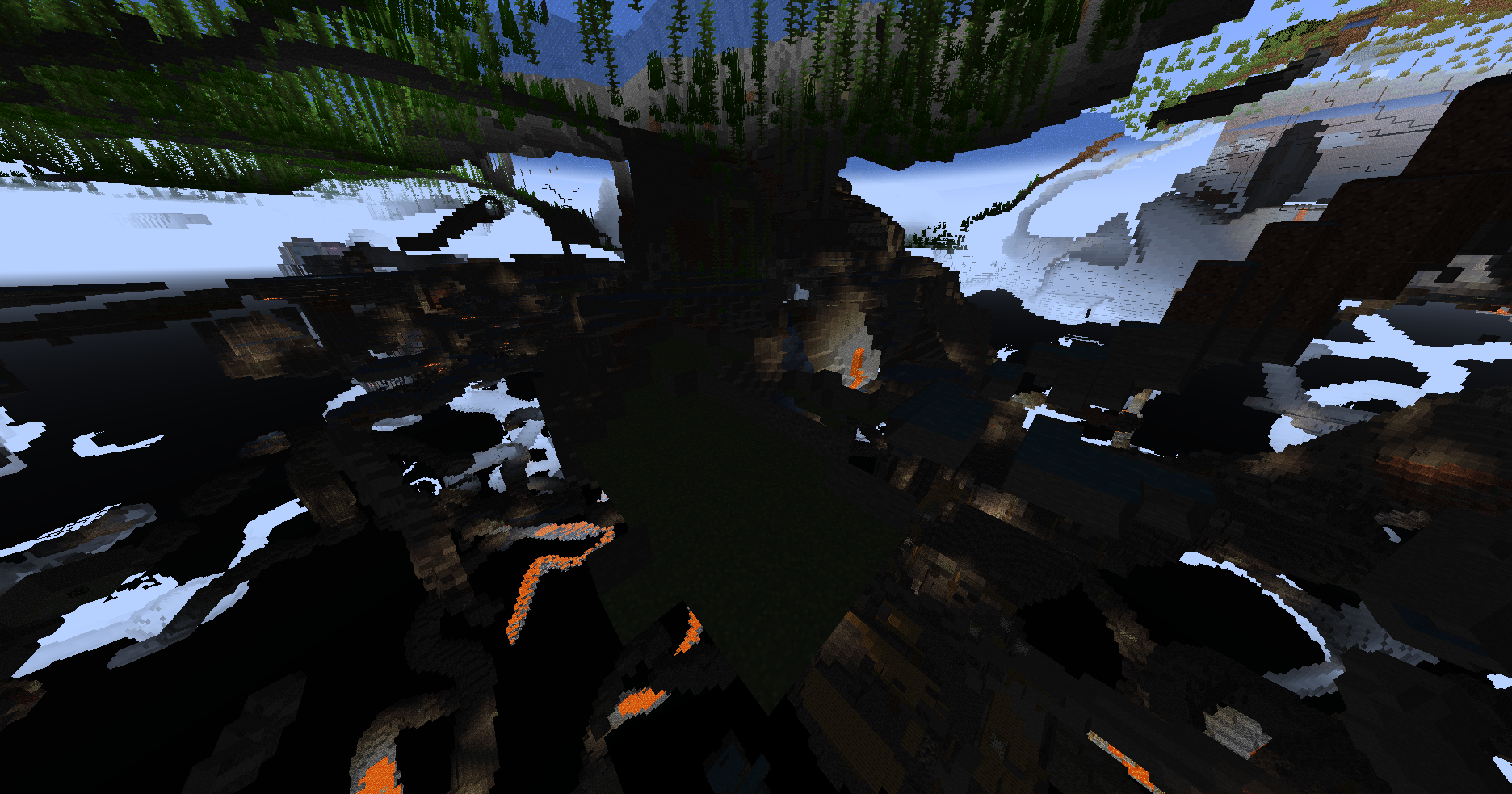
Since many versions, the clouds have gaps between the different 'cubes'.
This may be related to the same rendering issue of
MC-262014.One 'overview' and one closeup picture:
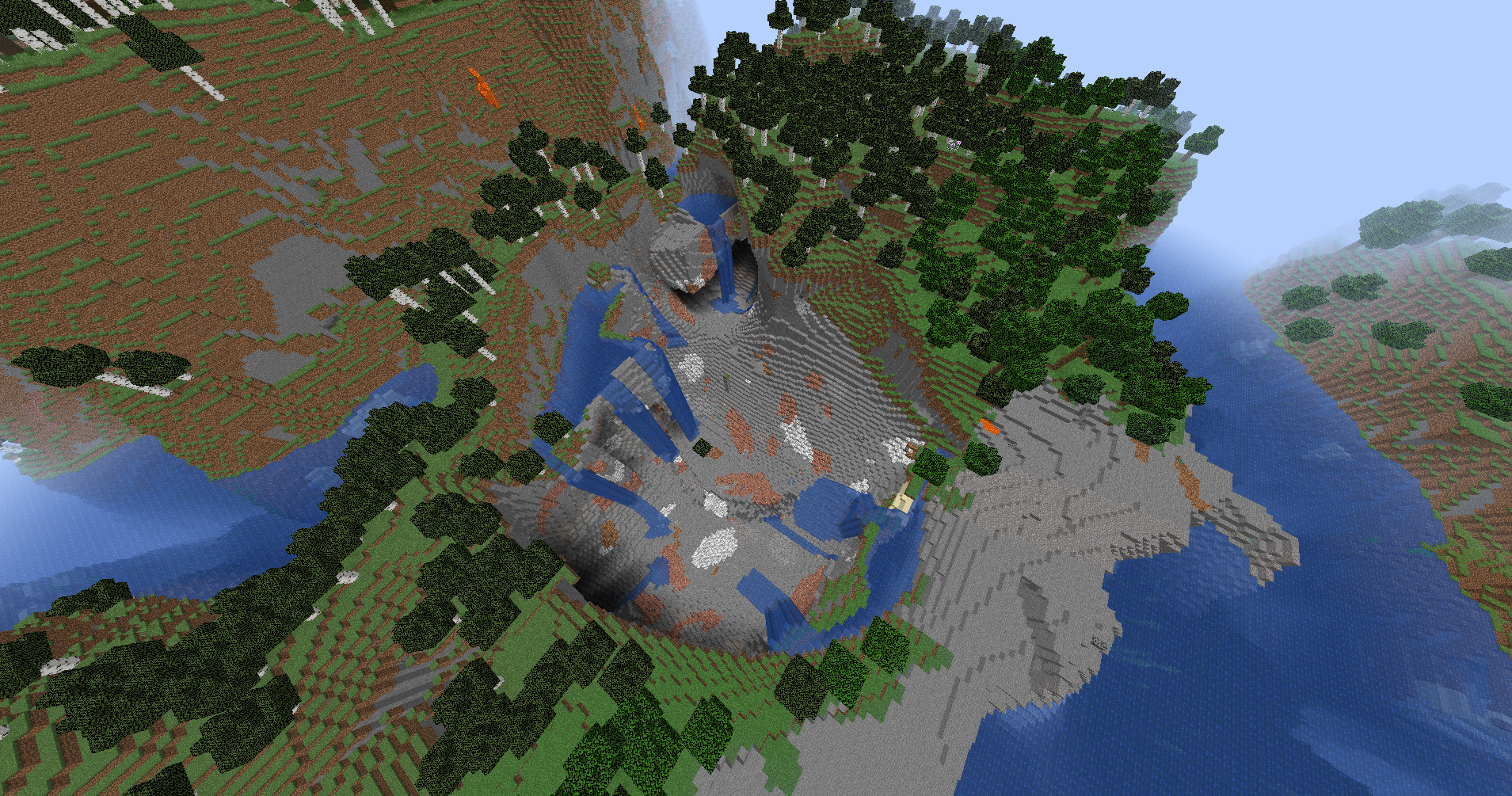
Since many versions, the clouds have gaps between the different 'cubes'.
This may be related to the same rendering issue of
MC-262014, but is also a bit different from that.One 'overview' and one closeup picture:
The new icon of the macOS Launcher does not respect the design of macOS and should get the rounded corners it deserves and the default spacing.
An icon what wouldfollow the design template, provided by apple (freely available to everyone) would be something like that:
The new icon of the macOS Launcher does not respect the design of macOS and should get the rounded corners it deserves and the default spacing.
The new launcher icon, but following the design template, provided by apple (freely available to everyone) would be something like that:
Dear ladies and gentlemen of Mojang.
This error also occurs with me, but I have a STABLE and RELIABLE Internet connection. My XBOX-Game Pass for PC is still valid and all other games work fine. What I could imagine would be that Minecraft dungeons are now set to Teredo protocols. This would be a fatal mistake that would cause this problem for some people like me.
PS. My operating system and app are up to date, the firewall doesn't interfere with the required services and everything works except MC-Dungeons. So is an app problem
With faulty greetings
Fruxz
I have no steps to reproduce, it currently seems to follow no specific schema and is not affected by crashes.
It may affect only Apple Silicon devices, because of the architecture switch, which is currently not 100% adopted on the launcher
Caught the bug: Screen-Capture of bug caught on camera.mov
Found a way, to reproduce the issue, but it seems to be only one of the multiple ways to create this issue:
The sendCommandFeedback game rule is set to the default value 'true'. This is not the issue, this (sadly) is vanilla->default behavior!
Any update on this? The Minecraft Launcher is not properly registering as an open program (like if it is launched during a running minecraft session), this is quite problematic, not only on the user experience side!
Is there any possibility, this will be fixed in 1.20 Pre-Release 3?
It would be great if this gets into it!
For the people, who are responsible for this: https://developer.apple.com/design/resources/#macos-apps