 William Michael Schneider
- Gamingclone
- gamingclone
- America/New_York
- Yes
- No
 MC-15166
![[Mojang] Grum (Erik Broes)](../../../data/assets/gravatar/grum.png)
![[Mojang] Nathan Adams](../../../data/assets/gravatar/dinnerbone.png)
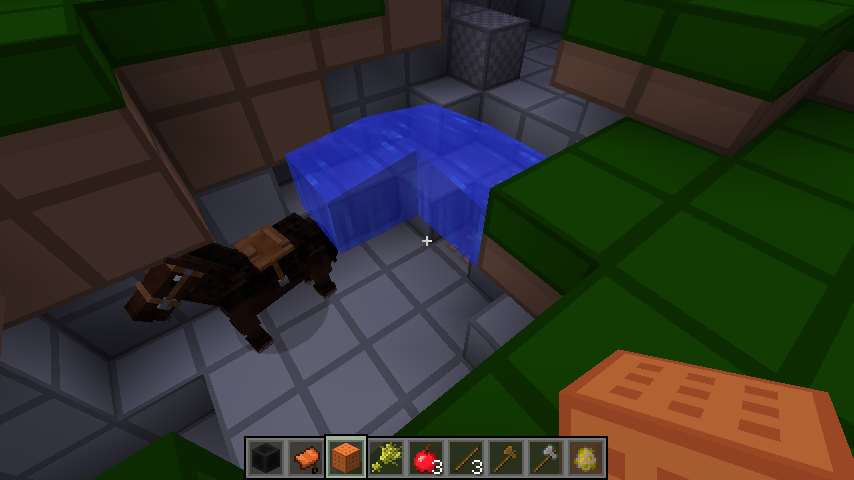

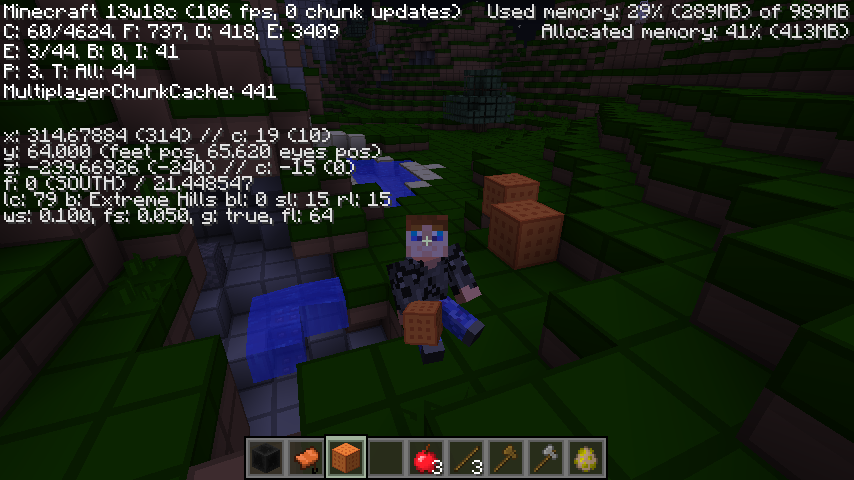
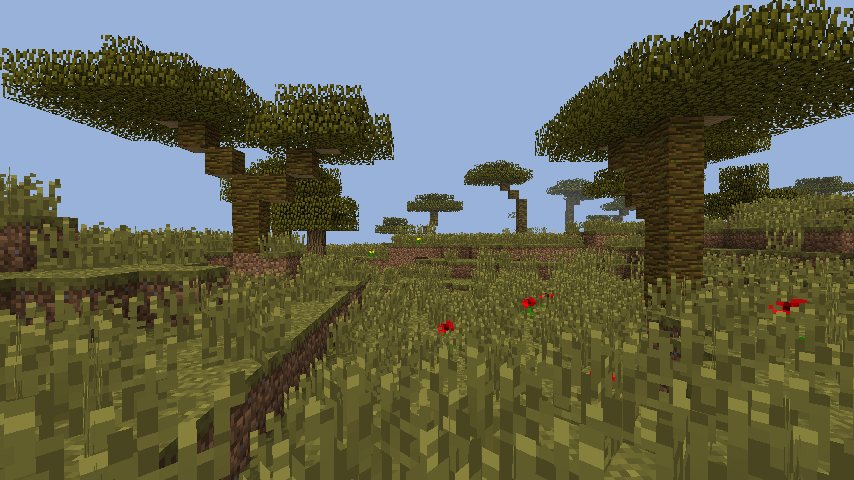




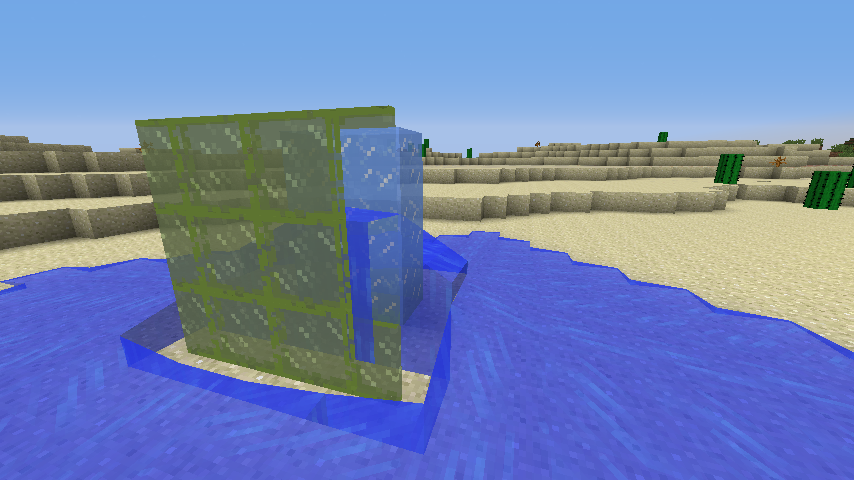
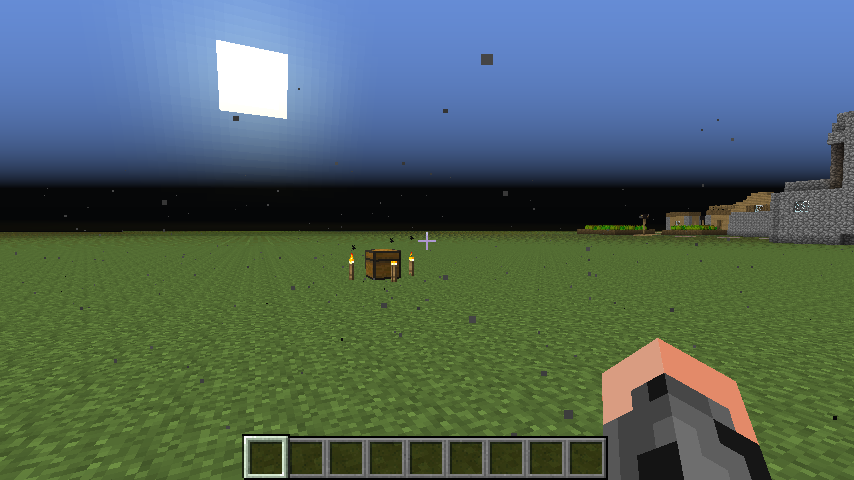

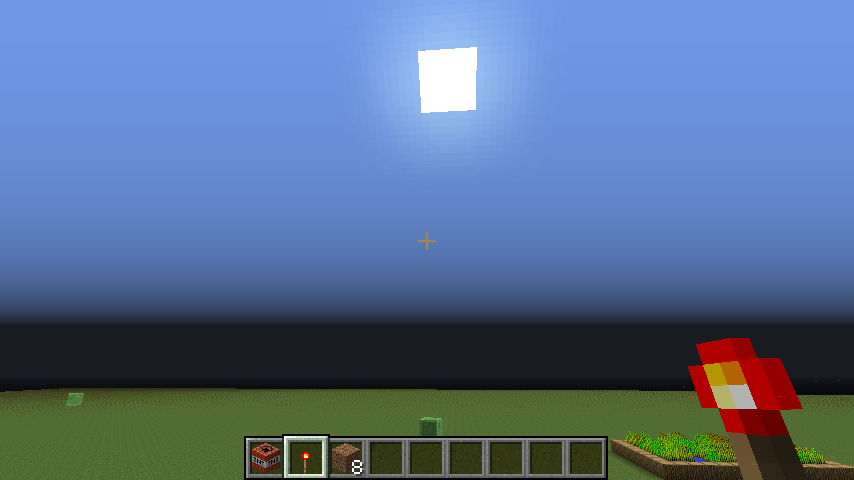

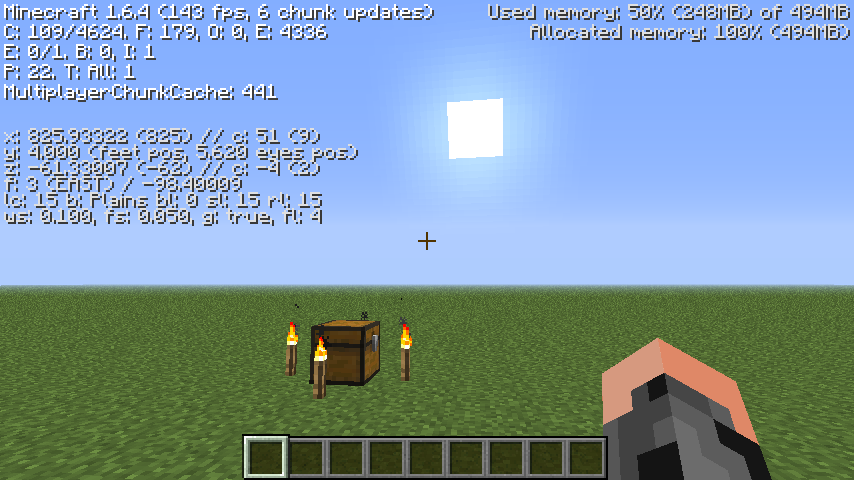







In creative mode I came across 3 floating water source blocks (in the pictures I provided). For no particular reason while riding my horse, I fall into these 3 floating water source blocks and the horse forces me off of him. Now the horse is below the 3 water source blocks, I try to mount him 3 or 4 more times but get kicked off each time. I wait till the horse gets out from under the source blocks, try riding him again and now he doesn't kick me off, but as soon as I go back into the water I get kicked off again. Now I try placing a few blocks, such as the coal block, and orange whool, and as soon as I place the blocks they vanish. I also can not spawn any mobs with the spawn eggs. While I am not able to place blocks I looked at my inventory and noticed that my character was in the riding a horse pose even though I was not riding the horse. So I leave my world and re-enter. Upon doing that I spawn underneath the source blocks even though I was no where near the 3 source blocks when i left the game. I do some more testing, I can place blocks, but then I ride the horse again into the water, I can still place blocks, but after riding the horse into the 3 floating source blocks 2 more times, now I can not place blocks again. I leave the game and come back and again, even though i left the game about 10 blocks away from the water source blocks, when I come back into the world it spawns me under the 3 water source blocks.
Can this bug be duplicated, it can be duplicated pretty easily in my world, but Im not sure how easy it will be for other people to find the bug, so here is the world seed I was using: 9083266455427422496
and the location: x:312 y:60.682 z:-243.37
In order to find the bug yourself, besides being at the cords I gave, you need a tamed horse, you need to be in creative mode, and some kind of block to place down after the horse kicks you off a few times. After 2 or 3 times, you should not be able to place blocks.And sometime to note is that this is not a bug with the horses, I tamed a different horse and rode it into the ocean, it kicked me off, I rode it again and it kicked me off again, i did this about 5 times and then when I went to place a block I was able to. So clearly it has something to do with the 3 floating water source blocks.
In creative mode I came across 3 floating water source blocks (in the pictures I provided). For no particular reason while riding my horse, I fall into these 3 floating water source blocks and the horse forces me off of him. Now the horse is below the 3 water source blocks, I try to mount him 3 or 4 more times but get kicked off each time. I wait till the horse gets out from under the source blocks, try riding him again and now he doesn't kick me off, but as soon as I go back into the water I get kicked off again. Now I try placing a few blocks, such as the coal block, and orange whool, and as soon as I place the blocks they vanish. I also can not spawn any mobs with the spawn eggs. While I am not able to place blocks I looked at my inventory and noticed that my character was in the riding a horse pose even though I was not riding the horse. So I leave my world and re-enter. Upon doing that I spawn underneath the source blocks even though I was no where near the 3 source blocks when i left the game. I do some more testing, I can place blocks, but then I ride the horse again into the water, I can still place blocks, but after riding the horse into the 3 floating source blocks 2 more times, now I can not place blocks again. I leave the game and come back and again, even though i left the game about 10 blocks away from the water source blocks, when I come back into the world it spawns me under the 3 water source blocks.
Can this bug be duplicated, it can be duplicated pretty easily in my world, but Im not sure how easy it will be for other people to find the bug, so here is the world seed I was using: 9083266455427422496
and the location: x:312 y:60.682 z:-243.37
In order to find the bug yourself, besides being at the cords I gave, you need a tamed horse, you need to be in creative mode, and some kind of block to place down after the horse kicks you off a few times. After 2 or 3 times, you should not be able to place blocks.And sometime to note is that this is not a bug with the horses, I tamed a different horse and rode it into the ocean, it kicked me off, I rode it again and it kicked me off again, i did this about 5 times and then when I went to place a block I was able to. So clearly it has something to do with the 3 floating water source blocks.
edit also, it was not as if the server stopped working or world tics stopped happening since mobs were still moving and hostile mobs could still attack me.
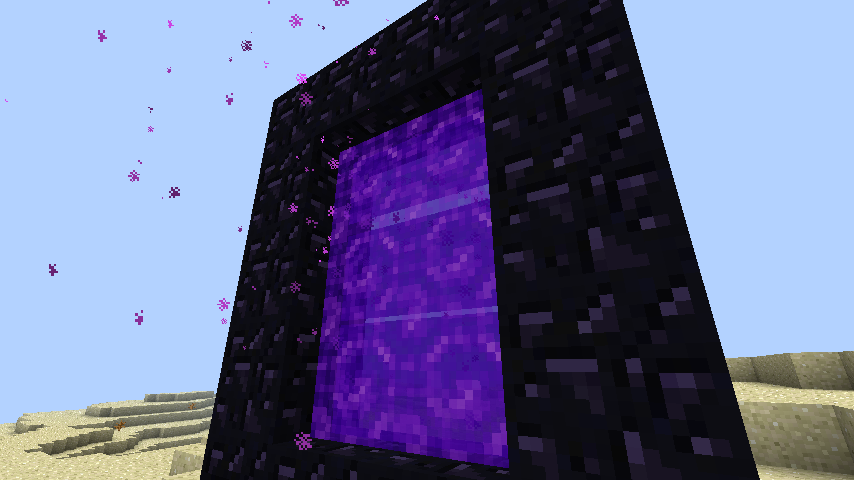
I'm not sure if this is a bug or an intended feature but, while riding a horse (in creative and survival), neither you or your horse is able to travel through the nether portal.
In past 1.7 snapshots, the "Super Secret Settings" did nothing at all, except make random sounds when clicking on it. In snapshot 13w38a though, the latest snapshot, clicking on it is supposed to change the graphic settings like turn the game upside down, or invert it, or turn it white and black or even crazier things. I have seen youtube videos of it and what is supposed to happen when clicking on Super Secret Settings. But when I click on it, all I get is a random sound effect, nothing happens to the graphics at all.
List of affected cards & drivers:
OpenGL: ATI Radeon HD 3200 Graphics GL version 2.1.8306 Release, ATI Technologies Inc.
OpenGL: Intel 945GM GL version 1.4.0 - Build 8.14.10.1930, Intel
OpenGL: Mobile Intel(R) 4 Series Express Chipset Family GL version 2.1.0 - Build 8.15.10.2302, IntelIn past 1.7 snapshots, the "Super Secret Settings" did nothing at all, except make random sounds when clicking on it. In snapshot 13w38a though, the latest snapshot, clicking on it is supposed to change the graphic settings like turn the game upside down, or invert it, or turn it white and black or even crazier things. I have seen youtube videos of it and what is supposed to happen when clicking on Super Secret Settings. But when I click on it, all I get is a random sound effect, nothing happens to the graphics at all.
Edit**
Bug still in snapshot 13w39a.
List of affected cards & drivers:
OpenGL: ATI Radeon HD 3200 Graphics GL version 2.1.8306 Release, ATI Technologies Inc.
OpenGL: Intel 945GM GL version 1.4.0 - Build 8.14.10.1930, Intel
OpenGL: Mobile Intel(R) 4 Series Express Chipset Family GL version 2.1.0 - Build 8.15.10.2302, Intel
Even though transparent blocks are now visible behind other transparent blocks in snapshot 13w41a (ice and portal blocks are no longer invisible when surrounded by water! Yes!), there is now a new bug ,or not really a bug but a texture issue, which can hopefully be fixed easily.
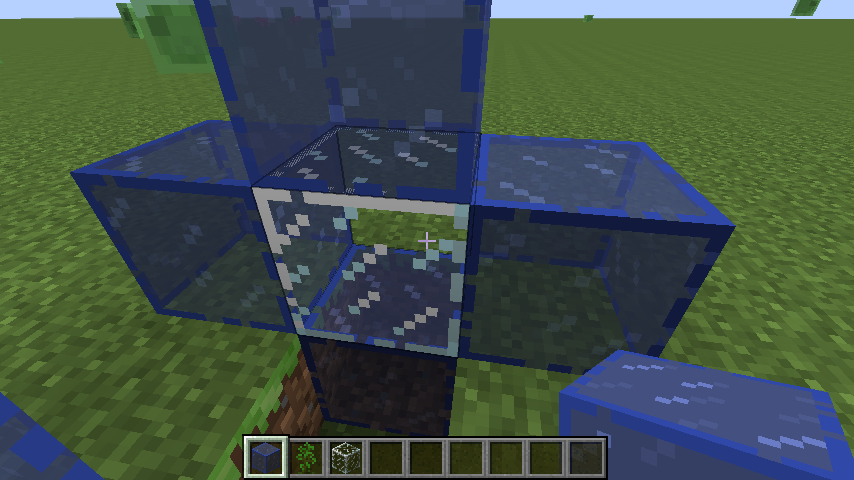
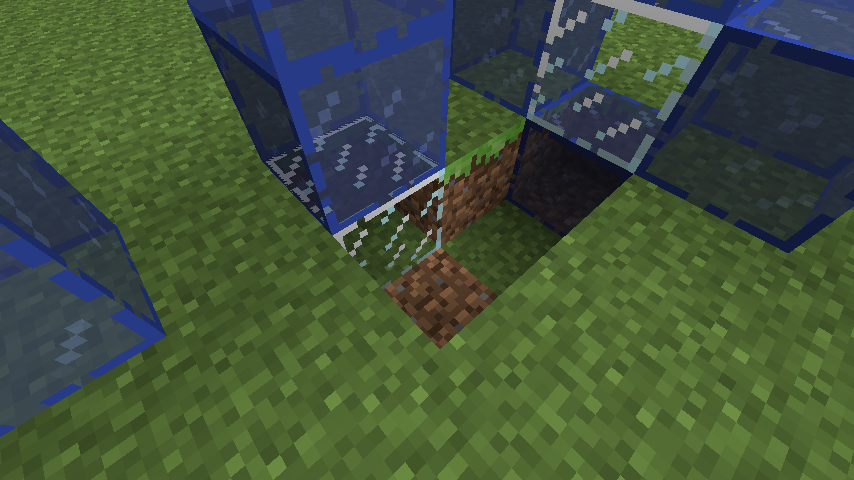
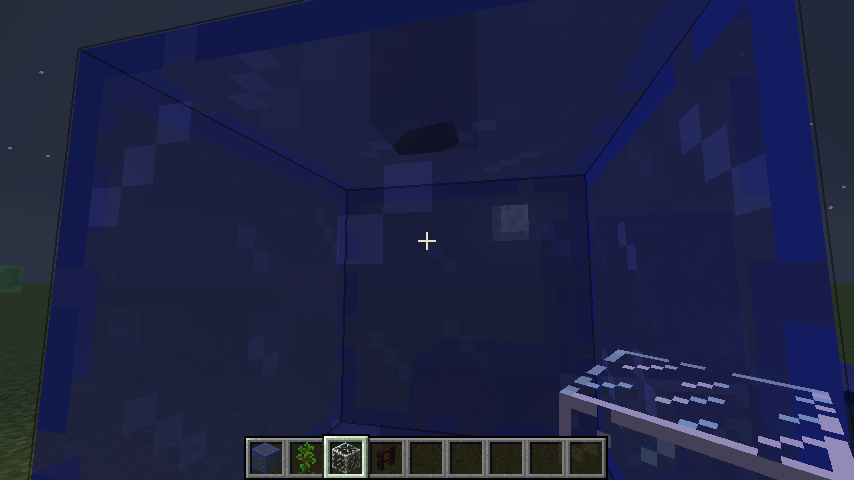
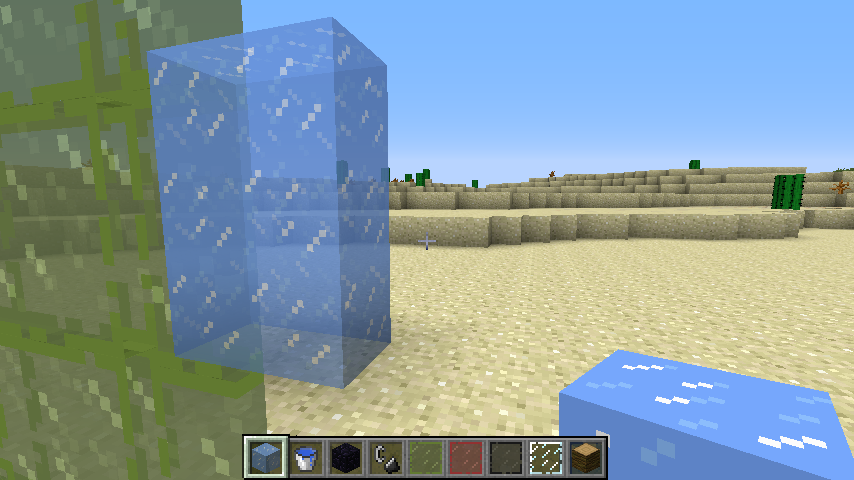
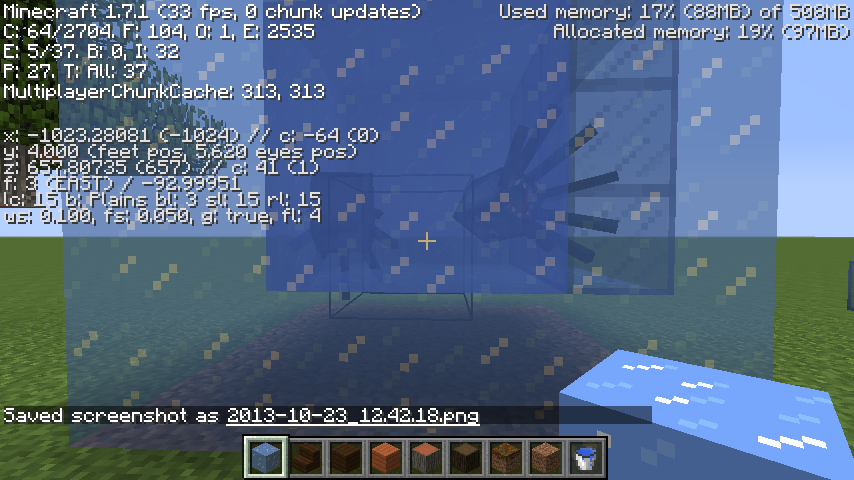
When placing Tinted glass, any tinted glass block, against another tinted glass block, the textures on the side of the two blocks that meet vanish. Im not sure if that is supposed to happen, but that isnt the problem. But when placing any tinted glass block against another transparent or non whole block, such as the original glass block or fence post, the texture on the face of the two blocks that meet up start conflicted/ Z-fighting (I think it is called).I have some pictures below to show what I mean.
Even though transparent blocks are now visible behind other transparent blocks in snapshot 13w41a (ice and portal blocks are no longer invisible when surrounded by water! Yes!), there is now a new bug ,or not really a bug but a texture issue, which can hopefully be fixed easily.
When placing Tinted glass, any tinted glass block, against another tinted glass block, the textures on the side of the two blocks that meet vanish. Im not sure if that is supposed to happen, but that isnt the problem. But when placing any tinted glass block against another transparent or non whole block, such as the original glass block or fence post, the texture on the face of the two blocks that meet up start conflicted/ Z-fighting (I think it is called).I have some pictures below to show what I mean.
Even though transparent blocks are now visible behind other transparent blocks in snapshot 13w41a (ice and portal blocks are no longer invisible when surrounded by water! Yes!), there is now a new bug ,or not really a bug but a texture issue, which can hopefully be fixed easily.
When placing Tinted glass, any tinted glass block, against another tinted glass block, the textures on the side of the two blocks that meet vanish. Im not sure if that is supposed to happen, but that isnt the problem. But when placing any tinted glass block against another transparent or non whole block, such as the original glass block or fence post, the texture on the face of the two blocks that meet up start conflicted/ Z-fighting (I think it is called).
I have some pictures below to show what I mean.
Even though transparent blocks are now visible behind other transparent blocks in snapshot 13w41a (ice and portal blocks are no longer invisible when surrounded by water! Yes!), there is now a new bug ,or not really a bug but a texture issue, which can hopefully be fixed easily.
When placing Tinted glass, any tinted glass block, against another tinted glass block, the textures on the side of the two blocks that meet vanish. Im not sure if that is supposed to happen, but that isnt the problem. But when placing any tinted glass block against another transparent or non whole block, such as the original glass block or fence post, the texture on the face of the two blocks that meet up start conflicted/ Z-fighting (I think it is called).
I have some pictures below to show what I mean.
edit
Problem still exist in 13w41b.
Even though transparent blocks are now visible behind other transparent blocks in snapshot 13w41a (ice and portal blocks are no longer invisible when surrounded by water! Yes!), there is now a new bug ,or not really a bug but a texture issue, which can hopefully be fixed easily.
When placing
Tinted glass, anytinted glass block, against anothertinted glass block, the textures on the side of the two blocks that meet vanish. Im not sure if that is supposed to happen, but that isnt the problem. But when placing anytinted glass block against another transparent or non whole block, such as the original glass block or fence post, the texture on the face of the two blocks that meet up start conflicted/ Z-fighting (I think it is called).I have some pictures below to show what I mean.
edit
Problem still exist in 13w41b.Even though transparent blocks are now visible behind other transparent blocks in snapshot 13w41a (ice and portal blocks are no longer invisible when surrounded by water! Yes!), there is now a new bug ,or not really a bug but a texture issue, which can hopefully be fixed easily.
When placing Stained glass, any stained glass block, against another stained glass block, the textures on the side of the two blocks that meet vanish. Im not sure if that is supposed to happen, but that isnt the problem. But when placing any stained glass block against another transparent or non whole block, such as the original glass block or fence post, the texture on the face of the two blocks that meet up start conflicted/ Z-fighting (I think it is called).
I have some pictures below to show what I mean.
edit
Problem still exist in 13w41b.
Windows Vista, Java 1.6.0_16
Windows Vista, Java 1.6.0_16
One of the new arrows that was added in the latest snapshot, spectral arrow, is missing its texture for its 3d model. Instead of looking anything close to how its sprite looks like, its completely purple.
On a side note, the arrows with potion effects also dont have their 3d texture, but instead are using the normal arrow 3d texture. Im not sure if that is intended or not.
Happening to me too.
oh I see.
I hope they get replaced with new trees
Do I need to uninstall the version of Java that I have on this computer, before installing the 64 bit version?
Also Im not sure this graphical glitch is being caused by the incorrect Java version because looking at the Minecraft forums, in the "Snapshot 13w37a Ready for Testing!" topic I'm seeing the same graphical glitch seen in the pictures above in the pictures that they are posting too.
But thanks for the answer, I'll install the 64 bit version then.
It wont let me install it. It gives me an error.
"Error 1606.Could not access network location %appdata%\."
It has been doing this to me for the past 2 years...
To the desktop? How do I do that? I know I can change the directory, the current directory is "c:\Program Files\Java\jre7\"
I have the same problem. The main menu is small, but if you want to click on any of the buttons on the main menu, you need to hover the mouse over the blank space where the buttons would be if the menu was displaying properly. I have found that this only happens with the main menu, if you go into other menus, such as options or singleplayer/multiplayer, the screen then displays properly, but only on those menus. Going back to the main menu will return you to the buggy small display. When you go into a world the game then displays properly again.
Didnt work. And I changed it in single player.
I just played using 13w38c and the problem is still there. I've looked in the video settings and noticed that there is no post rendering option for me. While on my Windows 7 computer, the option is there and the super secret settings work just fine.
edit
Wait, I just played 13w38c on Windows 7 and the super secret settings does work, but the post rendering option is gone, was that removed?
I cant install the newer versions of Java, 64-bit or 32-bit. When I try it tells me it can't find %appdata%. It has been telling me this for the past 2 or 3 years. I didnt change the location of it, I dont even know how to do that. But oh well, this computer isnt strong enough to run Minecraft smoothly anyway.
edit
Oh and when pressing the super secrets button, then in game pressing F3, the spot that should tell you what shader is being applied is not there.
Its not really lazy. The biome does change the color of the leaves and if you have a pair of sheers you could collect a bunch of oak leaves and cut down some jungle trees and just build the savanna trees yourself.
But it would be alot easier and cooler if you could grow these savanna trees anywhere you want thanks to a sapling.
This bug is also in Snapshot 13w39a.
Oh it says that Dinnerbone has fixed this problem...
Time to test out 13w39b!
edit
It still doesnt work for me... I guess my built in graphics cant do shaders, bummer :/
Dinnerbone there has to be a way to get intergrated graphics to do shaders.
Just tested snapshot 13w41b. This issue with z-fighting still exists.
This happens to me too.
Edit:
I'll add some of my screen shots
Hmm, searched but I didnt find that. Sorry about that.
I'm not too sure, the ice that is behind the tinted glass, appears as if it is in front of the tinted glass, as you can see in the pictures. I put the water there to see if it had the same effect, of which from the looks of it, it kinda does.
It says that it has been fixed and by Dinnerbone. So that either means that this was marked as fixed because this technically isn't a bug or these trees will actually be growable. Im hoping these trees will be growable with their own saplings though.
I can confirm this too. The new trees have their own wood and leaves and saplings but the saplings do not drop from the corresponding leafs.
I did a search and didnt find any other bug reports that sounded like this one. So sorry if it was already reported.
Im not sure, the bug I reported has nothing to do with damaged armor, and the inventory slots dont go black either.
Of course. But we are talking about newly generated worlds. And placing down the new saplings from the creative menu.
I dont think this is a bug, I think they did this because the outline was invisible when you tried looking at blocks through water or something like that. I like the darker bounding box.
Its still happening. Kind of annoying. I noticed that the ambient music will pause when you pause the game, but the songs still over lap.
I hope it stays too, hopefully this problem gets fixed before the official release.
Dinnerbone please fix this before the official release. It'll be one less 1.7.x update you guys need to do before you move on to 1.8.
It will be fixed, hopefully next week. Since its almost the weekend over there I doubt they will do any more work on it till next week.
Does anyone know if this problem still happens in the snapshots for 1.7.3 (13w47a through c)? Some new music plays which is pretty nice but I havent had enough time to test to see if multiple songs still play in the background.
Its hard to tell since Im not familiar with these new tunes from C418, but from the sounds of it background music still over laps. Two tunes still play over each other. This is apparent right when launch Minecraft and you are in the main menu.
No there were a few bug fixes, mostly graphical bugs though.
Can't wait for the next snapshot to test it out!