 Harry Hoo
- hairyhoo
- hairyhoo
- Asia/Shanghai
- Yes
- No
 MC-28366
Overview: There's actually a series of bugs while using the /effect command in singleplayer (cheats-enabled) mode. According to Minecraft Wiki, the duration is counted in seconds and shall not exceed 1,000,000, but in practice the status effects will actually last for an unexpected length of time. It seems that for different effects, the timing is treated differently as well.
Problems:
- Using effects No. 1-22:
- The number of seconds is consistent and correct ONLY if it lies between 0 and 1638. (2013-08-09_19.12.25.png)
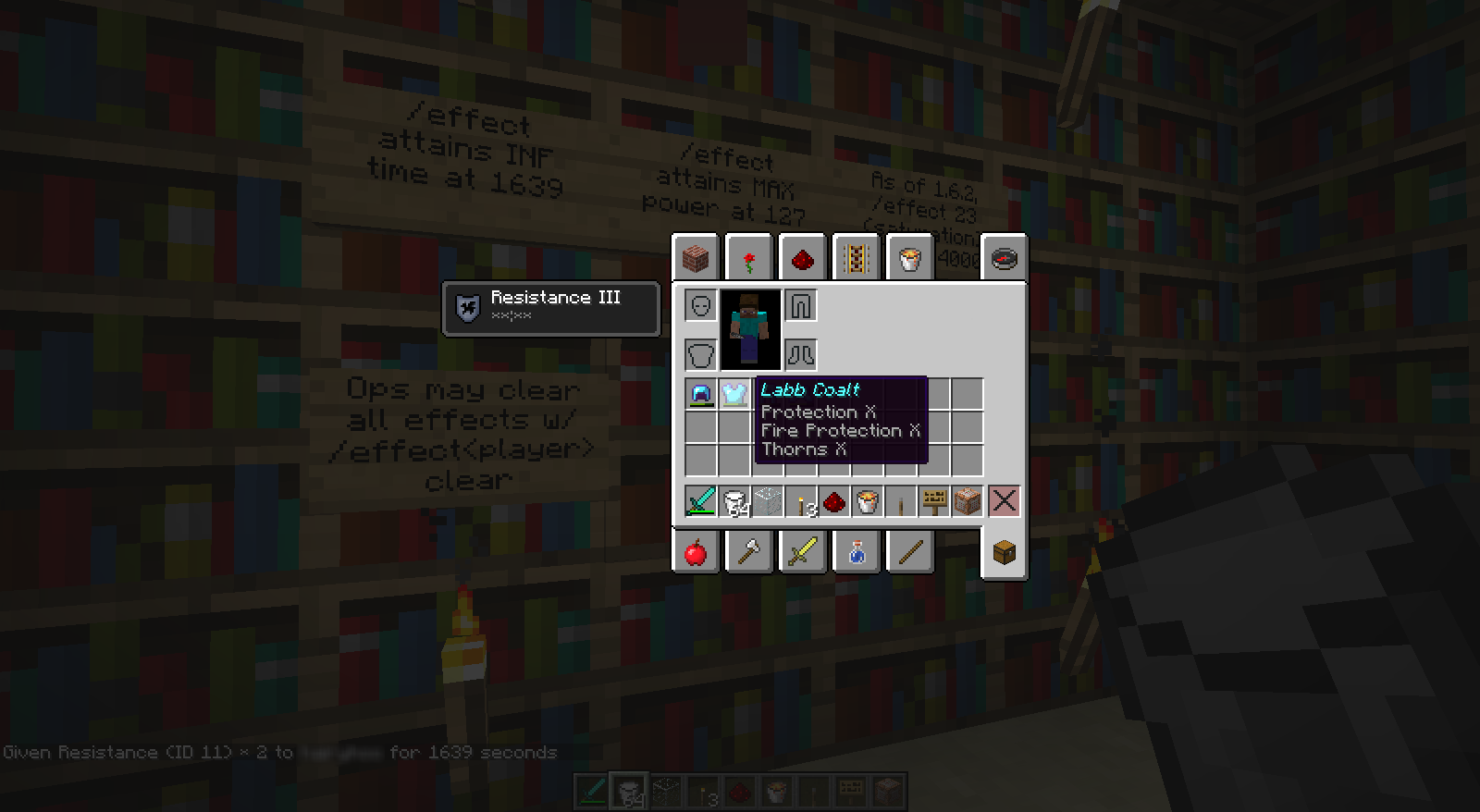
- If the duration is set to at least 1639, the timer freezes (**:**), meaning the effects will last forever until it's cancelled with milk or commands. (2013-08-09_19.12.37.png) (2013-08-09_19.12.52.png)
- Using effect No. 23 (Saturation):
- The number of seconds is inconsistent with your command for ANY durations set.
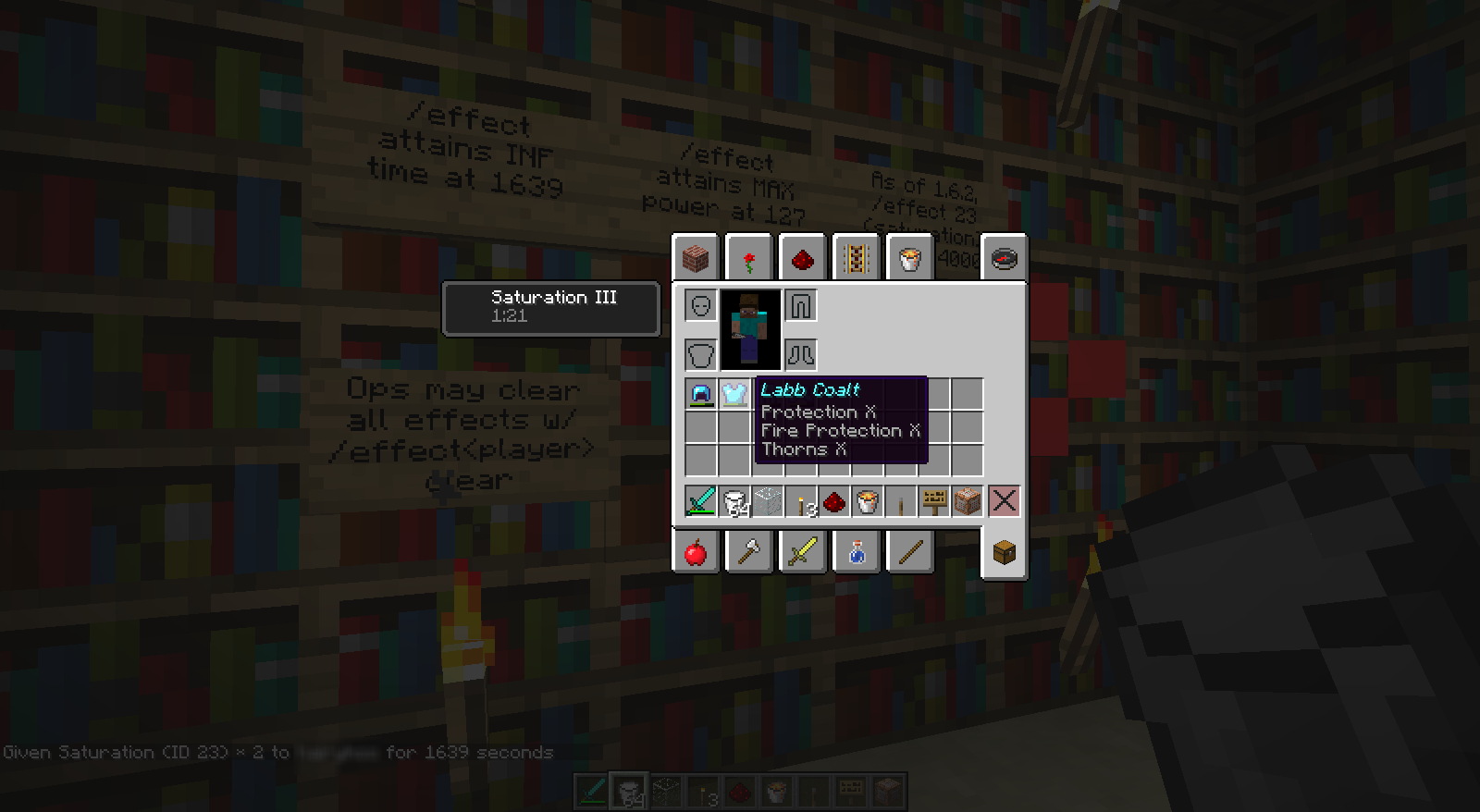
e.g. Saturation for 1639 seconds (=27m19s) returns as around 1m21s (2013-08-09_19.13.26.png)
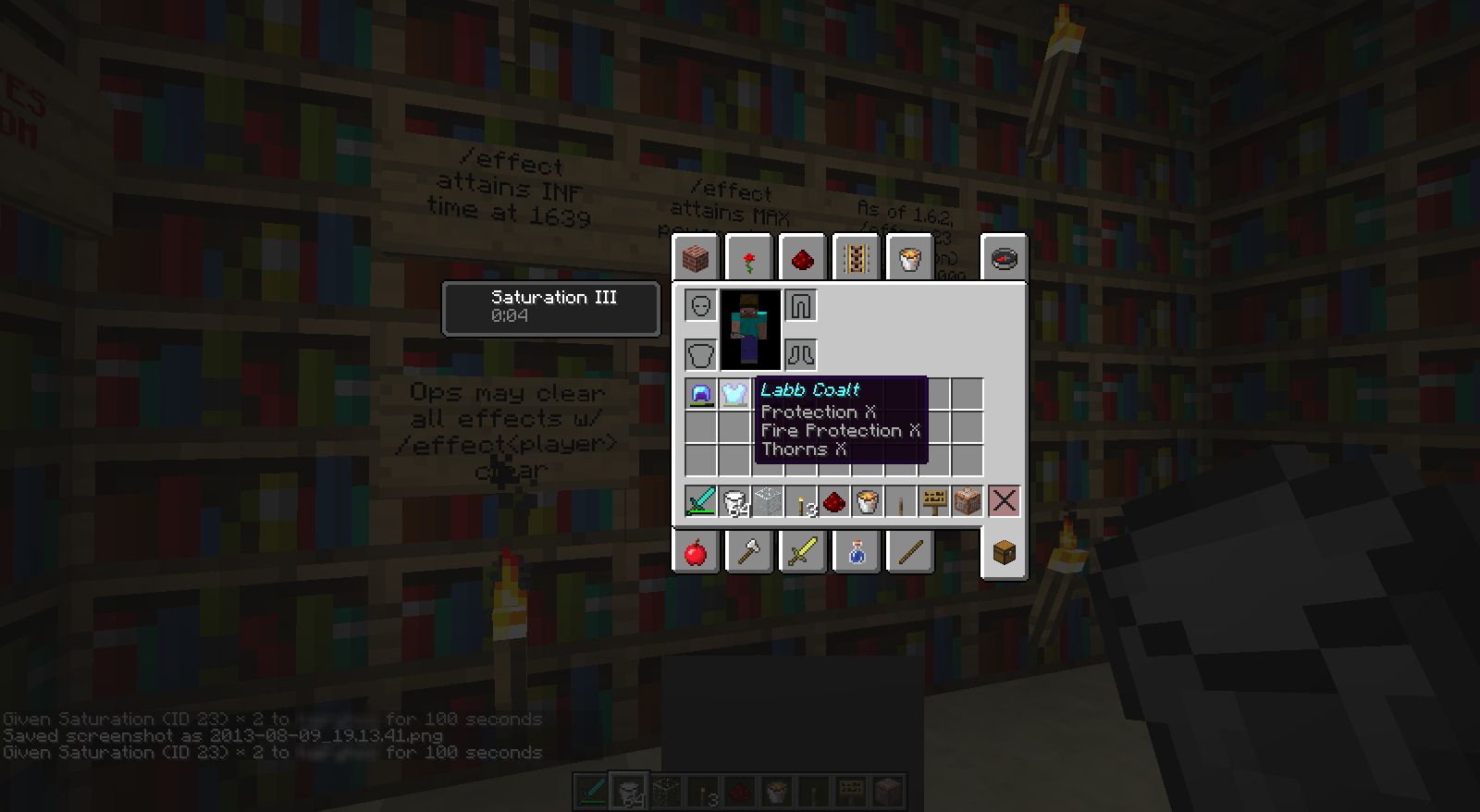
e.g. Saturation for 100 seconds (=1m40s) returns as around 4 seconds (2013-08-09_19.13.50.png)
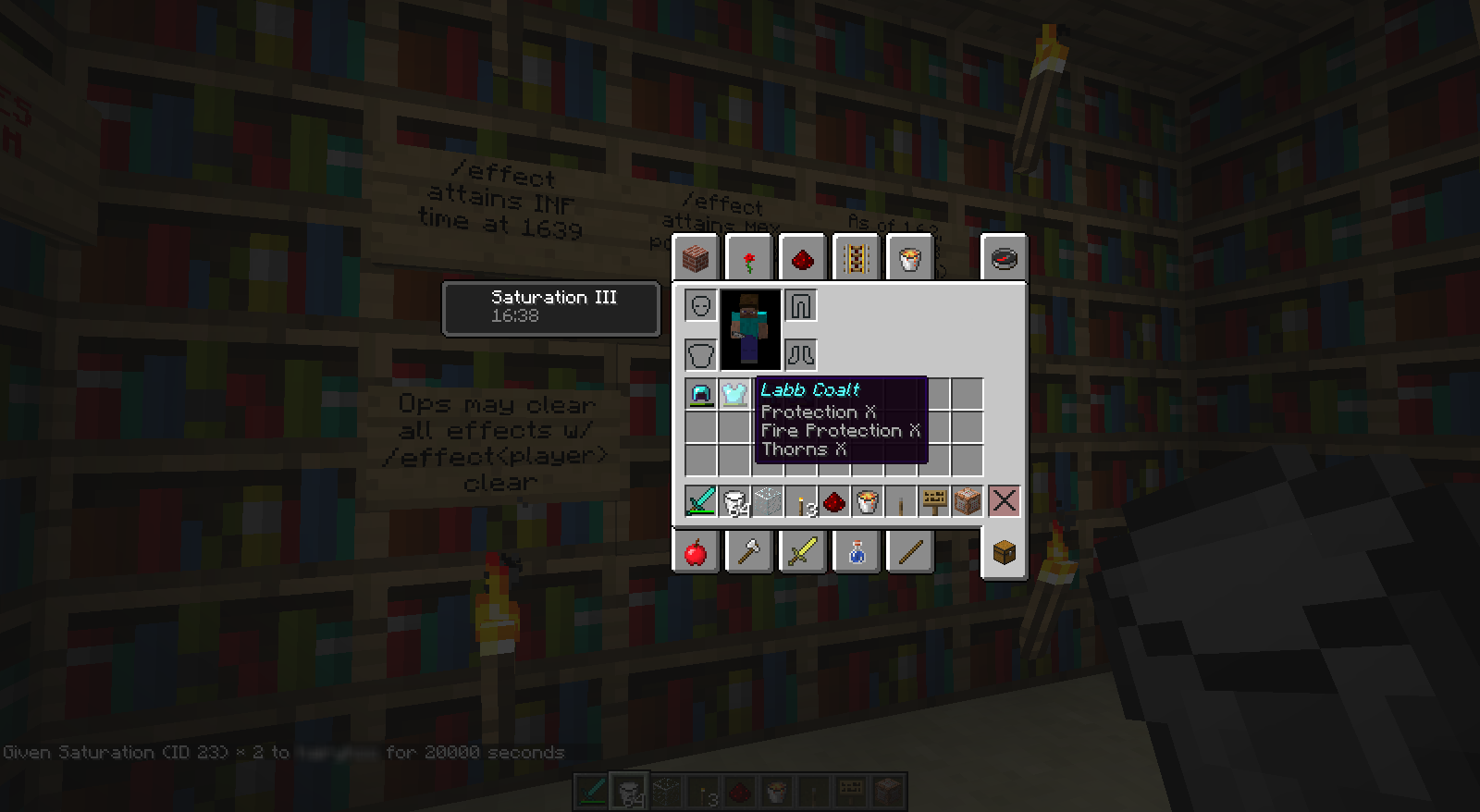
e.g. Saturation for 20000 seconds (=5h33m20s) returns as around 16m38s (2013-08-09_19.14.47.png)- If the duration is set to at least 32767, the timer freezes as well.
e.g. Saturation for 32766 seconds (=9h6m6s) returns as around 27m17s (2013-08-09_20.13.27.png)
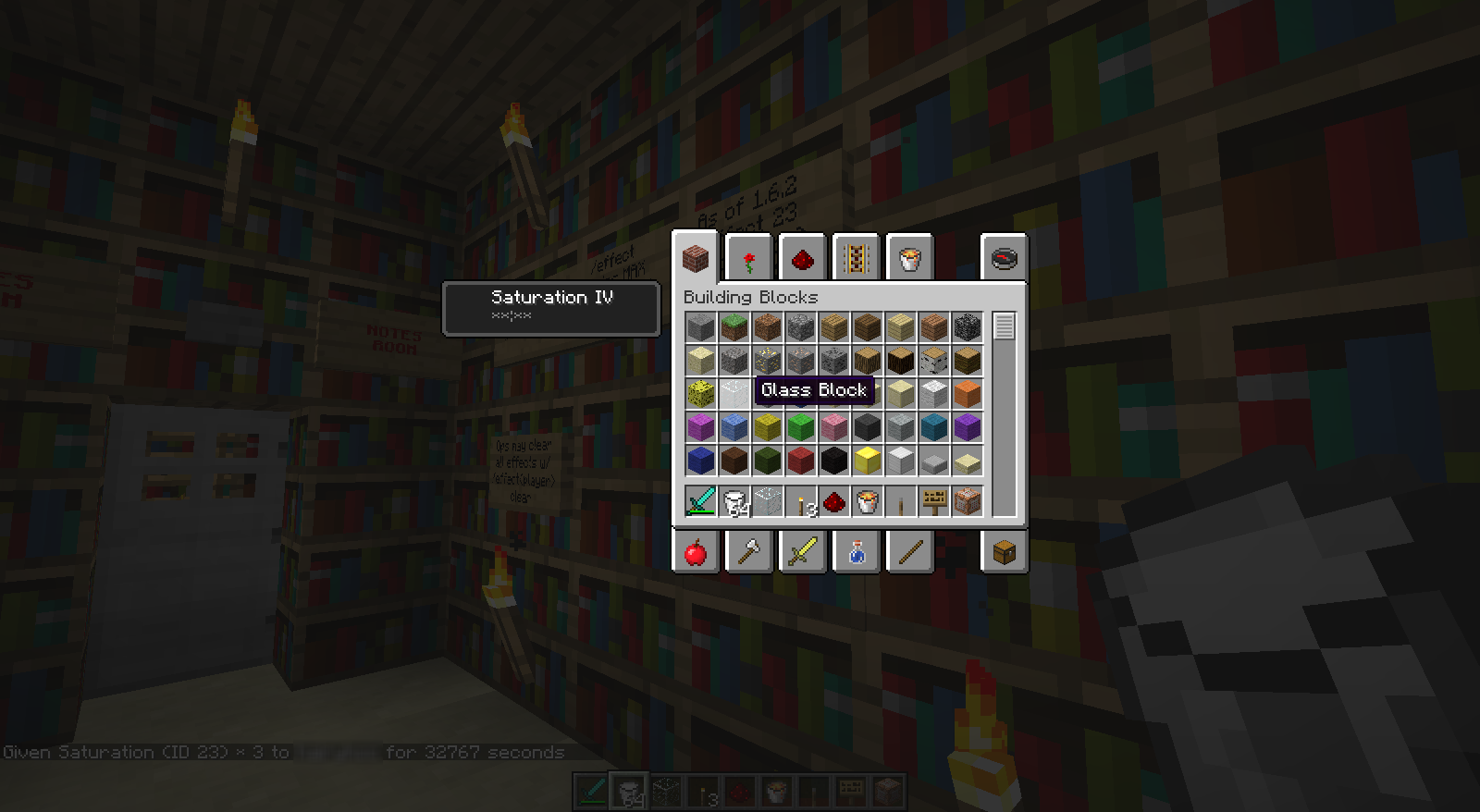
e.g. Saturation for 32767 seconds (=9h6m7s) returns as infinite duration. (2013-08-09_20.12.30.png)Overview: There's actually a series of bugs while using the /effect command in singleplayer (cheats-enabled) mode. According to Minecraft Wiki, the duration is counted in seconds and shall not exceed 1,000,000, but in practice the status effects will actually last for an unexpected length of time. It seems that for different effects, the timing is treated differently as well.
Problems:
- Using effects No. 1-22:
- The number of seconds is consistent and correct ONLY if it lies between 0 and 1638.
- If the duration is set to at least 1639, the timer freezes (**:**), meaning the effects will last forever until it's cancelled with milk or commands.

- Using effect No. 23 (Saturation):
- The number of seconds is inconsistent with your command for ANY durations set.
e.g. Saturation for 1639 seconds (=27m19s) returns as around 1m21s
e.g. Saturation for 100 seconds (=1m40s) returns as around 4 seconds
e.g. Saturation for 20000 seconds (=5h33m20s) returns as around 16m38s
- If the duration is set to at least 32767, the timer freezes as well.
e.g. Saturation for 32766 seconds (=9h6m6s) returns as around 27m17s

e.g. Saturation for 32767 seconds (=9h6m7s) returns as infinite duration.
OS: Windows 7 64-bit SP1; Java: Version 7 Update 25;
CPU: Intel Core i5; RAM installed: 4.00 GB
I encounter the same problem and I'm sure it can be reproduced.
Just "Quit Game" and launch the game (I'm using Vanilla Minecraft 1.6.2) again with the Launcher!
Simply putting on the enchanted helmet again after taking it off never works on me.
As far as I know, most languages other than English, even those using a Latin writing system (e.g. French, German), do appear on Minecraft as a "thin" type (technically, "ultra light), where each glyph (unit of letters or characters) contain only 1-pixel thick stroke. This is due to the fact that the normal Minecraft font as in English are only designed for English alphabet.
But that's not the truth. The truth is, if you look at your 1.X.X.jar\assets\minecraft\textures\font (using a 7Zip compressor), the game actually refers to the file "ascii.png" to generate its font. That means the so-called "BOLD" Minecraft default font actually contain ALL glyphs on the ASCII table (extended version) http://www.ascii-code.com/. Therefore, according to the ASCII, some common Latin characters with diacritics (Á, ë, ñ, ...) and even Greek character (µ, ...) should be able to appear in the "BOLD" default font, referring to "ascii.png".
Also take a look into 1.X.X.jar\assets\minecraft\font, you'll find a "glyph_sizes.bin", which you may not normally open it. This is a hexadecimal (base-16) file, which stores the width of all glyphs according to the Unicode Standard. That means in order to display most non-English alphabetic letters / symbols correctly (more proportionally), values must be set carefully inside the file. This file also handles the widths of glyphs when appearing in UNICODE mode.
As a matter of fact, since all Latin alphabets other than English and other glyphs DOES NOT use the "ascii.png", Minecraft treats them simply as Unicode charaters. Due to the large variation in glyphs in a Unicode set, Minecraft just adopts a monospaced" font, making glyphs of ANY OTHER LANGUAGES appear to have the same width. Such font supporting the full Unicode Chart would be "UniFont" http://unifoundry.com/unifont.html, which I'm very much sure what Minecraft is actually using. This UniFont is thin in nature, so I guess you have NO WAY to blame Minecraft for making those NON-English charaters SO THIN (more accurately, UNREADABLE!)
If you really want to make the alphabet of your language more thicker and more READABLE, you may consider building a BRAND-NEW RESOURCEPACK. There are tutorials online if you search through, but they usually only tells you to change the "unicode_page_xx.png" or "ascii.png" in assets\minecraft\textures\font, which doesn't really help you much in adjusting the glyph WIDTHS. Thus, you will also need to use some tools http://sourceforge.net/projects/minecraftfonteditor/ in order to change the widths for the UNICODE set. So, unless Minecraft promise a change in Unicode font rendering, to make characters in Unicode mode THICKER and MORE READABLE is extremely difficult.
Hope it helps!
This is a "supplement" to the bug
MC-29383.The previous bug report only states that the switching of language would induce this bug, but here I also suggests that the "Force Unicode Font" function would produce the bug too.
Its definitely confirmed. Also, here's another way to reproduce:
Call any commands that supports "json". e.g. /tellraw. Adopt the "Obfuscated" style by something like /tellraw @a {"text":"","extra":[{"text":"MAGIC!","obfuscated":"true"}]}. You'll first see the magical effect on the chat window. Attempt to turn on "Force Unicode Font" (or switch to a language that uses Unicode font), and then the effect is lost. The text will only appear static and as same as what you've entered.