 Søren Frank
- ifraaank
- ifraaank
- Europe/Stockholm
- Yes
- No
2 issues
Key
Summary
Status
Reporter
Assignee
Created
 MC-28255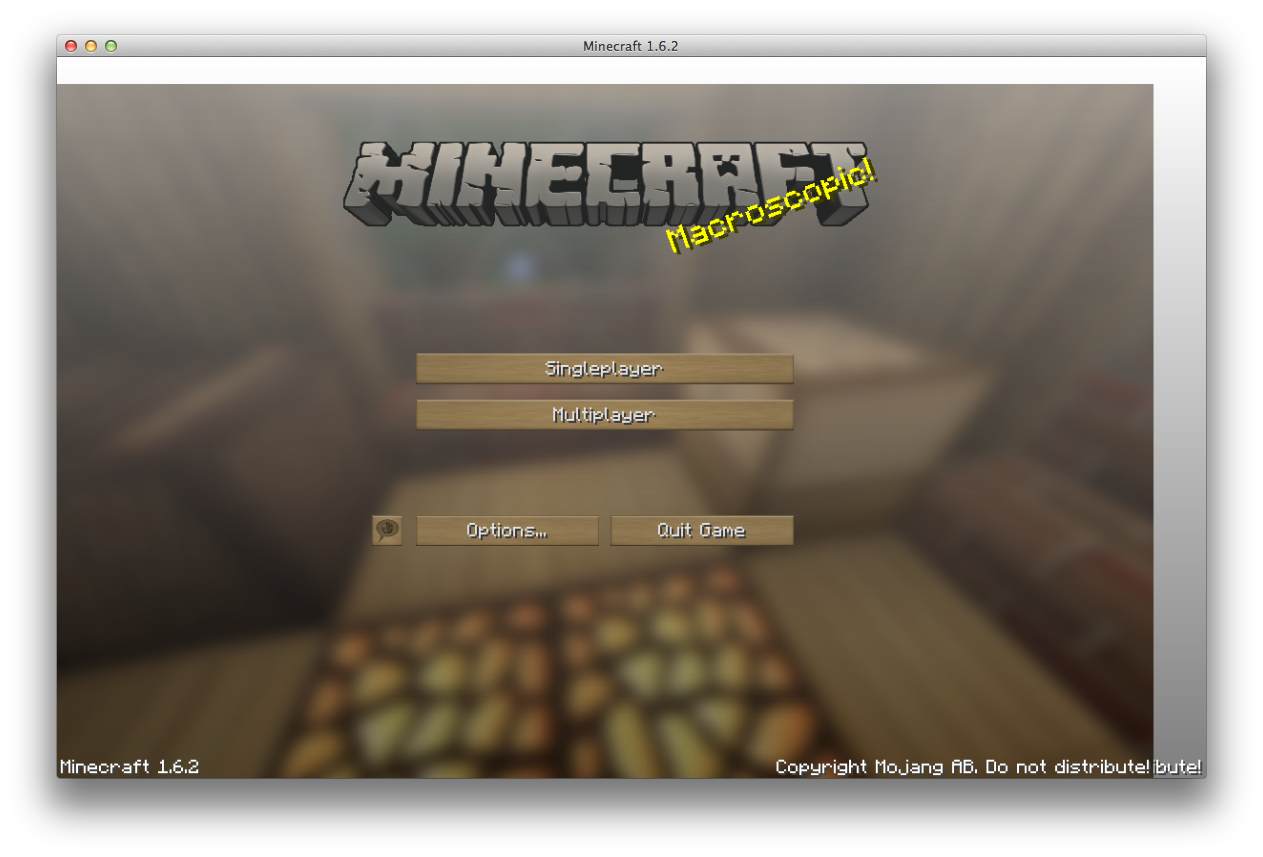


Changed Description:
The newest snapshots introduced native fullscreen on Mac OS X. And I can't thank you enough for that. It eliminates my other issue:
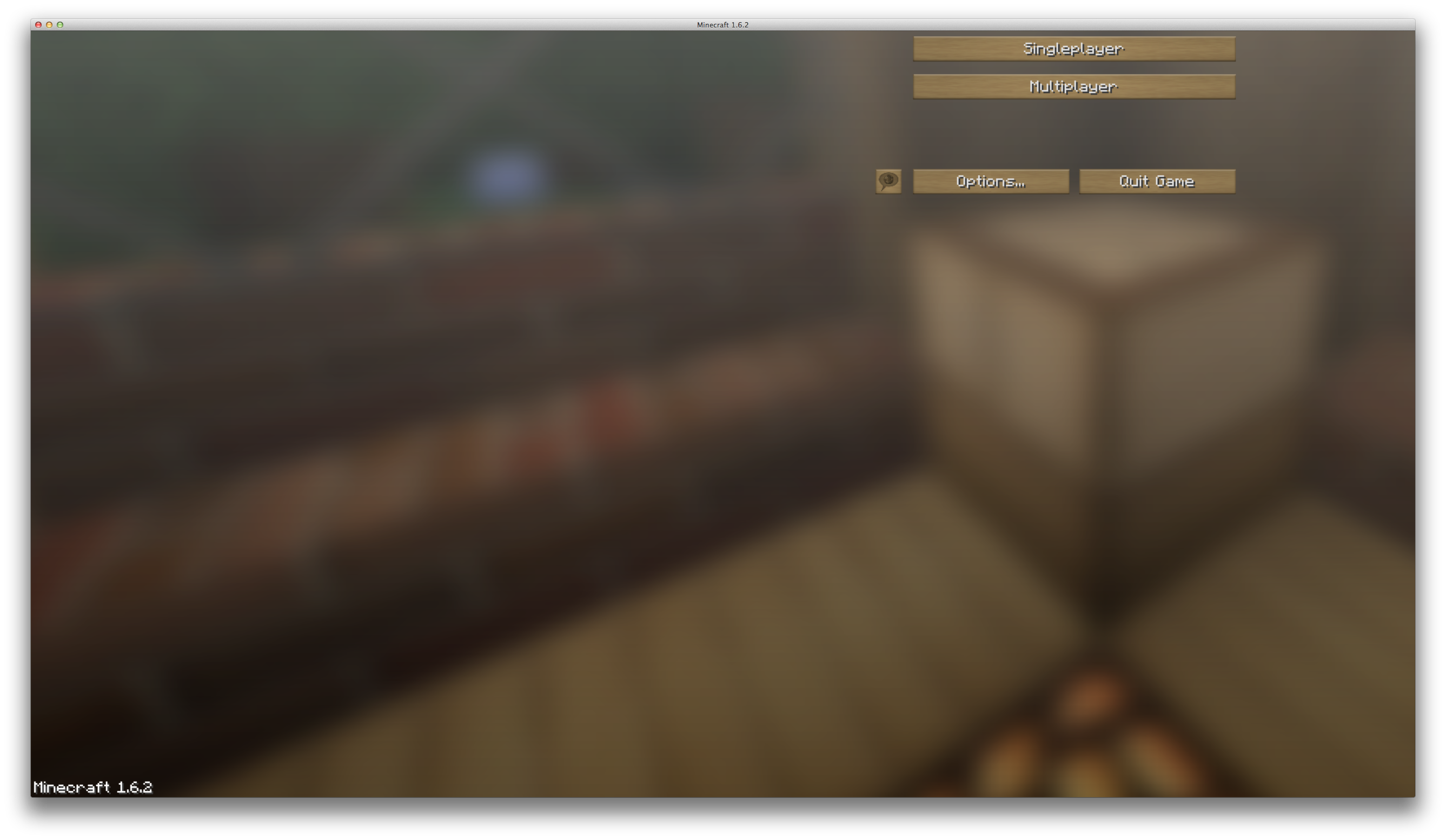
MC-28255But this introduced a minor bug to me. When going in fullscreen with the "two-arrows-button" in the upper right corner, the top of the window is grey. It looks like it is some sort of a bug with the menu-bar in OS X. I don't know if it's a JLWGL, OS X or Minecraft bug though. See attached picture.
Again, thanks for the native OS X fullscreen. So much better, especially with dual screens.

Added Attachments:
I have the same issue. Appeared on 1.6.1 for me.
I have this issue. But only in Minecraft 1.6.1.
Same bug for me as well.
And no, I'm NOT talking about this issue:
MC-13661.Crash report: http://cl.ly/text/2X25312W3D0c
It's an iMac 27" with a 27" Thunderbolt Display attached, if you wanted to know.
Yeah. Do you see what's wrong? I don't..
I've investigated a bit further, and it seems that it's only resizing wrong when I'm resizing the MC window on the SECONDARY screen.
It still does...
Added crash-report.
Oh, sorry, I didn't see that one.. Probably because I was only looking in the "e" snapshot.
But the procedure to reproduce the bug isn't quite the same though. You only need to press the fullscreen icon in the title bar, and then I get the black bar. MC-40597 is a bit longer, and a little different, but i guess you could call it a duplicate.