 Isaiah Gonzalez
- isaiahg126
- isaiahg126
- Europe/Stockholm
- Yes
- No
 MCPE-12088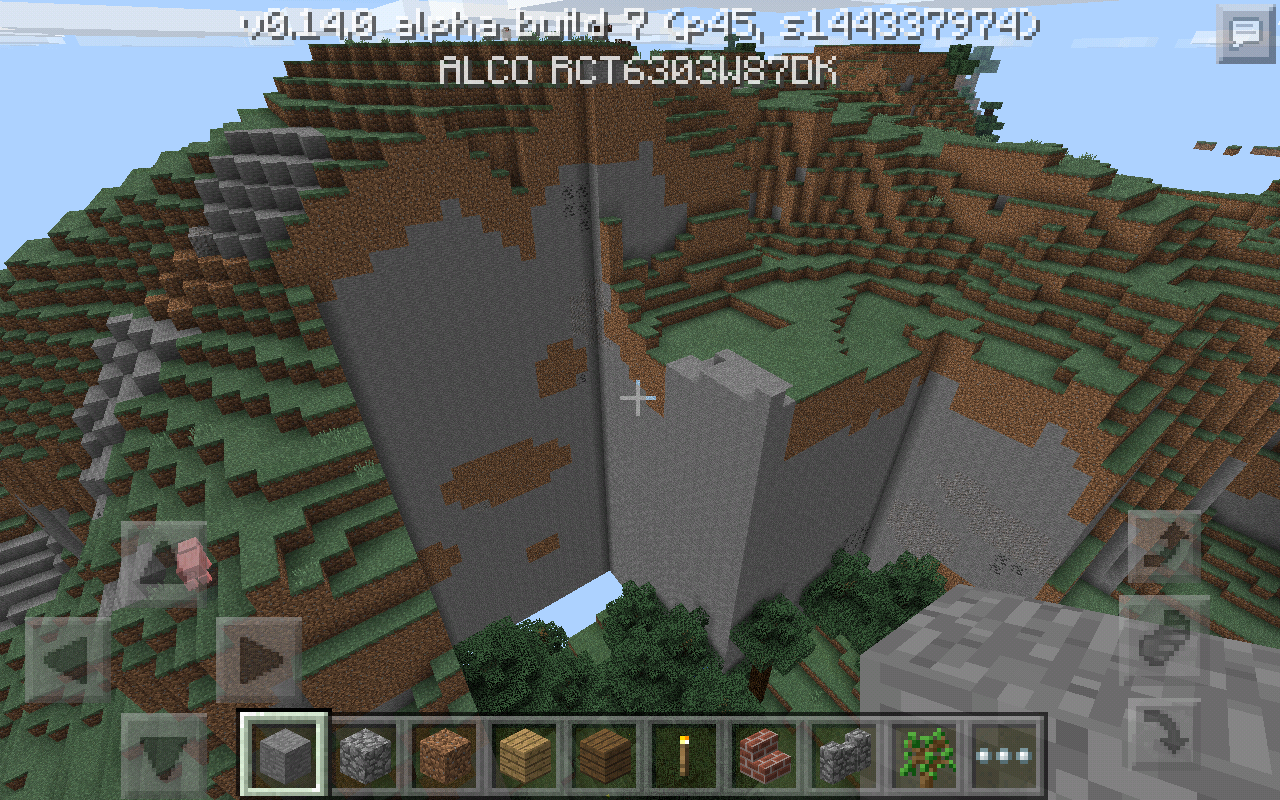


Tablet RCT6773W22B/RCA 7 Voyager II
So I bought a mouse and keyboard for my Tablet thinking that Minecraft Pocket Edition would be compatible Like PC. The issue is that for my keyboard the only keys that work are my arrow keys, and W, A, S, D, and ESC. E, Q, and etc wont work at all. And my Mouse cursor stays on my screen and the only way to move the screen with my mouse is to hold left click and then move my mouse around. Scroll wheel doesnt work at all. Right click still places blocks and when Im done aiming my mouse, if I left click for three seconds it will destroy blocks. Please Help
Affects Creative and Survival on all world types
It was written off as a feature but are currently unseen, same as ender pearls
But when the developers created Windows 10, they implemented the same features into PE. They did this because the games are literally the exact same. The uis are different that is it. The fact same features and PE is actually updated before Win10. The compatibility issue is actually a bug and is recognized as such. Please keep negative comments to your self.
Still currently affecting build 7
This same problem is still currently occuring on 0.13.0. I have a full on Micro-USB keyboard without OTG Hub. Esc W, A, S, D work. Forward backward left and right arrow keys also work for movement. But so far every other key does nothing. Using my keyboard I can bring up my menu and I can move in directions. I cant open my inventory, drop my items, move items, etc... To chat you have to tap the chat emblem with either your mouse or your hand. When typing on signs and chat all keys work as normal, its just when you try to use function keys does you keyboard quit working. Please help me here
I use the RCA 7 Voyager II or RCA-RCT6773W22B with Android OS Version, 5.0
Is there a possibility this could be fixed in MCPE's 0.13.1 Build that is hoped/rumored to come out this Wednesday?
Confirmed for RCA Viking Pro 10.1/RCT6303W87DK
Yes it does. It is also appearing in the 0.14.0 Beta builds. 99% of the keys are dead and I have the settings matched up to the type of keyboard I have.
Yes it does, No compatibility. To move your screen around you have to hold the left click on your mouse and drag the screen around. It is also appearing in the beta builds
This is now also confirmed on the RCA Viking Pro 10.1 Edition running Android 5.0.
The 0.14.0 Beta builds I should say
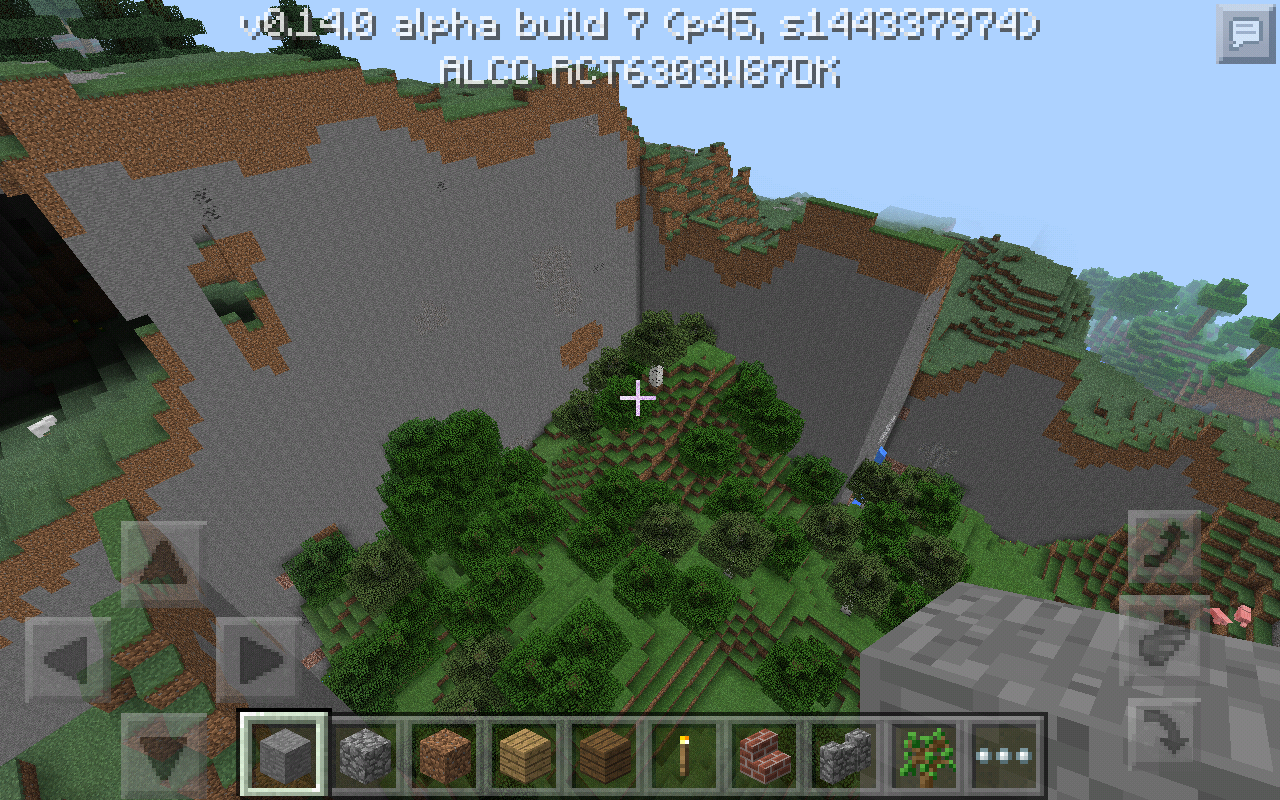
These water screenshots are of he edges of the Old World format World of the same seed and the shots above are he result of me changing the world to infinite to fix it
Related to (Duplicate of)
MCPE-13548In the aspect of chunks missing. In the other aspects it is not a duplicate such as water being past the world boundaries in a repeated effect on Old World Format worlds.
Yes it does. I just went and tried. To move your screen around with the mouse on slip touch you have to click and hold while you move your mouse around. And the only keys on your keyboard that work are Esc, and W, A, S, D. And the up down left and right arrows.
For real? The other one is only a duplicate of mouse issues. I literally covered both issues in one sweep
I completely agree and once Win10 is basically an exact copy of MCPE I think that the keyboard and mouse feature should be ported to Android. MCPE is written to accept those items. If it weren't in some way no keys would work at all. So why not just port in the rest of the feature? I'm thinking maybe in the next big update
Fix for keyboard issue only with 4 Pin Detachable physical keyboard and mouse/touchpad combo
Change tablet language&input settings under physical keyboard (only pops up when the keyboard is attached) to US International as the language. Then enter MCPE settings and change your keyboard settings to QWERTZ and then back to QWERTY and all keys work as they should on Windows 10 version on Minecraft. However the mouse functionality is still not working correctly. The mouse on touch works the exact same as with your finger, click drag rather than drag around and then click to break and place blocks. Please fix the mouse lol
I have done extensive testing and have numbered this down to simply a rotten seed. I have tried with old wolrd, infinite world, and flat worlds. Multiple seeds etc haven't encountered anything. Will test now with the same seed that caused the issue and let you know the results
Old worlds were tested from old format worlds before the beta. As for the seed it works fine in flat format but crashes in infinite. It no longer works on 10 even after I load it in 4