 Caleb Harris
- kelaris
- kelaris
- America/Chicago
- Yes
- No
 MC-9058
 MCL-1143
 MCPE-6374
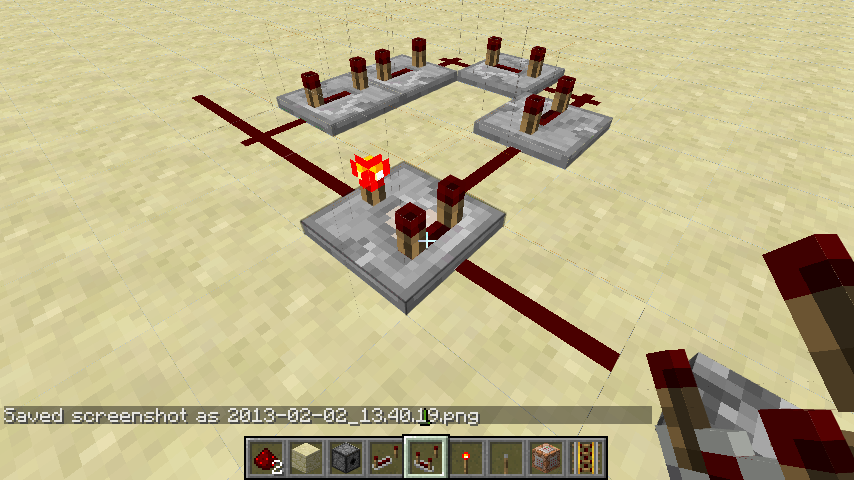
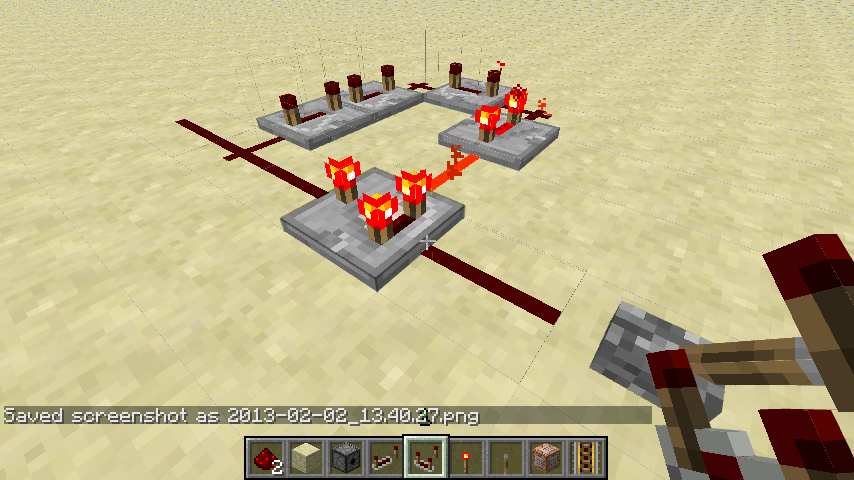

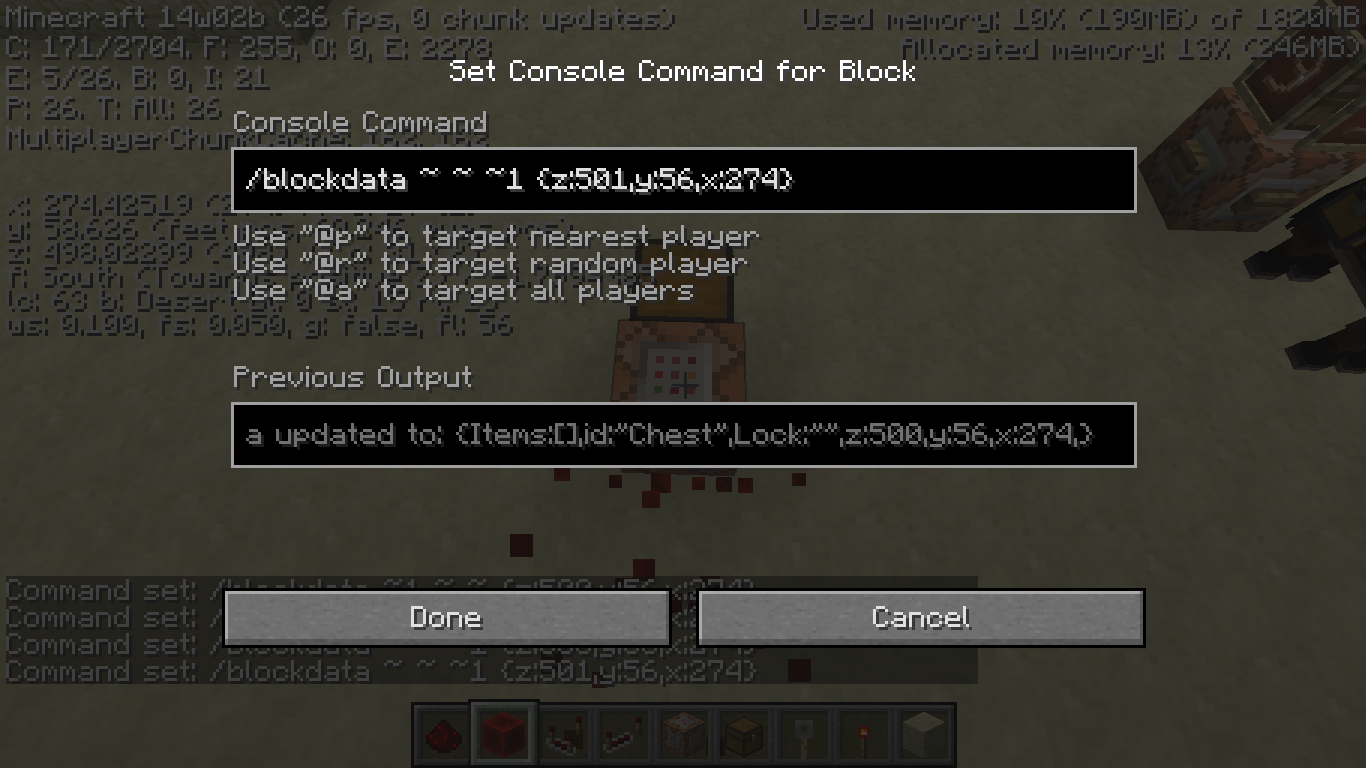


The update notes came out as gibberish, have not been able to recreate. Happened once. This is something very small and fixed on restart. Unsure if this even needed to be reported. The development console was normal.
I had just created a new world and I saw a couple chickens standing around. As usual, they started walking about and I noticed that the legs were not moving fast enough to match the chicken's movement speed making it seem like it was gliding.
I compared it to PC (where the legs and movement match) and the chickens legs were moving much more quickly than in PE.
90% of the time when I exit Minecraft through the Quit Game button, on the launcher the Play button will remain grayed out and will not allow me to exit the launcher via the red X. If I have it set to close on launch and reopen on exit it will not reopen. In both of these cases I have to end the task via task manager as it will continue "running" and leads to issues.
This only happens in snapshots andhas been going on a whileandin more versions than I specified.90% of the time when I exit Minecraft through the Quit Game button, on the launcher the Play button will remain grayed out and the entire GUI is frozen up (cannot use ANY buttons, access the tabs, etc.) and will not allow me to exit the launcher via the red X. If I have it set to close on launch and reopen on exit it will not reopen. In both of these cases I have to end the task via task manager as it will continue "running" and leads to issues. Happens in both snapshots and releases, but only after I open a world and play it a while.
Windows 8
System.getProperty('os.name') == 'Windows 8'
System.getProperty('os.version') == '6.2'
System.getProperty('os.arch') == 'amd64'
System.getProperty('java.version') == '1.7.0_45'
System.getProperty('java.vendor') == 'Oracle Corporation'
System.getProperty('sun.arch.data.model') == '64'
System.getProperty('os.name') == 'Windows 8'
System.getProperty('os.version') == '6.2'
System.getProperty('os.arch') == 'amd64'
System.getProperty('java.version') == '1.7.0_45'
System.getProperty('java.vendor') == 'Oracle Corporation'
System.getProperty('sun.arch.data.model') == '64'
Java IS tricked into allocating more RAM
Custom game directory
And redstone block pulsars pulse 20 times a second, and I have multiple running each with quite a few command blocks hooked up to them. What you can't see is that I'm running this on a pretty weak laptop, so I've done a ton of optimizing. I'm not getting any lag from all of that, so why is it breaking the launcher? "A software bug is an error, flaw, failure, or fault in a computer program or system that causes it to produce an incorrect or unexpected result, or to behave in unintended ways". This still sounds like a bug to me as it is not intended to do this, is certainly an error/failure of the launcher, and produces unexpected results.
Using this command:
/execute @e[score_PkmnID_min=2] ~ ~ ~ tellraw @a {text:"",extra:[{score:{name:"*",objective:"PkmnID"}}]}
I get an output of three question marks, one from each of the mobs with an PkmnID score at two or above. Using the * should make it target the entity that runs
it, the entity, but ti will not display its score.Using this command:
/execute @e[score_PkmnID_min=2] ~ ~ ~ tellraw @a {text:"",extra:[{score:{name:"*",objective:"PkmnID"}}]}
I get an output of three question marks, one from each of the mobs with an PkmnID score at two or above. Using the * should make it target the entity that runs the command (the entity) and it should then display the PkmnID score of it, not question marks.
Trying to load an old 0.8 world will never finish, trying to create a new world with old generation never finishes, creating a new world with infinite generation never finishes, and creating a flat world never finishes. All of these get stuck on "Building terrain" and will sit there forever with no progress.
Phone:LG Optimus F3 (Android 4.1.2)
Trying to load an old 0.8 world will never finish, trying to create a new world with old generation never finishes, creating a new world with infinite generation never finishes, and creating a flat world never finishes. All of these get stuck on "Building terrain" and will sit there forever with no progress.
Phone:LG Optimus F3 (Android 4.1.2)
Found the problem. Installing the alpha auto set the render distance to 0, so it generated 0 world. Raising the value allowed me to play.
Sorry, i had seen that one but it wasn't very specific. I had been scanning to see if this had already been reported and hadn't read all the way through that one.
HAD PROBLEM, FOUND FIX-The converter is very picky and you MUST have a pack.txt file for it to be convertible. Once converted under these circumstances everything worked. The only necessary file/folder is pack.txt.
Your problem is not because of your operating system. I play Minecraft on Windows 8. Look for something else that might be causing the problem, then, report a FULL crash report
The issue this is "duplicated" by shows a different effect of the same causes. This one shows that you cannot push the rail downwards when, in 1.7.4 and possibly others, you can. It must have been changed since one year ago when the issue this "duplicates" was created.
In that case, could this be used to copy the contents of one chest and override anothers? And a block moving command would be pretty helpful.
But that only works if you are expecting specific contents. To recreate what i expected you would need thousands of command blocks by that method.
That may have been in there, but the point of this bug is that the chickens' feet dont match their movement speed. I did not expect it to be the same as MCPC, but I added that in. I shall remove that section.
Did a little more testing, the entire GUI freezes up so I cannot access the development console.
*Adding a bit more detail to the description.
Its saying the file is too large to be attached. Latest.log is 30.52MB, while the max is 10MB.
Sorry, once it got changed to log.gz it got pretty compressed. Adding it now.
*Added more to the environment
It is on false, but that doesn't stop it from showing up in the log.
Sorry, I'd not thought of that one. When I'd first seen it not long ago I was only thinking of its functionality for a server and not logging an admin's commands, I had not thought of the development console in regards to the command. Sorry.
Setting /gamerule logAdminCommands false does fix my problem.
Sorry, seems this one is duplicated all over. The keywords I used in the search to make sure this wan't a duplicate were bad.
Found the fix to the issue. Check your render distance, on my device it set render distance to 0, so it wouldn't build any terrain. Go into settings and raise it to play!
level.dat
I looked, guess the keyword "lightning creeper" was too much to put into the search bar.