 Dooreman Benjamin
- Know2Good
- know2good
- Europe/Stockholm
- Yes
- No
 MC-65994
![[Mojang] Searge (Michael Stoyke)](../../../data/assets/gravatar/searge.png)



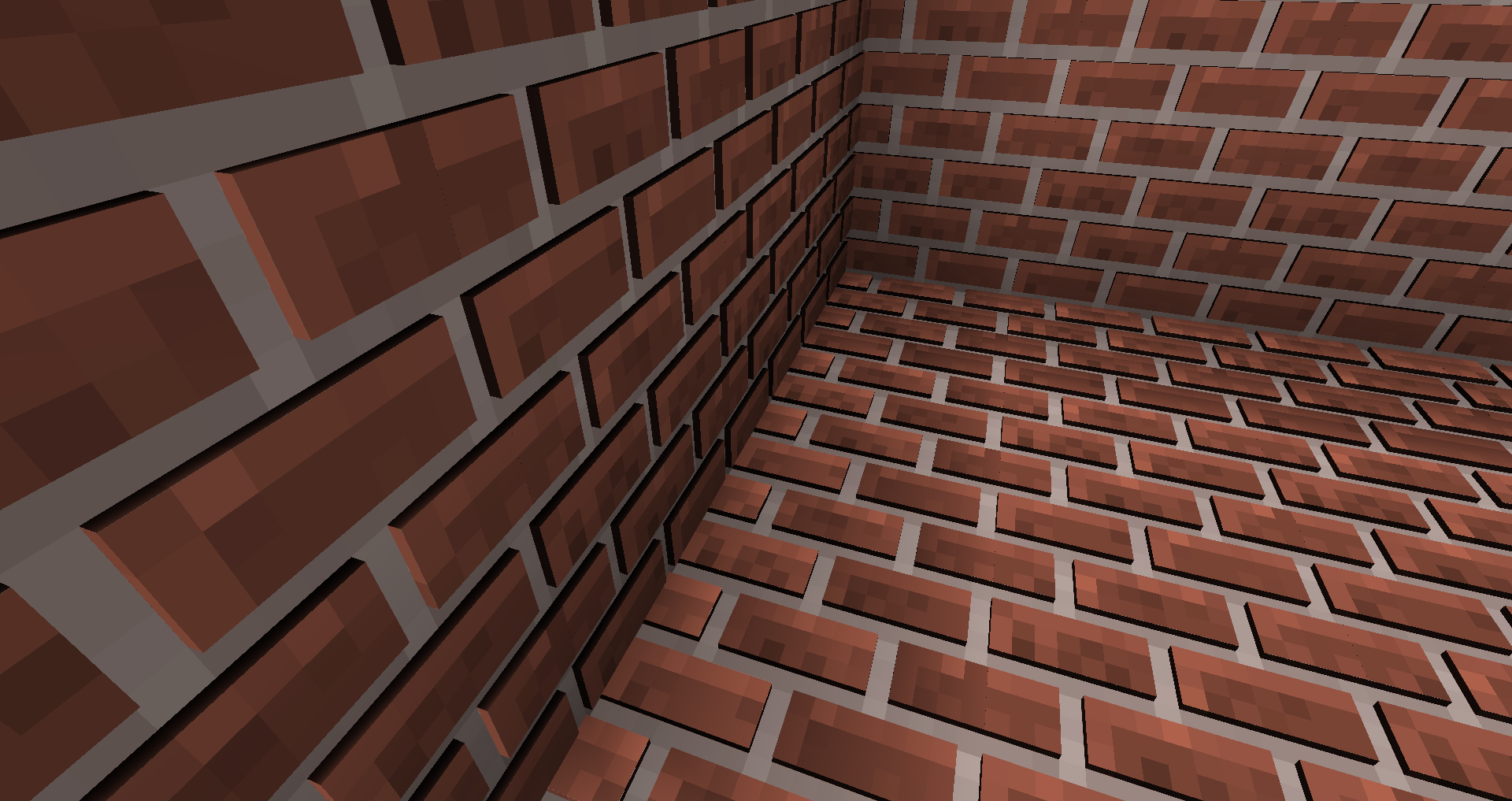
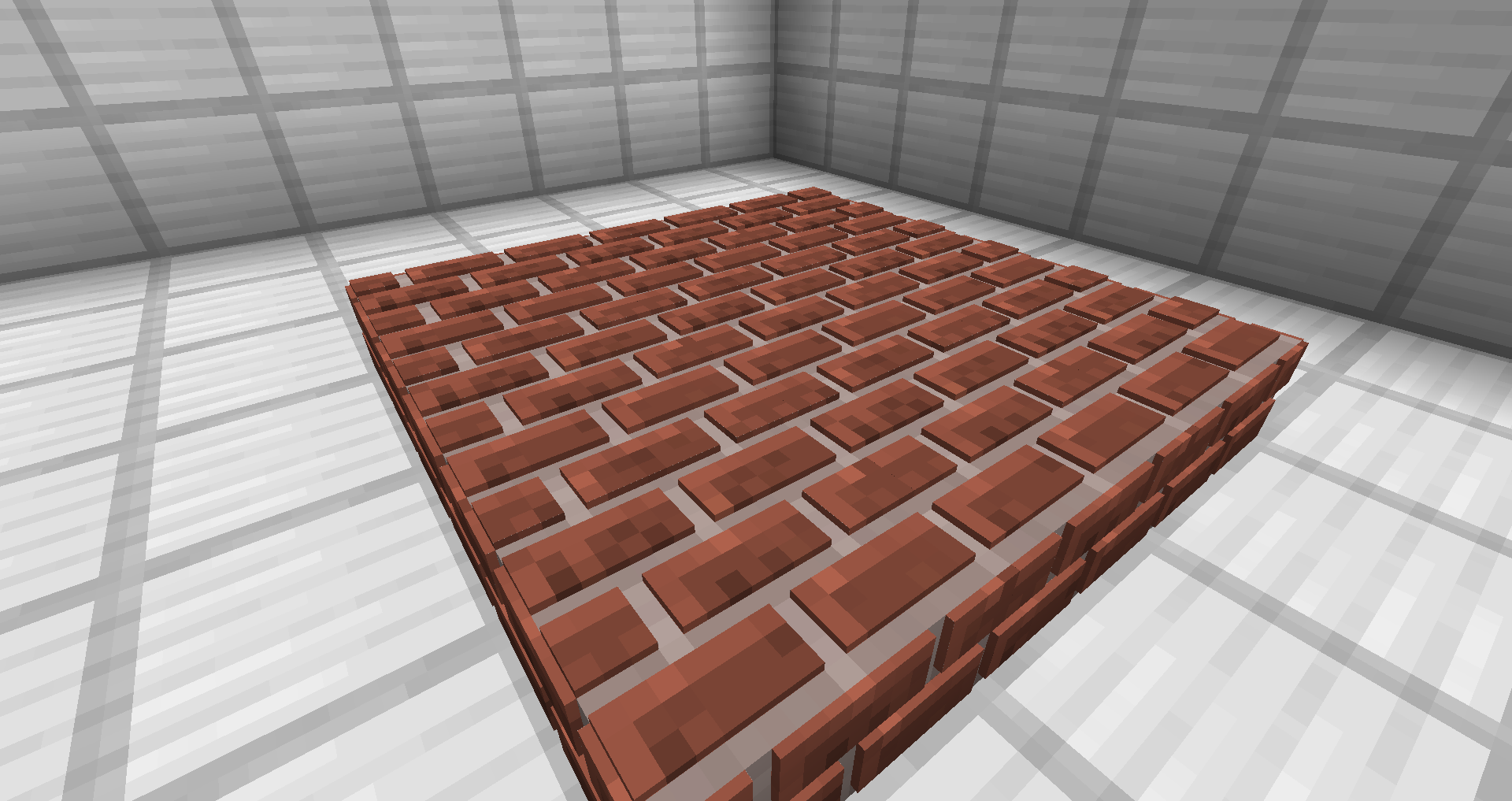
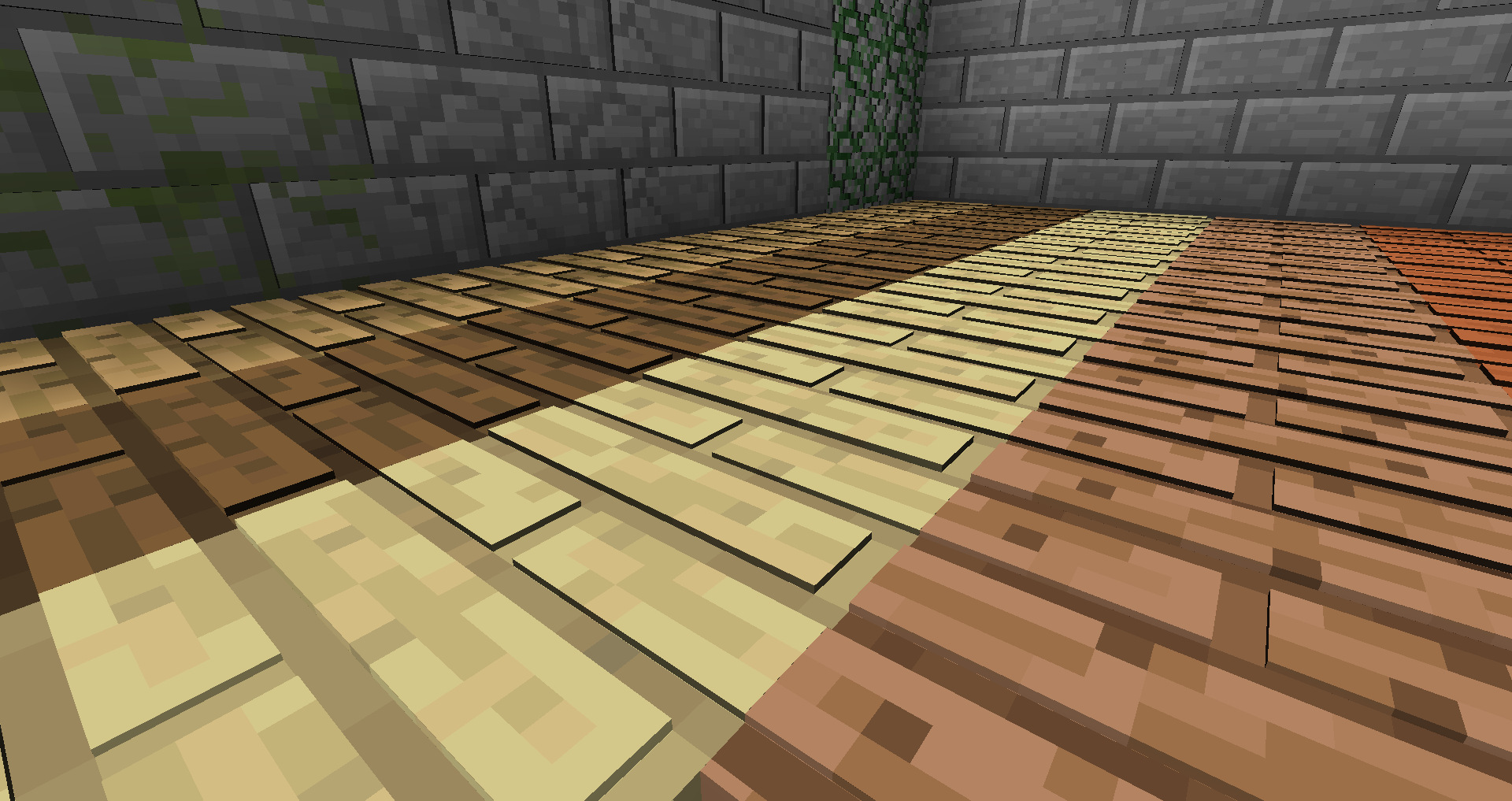
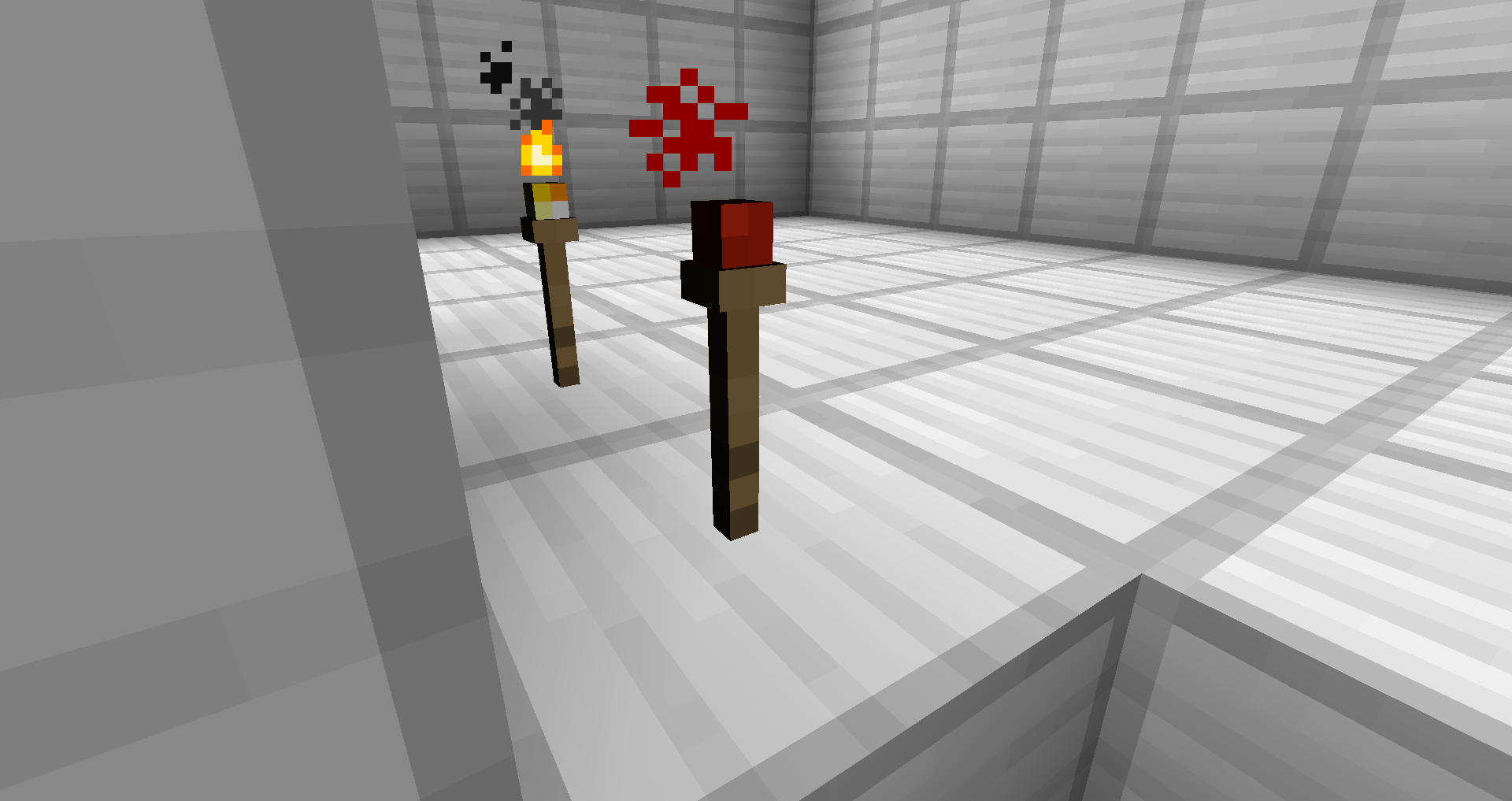
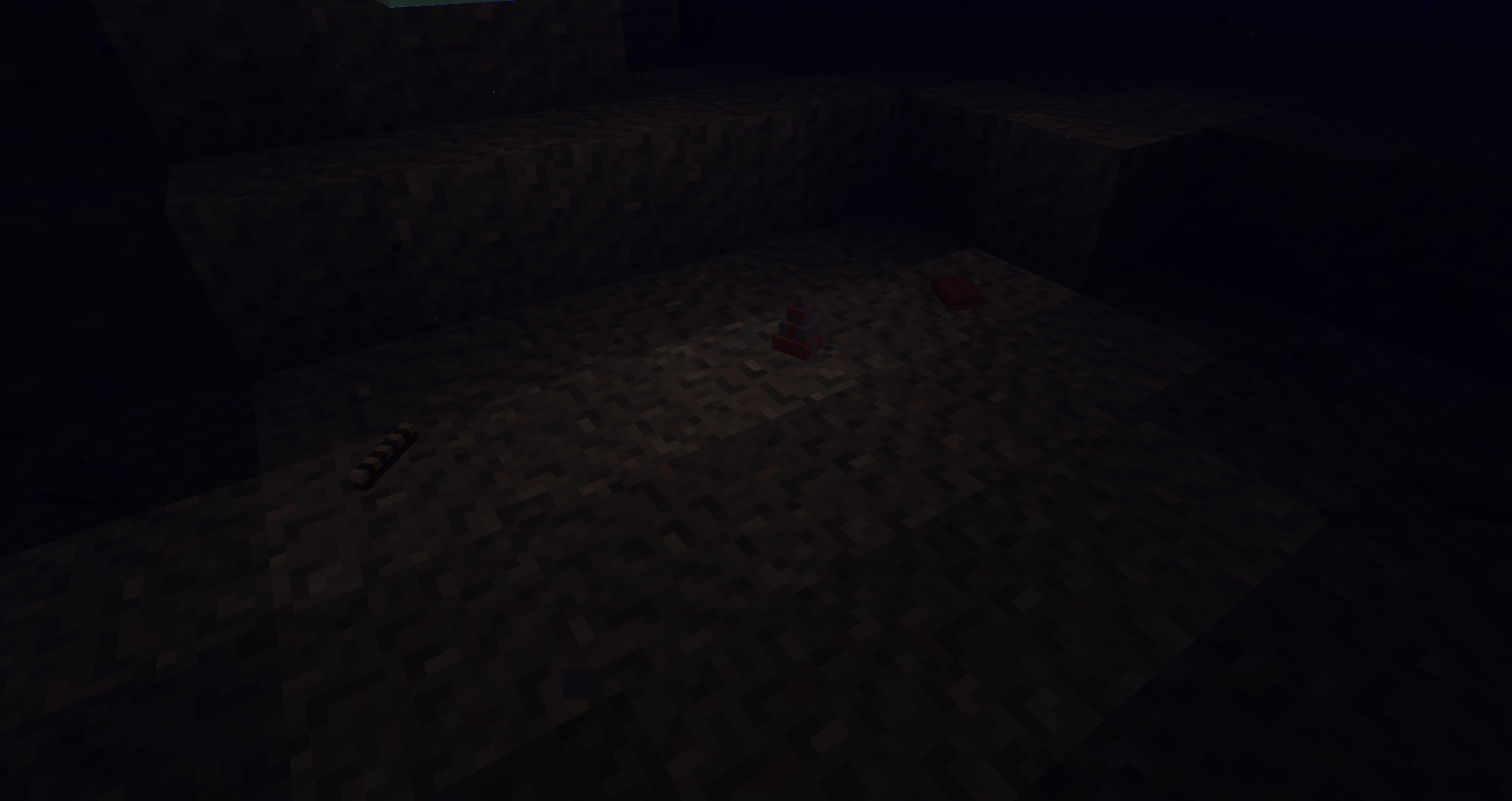
The top and bottom faces of extra polygons added to the block model have pixelated lighting/shading when placed directly next to the North or South of a wall. This doesn't happen when placing the block directly next to the East or West of a wall. This only occurs when smooth lighting is on.
Note: This block model has many polygons.What I expected to happen was to perceive normal lighting like every other full block in Minecraft.
What actually happened was that the top and bottom faces showed a pixelated lighting/shading.
(For your ease I have narrowed down the models in the resource pack to those that are relevant.)
Steps to Reproduce:
1. Use the Resource pack containing the cobblestone.json block moddels attached to this bug report.
2. Place a cobblestone block or slab to the North or South of a 3-block heigh wall. (Or reproduce attached images)
The top and bottom faces of extra polygons added to the block model have pixelated lighting/shading when placed directly next to the North or South of a wall. This doesn't happen when placing the block directly next to the East or West of a wall. This only occurs when smooth lighting is on.
Note: This block model has many polygons.What I expected to happen was to perceive normal lighting like every other full block in Minecraft.
What actually happened was that the top and bottom faces showed a pixelated lighting/shading.
(For your ease I have narrowed down the models in the resource pack to those that are relevant.)
Steps to Reproduce:
1. Use the Resource pack containing the cobblestone.json block moddels attached to this bug report.
2. Place a cobblestone block or slab to the North or South of a 3-block heigh wall. (Or reproduce attached images)
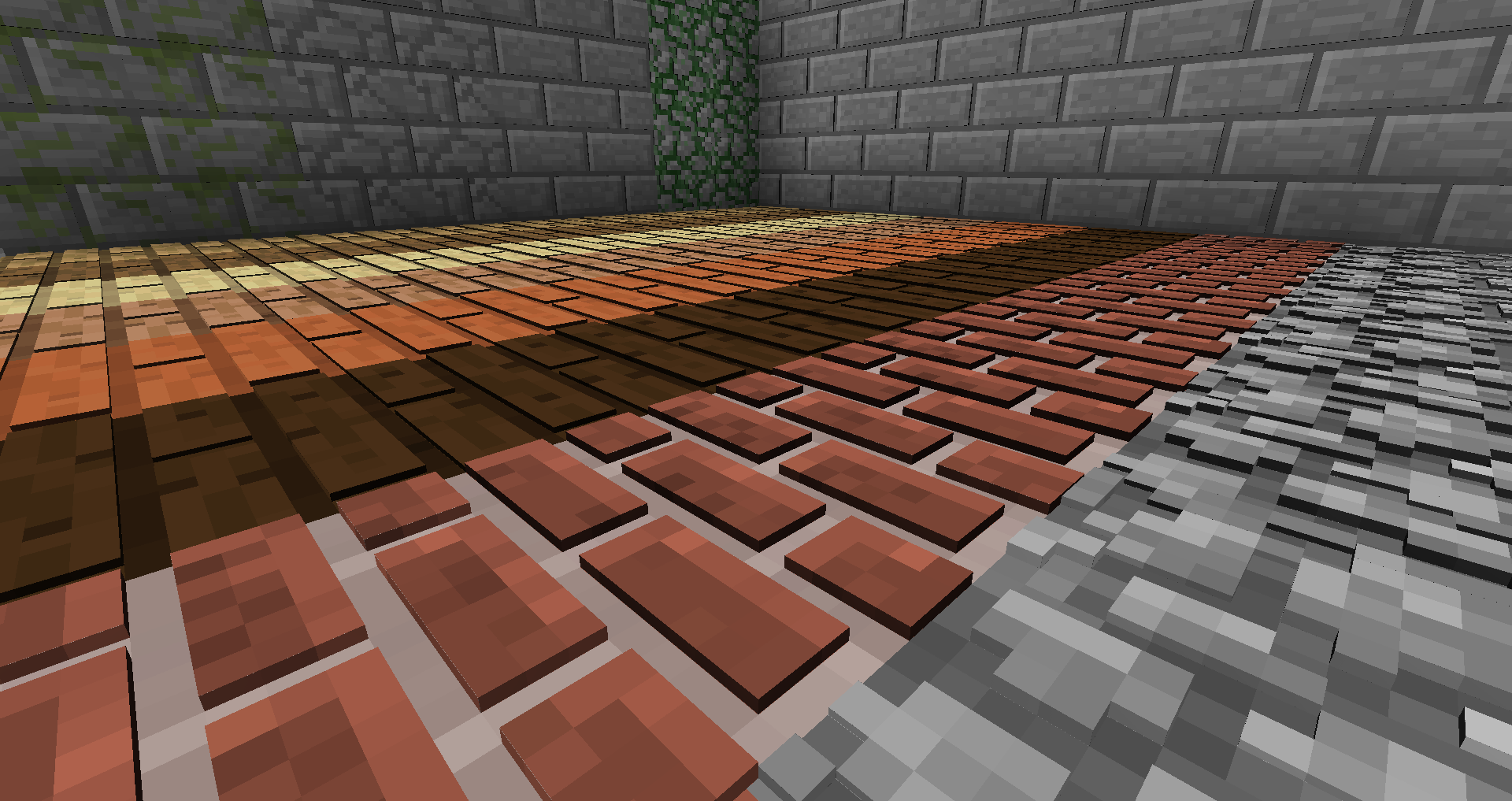
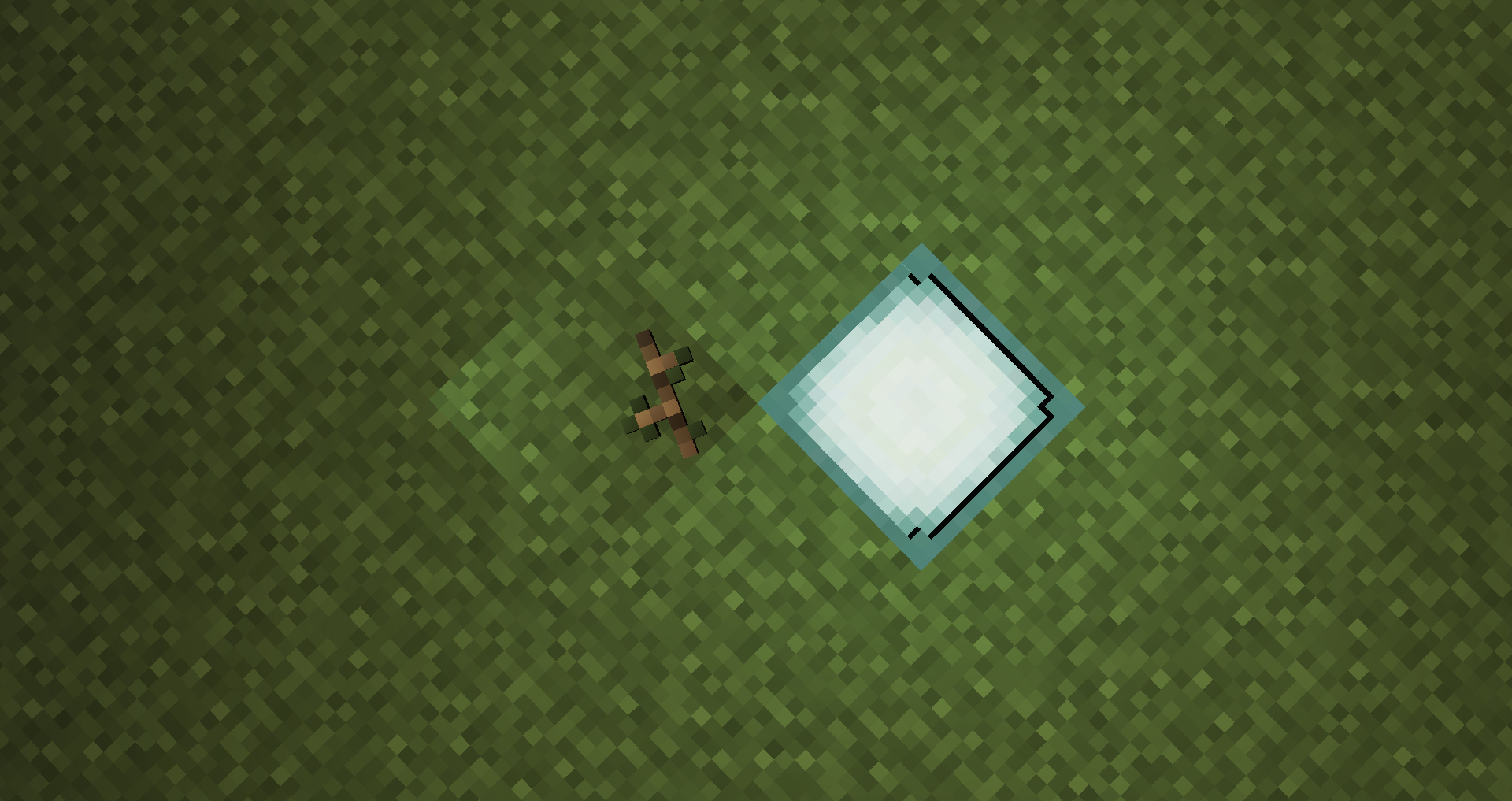
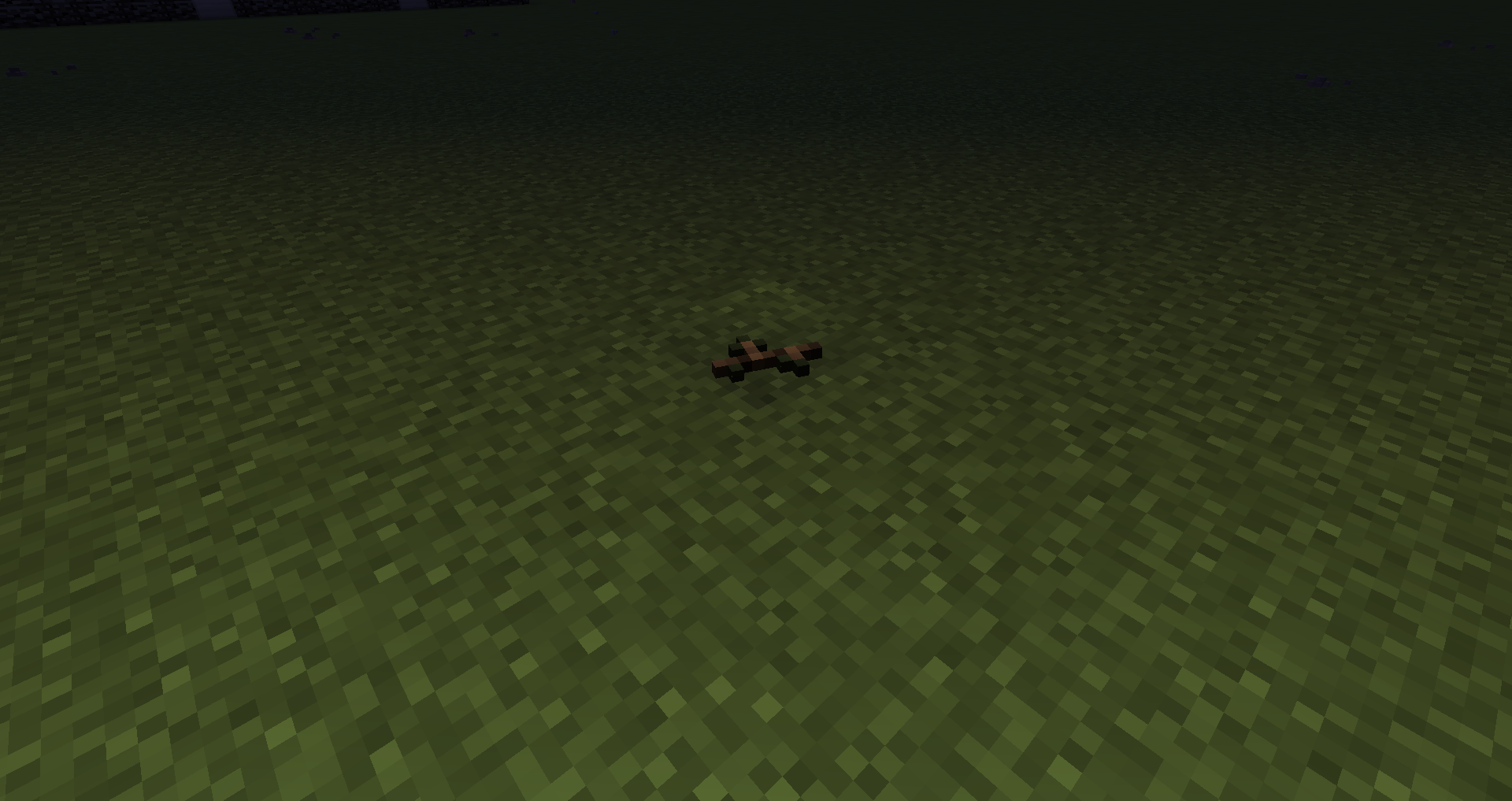
The lighting/shading on any, but mostly the top face of these 3D models, which are full blocks that naturally occurs is reversed relative to the location of the light source. (blocks like grass, dirt, sand, etc.) Even if the lighting/shading wasn't reversed, it would still have an unusual transition compared to its surrounding blocks.
What I expected to happen was to perceive normal lighting/shading like normal blocks that don't have a custom 3D model file.
What actually happened was that the shading turns out reversed and buggy or much brighter resulting in a buggy transition.
(For your ease I have narrowed down the models in the resource pack to those that are relevant.)Steps to Reproduce:
1. Use the Resource pack containing many block models attached to this bug report.
2. Roam around a world and search a block that has a custom 3D model file, like grass, dirt, podzol, sand, red sand, gravel, etc. These blocks will have shells, twigs, pebbles, etc.
3. Set the time set 18000 or night time and place a light source one block apart from it.