 MaximusMidnight
- MaximusMidnight
- maximusmidnight
- America/Denver
- Yes
- No
 MCL-9664
 Low
Low MC-155799
 WEB-2501




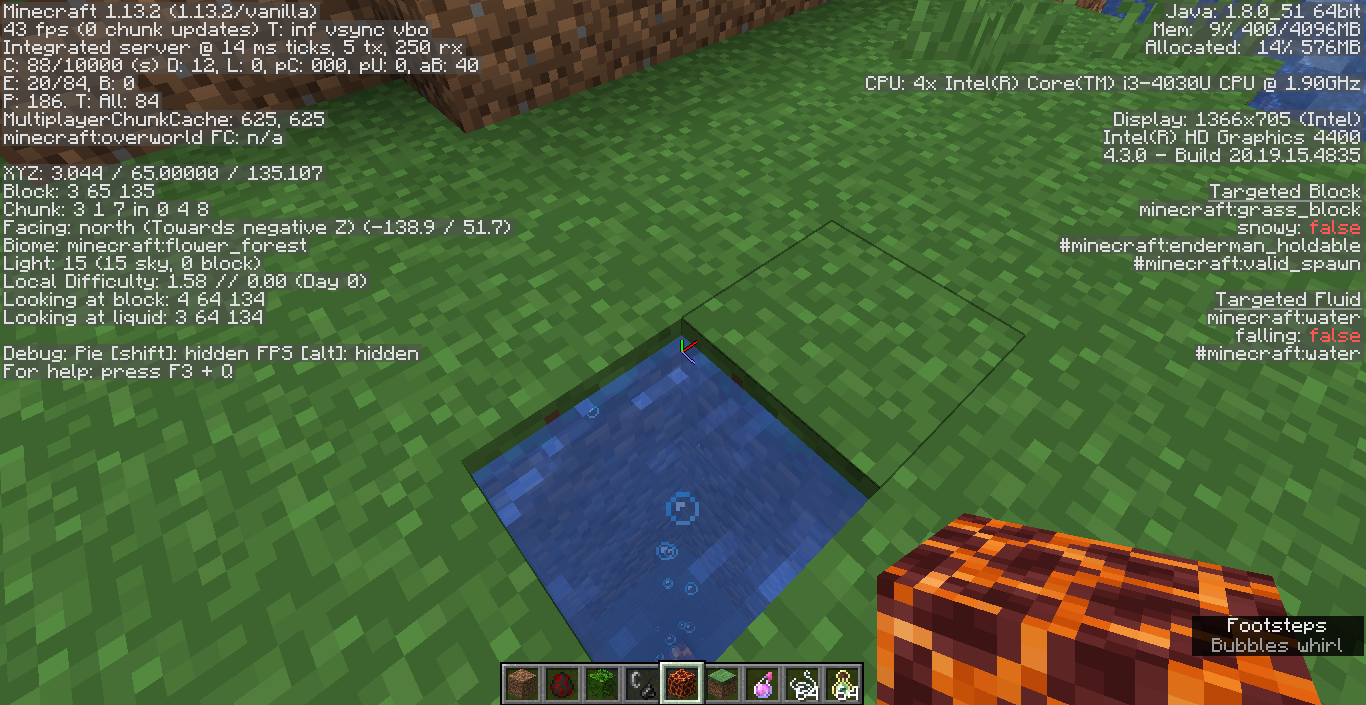



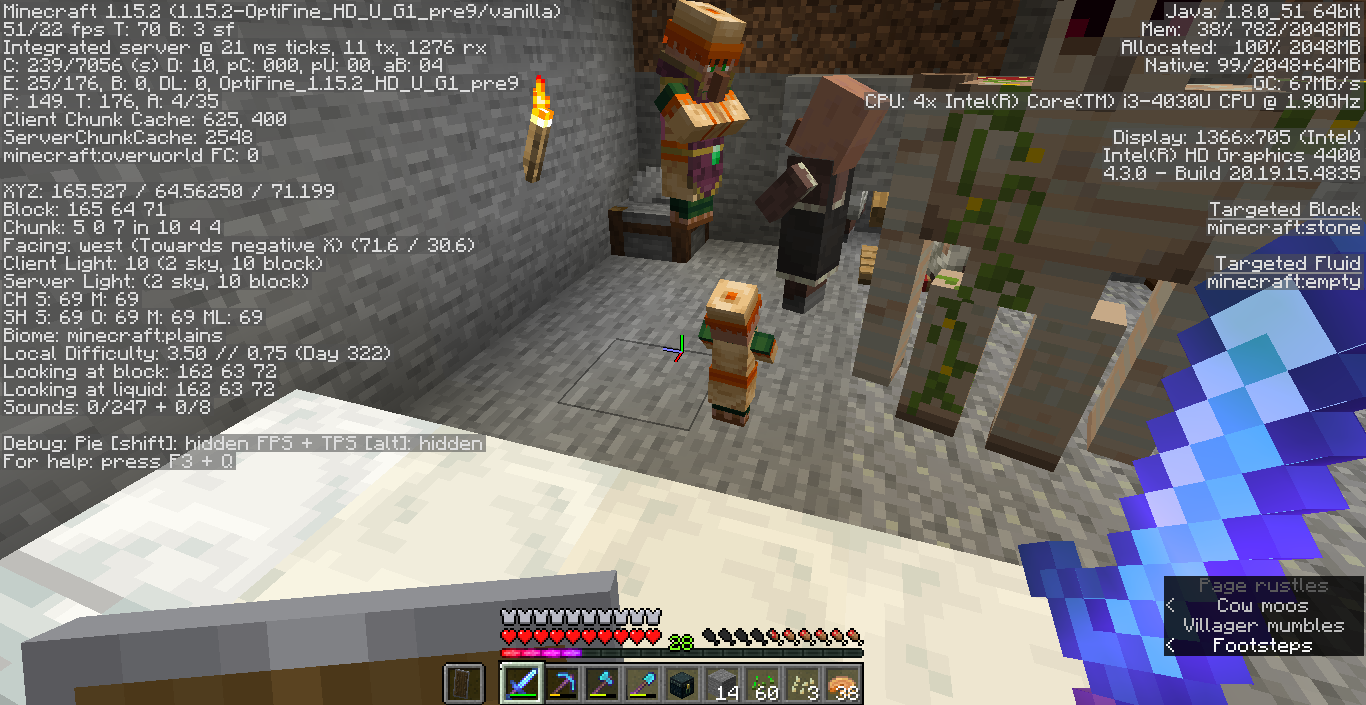
(The time skipping and block breaking lag has also occurred on 1.12. All three occurred in 1.11.2, but both instances I was running mods, so I could not know if it was Minecraft-only.)
I made copies of a world I was running, added a resource pack and some custom loot table add-ons (http://xisumavoid.com/moremobheads/), ran the copies to make sure that everything was working okay, then made my main world the most recent copy. Everything was fine for about five minutes.
Video of the issue: https://youtu.be/dZGx6rw8k8c
The first thing I saw was an NBT tag in chat. So far, the only mobs to have tags read appear to be Zombie Villagers. When I looked at the sky, the time was skipping backward-
it would move forward, then skip backward, but time was still, as a whole, progressing forward. I tested this and confirmed that this was not a display error-time does actually move more slowly.In previous worlds where this had occurred, block lag was also a problem. I would break a block, then it would pop back into existence for a few seconds, and then it would drop the item and properly disappear. The block that popped back into existence was actually there--I could mine it again, and my pickaxe would lose durability.
(The time skipping and block breaking lag has also occurred on 1.12. All three occurred in 1.11.2, but both instances I was running mods, so I could not know if it was Minecraft-only.)
I made copies of a world I was running, added a resource pack and some custom loot table add-ons (http://xisumavoid.com/moremobheads/), ran the copies to make sure that everything was working okay, then made my main world the most recent copy. Everything was fine for about five minutes.
Video of the issue: https://youtu.be/dZGx6rw8k8c
The first thing I saw was an NBT tag in chat. So far, the only mobs to have tags read appear to be Zombie Villagers. When I looked at the sky, the time was skipping backward - it would move forward, then skip backward, but time was still, as a whole, progressing forward. I tested this and confirmed that this was not a display error - time does actually move more slowly.
In previous worlds where this had occurred, block lag was also a problem. I would break a block, then it would pop back into existence for a few seconds, and then it would drop the item and properly disappear. The block that popped back into existence was actually there--I could mine it again, and my pickaxe would lose durability.
(The time skipping and block breaking lag has also occurred on 1.12. All three occurred in 1.11.2, but both instances I was running mods, so I could not know if it was Minecraft-only.)
I made copies of a world I was running, added a resource pack and some custom loot table add-ons (http://xisumavoid.com/moremobheads/), ran the copies to make sure that everything was working okay, then made my main world the most recent copy. Everything was fine for about five minutes.
Video of the issue: https://youtu.be/dZGx6rw8k8c
The first thing I saw was an NBT tag in chat. So far, the only mobs to have tags read appear to be Zombie Villagers. When I looked at the sky, the time was skipping backward - it would move forward, then skip backward, but time was still, as a whole, progressing forward.
I tested this and confirmed that this was not a display error - time does actually move more slowly.In previous worlds where this had occurred, block lag was also a problem. I would break a block, then it would pop back into existence for a few seconds, and then it would drop the item and properly disappear. The block that popped back into existence was actually there--I could mine it again, and my pickaxe would lose durability.
(The time skipping and block breaking lag has also occurred on 1.12. All three occurred in 1.11.2, but both instances I was running mods, so I could not know if it was Minecraft-only.)
I made copies of a world I was running, added a resource pack and some custom loot table add-ons (http://xisumavoid.com/moremobheads/), ran the copies to make sure that everything was working okay, then made my main world the most recent copy. Everything was fine for about five minutes.
Video of the issue: https://youtu.be/dZGx6rw8k8c
The first thing I saw was an NBT tag in chat. So far, the only mobs to have tags read appear to be Zombie Villagers. When I looked at the sky, the time was skipping backward - it would move forward, then skip backward, but time was still, as a whole, progressing forward. I believe that this is a display glitch, and time is actually moving properly.
In previous worlds where this had occurred, block lag was also a problem. I would break a block, then it would pop back into existence for a few seconds, and then it would drop the item and properly disappear. The block that popped back into existence was actually there--I could mine it again, and my pickaxe would lose durability.
(The time skipping and block breaking lag has also occurred on 1.12. All three occurred in 1.11.2, but both instances I was running mods, so I could not know if it was Minecraft-only.)
I made copies of a world I was running, added a resource pack and some custom loot table add-ons (http://xisumavoid.com/moremobheads/), ran the copies to make sure that everything was working okay, then made my main world the most recent copy. Everything was fine for about five minutes.
Video of the issue: https://youtu.be/dZGx6rw8k8c
The first thing I saw was an NBT tag in chat. So far, the only mobs to have tags read appear to be Zombie Villagers. When I looked at the sky, the time was skipping backward - it would move forward, then skip backward, but time was still, as a whole, progressing forward. I believe that this is a display glitch, and time is actually moving properly. When running tests, it took 11 minutes for the top of the sun to be in the same spot as the top of the moon was. It took another
In previous worlds where this had occurred, block lag was also a problem. I would break a block, then it would pop back into existence for a few seconds, and then it would drop the item and properly disappear. The block that popped back into existence was actually there--I could mine it again, and my pickaxe would lose durability.
(The time skipping and block breaking lag has also occurred on 1.12. All three occurred in 1.11.2, but both instances I was running mods, so I could not know if it was Minecraft-only.)
I made copies of a world I was running, added a resource pack and some custom loot table add-ons (http://xisumavoid.com/moremobheads/), ran the copies to make sure that everything was working okay, then made my main world the most recent copy. Everything was fine for about five minutes.
Video of the issue: https://youtu.be/dZGx6rw8k8c
The first thing I saw was an NBT tag in chat. So far, the only mobs to have tags read appear to be Zombie Villagers. When I looked at the sky, the time was skipping backward - it would move forward, then skip backward, but time was still, as a whole, progressing forward. I believe that this is a display glitch, and time is actually moving properly. When running tests, it took 11 minutes for the top of the sun to be in the same spot as the top of the moon was.
It took anotherIn previous worlds where this had occurred, block lag was also a problem. I would break a block, then it would pop back into existence for a few seconds, and then it would drop the item and properly disappear. The block that popped back into existence was actually there--I could mine it again, and my pickaxe would lose durability.
(The time skipping and block breaking lag has also occurred on 1.12. All three occurred in 1.11.2, but both instances I was running mods, so I could not know if it was Minecraft-only.)
I made copies of a world I was running, added a resource pack and some custom loot table add-ons (http://xisumavoid.com/moremobheads/), ran the copies to make sure that everything was working okay, then made my main world the most recent copy. Everything was fine for about five minutes.
Video of the issue: https://youtu.be/dZGx6rw8k8c
The first thing I saw was an NBT tag in chat. So far, the only mobs to have tags read appear to be Zombie Villagers. When I looked at the sky, the time was skipping backward - it would move forward, then skip backward, but time was still, as a whole, progressing forward. I believe that this is a display glitch, and time is actually moving properly. When running tests, it took 11 minutes for the top of the sun to be in the same spot as the top of the moon was. It took 24 minutes for a full day-night cycle to occur.
In previous worlds where this had occurred, block lag was also a problem. I would break a block, then it would pop back into existence for a few seconds, and then it would drop the item and properly disappear. The block that popped back into existence was actually there--I could mine it again, and my pickaxe would lose durability.
crash-2018-07-18_15.49.46-client.txt
Sometimes the lead connecting the wandering trader to its llamas "detatches" from the trader and appears to get "stuck" at one point. The llamas still follow the trader. The leads will appear to render from wherever the trader was, to the llamas. The lead can go through blocks and stretch fairly far distances (~45 blocks+).
If I'd take a stab at this, I'd guess that the lead updates the position of the mobs involved every so often, and then sometimes the position the trader is at gets "stuck" to the lead, so it stays in one spot.
I just had two llamas disappear from inside a pen I made for them. I'm in 1.14.4. Relogging did not fix it. The pen crosses one chunk border and is one block away from another one.
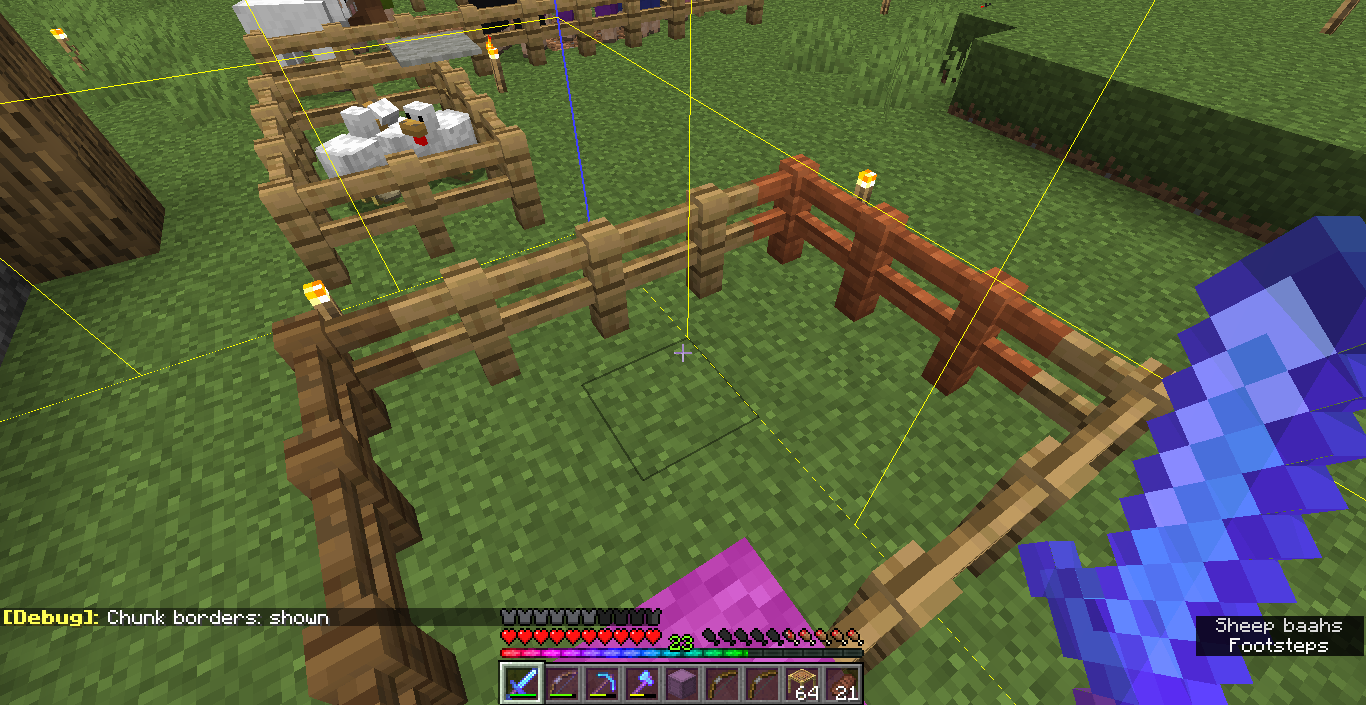
I had two trader llamas disappear from inside a pen I made for them. They have been there since shortly after 1.14.0 was released. Relogging or restarting the game did not fix it (they weren't just invisible). The pen crosses one chunk border and is one block away from another one (see photo).
An hour or so later, the other two in the pen disappeared as well. I know initially there was some sense of a taming mechanic, has this been scrapped?
![[Mod] Asteraoth](../../../data/avatars/users/92886.png)
MaximusMidnight, this is a duplicate of MC-125007 and 1.13.1 is already added to that issue.
I have a similar problem, but my game can't launch 1.13 again. Additionally, unlike some of the duplicates, the problem was started when I opened the resource pack menu, without actually loading any resource pack. [I put this here in case it helps in fixing the issue at all. If a mod wants me to take this comment down, I will.]
This fix worked for me! Thank you so much!
The fix is here: https://bugs.mojang.com/browse/MC-123645?focusedCommentId=473666&page=com.atlassian.jira.plugin.system.issuetabpanels:comment-tabpanel#comment-473666
Effects 1.13.1 as well, and I've seen it on oak and birch trees too.
Confirmed 19w03c.
Dropped entities aren't visible, but arrows in the ground are. From what I can tell, entities that spawn after you respawn are visible, but ones that were there before are not.
Dying and respawning again seems to fix the issue.
I think you can hurt mobs even though they're invisible (use subtitles).
Tested in 19w03c. Could not replicate, whether placed on the ground, on bedrock, or in mid-air so the armor stand falls.
Confirmed 19w03c. They're not just invisible, either: middle clicking in creative brings up nothing.
Could you elaborate here? The text is unclear and the screenshot looks fine to me. You don't have any wooden planks in your inventory, therefore you cannot craft sticks.
I had a similar issue when updating to 1.13. I know you tried reinstalling Minecraft, but it's always worth trying any options you can find with stuff like this. This is the solution that I found:
I tested this in 18w06a, and based on the names of the sounds in the video, the horse's land noise plays but not the jump.
(Partially) confirmed 19w03c. Still occurs with summoned end portal block, in peaceful creative mode.
I'm also getting this issue in 1.14.2 pre-2. Main issue is with two farmers I have, but at least one of my librarians isn't restocking either. They're in one-block spaces with their profession block right next to them.
I got this or a similar issue in 1.14.1. He was moving fast enough to break the leads off his llamas.
Still present in full release of 1.14.3
Confirmed for 1.14.3
Not just are the statistics out of order, but they're in a different order than they were in 1.14.2.
They still order themselves differently when you quit the game and reload.
Just FYI, this was a feature in 1.13.2 (see file in main thread). Probably has to do with the light update.
I don't think that it was never intended to be a player-helping feature changes this, it's still a useful thing that has been removed.
I think "redstone torch fizzes" also displays from too far away, as well as "chorus flower grows" and "chorus flower withers". I'm in 1.14.4.
Note: I always search before making tickets. I used a handful of different keywords, and did not find the other ticket.
I may be misremembering, but wasn't one of the features that we could tame the trader llamas to use ourselves? (I don't think it was the same taming system as normal llamas, but I think there was something). Do they despawn only if you haven't tamed them?
Additionally, I had these llamas in my world for hours and hours, and then they disappeared. The other ticket implies it's around an hour despawn.
Still occurring in 1.15.1
After I posted this I found MC-158271, sorry for the duplicate.
I'm getting a similar issue and it's steadily driving me insane. Even if my issue isn't the same, maybe some solution here will help me too.
I'm not using a beacon or conduit, just an efficiency 4 diamond pickaxe.
I notice it most when chopping down trees. I haven't noticed it underwater. I think it's better/worse in different areas but I can't quite tell.
I've seen some people with similar and older issues saying that it helps to lower Minecraft's RAM to 2GB or less. I haven't noticed this helping, just lower overall frames, but the frame drops when breaking blocks are still there.
I think this issue might have to do with allocated RAM. I was giving MC 3GB or 5GB. I'm told odd numbers aren't good for performance and MC starts struggling after 4GB. Giving MC 4GB seems to have fixed it, although it's been a while since I made the change so there may be something else involved.
Same issue on Windows 10 Pro 20H2 today. Downloaded the installer, ran it, the launcher updated when I first ran launched it, then I got this. Restarting the launcher fixed the problem. Logged in through a Mojang/Minecraft account (i.e. not Microsoft).