![[Mod] Asteraoth](../../../data/avatars/users/92886.png) [Mod] Asteraoth
[Mod] Asteraoth
- Asteraoth
- asteraoth
- America/Toronto
- Yes
- No
 MC-134967
![[Mojang] Georgii Gavrichev](../../../data/avatars/users/22428.png)
![[Mojang] Bartosz Bok](../../../data/avatars/users/10122.svg)

![[Mojang] Cory Scheviak](../../../data/avatars/users/92893.png)

![[Mojang] eowyn36](../../../data/avatars/users/18935.svg)
 Normal
![[Mojang] Felix Jones](../../../data/avatars/users/40484.png)
 Low
Low


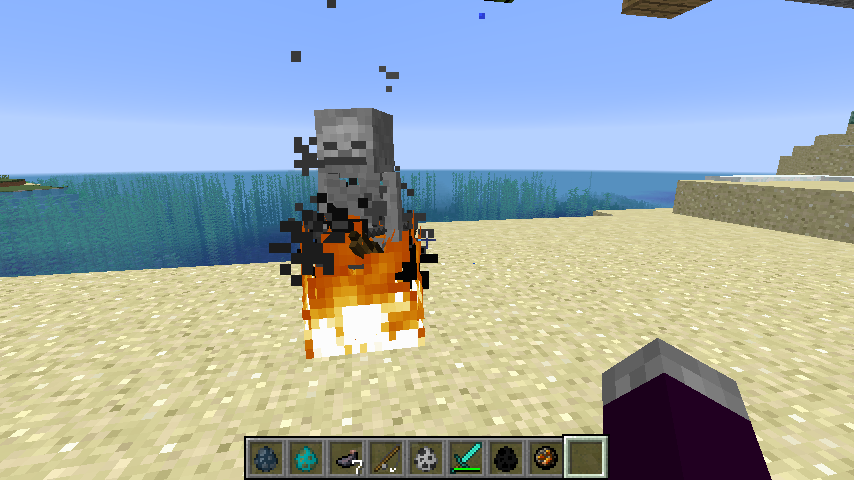
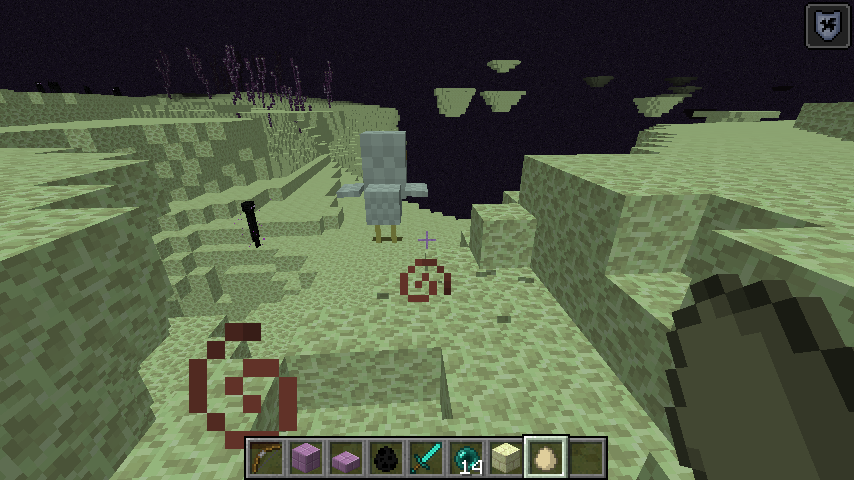

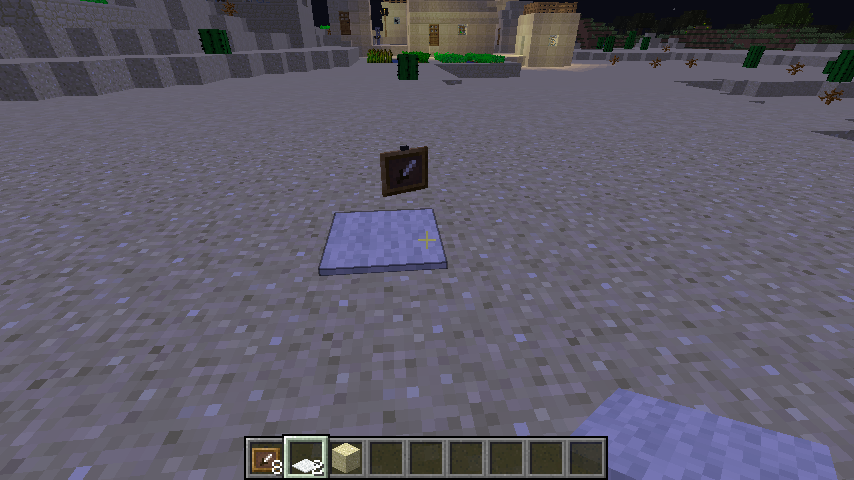
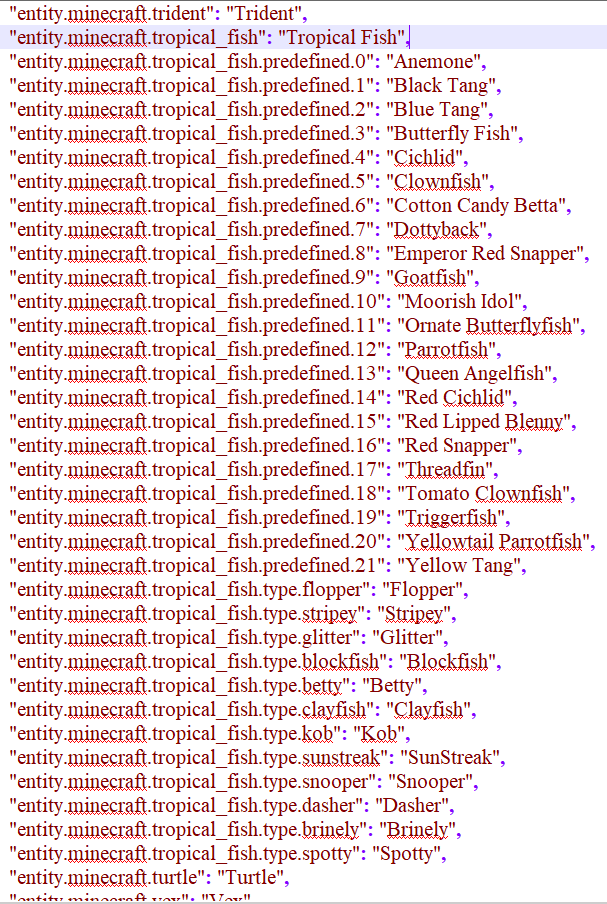







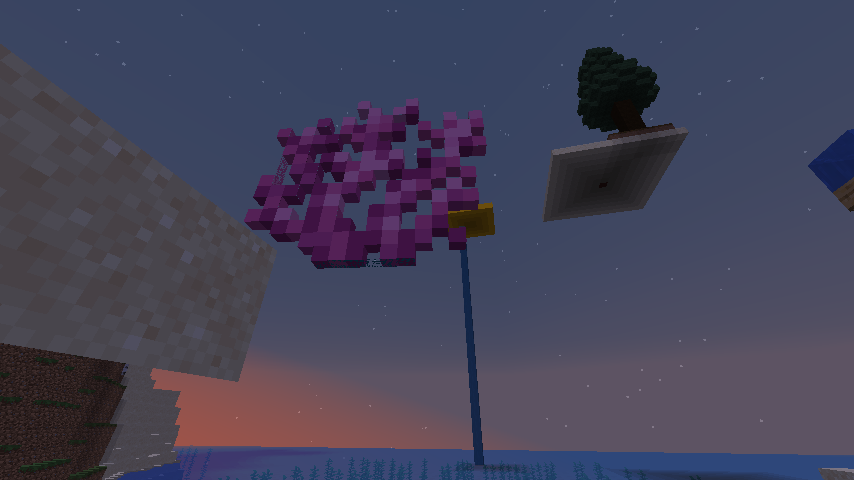
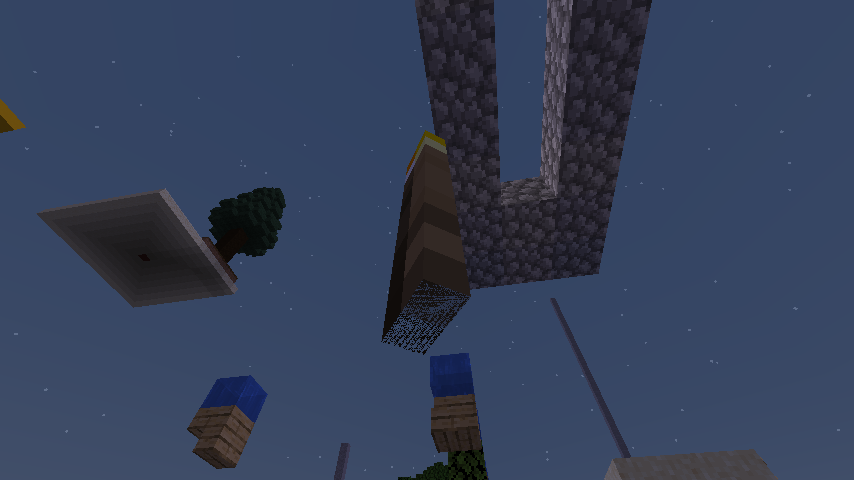


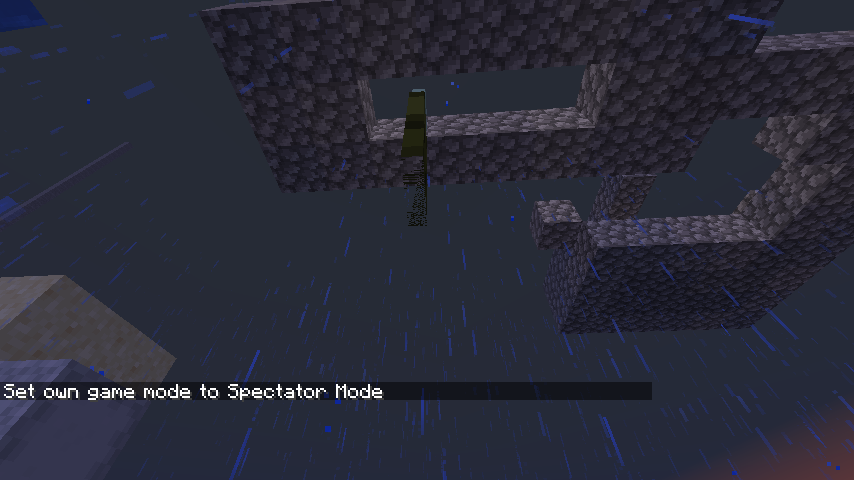




 MCPE-39530

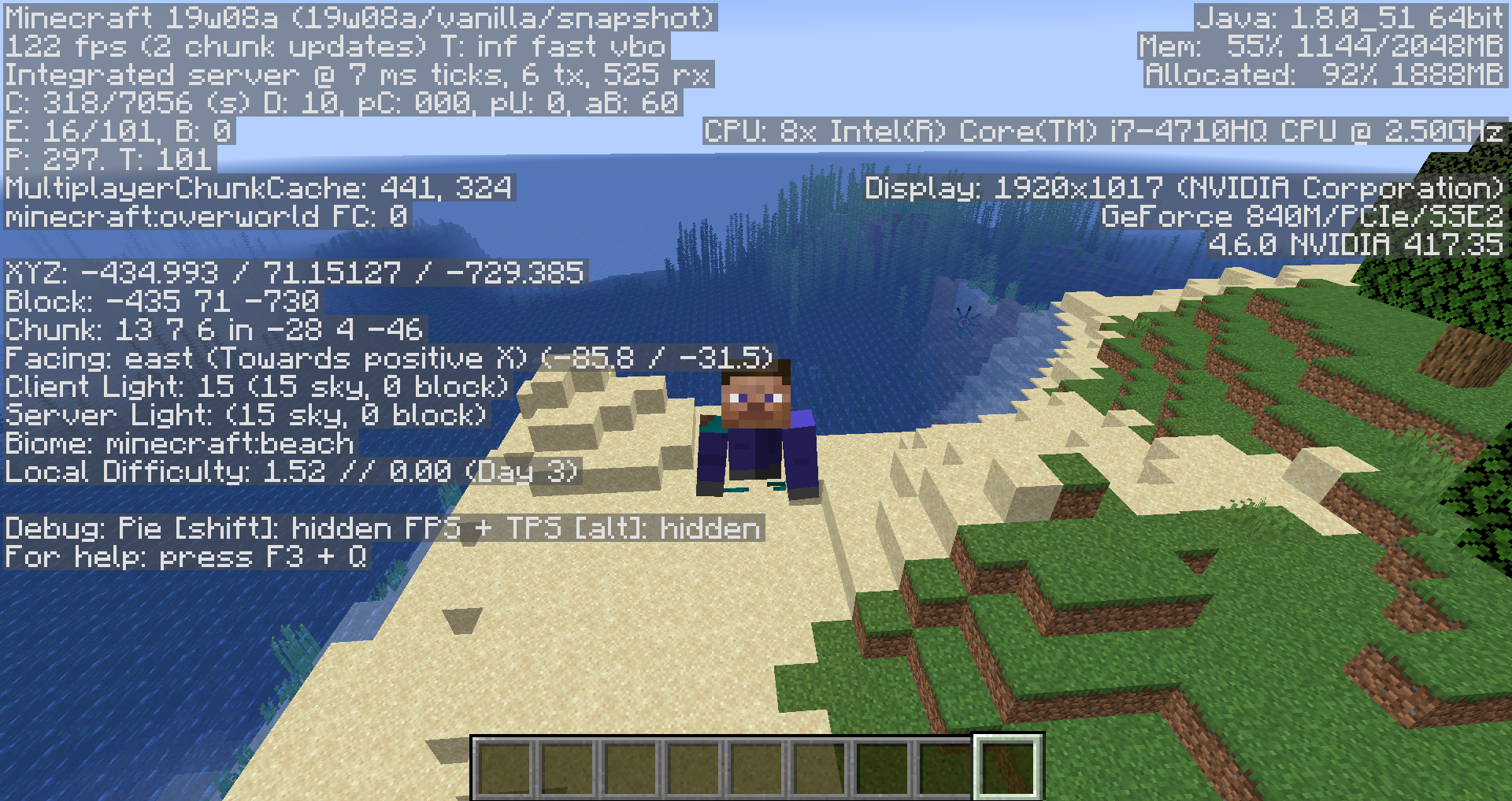
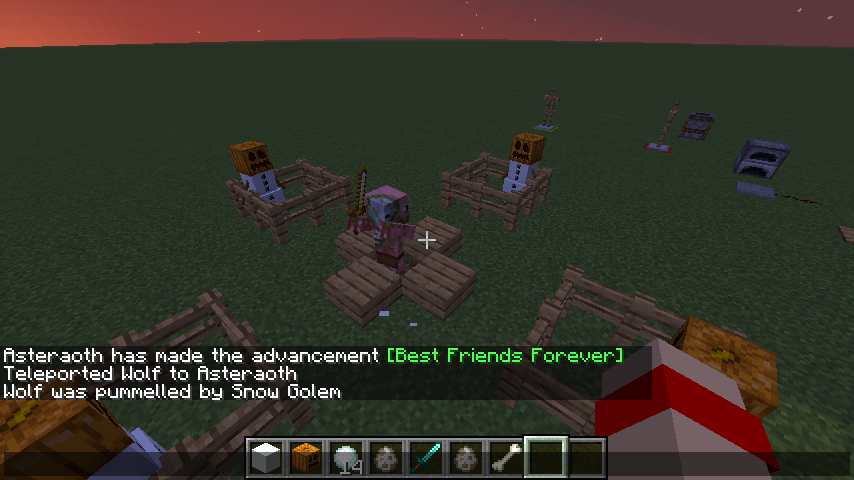


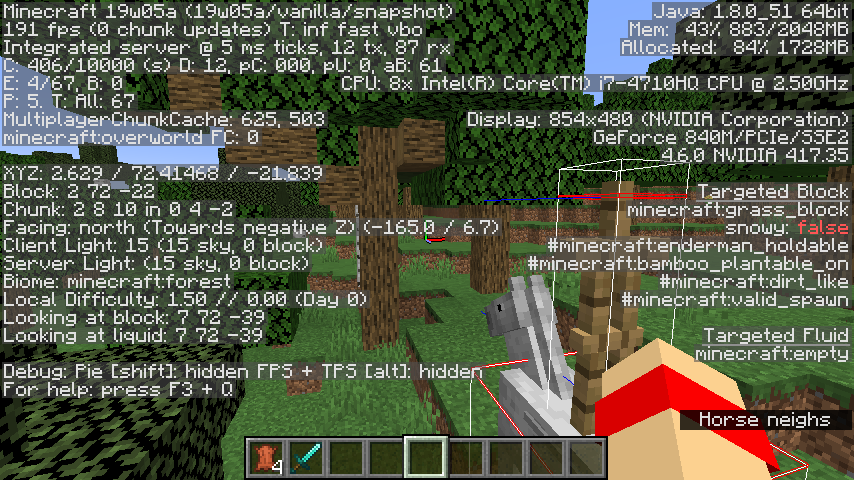



The bug
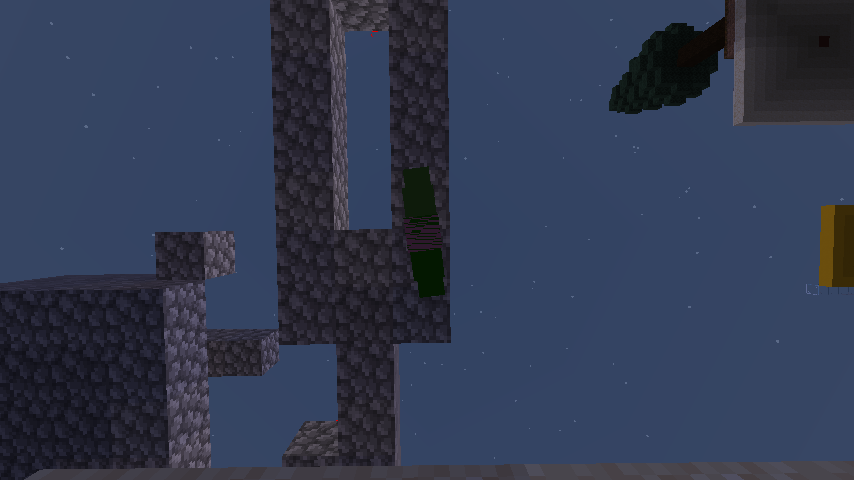
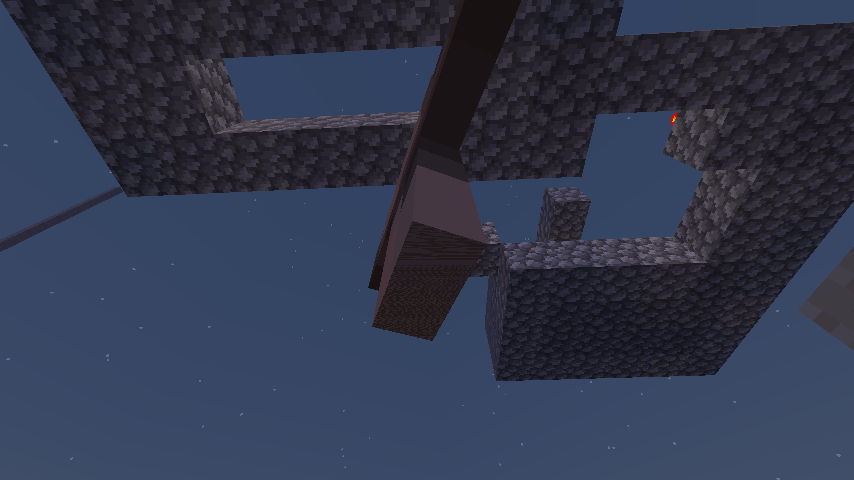
Large amounts of fences c
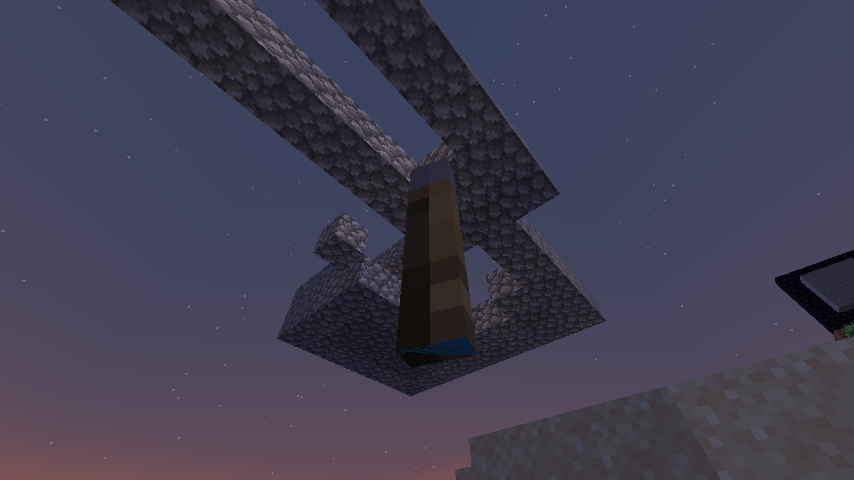
reate the memory usage to spike creating lots of lag and often the game to run out of memory. As fences are a viable building block it is a shame that they have not been optimised and can render a map unplayable when in the vicinity of lots of fence blocks.Attached is an example of a structure that is made of fences that causes the game to crash when in the vicinity of.
The bug
Large amounts of fences cause memory usage to spike creating lots of lag and often the game to run out of memory. As fences are a viable building block, it is a shame that they have not been optimized and can render a map unplayable when in the vicinity of lots of fence blocks.
Attached is an example of a structure that is made of fences that causes the game to crash when in the vicinity of.
Windows 7, latest Java Version
The bug
Large amounts of fences cause memory usage to spike creating lots of lag and often the game to run out of memory. As fences are a viable building block, it is a shame that they have not been optimized and can render a map unplayable when in the vicinity of lots of fence blocks.
Attached is an example of a structure that is made of fences that causes the game to crash when in the vicinity of.
Large amounts of fences will cause your FPS to drop and GPU usage to still high.
Steps to Reproduce:
Observed Behavior:
Looking into the direction of the fences will lower your FPS and raise your GPU usage.Expected Behavior:
FPS does not drop and GPU stays low.
Fences not optimised. Can make game run out of memory immediately.Large amount of fences impact performance
Large amount
sof fences will cause your FPS to drop and GPU usage to stillhigh.Steps to Reproduce:
Observed Behavior:
Looking into the direction of the fences will loweryour FPS and raiseyour GPU usage.Expected Behavior:
FPS does not drop and GPU stays low.Looking at a large amount of fences will cause your FPS to drop and GPU usage to stay high.
Steps to Reproduce:
- Open the provided world MC_7895.zip
- Look in a direction where the fences are not in view
- Look at the fences are in view
Observed Behavior:
When you looking into the direction of the fences, your FPS will be lowered and your GPU usage will rise.
Expected Behavior:
Your FPS does not drop and GPU usage stays low.

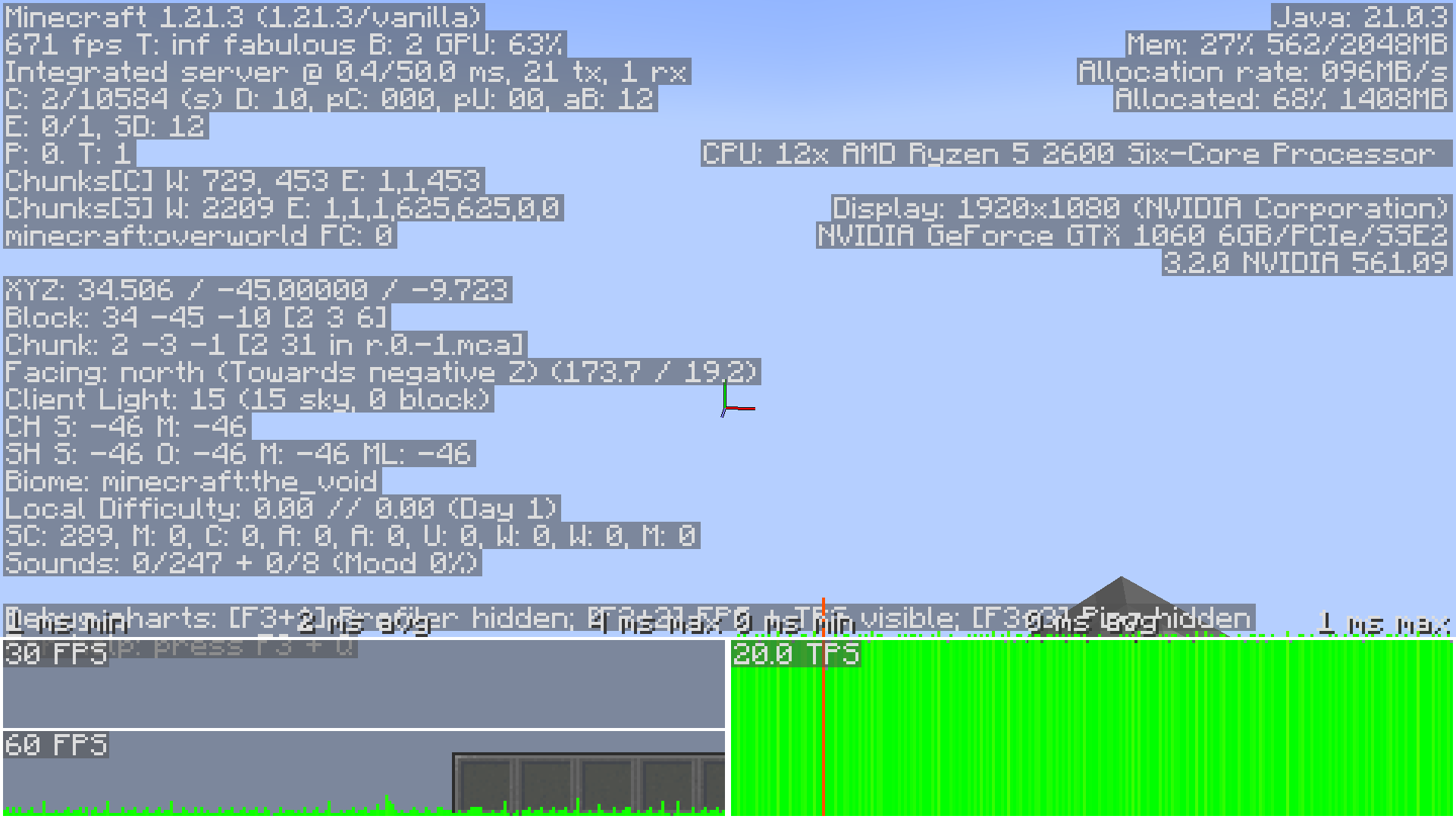

is duplicated by
The bug
When a large amount of chests are in a nearby area, the FPS drops very low.
Additional note
Performance has deteriorated significantly since version 1.13.
How to reproduce
Use this command when you are in an open area:
/fill ~ ~ ~ ~20 ~20 ~20 minecraft:chestExample
Here is an example in video: MC-5417.mp4
The bug
When a large amount of chests are in a nearby area, the FPS drops very low.
Additional note
Performance has deteriorated significantly since version 1.13.
How to reproduce
Use the provided Chest Test.zip
world to test or use this command when you are in an open area:
/fill ~ ~ ~ ~20 ~20 ~20 minecraft:chestScreenshots/Videos
Here is an example in video: MC-5417.mp4
Confirmed for 1.9.4
relates to
is duplicated by
relates to
The bug
If you add a dropped item (or any Non-LivingBase entities) to a team, it follows the color team rule fine. The problem is, you can't target it with team=
Note
[Mojang] Searge (Michael Stoyke) added a comment - 10/Aug/14 12:17 AM
Only living entities can be on a team, items are not living entities, only mobs, animals, villagers and players are.This is not correct, as it has the color, it is on the team, so it can be added fine. The only problem is that it can't be targeted via team=
How to reproduce
- /
scoreboardteamsadd test- /
scoreboard teams option test color red- drop an item
/entitydata @e[type=item,c=1] {CustomName:"test",CustomNameVisible:1b}- /
scoreboardteams join test @e[type=item,c=1]- see the red name, indicating it's on the team
- /say @e[type=item,team=test]
- "That player cannot be found"
Code analysis
Based on 1.11.2 decompiled using MCP 9.35 rc1
The method net.minecraft.command.EntitySelector.getTeamPredicates(...).new Predicate() {...}.apply(Entity) returns false if the entity is not an instance of EntityLivingBase even though the method net.minecraft.entity.Entity.getTeam() is correctly implemented for all entities.
The bug
If you add a dropped item (or any Non-LivingBase entities) to a team, it follows the color team rule fine. The problem is, you can't target it with team=
Note
[Mojang] Searge (Michael Stoyke) added a comment - 10/Aug/14 12:17 AM
Only living entities can be on a team, items are not living entities, only mobs, animals, villagers and players are.This is not correct, as it has the color, it is on the team, so it can be added fine. The only problem is that it can't be targeted via team=
How to reproduce
- /team add test
- /team modify Test color red
- drop an item and run
/data merge entity @e[type=item,distance=..5,limit=1] {CustomName:"{\"text\":\"Test\"}",CustomNameVisible:1b}- /teams join test @e[type=item,distance=..5,limit=1]
- see the red name, indicating it's on the team
- /say @e[type=item,team=test]
- "That player cannot be found"
Code analysis
Based on 1.11.2 decompiled using MCP 9.35 rc1
The method net.minecraft.command.EntitySelector.getTeamPredicates(...).new Predicate() {...}.apply(Entity) returns false if the entity is not an instance of EntityLivingBase even though the method net.minecraft.entity.Entity.getTeam() is correctly implemented for all entities.
The bug
If you add a dropped item (or any Non-LivingBase entities) to a team, it follows the color team rule fine. The problem is, you can't target it with team=
Note
[Mojang] Searge (Michael Stoyke) added a comment - 10/Aug/14 12:17 AM
Only living entities can be on a team, items are not living entities, only mobs, animals, villagers and players are.This is not correct, as it has the color, it is on the team, so it can be added fine. The only problem is that it can't be targeted via team=
How to reproduce
- /team add test
- /team modify Test color red
- drop an item and run
/data merge entity @e[type=item,distance=..5,limit=1] {CustomName:"{\"text\":\"Test\"}",CustomNameVisible:1b}- /team
sjoin test @e[type=item,distance=..5,limit=1]- see the red name, indicating it's on the team
- /say @e[type=item,team=test]
- "That player cannot be found"
Code analysis
Based on 1.11.2 decompiled using MCP 9.35 rc1
The method net.minecraft.command.EntitySelector.getTeamPredicates(...).new Predicate() {...}.apply(Entity) returns false if the entity is not an instance of EntityLivingBase even though the method net.minecraft.entity.Entity.getTeam() is correctly implemented for all entities.
The bug
If you add a dropped item (or any Non-LivingBase entities) to a team, it follows the color team rule fine. The problem is, you can't target it with team=
Note
[Mojang] Searge (Michael Stoyke) added a comment - 10/Aug/14 12:17 AM
Only living entities can be on a team, items are not living entities, only mobs, animals, villagers and players are.This is not correct, as it has the color, it is on the team, so it can be added fine. The only problem is that it can't be targeted via team=
How to reproduce
- /team add test
- /team modify Test color red
- drop an item and run
/data merge entity @e[type=item,sort=nearest,limit=1] {CustomName:"{\"text\":\"Test\"}",CustomNameVisible:1b}- /team join test @e[type=item,sort=nearest,limit=1]
- see the red name, indicating it's on the team
- /say @e[type=item,team=test]
→The command will fail
Code analysis
Based on 1.11.2 decompiled using MCP 9.35 rc1
The method net.minecraft.command.EntitySelector.getTeamPredicates(...).new Predicate() {...}.apply(Entity) returns false if the entity is not an instance of EntityLivingBase even though the method net.minecraft.entity.Entity.getTeam() is correctly implemented for all entities.
The bug
If you add a dropped item (or any Non-LivingBase entities) to a team, it follows the color team rule fine. The problem is, you can't target it with team=
Note
[Mojang] Searge (Michael Stoyke) added a comment - 10/Aug/14 12:17 AM
Only living entities can be on a team, items are not living entities, only mobs, animals, villagers and players are.This is not correct, as it has the color, it is on the team, so it can be added fine. The only problem is that it can't be targeted via team=
How to reproduce
- /team add
test- /team modify Test color red
- drop an item and run
/data merge entity @e[type=item,sort=nearest,limit=1] {CustomName:"{\"text\":\"Test\"}",CustomNameVisible:1b}- /team join
test @e[type=item,sort=nearest,limit=1]- see the red name, indicating it's on the team
- /say @e[type=item,team=
test]
→Code analysis
Based on 1.11.2 decompiled using MCP 9.35 rc1
The method net.minecraft.command.EntitySelector.getTeamPredicates(...).new Predicate() {...}.apply(Entity) returns false if the entity is not an instance of EntityLivingBase even though the method net.minecraft.entity.Entity.getTeam() is correctly implemented for all entities.
The bug
If you add a dropped item (or any Non-LivingBase entities) to a team, it follows the color team rule fine. The problem is, you can't target it with team=
Note
[Mojang] Searge (Michael Stoyke) added a comment - 10/Aug/14 12:17 AM
Only living entities can be on a team, items are not living entities, only mobs, animals, villagers and players are.This is not correct, as it has the color, it is on the team, so it can be added fine. The only problem is that it can't be targeted via team=
How to reproduce
- /team add Test
- /team modify Test color red
- drop an item and run
/data merge entity @e[type=item,sort=nearest,limit=1] {CustomName:"{\"text\":\"Test\"}",CustomNameVisible:1b}- /team join Test @e[type=item,sort=nearest,limit=1]
- see the red name, indicating it's on the team
- /say @e[type=item,team=Test]
→Code analysis
Based on 1.11.2 decompiled using MCP 9.35 rc1
The method net.minecraft.command.EntitySelector.getTeamPredicates(...).new Predicate() {...}.apply(Entity) returns false if the entity is not an instance of EntityLivingBase even though the method net.minecraft.entity.Entity.getTeam() is correctly implemented for all entities.

See title, expected is that this tag is for minecraft:zombie and minecraft:husk only, and not for minecraft:drowned , minecraft:zombie_villager or minecraft:zombi
e_pigman .See title, expected is that this tag is for minecraft:zombie and minecraft:husk only, and not for minecraft:drowned , minecraft:zombie_villager or minecraft:zombified_piglin .
Drowned,zombievillagers andzombie pigmen have the DrownedConversionTime and InWaterTime tagsDrowned, Zombie Villagers and Zombified Piglin have the DrownedConversionTime and InWaterTime tags
Reopened and gave report to [Mod] Asteraoth.
Reopened and gave report to [Mod] Asteraoth.
![[Mod] NeunEinser](../../../data/avatars/users/39263.png)
Ha!
Added 1.9.4 to Affected Versions 
[Mod] Asteraoth I cannot confirm that game output.
![[Mod] Michael Wobst](../../../data/avatars/users/37868.png)
[Mod] Asteraoth, ticket is yours now
[Mod] Asteraoth, ticket is yours now. You can now update the affected version yourself.

@[Mod] Asteraoth, I was not able to reproduce this with a 1.11 world in 1.13-pre7. Could you please attach the affected, but not yet upgraded world please?

[Mod] Asteraoth, could you repro this in 1.12.2?

Usually a reporter is changed if he or she is inactive for a long period of time. In this case David Cady was inactive for about four years, and [Mod] Asteraoth became reporter by confirming versions for the ticket so that it can be updated without the need of a mod or helper. I can't see you as reporter anytime on the log though.

[Mod] Asteraoth I didn't know that.

[Mod] Asteraoth: Cannot reproduce for 1.13.1.
[Mod] Asteraoth, I don't think I have any software capable of recording Minecraft gameplay.
yes i did [Mod] Asteraoth

Issue seems to be fixed for smaller gui scales. See 2018-09-17_00.26.15.png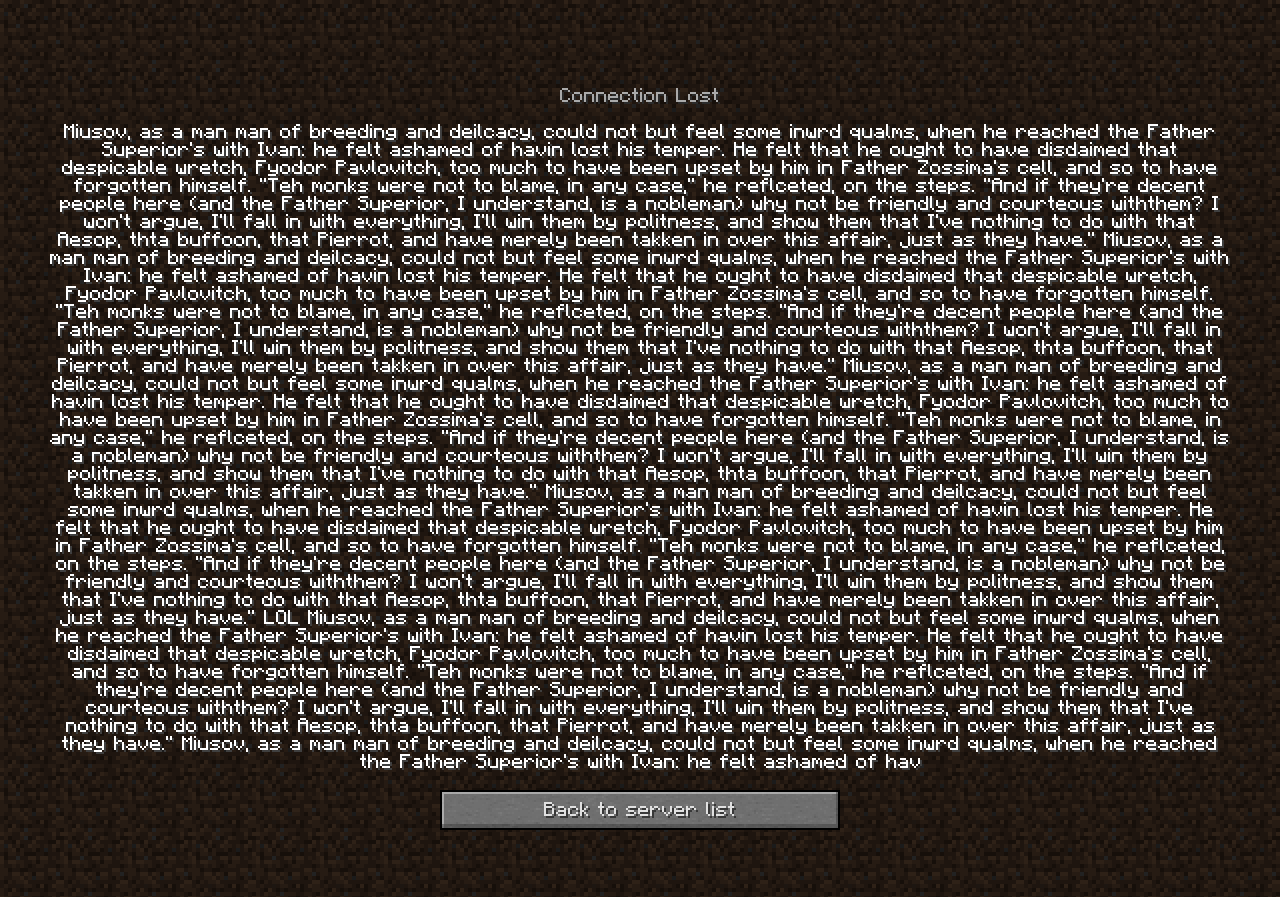
Still in 1.13.1 if you use GUI Scale: 3 or auto. See 2018-09-17_00.31.31.png
[Mod] Asteraoth kicked me with that long message, there's a limit.

[Mod] Asteraoth whoops, I thought it had, thanks

[Mod] Asteraoth Thanks for the info!
In that case, confirmed for 19w13b.
![[Mod] violine1101](../../../data/avatars/users/92858.png)
You can follow the links in [Mod] Asteraoth's comment above if you don't know where to find the requested information. You can just attach the files to this ticket by using the "Attach files" function.
[Mod] Asteraoth because the guardian's laser beam is not a melee attack, thus it is a bug.

Please update this to include other entities than just end crystals per this comment by [Mod] Asteraoth. https://bugs.mojang.com/browse/MC-226877?focusedCommentId=1003146&page=com.atlassian.jira.plugin.system.issuetabpanels:comment-tabpanel#comment-1003146 
[Mod] Asteraoth Not a duplicate as that report predates actual infinite effect duration. This report is about the duration not being changed, while that one was about it eventually expiring (when infinite duration didn't exist).
Clones is better.

Can you please look through MC-250030 and see if it describes your issue? Also, try to check the Piglin's AngerTimes, as suggested in [Mod] Asteraoth's comment on that report.
Confirmed for 16w15a and 16w15b
Confirmed for 16w15a and 16w15b
Confirmed for 16w15a and 16w15b
Confirmed for 16w15a and 16w15b
Confirmed for 16w15a and 16w15b
Confirmed for 16w15a and 16w15b
Confirmed for 16w15a and 16w15b
Confirmed for 16w15a and 16w15b
Confirmed for 16w15a and 16w15b also happens if you switch to spectator mode.
Confirmed for 16w15a and 16w15b
Confirmed for 16w15b
Confirmed for 16w15a and 16w15b
Confirmed for 16w15a and 16w15b
Confirmed for 16w15a and 16w15b
Confirmed for 16w15a and 16w15b
Confirmed for 16w15a and 16w15b
Confirmed for 16w15a and 16w15b
Confirmed for 16w15a and 16w15b
Confirmed for 16w15a and 16w15b
Confirmed for 16w15b
Confirmed in 16w15b
Confirmed for 16w15b
Confirmed in 16w15b
Confirmed for 16w15b
Confirm for 1.9.3 pre-2
Confirm for 1.9.3 pre-2
Confirm for 1.9.3 pre-2
Confirm for 1.9.3 pre-2
Confirm for 1.9.3 pre-2
Confirm for 1.9.3 pre-2
Confirm for 1.9.3 pre-2
Confirm for 1.9.3 pre-2
Confirm for 1.9.3 pre-2
Confirm for 1.9.3 pre-2
Confirm for 1.9.3 pre-2
Confirm for 1.9.3 pre-2
Confirm for 1.9.3 pre-2
Confirm for 1.9.3 pre-2
Confirm for 1.9.3 pre-2
Confirm for 1.9.3 pre-2
Confirm for 1.9.3 pre-2
Confirm for 1.9.3 pre-2
Confirm for 1.9.3 pre-2
Confirm for 1.9.3 pre-2
Confirm for 1.9.3 pre-2
Confirm for 1.9.3 pre-2
Confirm for 1.9.3 pre-2
Confirm for 1.9.3 pre-2
Confirm for 1.9.3 pre-2
Confirm for 1.9.3 pre-2 and I get this warning message in the Game Output [Client thread/WARN]: Received passengers for unknown entity
Confirm for 1.9.3 pre-2 and I get this warning message in the Game Output [Client thread/WARN]: Received passengers for unknown entity
Confirm for 1.9.3 pre-2 and when I go close to the skeleton I get this warning message in the Game Output [Client thread/WARN]: Received passengers for unknown entity
Confirm for 1.9.3 pre-2
Confirm for 1.9.3 pre-2
@FVbico Thanks and you forgot to reopen.
Confirmed for 1.9.3 pre-3
Confirmed for 1.9.3 pre-3
Confirmed for 1.9.3 pre-3
Confirmed for 1.9.3 pre-3
Confirmed for 1.9.3 pre-3
Confirmed for 1.9.3 pre-3
Confirmed for 1.9.3 and 1.9.4
Confirmed for 1.9.4
Confirmed for 1.9.4
Confirmed for 1.9.4
Confirmed for 1.9.4
Confirmed for 1.9.4
Confirmed for 1.9.4
Confirmed for 1.9.4
Confirmed for 1.9.4
Confirmed for 1.9.4
Confirmed for 1.9.4
Confirmed for 1.9.4
Confirmed for 1.9.4
Confirmed for 1.9.4
Confirmed for 1.9.4
Confirmed for 1.9.4
Confirmed for 1.9.4
Confirmed for 1.9.4
Confirmed for 1.9.4
Confirmed for 1.9.4
Confirmed for 1.9.4
Confirmed for 1.9.4
Confirmed for 1.9.4
Confirmed for 1.9.4
Confirmed for 1.9.4
Confirmed for 1.9.4
Confirmed for 1.9.4
Confirmed for 1.9.4
Confirmed for 1.9.4
Confirmed for 16w20a
Confirmed for 16w20a
Confirmed for 16w20a
Confirmed for 16w20a
Confirmed for 16w20a
Confirmed for 16w20a
Confirmed for 16w20a
Confirmed for 16w20a
Confirmed for 16w20a
Confirmed for 16w20a
Confirmed for 16w20a
Confirmed for 16w20a
Confirmed for 16w20a
Confirmed for 16w20a
Confirmed for 16w20a
Confirmed for 16w20a
Confirmed for 16w20a
Confirmed for 16w20a
Confirmed for 16w20a
Confirmed for 16w20a
Confirmed for 16w20a
Confirmed for 16w20a
Confirmed for 16w20a
Confirmed for 16w20a
Confirmed for 16w20a
Confirmed for 16w20a
Confirmed for 16w20a
Confirmed for 16w20a
Confirmed for 16w20a
Confirmed for 16w20a and it is a duplicate of
MC-74249Confirmed for 16w20a
Confirmed for 16w20a
Cannot reproduce either.
Confirmed for 16w21b
Confirmed for 1.10 pre-1
Confirmed and you misspelled key in the Summary.
Confirmed for 1.10
Confirmed for 1.11
Confirmed for 17w13b
Confirm for 17w13b
Confirmed for 17w13b
Confirmed for 17w13b
Confirmed for 17w13b
Confirmed for 17w13b
Confirmed for 17w13b
Confirmed for 17w13b
Confirmed for 17w13b
Confirmed for 17w13b
Confirmed for 17w13b
Confirmed for 17w13b
Confirmed for 17w13b
Confirmed for 17w13b
Confirmed for 17w13b
Confirmed for 17w45b
Confirmed for 17w45b
Confirmed for 17w45b
Confirmed for 17w45b
Confirmed for 17w45b
Confirmed for 17w45b
Confirmed for 18w07a
Confirmed for 18w07a
Confirmed for 18w07a
Confirmed for 18w07a
Confirmed for 18w07a
Confirmed for 18w07a
Confirmed for 18w07b
Fixed in 18w11a
Confirmed for 18w11a
Confirmed for 18w11a
Confirmed for 18w11a
Confirmed for 18w11a
Confirmed for 18w11a
Confirmed for 18w11a
Confirmed for 18w11a
Pretty sure this is a dupe of
MC-129358Confirmed for 18w20c
Confirmed for 18w20c
Confirmed for 18w20c
Confirmed for 18w20c
Confirmed for 18w20c
Fixed in 18w20c, you can shift right click and place blocks on the fence.Confirmed for 18w20c
In
MC-129358it mentions that you can see the outline of block selection, unlike normal water and if you brighten up your screenshot you can see the outline of the moss stone brick.Can confirm my map had Id #1 and after updating to 18w21b it has Id #0.
Confirmed for 18w22c
Confirmed for 18w22c
Confirmed for 18w22c
Confirmed for 18w22c
Confirmed for 18w22c
Confirmed for 18w22c
Dupe of
MC-125807Confirmed for 1.13-pre2
Confirmed for 1.13-pre2
Confirmed for 1.13-pre2
Confirmed for 1.13-pre2
Confirmed for 1.13-pre2
Confirmed for 1.13-pre2
Not a duplicate of
MC-33359for 2 reasons:If you look at
MC-120599, Pokechu22's comment it says "mobs avoid pathfinding through rails to prevent stopping minecarts; this is an intentional behaviour."MC-33359Is about rails they are no mention of carpets at all. Like I have said this bug is in 1.13-pre2 but not in 1.12.2 and If it was a duplicate Neko would not change the Confirmation Status to confirmed.EDIT: This bug started in Minecraft 18w22a probably because of the fix for
MC-122455.Confirmed for 1.13-pre5
Confirmed for 1.13-pre5
Confirmed for 1.13-pre5
Confirmed for 1.13-pre5
I have upgraded a world from 1.11 to 1.13-pre6 and my beds are invisible.
Edit: Updated world to 1.13-pre7 and my beds are not invisible
MC-132833seem to have fixed it.Fixed in 1.13-pre7
Confirmed for 1.13-pre7
Confirmed for 1.13-pre7
Confirmed for 1.13-pre7
Confirmed for 1.13-pre7
Confirmed for 1.13-pre7