 mbcx2
mbcx2
- mbcx2
- mbcx2
- Europe/Stockholm
- Yes
- No
 MC-3178
![[Mojang] Grum (Erik Broes)](../../../data/assets/gravatar/grum.png)

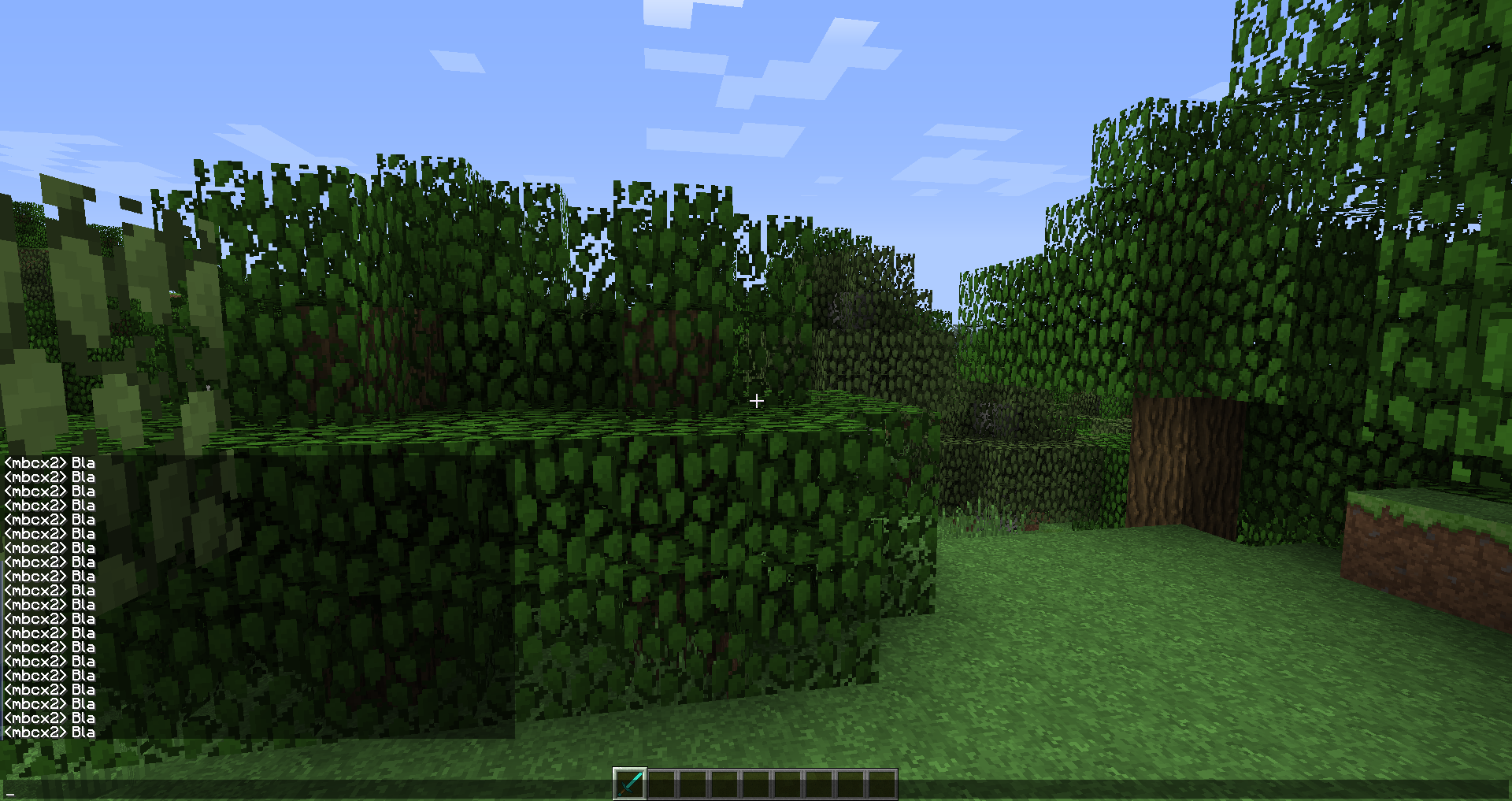


Viewing Arabic text while the language is non-Arabic will appear non-connected.
Also example writing "Minecraft" will display "Minecraft" in Arabic when language is set to Arabic, but once you switch to English or other language, it will do like "f t a r c e n i M", the words flip from right to left, to left to right, the space is just example that the letters are not connected.
ماينكرافت (Might not appear connected to some people reading this)
This also applies to Chat, Resource pack localization, MOTD, or anything that renders Arabic text.
Viewing Arabic text while the language is non-Arabic will appear non-connected.
Also example writing "Minecraft" will display "Minecraft" in Arabic when language is set to Arabic, but once you switch to English or other language, it will do like "f t a r c e n i M", the words flip from right to left, to left to right, the space is just example that the letters are not connected.
ماينكرافت (Might not appear connected to some people reading this)
This also applies to Chat, Resource pack localization, MOTD, or anything that renders Arabic text.
Viewing Arabic text while the language is non-Arabic will appear non-connected.
Also example writing "Minecraft" will display "Minecraft" inArabicwhen language is set to Arabic, but once you switch to English or other language,it willdo like "f t a r c e n i M",the words flip from right to left, to left to right, the space is just example that the letters are not connected.
ماينكرافت (Might not appear connected to some people reading this)This also applies to Chat, Resource pack localization, MOTD, or anything that renders Arabic text.
Viewing Arabic text while the language is non-Arabic will appear non-connected.
When writing Arabic the words flip, example I type "Minecraft" it will be " f t a r c e n i M", spaces just means the words are not connected, words flip too, making it even harder to read.
This still occurs when Force Unicode Font is on.
Viewing Arabic text
whilethe languageis non-Arabic will appear non-connected.When writing Arabic the words flip, example I type "Minecraft" it will be " f t a r c e n i M", spaces just means the words are not connected, words flip too, making it even harder to read.
This still occurs when Force Unicode Font is on.
Viewing Arabic text in another languages renders non-connected, which is annoying that we have to switch the language to read Arabic text.
When writing Arabic the words flip, example I type "Minecraft" it will be " f t a r c e n i M", spaces just means the words are not connected, words flip too, making it even harder to read, it Arabic is Right-to-Left language while Minecraft does it Left-to-Right.
This still occurs when Force Unicode Font is on.
Viewing Arabic text while in another language renders non-connected.
Viewing Arabic text in another languages renders non-connected, which is annoying that we have to switch the language to read Arabic text.
When
writing Arabic the words flip, example I type "Minecraft"it will be " f t a r c e n i M", spaces just means the words are not connected, words flip too, making it even harder to read, it Arabic is Right-to-Left language while Minecraft does it Left-to-Right.This still occurs when Force Unicode Font is on.
Viewing Arabic text in another languages renders non-connected, which is annoying that we have to switch the language to read Arabic text.
When reading Arabic the words flip on another language like English, it will be viewed as " f t a r c e n i M". The words are not connected and it is rendered left to right.
This still occurs when Force Unicode Font option is on.
Viewing Arabic text in another languages renders non-connected, which is annoying that we have to switch the language to read Arabic text.
When reading Arabic the words flip on another language like English, it will be viewed as " f t a r c e n i M". The words are not connected and it is rendered left to right.
This still occurs when Force Unicode Font option is on.
To reproduce:
Copy: ماينمكرافت
Paste into chat
Should appear as the following in default language settings:
If appears non-connected meaning it isn't fixed, like:


nvm its fixed
I still find this issue in 1.5.2
I maybe think it's Optifine or mods I have
I get this problem too, It's maybe VSync or Render Distance or Bobbing, I am not sure, It's hurting my eyes
Tested on 13w38c, Still flickering, Very annoying and never stops.
Manual crash report: http://pastebin.com/Fau35zxb
Vanilla 13w38c.
Tested on 1.6.4, Still flickering, Also does never stop.
Manual crash report: http://pastebin.com/5SuBfAtY
Vanilla 1.6.4.
Edit: Windows 8 Pro 64bit, Nivida GeForce GT 630 (Can go up to 60 fps, not very bad), Java 1.7.0_25, 16 GB Ram, Intel Core i7-2600 CPU @ 3.40GHz, Dual monitor.
@Kumasasa Installation failed, Searched everywhere for fix, Also the Nivida control panel wont open.
But, I tested again on 13w38c, it is fixed, I think it is fixed from an older version too, But not exactly sure what version.
This should be marked as resolved, since Arabic is already fixed long long time ago, in 13w36a it is I think, if that's the first Minecraft 1.7 snapshot.
https://twitter.com/_grum/statuses/370467262337003520
@Mevlid Schop
Try to add an Arabic keyboard and switch input language.
Place a sign and type(Anything if you don't have an Arabic keyboard or don't know Arabic)
Switch Minecraft language from English to Arabic you can notice the text render will render incorrectly.
Is it a modded server or a vanilla server?
Modded means like bukkit which has plugins and stuff(If you still don't know what is bukkit, just check if it has a ranks system and some stuff you can't do in normal Minecraft, if yes then it is a bukkit/modded server)
It means that someone posted that bug before, therefor your post is marked as duplicated, so make sure that you search before you post.
Weird, since I know that happens on BungeeCord servers before... check if they have /server or /bungee, but I don't think BungeeCord is the issue, since I don't think that you are connected through a BungeeCord proxy.
Ok updated, did not check my email for a long time ;D
Updated!
Still exists in latest official release (1.7.9) and snapshot release (14w11b).
To reproduce copy ماينكرافت to the Minecraft chat, same thing will happen.
Reproduced in 14w30b, but still exists
This is a HUGE thing, since we do not want to change our Minecraft language to read Arabic.
Confirmed 14w31a