 Michael Johnson
- MikemkPK
- mikemkpk
- America/Chicago
- Yes
- No
 MC-52568
 MCL-3221
![[Mojang] Grum (Erik Broes)](../../../data/assets/gravatar/grum.png)








Ubuntu 14.04 32-bit
Oracle Java 8
Ubuntu 14.04 32-bit
Oracle Java 8
Dedicated (but ten+ years old) GPU supporting OpenGL 1.0, 1.1, 1.2, 1.3, 1.4, 2.0, 2.1
This is an odd crash. When the launcher loads, it crashes. If I delete the launcher.jar and launcher.pack.lzma files, it opens fine, but then crashes again the next time. If it happened once, I'd assume corruption, but it's happening every time. I have uploaded these files to compare against correct versions.
EDIT: A video of the event is here: http://youtu.be/sIDhLISWGkw
As you can see, it happens every single time
Linux Mint 17 amd64
Oracle JVM 7 update 72
Linux Mint 17 amd64 MATE desktop
Oracle JVM 7 update 72
Adding the line
![[Mod] Sonicwave](../../../data/avatars/users/94627.png)
Michael Johnson: From the video it seems that you are playing on 1.7.10. Could you try testing this in 1.8/1.8.1-pre4 and see if it still occurs? (Not sure how much difference it will make though)
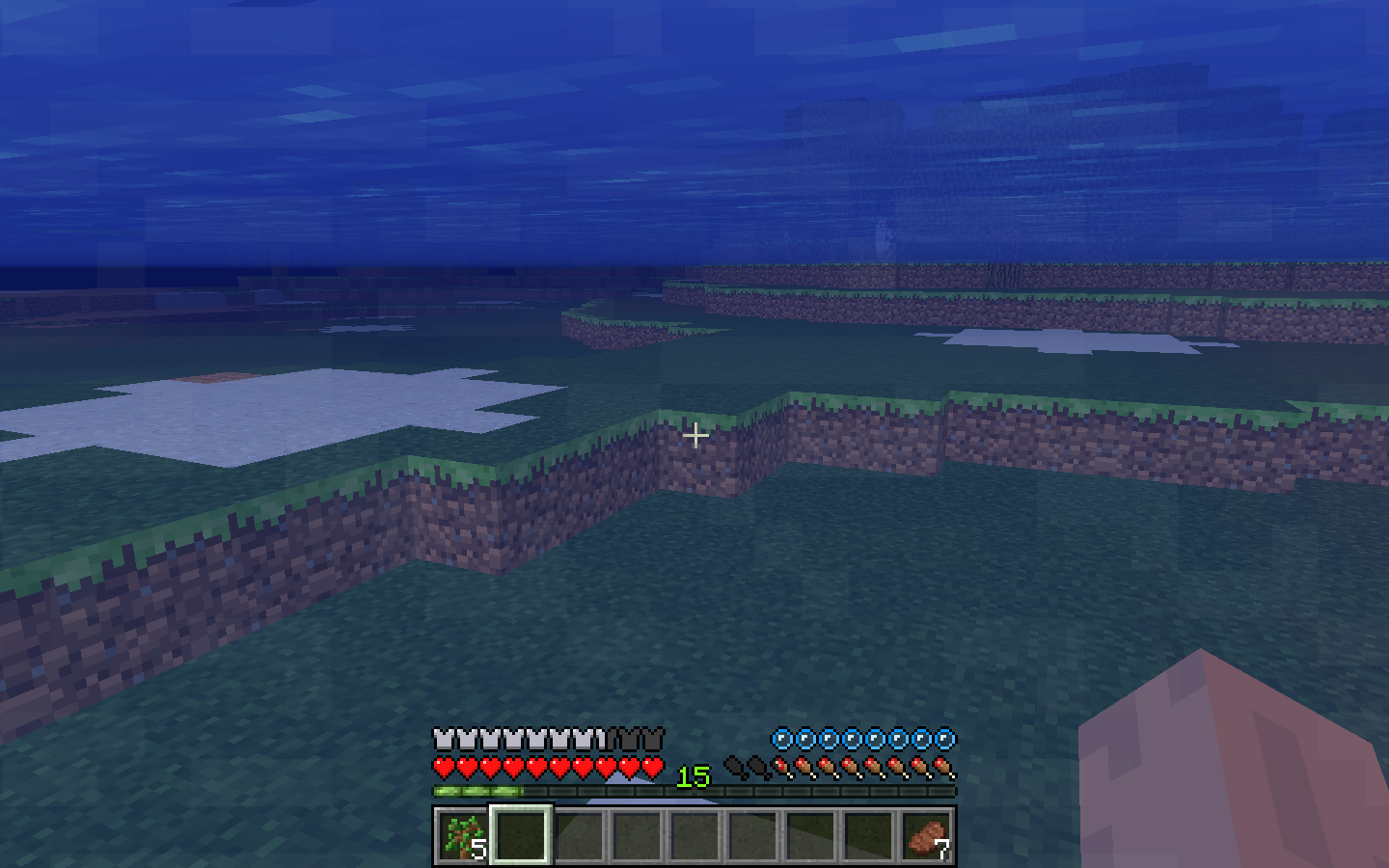
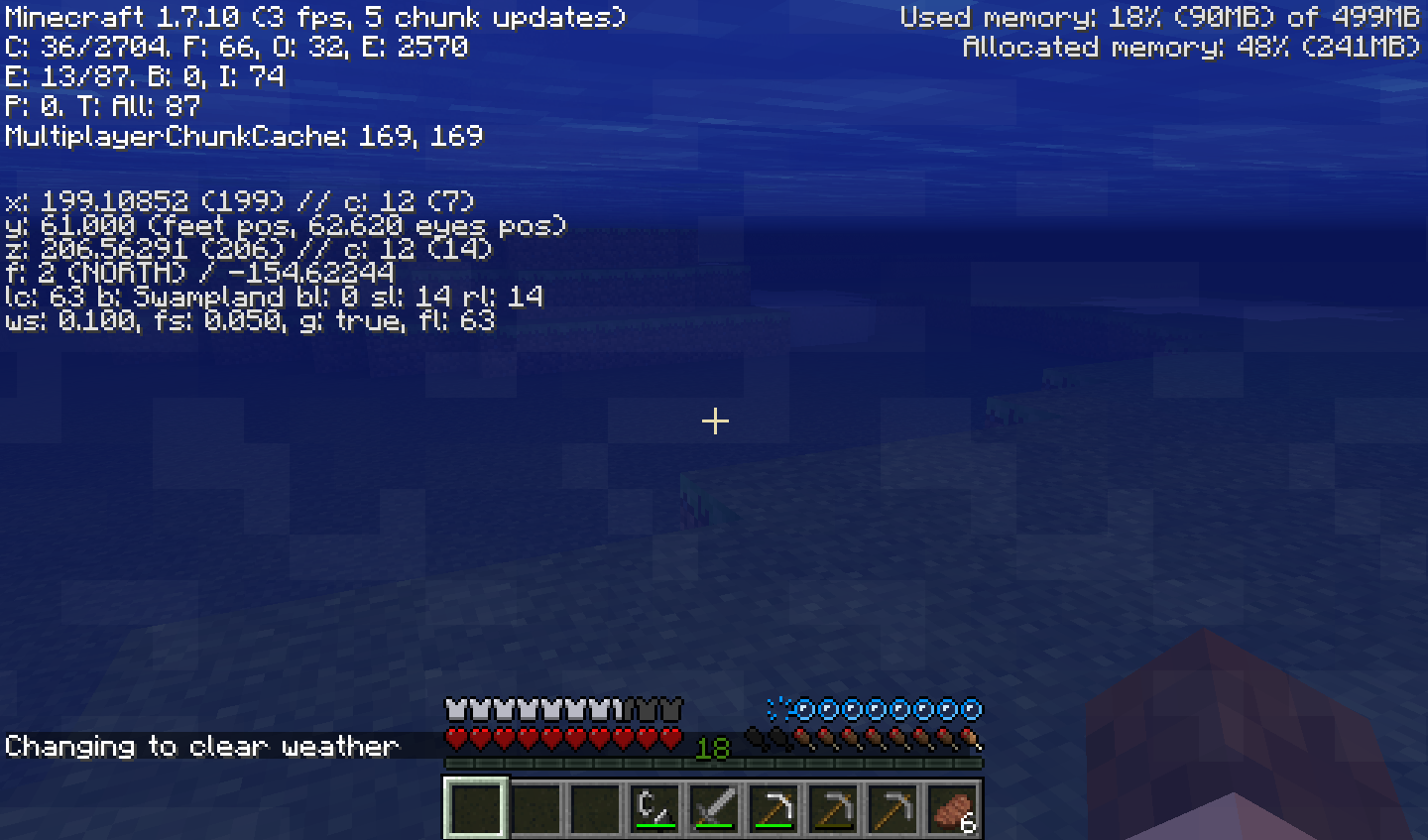
I recreated the world in vanilla and made the last screenshot.
Seed: 1854626679306623117
Coords added in screenshot
Note that the world generates with dirt there, and the grass then spreads, so you may need to wait a while.
Update: It also crashes using Oracle Java
They have different error messages, with different hardware configurations.
How are they duplicates?
It doesn't result in a crash report.
If you like, I can try to take a video.
The video can be viewed at http://youtu.be/sIDhLISWGkw
It shouldn't make any difference. I'm about to go to bed, but I'll try in morning
Note that because I hit 3GB yesterday, my internet is incredibly slow, and I now cannot download the files.
If I update the timestamp on launcher.jar (make a backup, and copy from backup each time), the launcher works correctly.
Yes, the crash still occurs on 1.8.
$ java -jar Minecraft.jar
Bootstrap (v5)
Current time is Nov 11, 2014 2:57:00 PM
System.getProperty('os.name') == 'Linux'
System.getProperty('os.version') == '3.13.0-24-generic'
System.getProperty('os.arch') == 'amd64'
System.getProperty('java.version') == '1.8.0_25'
System.getProperty('java.vendor') == 'Oracle Corporation'
System.getProperty('sun.arch.data.model') == '64'
Looking for update
Downloading: https://s3.amazonaws.com/Minecraft.Download/launcher/launcher.pack.lzma
Got reply in: 371ms
No update found.
Reversing LZMA on /home/michael/.minecraft/launcher.pack.lzma to /home/michael/.minecraft/launcher.pack
Unpacking /home/michael/.minecraft/launcher.pack to /home/michael/.minecraft/launcher.jar
Cleaning up /home/michael/.minecraft/launcher.pack
Starting launcher.
[14:57:05 INFO]: Minecraft Launcher 1.5.3 (through bootstrap 5) started on linux...
[14:57:05 INFO]: Current time is Nov 11, 2014 2:57:05 PM
[14:57:05 INFO]: System.getProperty('os.name') == 'Linux'
[14:57:05 INFO]: System.getProperty('os.version') == '3.13.0-24-generic'
[14:57:05 INFO]: System.getProperty('os.arch') == 'amd64'
[14:57:05 INFO]: System.getProperty('java.version') == '1.8.0_25'
[14:57:05 INFO]: System.getProperty('java.vendor') == 'Oracle Corporation'
[14:57:05 INFO]: System.getProperty('sun.arch.data.model') == '64'
[14:57:05 INFO]: JFX is already initialized
The program 'java' received an X Window System error.
This probably reflects a bug in the program.
The error was 'RenderBadPicture (invalid Picture parameter)'.
(Details: serial 593 error_code 143 request_code 139 minor_code 7)
(Note to programmers: normally, X errors are reported asynchronously;
that is, you will receive the error a while after causing it.
To debug your program, run it with the --sync command line
option to change this behavior. You can then get a meaningful
backtrace from your debugger if you break on the gdk_x_error() function.)
As a temporary solution, I changed my shortcut to run "rm ~/.minecraft/launcher.jar ~/.minecraft/launcher.pack.lzma; java -jar /home/michael/Downloads/Minecraft.jar"
For reference if anyone else encounters this error, it is fixable by adding -Dswing.systemlaf=javax.swing.plaf.metal.MetalLookAndFeel to the commandline between java and -jar
Example:
java -Dswing.systemlaf=javax.swing.plaf.metal.MetalLookAndFeel -jar Minecraft.jar
Some servers have mixed survival/creative mechanics, and barriers should not be obtained. Being breakable isn't part of the issue. Being obtainable without /give is.
Please reread, this is not a duplicate. The linked issue is about the game freezing, this issue is about a button that doesn't work. The game is still responsive apart from the dialog that steals focus.
They are similar but different issues affecting the same part of the game.
This does not occur with Oracle Java, it's an issue of the Openjdk java. Also this issue is still marked duplicate despite not being a duplicate. At least not of the issue it's marked a duplicate of.