![[Mod] Sonicwave](../../../data/avatars/users/94627.png) [Mod] Sonicwave
[Mod] Sonicwave
- Sonicwave
- ericz1
- America/Los_Angeles
- Yes
- No
 MC-65002
![[Mojang] Bartosz Bok](../../../data/avatars/users/10122.svg)
![[Mojang] Grum (Erik Broes)](../../../data/assets/gravatar/grum.png)
 Normal
 Low
Low![[Mojang] Ulraf](../../../data/avatars/users/43122.png)

![[Mojang] slicedlime](../../../data/assets/gravatar/slicedlime.jpeg)
 WEB-790
![[Mojang] Matthew Gatland](../../../data/avatars/users/43046.png)
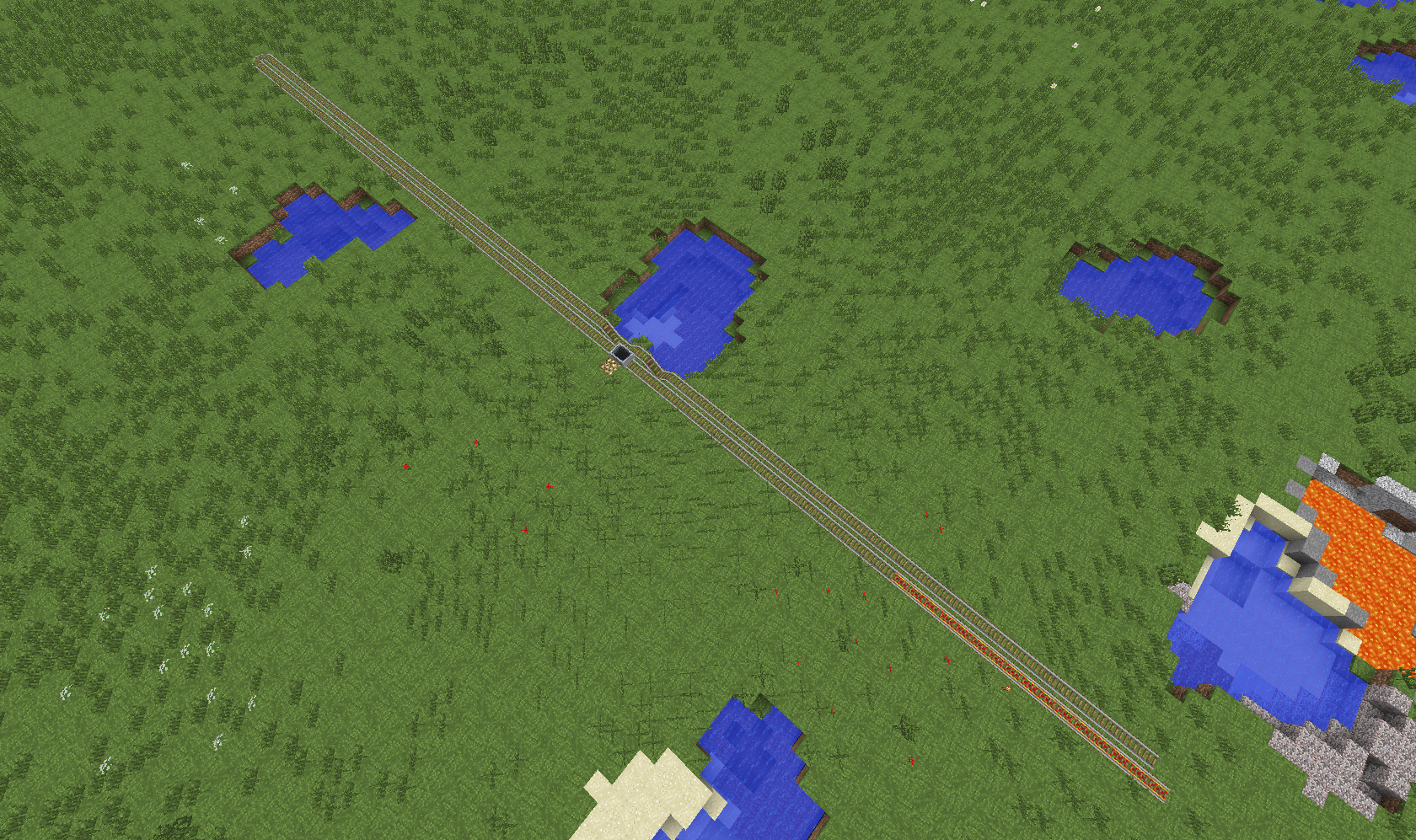

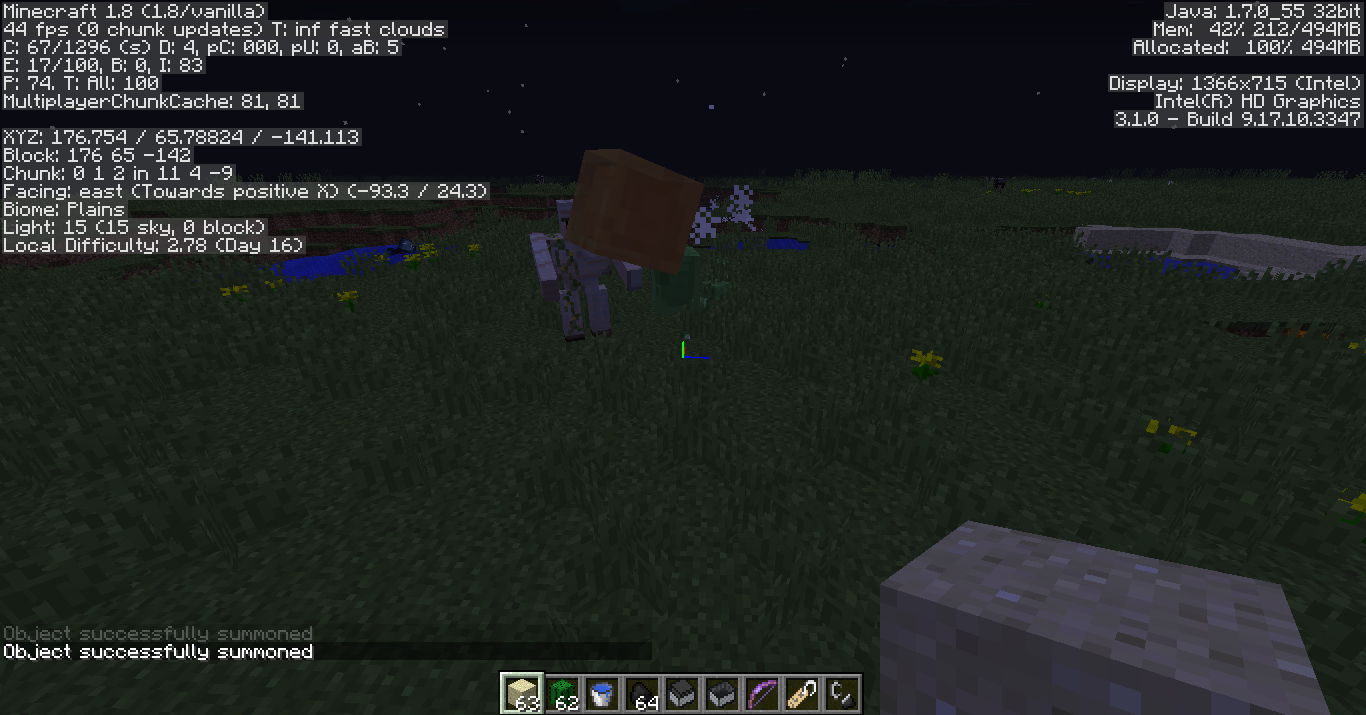
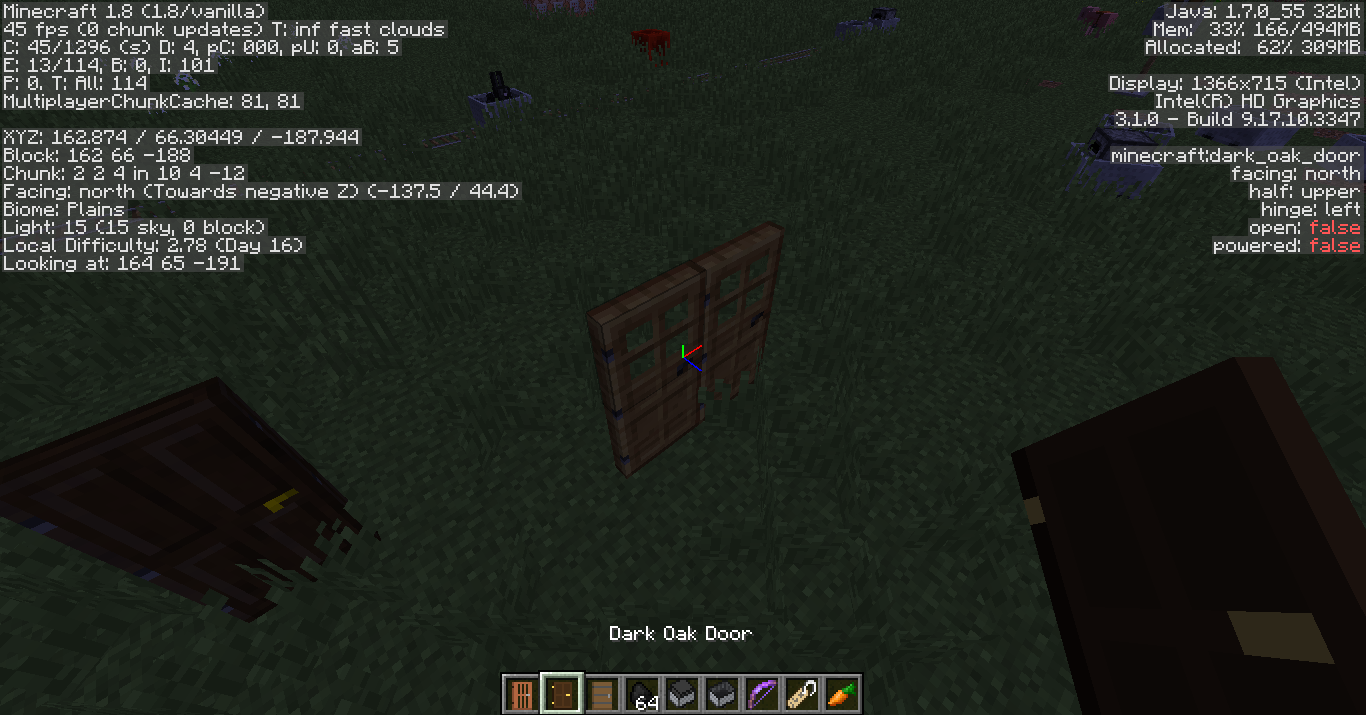
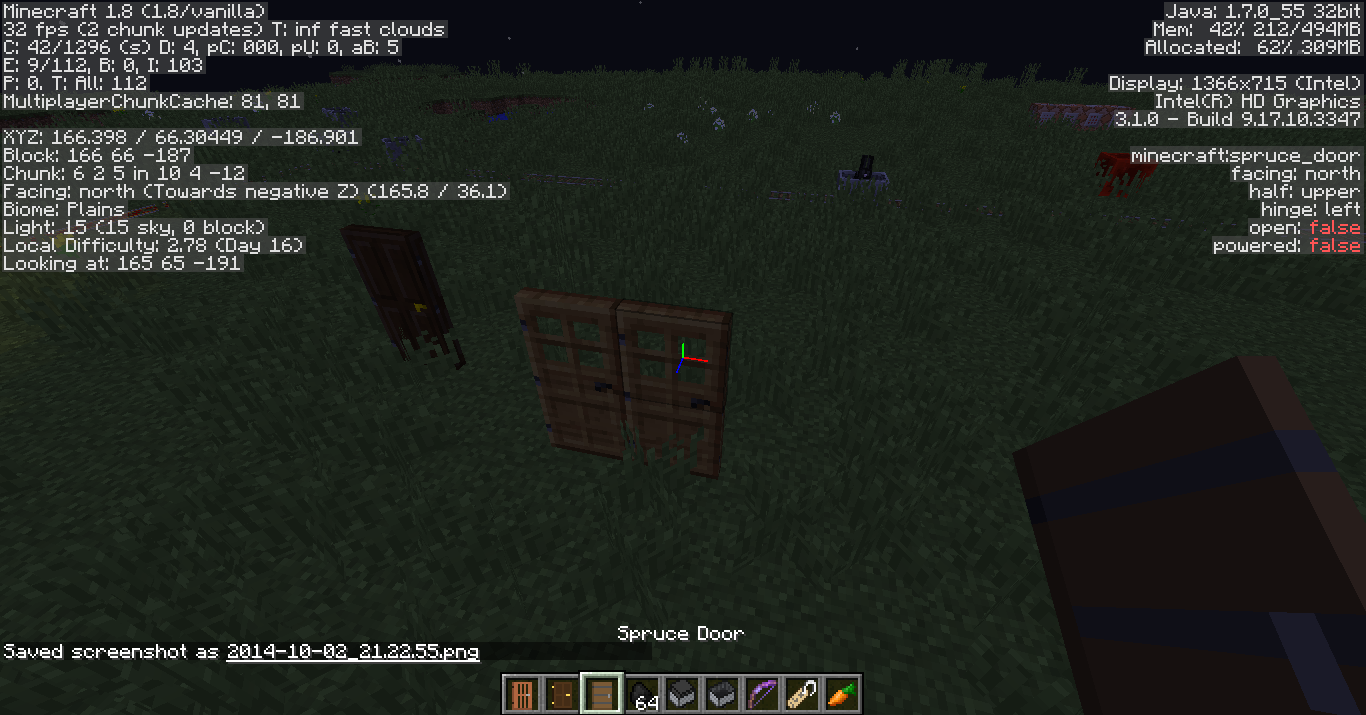
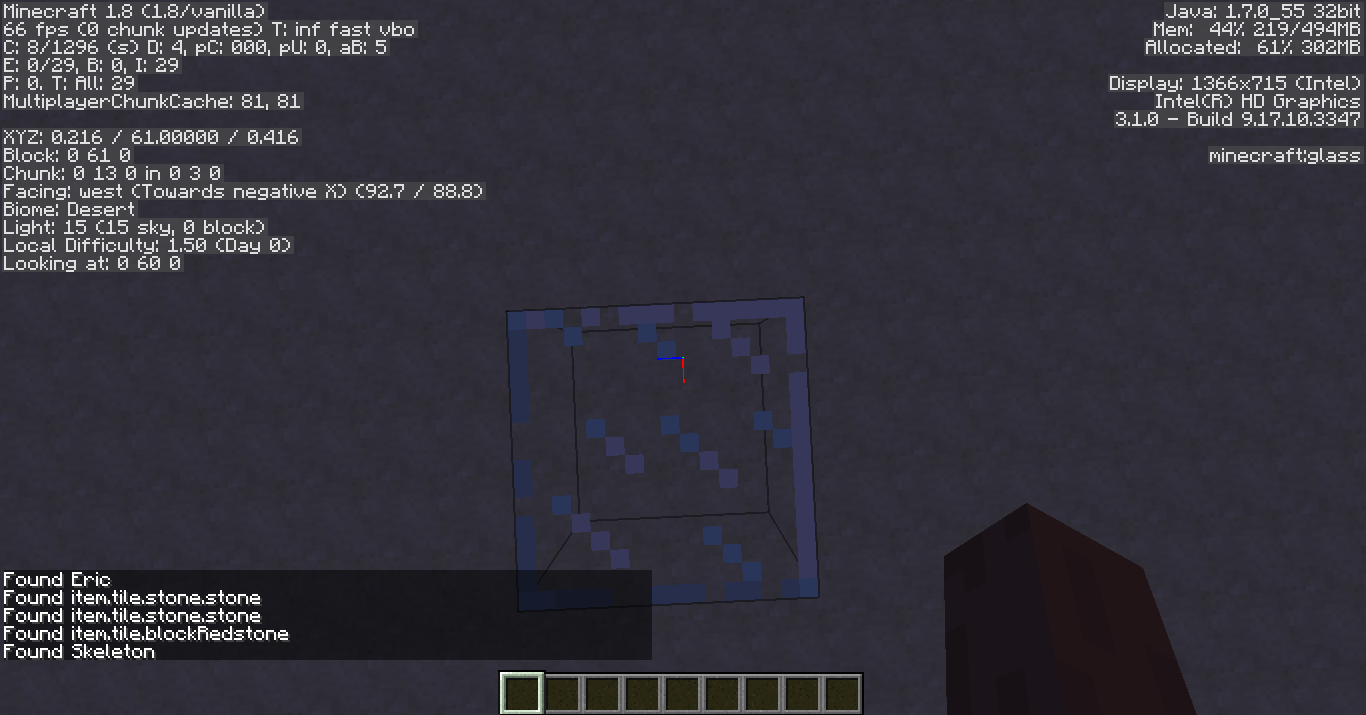
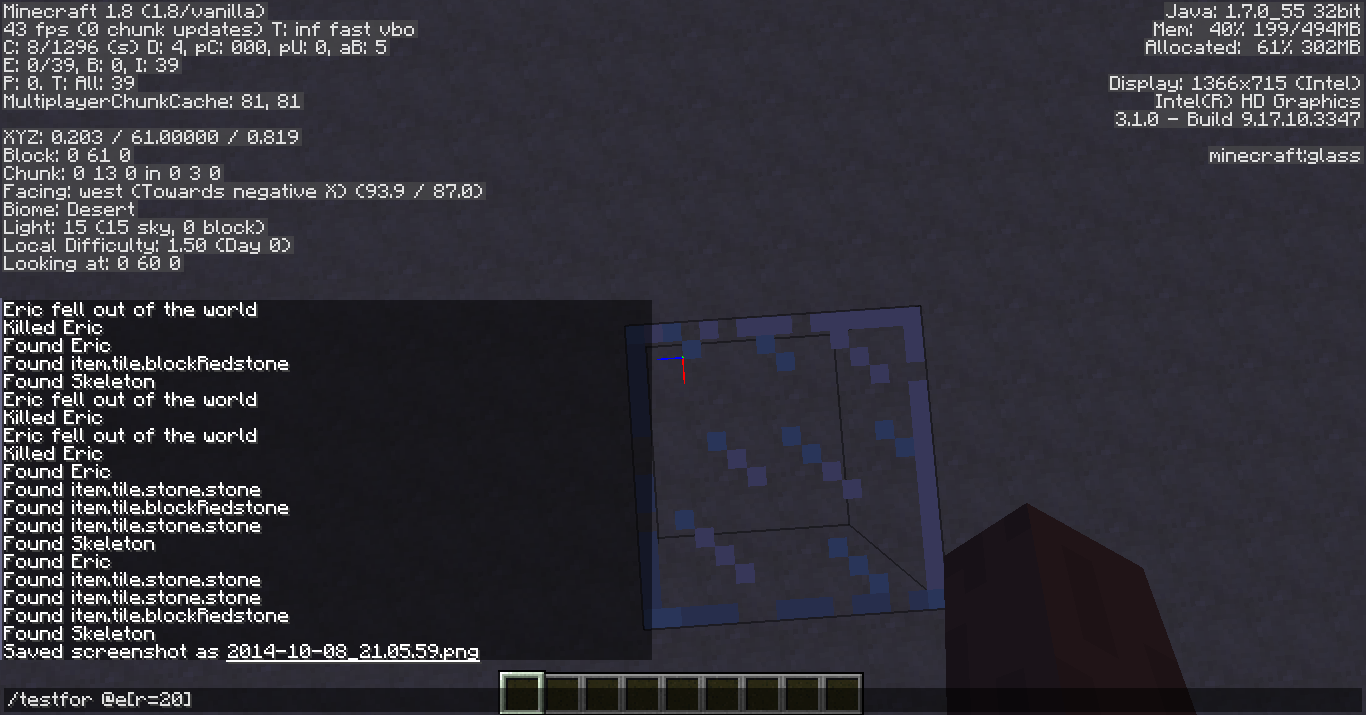
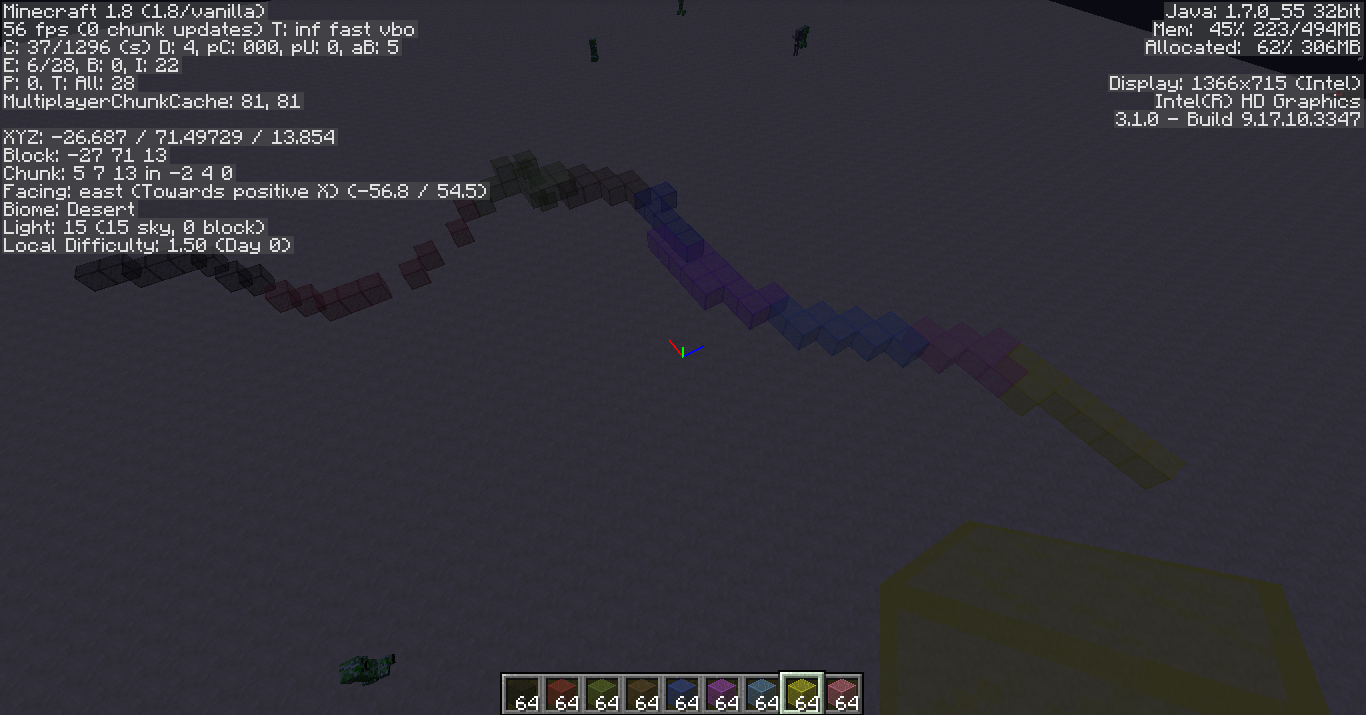

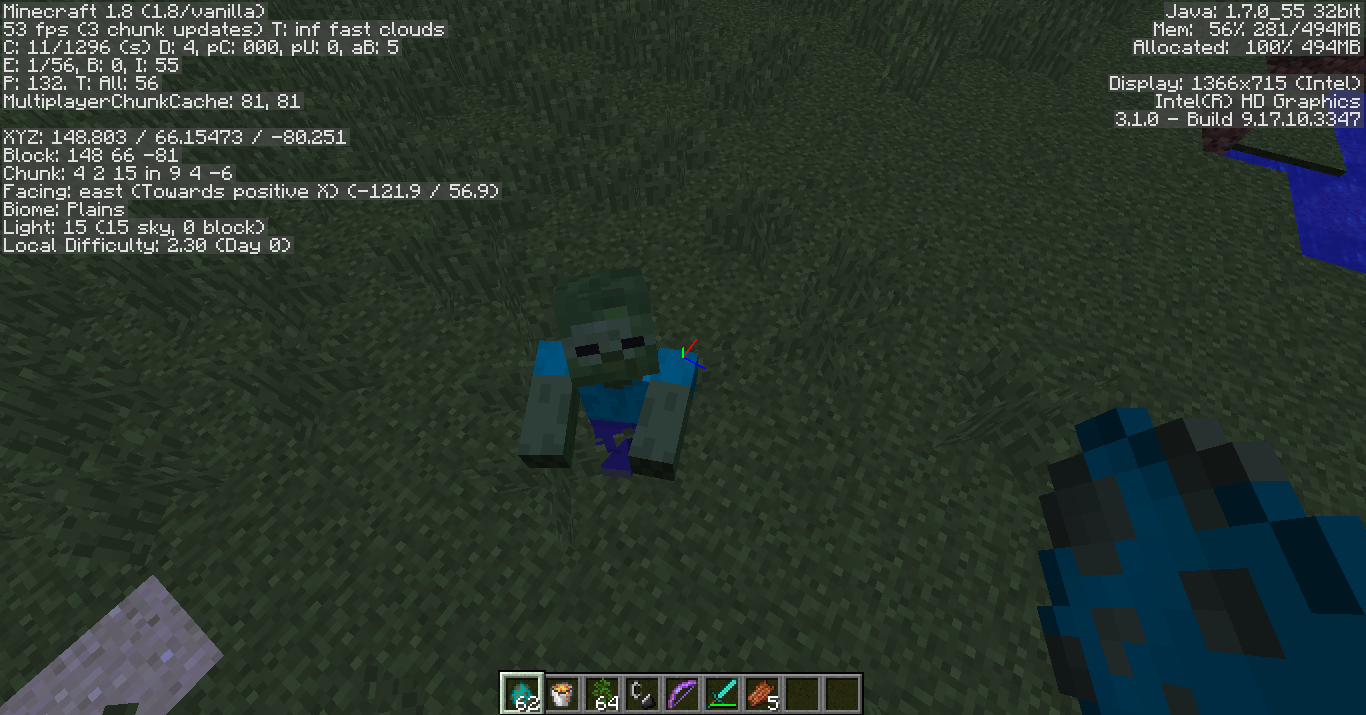


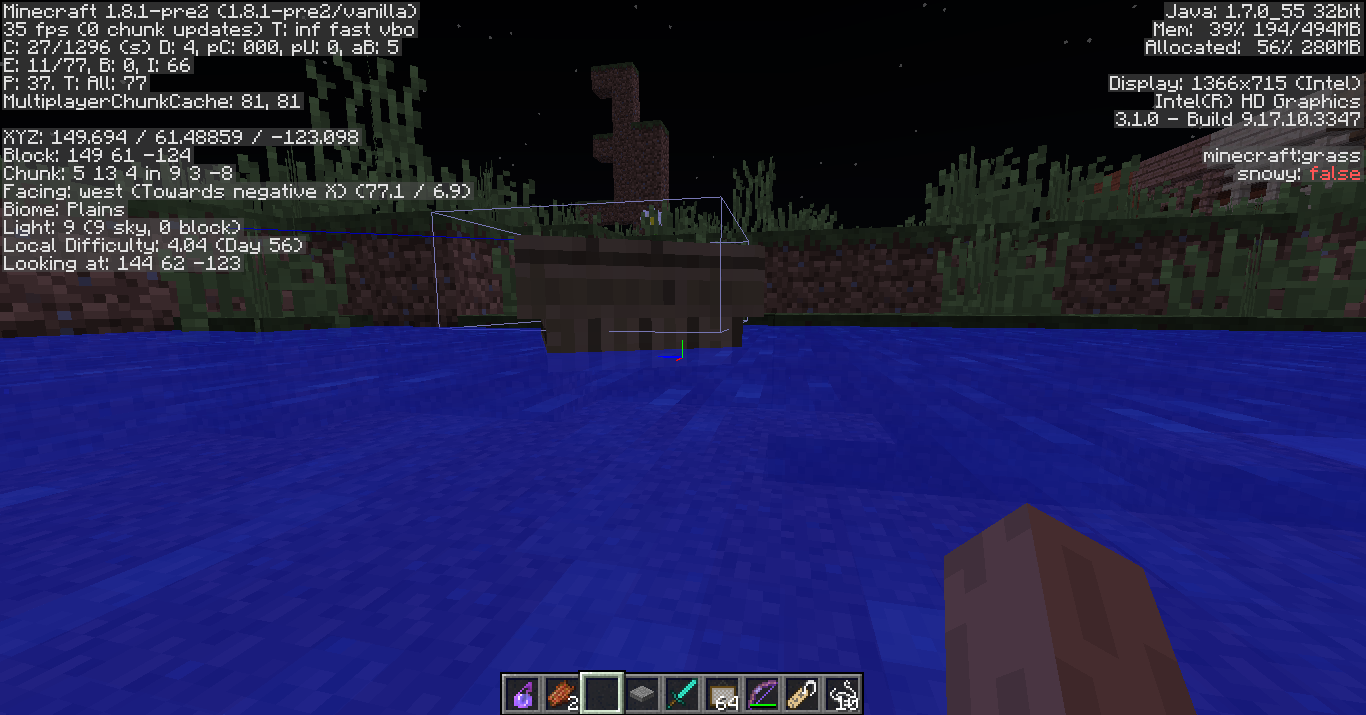
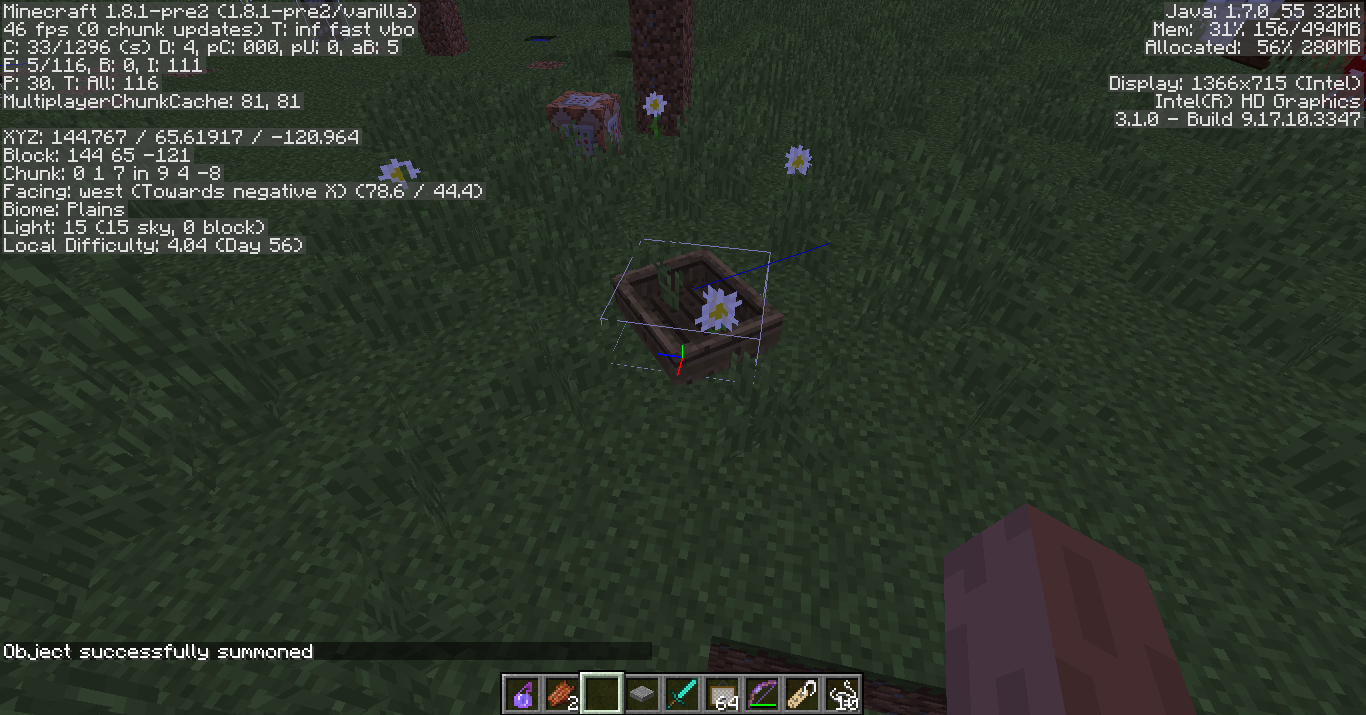
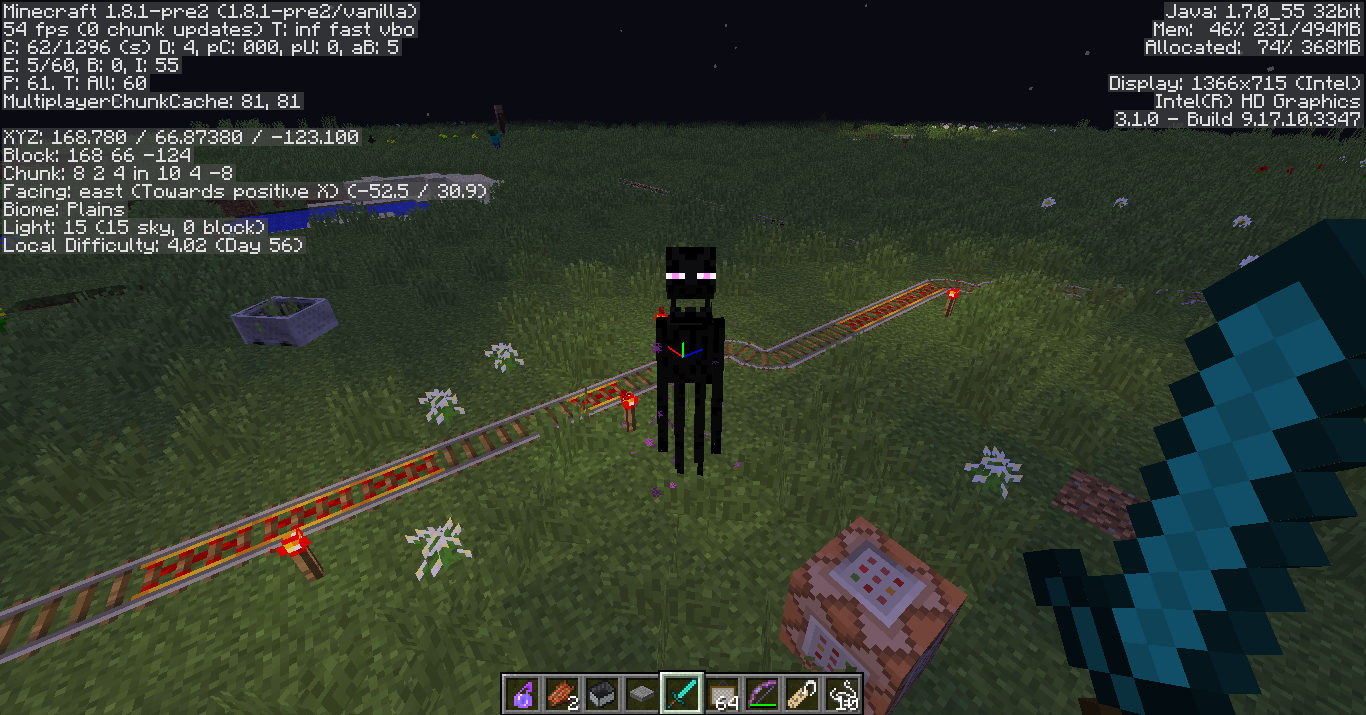
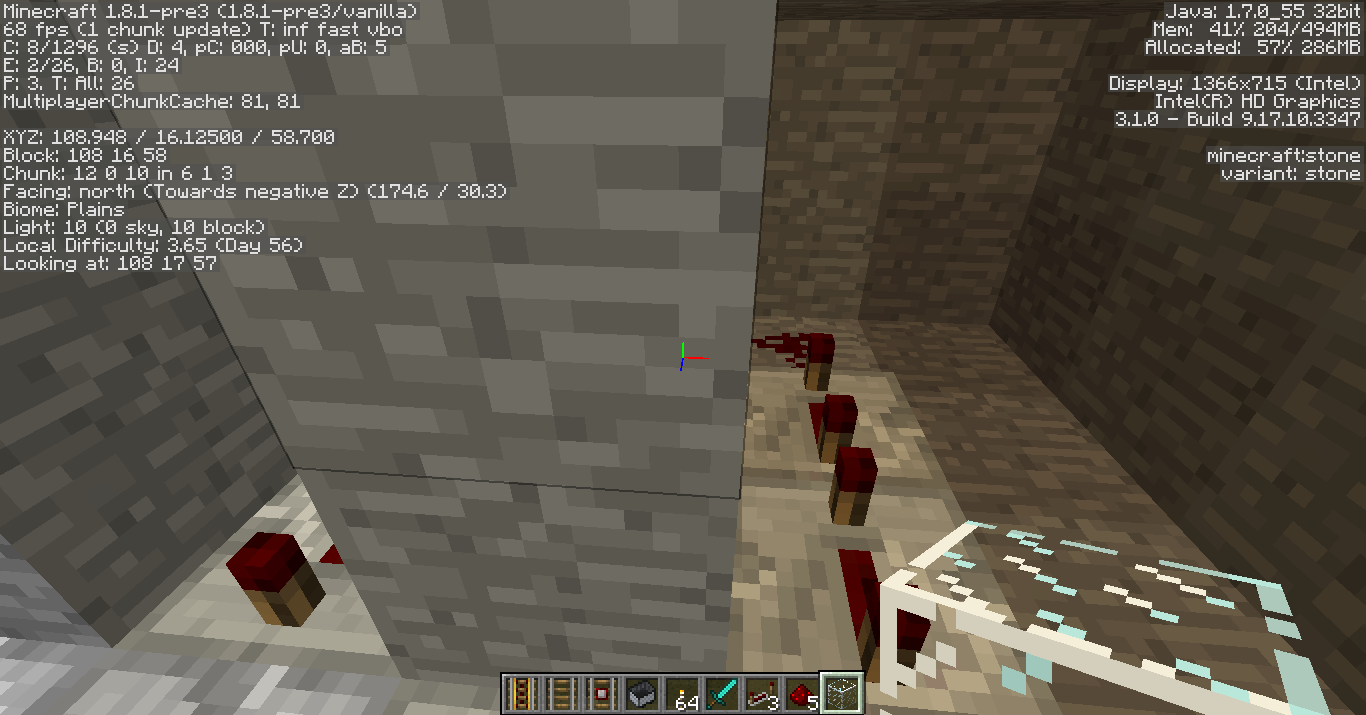
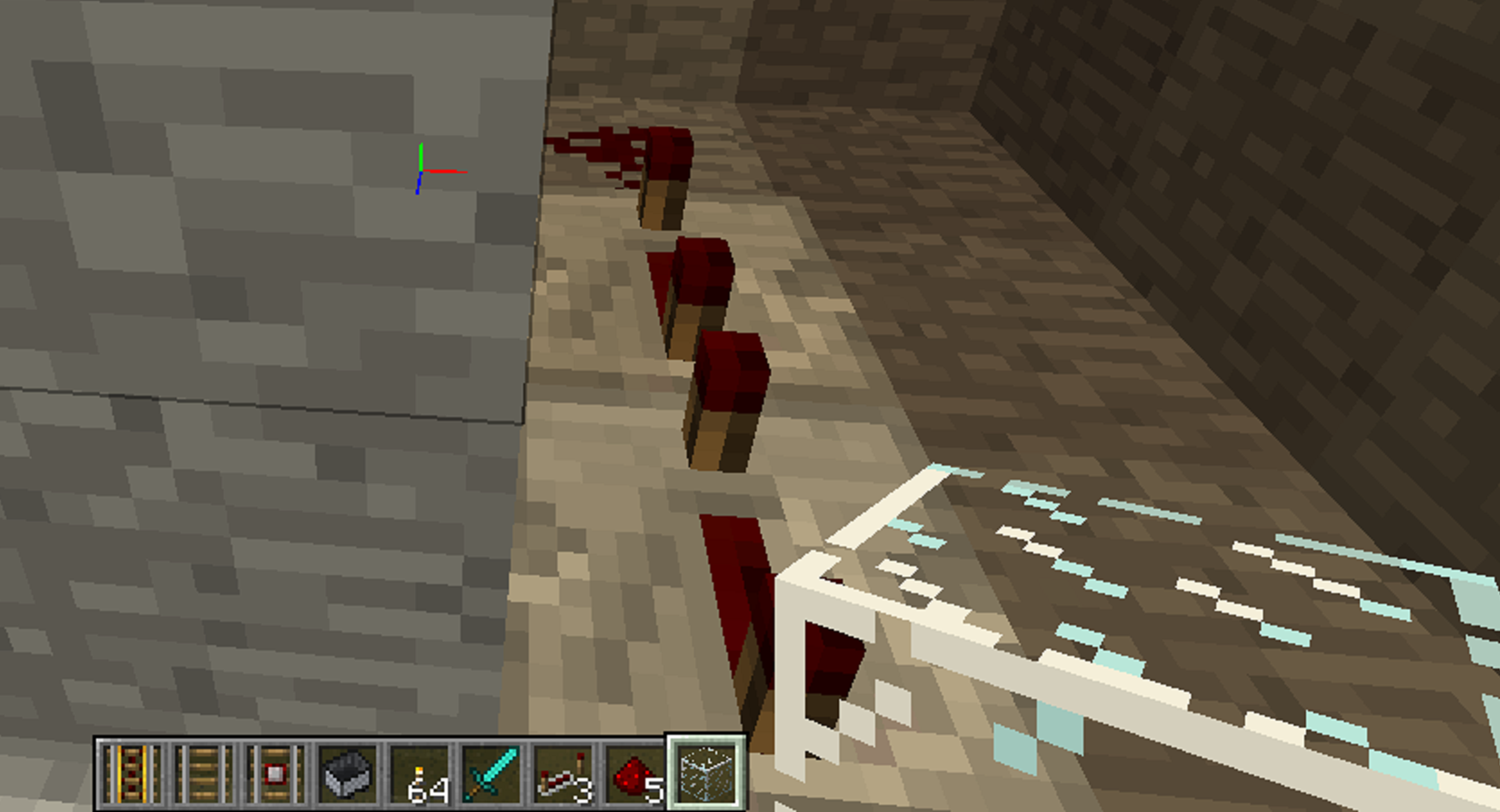
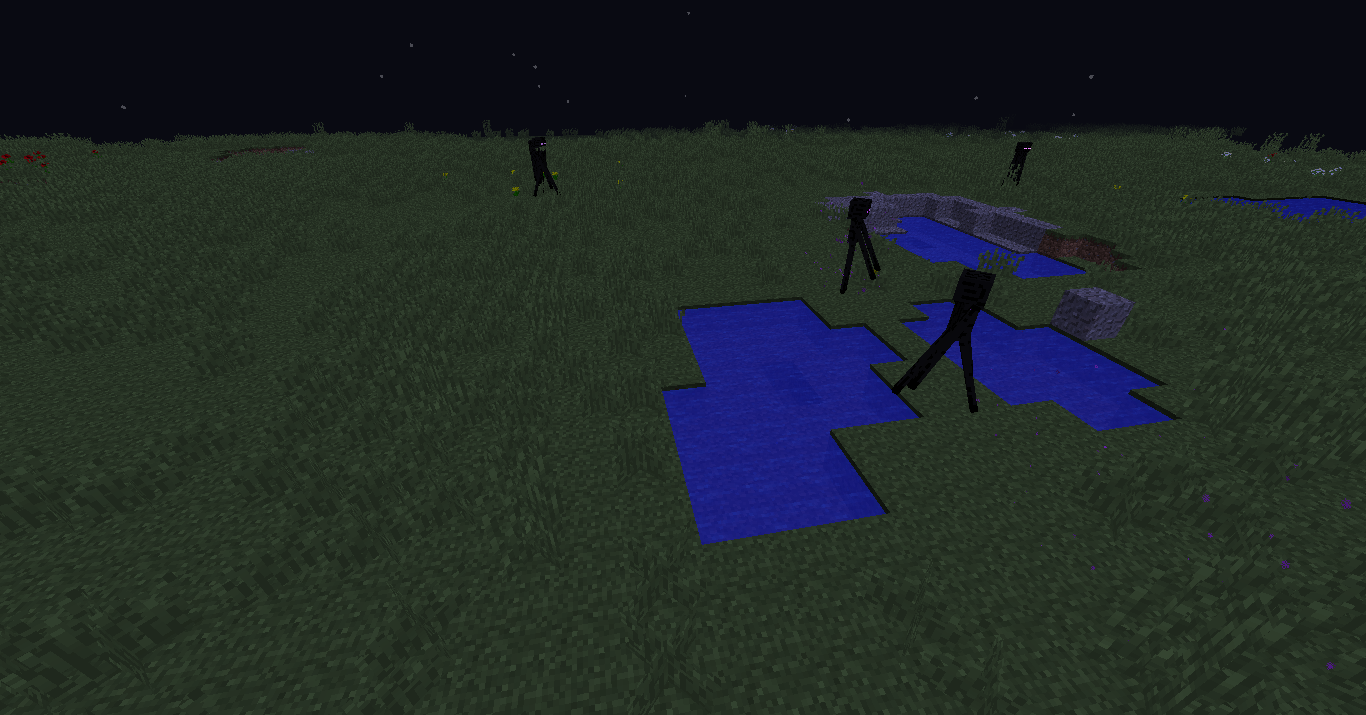
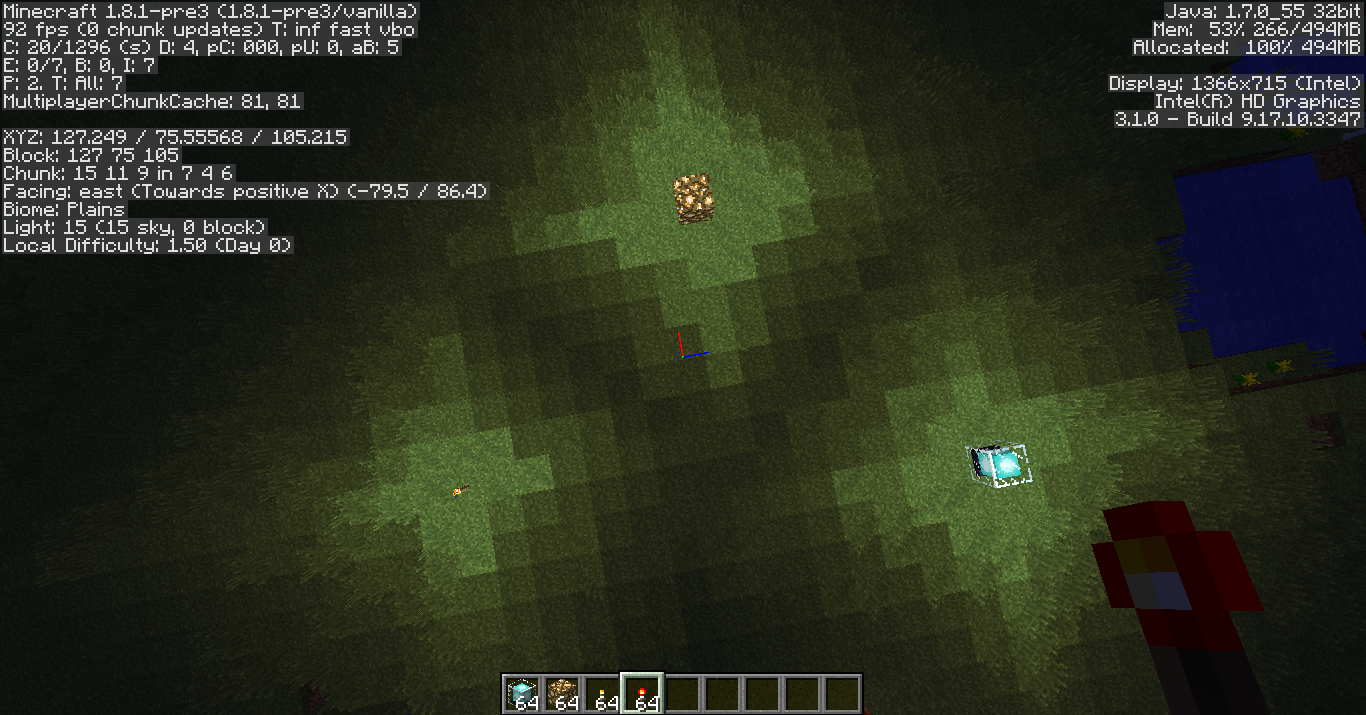
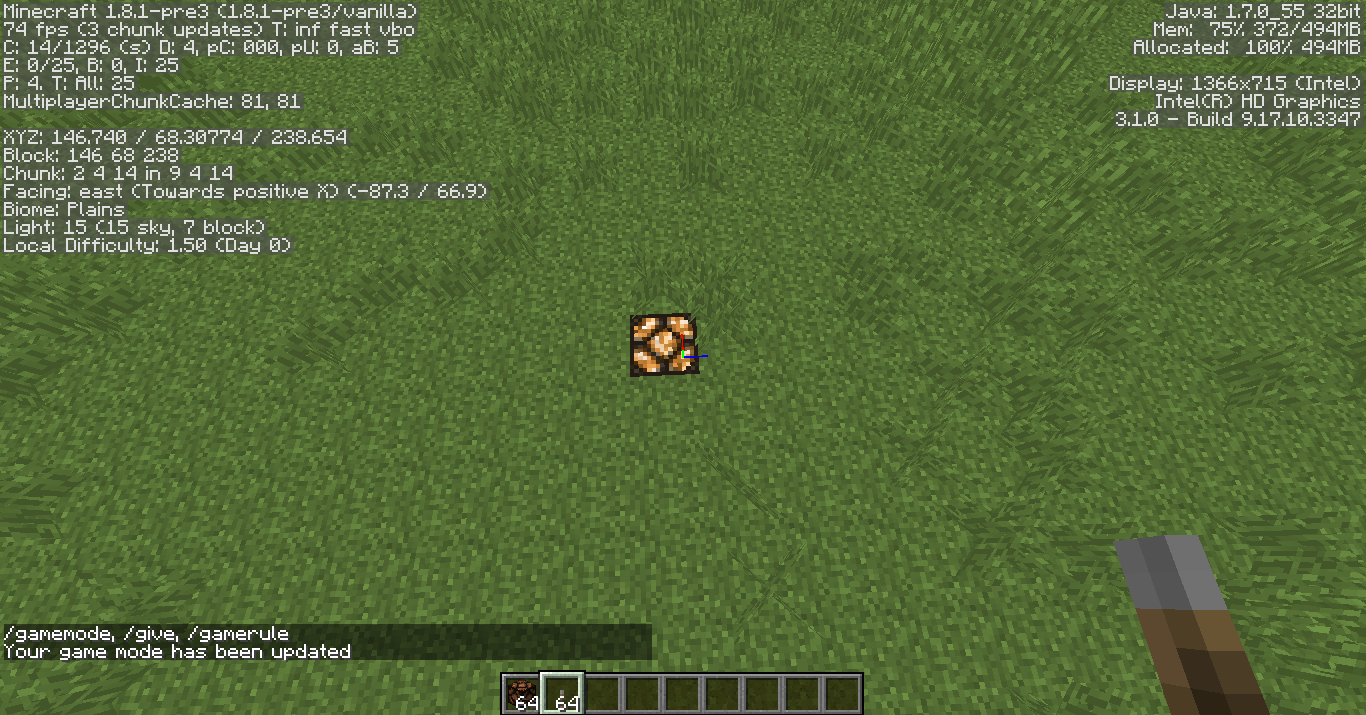
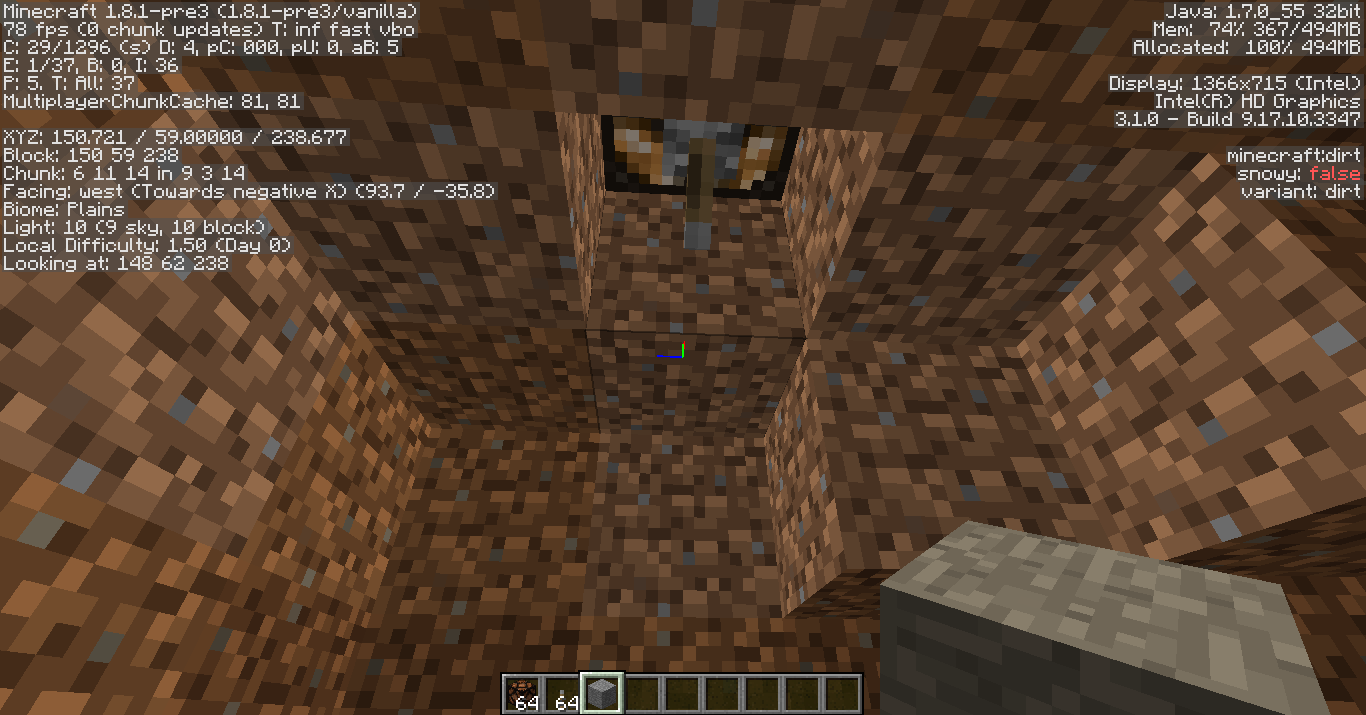
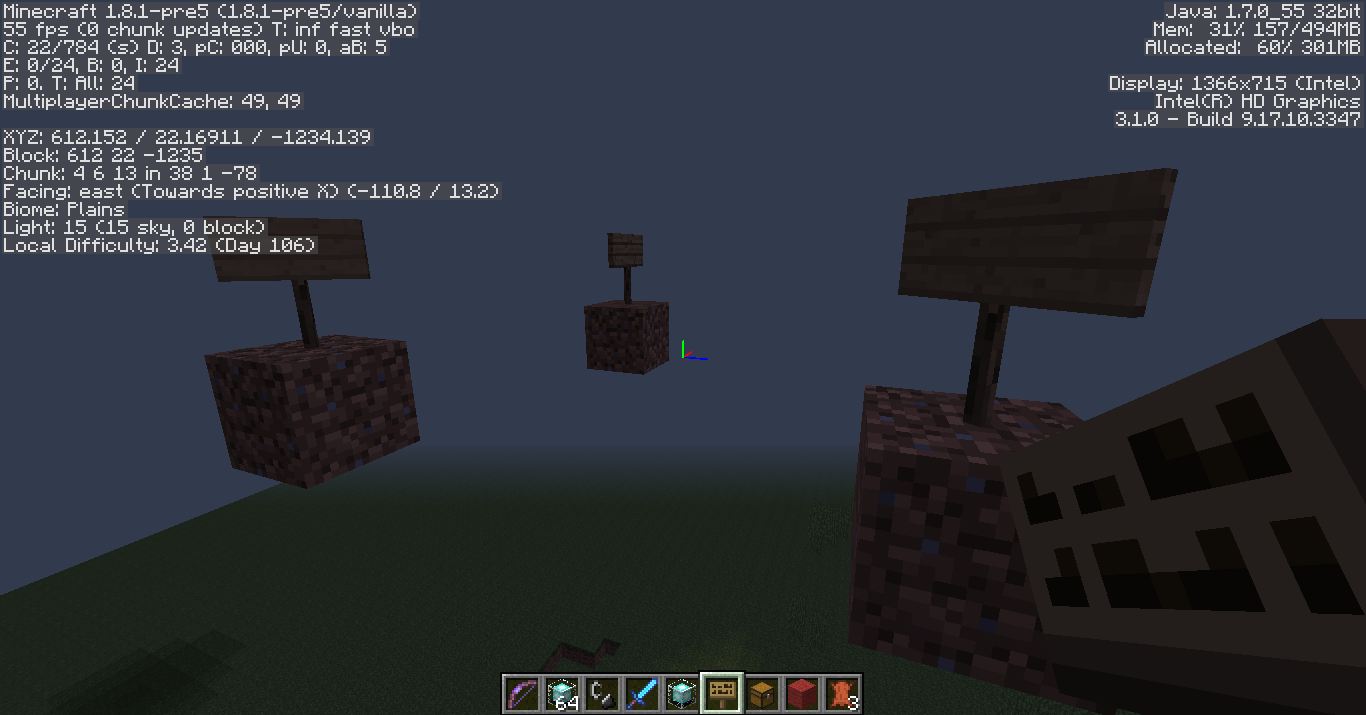
2014-07-08_11.20.22.png
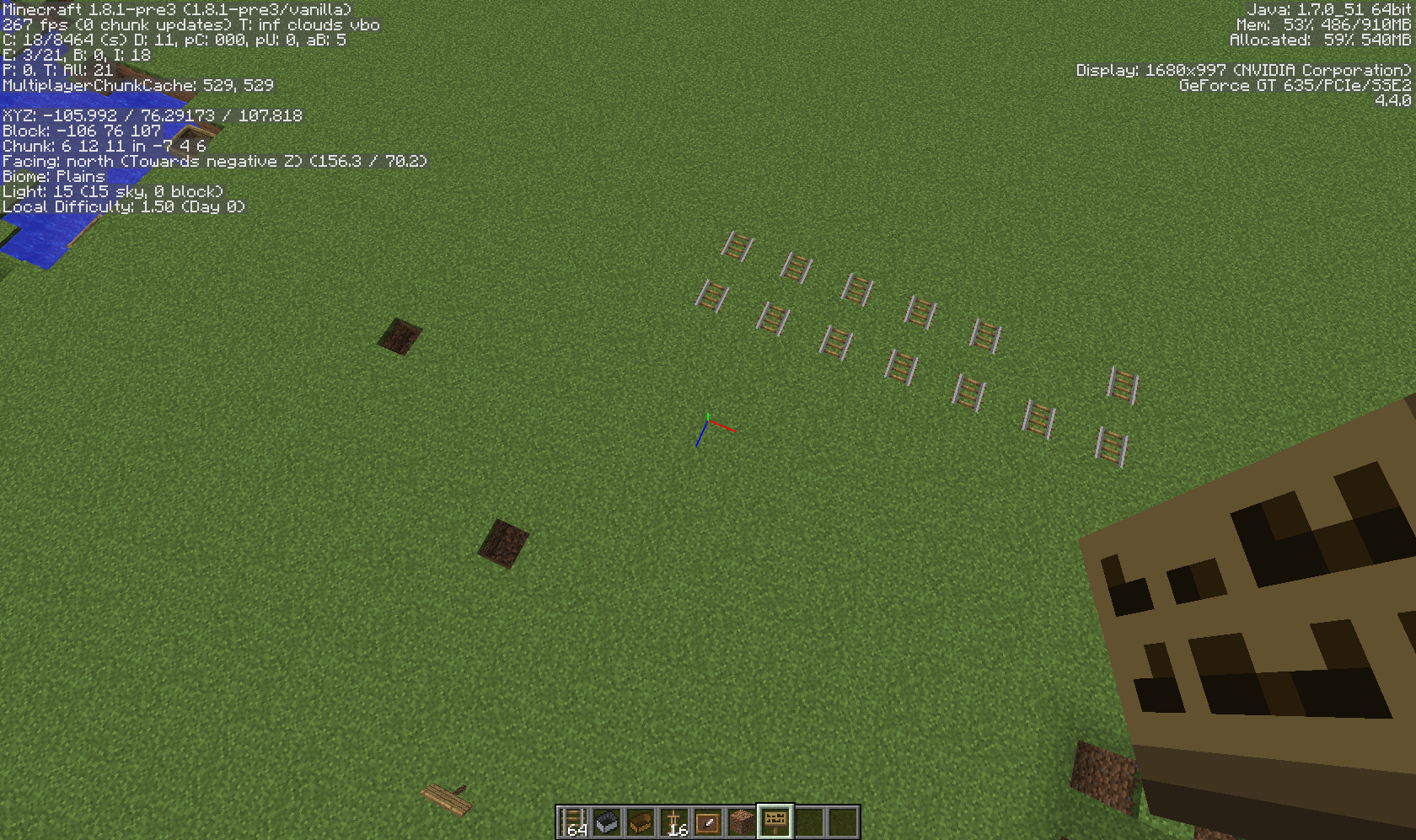
To reproduce: Make a long minecart track with powered rails at the beginning, then ride the minecart down the track. The minecarts practically don't slow down at all
for many blocks.
Occupied Minecarts deceleratevery slowlyon regular railsOccupied Minecarts don't decelerate on regular rails
To reproduce: Make a long minecart track with powered rails at the beginning, then ride the minecart down the track. The minecarts practically don't slow down at all.
In the screenshot:
To reproduce: Make a long minecart track with powered rails at the beginning, then ride the minecart down the track. The minecarts practically don't slow down at all.
In the screenshot:
To reproduce: Make a long minecart track with powered rails at the beginning, then ride the minecart down the track. The minecarts practically don't slow down at all.
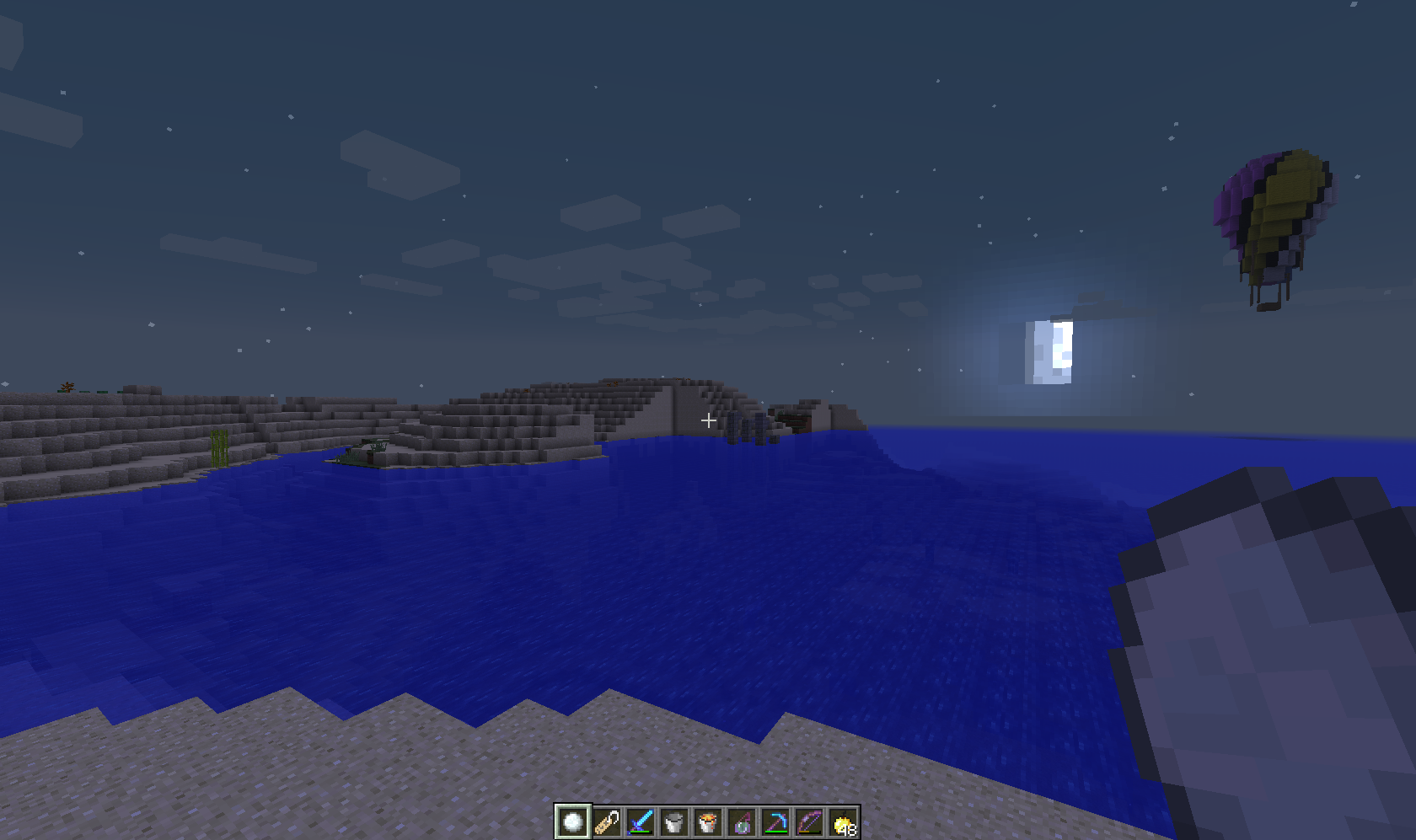
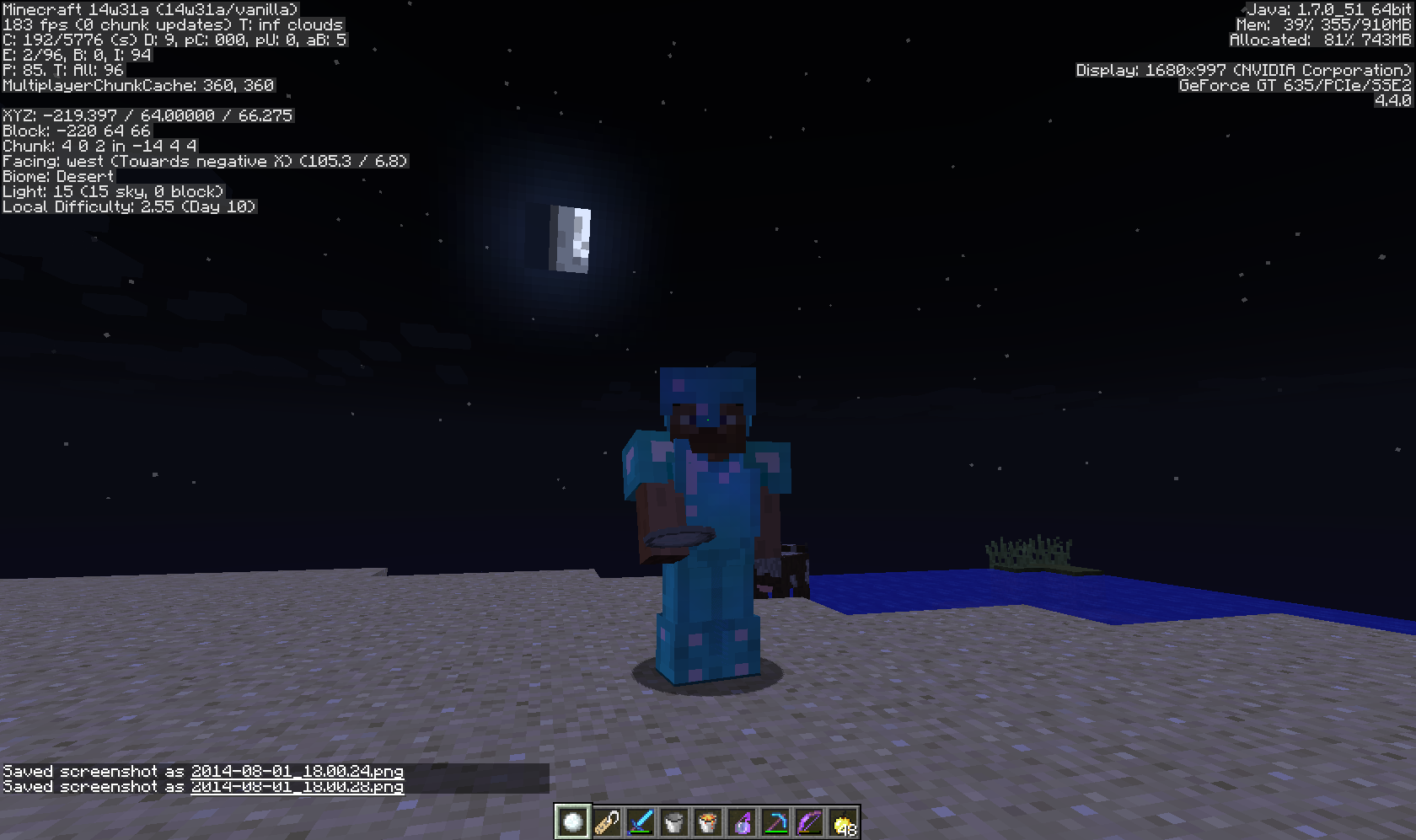
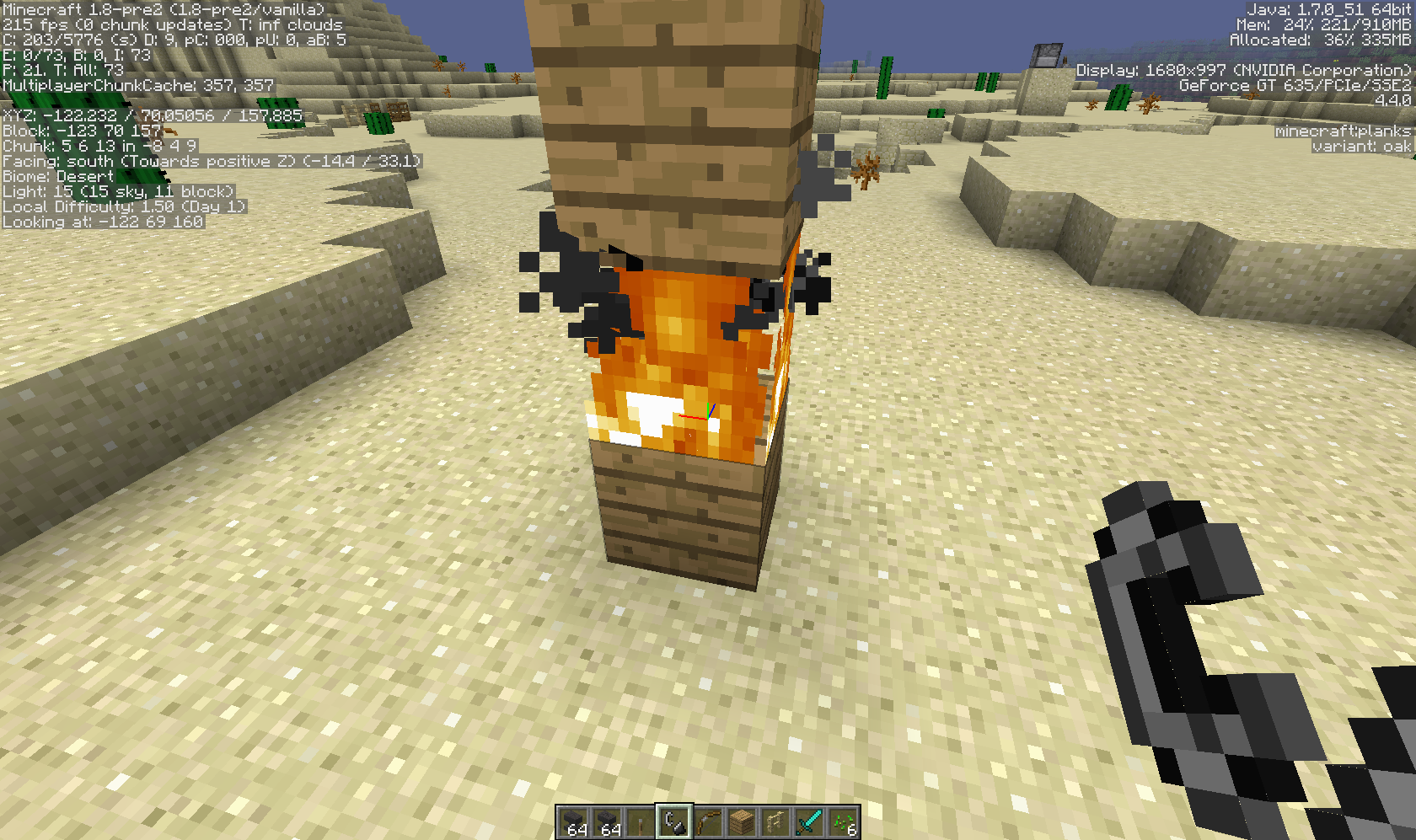
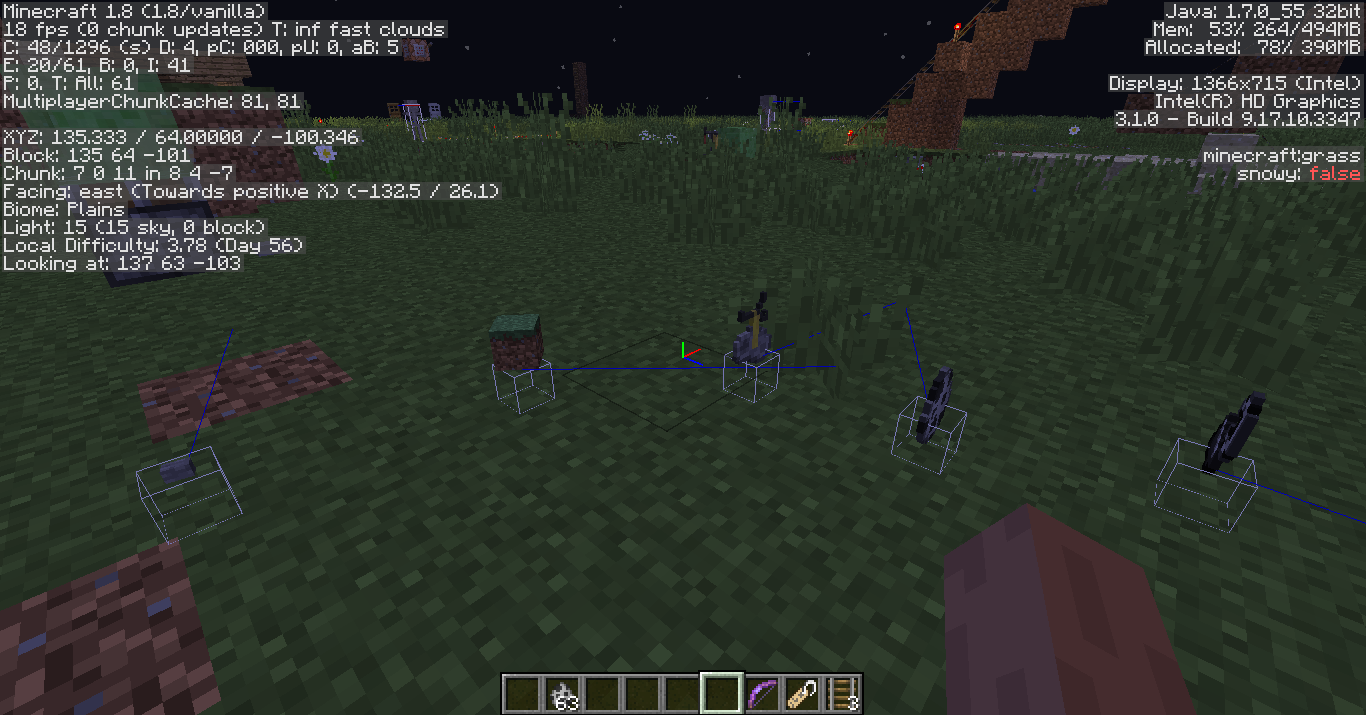
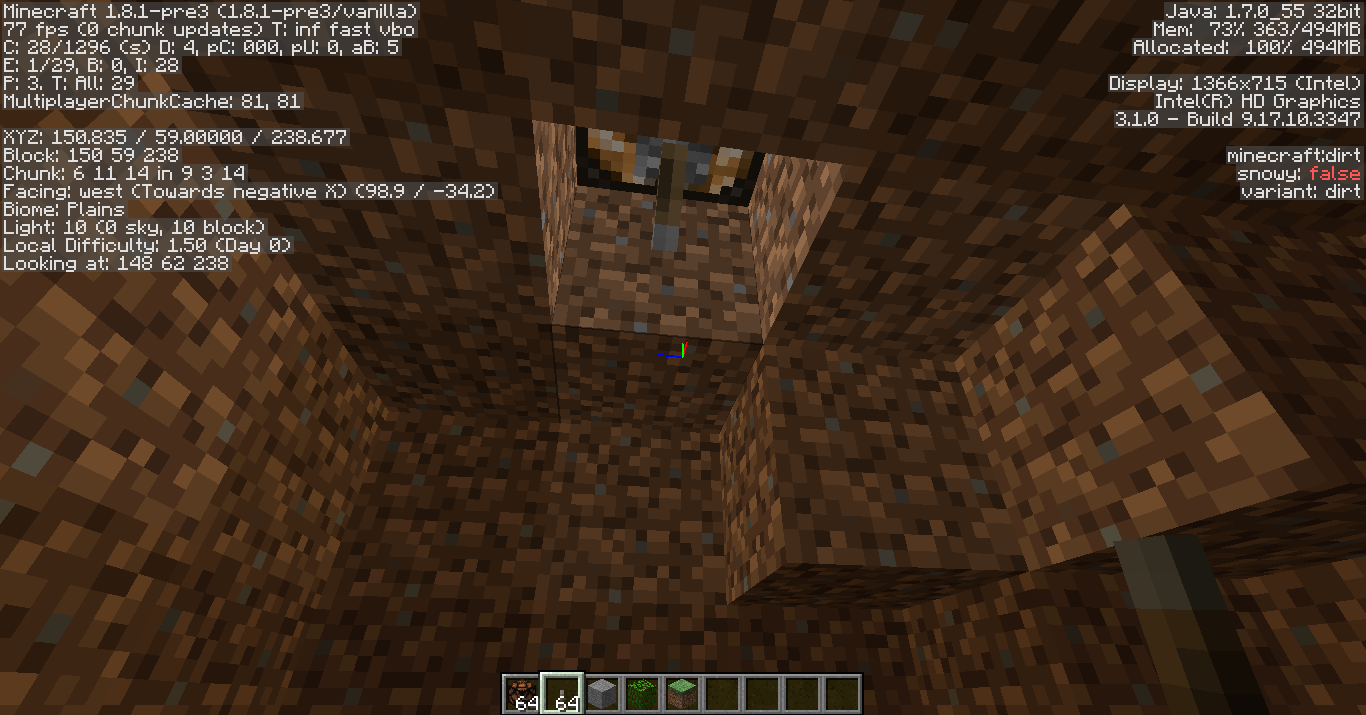
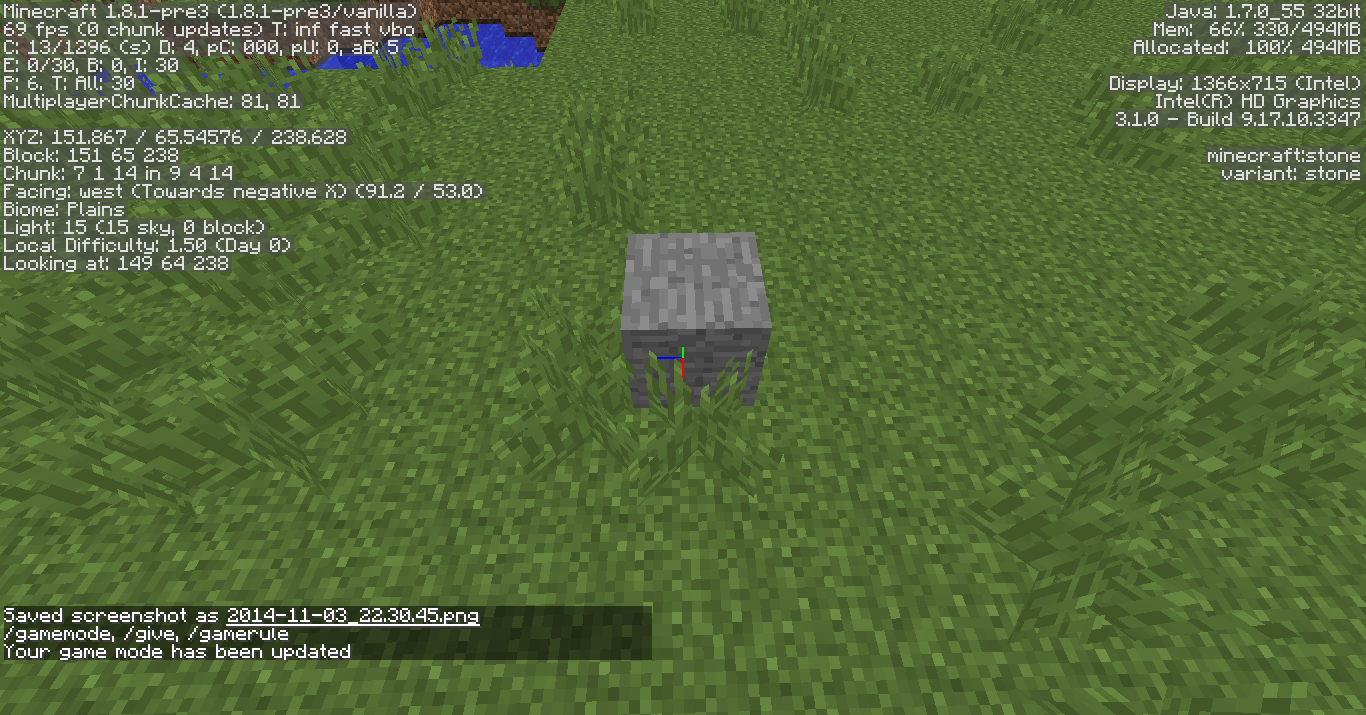
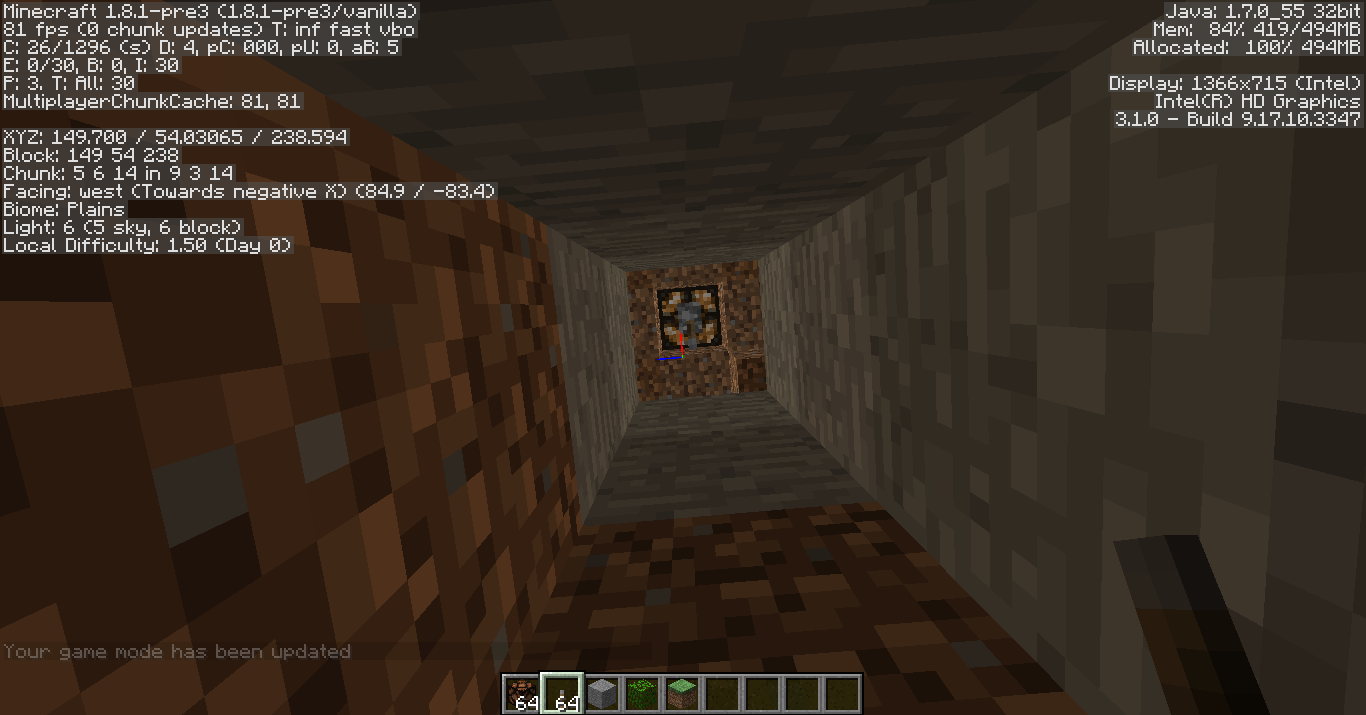
In the screenshot: An empty minecart stopped at the place where the glowstone and minecart are in the picture, while a minecart that the player (or a mob) is riding made it all the way to the end at much the same speed.
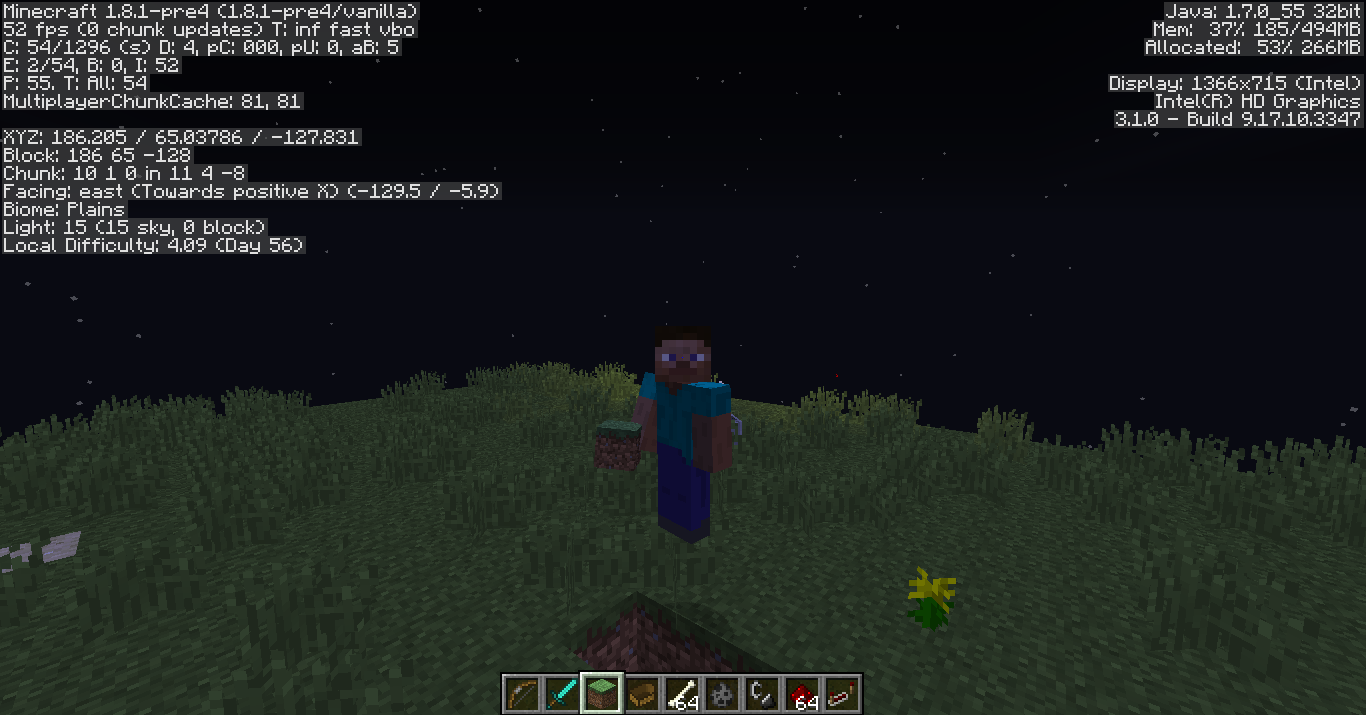
@Pierre Walden: 3rd person view of myself.
Entering or breaking a Minecart will briefly play the minecart riding sound.
Invulnerable mobs are invulnerable to everything except for players in Creative Mode, which is intended. (Otherwise how would you kill them?)
Search Query: Lightning Damage, Lightning Fire, Lightning Strike
Should be irrelevant
After Lightning strikes and deals damage to mobs/players, after 1/2 a second it often does damage to mobs/players again, dealing a total of 10 damage (5 hearts) of damage, instead of 5 damage (2.5 hearts) as stated on the wiki.
http://minecraft.gamepedia.com/Thunderstorm#LightningThis is probably caused by the fact that lightning tries to do damage every tick, and since mobs/players have a "damage immunity" of 1/2 second (when the mob turns red after taking damage), the lightning
damaged the mob right after the immunity ended.
http://minecraft.gamepedia.com/Damage#Damage_immunityAfter Lightning strikes and deals damage to mobs/players, after 1/2 a second it often does damage to mobs/players again, dealing a total of 10 damage (5 hearts) of damage, instead of 5 damage (2.5 hearts) as stated on the wiki.
http://minecraft.gamepedia.com/Thunderstorm#LightningThis is probably caused by the fact that lightning tries to do damage every tick, and since mobs/players have a "damage immunity" of 1/2 second (when the mob turns red after taking damage), and the lightning lasted longer than a 1/2 second, the lightning damaged the mob again.
http://minecraft.gamepedia.com/Damage#Damage_immunity
After Lightning strikes and deals damage to mobs/players, after 1/2 a second it often does damage to mobs/players again, dealing a total of 10 damage (5 hearts) of damage, instead of 5 damage (2.5 hearts) as stated on the wiki.
http://minecraft.gamepedia.com/Thunderstorm#LightningThis is probably
caused by the fact thatlightningtries to do damage every tick,and since mobs/players have a "damage immunity" of 1/2 second (when the mob turns red after taking damage), and the lightning lasted longer thana1/2 second, the lightning damaged the mob again.
http://minecraft.gamepedia.com/Damage#Damage_immunityAfter Lightning strikes and deals damage to mobs/players, after 1/2 a second it often does damage to mobs/players again, dealing a total of 10 damage (5 hearts) of damage, instead of 5 damage (2.5 hearts) as stated on the wiki.
http://minecraft.gamepedia.com/Thunderstorm#LightningThis is probably since lightning attempts to do damage every tick; and since mobs/players have a "damage immunity" of 1/2 second (when the mob turns red after taking damage), and the lightning lasted longer than the 1/2 second, the lightning damaged the mob again when its immunity ended.
http://minecraft.gamepedia.com/Damage#Damage_immunity
Lightning Occasionally Deals Damage Twice
Searched: Lightning, Lightning Damage
The bug
After Lightning strikes and deals damage to mobs/players, after 1/2 a second it often does damage to mobs/players again, dealing a total of 10 damage (5 hearts) of damage, instead of 5 damage (2.5 hearts) as stated on the wiki.
This is probably since lightning attempts to do damage every tick; and since mobs/players have a"damage immunity"of 1/2 second (when the mob turns red after taking damage), and the lightning lasted longer than the 1/2 second, the lightning damaged the mob again when its immunity ended.Code analysis
Based on 1.11 decompiled using MCP 9.35 rc1
Lightning bolts have two fields which are important for the following:
- lightningState: Initialized to 2
- boltLivingTime: Initialized to a random integer between 1 and 3 (both inclusive)
Every time a lightning bolt is updated it does the following:
- Reduce lightningState by 1
- If lightningState < 0
- If boltLivingTime: Set dead
- Else if lightningState < random integer between -9 and 0 (both inclusive)
- Reduce boltLivingTime by 1
- Set lightningState to 1
- If lightningState >= 0: Deal damage to entities
This means a lightning bolt can try to deal damage to entities up to 8 times with the last strike being in the 35th tick after the lightning bolt was created. This allows it to deal 20 damage to a player which would kill him.
The bug
Lightning sometimes does damage multiple times, instead of only once (which would be the expected behavior).
To reproduce
*Summon a zombie pigman
*Summon a Lightning bolt nearby with /summon minecraft:lightning_bolt
The pigman will sometimes take damage twice.Code analysis
Based on 1.11 decompiled using MCP 9.35 rc1
Lightning bolts have two fields which are important for the following:
- lightningState: Initialized to 2
- boltLivingTime: Initialized to a random integer between 1 and 3 (both inclusive)
Every time a lightning bolt is updated it does the following:
- Reduce lightningState by 1
- If lightningState < 0
- If boltLivingTime: Set dead
- Else if lightningState < random integer between -9 and 0 (both inclusive)
- Reduce boltLivingTime by 1
- Set lightningState to 1
- If lightningState >= 0: Deal damage to entities
This means a lightning bolt can try to deal damage to entities up to 8 times with the last strike being in the 35th tick after the lightning bolt was created. This allows it to deal 20 damage to a player which would kill him.
The bug
Lightning sometimes does damage multiple times, instead of only once (which would be the expected behavior).
To reproduce
*Summon a zombie pigman
*Summon a Lightning bolt nearby with /summon minecraft:lightning_bolt
The pigman will sometimes take damage twice.Code analysis
Based on 1.11 decompiled using MCP 9.35 rc1
Lightning bolts have two fields which are important for the following:
- lightningState: Initialized to 2
- boltLivingTime: Initialized to a random integer between 1 and 3 (both inclusive)
Every time a lightning bolt is updated it does the following:
- Reduce lightningState by 1
- If lightningState < 0
- If boltLivingTime: Set dead
- Else if lightningState < random integer between -9 and 0 (both inclusive)
- Reduce boltLivingTime by 1
- Set lightningState to 1
- If lightningState >= 0: Deal damage to entities
This means a lightning bolt can try to deal damage to entities up to 8 times with the last strike being in the 35th tick after the lightning bolt was created. This allows it to deal 20 damage to a player which would kill him.
The bug
Lightning sometimes does damage multiple times, instead of only once (which would be the expected behavior).
To reproduce
- Summon a zombie pigman
- Summon a Lightning bolt nearby with /summon minecraft:lightning_bolt
The pigman will sometimes take damage twice.Code analysis
Based on 1.11 decompiled using MCP 9.35 rc1
Lightning bolts have two fields which are important for the following:
- lightningState: Initialized to 2
- boltLivingTime: Initialized to a random integer between 1 and 3 (both inclusive)
Every time a lightning bolt is updated it does the following:
- Reduce lightningState by 1
- If lightningState < 0
- If boltLivingTime: Set dead
- Else if lightningState < random integer between -9 and 0 (both inclusive)
- Reduce boltLivingTime by 1
- Set lightningState to 1
- If lightningState >= 0: Deal damage to entities
This means a lightning bolt can try to deal damage to entities up to 8 times with the last strike being in the 35th tick after the lightning bolt was created. This allows it to deal 20 damage to a player which would kill him.
To reproduce: Give yourself Night Vision (or any other effect) for a short time, and wait till it expires. Upon checking your inventory, you will find that the effect duration is stick at 0:00.
This persists even when you exit the mob camera and switch to another gamemode, and upon relogging you will get the effect again for a random duration (although if you don't spectate a mob it will expire for real). The only way to fix it is to clear the effect using the /effect command. This is especially problematic with Night Vision since the screen will repeatedly flicker on and off.
To reproduce: Give yourself Night Vision (or any other effect) for a short time, and wait till it expires. Upon checking your inventory, you will find that the effect duration is stick at 0:00.
This persists even when you exit the mob camera and switch to another gamemode, and upon relogging you will get the effect again for a random duration (although if you don't spectate a mob it will expire for real). The only way to fix it is to clear the effect using the /effect command. This is especially problematic with Night Vision since the screen will repeatedly flicker on and off.To reproduce: Give yourself Night Vision (or any other effect) for a short time, and wait till it expires. Upon checking your inventory, you will find that the effect duration is stick at 0:00.
The only way to fix this is to clear the effect using the /effect command (relogging just gives you the effect again). This is especially problematic with Night Vision since the screen will repeatedly flicker on and off.
To reproduce: Give yourself Night Vision (or any other effect) for a short time, and wait till
it expires. Upon checking your inventory, you will find that the effect duration is stick at 0:00.The only way to fix this is to clear the effect using the /effect command (relogging just gives you the effect again). This is especially problematic with Night Vision since the screen will repeatedly flicker on and off.
To reproduce: Give yourself Night Vision (or any other effect) for a short time, spectate a mob, and wait till the potion expires. Upon checking your inventory, you will find that the effect duration is stick at 0:00.
The only way to fix this is to clear the effect using the /effect command (relogging just gives you the effect again). This is especially problematic with Night Vision since the screen will repeatedly flicker on and off.
To recreate: Poison yourself (or set yourself on fire) in Survival, then sprint jump. Upon taking damage, you should be knocked downwards.
To recreate: Poison yourself (or set yourself on fire) in Survival, then sprint jump. Upon taking damage, you should be knocked downwards.
This is related to the old (around 1.2.5) bug where drowning did downwards knockback; since that was fixed this seemed inconsistent.
To recreate: Poison yourself (or set yourself on fire) in Survival, then sprint jump. Upon taking damage, you should be knocked downwards.
This isrelated to the old (around 1.2.5) bug where drowning did downwards knockback; since that was fixed this seemed inconsistent.To recreate: Poison yourself (or set yourself on fire) in Survival, then sprint jump. Upon taking damage, you should be knocked downwards.
(If a bug, might be related to the old (around 1.2.5) bug where drowning did downwards knockback).
Poison and Firegivedownwards knockbackPoison and Fire deal downwards knockback to players
Poison, Wither, and Fire damage deal downwards knockback to players
To recreate: Poison yourself (or set yourself on fire) in Survival, then sprint jump. Upon taking damage, you should be knocked downwards.
(If a bug, might be related to the old (around 1.2.5) bug where drowning did downwards knockback).The bug
Taking damage from status effects (poison/wither), fire or cacti will deal vertical knockback to the player, even though no knockback should be expected.
How to reproduce
- Give yourself resistance 5 with /effect @p resistance 30 4 (or /effect give @p resistance 30 4 in 1.13 snapshots) to prevent yourself from dying. Note that this bug is not caused by the Resistance effect and will still occur without it.
- Go into Survival mode
- Apply wither 3 to yourself with /effect @p wither 30 2 true (or /effect give @p wither 30 2 true in 1.13)
- Attempt to jump up a fence, or a block with a bottom half-slab on top
Note that the wither damage will allow you to jump up the 1.5 block height, even though this jump cannot be performed normally. Also note that sometimes taking damage will momentarily "pin" you to the ground and prevent you from jumping at all.
Poison, Wither,andFire damage deal vertical knockback to playersPoison, Wither, Fire and Cacti damage deal vertical knockback to players
The bug
Taking damage from status effects (poison/wither), fire or cacti will deal vertical knockback to the player, even though no knockback should be expected.
How to reproduce
- Give yourself resistance 5 with /effect @p resistance 30 4 (or /effect give @p resistance 30 4 in 1.13 snapshots) to prevent yourself from dying. Note that this bug is not caused by the Resistance effect and will still occur without it.
- Go into Survival mode
- Apply wither 3 to yourself with /effect @p wither 30 2 true (or /effect give @p wither 30 2 true in 1.13)
- Attempt to jump up a fence,
ora block with a bottom half-slab on top
Note that the witherdamage will allow you to jump up the 1.5 block height, even though this jump cannot be performed normally. Also note that sometimes taking damage will momentarily "pin" you to the ground and prevent you from jumping at all.The bug
Taking damage from status effects (poison/wither), fire or cacti will deal vertical knockback to the player, even though no knockback should be expected.
How to reproduce
- Go underwater, and apply Poison to yourself with /effect @p poison (or /effect give @p poison in 1.13 snapshots)
- Change to Survival or Adventure mode
Note how the Poison damage will knock you downwards, hindering you from reaching the surface.
Alternative method
- Go into Survival mode and apply Poison II to yourself
- Attempt to jump up a fence, a block with a bottom half-slab on top or an equivalent height
The poison damage will allow you to jump up the 1.5 block height, even though this jump cannot be performed normally. Also note that sometimes taking damage will momentarily "pin" you to the ground and prevent you from jumping at all.
The bug
Taking damage from status effects (poison/wither), fire or cacti will deal vertical knockback to the player, even though no knockback should be expected.
How to reproduce
- Go underwater, and apply Poison to yourself with /effect @p poison (or /effect give @p poison in 1.13 snapshots)
- Change to Survival or Adventure mode
Note how the Poison damage will knock you downwards, hindering you from reaching the surface.
Alternative method
- Go into Survival mode and apply Poison II to yourself
- Attempt to jump up a fence, a block with a bottom half-slab on top or an equivalent height
The poison damage will allow you to jump up the 1.5 block height, even though this jump cannot be performed normally. Also note that sometimes taking damage will momentarily "pin" you to the ground and prevent you from jumping at all.
The bug
Taking damage from status effects (poison/wither), fire or cacti will deal vertical knockback to the player, even though no knockback should be expected.
How to reproduce
- Go into Survival mode and apply Poison II to yourself
- Attempt to jump up a fence, a block with a bottom half-slab on top or an equivalent height
The poison damage will allow you to jump up the 1.5 block height, even though this jump cannot be performed normally. Also note that sometimes taking damage will momentarily "pin" you to the ground and prevent you from jumping at all.
@Sonic: The Invisible tag only works on Armor Stands (similar to NoGravity).
http://minecraft.gamepedia.com/Armor_Stand#Usage
Summon an Ender Dragon and attempt to melee attack it. The dragon will take no damage whatsoever regardless of weapon/enchantments/potion effects.
Other mobs still take damage as normal, and projectiles (including snowballs) still work on the Ender Dragon.
This is possibly related to the fix for
MC-65603.
Breaking a Minecart in Creative sometimes destroys blocksbehind itBreaking a Minecart, Boat or Armor Stand in Creative sometimes destroys the block behind it
Sometimes, when you hit a minecart in Creative mode, the block behind it is broken as if the attack phased through the
minecart (it still disappearshowever).Sometimes, when you hit a minecart, boat, or Armor Stand in Creative mode, the block behind it is broken as if the attack phased through the entity. The said entity still disappears as normal.
Sometimes, when you hit a minecart, boat, or Armor Stand in Creative mode, the block behind it is broken as if the attack phased through the entity. The said entity still disappears as normal.
To reproduce: Summon said entities and punch them in Creative (make sure you're not holding a sword). The block behind the entity should occasionally break as well.
Breaking aMinecart, Boat or Armor Standin Creative sometimes destroys the block behind itBreaking an entity that instantly breaks in Creative sometimes destroys the block behind it
Sometimes, when you hit a minecart, boat, or Armor Stand in Creative mode, the block behind it is broken as if the attack phased through the entity. The said entity still disappears as normal.
To reproduce: Summon said entities and punch them in Creative (make sure you're not holding a sword). The block behind the entity should occasionally break as well.
Sometimes, when you hit a minecart, boat, item frame, painting, or Armor Stand in Creative mode, the block behind it is broken as if the attack phased through the entity. The said entity still disappears as normal.
The item frame part is similar to part of the behavior described inMC-58597, though likely of a different cause (you can still interact with it).To reproduce: Summon said entities and punch them in Creative (make sure you're not holding a sword). The block behind the entity should occasionally break as well.
Sometimes, when you hit a minecart, boat, item frame, painting, or Armor Stand in Creative mode, the block behind it is broken as if the attack phased through the entity. The said entity still disappears as normal.
The item frame part is similar to part of the behavior described inMC-58597, though likely of a different cause (you can still interact with it).To reproduce: Summon said entities and punch them in Creative (make sure you're not holding a sword). The block behind the entity should occasionally break as well.
Sometimes, when you hit a minecart, boat, item frame, painting, or Armor Stand in Creative mode, the block behind it is broken as if the attack phased through the entity. The said entity still disappears as normal.
To reproduce: Summon said entities and punch them in Creative (make sure you're not holding a sword). The block behind the entity should occasionally break as well.
Windows 8, 10
Sometimes, when you hit a minecart, boat, item frame, painting, or Armor Stand in Creative mode, the block behind it is broken as if the attack phased through the entity. The said entity still disappears as normal.
To reproduce: Summon said entities and punch them in Creative (make sure you're not holding a sword). The block behind the entity should occasionally break as well.
Code analysis by Marcono1234 in this comment:
The following is based on a decompiled version of Minecraft 1.9 using MCP 9.24 beta.
The reason for this might be that the method net.minecraft.client.Minecraft.sendClickBlockToController(boolean) breaks the block and one tick after that the entity is destroyed.
Sometimes, when you hit a minecart, boat, item frame, painting, or Armor Stand in Creative mode, the block behind it is broken as if the attack phased through the entity. The said entity still disappears as normal.
To reproduce: Summon said entities and punch them in Creative (make sure you're not holding a sword). The block behind the entity should occasionally break as well.
Code analysis by Marcono1234 in this comment:
The following is based on a decompiled version of Minecraft 1.9 using MCP 9.24 beta.
The reason for this might be that the method net.minecraft.client.Minecraft.sendClickBlockToController(boolean) breaks the block and one tick after that the entity is destroyed.
Sometimes, when you hit a minecart, boat, item frame, painting, or Armor Stand in Creative mode, the block behind it is broken as if the attack phased through the entity. The said entity still disappears as normal.
To reproduce: Summon said entities and punch them in Creative (make sure you're not holding a sword). The block behind the entity should occasionally break as well.
Code analysis by Marcono1234 in this comment:
The following is based on a decompiled version of Minecraft 1.9 using MCP 9.24 beta.
The reason for this might be that the method net.minecraft.client.Minecraft.sendClickBlockToController(boolean) breaks the block and one tick after that the entity is destroyed.
This site is for bug reports only, for technical support please use the Mojang Support Center. Also avoid typing the whole description into the title, that is what the description box is for.
My bad
To reproduce:
1) Summon an Ender Dragon.
2) Type/entitydata @e[type=EnderDragon,c=1] {NoAI:1}A very glitchy, rapidly vibrating Ender Dragon should result. This is likely caused by the way that the Ender Dragon turns. Relogging fixes the issue, but the Ender Dragon will be completely straight.
This does not occur with any other mob.To reproduce:
1) Summon an Ender Dragon.
2) Type/entitydata @e[type=EnderDragon,c=1] {NoAI:1}A very glitchy, rapidly vibrating Ender Dragon should result. This is likely caused by the way that the Ender Dragon turns. Logging out and back in fixes the issue, but the Ender Dragon will be completely straight.
This does not occur with any other mob.
To reproduce:
1) Summon an Ender Dragon.
2) Type/entitydata @e[type=EnderDragon,c=1] {NoAI:1}A very glitchy, rapidly vibrating Ender Dragon should result. This is likely caused by the way that the Ender Dragon turns.
Loggingout and back infixes the issue, but the Ender Dragon will be completely straight.This does not occur with any other mob.
To reproduce:
1) Summon an Ender Dragon.
2) Type/entitydata @e[type=EnderDragon,c=1] {NoAI:1}A very glitchy, rapidly vibrating Ender Dragon should result. This is likely caused by the way that the Ender Dragon turns. Relogging fixes the issue, but the Ender Dragon will be completely straight.
This does not occur with any other mob.
This seems to be closely related to my other report,
MC-74114, since once this issue is fixed, the dragon no longer takes damage.
To reproduce:
1) Summon an Ender Dragon.
2) Type/entitydata @e[type=EnderDragon,c=1] {NoAI:1}A very glitchy, rapidly vibrating Ender Dragon should result. This is likely caused by the way that the Ender Dragon turns. Relogging fixes the issue, but the Ender Dragon will be completely straight and always face North.
This does not occur with any other mob.
This seems to be closely related to my other report,
MC-74114, since once this issue is fixed, the dragon no longer takes damage.
To reproduce:
1) Summon an Ender Dragon.
2) Type/entitydata @e[type=EnderDragon,c=1] {NoAI:1}A very glitchy, rapidly vibrating Ender Dragon should result. This is likely caused by the way that the Ender Dragon turns. Relogging fixes the issue, but the Ender Dragon will be completely straight and always face North.
This does not occur with any other mob.
This seems to be closely related to my other report,
MC-74114, since once this issue is fixed by relogging, the dragon no longer takes damage.
Should be irrelevant
/summon EnderDragon ~ ~ ~ {NoAI:1}summons an Ender Dragon that does not take any damage, melee or ranged (projectiles simply pass through it as if it weren't even there).
Compare this to using
/entitydata @e[type=EnderDragon,c=1] {NoAI:1}which causes it to glitch (
MC-74113), but it is able to take damage (until you fix that issue by relogging).
Windows 8, 10
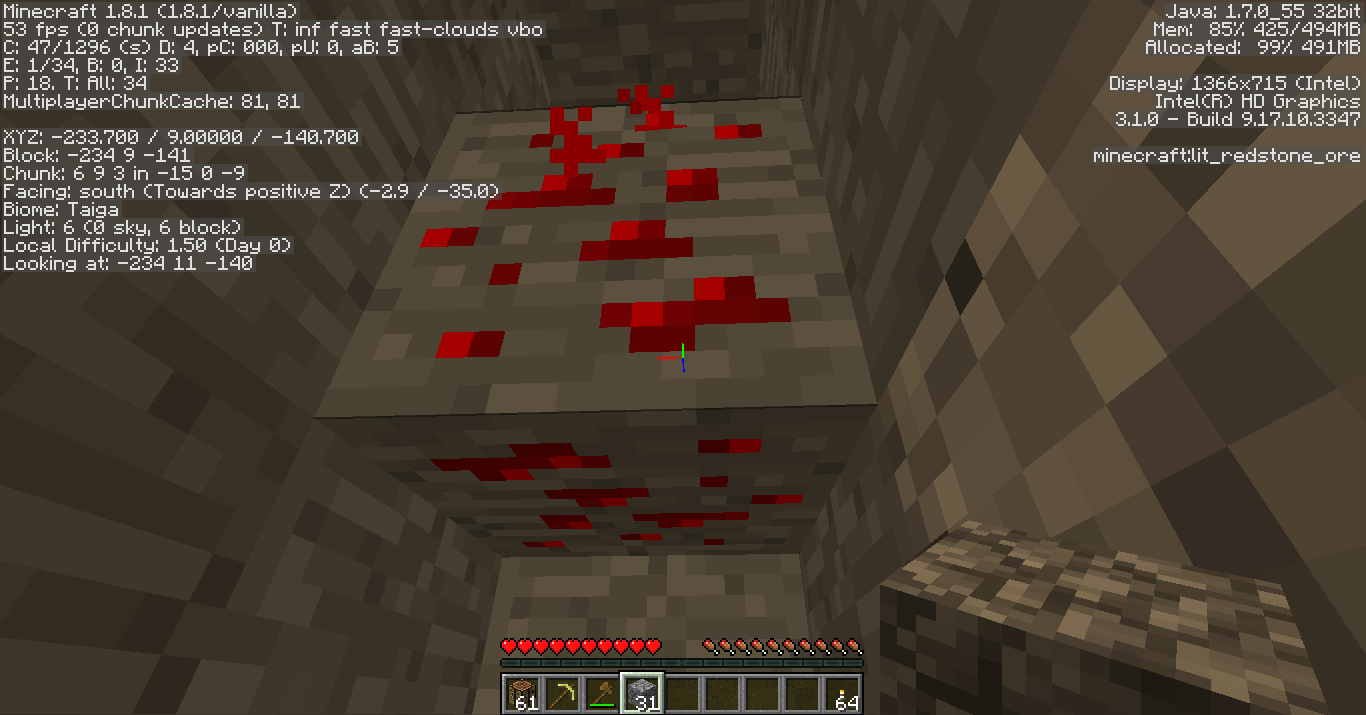
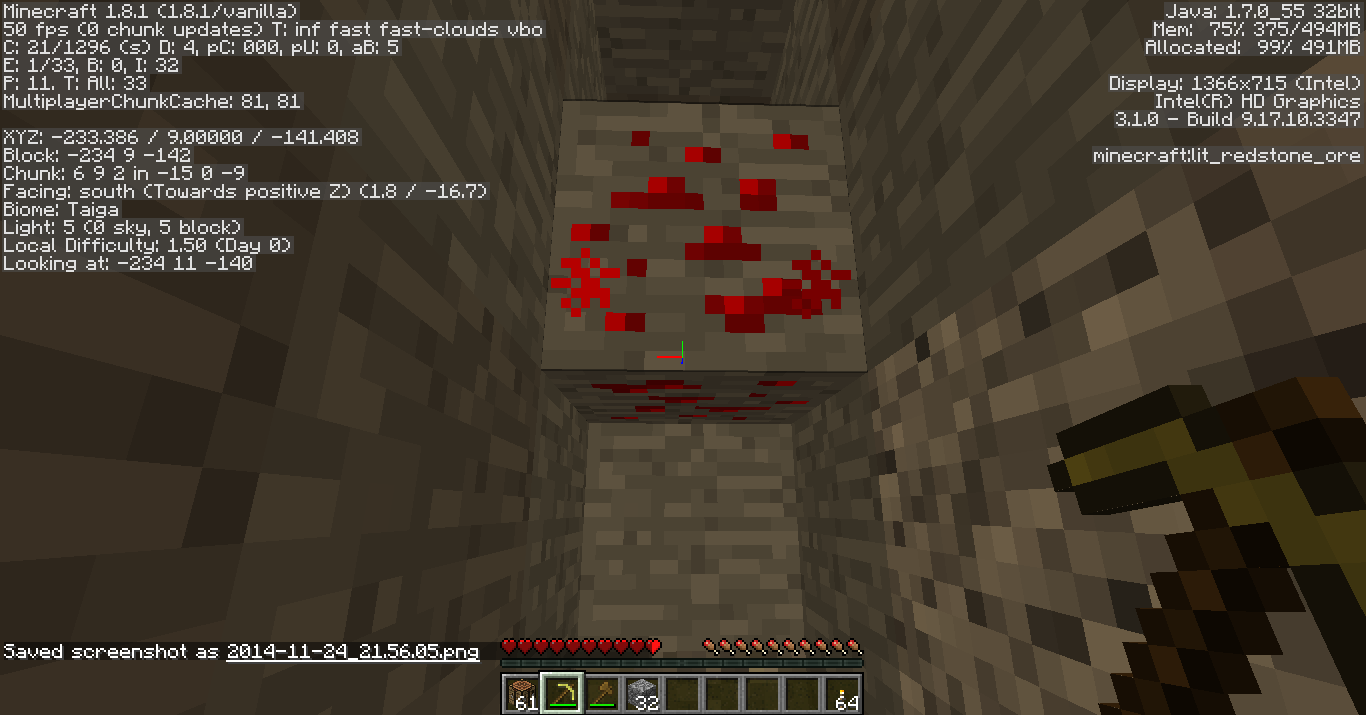
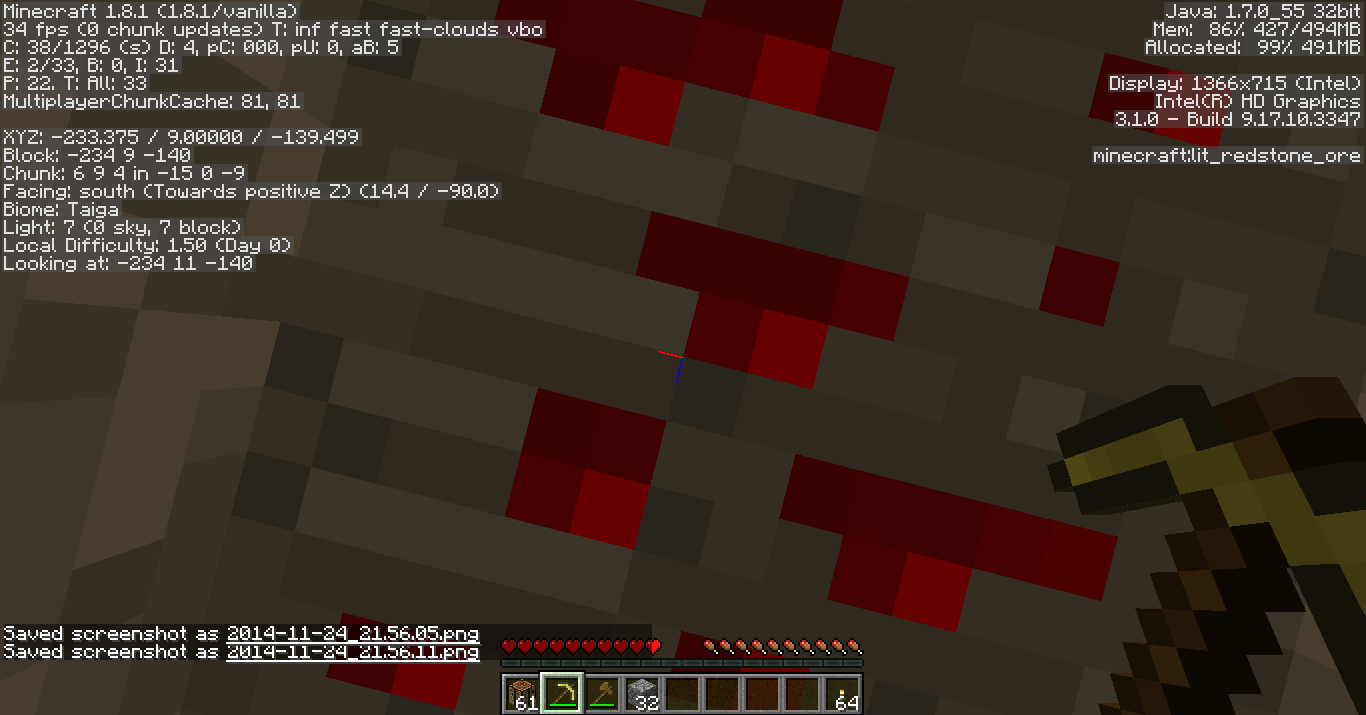
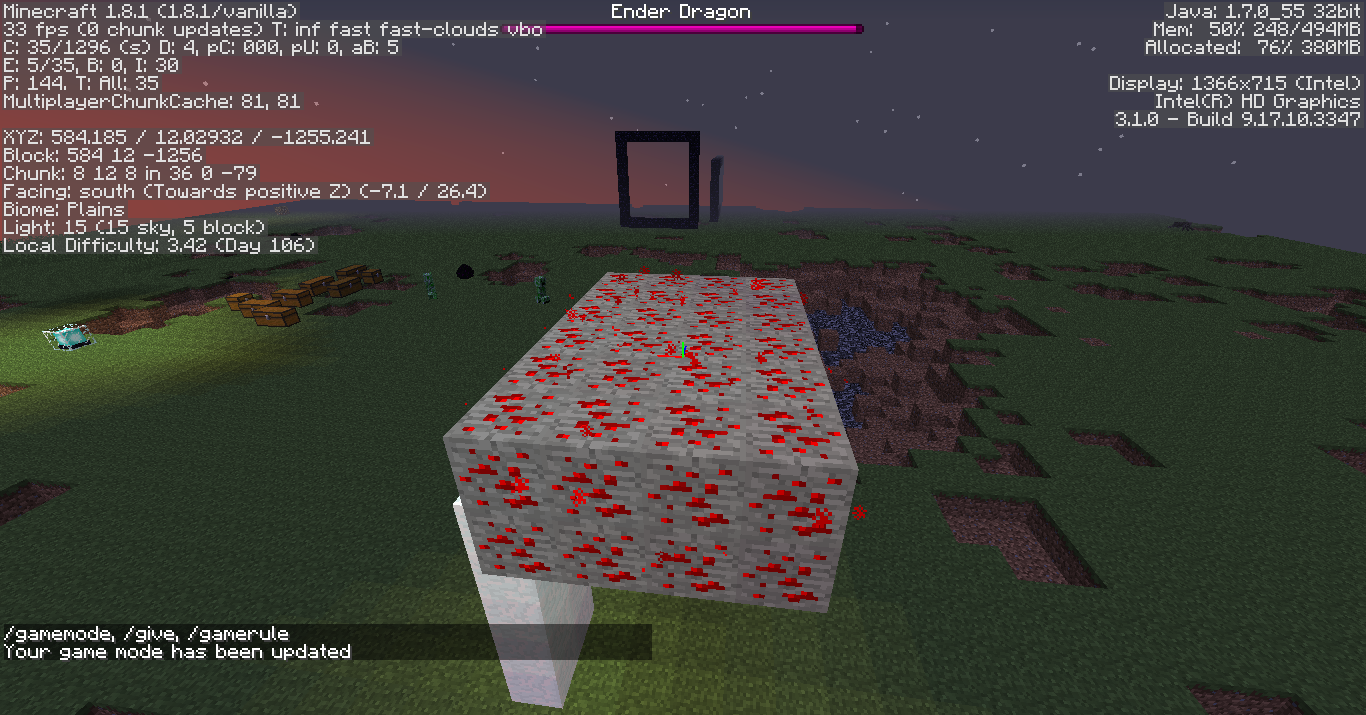
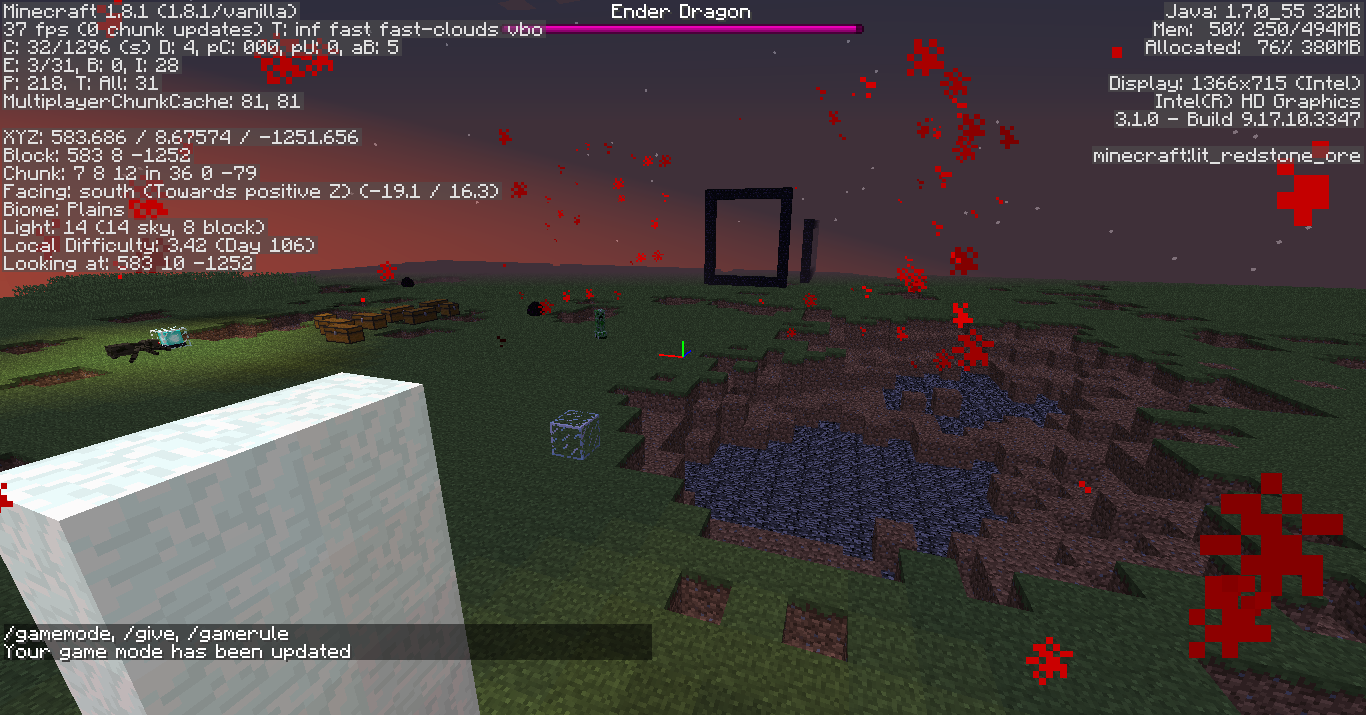
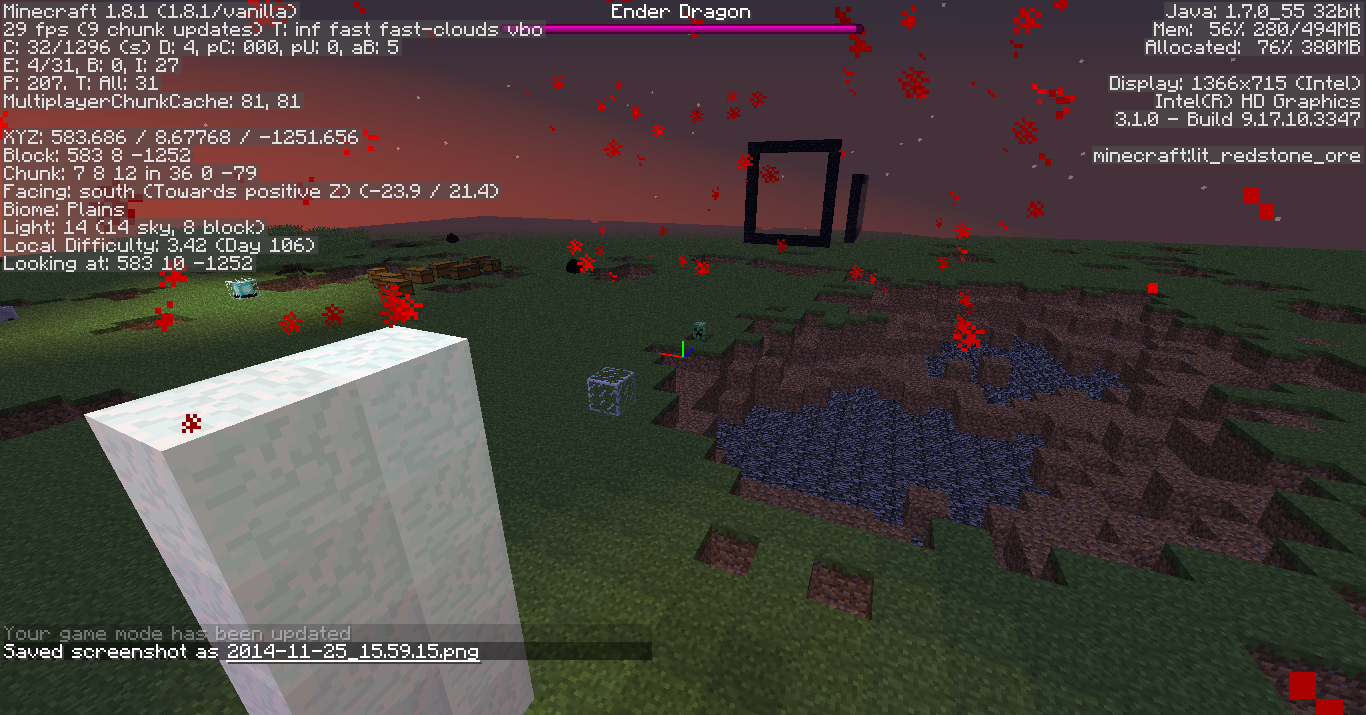
Redstone Ore does not produce particles on bottom side if not at y=0
When
hit, redstone ore produces particles on all sides except for its underside.When activated (by clicking or walking on top of it), redstone ore produces particles on all sides except for its underside.
The bug
When activated (by clicking or walking on top of it), redstone ore not placed at y=0 produces particles on all sides except for its underside. If placed at y=0, particles will appear on the underside of the block as expected
Code analysis
Code analysis by [Mod] Pokechu22 can be found in this Reddit comment .
The bug
When activated (by clicking or walking on top of it), redstone ore not placed at y=0 produces particles on all sides except for its underside. If placed at y=0, particles will appear on the underside of the block as expected.
Code analysis
Code analysis by [Mod] Pokechu22 can be found in this Reddit comment.
Here's the code in BlockRedstoneOre:
private void spawnParticles(World worldIn, BlockPos pos) { Random random = worldIn.rand; double d0 = 0.0625D; for (int i = 0; i < 6; ++i) { double d1 = (double)((float)pos.getX() + random.nextFloat()); double d2 = (double)((float)pos.getY() + random.nextFloat()); double d3 = (double)((float)pos.getZ() + random.nextFloat()); if (i == 0 && !worldIn.getBlockState(pos.up()).isOpaqueCube()) { d2 = (double)pos.getY() + 0.0625D + 1.0D; } if (i == 1 && !worldIn.getBlockState(pos.down()).isOpaqueCube()) { d2 = (double)pos.getY() - 0.0625D; } if (i == 2 && !worldIn.getBlockState(pos.south()).isOpaqueCube()) { d3 = (double)pos.getZ() + 0.0625D + 1.0D; } if (i == 3 && !worldIn.getBlockState(pos.north()).isOpaqueCube()) { d3 = (double)pos.getZ() - 0.0625D; } if (i == 4 && !worldIn.getBlockState(pos.east()).isOpaqueCube()) { d1 = (double)pos.getX() + 0.0625D + 1.0D; } if (i == 5 && !worldIn.getBlockState(pos.west()).isOpaqueCube()) { d1 = (double)pos.getX() - 0.0625D; } if (d1 < (double)pos.getX() || d1 > (double)(pos.getX() + 1) || d2 < 0.0D || d2 > (double)(pos.getY() + 1) || d3 < (double)pos.getZ() || d3 > (double)(pos.getZ() + 1)) { worldIn.spawnParticle(EnumParticleTypes.REDSTONE, d1, d2, d3, 0.0D, 0.0D, 0.0D); } } }It checks 6 sides, including down, and then checks to make sure it's not rendering inside of the block. But for checking on y, it does d2 < 0.0D || d2 > (double)(pos.getY() + 1) instead of d2 < (double)pos.getY() || d2 > (double)(pos.getY() + 1) — that looks like a mistake to me.
Duplicate.
The bug
Ghasts cannot see you until you get near eye level with them. I've only noticed this with the new mob AI update in the latest snapshots, so I'm guessing the ghast has the same problem that all the other new AI mobs have: they can't see you too well along the y-axis. When you get almost eye level of the ghast, it will shoot.
Update: Tested in 1.14.4: They only aggro if you're on the same level, but once they're aggressive they'll shoot you from any height
Code analysis
Code analysis by [Mod] Sonicwave can be found in this comment.
[Mod] Sonicwave: Are you are talking about third person view of your own avatar or looking at another player?
In case you are talking about a third person view of yourself, I see no way that you could get far enough away from yourself that you could unload your player. (Unless you do it some other way).
I think you should report that as another bug if it is yourself you are talking about, and maybe link to this one as maybe being related instead. This is based on what you can read in previous posts where I tested it.
However if it is some other player you are talking about, or that you have found some way to unload your own player, then it probably is the same bug, and more details would help. (Dont make a new bugreport if this is the case)
Mitchell young: No, I don't think so either, but if it has something to do with something else than the entities just getting unloaded (in the normal way we think of it), then knowing if it had some effect on seeing other players aswell could have been a clue to something.
[Mod] Sonicwave: I think you should look for other posts about what you are describing and if you cant find anyone matching, I think you should make a new report on that. But It would still be interesting if you could do some testing following what I did and see what happens.
Also I have some questions for anyone reading this:
1.) What graphics card and driver do you have? The reason that I am asking about this is that both me and the original poster got quite similar graphics cards (not identical). I just want to eliminate this as a cause.
2.) Have anyone ever seen this in multiplayer or only singleplayer?
3.) Could anyone try to reproduce what I described in my post, but on another computer and make sure that it is not just my setup that produces those exact results?
4.) Could someone do the same tests as I did, but on a server (read previous posts). On that server it would be interesting to see what happens with different view ranges on server/client. Test the ranges around 2-6 on view range. (Both on client and server)
Please if someone could test and post their results (any info), it would be intresting.
I would do this myself, but since I did my testing (that I wrote about before) I have not had so much time. So I haven't been able to go back and test it in a multiplayer world.
(For details on my testing, read my previous posts)
![[Mojang] Panda](../../../data/avatars/users/41658.png)
@Talon2863
Hmm wood blocks might be affected. You may remember when item frames where added looking at them made you drop through wooden floors because the hitbox of wood was used for the rendering of the item frames. So that was this bug. There might still be something like that.
@[Mod] Sonicwave
It's likely. Doors can for sure be affected.
![[Mod] Michael Wobst](../../../data/avatars/users/37868.png)
Affects 15w47c
Slightly misleading title and description, as [Mod] Sonicwave stated above:
also affects normal Armor stands.
Summary change:
Armor stands create bubbles in water
Description change:
When an armor stand is under water bubbles appear as if it was a swimming mob or something similar.
[Mod] Sonicwave, Brandcraft: Just for the record. Are we talking about this issue here? https://github.com/kcat/openal-soft/issues/129
[Mod] Sonicwave, okay, well, maybe if you have some free minutes left, you could browse their bugtracker and see if you can find something else.

Updated description for 19w04a/b, I won't add screenshots of the zombie villages, because the structures look exactly the same.
[Mod] Sonicwave, that makes sense, thanks!
Valicon, I could still load the lamp post in 04b with a structure block

Yes, [Mod] Sonicwave is right, it plays the pitch 0,5 if you use lower pitch. Anyway, confirmed for 1.16.3.

Actually a duplicate, not related; respawn anchors are even mentioned in the report (and [Mod] Sonicwave provided a code analysis which indicates it's the sane piece of code that's to blame).
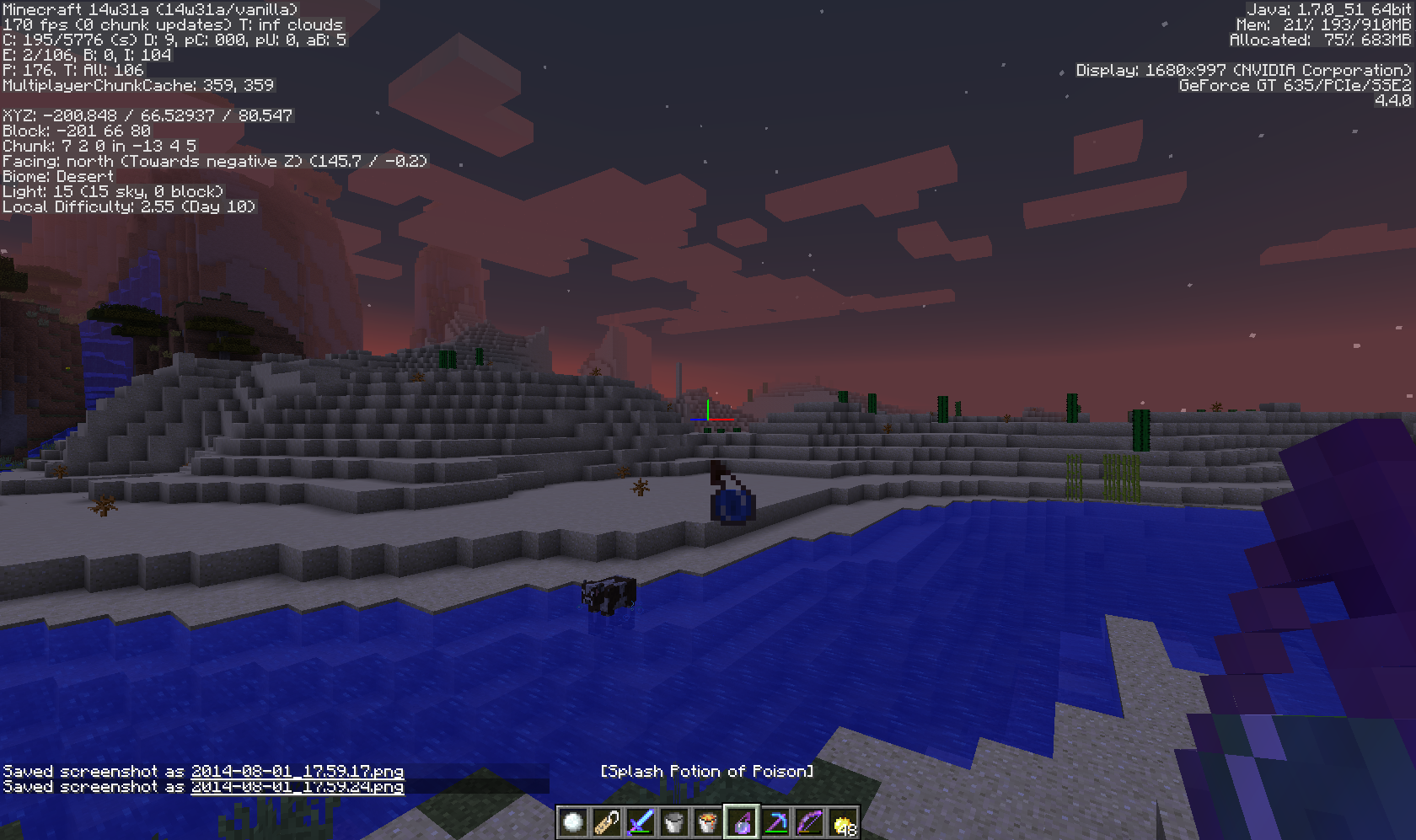
Confirmed for 14w27b with NVIDIA GeForce GT 635 on Windows 8 (64 bit). (Advanced OpenGL is on.) Pressing F3+A fixes all missing chunks within the render distance (chunks outside still have this bug), re-logging causes new chunks to disappear.
Confirmed for 14w28b.
Confirmed for 14w28b.
Do they appear to face the player and not the camera? If so then its intended (or at least it was like that for a long time, possibly since I started playing Minecraft in 1.2.5).
Still in 14w31a, the sound doesn't decrease in volume when farther away and also frequently clips
Do you have the crash report?
Please put this in the Minecraft Pocket Edition section of the bug tracker, not computer version section.
EDIT: NVM it seems that MCPE bug reporting was suspended.
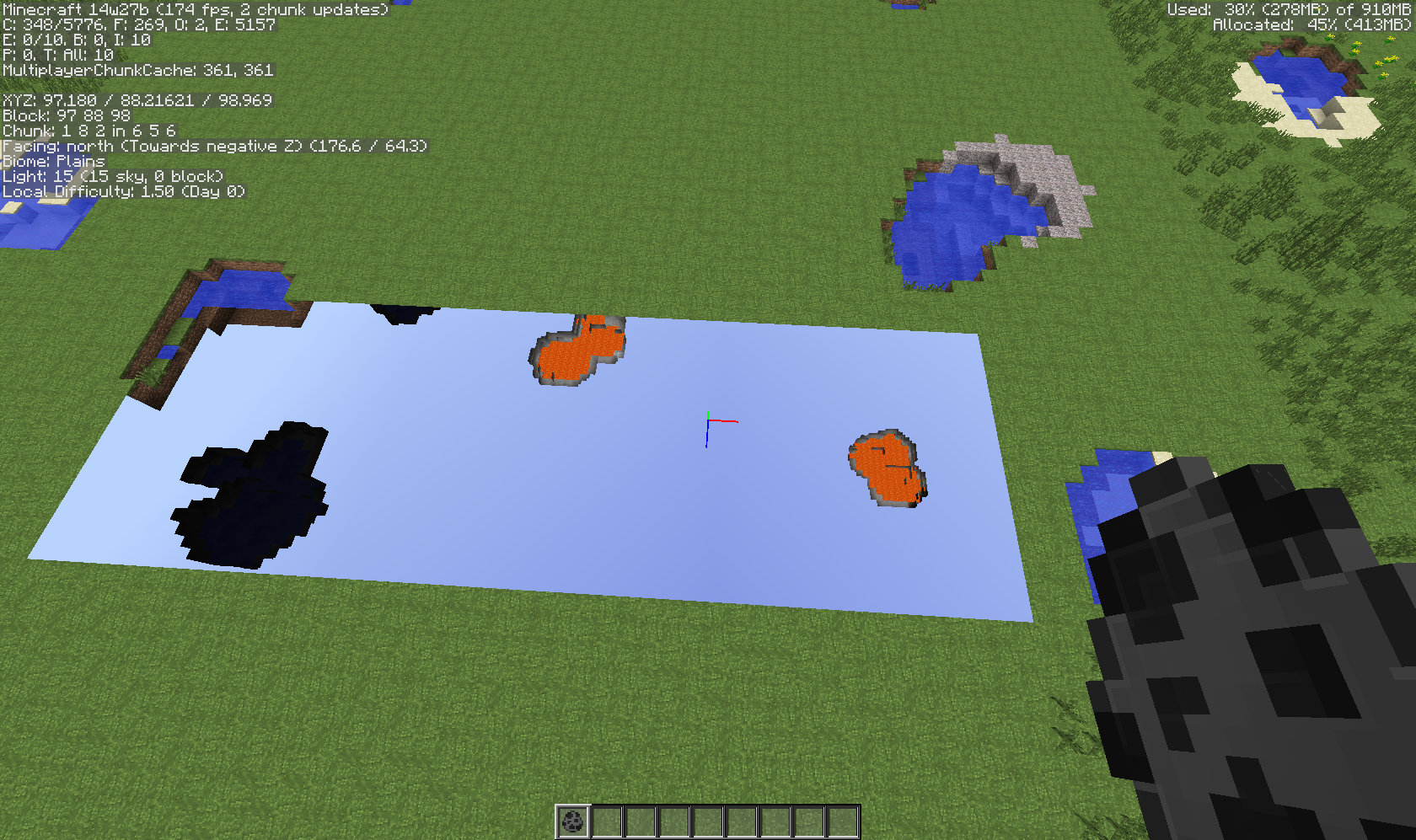
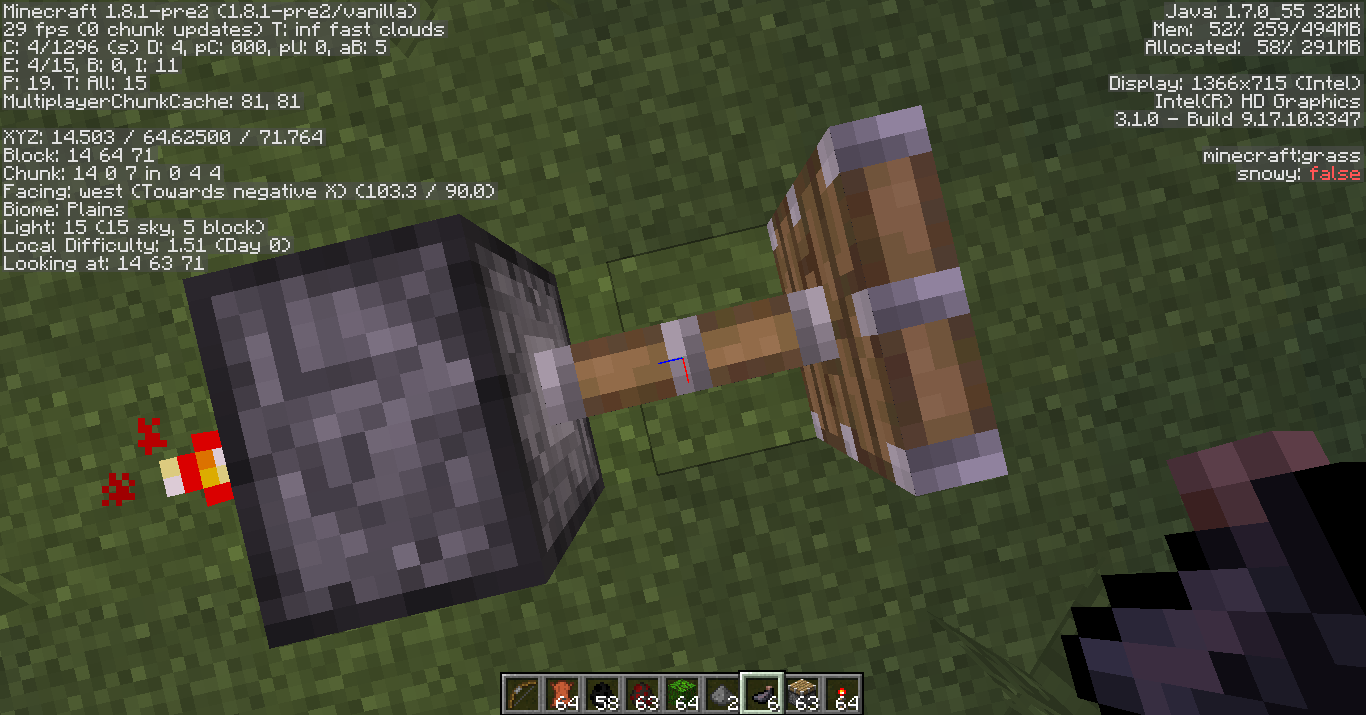
Yes, since they practically don't reduce speed at all on regular rails (I added a screenshot explaining the problem).
Confirmed for 1.8-pre2. Like
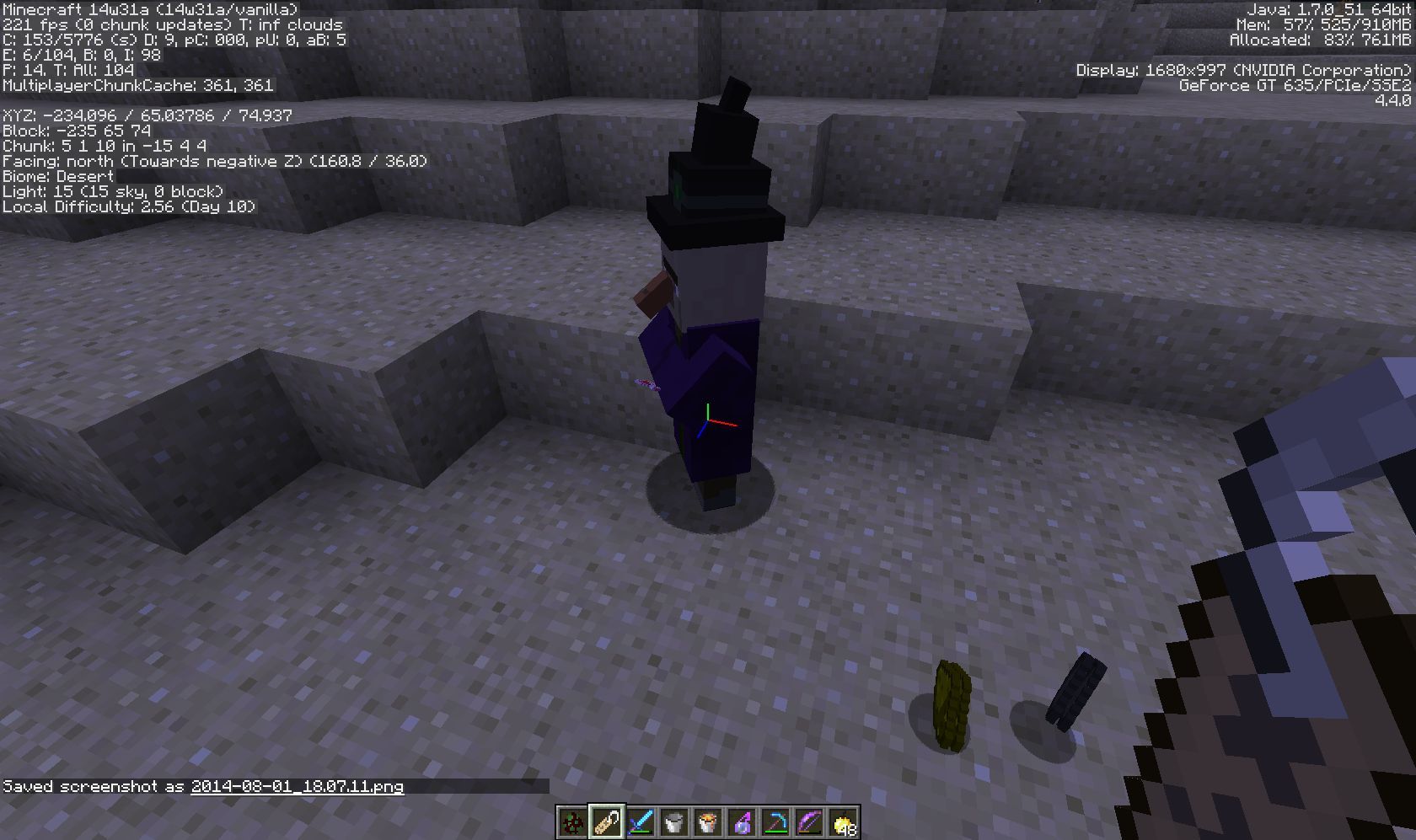
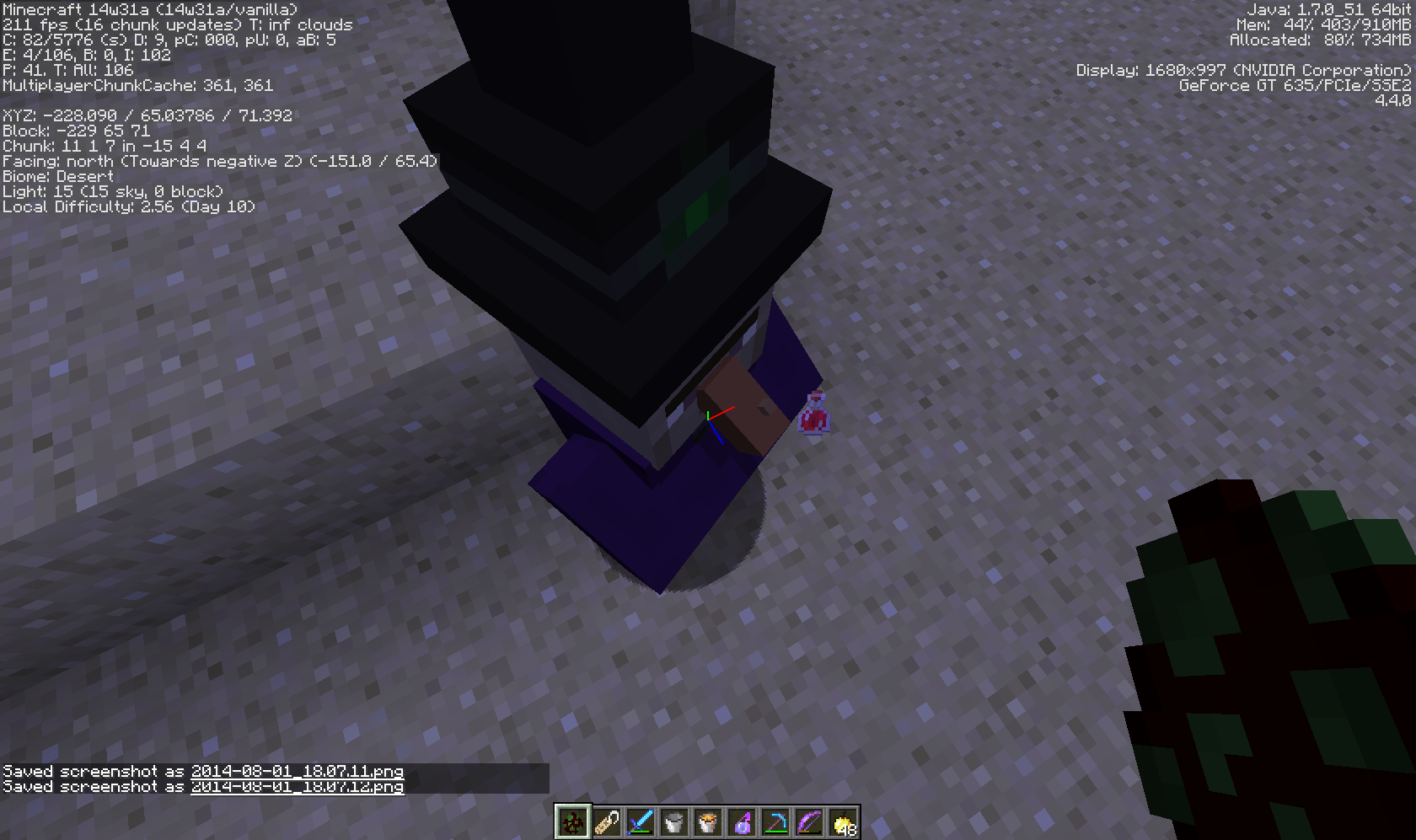
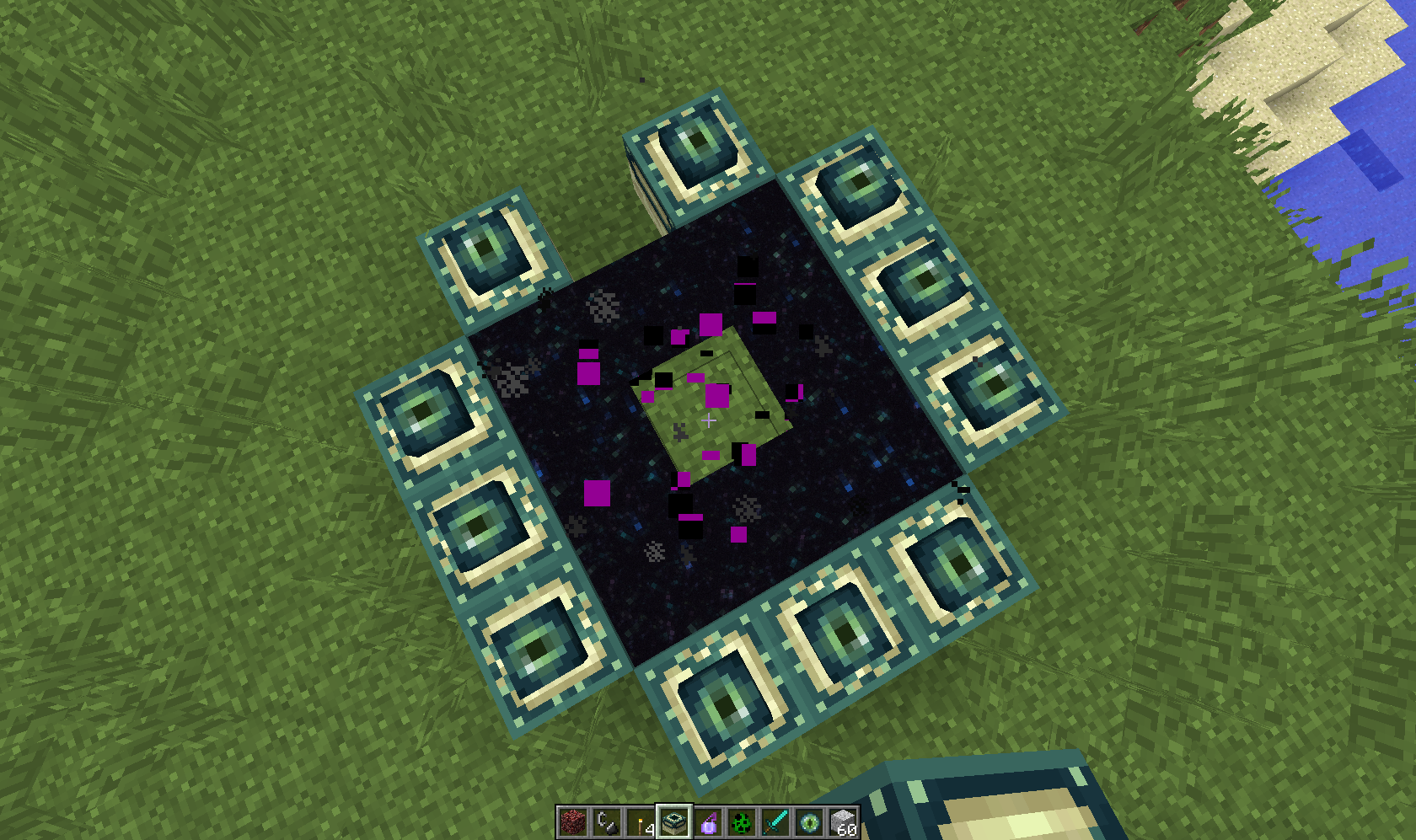
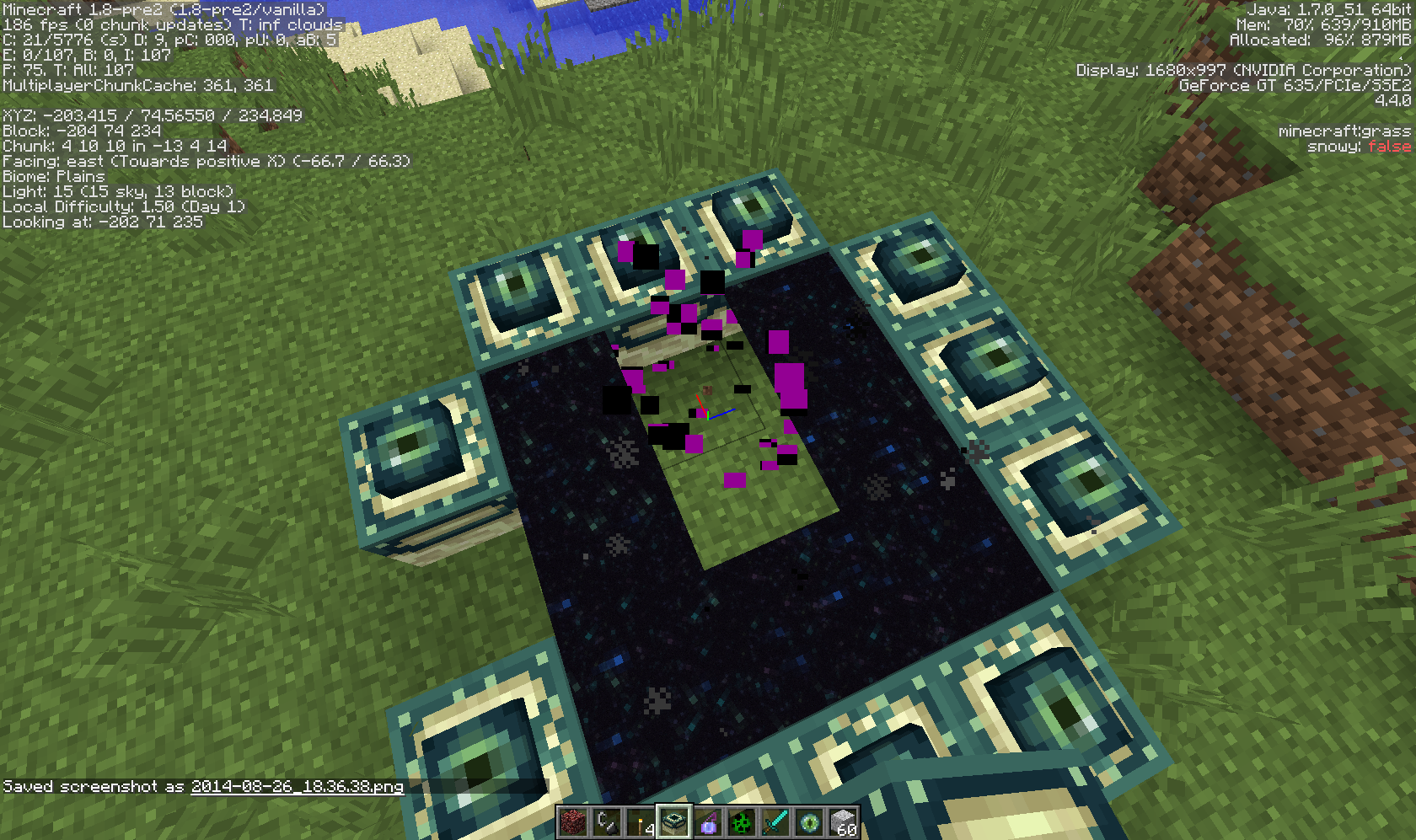
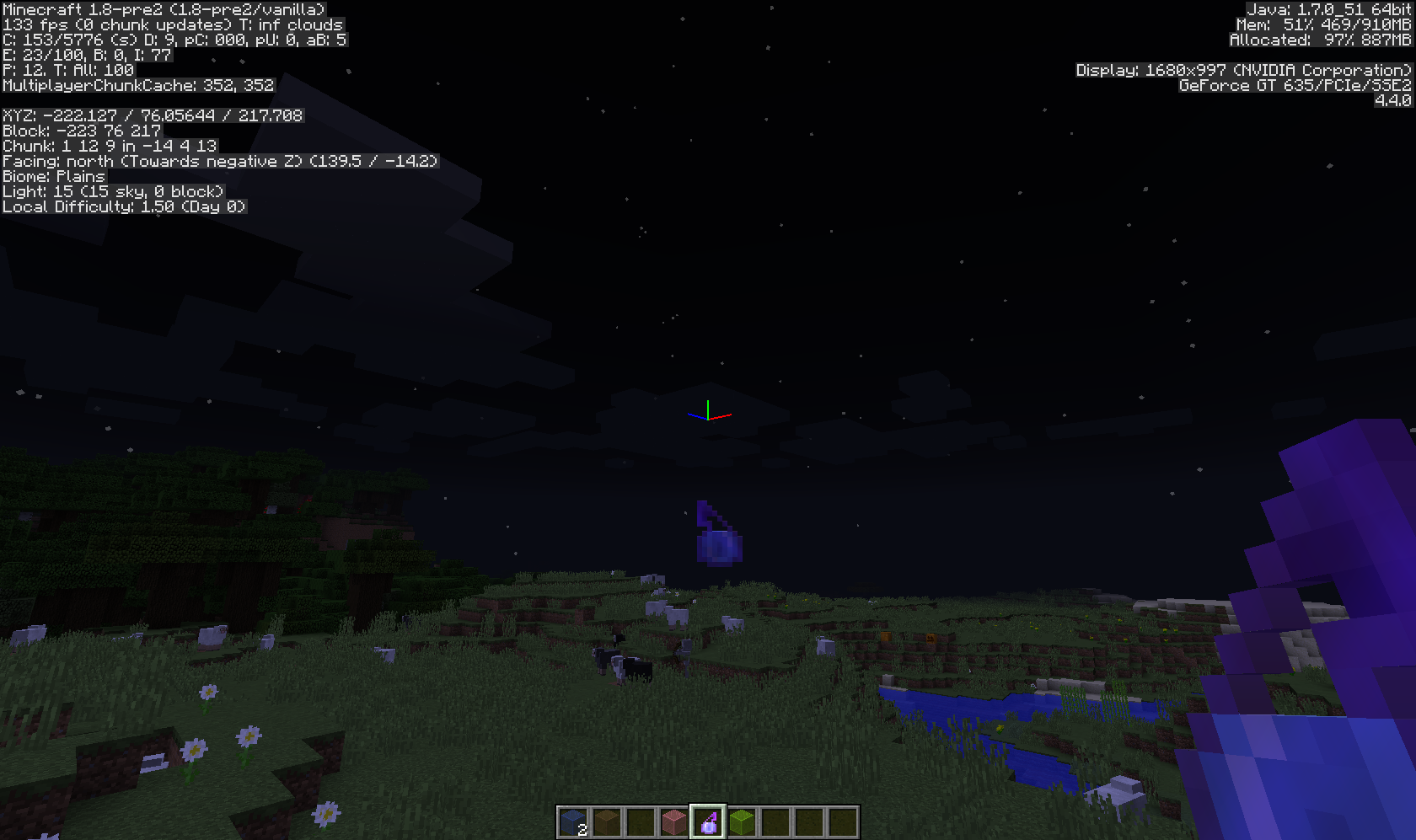
MC-36502, it often happens when I load the world (and recently when I get onto a minecart as inMC-68687), not only when going into fullscreen.Splash potion color fixed in 1.8-pre2, but texture still flipped backwards, so not totally fixed (see screenshot "1.8-pre2" for details).
Confirmed in 1.8-pre2.
Confirmed in 1.8-pre2. If you hack in a water/lava source block and place it (or have a wither break water/lava), you will also hear the stone sound.
Confirmed for 1.8-pre2.
Confirmed for 1.8-pre2.
Confirmed for 1.8-pre2.
Confirmed for 1.8-pre2.
Confirmed for 1.8-pre2.
That's typically due to lag (I get this sometimes when playing on my laptop).
Duplicate of
MC-38587.Confirmed in 1.8-pre2.
Confirmed for 1.8-pre2, jukeboxes have this issue also.
Confirmed for 1.8-pre2.
Duplicate of
MC-36502.I have not experienced this with mobs but instead with the player's skin viewed from 3rd person.
Confirmed in 1.8-pre2, please reopen.
@ Pierre Walden: 3rd person view of myself in Single Player.
Confirmed for 1.8-pre2.
Confirmed for 1.8-pre2.
Confirmed in 1.8-pre2 with Jump Boost II potion. Magma cubes are affected by this also.
Cannot reproduce in 1.8-pre2 (perhaps it was fixed).
Cannot confirm in 1.8-pre2.
Confirmed in 1.8-pre2.
Confirmed for 1.8-pre2.
Confirmed for 1.8-pre2.
Confirmed for 1.8-pre2.
Confirmed for 1.8-pre2, probably due do a sound event that doesn't show up in Sounds.json
Not getting this problem in 1.8-pre2, Java 7 update 51 (build 1.7.0_51-b13). (BTW I am an audio geek too)
Confirmed for 1.8-pre2 (seems to be a tad bit better than before, but definitely still there).
Confirmed in 1.8-pre2.
Relates to (or maybe dupe) of
MC-36360.Confirmed in 1.8-pre2.
Confirmed for 1.8-pre2.
Not getting this issue in 1.8-pre2, in singleplayer.Confirmed in 1.8-pre2, same conditions as above.
Confirmed for 1.8-pre2, same as stephen locke said.
Not getting issue in 1.8-pre2. (Also dupe of
MC-19112).Seems fixed in 1.8-pre2.
Confirmed in 1.8-pre2.
Seems fixed in 1.8-pre2 (see attached screenshot).
Works as intended (to make up for the fact that bows can't give the Wither Effect).
http://minecraft.gamepedia.com/Wither_skeleton#Combat
Dupe of
MC-9188.Confirmed for 1.8-pre2.
Fixed in 1.8-pre2.
Confirmed for 1.8-pre2.
Related to/duplicate of
MC-30939.Duplicate of
MC-9188.Duplicate of
MC-26690Confirmed for 1.8-pre2 (they seem to do it much more frequently than Zombie Pigmen did in the past).
Confirmed in 1.8-pre2.
Since they share the same Mob ID as regular skeletons, I believe that they still attempt to hide from sunlight, and therefore don't come out into it. (BTW the issue that you referenced was resolved with "Works As Intended" not "Fixed".)
http://minecraft.gamepedia.com/Wither_Skeleton#Trivia
I'm pretty sure it says that for all languages, not just Canadian English.
Cannot reproduce (see 2014-08-28_00.38.39.png).
Unable to get Pigmen aggro'd (two turned hostile to me for apparently no reason, the rest of the group staying neutral); however blaze fireballs are definitely hitting (and doing damage to) nether mobs, something that hasn't happened before.
If a bug, possibly related to fix for
MC-68740.Confirmed in 1.8-pre2 (attached crash report "crash-2014-08-28_01.09.08client"). ).
).
(BTW in the /entitydata command you forgot to add a space b/w the ] and {
Cannot reproduce the not burning part in 1.8-pre2.
Also keep in mind that Zombies and Skeletons take damage from Instant Health, not Instant Damage.
Confirmed on both fences and Cobblestone wall in 1.8-pre2. This is probably since the mob is being spawned right on the top surface of the fences, but fences have a 1.5 block tall collision box with mobs, causing the mobs to be spawned inside the fence.
Confirmed for 1.8-pre2.
Confirmed for 1.8-pre2.
Cannot reproduce in 1.8-pre2 (by dispensing bucket on it and having it run into water of same, lower, or higher level).
Cannot confirm in 1.8-pre2 (tested by spawning them with spawn eggs on a pillar high above the ground).
Confirmed for 1.8-pre2.
Seems fixed in 1.8-pre2.
Duplicate of
MC-29490.Still in 1.8-pre2.
Entering a minecart still briefly plays the riding sound in 1.8-pre3.
Confirmed for 1.8-pre3.
Confirmed for 1.8-pre3.
Confirmed in 1.8-pre3, sign disappears from hand immediately after clicking "Done".
Confirmed for 1.8-pre3.
Still in 1.8-pre3.
Confirmed for 1.8-pre3.
Confirmed for 1.8-pre3.
Confirmed for 1.8-pre3.
Confirmed in 1.8-pre3.
Confirmed for 1.8-pre3.
Confirmed in 1.8-pre3.
Still in 1.8-pre3.
Confirmed for 1.8-pre3 (the glitch is very brief).
Confirmed in 1.8-pre3.
Duplicate of
MC-65040Please post a screenshot, the Good Luck preset is supposed to have lava oceans/rivers.
Confirmed for 1.8.
Still in Minecraft 1.8.
Confirmed for 1.8.
Confirmed for 1.8.
Confirmed for 1.8.
Confirmed for 1.8.
Seems fixed in release 1.8.
Duplicate/related to MC-1538.
Confirmed for 1.8.
Related to
MC-69866(since that one has more detail).Confirmed for 1.8.
Confirmed.
Also in Creative, when an Enderman touches water they will teleport away (like usual), but then run back to the spot where they took damage (as if they were hostile), take damage from the water again, and keep repeating this until they eventually die. (Not sure if this is part of this issue or a different one.)
Duplicate of
MC-64492(occurs to all mobs, not just slimes).Confirmed for 1.8 (due to
MC-71518andMC-71008).Duplicate of
MC-64492.Perhaps related to
MC-69032.Duplicate or related to
MC-69032.Confirmed for 1.8.
Can no longer reproduce in 1.8 (used powered Activator rails, and derailing minecarts then breaking them to make the mob get out. You can no longer ride a minecart that a mob is currently riding.)
Duplicate of
MC-26579.Confirmed for 1.8.
Confirmed for 1.8. When taking damage from water/fire they teleport away and appear to become hostile to the spot where they took damage, running back towards it and upon taking damage again, will either repeat until they die or become passive.
Confirmed for 1.8.
A mod should remove some of the older/unimportant affected versions so that the list isn't quite so long
Related to
MC-35714. Also happens with Guardian lasers.Not sure if this belongs here, but entering/breaking a minecart in 1.8 also plays the minecart sound for a split second.
Confirmed for 1.8, only happens with North/South rails and turns to the west.
Sorry to bring this up again but is this really a duplicate of
MC-37557? That issue talks about the sound playing when loading a world, while this one says that entering or breaking a Minecart plays its sound.Still in 1.8.
Still in 1.8.
Try turning "Alternate Blocks" off in video settings. Intended in order to avoid repetitiveness in the textures.
Intended, since mobs (including Spiders) cannot see through transparent blocks except water and lava.
Try /gamerule keepInventory true, and also items despawn after 5 minutes (though you probably know that already).
Cannot reproduce in 1.8.
Intended. The fire must kill the mob within 3-4 seconds of being hit by the player, or the hit will no longer be attributed to the player (causing no XP).
Cannot reproduce. You cannot place tall grass on snow.
Intended, since like mob spawners, slime blocks are only visually transparent (you can still suffocate in them).
http://minecraft.gamepedia.com/Slime_Block
Confirmed for 1.8 (in fact they sink in water and lava).
Happens also with /entitydata in 1.8.
Cannot confirm in 1.8. Try changing difficulty to Hard and type /time add 96000 (or some other large value) to increase the local difficulty.
Although it used to say 8 hearts (due to a bug fixed in 14w32a), it has always been 9.
http://minecraft.gamepedia.com/Achievements#History
Maybe it has to do with the "Good Luck" Custom World Preset (which spawns lava instead of water), or Custom worlds settings on Lava Lakes and Lava Oceans. I don't know much about realms though so don't take my word for it.
He probably means Lshift (only the left side Shift key works).
Type /gamerule doMobSpawning true and move away from the spawn area (mobs wont spawn close to the player) and mobs should spawn.
Confirmed in 1.8, happens with all mobs and minecarts (as well as Minecarts riding other Minecarts).
Confirmed in 1.8.
The stare noise plays for 16 blocks from the player, not the Enderman. (Happens also with Wither Spawn and Enderdragon death, though their range is a bit longer).Still in 1.8. Sometimes when taking damage from water/fire, Endermen "become hostile" to the place where they took damage (they actually run back to it, take damage and teleport, run back again and repeat until they die.)
Confirmed for 1.8. Also happens with Blindness and Nausea. However, if the player has Night Vision or Nausea, then they will see its effects while spectating the mob regardless or the mob's potion effects (also the sky won't change color for Night Vision.
Also the stare is now triggered by looking at its lower chest instead of its eyes like before.
Endermen are still affected in 1.8 (though maybe thats a different issue).
Still in 1.8.
Still in 1.8.
Cannot reproduce either. (Creative)
You can change block models in resource packs.
From
MC-62863:1. Endermen, after teleporting, path-find their way back to the space they were at before teleporting. (Noticed when an Enderman teleports, but teleports back into the same spot a second later.)
2. They stop getting angry at the player after losing sight.
Duplicate of MC-12986.
Confirmed for 1.8. The music doesn't start playing on its own, but if existing music is playing and you turn the slider off, it will keep playing at a small volume.
Cannot reproduce in 1.8.
Confirmed for 1.8. Also happens when you melee a Guardian with its spikes extended.
Perhaps intended. The Thorns enchantment only sometimes damages the mob, the higher the level the higher the success rate:
http://minecraft.gamepedia.com/Enchanting#Thorns
(I tested with wolves, golems and spiders)
Intended. Guardians only deal thorns damage if you melee them, not if you come into contact with them (unlike blazes):
http://minecraft.gamepedia.com/Guardians#Combat
When attacked by a slime or magma cube I get:
[Client thread/WARN]: Unable to play unknown soundEvent: minecraft:mob.attack
When near an untamed Ocelot I get:
[Client thread/WARN]: Unable to play unknown soundEvent: minecraft:
Type "/gamerule doMobSpawning true" and see if it works.Seems intended due to attempted fix forMC-45782.For me silverfish spawn in survival but not in creative.Confirmed for 1.8. (Creative)
Duplicate of
MC-41865.Also happens when tilling dirt with a hoe, as in
MC-71640.Can you attach the world save here? Also try forcing a crash by holding F3+C for 10 or more seconds and post it here also.
Confirmed for 1.8.
Confirmed for 1.8.
Cannot reproduce. Try relogging and recreate this, it is currently unclear what the issue is due to all of the stuff in the chat.
Duplicate of
MC-36952.Confirmed for 1.8. This was not mentioned on any of the 1.8 prerelease changelogs on the wiki and the Mojang website so its probably a bug.
Cannot reproduce in 1.8.
Confirmed for 1.8. (Can be reopened )
)
Still getting this message/confirmed in 1.8 when near untamed Ocelots.
Duplicate of
MC-7980.Confirmed for 1.8.
Invulnerable mobs are invulnerable to anything except for players in Creative mode, which is intended. (Otherwise how would you kill them?)
NoGravity also doesn't work on mobs in 1.8.In fact it doesn't seem to work on anything but the Armor Stand. It seems as though this is intended but it would be a cool addition nonetheless.
http://minecraft.gamepedia.com/Armor_Stand#Usage
Works fine in 1.8.
Confirmed for 1.8. According to
MC-68988CustomName does not work either.Confirmed.
Confirmed for 1.8.
Confirmed for 1.8.
Also happens when a zombie infects a villager or when a Zombie Villager is cured into a Villager.
Confirmed for 1.8.
Confirmed for 1.8.
This should be resolved since the problem was identified and fixed 3 months ago.
Cannot reproduce in 1.8.
Confirmed for 1.8.
Confirmed for 1.8.
Can no longer reproduce in 1.8.
Confirmed for 1.8.
Confirmed in 1.8 (though I believe that this bug has been in the game for a long time).
Confirmed for 1.8.
No longer reproducible in 1.8.
Confirmed for 1.8. Affects double slabs also.
Duplicate of
MC-53718since that issue is now about the position of the zombie on the chicken.Confirmed for 1.8.
How do you get it to last longer than several ticks (if not a duplicate ofMC-42192)?Confirmed for 1.8, they don't instantly despawn only if summoned with a direction tag.
In 1.8 the SmallFireball, Witherskull and Ghast fireball only exist if summoned with a direction tag; if not they instantly despawn (even if riding/being ridden by other entities). Also the title/description should be updated to "WitherSkulls and SmallFireballs flicker during their existence if summoned with direction tag" or something similar.
Confirmed for 1.8.
Confirmed. They also don't even attack the mob that attacked them in the first place.
Duplicate of MC-48907.
Confirmed for 1.8.
Confirmed for 1.8. The Ghast and Wither are completely silent except for their projectiles.
Duplicate of
MC-63468.