 David Warner
- nirgalbunny
- nirgalbunny
- Europe/Stockholm
- Yes
- No
 MC-141
![[Mojang] Searge (Michael Stoyke)](../../../data/assets/gravatar/searge.png)





For a simple pressure-plate & command block setup, when /spawnpoint @p (without coordinates) is operated by a command block, the command will fail after setting. /kill or dying says that the the home bed is obstructed, and returns the player to the original spawnpoint. This makes pressure plates and tripwires unreliable for setting a new spawn.
When the coordinate is set, it is within a block- namely the pressure plate or tripwire string. This is probably why the spawnpoint command fails. If the player's hitbox brushes the edge of the pressure plate or string, there's a higher chance setting spawnpoint will work.
To reproduce- place a pressure plate above the command block. Jump or land directly on the pressure plate. Type "/kill".
Nov. 1st: I tested this today. Still get the same issue landing directly on a pressure plate. This is not fixed.
Command blocks, in singleplayer, are capable of displaying messages up to the cap of 256 characters, using /say or /tell.
On a server, these /say commands are truncated, to a limit of ~120 characters displayed. There is no issue entering the characters on the command line, it's just that only 120 characters are displayed on a server.
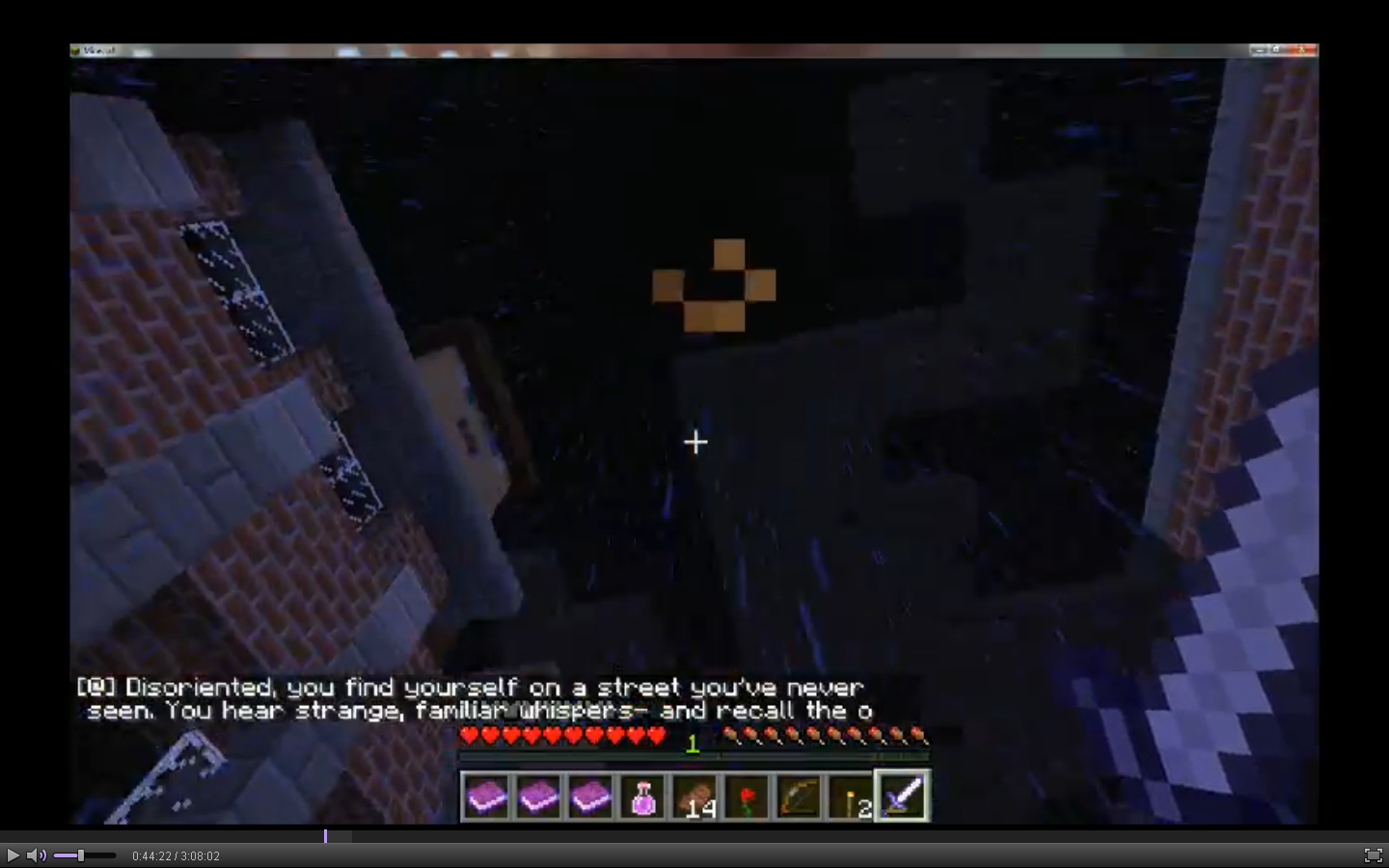
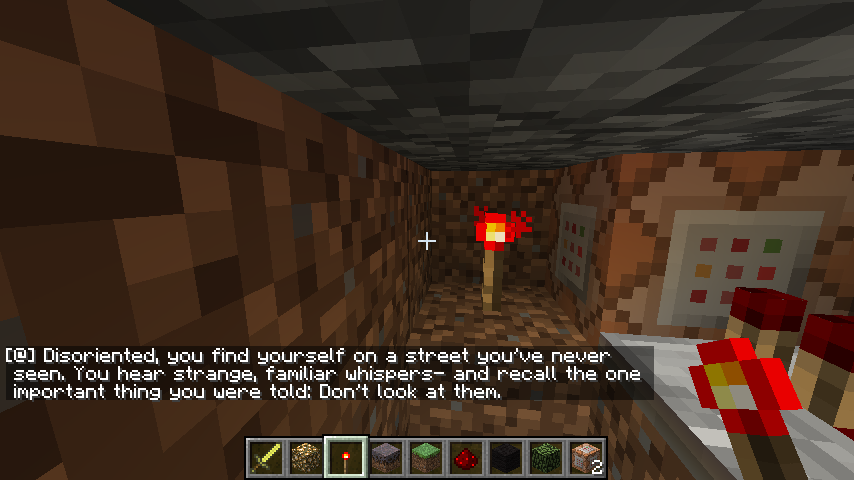
For screenshot context- the 1st picture is someone testing a map creation of mine, in SMP with one other player. The 2nd picture is in singleplayer & creative, triggering the same command block manually.
To reproduce:
1. Open up a world in singleplayer, and place a command block. Open the command line, type "/say" and as many letters or words as possible. Activate the command block with redstone. It should work as intended.
2. On a server with command blocks / permissions enabled, do the same thing. When the command block is activated, only two lines will be visible, which will only be a portion of the entered "/say" command output.
Command blocks, in singleplayer, are capable of displaying messages up to the cap of 25
6characters, using /say or /tell.On a server, these /say commands are truncated, to a limit of ~120 characters displayed. There is no issue entering the characters on the command line, it's just that only 120 characters are displayed on a server.
For screenshot context- the 1st picture is someone testing a map creation of mine, in SMP with one other player. The
2ndpicture is in singleplayer & creative, triggering the same command block manually.To reproduce:
1. Open up a world in singleplayer, and place a command block. Open the command line, type "/say" and as many letters or words as possible. Activate the command block with redstone. It should work as intended.
2. On a server with command blocks / permissions enabled, do the same thing. When the command block is activated, only two lines will be visible, which will only be a portion of the entered "/say" command output.
Command blocks, in singleplayer, are capable of displaying messages up to the cap of 254 characters, using /say or /tell.
On a server, these /say commands are truncated, to a limit of ~120 characters displayed. There is no issue entering the characters on the command line, it's just that only 120 characters are displayed on a server.
For screenshot context- the 1st picture is someone testing a map creation of mine, in SMP with one other player. The other picture is in singleplayer & creative, triggering the same command block manually.
To reproduce:
1. Open up a world in singleplayer, and place a command block. Open the command line, type "/say" and as many letters or words as possible. Activate the command block with redstone. It should work as intended.
2. On a server with command blocks / permissions enabled, do the same thing. When the command block is activated, only two lines will be visible, which will only be a portion of the entered "/say" command output.
Command Block"/say" is truncated in SMPbut not singleplayerCommand Block messages are cut short in multiplayer, but not singleplayer
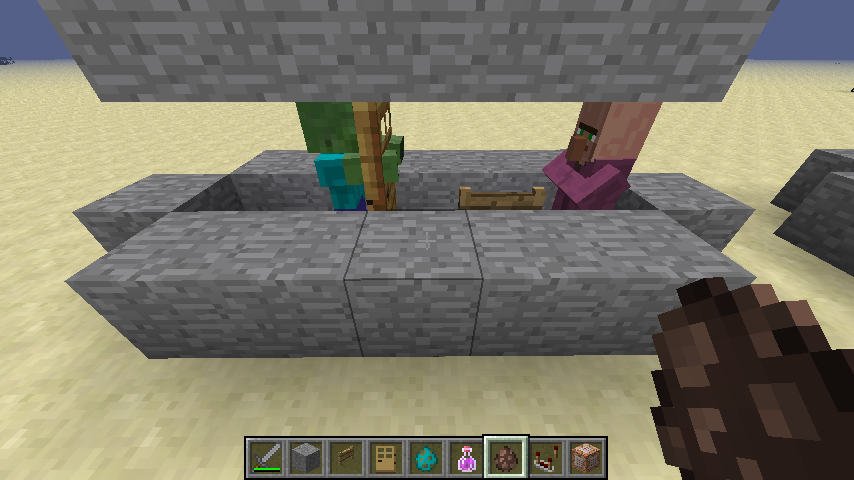
The door is facing out. Notice the black line highlight. A fence gate is added to keep the Villager in place.
Yes, but a pressure plate (or string between hooks) isn't solid. A spawnpoint set doesn't appear to work if the player's hitbox is inside even redstone/transparent blocks.
Math Maniac- I'm still having this issue as well. Probably the easiest way to reproduce this is with several pressure plates surrounding the command block. If the player position is in any of the pressure plate blocks, the command sets but fails upon player death, back to the original spawnpoint. This is odd, because pressure plates are considered non-solid.
It appears to only display two whole lines of text in multiplayer. I've tested this in the latest snapshot (13w03a), so I'll edit the affected version again.
Nicholas, the issue is that the characters visible in singleplayer (as many as 256 characters can fill, three or four lines) are only visible up to two whole lines in multiplayer. This is a server related issue, and it appears independent of the client OS.
Recent photo from latest snapshot. Notice that only two lines are visible. I have updated the affected version to reflect this.
I found something here, which supports Chad's comment: http://mc.kev009.com/Protocol#Chat_Message_.280x03.29 .
From that page: "Chat Message (0x03)... A message longer than 119 characters will cause the server and client to print the message "Received string length longer than maximum allowed (X > 119)", with no side effects."
The server is only recognizing the first 119 characters in the string before outputting. Since command blocks can be written well past 119 characters, and this chat limit isn't encountered in singleplayer, I'd have to say this is still a bug.
Don't be so hasty- I placed it facing out, like regular Villager houses. I'll attach another picture highlighting placement.
Oops, this is a bit embarrassing- I had /gamerule mobGriefing = false on that world. Thanks for checking anyway.
Oops, this is a bit embarrassing- I had /gamerule mobGriefing = false on that world. Thanks for checking anyway.
I don't think this is a bug. A command block only outputs a signal if it is a powered block itself or there's a comparator to read its SuccessCount. In the "powered by block" case, the command will trigger, but since it is the purple wool being powered and not the command block itself, it cannot output to a repeater.
Does the transparency of the wool block return with distance? I think this is related to my own issue,
MC-45108.This is "Works As Intended" according to
MC-45199and related issues. As such this is now a duplicate of a resolved issue.I have had this issue as well. Facing west, I see particles (they look like "townaura") in the upper left and lower right corners of any painting.
This issue arose for me while editing model definitions in a resource pack. Pink variant wool as defined in wool.json affects cyan variant in-game, etc.