 MC-6110
Command Block messages are cut short in multiplayer, but not singleplayer
Command blocks, in singleplayer, are capable of displaying messages up to the cap of 254 characters, using /say or /tell.
On a server, these /say commands are truncated, to a limit of ~120 characters displayed. There is no issue entering the characters on the command line, it's just that only 120 characters are displayed on a server.
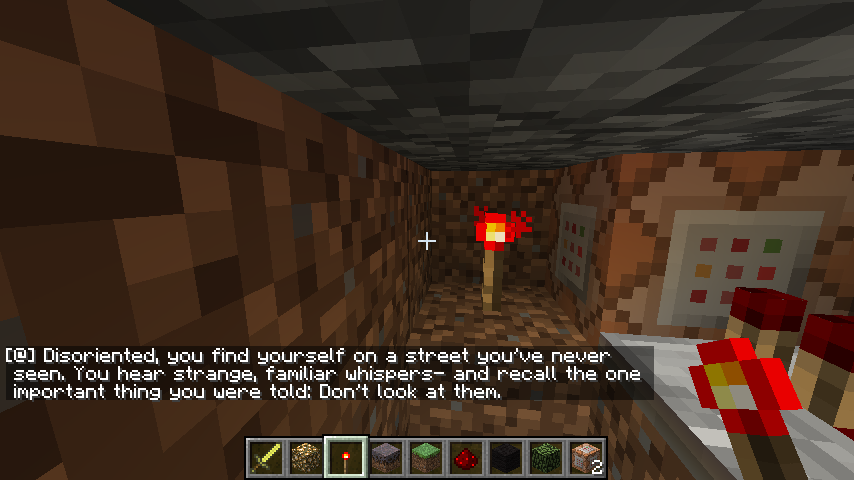
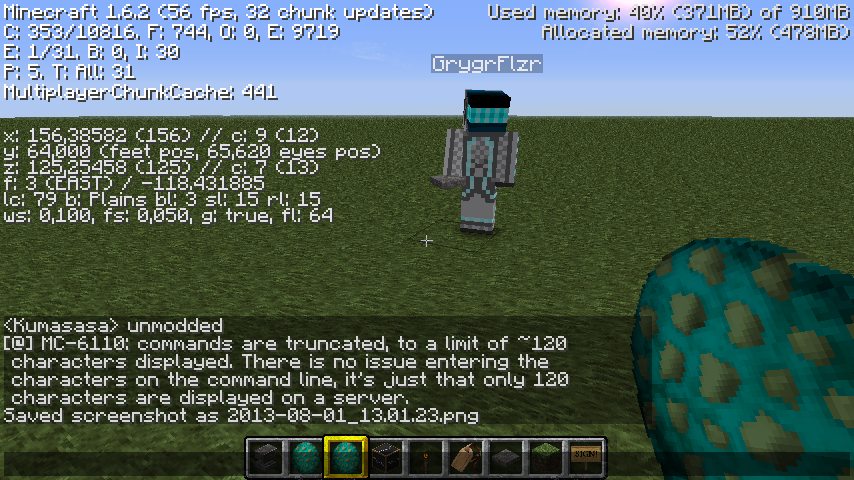
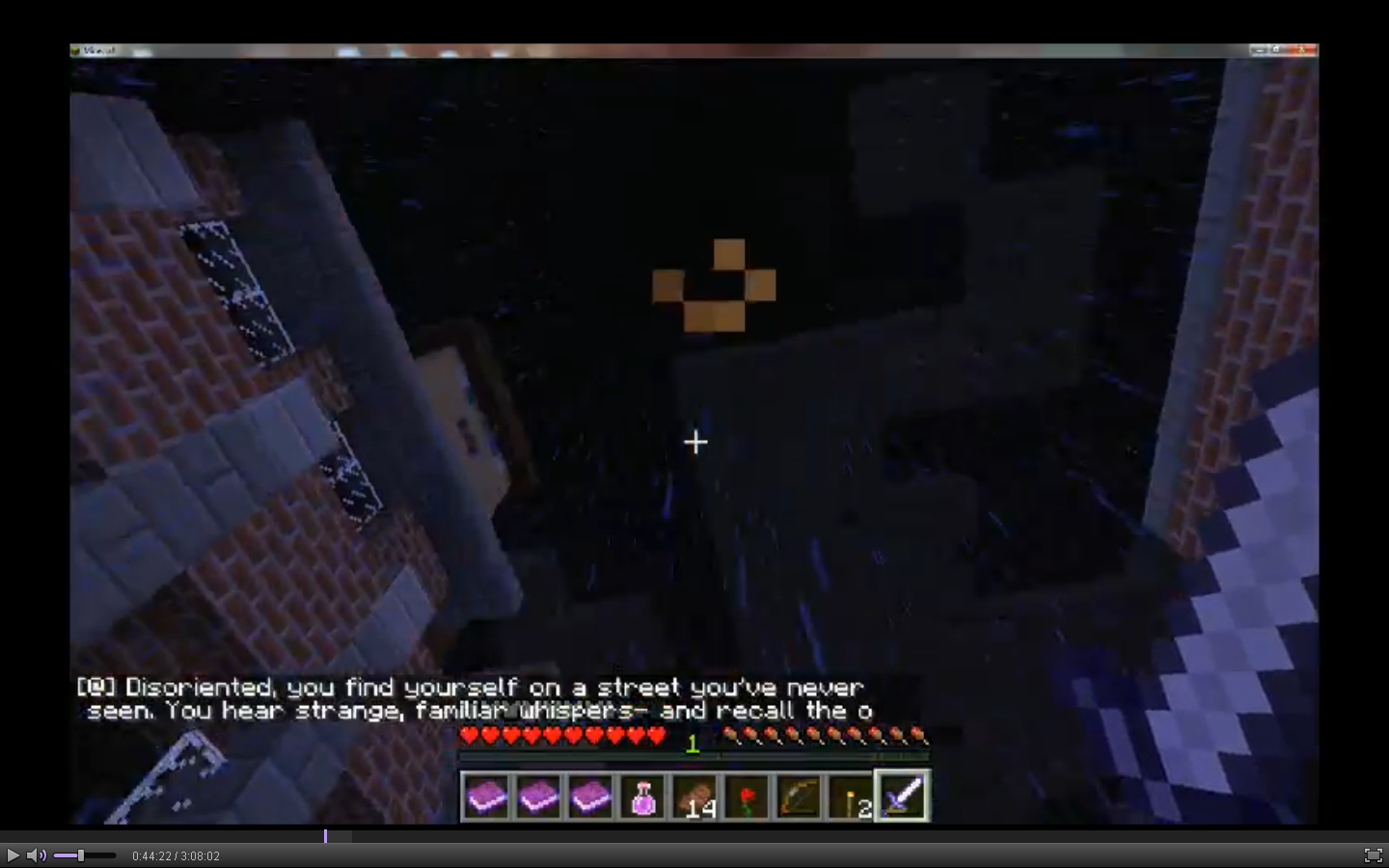
For screenshot context- the 1st picture is someone testing a map creation of mine, in SMP with one other player. The other picture is in singleplayer & creative, triggering the same command block manually.
To reproduce:
1. Open up a world in singleplayer, and place a command block. Open the command line, type "/say" and as many letters or words as possible. Activate the command block with redstone. It should work as intended.
2. On a server with command blocks / permissions enabled, do the same thing. When the command block is activated, only two lines will be visible, which will only be a portion of the entered "/say" command output.
Linked Issues



Created Issue:
Command Block "/say" is truncated in SMP but not singleplayer
Command blocks, in singleplayer, are capable of displaying messages up to the cap of 256 characters, using /say or /tell.
On a server, these /say commands are truncated, to a limit of ~120 characters displayed. There is no issue entering the characters on the command line, it's just that only 120 characters are displayed on a server.
For screenshot context- the 1st picture is someone testing a map creation of mine, in SMP with one other player. The 2nd picture is in singleplayer & creative, triggering the same command block manually.
Attachments2
- Unresolved
- Open
- Unconfirmed
- Creative
- command commandblock redstone say server tell
- 1.4.6
Command blocks, in singleplayer, are capable of displaying messages up to the cap of 256 characters, using /say or /tell.
On a server, these /say commands are truncated, to a limit of ~120 characters displayed. There is no issue entering the characters on the command line, it's just that only 120 characters are displayed on a server.
For screenshot context- the 1st picture is someone testing a map creation of mine, in SMP with one other player. The 2nd picture is in singleplayer & creative, triggering the same command block manually.
To reproduce:
1. Open up a world in singleplayer, and place a command block. Open the command line, type "/say" and as many letters or words as possible. Activate the command block with redstone. It should work as intended.
2. On a server with command blocks / permissions enabled, do the same thing. When the command block is activated, only two lines will be visible, which will only be a portion of the entered "/say" command output.

is duplicated by
relates to
is duplicated by
Command blocks, in singleplayer, are capable of displaying messages up to the cap of 25
6characters, using /say or /tell.On a server, these /say commands are truncated, to a limit of ~120 characters displayed. There is no issue entering the characters on the command line, it's just that only 120 characters are displayed on a server.
For screenshot context- the 1st picture is someone testing a map creation of mine, in SMP with one other player. The
2ndpicture is in singleplayer & creative, triggering the same command block manually.To reproduce:
1. Open up a world in singleplayer, and place a command block. Open the command line, type "/say" and as many letters or words as possible. Activate the command block with redstone. It should work as intended.
2. On a server with command blocks / permissions enabled, do the same thing. When the command block is activated, only two lines will be visible, which will only be a portion of the entered "/say" command output.
Command blocks, in singleplayer, are capable of displaying messages up to the cap of 254 characters, using /say or /tell.
On a server, these /say commands are truncated, to a limit of ~120 characters displayed. There is no issue entering the characters on the command line, it's just that only 120 characters are displayed on a server.
For screenshot context- the 1st picture is someone testing a map creation of mine, in SMP with one other player. The other picture is in singleplayer & creative, triggering the same command block manually.
To reproduce:
1. Open up a world in singleplayer, and place a command block. Open the command line, type "/say" and as many letters or words as possible. Activate the command block with redstone. It should work as intended.
2. On a server with command blocks / permissions enabled, do the same thing. When the command block is activated, only two lines will be visible, which will only be a portion of the entered "/say" command output.
Command Block"/say" is truncated in SMPbut not singleplayerCommand Block messages are cut short in multiplayer, but not singleplayer
is duplicated by
is duplicated by

![[Mod] Michael Wobst](../../../data/avatars/users/37868.png)
I encountered Problems with characters been transfered from Win Client to a Linux Server. Probably the same effect takes place here.
It appears to only display two whole lines of text in multiplayer. I've tested this in the latest snapshot (13w03a), so I'll edit the affected version again.
1. You just type in "say blah blah" and it will work better(should)
2. I don't know I just wanted to type in "2."
Nicholas, the issue is that the characters visible in singleplayer (as many as 256 characters can fill, three or four lines) are only visible up to two whole lines in multiplayer. This is a server related issue, and it appears independent of the client OS.
Recent photo from latest snapshot. Notice that only two lines are visible. I have updated the affected version to reflect this.
I don't know that this is a bug. I remember they put a hard cap on the length of messages in multiplayer a while back. I think it was probably to either prevent problems or make it faster in some way.
As far as I know, you can change the chat length (limit) in server.properties. Although I might've misunderstood the problem.
I found something here, which supports Chad's comment: http://mc.kev009.com/Protocol#Chat_Message_.280x03.29 .
From that page: "Chat Message (0x03)... A message longer than 119 characters will cause the server and client to print the message "Received string length longer than maximum allowed (X > 119)", with no side effects."
The server is only recognizing the first 119 characters in the string before outputting. Since command blocks can be written well past 119 characters, and this chat limit isn't encountered in singleplayer, I'd have to say this is still a bug.
Is this still a concern in the current Minecraft version? If so, please update the affected versions in order to best aid Mojang ensuring bugs are still valid in the latest releases/pre-releases.
Confirmed in 1.5.0 and 1.5.1, please update.
confirmed for 1.5.1
This is indeed still a problem in 1.5.1. Please fix this!
Please fix this. It ruins certain adventure maps.
Seems to be fixed as of 1.6.2.