 Jon Trollsten
- notan00b
- notan00b
- Europe/Stockholm
- Yes
- No
 MC-8030


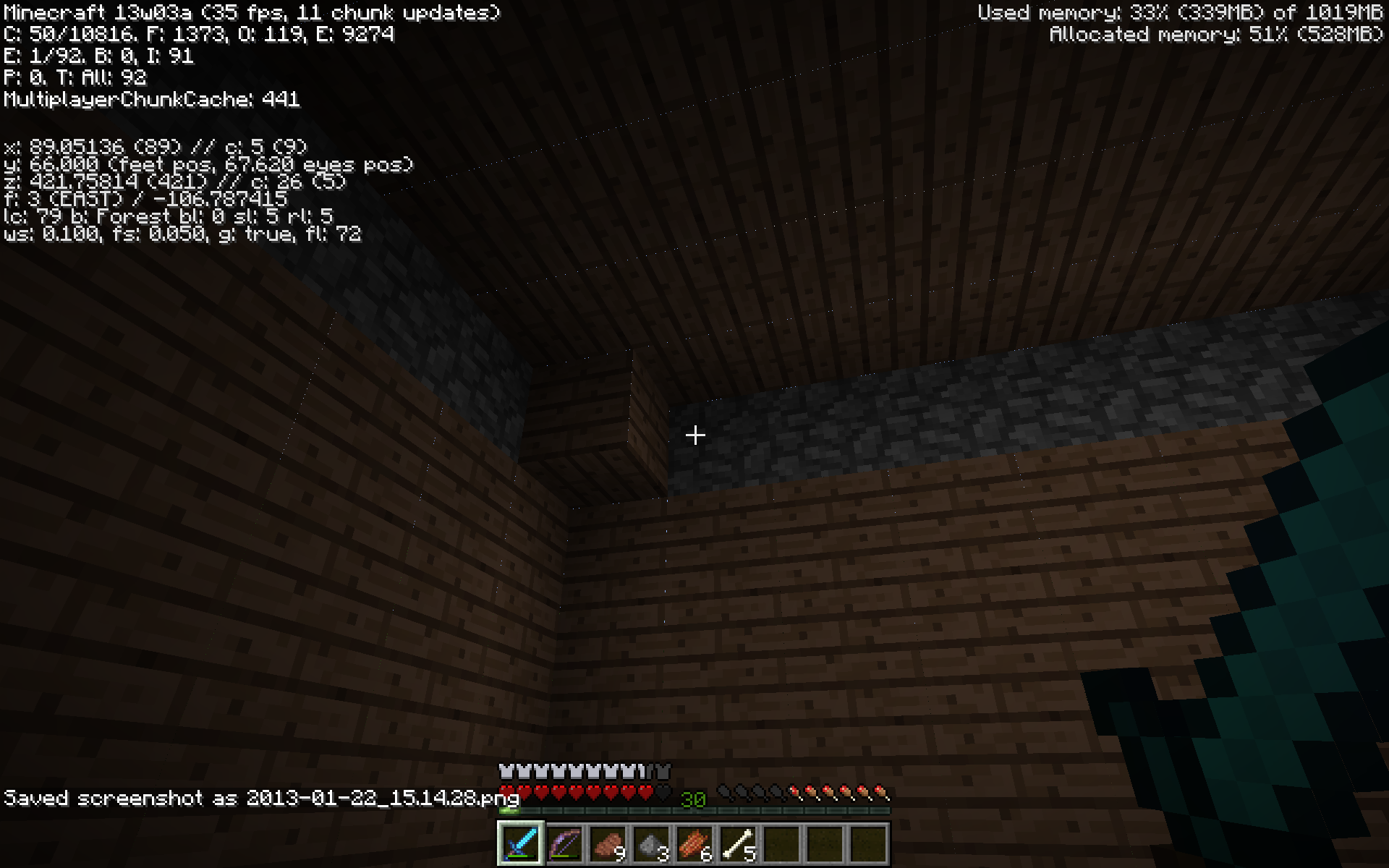
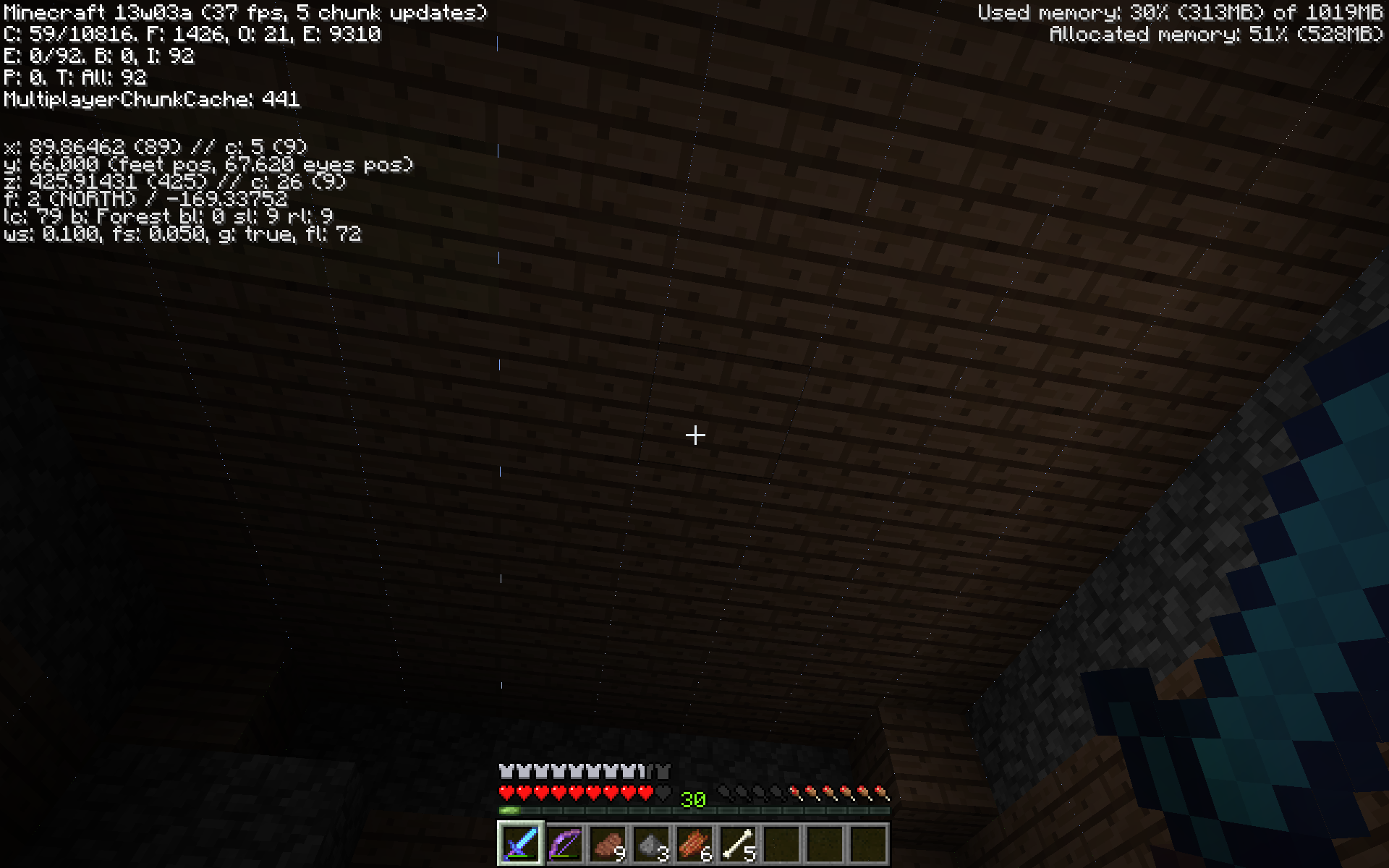

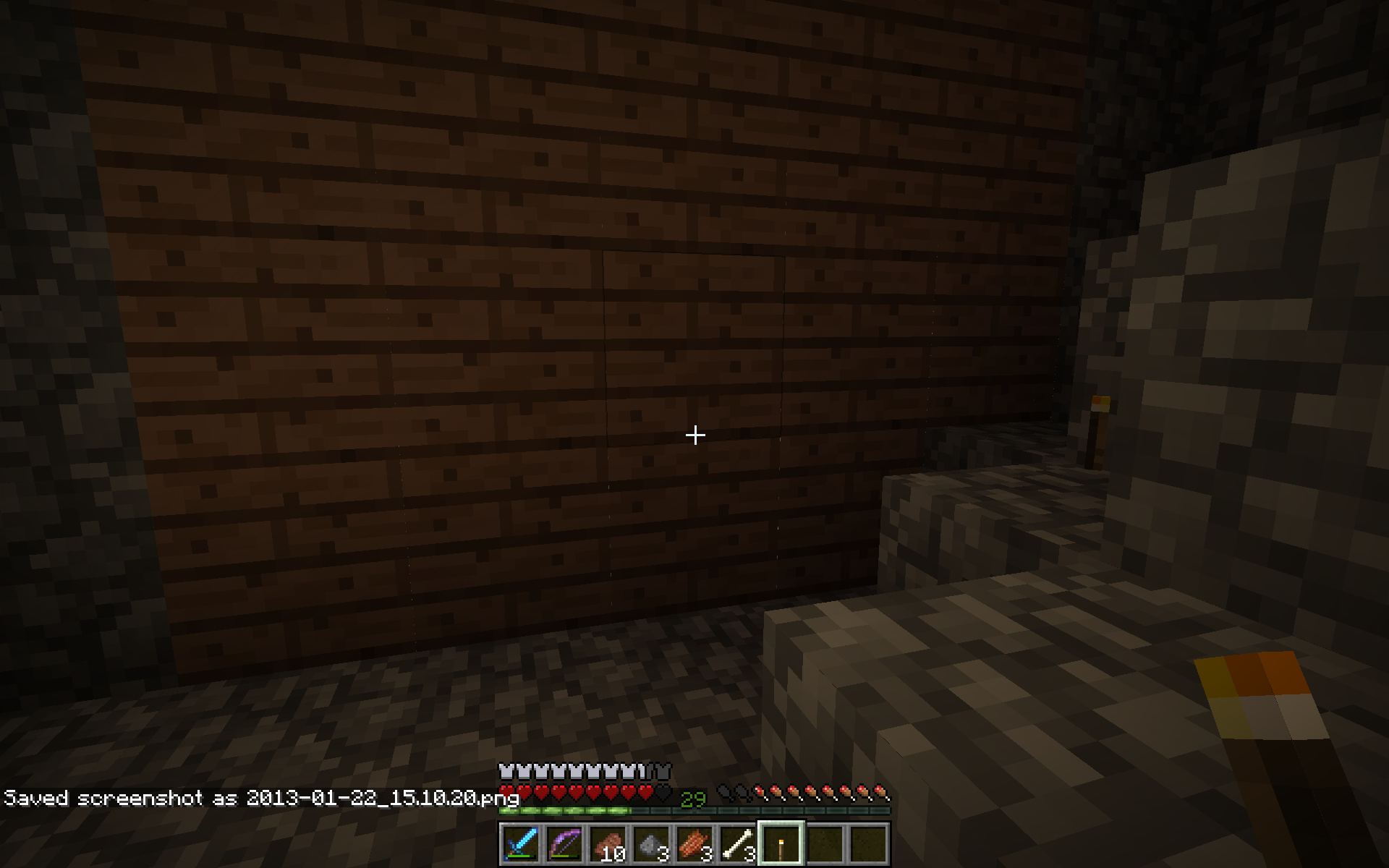
There are weird multi-colored lines aroung every item. All you have to do is find an area made completely out of one material (has to be a flat surface). It happens in all gamemodes and it also happens with blocks and items in hand.
I updated my LWJGL but that didn't fix the bug. Alot of people have said to turn "Forced Anti-Aliasing" to Application Decides but I have a Mac (with ATI graphics even though I prefer nVidia) and you can't change hardware setting on Macs (only OS-level settings) PLEASE FIX THIS MOJANG!!!! (BeeTeeDubbs(BTW)the mac I am using has a Intel Core 2 Duo (2.8 Ghz))There are weird multi-colored lines aroung every item. All you have to do is find an area made completely out of one material (has to be a flat surface). It happens in all gamemodes and it also happens with blocks and items in hand. I updated my LWJGL but that didn't fix the bug. Alot of people have said to turn "Forced Anti-Aliasing" to Application Decides but I have a Mac (with ATI graphics even though I prefer nVidia) and you can't change hardware setting on Macs (only OS-level settings) PLEASE FIX THIS MOJANG!!!! (BeeTeeDubbs(BTW)the mac I am using has a Intel Core 2 Duo (2.8 Ghz))
There are weird multi-colored lines aroung every item. All you have to do is find an area made completely out of one material (has to be a flat surface). It happens in all gamemodes and it also happens with blocks and items in hand. I updated my LWJGL but that didn't fix the bug. Alot of people have said to turn "Forced Anti-Aliasing" to Application Decides but I have a Mac (with ATI graphics even though I prefer nVidia) and you can't change hardware setting on Macs (only OS-level settings) PLEASE FIX THIS MOJANG!!!!
(BeeTeeDubbs(BTW)the mac I am using has a Intel Core 2 Duo (2.8 Ghz))There are weird multi-colored lines aroung every item. All you have to do is find an area made completely out of one material (has to be a flat surface). It happens in all gamemodes and it also happens with blocks and items in hand. I updated my LWJGL but that didn't fix the bug. Alot of people have said to turn "Forced Anti-Aliasing" to Application Decides but I have a Mac (with ATI graphics even though I prefer nVidia) and you can't change hardware setting on Macs (only OS-level settings) PLEASE FIX THIS MOJANG!!!!(BTW the mac I am using has a Intel Core 2 Duo (2.8 Ghz))
Yes, Anon. It is the same problem but i cannot fix the AA problem because I am running Mac OS X 10.7.5. I will also add some screenshots.
It has been happening to me but after I updated Java, it seemed to happen less and less frequently.
What are your full specs.
WOW. Geforce 7900 GTX? You really need an upgrade and more RAM. I know that is off topic but what is the ~FPS that you get?
Maybe a better keyboard with better ghosting
What is OS/Java version/amount of RAM/EVERYTHING POSSIBLE
I know it is a duplicate but how am I supposed to fixe it.
Remember, Java 7, LWJGL 2.8.5, Minecraft 13w04a, AND ANNOYING PINK LINES!
Happening to me but i am using a Mac (OS X !0.7.5) and i cannot fix this problem since Mac OS X doesn't let you change hardware settings.
Happens to me but i dont mind
Excatly what i am seeing in my game but i, being on a mac, cannot change hardware settings to fix this