 pie595
- pie595
- pie595
- America/New_York
- Yes
- No
 MC-57341
![[Mod] Avoma](../../../data/avatars/users/86198.png)




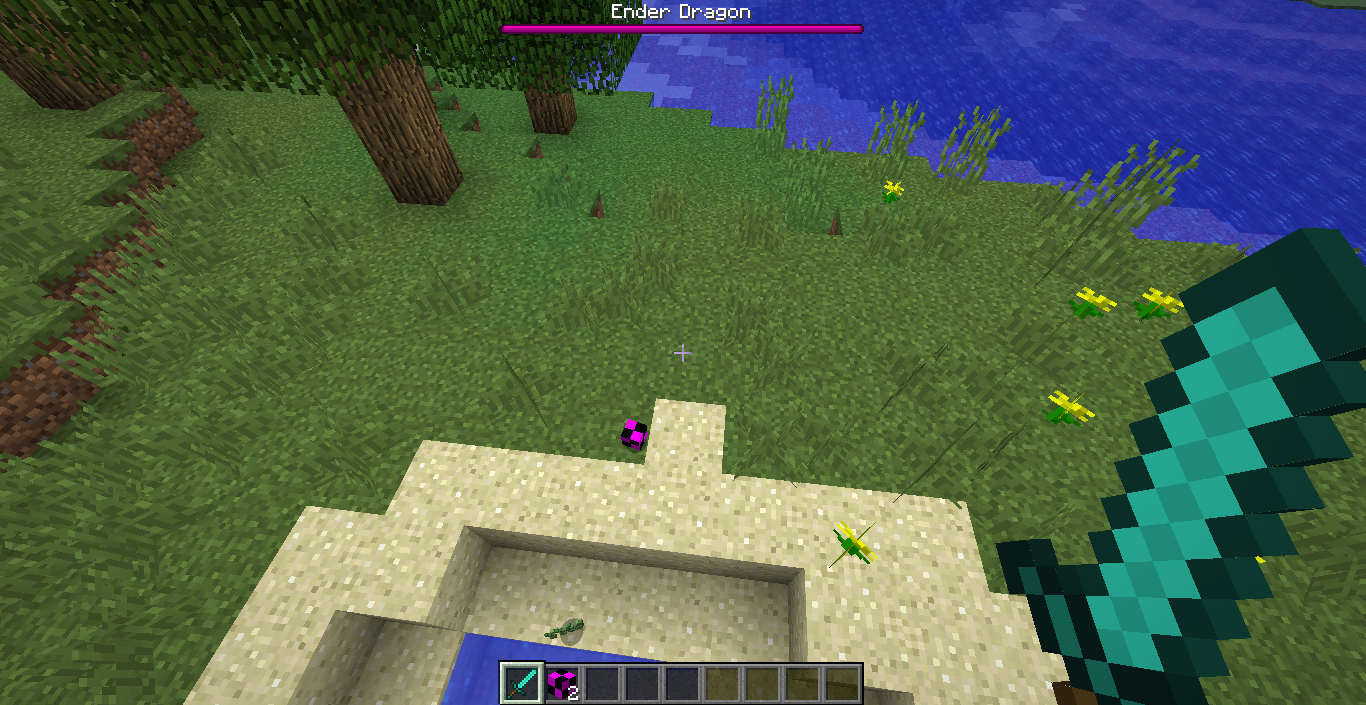


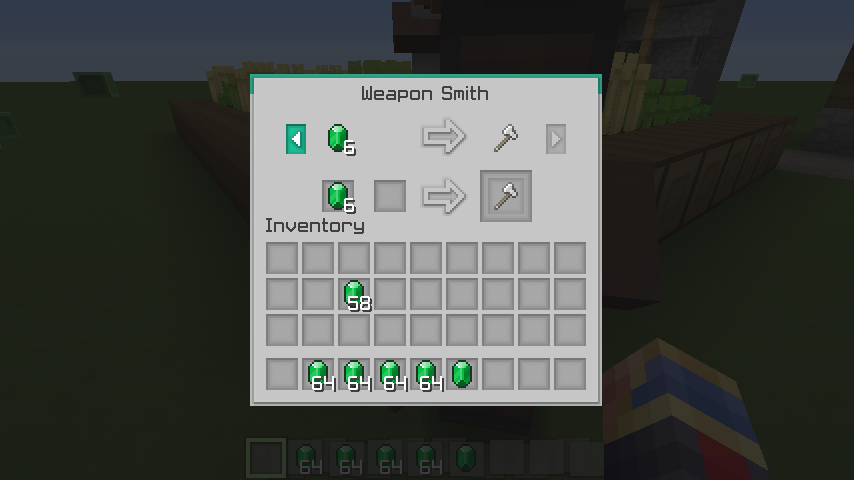

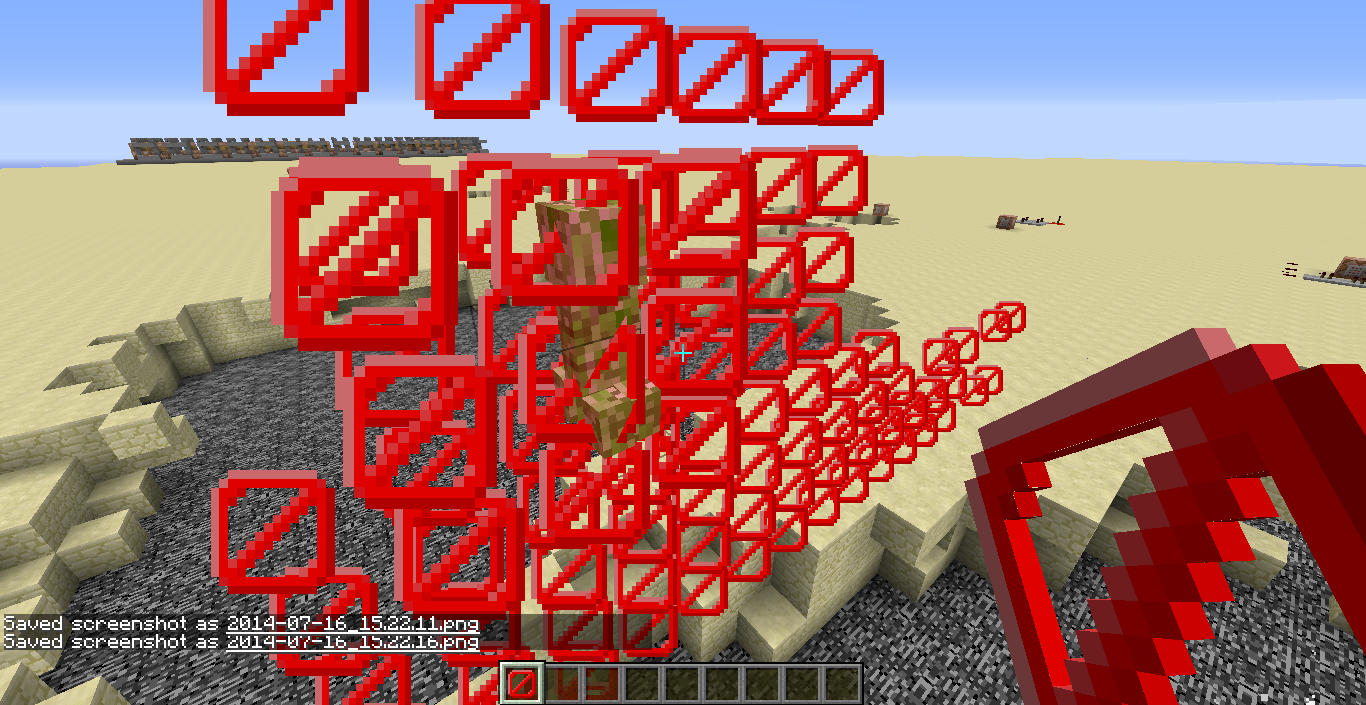

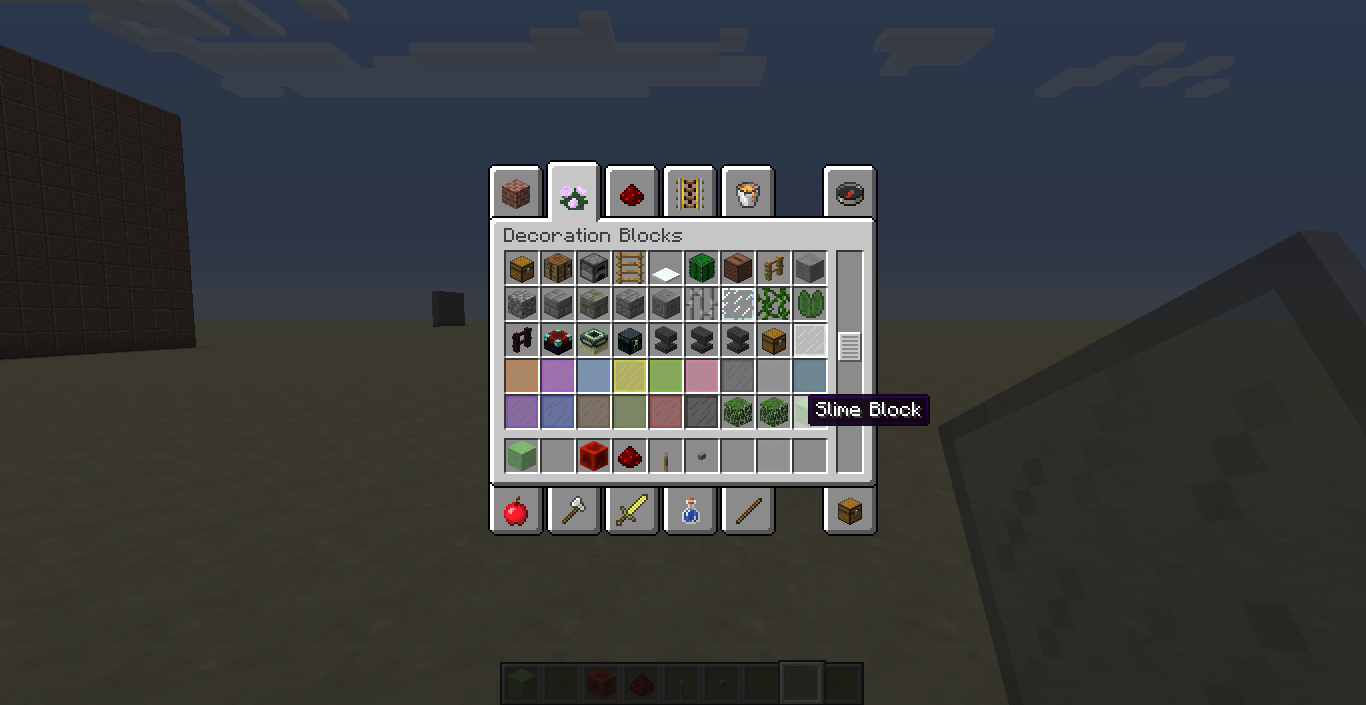


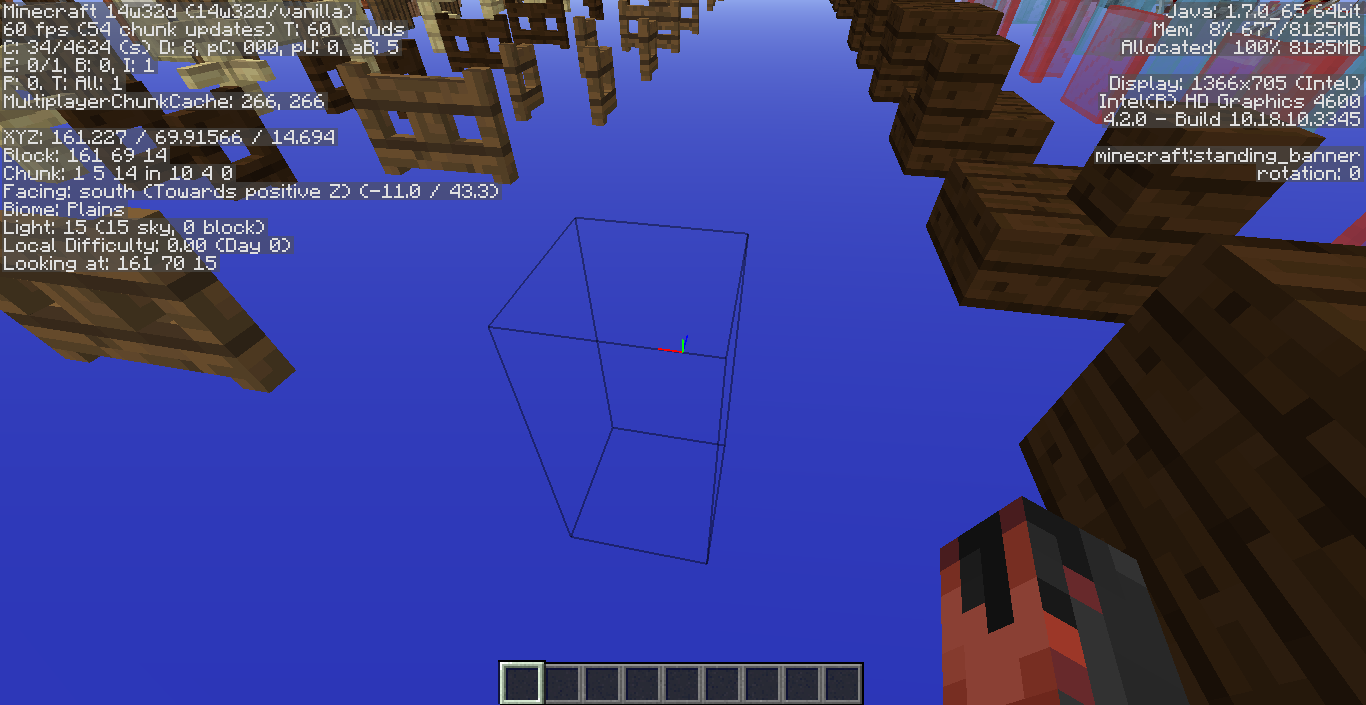



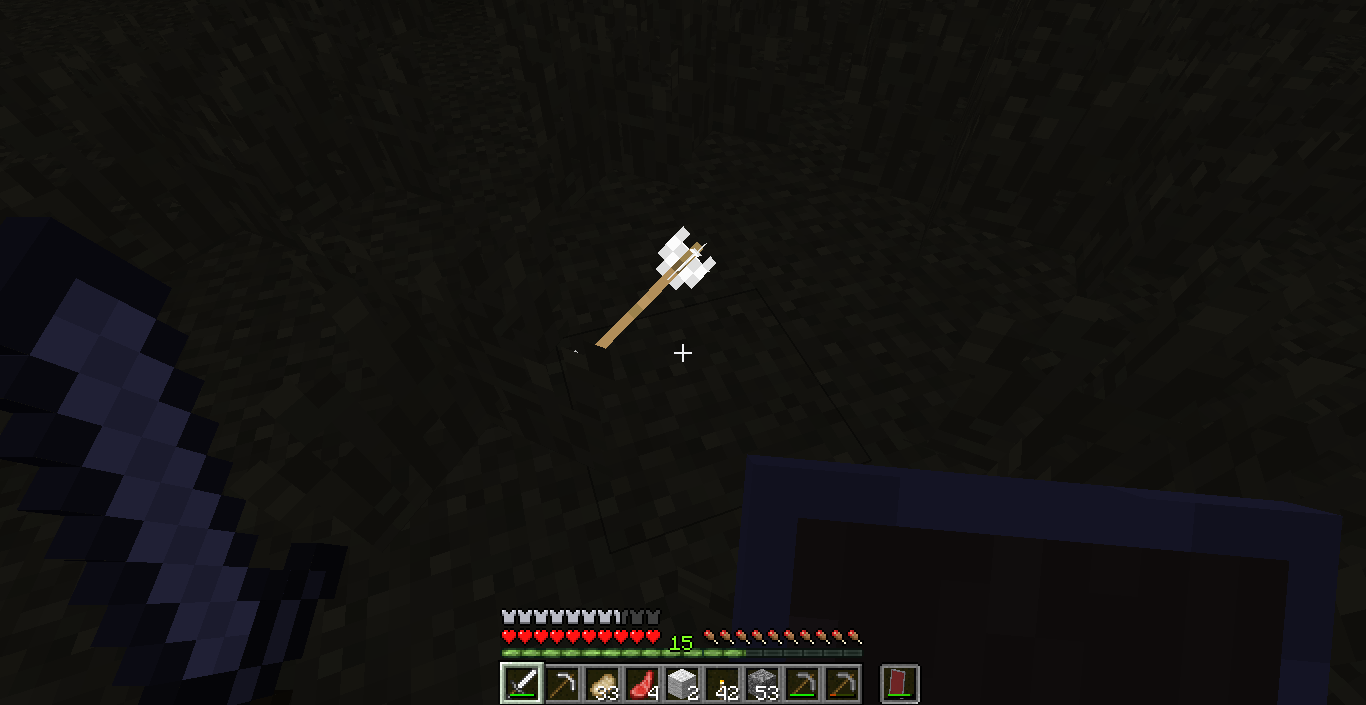
If one does /give username minecraft:leaves 1 5 it will show up using the "missing texture" texture but when place but if the player does a middle mouse click (pick block) it shows up normal.
If one does /give username minecraft:leaves 1 5 it will show up using the "missing texture" texture but when place but if the player does a middle mouse click (pick block) it shows up normal.
Edit: I did some more testing and it turns out minecraft was just rolling back to oak as oak's data value is 0.
So I think a mod should close this issue.
This is not the place to report bugs on PE. Report it at https://bugs.mojang.com/browse/MCPE
If a mob gets launch by TNT and hits a wall of barrier blocks (at least 2 blocks wide/length) will cause the mob to get stuck in the wall and suffocate to death.
Can confirm for 1.8.1.
I did more testing and I can confirm it for 1.8.2-pre1
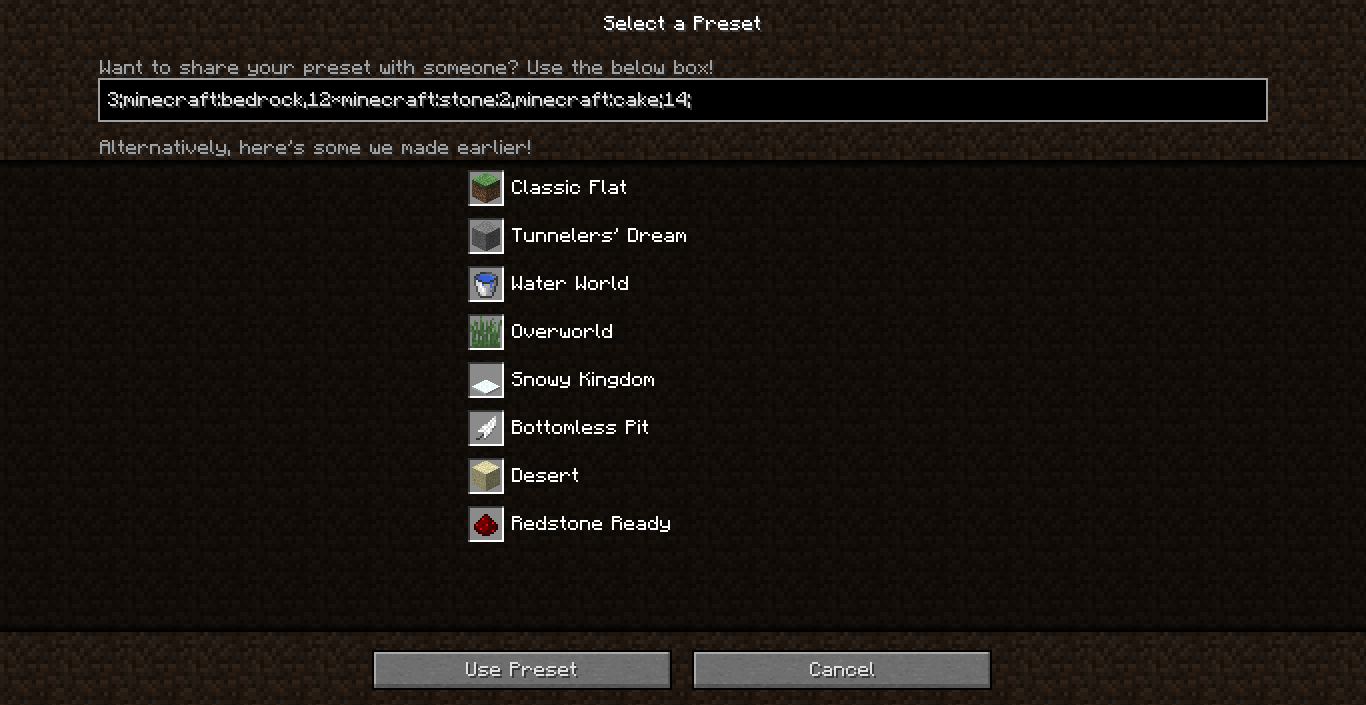
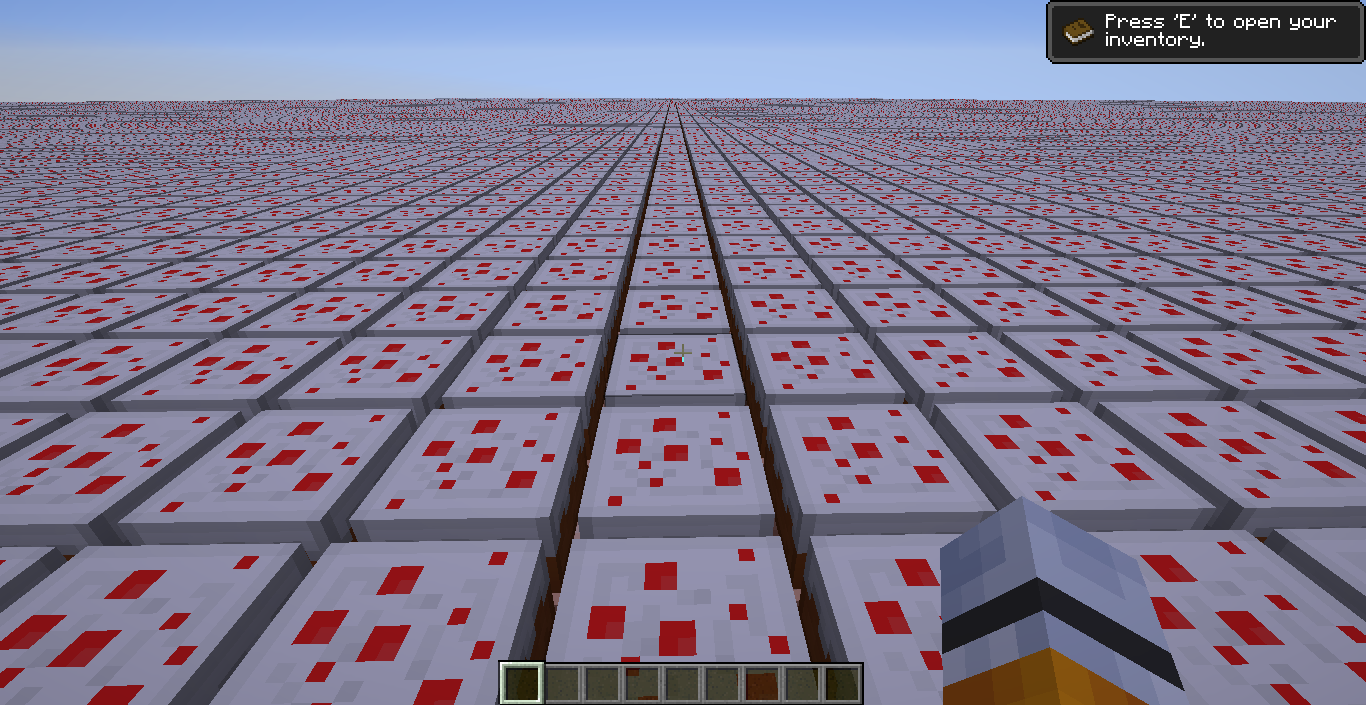
If the Cake BLOCK is used in a superflat preset crashes game.
Here is a crash report
---- Minecraft Crash Report ----
// Don't be sad, have a hug! <3Time: 8/11/14 5:12 PM
Description: Rendering screenjava.lang.NullPointerException: Rendering screen
at add.c(SourceFile:99)
at bny.a(SourceFile:285)
at bda.a(SourceFile:146)
at bda.a(SourceFile:203)
at bcm.b(SourceFile:382)
at bcm.a(SourceFile:259)
at bcz.a(SourceFile:122)
at blt.b(SourceFile:852)
at bao.ak(SourceFile:801)
at bao.f(SourceFile:728)
at net.minecraft.client.main.Main.main(SourceFile:148)A detailed walkthrough of the error, its code path and all known details is as follows:
---------------------------------------------------------------------------------------– Head –
Stacktrace:
at add.c(SourceFile:99)
at bny.a(SourceFile:285)
at bda.a(SourceFile:146)
at bda.a(SourceFile:203)
at bcm.b(SourceFile:382)
at bcm.a(SourceFile:259)
at bcz.a(SourceFile:122)– Screen render details –
Details:
Screen name: bcz
Mouse location: Scaled: (305, 342). Absolute: (610, 20)
Screen size: Scaled: (683, 353). Absolute: (1366, 705). Scale factor of 2
Stacktrace:
at blt.b(SourceFile:852)
at bao.ak(SourceFile:801)
at bao.f(SourceFile:728)
at net.minecraft.client.main.Main.main(SourceFile:148)– System Details –
Details:
Minecraft Version: 1.7.10
Operating System: Windows 8.1 (amd64) version 6.3
Java Version: 1.7.0_65, Oracle Corporation
Java VM Version: Java HotSpot(TM) 64-Bit Server VM (mixed mode), Oracle Corporation
Memory: 114446192 bytes (109 MB) / 186580992 bytes (177 MB) up to 1060372480 bytes (1011 MB)
JVM Flags: 6 total; -XX:HeapDumpPath=MojangTricksIntelDriversForPerformance_javaw.exe_minecraft.exe.heapdump -Xmx1G -XX:+UseConcMarkSweepGC -XX:+CMSIncrementalMode -XX:-UseAdaptiveSizePolicy -Xmn128M
AABB Pool Size: 0 (0 bytes; 0 MB) allocated, 0 (0 bytes; 0 MB) used
IntCache: cache: 0, tcache: 0, allocated: 0, tallocated: 0
Launched Version: 1.7.10
LWJGL: 2.9.1
OpenGL: Intel(R) HD Graphics 4600 GL version 4.2.0 - Build 10.18.10.3345, Intel
GL Caps: Using GL 1.3 multitexturing.
Using framebuffer objects because OpenGL 3.0 is supported and separate blending is supported.
Anisotropic filtering is supported and maximum anisotropy is 16.
Shaders are available because OpenGL 2.1 is supported.Is Modded: Probably not. Jar signature remains and client brand is untouched.
Type: Client (map_client.txt)
Resource Packs: []
Current Language: English (US)
Profiler Position: N/A (disabled)
Vec3 Pool Size: 0 (0 bytes; 0 MB) allocated, 0 (0 bytes; 0 MB) used
Anisotropic Filtering: Off (1)Here is the game output.
[17:12:03] [main/INFO]: Setting user: pie595
[17:12:03] [main/INFO]: (Session ID is token:0134f3f7c04f48a585e22678da966146:1e581b659eb54c259d4ec4d22add9532)
[17:12:03] [Client thread/INFO]: LWJGL Version: 2.9.1
[17:12:06] [Client thread/INFO]: Reloading ResourceManager: DefaultStarting up SoundSystem...
Initializing LWJGL OpenAL
(The LWJGL binding of OpenAL. For more information, see http://www.lwjgl.org)
OpenAL initialized.[17:12:07] [Sound Library Loader/INFO]: Sound engine started
[17:12:07] [Client thread/INFO]: Created: 512x256 textures/blocks-atlas
[17:12:07] [Client thread/INFO]: Created: 256x256 textures/items-atlas
[17:12:13] [Client thread/INFO]: Deleting level dummy
[17:12:13] [Client thread/INFO]: Attempt 1...
[17:12:15] [Client thread/INFO]: Deleting level New Worldr
[17:12:15] [Client thread/INFO]: Attempt 1...
[17:12:18] [Client thread/INFO]: Deleting level 123
[17:12:18] [Client thread/INFO]: Attempt 1...
[17:12:21] [Client thread/INFO]: Deleting level New World----
[17:12:21] [Client thread/INFO]: Attempt 1...
[17:12:23] [Client thread/INFO]: Deleting level New World---
[17:12:23] [Client thread/INFO]: Attempt 1...
[17:12:28] [Client thread/INFO]: Deleting level New World--
[17:12:28] [Client thread/INFO]: Attempt 1...
[17:12:30] [Client thread/INFO]: Deleting level New World-
[17:12:30] [Client thread/INFO]: Attempt 1...
[17:12:47] [Client thread/FATAL]: Reported exception thrown!
s: Rendering screen
at blt.b(SourceFile:878) ~[1.7.10.jar:?]
at bao.ak(SourceFile:801) ~[1.7.10.jar:?]
at bao.f(SourceFile:728) [1.7.10.jar:?]
at net.minecraft.client.main.Main.main(SourceFile:148) [1.7.10.jar:?]
Caused by: java.lang.NullPointerException
at add.c(SourceFile:99) ~[1.7.10.jar:?]
at bny.a(SourceFile:285) ~[1.7.10.jar:?]
at bda.a(SourceFile:146) ~[1.7.10.jar:?]
at bda.a(SourceFile:203) ~[1.7.10.jar:?]
at bcm.b(SourceFile:382) ~[1.7.10.jar:?]
at bcm.a(SourceFile:259) ~[1.7.10.jar:?]
at bcz.a(SourceFile:122) ~[1.7.10.jar:?]
at blt.b(SourceFile:852) ~[1.7.10.jar:?]
... 3 more
---- Minecraft Crash Report ----
// Would you like a cupcake?Time: 8/11/14 5:12 PM
Description: Rendering screenjava.lang.NullPointerException: Rendering screen
at add.c(SourceFile:99)
at bny.a(SourceFile:285)
at bda.a(SourceFile:146)
at bda.a(SourceFile:203)
at bcm.b(SourceFile:382)
at bcm.a(SourceFile:259)
at bcz.a(SourceFile:122)
at blt.b(SourceFile:852)
at bao.ak(SourceFile:801)
at bao.f(SourceFile:728)
at net.minecraft.client.main.Main.main(SourceFile:148)A detailed walkthrough of the error, its code path and all known details is as follows:
---------------------------------------------------------------------------------------– Head –
Stacktrace:
at add.c(SourceFile:99)
at bny.a(SourceFile:285)
at bda.a(SourceFile:146)
at bda.a(SourceFile:203)
at bcm.b(SourceFile:382)
at bcm.a(SourceFile:259)
at bcz.a(SourceFile:122)– Screen render details –
Details:
Screen name: bcz
Mouse location: Scaled: (305, 342). Absolute: (610, 20)
Screen size: Scaled: (683, 353). Absolute: (1366, 705). Scale factor of 2
Stacktrace:
at blt.b(SourceFile:852)
at bao.ak(SourceFile:801)
at bao.f(SourceFile:728)
at net.minecraft.client.main.Main.main(SourceFile:148)– System Details –
Details:
Minecraft Version: 1.7.10
Operating System: Windows 8.1 (amd64) version 6.3
Java Version: 1.7.0_65, Oracle Corporation
Java VM Version: Java HotSpot(TM) 64-Bit Server VM (mixed mode), Oracle Corporation
Memory: 114446192 bytes (109 MB) / 186580992 bytes (177 MB) up to 1060372480 bytes (1011 MB)
JVM Flags: 6 total; -XX:HeapDumpPath=MojangTricksIntelDriversForPerformance_javaw.exe_minecraft.exe.heapdump -Xmx1G -XX:+UseConcMarkSweepGC -XX:+CMSIncrementalMode -XX:-UseAdaptiveSizePolicy -Xmn128M
AABB Pool Size: 0 (0 bytes; 0 MB) allocated, 0 (0 bytes; 0 MB) used
IntCache: cache: 0, tcache: 0, allocated: 0, tallocated: 0
Launched Version: 1.7.10
LWJGL: 2.9.1
OpenGL: Intel(R) HD Graphics 4600 GL version 4.2.0 - Build 10.18.10.3345, Intel
GL Caps: Using GL 1.3 multitexturing.
Using framebuffer objects because OpenGL 3.0 is supported and separate blending is supported.
Anisotropic filtering is supported and maximum anisotropy is 16.
Shaders are available because OpenGL 2.1 is supported.Is Modded: Probably not. Jar signature remains and client brand is untouched.
Type: Client (map_client.txt)
Resource Packs: []
Current Language: English (US)
Profiler Position: N/A (disabled)
Vec3 Pool Size: 0 (0 bytes; 0 MB) allocated, 0 (0 bytes; 0 MB) used
Anisotropic Filtering: Off (1)
#@Unable to render embedded object: File (@# Game crashed) not found. Crash report saved to: #@!@# C:\Users\xxx\AppData\Roaming\.minecraft\crash-reports\crash-2014-08-11_17.12.47-client.txt
AL lib: (EE) alc_cleanup: 1 device not closed
If the player makes a preset for superflat that goes over the build limit, the game hangs on the loading screen.
Here is the output log.[17:17:08] [main/INFO]: Setting user: pie595
[17:17:08][main/INFO]: (Session ID is token:0fcbf3d0a95e440997639755038f9239:1e581b659eb54c259d4ec4d22add9532)[17:17:08] [Client thread/INFO]: LWJGL Version: 2.9.1
[17:17:10] [Client thread/INFO]: Reloading ResourceManager: Default, Pixel Daydreams (vB.3).zip
Starting up SoundSystem...
Initializing LWJGL OpenAL
(The LWJGL binding of OpenAL. For more information, seehttp://www.lwjgl.org)
OpenAL initialized.[17:17:11] [Sound Library Loader/INFO]: Sound engine started
[17:17:12] [Client thread/INFO]: Created: 512x256 textures/blocks-atlas
[17:17:12] [Client thread/INFO]: Created: 256x256 textures/items-atlas
[17:17:19] [Client thread/INFO]: Deleting level New World--
[17:17:19] [Client thread/INFO]: Attempt 1...
[17:17:45] [Server thread/INFO]: Starting integrated minecraft server version 1.7.10
[17:17:45] [Server thread/INFO]: Generating keypair
[17:17:45] [Server thread/INFO]: Converting map!
[17:17:45] [Server thread/INFO]: Scanning folders...
[17:17:45] [Server thread/INFO]: Total conversion count is 0
[17:17:45] [Server thread/ERROR]: Encountered an unexpected exception
java.lang.ArrayIndexOutOfBoundsException: 256at aqu.<init>(SourceFile:60) ~[1.7.10.jar:?]
at aqo.c(SourceFile:55) ~[1.7.10.jar:?]
at mt.j(SourceFile:500) ~[1.7.10.jar:?]
at ahb.<init>(SourceFile:188) ~[1.7.10.jar:?]
at mt.<init>(SourceFile:69) ~[1.7.10.jar:?]
at bsx.a(SourceFile:70) ~[1.7.10.jar:?]
at bsx.e(SourceFile:99) ~[1.7.10.jar:?]
at net.minecraft.server.MinecraftServer.run(SourceFile:339)[1.7.10.jar:?]
at lj.run(SourceFile:628) [1.7.10.jar:?][17:17:46] [Server thread/ERROR]: This crash report has been saved to: C:\Users\Logan\AppData\Roaming\.minecraft\crash-reports\crash-2014-08-18_17.17.46-server.txt[17:17:46] [Server thread/INFO]: Stopping server[17:17:46] [Server thread/INFO]: Saving players[17:17:46][Server thread/INFO]: Saving worlds[17:17:46][Server thread/ERROR]: Exception stopping the server
java.lang.NullPointerException
atnet.minecraft.server.MinecraftServer.o(SourceFile:311) ~[1.7.10.jar:?]
at bsx.o(SourceFile:235) ~[1.7.10.jar:?]
at net.minecraft.server.MinecraftServer.run(SourceFile:401) [1.7.10.jar:?]
at lj.run(SourceFile:628) [1.7.10.jar:?]If the player makes a preset for superflat that goes over the build limit, the game hangs on the loading screen.
Here is the crash report.
---- Minecraft Crash Report ----
// Everything's going to plan. No, really, that was supposed to happen.Time: 8/18/14 5:17 PM
Description: Exception in server tick loopjava.lang.ArrayIndexOutOfBoundsException: 256
at aqu.<init>(SourceFile:60)
at aqo.c(SourceFile:55)
at mt.j(SourceFile:500)
at ahb.<init>(SourceFile:188)
at mt.<init>(SourceFile:69)
at bsx.a(SourceFile:70)
at bsx.e(SourceFile:99)
at net.minecraft.server.MinecraftServer.run(SourceFile:339)
at lj.run(SourceFile:628)A detailed walkthrough of the error, its code path and all known details is as follows:
---------------------------------------------------------------------------------------– System Details –
Details:
Minecraft Version: 1.7.10
Operating System: Windows 8.1 (amd64) version 6.3
Java Version: 1.7.0_65, Oracle Corporation
Java VM Version: Java HotSpot(TM) 64-Bit Server VM (mixed mode), Oracle Corporation
Memory: 141893792 bytes (135 MB) / 186580992 bytes (177 MB) up to 1060372480 bytes (1011 MB)
JVM Flags: 6 total; -XX:HeapDumpPath=MojangTricksIntelDriversForPerformance_javaw.exe_minecraft.exe.heapdump -Xmx1G -XX:+UseConcMarkSweepGC -XX:+CMSIncrementalMode -XX:-UseAdaptiveSizePolicy -Xmn128M
AABB Pool Size: 0 (0 bytes; 0 MB) allocated, 0 (0 bytes; 0 MB) used
IntCache: cache: 0, tcache: 0, allocated: 0, tallocated: 0
Profiler Position: N/A (disabled)
Player Count: 0 / 8; []
Type: Integrated Server (map_client.txt)
Is Modded: Probably not. Jar signature remains and both client + server brands are untouched.
crash-2014-08-18_17.17.46-server.txt
If the game is in full screen and alt+tab
sout of the game and then comesback to the game, the game won't scale back to full screen.If the game is in full screen and you alt+tab out of the game and then come back to the game, the game won't scale back to full screen.
The lava part was already reported but I didn't know about the wrong textures part.
So that's why when I spawned a zombie with a stone block for the helmet part it was so big, and to think I did something wrong with the NBT tags. So it seems to happen for all blocks.
You might be doing it wrong because I tried this /give @a written_book 1 0 {pages:["{\"text\":\"\",\"extra\":[
{\"text\":\"Hello World\",\"color\":\"blue\"}]}"],title:Book,author:TellrawGenerator} and that work but then I did use this site http://ezekielelin.com/tellraw/#addExtraModalData I also did try the same coomand you did and got the same thing so I think you might be doing something wrong.
I was playing hardcore on a new world in 14w26c and fell to my death.
Try deleting the options file and then try opening a world.
Yes I do want the ticket back, also confirm for 1.8.
Added crash report.
That's odd because every other game I played in fullscreen works fine when Alt-TABbing out.
See this page: http://minecraft.gamepedia.com/Fence on how to craft a fence as it was change in 1.8 because of the new fence types.
Can a mod close this it turns out it was a video card issue that got fix when I update the driver.
It seems to be fix in 1.8.1.
Can confirm for 1.8.2-pre1
Oddly it seems to work with the beta Launcher 1.6.5 sort of. Clicking Respawn deletes the world but clicking back to title screen locks up the game. Will do more testing later.