 Guillermo J Colom
- pirateSkeleton
- pirateskeleton
- Europe/Stockholm
- Yes
- No
 MCPE-66763
 REALMS-4332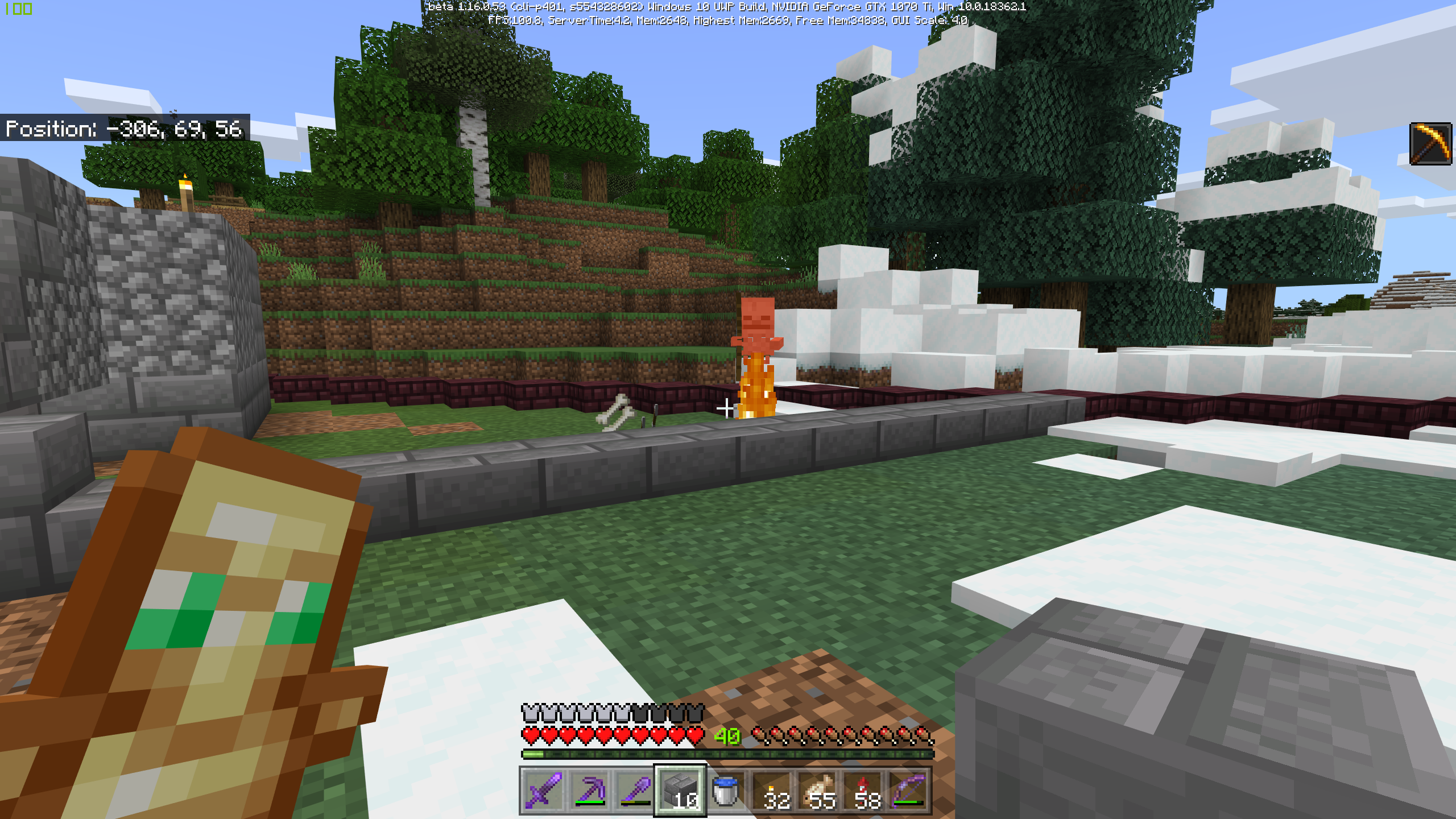




The game crashes to desktop when entering the Nether after other multiple other mobs, Example: Zombie Piglin from a Zombie Piglin Farm, and Strays. That area of the Nether remains inaccessible unless the player travel thousands of blocks in the over world away from the affected area and enters the Nether. The player can then return to the affected area and restore access to it. Suspect that the new despawn mechanics are clearing the mobs that are causing the crashes when the player approaches from the Nether. This error destroys any farms that depend on sending mobs into the Nether.
Once the crash starts, even entering the Nether in Creative will crash the game. Possibly same bug as reported in
MCPE-66678
Stone Mason villagers when turned into a zombie and then cured will not drop their prices. Instead, when the villager is cured it will retain its trader levels but reset their trades, ex. was offering to purchase diorite and after curing was offering to purchase andesite. Villager seemed to first turn into unemployed villager
villagerbefore resuming role as stone mason. In contrast, when librarian villagers were cured, they immediately returned to being librarians.Stone Mason villagers when turned into a zombie and then cured will not drop their prices. Instead, when the villager is cured it will retain its trader levels but reset their trades, ex. was offering to purchase diorite and after curing was offering to purchase andesite. Villager seemed to first turn into unemployed villager before resuming role as stone mason. In contrast, when librarian villagers were cured, they immediately returned to being librarians.
Need someone to confirm and reproduce independently.
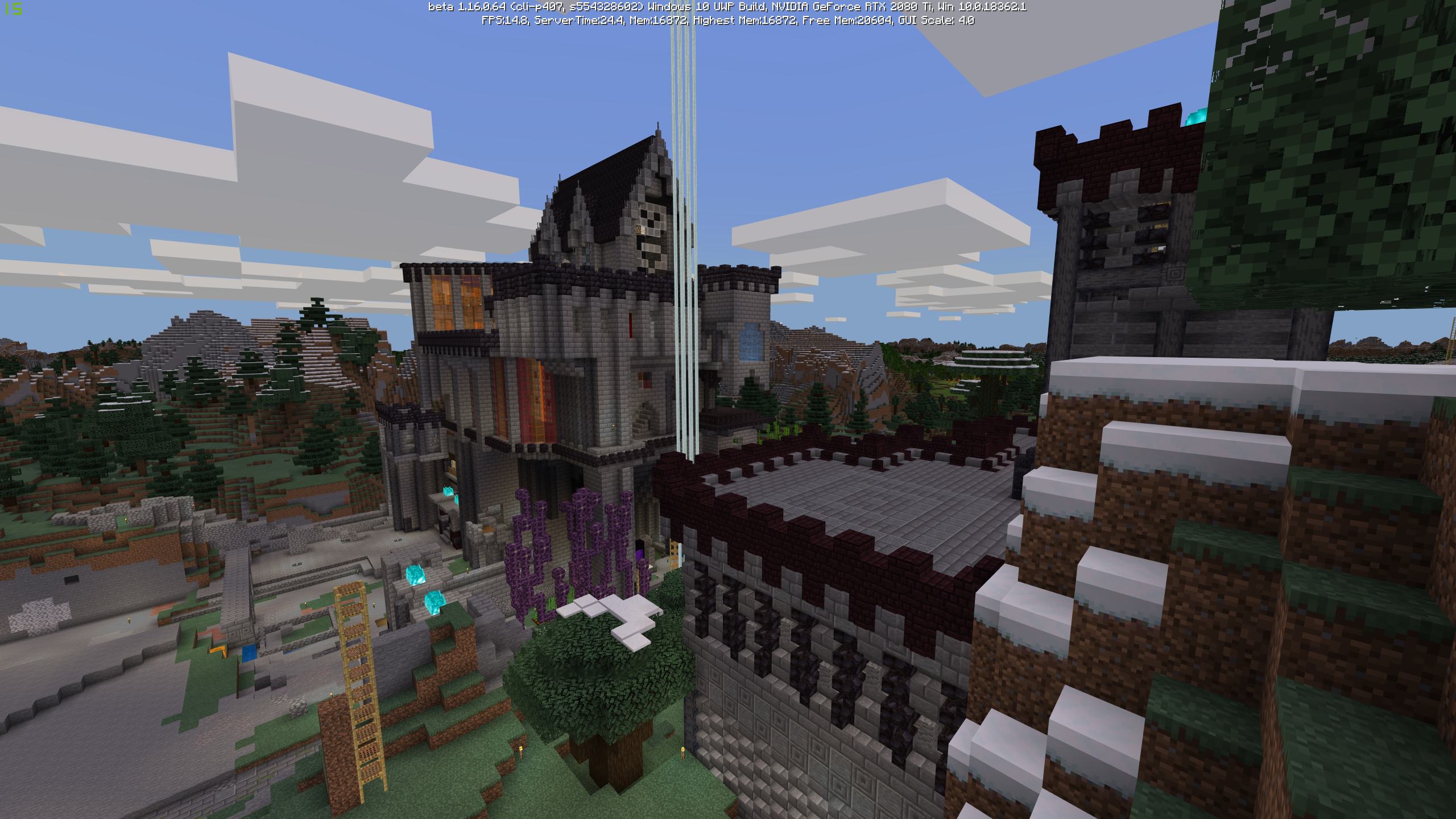
Game framerate dropped significantly with RAM usage steadily increasing even while remaining stationary. Occurred in the overworld, most often by castle (see picture) despite not having any redstone processes active or large mob counts on the surface (underground counts were unknown). Game seemed to perform well while in the Nether.
Potential culprit: Render distance slider in video settings was in the lowest position but was set to 128 chunk render distance. Manipulating the slider bumped the number back into the normal range and the memory usage dropped down to 10.6 GB for a 48 chunk render distance.
Game framerate dropped significantly with RAM usage steadily increasing even while remaining stationary. Occurred in the overworld, most often by castle (see picture) despite not having any redstone processes active or large mob counts on the surface (underground counts were unknown). Game seemed to perform well while in the Nether.
Potential culprit: Render distance slider in video settings was in the lowest position but was set to 128 chunk render distance. Manipulating the slider bumped the number back into the normal range and the memory usage dropped down to
10.6GB for a 48 chunk render distance.Game framerate dropped significantly with RAM usage steadily increasing even while remaining stationary. Occurred in the overworld, most often by castle (see picture) despite not having any redstone processes active or large mob counts on the surface (underground counts were unknown). Game seemed to perform well while in the Nether.
Potential culprit: Render distance slider in video settings was in the lowest position but was set to 128 chunk render distance. Manipulating the slider bumped the number back into the normal range and the memory usage dropped down to 4.9 GB for a 48 chunk render distance.
Game framerate dropped significantly with RAM usage steadily increasing even while remaining stationary. Occurred in the overworld, most often by castle (see picture) despite not having any redstone processes active or large mob counts on the surface (underground counts were unknown). Game seemed to perform well while in the Nether.
Potential culprit: Render distance slider in video settings was in the lowest position but was set to 128 chunk render distance. Manipulating the slider bumped the number back into the normal range and the memory usage dropped down to 4.9 GB for a 48 chunk render distance.
Game framerate dropped significantly with RAM usage steadily increasing even while remaining stationary. Occurred in the overworld, most often by castle (see picture) despite not having any redstone processes active or large mob counts on the surface (underground counts were unknown). Game seemed to perform well while in the Nether.
Potential culprit: Render distance slider in video settings was in the lowest position but was set to 128 chunk render distance. Manipulating the slider bumped the number back into the normal range and the memory usage dropped down to 4.9 GB for a 48 chunk render distance.
Issue was first observed after updating to 27 May 20 NVidia Driver. Have been unable to replicate.
Memory Leak or Bad Render Distance Setting
Game framerate dropped significantly with RAM usage steadily increasing even while remaining stationary. Occurred in the overworld, most often by castle (see picture) despite not having any redstone processes active or large mob counts on the surface (underground counts were unknown). Game seemed to perform well while in the Nether.
Potential culprit: Render distance slider in video settings was in the lowest position but was set to 128 chunk render distance. Manipulating the slider bumped the number back into the normal range and the memory usage dropped down to 4.9 GB for a 48 chunk render distance. Restarting the game now has it running at 2.6 GB Memory for 48 Chunk render distance.
Issue was first observed after updating to 27 May 20 NVidia Driver. Have been unable to replicate.
Placed nametag on anvil and it did not allow me to rename it. Can combine two bows and rename the new bow. Cannot rename a single bow. See attached video.
This may be a momentary bug, since exiting the realm, quitting out, and reentering after the realm was empty allowed for single objects to be renamed.
Similar to the original reporter, I have had pistons on timer circuits disappear if left active when unloading/reloading an area.
I think this might be caused by the same entity issue as my
MCPE-66763. In my case, it occurs when I send monster mobs into the Nether, as part of a farm.A workaround if you don't have world edit or want to play strictly in survival:
Travel travel in the a few thousand blocks away from the affected nether gates. Place a new nether gate and enter into the Nether. Travel within the nether back to your affected area. The mobs that caused the crash will likely have "disappeared". Personally I travel 5000 blocks because I have an Elytra and I read that number on a forum post, but I suspect you only have to travel beyond the simulation distance (within nether).
Example, if you set your simulation distance to 4 chunks:
4 (simulation chunks) x 16 (blocks/chunk) x 8 (overworld/nether) = 512.
Of course it might be determined by render distance, in which case, if you have it set to 32 chunks:
32 (render chunks) x 16 (blocks/chunk) x 8 (overworld/nether) = 4096.
UPDATE: Tried this method after updating to 1.16.0.57. Game crashed while in the nether and was approaching the affected nether area after successfully entering the nether at a location 5000 blocks (overworld) away.
I send Strays and zombie pigmen into the nether and it consistently crashes. Usually three or more makes it go bad.
There is a pressure plate at the foot of the bed and a lever a block over.
I wouldn’t be surprised if they are working on it, but won’t consider it resolved until every mob sent in is accounted for on the other side.
Also in 1.16.0.61
While this bug has some similarities in common with the other bug, there seem to be unique differences, specifically pertaining to the stone mason profession and the behavior not being seen in some other professions.
Uploaded a video. Found an issue similar to that described here with grass in snow.
As a work around, I managed to purchase the realm using the iphone version of the game.
@Alex, the workaround worked for me. That is how I reopened my realm. Not sure why yours wouldn't go through. If anything, confirm that the payment actually went through and you are logged into the correct Xbox live account. Otherwise, I hope something works for you soon.
The beehive entrance is still oriented the same way it was before. I learned this the hard way.
This might be a lag artifact. Maybe it falls under
MCPE-105892.Also have a similar issue while playing on Windows 10 Version. Have uploaded walk_through_block.mp4
Seems to start happening after flying, for me.