 PvP Panda
- PvPqnda
- pvpqnda
- Europe/Stockholm
- Yes
- No
 MC-140998
 Low
Low![[Mojang] Chi Wong](../../../data/avatars/users/18941.svg)
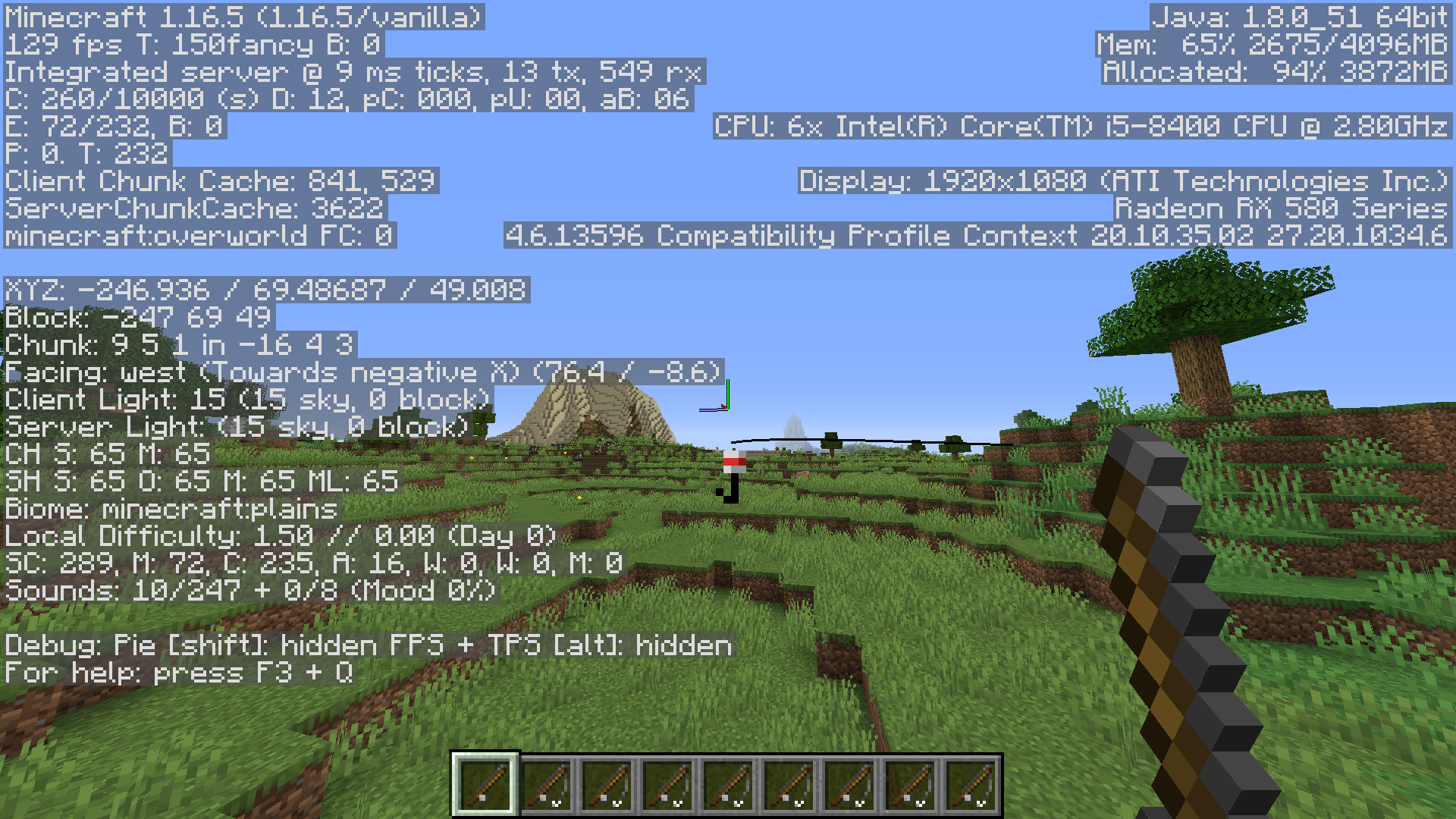
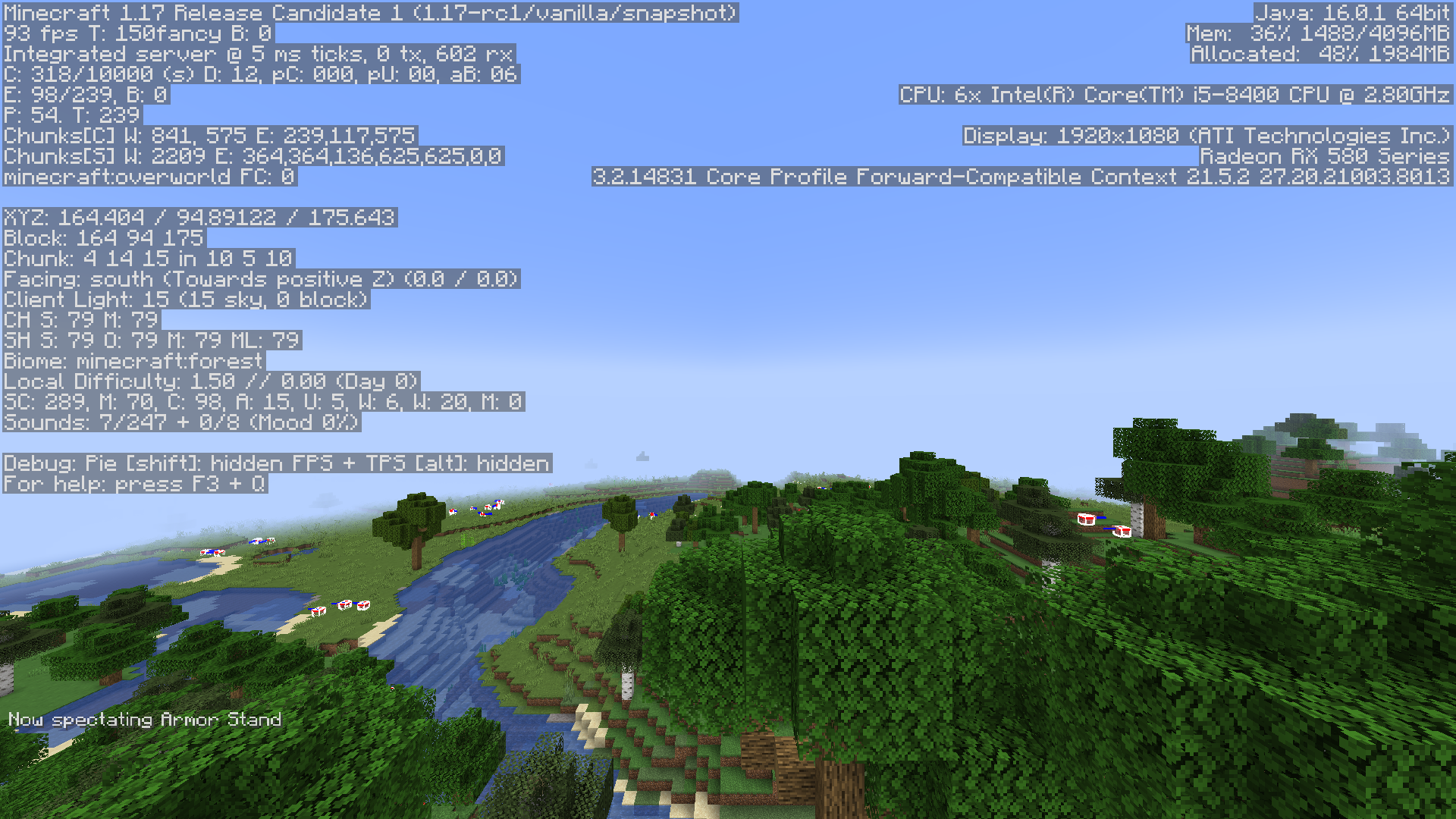
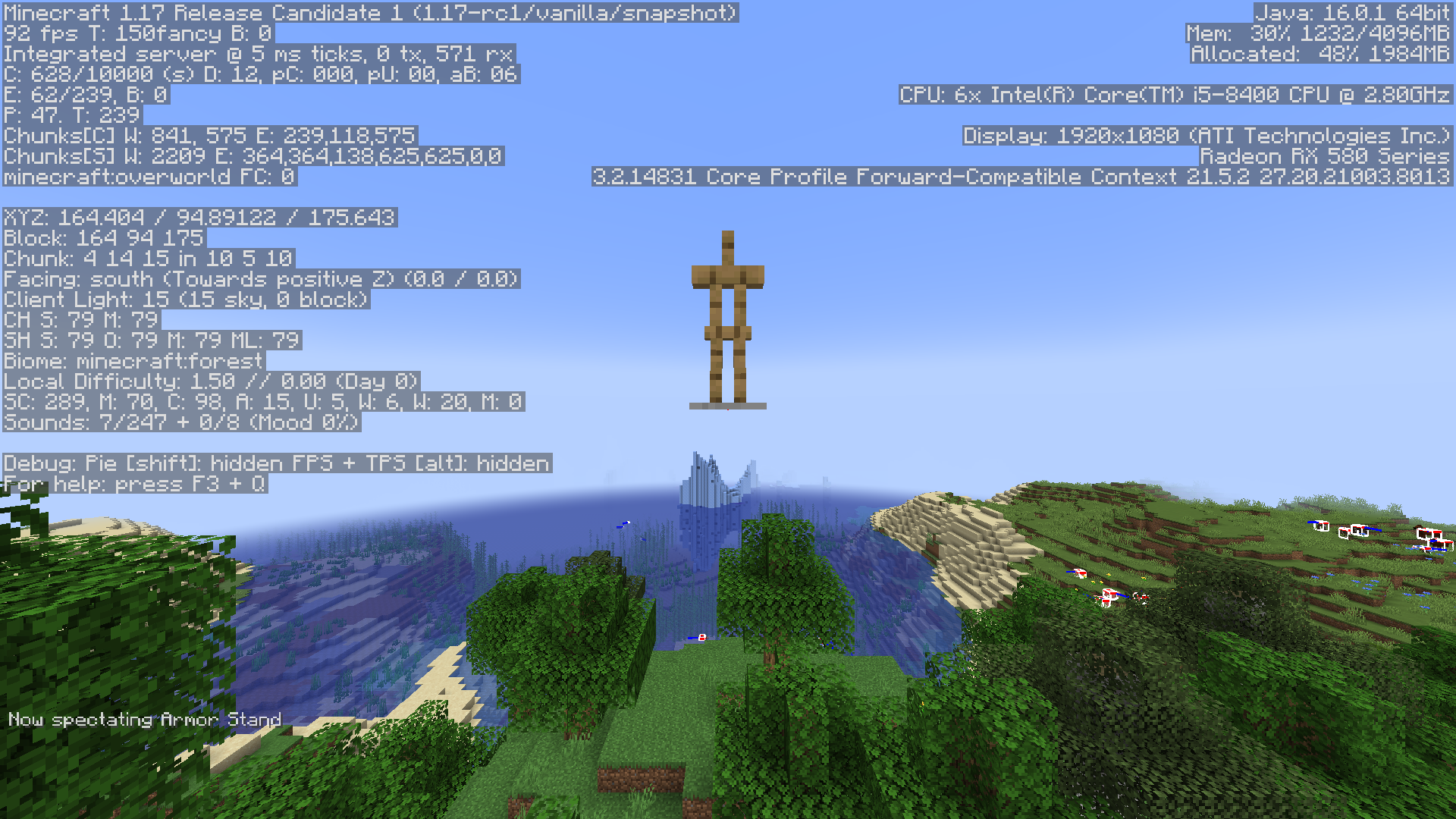






While a player is spectating another entity, such as another player, the spectat
ing player's FOV will not be increased or decreased when the spectator has a potion effect that modifies their FOV, such as speed or slowness, or when the player being spectated has a potion effect that modifies their FOV.While a player is spectating another entity, such as another player, the spectator's FOV will not be increased or decreased when the spectator has a potion effect that modifies their FOV, such as speed or slowness, nor when the player being spectated has a potion effect that modifies their FOV.
The Bug
While a player is spectating another entity, such as another player, the spectator's FOV will not be affected by either the spectator itself or the spectated mob's speed/slowness effects.
To Reproduce
- /summon minecraft:zombie ~ ~ ~ {ActiveEffects: [\{Id: 2b, Amplifier: 10b, Duration: 2147483647\}]}
- /effect give @s minecraft:slowness 1000000 10 true
- Spectate the zombie.
Notice how your FOV is not changed at all.
The Bug
While a player is spectating another entity, such as another player, the spectator's FOV will not be affected by either the spectator itself or the spectated mob's speed/slowness effects.
To Reproduce
- {{{}/summon minecraft:zombie ~ ~ ~ {ActiveEffects: [\{Id: 2b, Amplifier: 10b, Duration: 2147483647}
]{}}}}
- /effect give @s minecraft:slowness 1000000 10 true
- Spectate the zombie.
OS: Windows 10
Java:jre1.8.0_291OS: Windows 10
Java: 17.0.3 64bit
The Bug
While a player is spectating another entity, such as another player, the spectator's FOV will not be affected by either the spectator itself or the spectated mob's speed/slowness effects.
To Reproduce
- {{{}/summon minecraft:zombie ~ ~ ~ {ActiveEffects: [\{Id: 2b, Amplifier: 10b, Duration: 2147483647}
]{}}}}
- /effect give @s minecraft:slowness 1000000 10 true
- Spectate the zombie.
The Bug
While a player is spectating another entity, such as another player, the spectator's FOV will not be affected by either the spectator itself or the spectated mob's speed/slowness effects.
To Reproduce
- /summon minecraft:zombie ~ ~ ~ {ActiveEffects: [ {Id: 2b, Amplifier: 10b, Duration: 2147483647}
]}
- /effect give @s minecraft:slowness 1000000 10 true
- Spectate the zombie.
Another micro biome discovered in 1.18 snapshot 21w41a after supposedly being fixed!
On top of this, I noticed the spruce tree(s) generate in different quantities, positions, and shapes upon loading this same seed multiple times. Furthermore, if you switch between each attached screenshot, you can easily spot many other differences in generation from the other trees in the background, ores not always generating in the spots the have in other screenshots, grass generating on top of dirt patches in completely different ways, and even a patch of blue ice only generating in two of these screenshots under the water on the side of the iceberg above the two polar bears on the left. Perhaps this has to do with the new random number generator in this snapshot?
I've also taken 3 screenshots of a slightly different position in the world on the same exact seed, generated 3 different times, to show the difference in general tree generation.Insanely small snowy taiga biome with inconsistent tree generation in:
Seed: 3669189489028991163
Coordinates: 2150 80 2080
Teleport command: /execute in minecraft:overworld run tp @s 2149.93 78.61 2083.08 34.53 34.89Another micro biome discovered in 1.18 snapshot 21w41a after supposedly being fixed!
Seed: 3669189489028991163
Coordinates: 2150 80 2080
Micro Biome AND Generation Inconsistencies with Same Seed?Micro biome in 21w41a
2021-10-13_18.25.13.png
/stopsound doesn't removethesubtitle/stopsound doesn't remove subtitles
If a sound is played
andstopped whilebeingstillbeingplayed, the subtitle appears and slowly fades away as if the sound is stillbeingaudible.Steps to reproduce:
- Enable subtitles in Options -> Music & Sounds -> Show Subtitles: ON
- Run command: /playsound minecraft:entity.enderman.scream master @s
- While the previous sound is still audible, quickly run: /stopsound @s
Notice the sound cuts off, but the subtitle "Enderman screams" remains.
If a sound is played then stopped while still playing, the subtitle appears and slowly fades away as if the sound is still audible.
Steps to reproduce:
- Enable subtitles in Options -> Music & Sounds -> Show Subtitles: ON
- Run command: /playsound minecraft:entity.enderman.scream master @s
- While the previous sound is still audible, quickly run: /stopsound @s
Notice the sound cuts off, but the subtitle "Enderman screams" remains.
The bug:
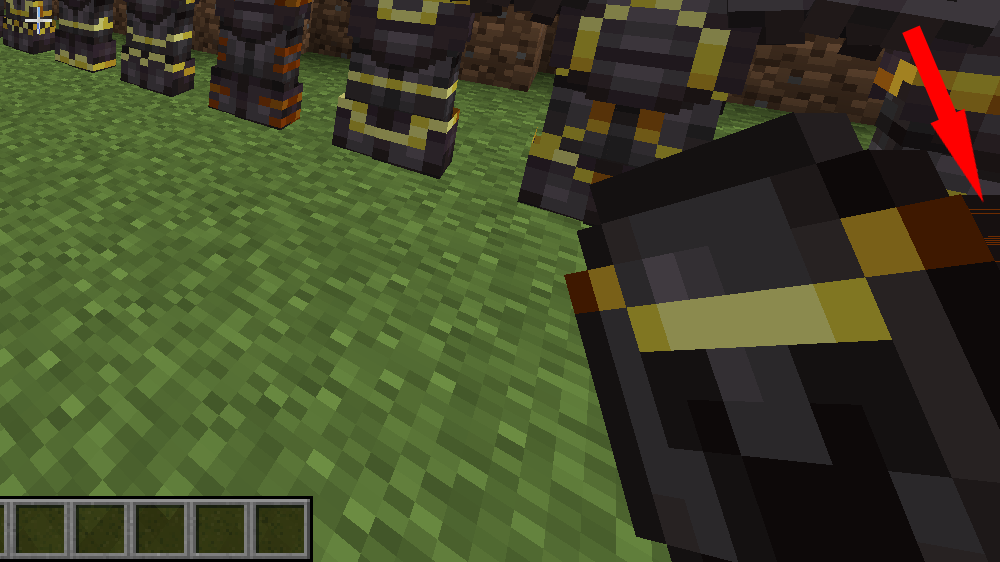
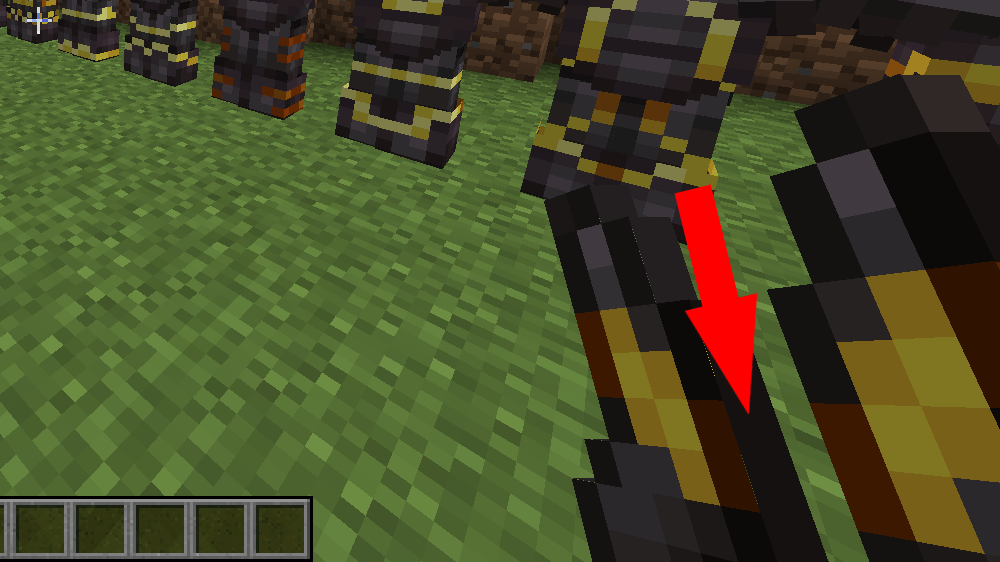
The overlay of trimmed armor phases in and out of the base texture on the side of the item when moving on the screen while held in the hand.
Steps to reproduce:
- Obtain trimmed armor that has parts of the trim overlay texture extending to the side of the base texture and hold in your hand (first person or third).
- Slowly move your head while paying attention to the side the item.
- Notice the pixels from the trim overlay flicker while phasing in and out of the base texture it lays over
Examples of affected items:
- /give @s netherite_helmet{Trim:
Unknown macro: {material}}
- /give @s netherite_leggings{Trim:
Unknown macro: {material}}
- /give @s netherite_boots{Trim: {material:"minecraft:gold",pattern:"minecraft:sentry"}
}
The bug:
The overlay of trimmed armor phases in and out of the base texture on the side of the item when moving on the screen while held in the hand.
Steps to reproduce:
- Obtain trimmed armor that has parts of the trim overlay texture extending to the side of the base texture and hold in your hand (first person or third).
- Slowly move your head while paying attention to the side the item.
- Notice the pixels from the trim overlay flicker while phasing in and out of the base texture it lays over
Examples of affected items:
- /give @s netherite_helmet{Trim:
Unknown macro: {material}}
- /give @s netherite_leggings{Trim:
Unknown macro: {material}}
- /give @s netherite_boots{Trim: {material: "minecraft:gold" ,pattern: "minecraft:sentry"}
}
The vertical pose rotation of armor stand arms pivot from the side of the arm, rather than its center.
Why is this an issue?
It
prevents map makersfromgetting precise poses/positions/alignments with armor stands for visual use by offsetting the arm's pivot point.
Steps to reproduce:
Run commands:
In chat:
- /scoreboard objectives add pose dummy
- /summon armor_stand ~ ~ ~ {ShowArms:1b,Pose: {RightArm:[0f,0f,0f]}
,Tags:["pose"]}
Repeating:
- /scoreboard players add pose pose 1
- /execute store result entity @e[tag=pose,limit=1] Pose.RightArm[1] float 5 run scoreboard players get pose pose
Notice the arm rotates from the inner side of the arm's top, not its center.
The vertical pose rotation of armor stand arms pivot from the side of the arm, rather than its center.
Why is this an issue?
It overcomplicates map makers getting precise poses/positions/alignments with armor stands for visual use by offsetting the arm's pivot point.
Steps to reproduce:
Run commands:
In chat:
- /scoreboard objectives add pose dummy
- /summon armor_stand ~ ~ ~ {ShowArms:1b,Pose: {RightArm:[0f,0f,0f]}
,Tags:["pose"]}
Repeating:
- /scoreboard players add pose pose 1
- /execute store result entity @e[tag=pose,limit=1] Pose.RightArm[1] float 5 run scoreboard players get pose pose
Notice the arm rotates from the inner side of the arm's top, not its center.
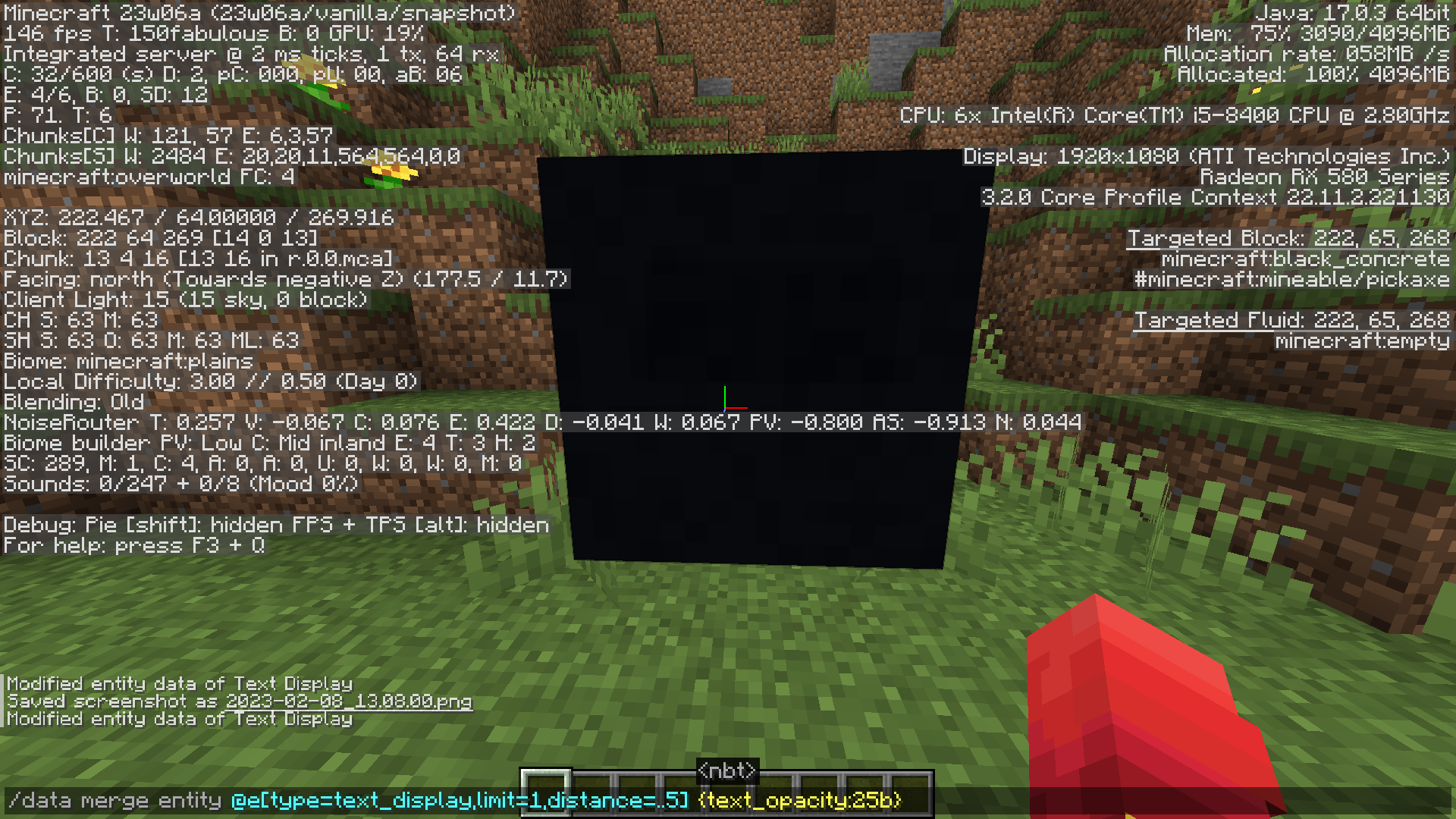
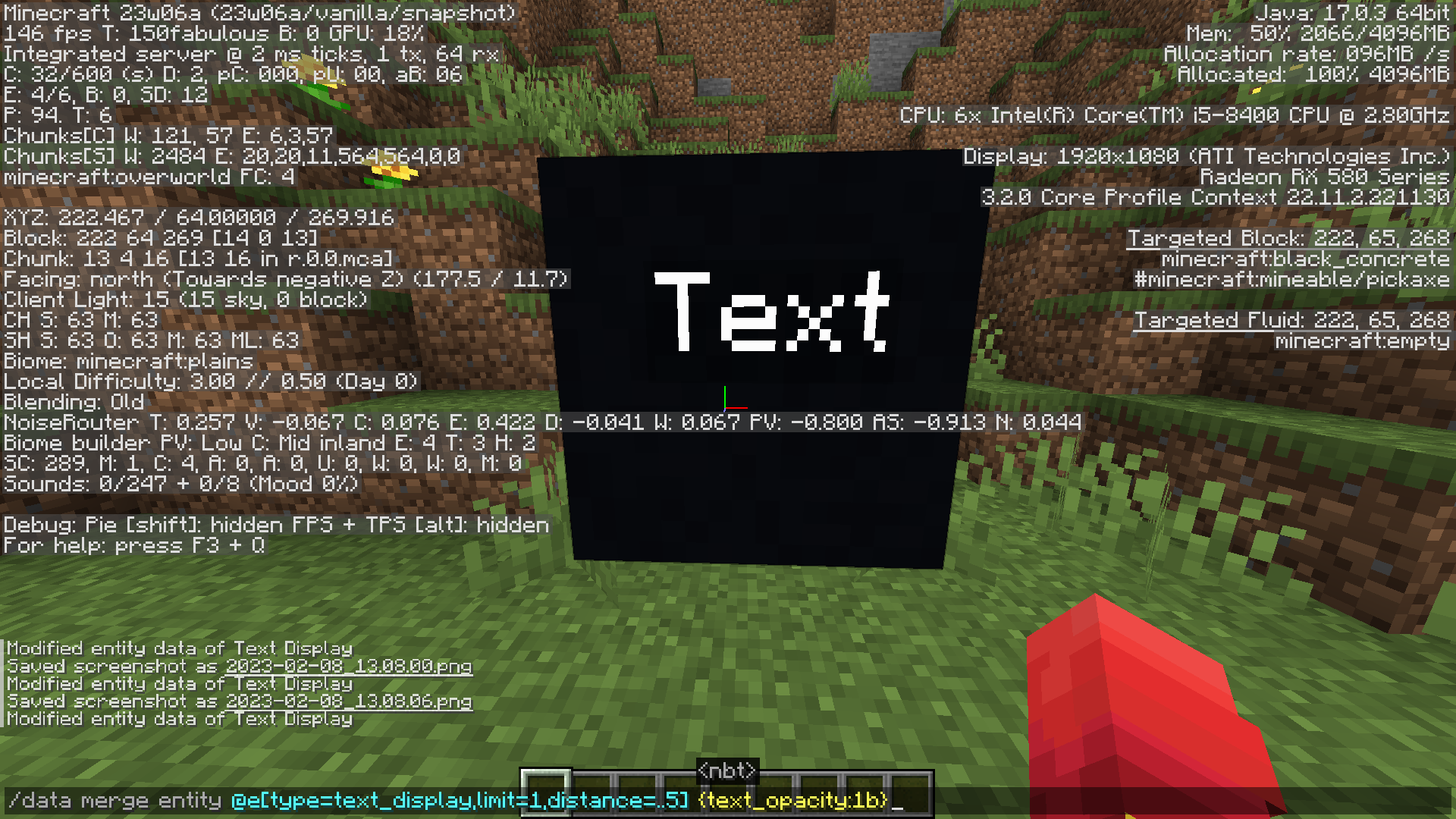
Setting the "text_opacity" NBT tag in an item display entity to anything less than 4 seemingly renders its text's opacity as 255, and setting it to 4-25 seems to render the text as completely invisible.
Steps to reproduce:
- Summon a text display:
/summon text_display ~ ~1.5 ~ {text:'{"text":"Text"}'}- Set its opacity to something low but still visible:
/data merge entity @e[type=text_display,limit=1] {text_opacity:26b}- Lower it by 1 down to 25:
/data merge entity @e[type=text_display,limit=1] {text_opacity:25b}- Notice the text is now completely invisible.
- Set it to 1 where it should barely be visible:
/data merge entity @e[type=text_display,limit=1] {text_opacity:1b}- Notice the text is fully visible.
Setting the "text_opacity" NBT tag in an item display entity to anything less than 4 seemingly renders its text's opacity as 255, and setting it to 4-25 seems to render the text as completely invisible.
Steps to reproduce:
- Summon a text display:
/summon text_display ~ ~1.5 ~ {text:'"Text"'}
- Set its opacity to something low but still visible:
/data merge entity @e[type=text_display,limit=1] {text_opacity:26b}
- Lower it by 1 down to 25:
/data merge entity @e[type=text_display,limit=1] {text_opacity:25b}
- Notice the text is now completely invisible.
- Set it to 1 where it should barely be visible:
/data merge entity @e[type=text_display,limit=1] {text_opacity:1b}
- Notice the text is fully visible.
The bug:
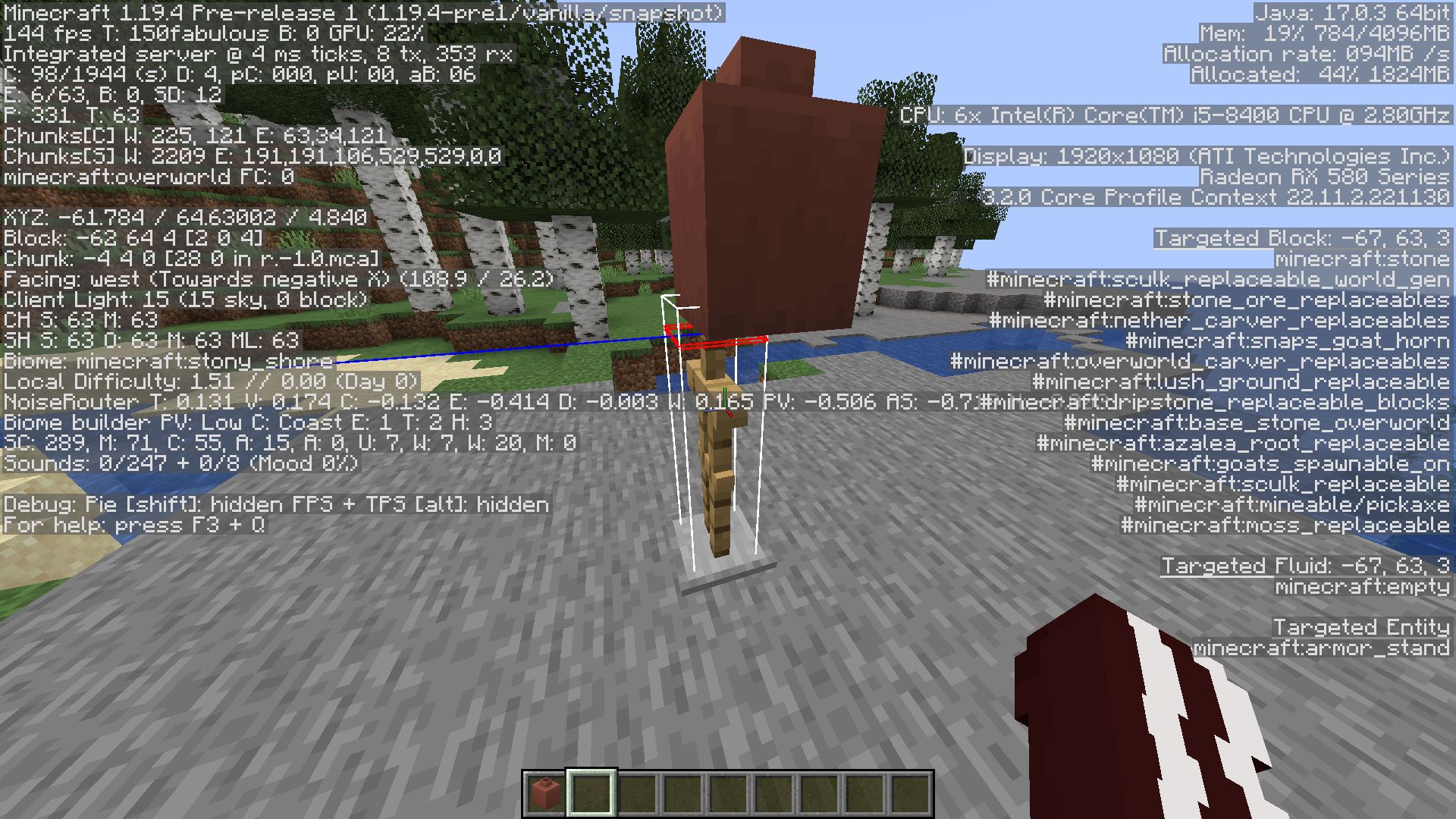
When decorated pots are equipped to an entity's head, it's translated backwards off-center.
The translation is defined in "/assets/minecraft/models/item/decorated_pot.json"
"head": {
    "rotation": [ 0, 180, 0 ],
    "translation": [ 0, 16, 7],
    "scale":[ 1.5, 1.5, 1.5 ]
Steps to reproduce:
- Summon an armor stand with a decorated pot on its head:
/summon armor_stand ~ ~ ~ {ArmorItems:[{},{},{},{id:"minecraft:decorated_pot",Count:1b}]}
- Notice the decorated pot is moved backwards
The bug:
When decorated pots are equipped to an entity's head, it's translated backwards off-center.
The translation is defined in "/assets/minecraft/models/item/decorated_pot.json"
"head": {
    "rotation": [ 0, 180, 0 ],
    "translation": [ 0, 16, 7],
    "scale":[ 1.5, 1.5, 1.5 ]
Steps to reproduce:
- Summon an armor stand with a decorated pot on its head:
/summon armor_stand ~ ~ ~ {ArmorItems:[{},{},{},{id:"minecraft:decorated_pot",Count:1b}]}
- Notice the decorated pot is moved backwards
Crossbows loaded with non-projectile items via commands still fire damage-inflicting arrow entities when the crossbow's tooltip states it's loaded with something different.
Expected behavior may include the item not firing anything at all, or just not responding to player action.
Steps to reproduce:
- Load a world in Minecraft 1.21.4 Release Candidate 3 with commands enabled
- Run in chat:
/give @s crossbow[charged_projectiles=[{id:"minecraft:stick",count:1}]]
- Observe item in inventory, notice the statement "Projectile: Stick"
- Fire the stick-loaded crossbow, notice arrow entity
Crossbows loaded with non-projectile items via commands still fire damage-inflicting arrow entities when the crossbow's tooltip states it's loaded with something different.
Expected behavior may include the item not firing anything at all, or just not responding to player action.
Steps to reproduce:
- Load a world in Minecraft 1.21.4 Release Candidate 3 with commands enabled
- Run in chat:
/give @s crossbow[charged_projectiles=[{id:"minecraft:stick",count:1}]]
- Observe item in inventory, notice the statement "Projectile: Stick"
- Fire the stick-loaded crossbow, notice arrow entity
Crossbows loaded with non-projectile items via commands still fire damage-inflicting arrow entities when the crossbow's tooltip states it's loaded with something different.
Expected behavior may include the item not firing anything at all, or just not responding to player action.
Steps to reproduce:
- Load a world in Minecraft 1.21.4 Release Candidate 3 with commands enabled
- Run in chat:
/give @s crossbow[charged_projectiles=[{id:"minecraft:stick",count:1}]]
- Observe item in inventory, notice the statement "Projectile: [Stick]"
- Fire the stick-loaded crossbow, notice arrow entity
Crossbows loaded with non-projectile items via commands still fire damage-inflicting arrow entities when the crossbow's tooltip states it's loaded with something different.
Expected behavior may include the item not firing anything at all, or just not responding to player action.
Note the fired arrow gives the player who picks it up the initially correct loaded item.
Steps to reproduce:
- Load a world in Minecraft 1.21.4 Release Candidate 3 with commands enabled
- Run in chat:
/give @s crossbow[charged_projectiles=[{id:"minecraft:stick",count:1}]]
- Observe item in inventory, notice the statement "Projectile: [Stick]"
- Fire the stick-loaded crossbow, notice arrow entity
Can confirm is a bug in 1.18.
My mistake, I was completely unknowledgeable to this peaceful difficulty feature.
Can confirm in 1.19
Just stumbled upon this bug myself. Made me very confused as to why my functions weren't working properly for a couple days before I realized this command simply just wasn't working. But I've found for the time being, an easy fix is instead of running /data remove entity @s CustomName, use /data modify entity @s CustomName set value ''
Can confirm in 1.19.3.
This is not a bug, things just aren't being ordered correctly.
I was experiencing this too, but the other way around. My custom material was being overridden by the highest index value (amethyst) but only because I didn't have things ordered correctly and I was neglecting the "blocks.json" atlas.
I recommend following Misode's guide, it allowed me to discover something I was missing.
https://misode.github.io/guides/custom-armor-trims/?version=1.19.3#adding-a-custom-trim-material
Should I add this as feedback on the feedback site, or has this already been accounted for in that regard?
this is definitely intended
The suspicious sand generates underneath the temple in a new sand-filled room.
While inside a desert temple, run this and go into spectator mode to identify the replaced blocks underground:
/fill ~15 ~15 ~15 ~-15 ~-15 ~-15 conduit[waterlogged=false] replace suspicious_sandcan confirm
ah, yes. didn't find that ^
Unfortunately, yes