 Rayan223
- Rayan223
- rayan223
- Europe/Stockholm
- Yes
- No
 MC-141342
 WEB-1228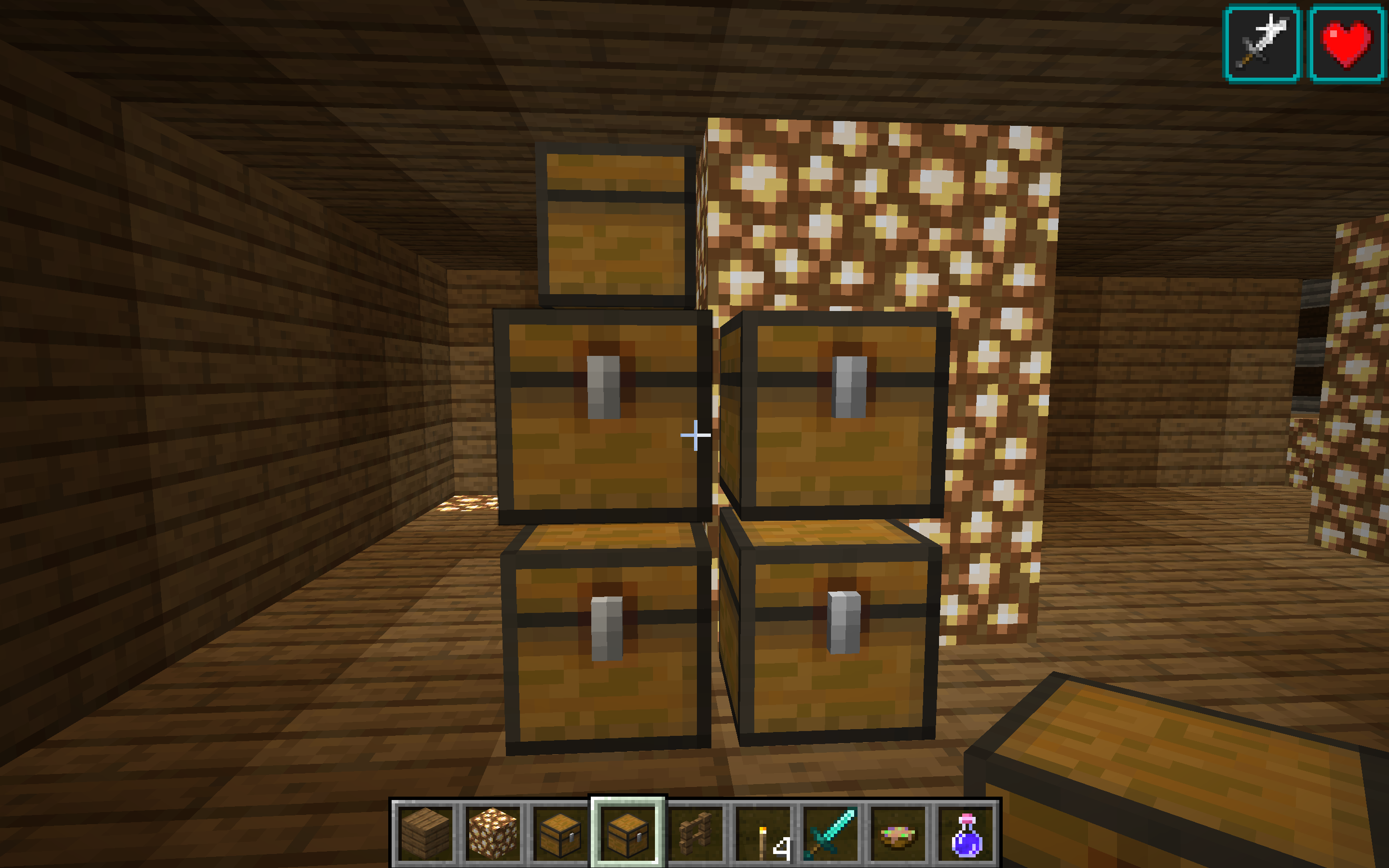

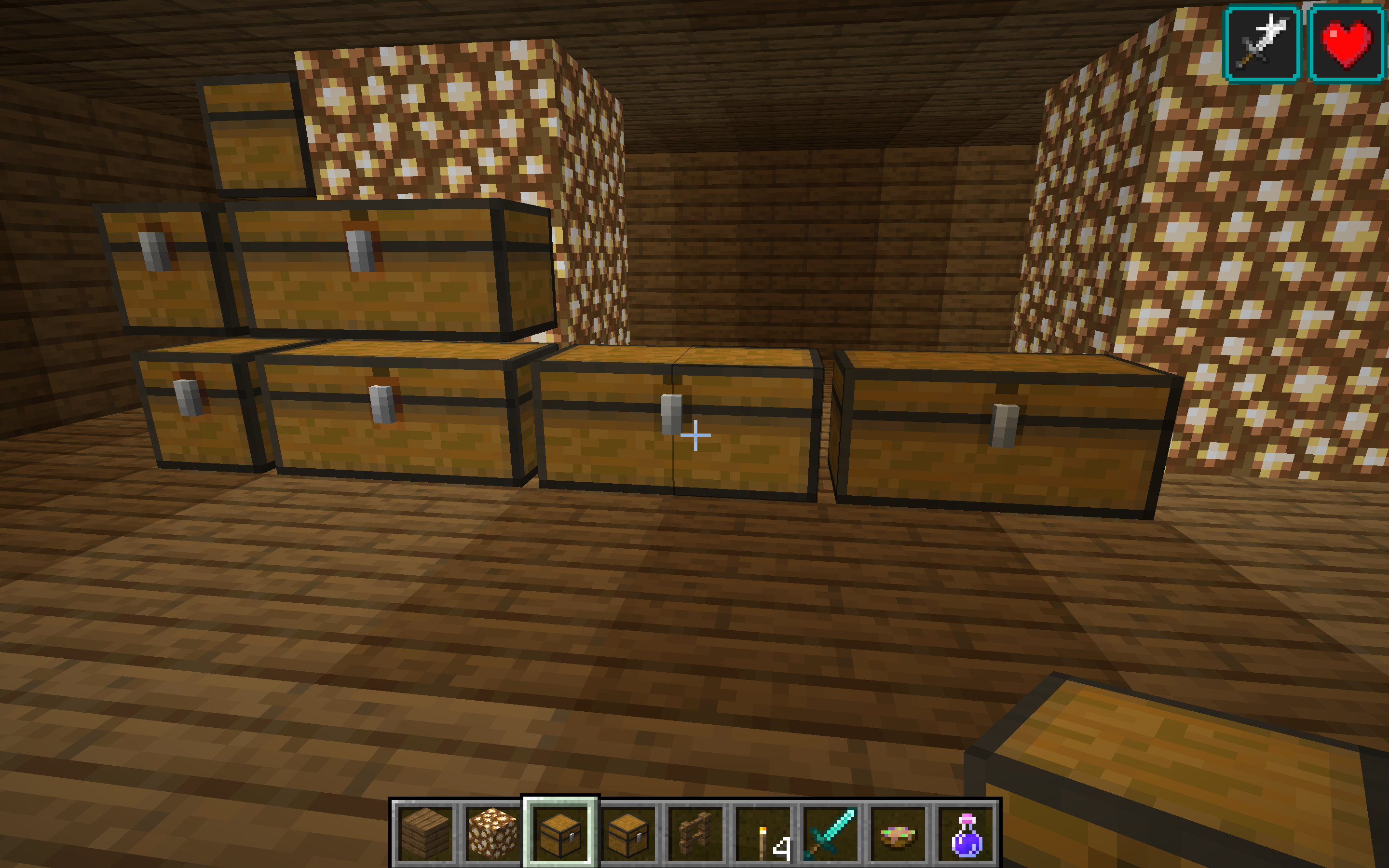

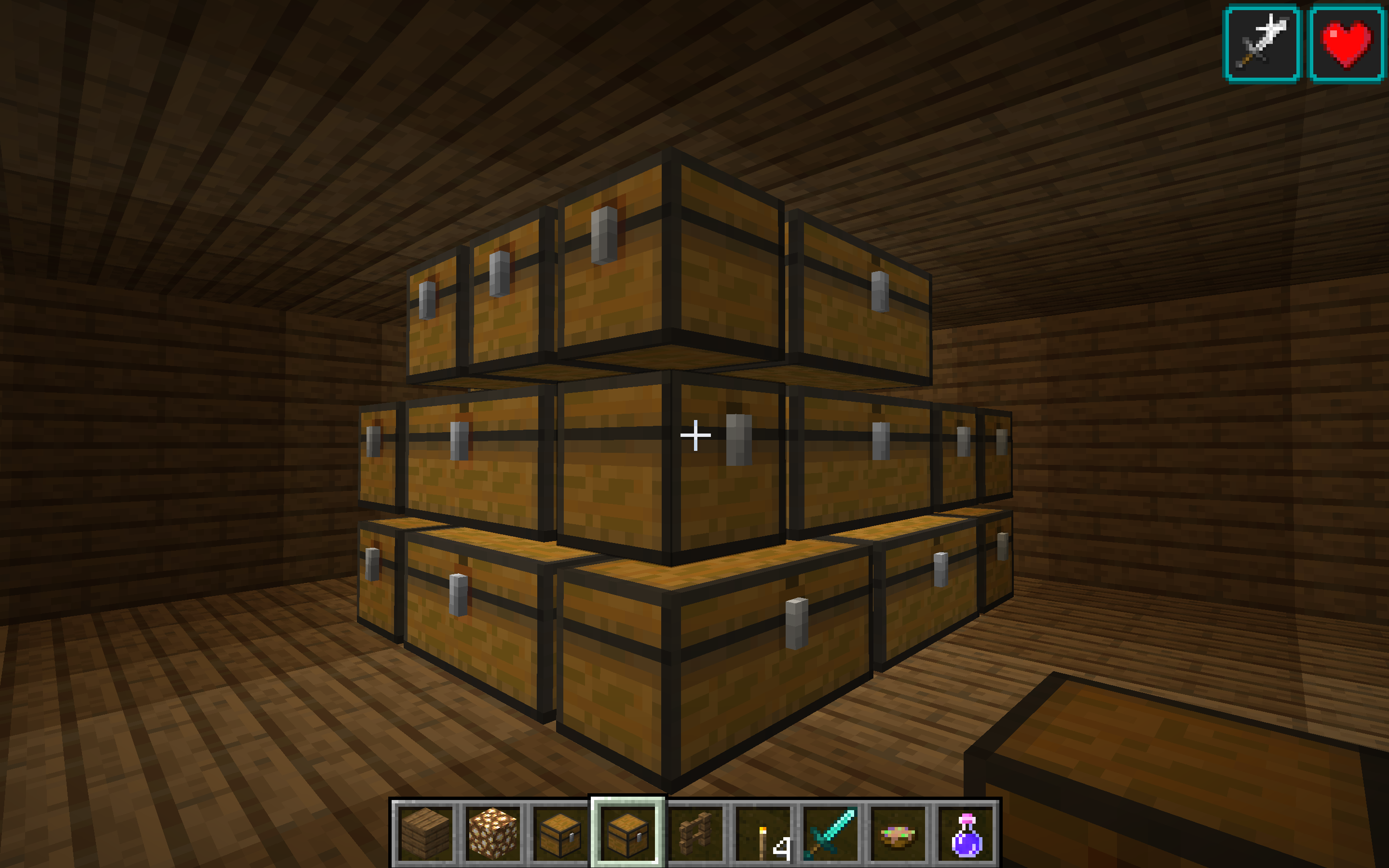


















There is a crash when i place a trapped chest
next to an other.I don't know what is the crash but i want to remove it.
Please help me
There is a crash when i place a trapped chest or normal chest next to an other.
I don't know what is the crash but i want to remove it.
Please help me
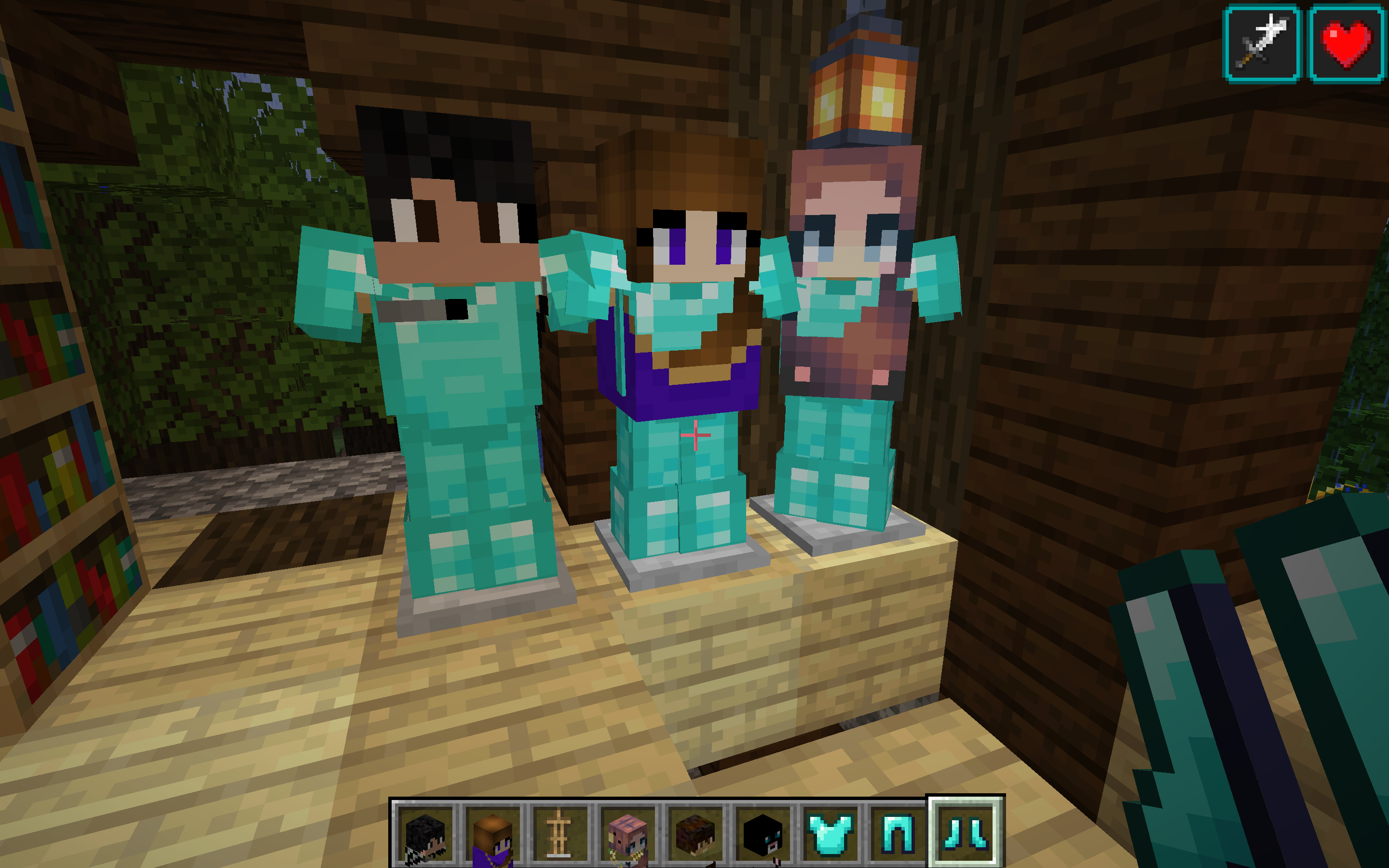
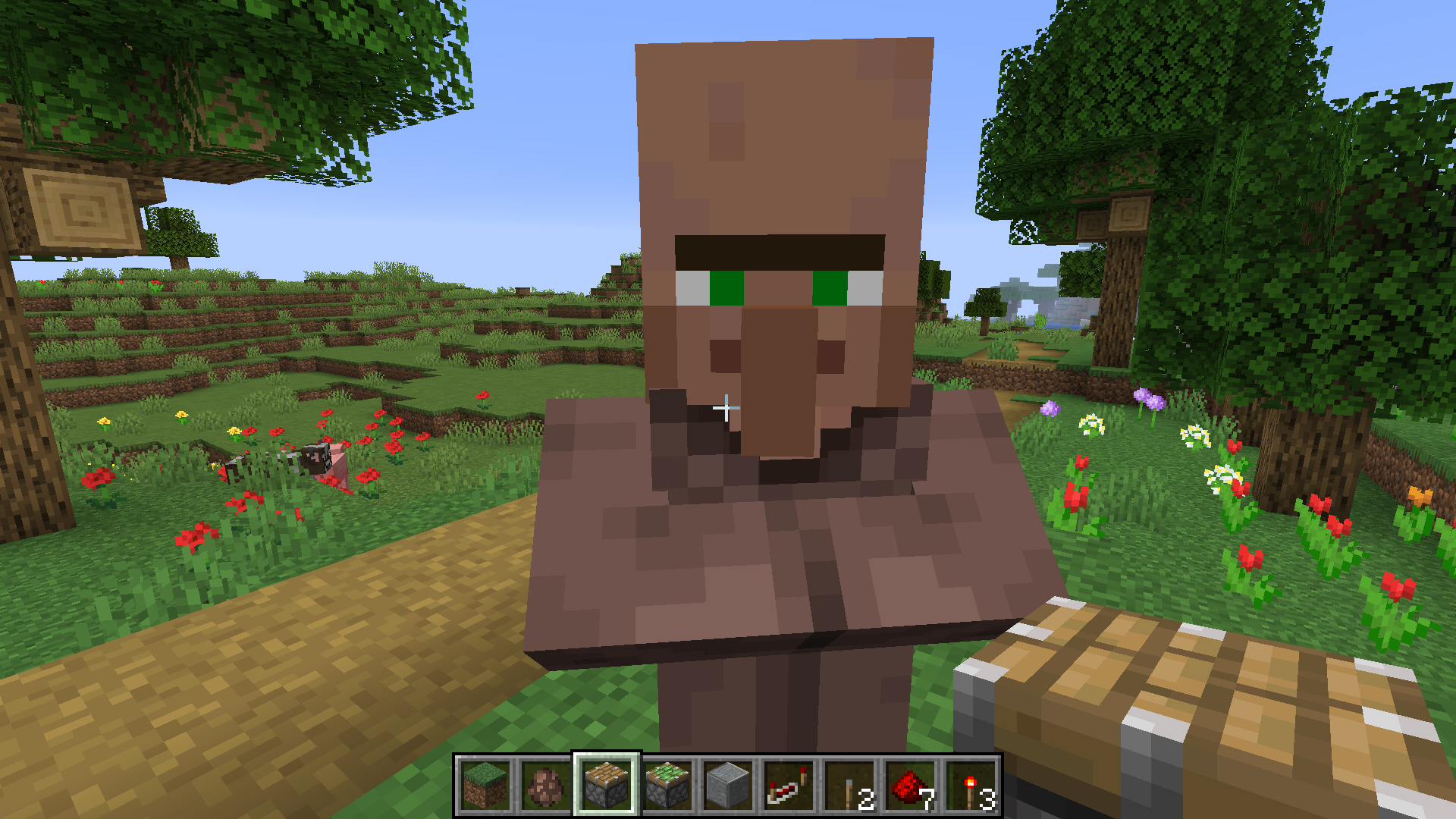
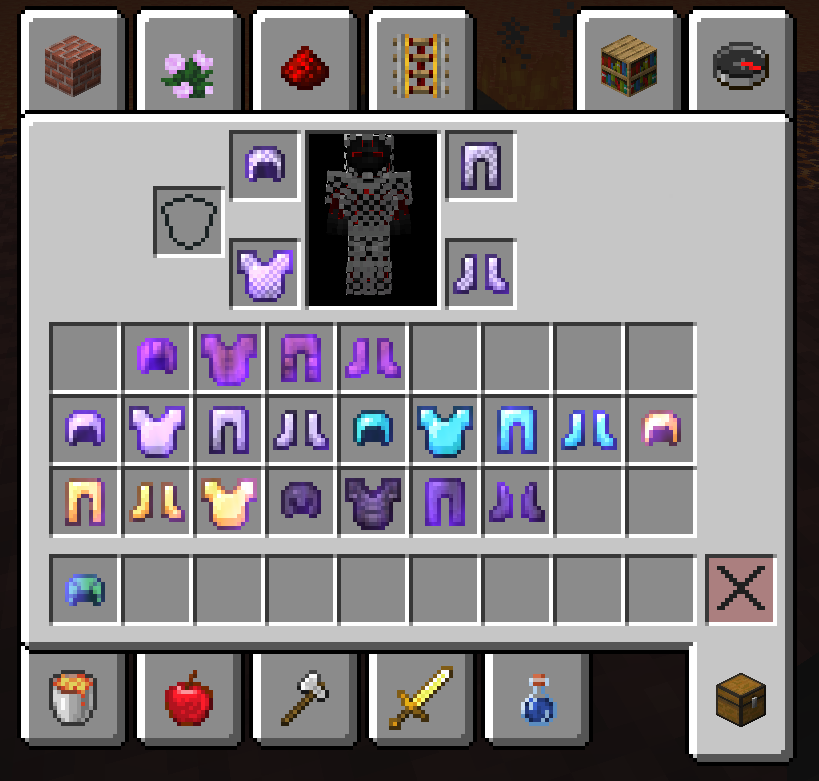
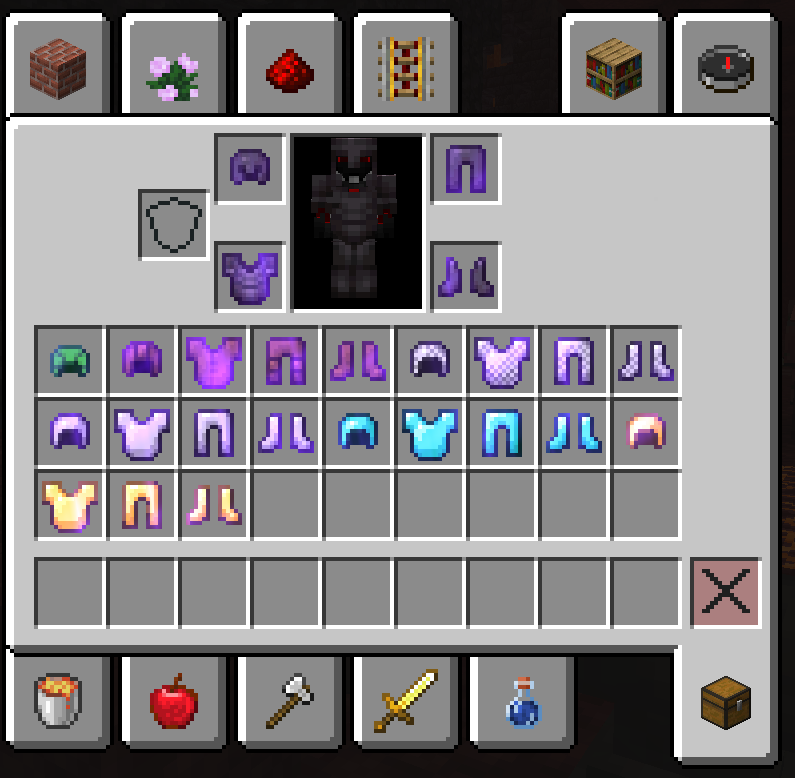
I have a crash when I place a head on an armor stand or when I place it on a block.
Look in the image the crash.
It's very strange.
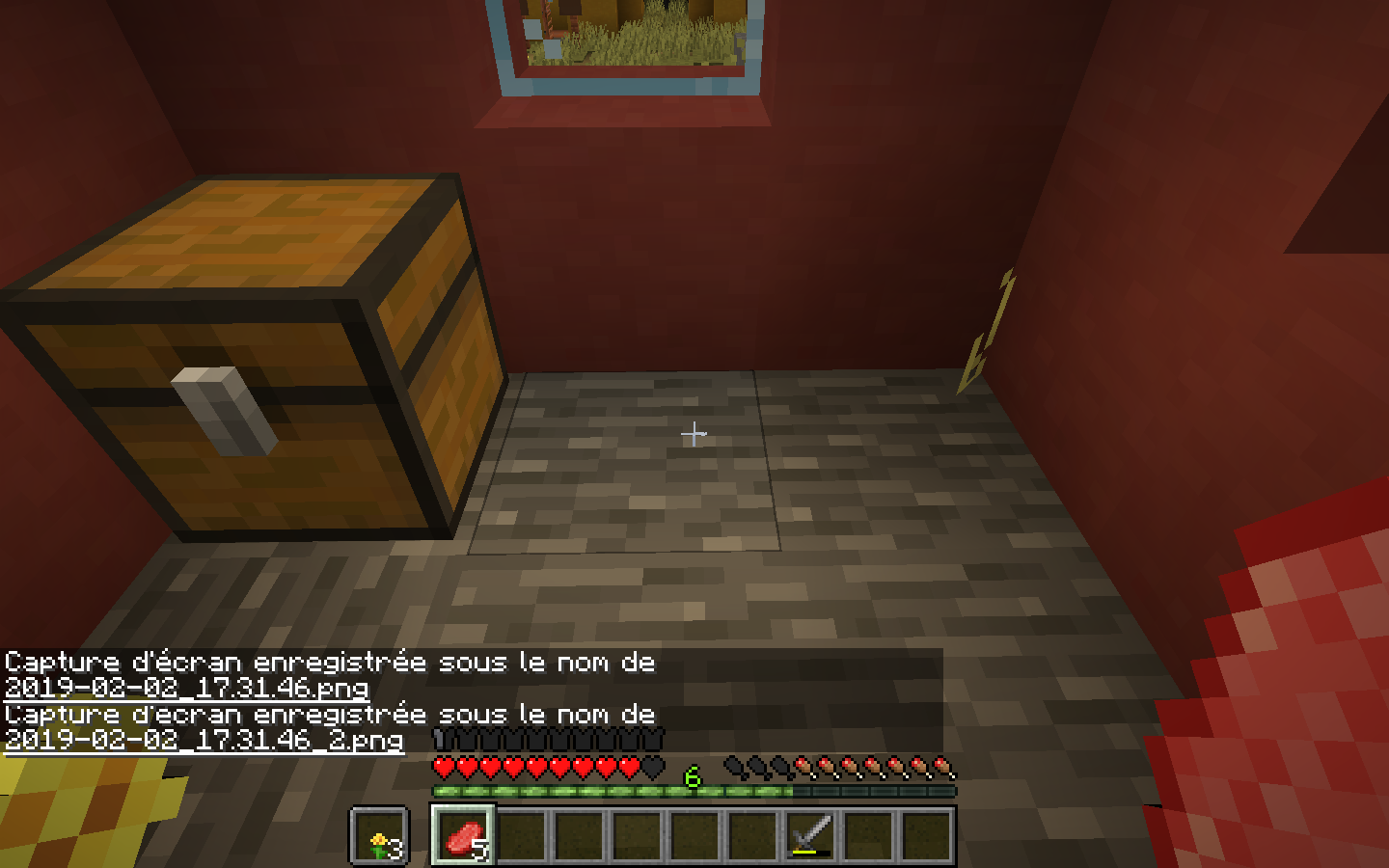
In this version, there is a crash of the food bar:
it fills up little by little.
See the screenshots for more details.
In this version, there is a crash of the food bar: it fills up little by little.
See the screenshots for more details, It's very strange...
In this version, there is a crash of the food bar: it fills up little by little.
See the screenshots for more details, It's very strange...
I don't know the problem but it's
2019-02-02_17.31.46_2.png
In this version, there is a crash of the food bar: it fills up little by little.
See the screenshots for more details, It's very strange...
I don't know the problem but it's
In this version, there is a crash of the food bar: it fills up little by little.
See the screenshots for more details, It's very strange...
I don't know the problem but it's very scary because I can't know if my food bar is complete, is half fill or is empty.
In this version, there is a crash of the food bar: it fills up little by little.
*Must read this:*I have played in normal mode in survival, without commands and without potion's effects.
See the screenshots for more details, It's very strange...
I don't know the problem but it's very scary because I can't know if my food bar is complete, is half fill or is empty.
While coding with mcfunctions, I used macros to simplify the code because it gets heavy really fast.
I was doing a loop that goes through the enderchest when I noticed it wasn't working as it should.
Here are the commands
execute unless score foo slotloop matches 0..26 run return 0

$execute as @a run data modify entity @e[name="storage",type=item_display,limit=1] item set from storage storage EnderItems[{Slot:$(slotloop)b}]
$execute as @a run item replace entity @s enderchest.$(slotloop) from entity @e[name="storage",type=item_display,limit=1] container.0
execute as @a run data modify entity @e[name="storage",type=item_display,limit=1] item set value {id:"minecraft:air",Count:1b}

scoreboard players operation foo slotloop += foo 1
execute store result storage variables slotloop int 1 run scoreboard players get foo slotloop

function player:func with storage variables
I theory, this code should go through all the slots then stop at 27 because It hits the return.
While the code replaces the $(slotloop), it analyses the syntax at the same time, totally ignoring the first condition, making it not work.
Part of the debug code with the error:
[R = 27] scoreboard players operation foo slotloop += foo 1 [C] execute store result storage variables slotloop int 1 run scoreboard players get foo slotloop [M] foo has 27 [slotloop] [R = 27] execute store result storage variables slotloop int 1 run scoreboard players get foo slotloop [C] function rayan223:bedwars/shop/load_menu/tmp with storage variables [M] While instantiating macro rayan223:bedwars/shop/load_menu/tmp: Command 'execute as @a run item replace entity @s enderchest.27 from entity @e[name="storage",type=item_display,limit=1] container.0' caused error: Unknown slot 'enderchest.27'To reproduce:
- create a datapack
- copy the code above and launch it with the following code
I could just replace the last line of the code with
execute unless score foo slotloop matches 27 run function player:func with storage variablesbut the fact it is working that way isn't natural
While coding with mcfunctions, I used macros to simplify the code because it gets heavy really fast.
I was doing a loop that goes through the enderchest when I noticed it wasn't working as it should.
Here are the commands
execute unless score foo slotloop matches 0..26 run return 0

$execute as @a run data modify entity @e[name="storage",type=item_display,limit=1] item set from storage storage EnderItems[{Slot:$(slotloop)b}]
$execute as @a run item replace entity @s enderchest.$(slotloop) from entity @e[name="storage",type=item_display,limit=1] container.0
execute as @a run data modify entity @e[name="storage",type=item_display,limit=1] item set value {id:"minecraft:air",Count:1b}

scoreboard players operation foo slotloop += foo 1
execute store result storage variables slotloop int 1 run scoreboard players get foo slotloop

function player:func with storage variables
I theory, this code should go through all the slots then stop at 27 because It hits the return.
Part of the debug code with the error:
[R = 27] scoreboard players operation foo slotloop += foo 1 [C] execute store result storage variables slotloop int 1 run scoreboard players get foo slotloop [M] foo has 27 [slotloop] [R = 27] execute store result storage variables slotloop int 1 run scoreboard players get foo slotloop [C] function rayan223:bedwars/shop/load_menu/tmp with storage variables [M] While instantiating macro rayan223:bedwars/shop/load_menu/tmp: Command 'execute as @a run item replace entity @s enderchest.27 from entity @e[name="storage",type=item_display,limit=1] container.0' caused error: Unknown slot 'enderchest.27'To reproduce:
- create a datapack
- copy the code above and launch it with the following code
I could just replace the last line of the code with
execute unless score foo slotloop matches 27 run function player:func with storage variablesbut the fact it is working that way isn't natural
Which villages did you try to locate when you created the world?
New villages or normal villages?
If you have selected special biomes, villages can't be located
Realms cannot open version not release because it is not updated for snapshots.
It must do it because snapshot aren't definitives so you can't play on realms on it
I have the similar bug in many versions of 1.14 snapshot
It's the similar bug of
MC-140950Leave the game then re-open it, the crash disappears.
I had the same bug and when I do it, the mobs reappear.
They not despawn, they disappear.
No I can eat so i'm not in peacful mode, I'm in normal mode.
Moreover, when the food bar is complete, it is not really complete because I can die of hunger even when it's complete.
There’s really a crash and you don’t take it seriously...
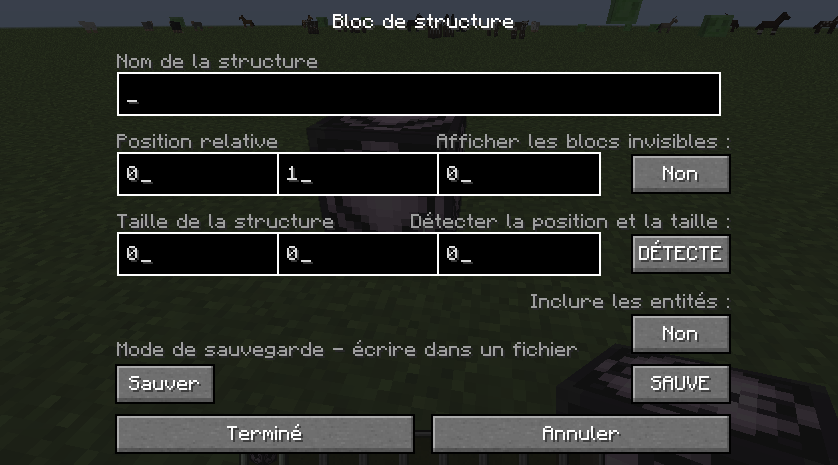
The use of structure blocks might seem illogical but this is quite normal
It respects the south-east rule.
But that does not concern the present problem
There is also a bug with the hitbox of the skull.
You can see it in the pictures.
I had the same problem and here is how i managed to fix it:
It will then download all the required files and it should work properly