 Ross Patterson
- Rosses11
- rosses11
- Europe/Stockholm
- Yes
- No
![[Mojang] Bartosz Bok](../../../data/avatars/users/10122.svg)
![[Mojang] Cory Scheviak](../../../data/avatars/users/92893.png)
 Normal
 MC-148825
![[Mojang] Searge (Michael Stoyke)](../../../data/assets/gravatar/searge.png)
 MCPE-60204
![[Mojang] Matthew Gatland](../../../data/avatars/users/43046.png)




Minecraft java 1
.14.Minecraft java 19w14a
When you leave a world, and create a new one, your hotbar is filled with items from the previous world for a split second. This occurs when your game window isn't open and the game auto-pauses.
I'm running the version on a Macbook Pro.
This is happening for both of my switches. (Mine and My sister's accounts)
Minecraft takes an unfathomably long time to load up (skin loaded and Microsoft account connected) This usually takes around 20+ minutes to load, and when it's loaded, it's not even guaranteed to work since Realms then takes forever to fetch.
Sometimes Realms loads but won't let us select it: IMG_0529 (1).mov
This is incredibly frustrating since I pay monthly for realms and cannot even play it half the time.
My cousins play on Nintendo Switch and theirs loads up quickly and can hop onto realms and play whilst ours won't load at all.
I have tried archiving and redownloading Minecraft on both of the systems, but this doesn't fix it. Minecraft loads immediately on IOS for both of us on our accounts, but it doesn't work on Switch (where we want to play).
Please can somebody help find a fix for this? It is incredibly frustrating since all we want to do is play on the realm but the game won't let us.
UPDATE:
Here's footage of my friend connecting on their switch and it works fine: Haider.mp4

This is happening for both of my switches. (Mine and My sister's accounts)
Minecraft takes an unfathomably long time to load up (skin loaded and Microsoft account connected) This usually takes around 20+ minutes to load, and when it's loaded, it's not even guaranteed to work since Realms then takes forever to fetch.
Sometimes Realms loads but won't let us select it: IMG_0529 (1).mov
This is incredibly frustrating since I pay monthly for realms and cannot even play it half the time.
My cousins play on Nintendo Switch and theirs loads up quickly and can hop onto realms and play whilst ours won't load at all.
I have tried archiving and redownloading Minecraft on both of the systems, but this doesn't fix it. Minecraft loads immediately on IOS for both of us on our accounts, but it doesn't work on Switch (where we want to play).
Please can somebody help find a fix for this? It is incredibly frustrating since all we want to do is play on the realm but the game won't let us.
Its not an internet issue because we have tried at other people's houses and it doesn't work on there either, plus it loads fine on IOS.
UPDATE:
Here's footage of my friend connecting on their switch and it works fine: Haider.mp4
I think they changed the trader spawning conditions a couple of snapshots ago, because the mob would get stuck in annoying places.
Yes this is still present within 1.15 Pre-3
The nether music does not play at all within 20w17a. I've tried /stopsound and turning my music off and back on, yet the overworld and creative music still plays.
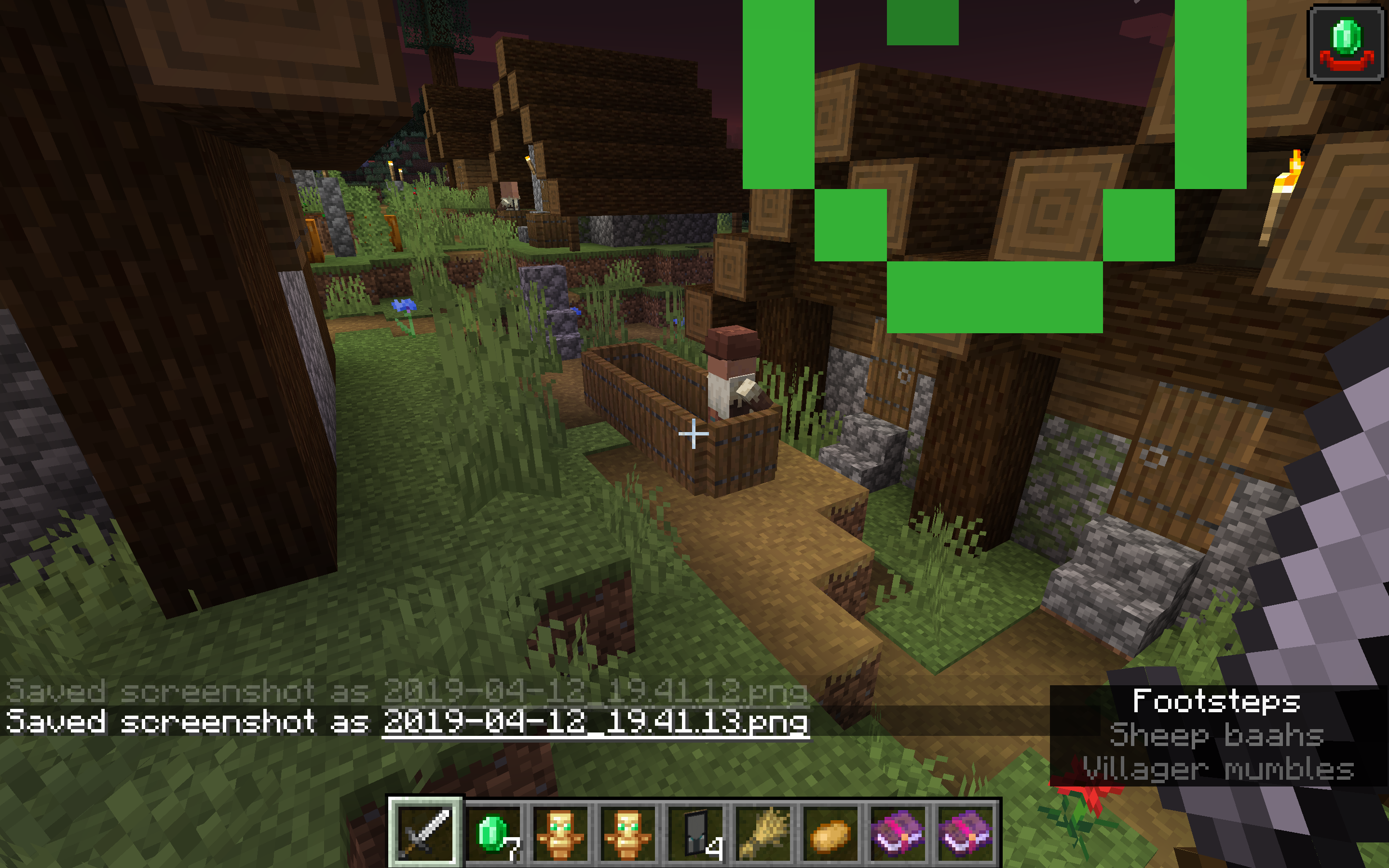
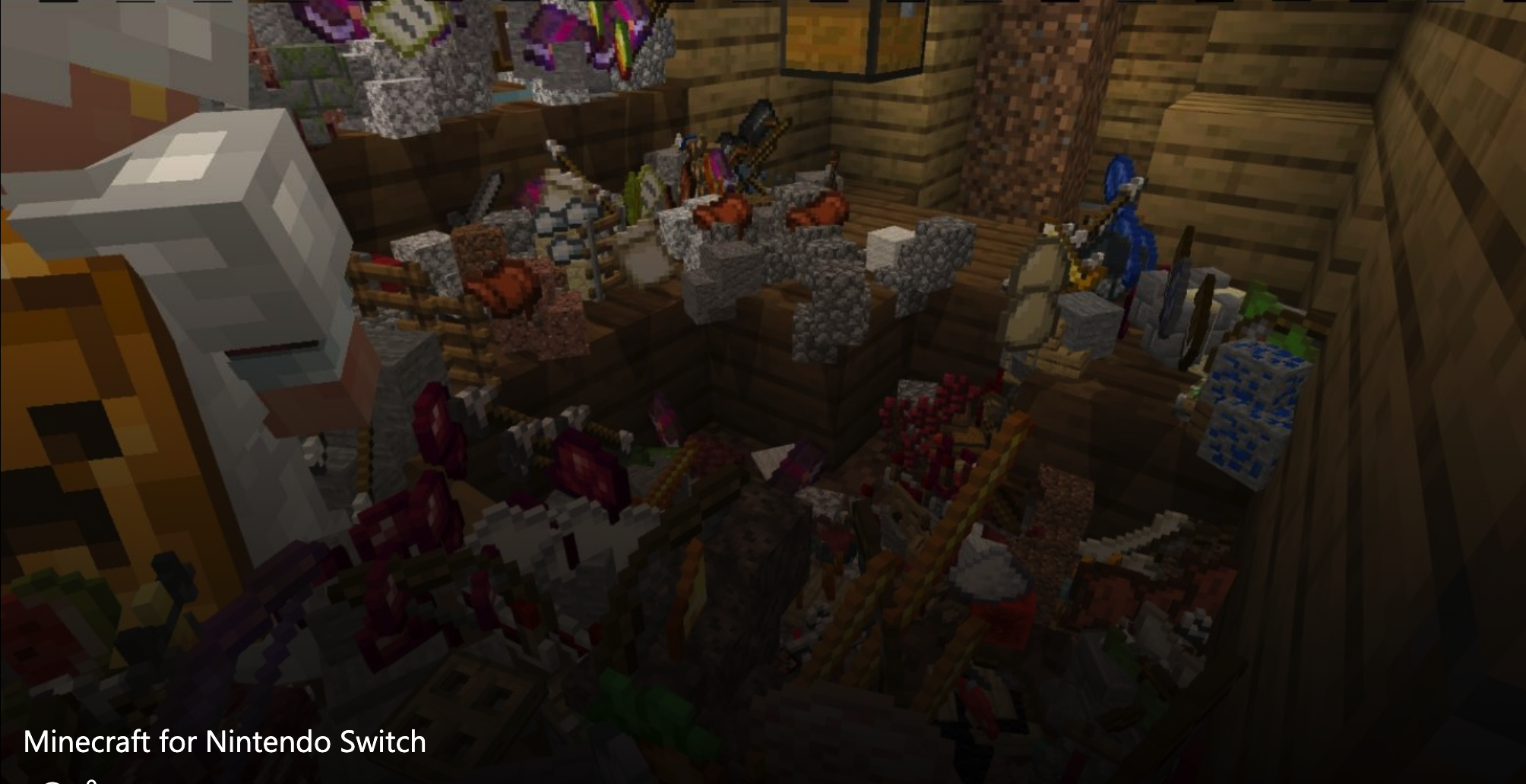
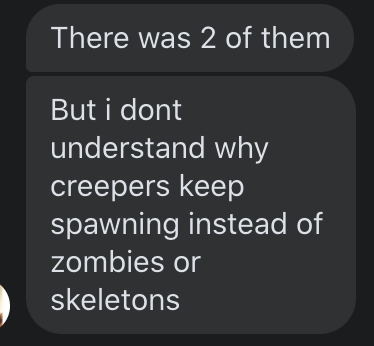
I have some screenshots here. Our realm is entirely lit and yet creepers seem to spawn still. I'm sorry I don't have any video footage of the issues. If anything happens again I will make sure to get some. This morning the issue happened again. It seems that creepers seem to spawn a lot, and we're not getting the same amount of spawns of skeletons/zombies. It makes it very stressful on my realm, especially since my little cousins are on and don't really know how to react when there are creepers spawning everywhere. I will make sure to update this post again if I get any more footage/screenshots. Here is some screenshots from my friend who keeps updating me on the issue.
I'm sorry but I will get a video showing you the world. I am on light 50%. There are lights absolutely everywhere. Plus, we are in a swamp biome which makes the ground look darker than it actually is.
Any updates on this? We've had bother with this on our realm for over a year now... we just want to go to a new mansion.
You have to enable the datapack.