 Berni U
- schl3ck
- schl3ck
- Europe/Stockholm
- Yes
- No
 MC-64789
![[Mojang] Grum (Erik Broes)](../../../data/assets/gravatar/grum.png)

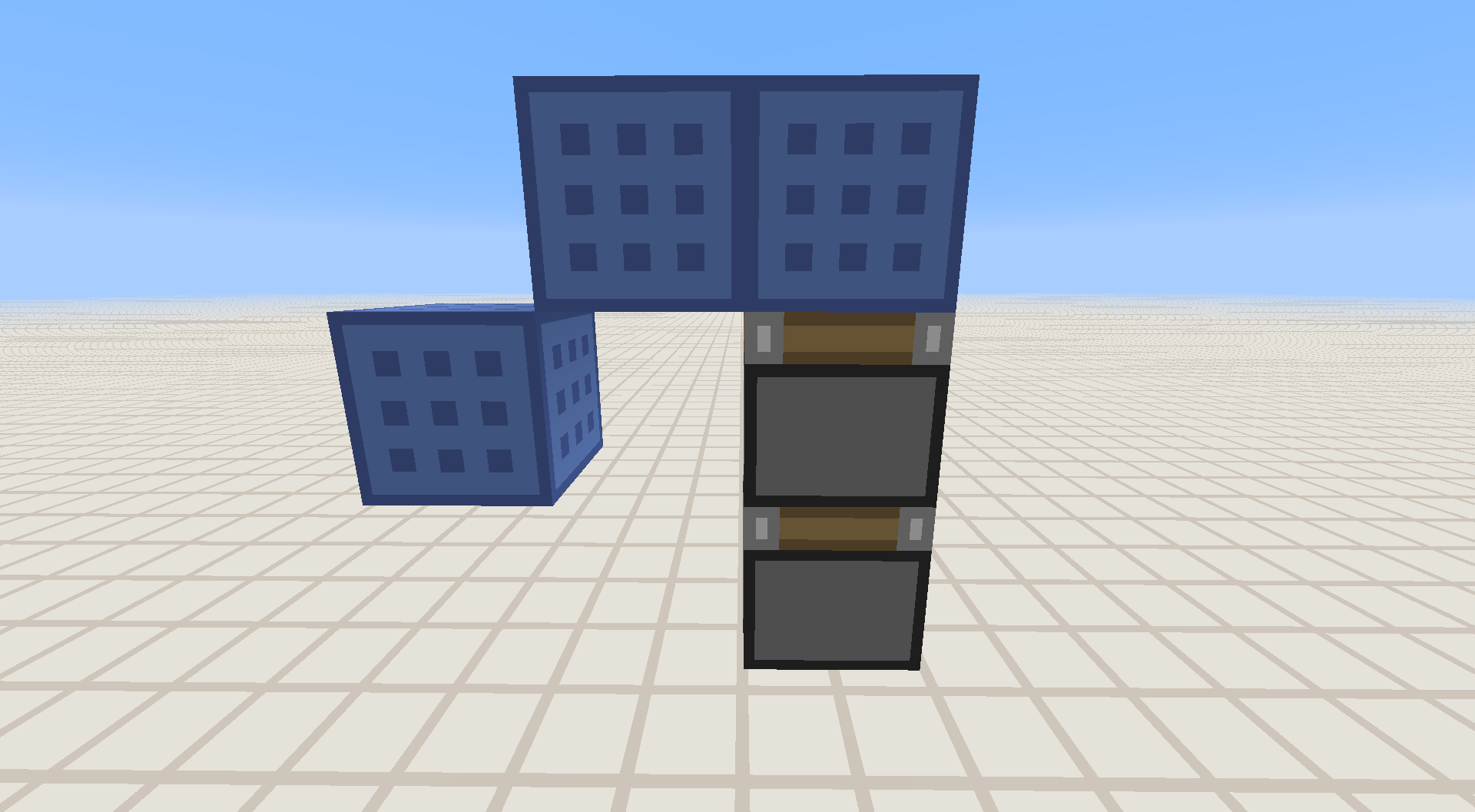
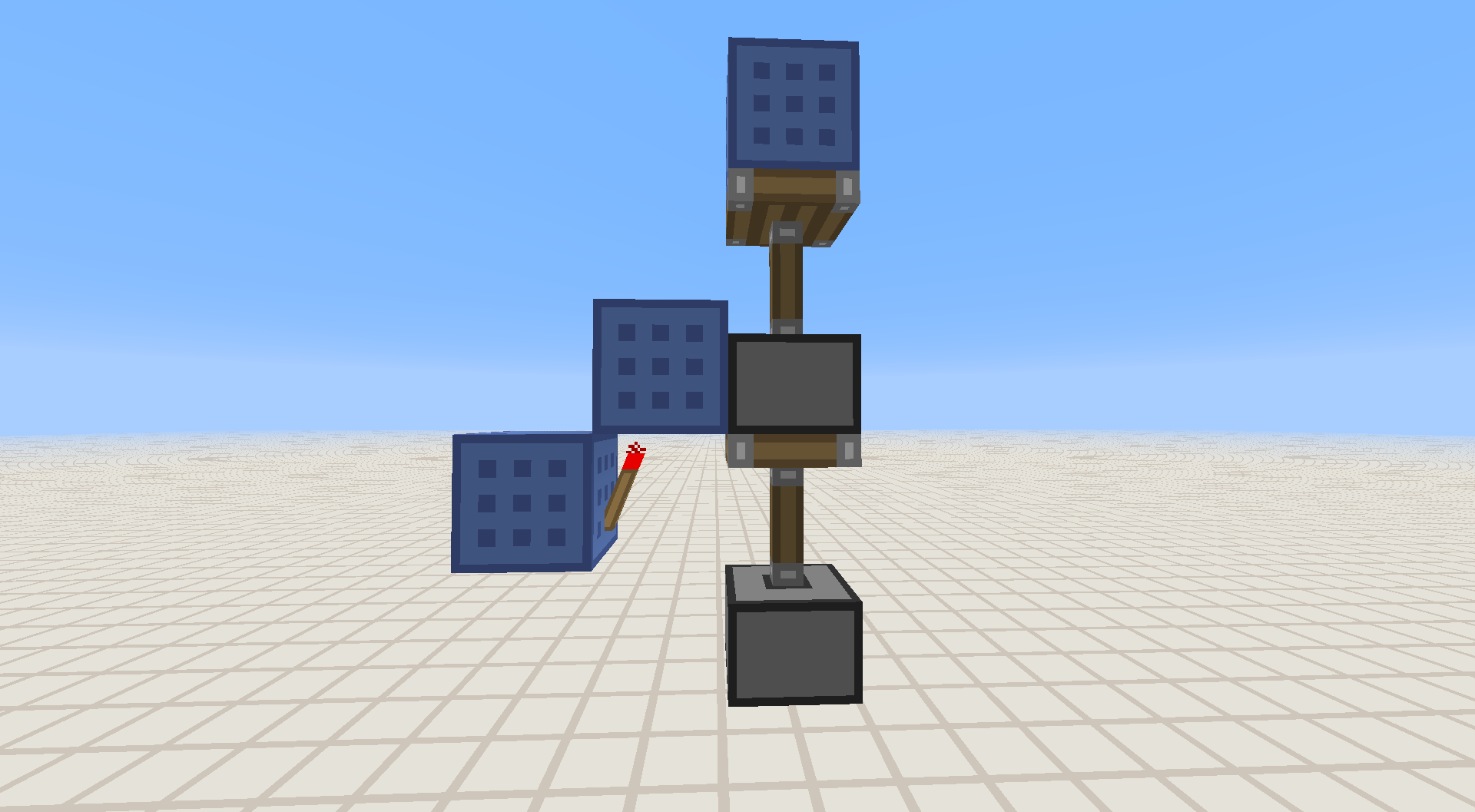
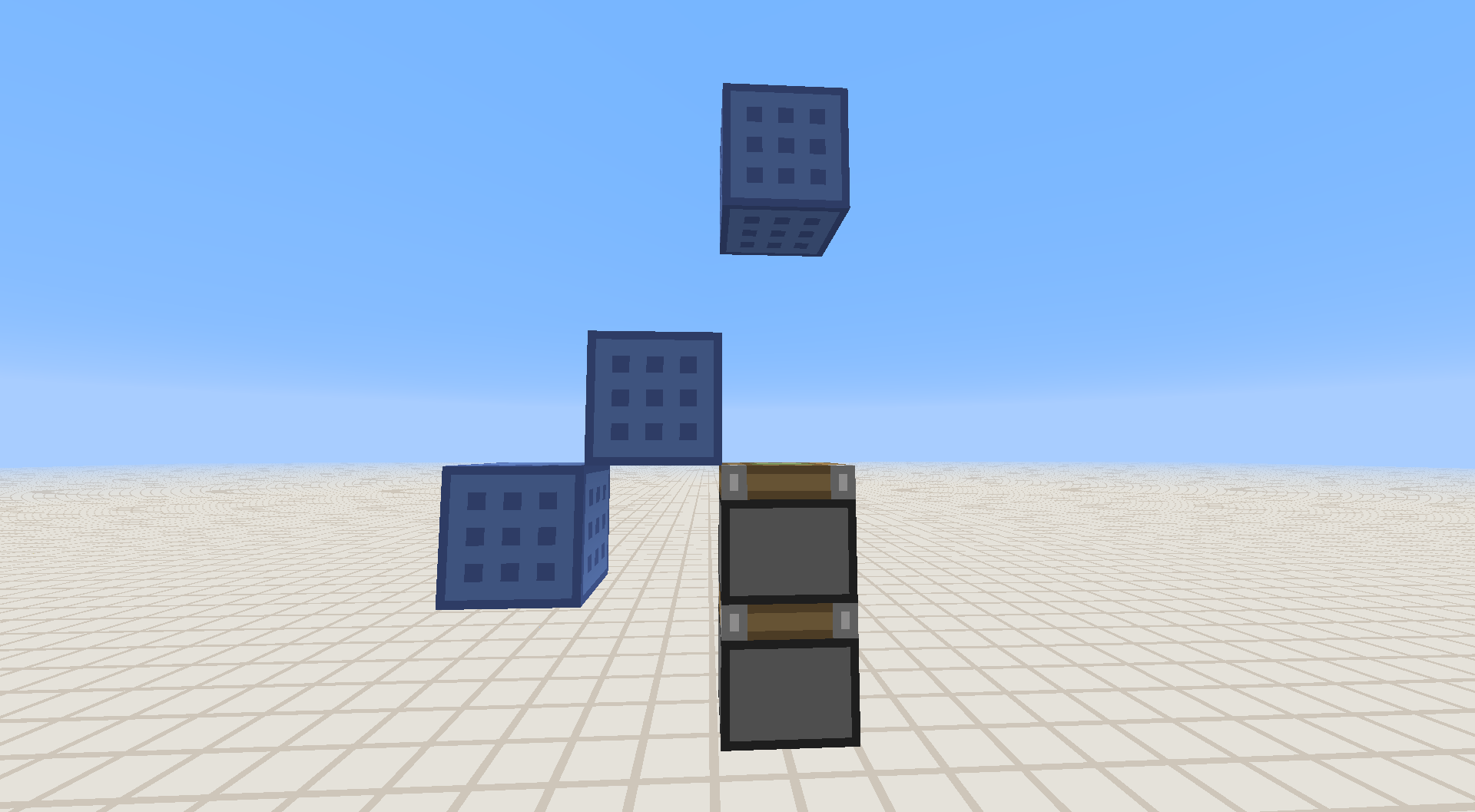


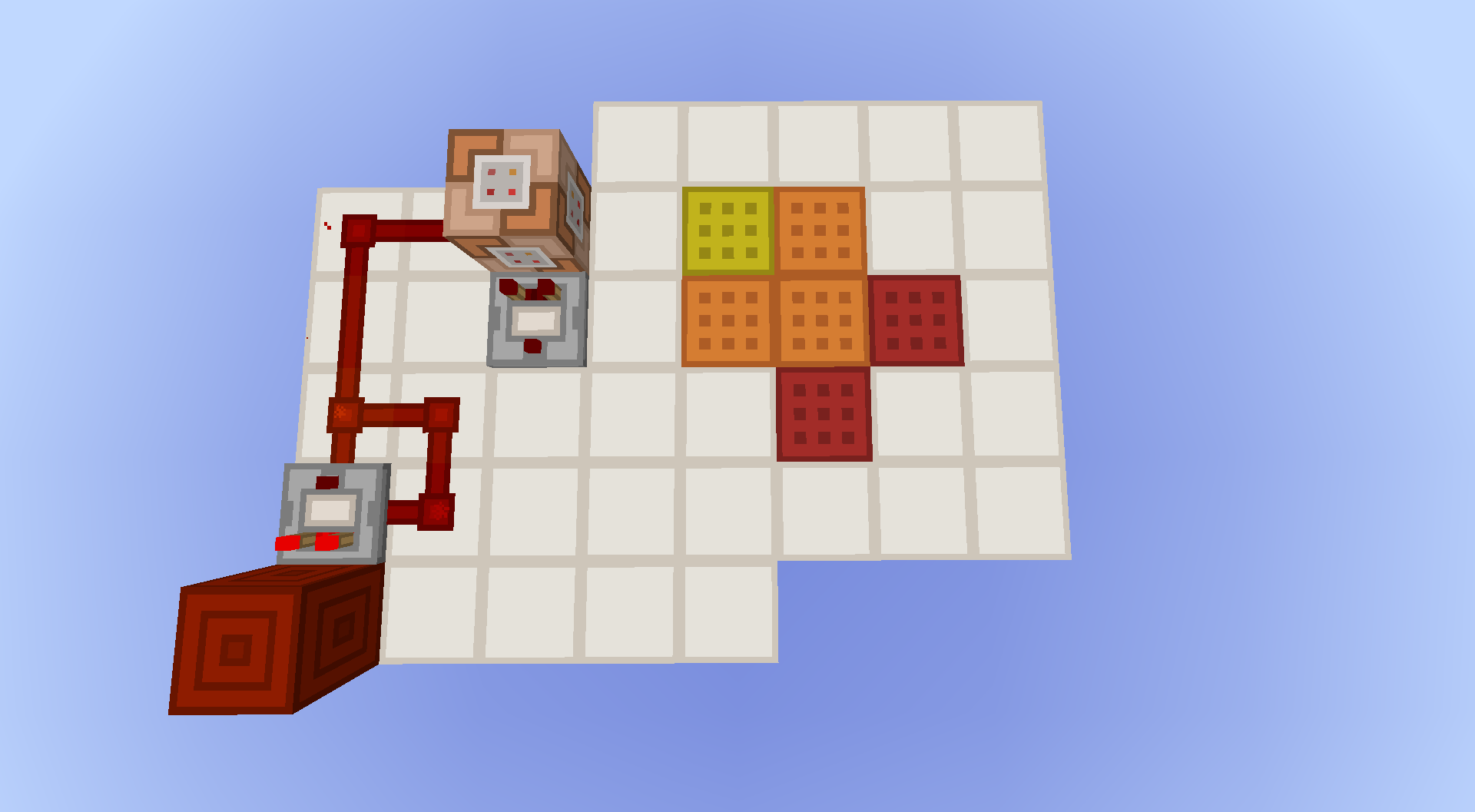



Randomly the GUI and all entities are flashing. It looks like they disappear for a very short moment, about 1
to 5 ms.The crash-report was invoked manually.
Randomly the GUI and all entities are flashing. It looks like they disappear for a very short moment, at about 100 fps it is 1 frame.
The crash-report was invoked manually.
When you summon a FallingSand-Entity with a command block, which is a rotated log (I mean a horizontal one) the textures get placed on the correct sides but are not rotated.
This also applies toHay Bales and Pillar Quartz Blocks.To reproduce:
Type in chat or in a command block:/summon FallingSand ~ ~2.5 ~ {TileID:17,Data:6,Time:1,DropItem:0}and trigger it.
As it flies, the textures are not rotated, but as it lands, it corrects itself.When you summon a FallingSand-Entity with a command block, which is a rotated log (I mean a horizontal one) the textures get placed on the correct sides but are not rotated.
This also applies to every other block, that can be rotated.To reproduce:
Type in chat or in a command block:/summon FallingSand ~ ~2.5 ~ {TileID:17,Data:6,Time:1,DropItem:0}and trigger it.
As it flies, the textures are not rotated, but as it lands, it corrects itself.
FallingSandTree-Logs rotate texture not correctlyFallingSand Entities rotate texture not correctly
The arguments in the selector of a
/testforcommand don't check in the right place.
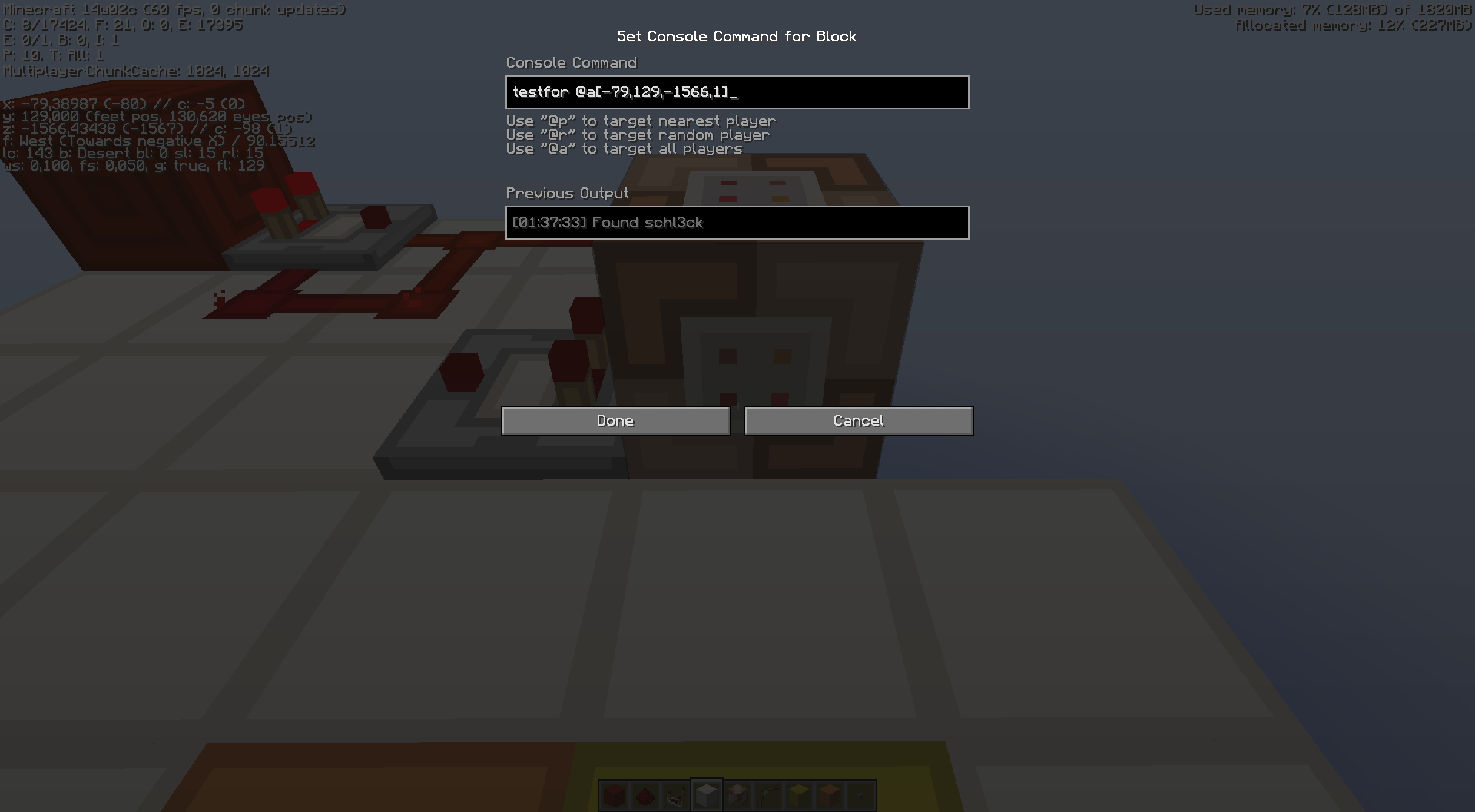
The yellow wool in picture 1 marks the block underneath the block to check for a player, but it only outputs a signal, if I stand on the yellow and oragne wool. In Version 1.7.4 it outputs a signal, if I stand on the red and orange wool with the same coordinates in the selector.I've only tested it with the command in picture 2.
In picture 1 the direction I'm facing is north and in picture 2 I'm standing on the yellow wool.
The arguments in the selector of a command don't check in the right place.
The yellow wool in picture 1 marks the block underneath the block to check for a player, but it only outputs a signal, if I stand on the yellow and oragne wool. In Version 1.7.4 it outputs a signal, if I stand on the red and orange wool with the same coordinates in the selector (which was also a bug that it was moved to south-east).I've only tested it with the command in picture 2.
In picture 1 the direction I'm facing is north and in picture 2 I'm standing on the yellow wool.
Selector arguments not working in the expectedway (x,y,z,r)Selector arguments not working in the expected location
I wanted to use /execute detect with an exact damage value to detect if a player is standing in a tripwire (I don't use it as tripwire).
For that I run the command /testforblock ~ ~ ~ minecraft:tripwire 0 and got as output while standing in a tripwire with two connections " The block at ~,~,~ had the data value of 1 (expected: 0). " which is fine, as /execute @p ~ ~ ~ detect ~ ~ ~ minecraft:tripwire 1 say That works outputs " That works ".
But while standing in a tripwire with only one connection, /testforblock gives the exact same error but /execute detect fails. When I change the data value to 0 in /execute @p ~ ~ ~ detect ~ ~ ~ minecraft:tripwire 0 say That works , it outputs " That works ".
I wanted to use /execute detect with an exact damage value to detect if a player is standing in a tripwire (I don't use it as tripwire).
For that I run the command/testforblock ~ ~ ~ minecraft:tripwire 0and got as output while standing in a tripwire with two connections " The block at ~,~,~ had the data value of 1 (expected: 0). " which is fine, as/execute @p ~ ~ ~ detect ~ ~ ~ minecraft:tripwire 1 say That worksoutputs " That works ".
But while standing in a tripwire with only one connection, /testforblock gives the exact same error but /execute detect fails. When I change the data value to 0 in /execute @p ~ ~ ~ detect ~ ~ ~ minecraft:tripwire 0 say That works , it outputs " That works ".When typing in
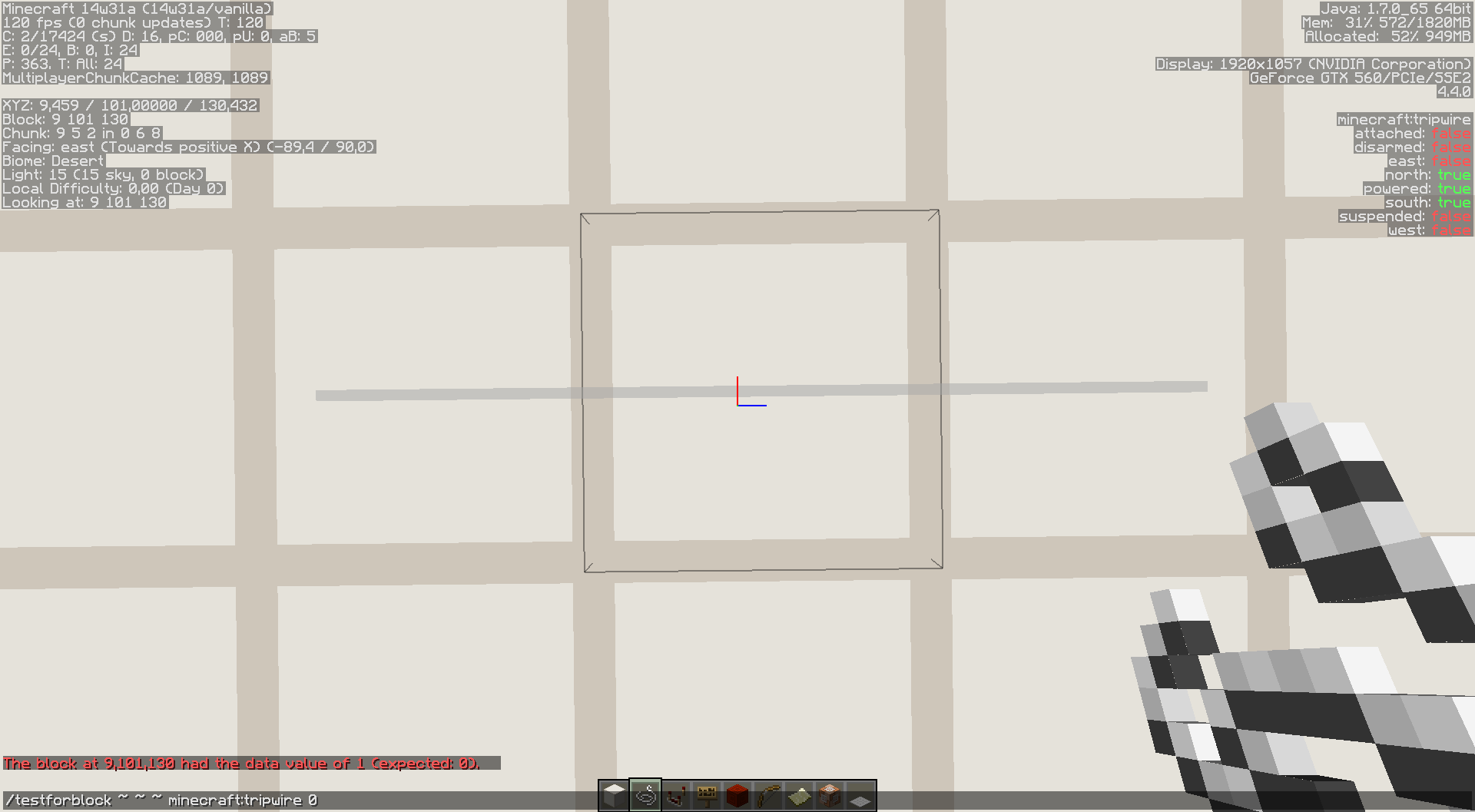
/testforblock ~ ~ ~ minecraft:tripwire 0while standing at 9, 101, 130 it returned " The block at 9,101,130 had the data value of 1 (expected 0). ". (Image 1)
Now I go 1 block north, so I'm standing at 9, 101, 129 and entered/textforblock ~ ~ ~1 minecraft:tripwire 1and it returned " The block at 9,101,130 had the data value of 0 (expected 1). ". (Image 2)
But that disagrees with itself... What data value does the tripwire at 9, 101, 130 now have?
/testforblock and /execute detect don't use the same data valueData values are not the same at the same block but testing from different location
Data values are not the same at the same blockbuttesting from different locationData values are not the same at the same block while testing from different location
I wanted to use /execute detect with an exact damage value to detect if a player is standing in a tripwire (I don't use it as tripwire).
For that I run the command/testforblock ~ ~ ~ minecraft:tripwire 0and got as output while standing in a tripwire with two connections "The block at ~,~,~ had the data value of 1 (expected: 0)." which is fine, as/execute @p ~ ~ ~ detect ~ ~ ~ minecraft:tripwire 1 say That worksoutputs "That works".
But while standing in a tripwire with only one connection, /testforblock gives the exact same error but /execute detect fails. When I change the data value to 0 in /execute @p ~ ~ ~ detect ~ ~ ~ minecraft:tripwire 0 say That works, it outputs "That works".When typing in
/testforblock ~ ~ ~ minecraft:tripwire 0while standing at 9, 101, 130 it returned "The block at 9,101,130 had the data value of 1 (expected 0).". (Image 1)
Now I go 1 block north, so I'm standing at 9, 101, 129 and entered/textforblock ~ ~ ~1 minecraft:tripwire 1and it returned "The block at 9,101,130 had the data value of 0 (expected 1).". (Image 2)
But that disagrees with itself... What data value does the tripwire at 9, 101, 130 now have?Steps to reproduce:
- Place command block with this command
/testforblock ~ ~1 ~ tripwire 0- Place string on top of command block
- Notice value of string (tripwire) changes if you are standing on the block or not.
Data values are not the same at the same block while testing from different locationString on ground changes value if player occupies same block
String on groundchanges value if player occupies same blockNot hooked up tripwire changes value if player occupies same block
No, I have about 100 fps and for 1 fps the GUI and all entities are flashing.
Sorry I thought a bit wrong about the time.
If you build the same setup but downwards, the upper piston doesn't retract the lower one, as it was in earlier versions.
I get the same error after about 10 minutes on Windows.
error log: http://db.tt/KRevkWwZ
Confirmed for 13w21a
Confirmed in 13w24b.
Can someone please mark this as fixed or something similar? (It was fixed in 14w03a)
Thank you.
The same in 14w05a, but as Grum said (
MC-17802), it may be intentionally.It is not a concern in Minecraft 1.7.9 as it has something to do with the "smooth relative teleportation" introduced in one of the 1.8 snapshots, but it is still a concern in 14w11b.
That would be more logical that the piston can push stronger than the friction force is between the slime and stone
This is still a bug in 14w20b.
Last Username, please update the affected versions list to help Mojang.
This has nothing to do with signal strength as in the other bugreport. Here clearly get blocks swapped between a redstone block and stone which should cause a block update, even when it happens 20 times a second.
I'm sorry that I wasn't specific about the clock, but I use a command block based clock (one command block sets all blocks to stone the other in the same tick to redstone blocks, wich triggers all command blocks again for the next tick).
Also comparators.
Also commands which relay on that data don't work. Some seem to work with absolute coordinates (e.g. blockdata) and not relative coordinates but others don't work at all (e.g. testforblocks).
Can confirm. See http://gfycat.com/FrenchFaroffBrahmanbull
Ok, I'm sorry, I was wrong. I've missinterpreted it as I didn't looked at the coordinates I was using.
BUT what I actually discovered was that when typing in
while standing at 9, 101, 130 it returned "The block at 9,101,130 had the data value of 1 (expected 0).". (Image 1)
Now I go 1 block north, so I'm standing at 9, 101, 129 and entered
and it returned "The block at 9,101,130 had the data value of 0 (expected 1).". (Image 2)
I have updated the description and title to correct it.
Ah. You're right that the tripwire changes its data value when an entity occupies the same block, so it works as intended. Apparently I was tired when I came across this and it confused me.
qmagnet, thank you for your pacience and helpfulness.
Can a mod please mark this as works as intended or just close it, if only Mojang can mark it as works as intended?
I think for the hooks to track if an entity is in the tripwire.
I don't knwo if it really is works as intended, but I think so.
I don't think that this is a duplicate of
MC-42192as it appears regular and not just in the tick while summoning.Also I can confirm it for 14w34d.
Not only while writing a sign, for me it happens every time I press the key.
Duplicate of
MC-68399