 TCAtrevor
- TCAtrevor
- tcatrevor
- America/New_York
- Yes
- No
 MC-89177
 REALMS-114





 crash-2015-09-20_13.38.10-client.txt
Particles don't work with more than one in count (splash particle)Particles don't work with more than one in count (All Particles)
I was just using particles when I noticed that that if you put more than one in count it won't show the particle effect. (Sometimes even with only one in count it doesn't work!) It does this with all the particles in all my worlds (and some particles never show at all).
FORGET IT! If nothing goes right in the world I might as well jump in hole and die.
Before you say something like "Oh they sound sound the same on purpose dummy" let me say that they sound the same when you place them and break them, not when you step on them. So please fix it. It's a little awkward placing a gold pressure plate or an iron pressure and it makes the wooden pressure plate sound. It's only small but I might as well get it out of the way.
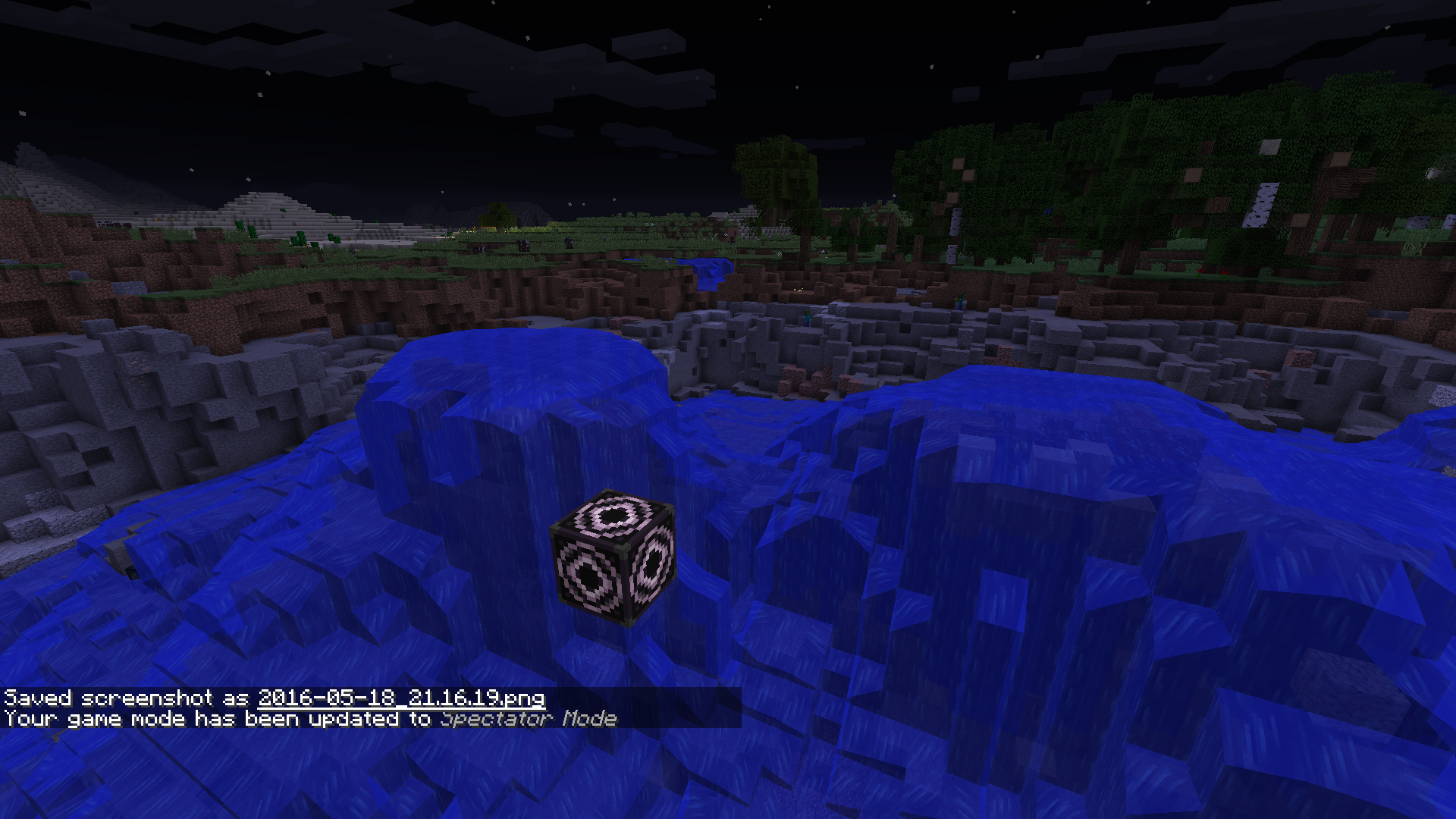
I was playing around with the structure block (cloning TNT as shown below
) and I found out that in spectator mode, or gamemode 3, the border lines that show where you're going to place your blocks is invisible in spectator mode, I also found out 2 seconds ago that they are invisible in gamemode 0 and 2 as well... I'm thinking this isn't a bug but in case it is, I decided to post this.
I was playing around with the structure block (cloning TNT as shown below XD) and I found out that in spectator mode, or gamemode 3, the border lines that show where you're going to place your blocks is invisible in spectator mode, I also found out 2 seconds ago that they are invisible in gamemode 0 and 2 as well... I'm thinking this isn't a bug but in case it is, I decided to post this.
I was playing around with the structure block (cloning TNT as shown below XD) and I found out that in spectator mode, or gamemode 3, the border lines that show where you're going to place your blocks is invisible in spectator mode, I also found out 2 seconds ago that they are invisible in gamemode 0 and 2 as well... I'm thinking this isn't a bug but in case it is, I decided to post this.
I was playing around with the structure block (cloning TNT as shown below
I was playing around with the structure block (cloning TNT as shown below
I was playing around with the structure block (cloning TNT as shown below
When Uploading World to Realm, Blocks below X and Z: 0 Get reset
BEFORE YOU READ: I AM AWARE THIS IS A DUPLICATE. I AM JUST PUTTING MORE DETAIL INTO MY PROBLEM. Now to the description!
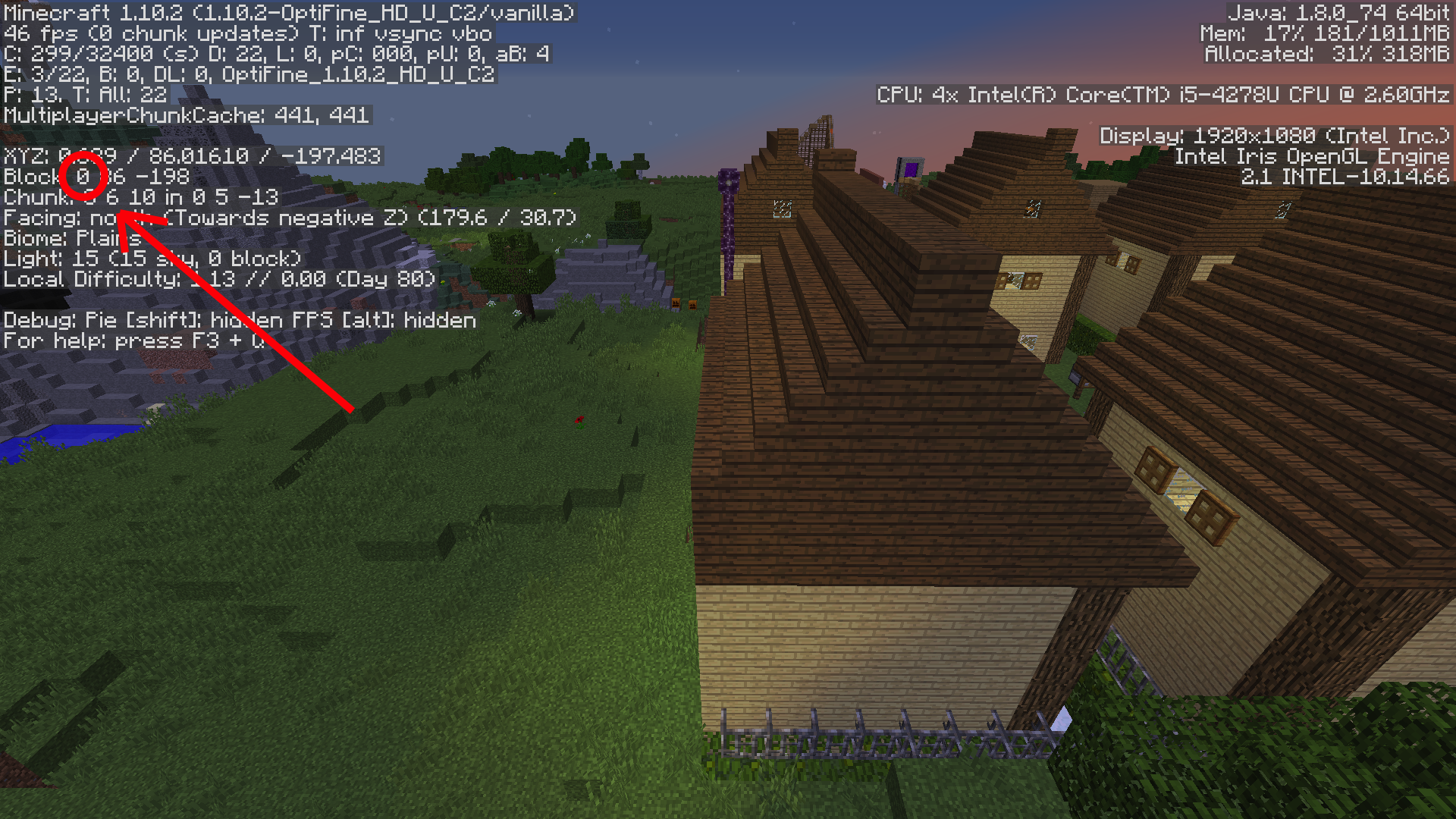
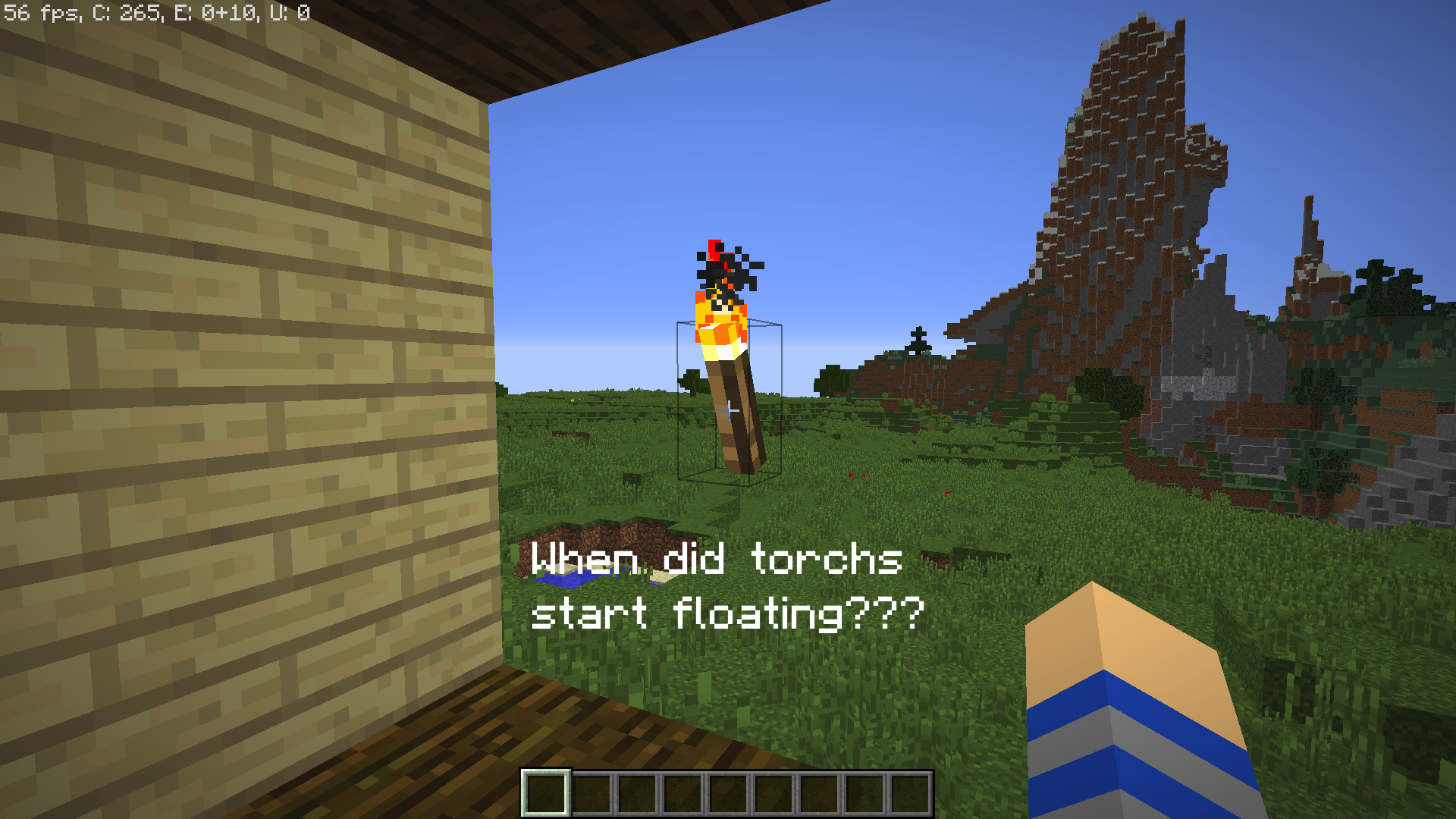
So I tried to upgrade my old server by buying a realm. But when I put the old world on, I noticed that a lot of my world has been reset! I tried to get as much info as possible. One of my observations is that this was only happening below the X coordinate of 0. In case this has something do do with the problem, the world was originally created in 1.8, and has lived through 1.8, 1.9, and now 1.10. I have attached some photos of the world and a crash report that while you probably don't need, but I put in anyway.
EDIT: I have now just discovered that blocks below Z coordinate 0 were reset too... This is all very strange...
Put the summary of the bug you're having here
What I expected to happen was...:
I kind of didn't expect anything... I was just messing around.What actually happened was...:
The game crashed with the error: "Ticking player"Steps to Reproduce:
1. Get the totem of undying in either of your hands
2. Keep running "/effect @p minecraft:instant_damage 1000000" until...
3. The game crashes.I was just messing around one day in the snapshot and I was messing around with the bug where the totem could be used infinitely. I'm not getting into that bug though, I'm saying that while I was messing around, the game kept crashing every time I tried to do this one thing: effect myself with infinite instant damage so that it would keep going really fast! The game crashed though every time I tried so please fix if possible!
What I expected to happen was...:
I kind of didn't expect anything... I was just messing around.What actually happened was...:
The game crashed with the error: "Ticking player"Steps to Reproduce:
1. Get the totem of undying in either of your hands
2. Keep running "/effect @p minecraft:instant_damage 1000000" until...
3. The game crashes.
I am running a dedicated Minecraft server that performs normal gameplay just fine but gets a massive (~3s) lag spike every 5 minutes, for only one tick. Using a performance profiler, the lag spikes come down to these methods:
net.minecraft.world.level.storage.LevelStorage$Session.backupLevelDataFile()
net.minecraft.server.PlayerManager.saveAllPlayerData()
In my particular case, the level data file is taking the most time, but the player data seems to be significant as well. To confirm, when the lag spikes occur, I can plainly see the temp files being created for them in file explorer. Could these tasks be ran asynchronously on a separate thread as to not halt the server tick loop?
I am running a dedicated Minecraft server that performs normal gameplay just fine but gets a massive (~3s) lag spike every 5 minutes, for only one tick. Using a performance profiler, the lag spikes come down to these methods:
net.minecraft.world.level.storage.LevelStorage$Session.backupLevelDataFile()
net.minecraft.server.PlayerManager.saveAllPlayerData()
In my particular case, the level data file is taking the most time, but the player data seems to be significant as well. To confirm, when the lag spikes occur, I can plainly see the temp files being created for them in file explorer. Could these tasks be ran asynchronously on a separate thread as to not halt the server tick loop?
If you want hugs, try out Minecraft 1.10!
It does the same with all the other particles and some particles won't show at all no matter what in all of my worlds! Thanks anyway!
jerk.
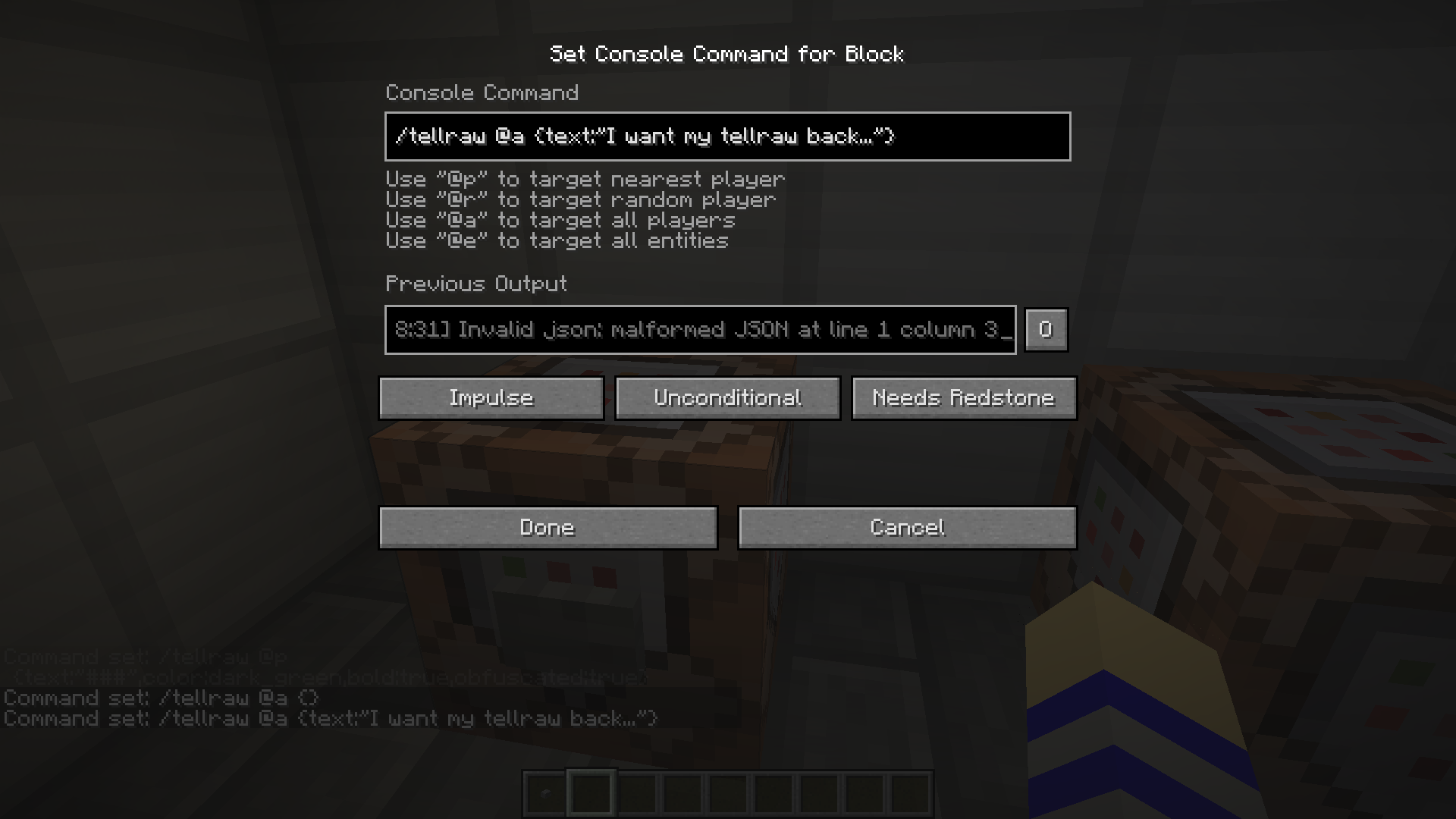
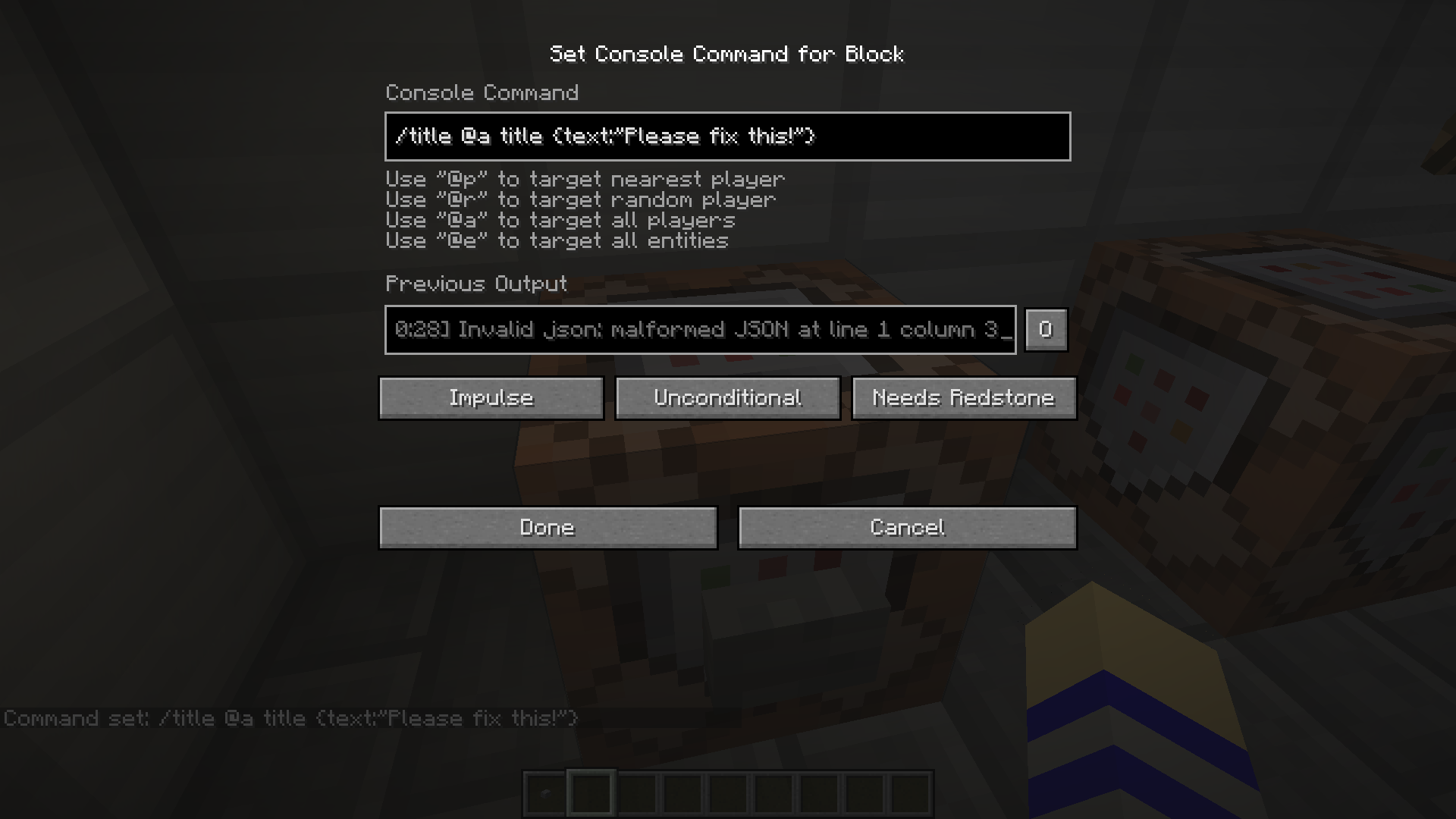
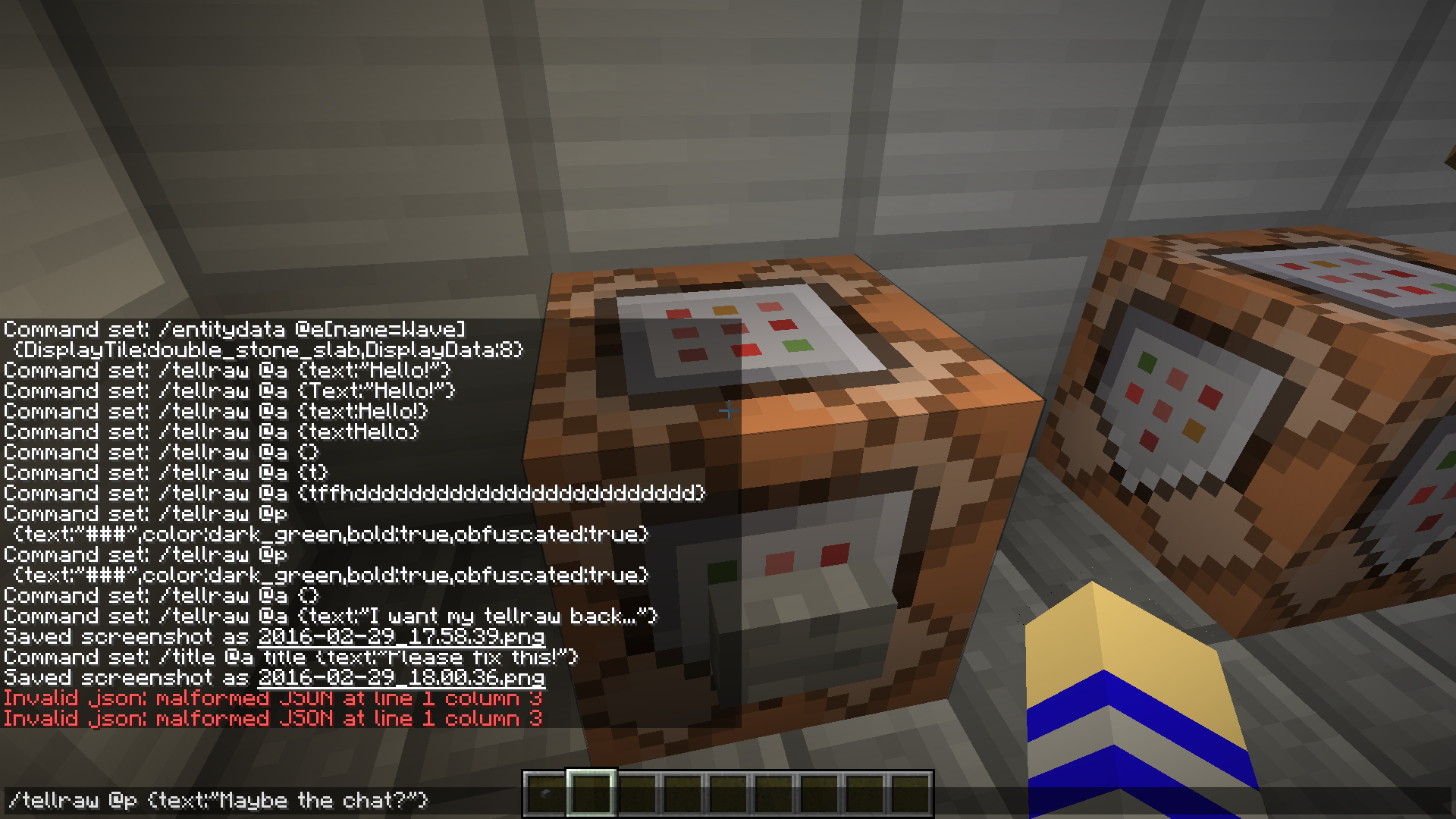
Can at least please bring back the old days of
{text:"Welcome!",color:gold,bold:true}instead of the bulky confusing crap now that is
{"text":"Welcome!","color":"gold","bold":"true"}I searched for this problem its not a duplicate! He probably duplicated me!
Fine, I guess that means you get the right to say "Oh they sound sound the same on purpose dummy"... |=(
lol this is funny and real
Some of your images aren't even bugs. In 1.10, villages are supposed to be above water, that's why the wood pathways are there. It's a feature ported from pocket edition too btw in case you didn't know
Try turning on smooth lighting
I have now attached the client and server profiles to the issue. I wasn't getting the lag spike quite as big as before but it was still noticeable while it occurred (~500ms).
The server is still getting tick spikes with sync-chunk-writes=false.