 Tim van der Linden
- tim19278
- tim19278
- Europe/Stockholm
- Yes
- No
 MC-53393
![[Mojang] Grum (Erik Broes)](../../../data/assets/gravatar/grum.png)


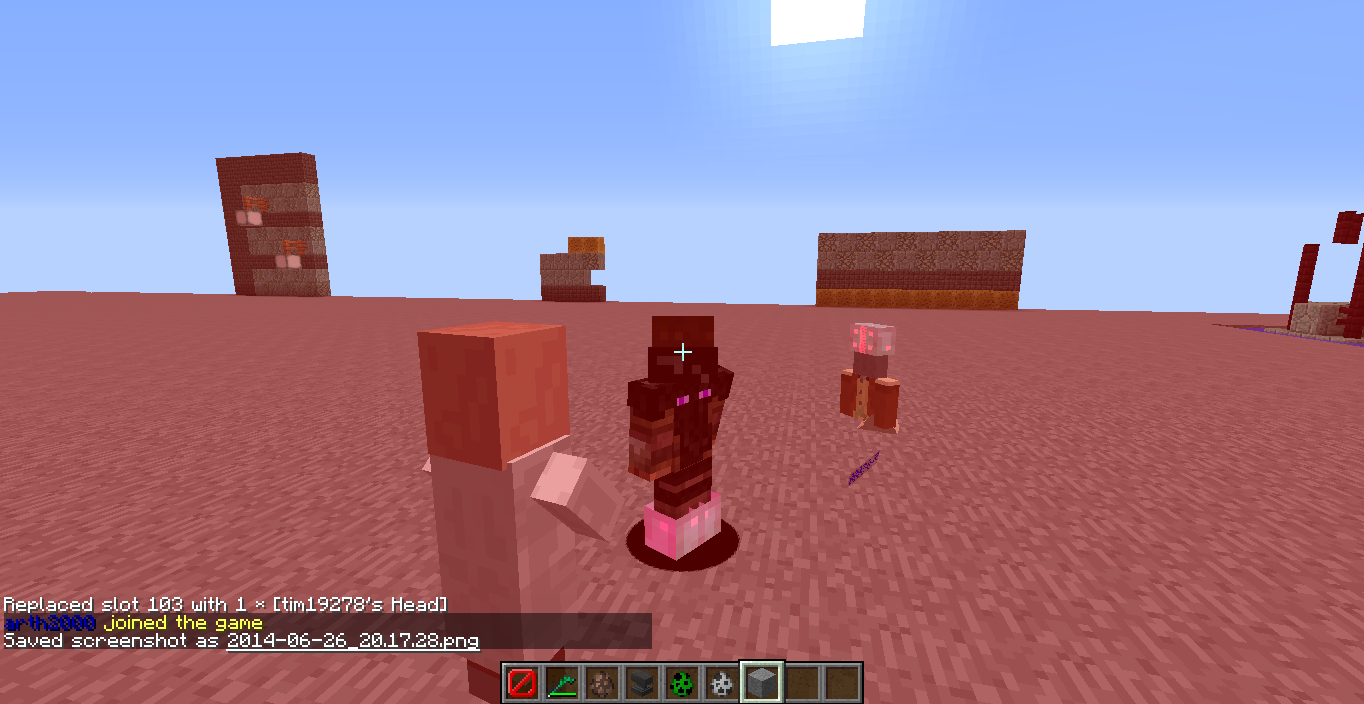

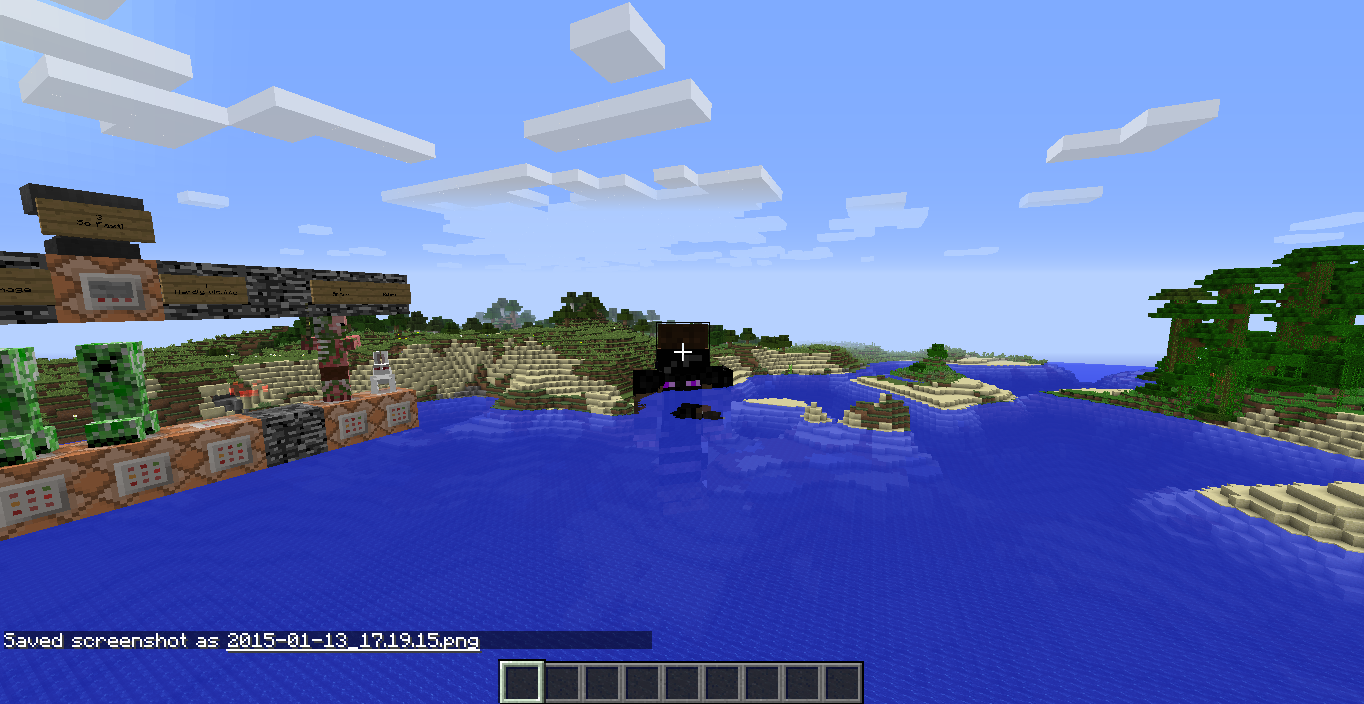
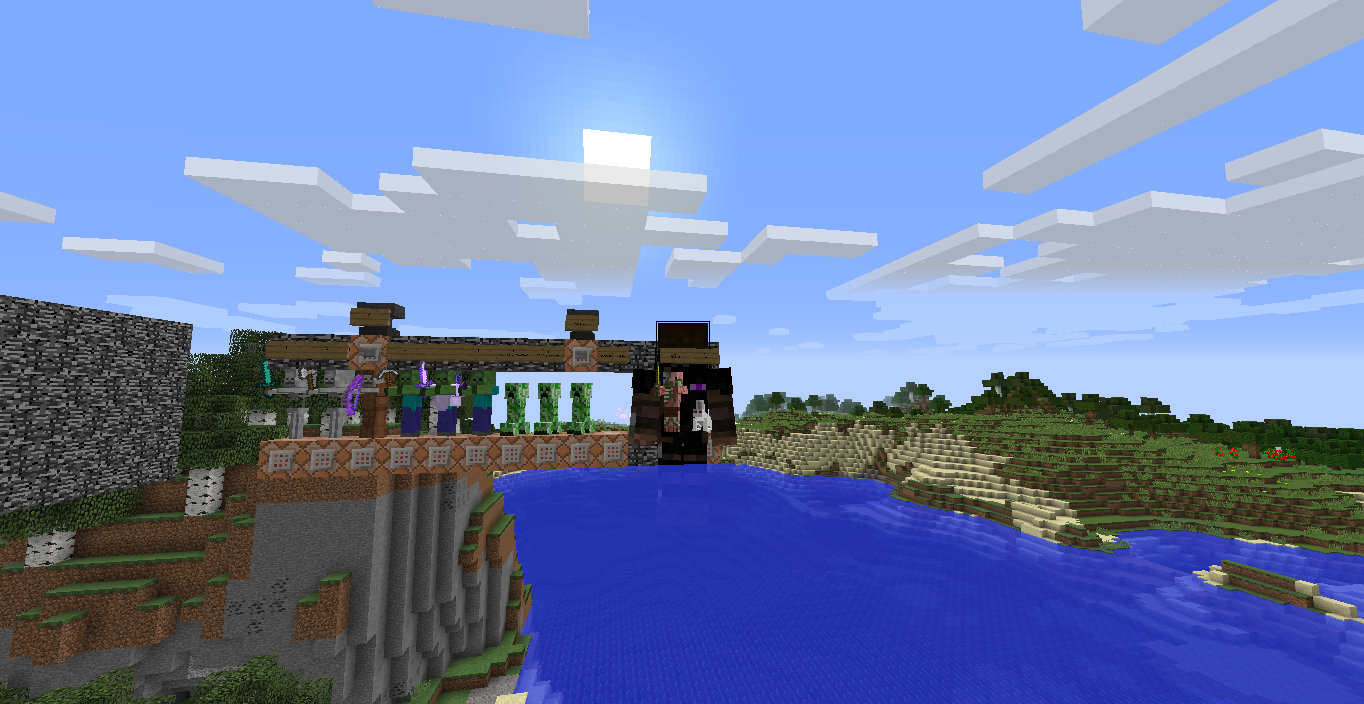
Dinnerbonehead glitch
give a mob or a player a player skull with like so
{SkullOwner:dinnerbone}
/replaceitem entity @e [r=3] slot.armor.head skull 1 3everything goes weird. things go upsidedown and on other locations.
hurt the thing wearing the hat and your screen turns red.
give a mob or a player a player skull with like so
{SkullOwner:dinnerbone}
/replaceitem entity @e [r=3] slot.armor.head skull 1 3everything goes weird. things go upsidedown and on other locations.
hurt the thing wearing the hat and your screen turns red or you crash.
give a mob or a player a player skull with like so
{SkullOwner:dinnerbone}
/replaceitem entity @e [r=3] slot.armor.head skull 1 3everything goes weird. things go upsidedown and on other locations.
hurt the thing wearing the hat and your screen turns red or you crash.video: http://youtu.be/VFccMP1VzHc
give a mob or a player a player skull with like so
{SkullOwner:dinnerbone}
/replaceitem entity @e[r=3] slot.armor.head skull 1 3everything goes weird. things go upsidedown and on other locations.
hurt the thing wearing the hat and your screen turns red or you crash.video:http://youtu.be/VFccMP1VzHc
fix with: /replaceitem entity @e slot.armor.head air
player head glitch
give a mob or a player a player skull with like so
{SkullOwner:dinnerbone}
/replaceitem entity @e[r=3] slot.armor.head skull 1 3everything goes weird. things go upsidedown and on other locations.
hurt the thing wearing the hat and your screen turns red or you crash.video:http://youtu.be/VFccMP1VzHc
fix with: /replaceitem entity @e slot.armor.head air
give a mob or a player a player skull with like so
{SkullOwner:dinnerbone}
/replaceitem entity @e[r=3] slot.armor.head skull 1 3everything goes weird. things go upsidedown and on other locations.
hurt the thing wearing the hat and your screen turns red or you crash.video:http://youtu.be/VFccMP1VzHc
fix with: /replaceitem entity @e slot.armor.head air
and punch him again
watch this video http://youtu.be/VFccMP1VzHc
or join my server: 83.83.203.234
Make a resoucepack with 3D items, hold the items in your hand. and you will see this.
Make a resoucepack with 3D items, hold the items in your hand. and you will see this.
(It isn't with all items, some are normal like my tnt.)
I'm on a server
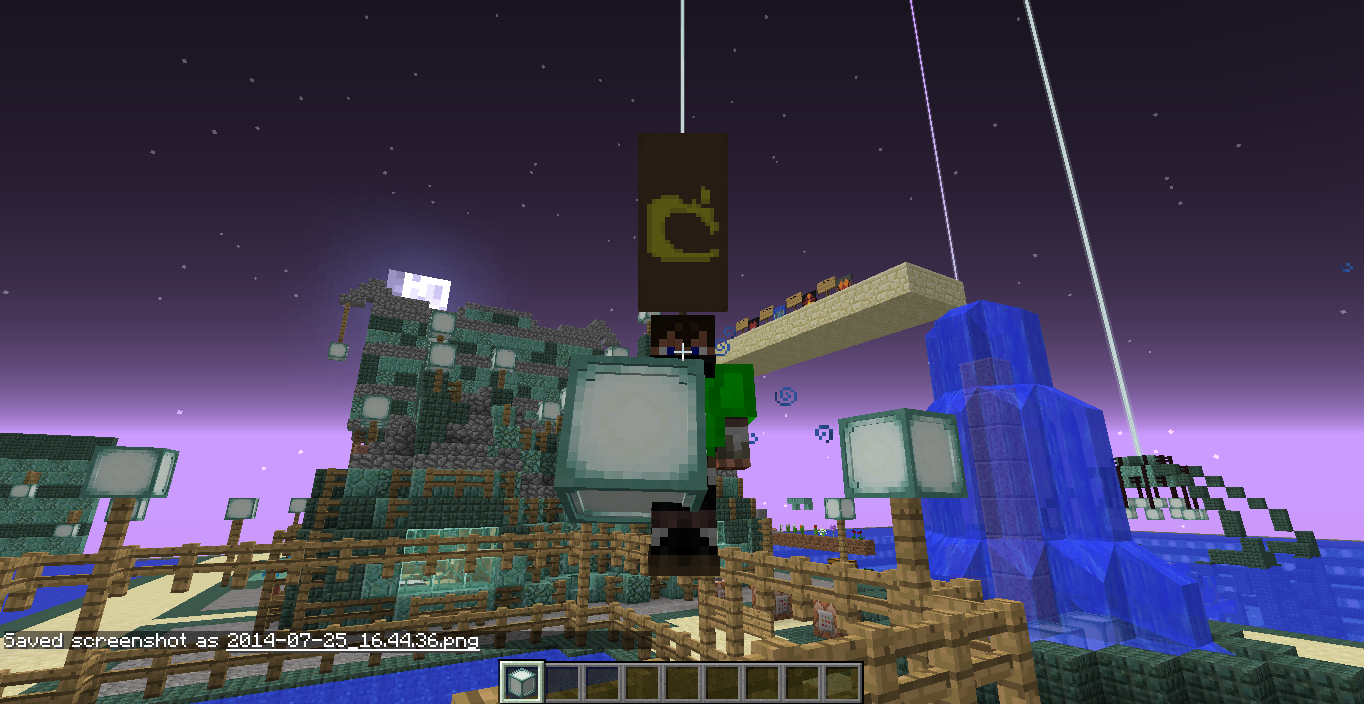
When I have a invisible Spider on my screen other random entities turn their opacity down and make me able to look through them as well as rendering the wrong side of the body. (On the pictures it is just me but it also happens with other entities)
When I have a invisible Spider on my screen other random entities turn their opacity down and make me able to look through them as well as rendering the wrong side of the
body. (On the pictures it is just me but it also happens with other entities)When I have a invisible Spider on my screen other random entities turn their opacity down and make me able to look through them as well as rendering the wrong side of the skin. (On the pictures it is just me but it also happens with other entities)
1. Go into creative.
2. Place any stackable item in your offhand and press Q on it.
3. Don't click on any item slot in your inventory, just close it.
4. Pickup the dropped item.
5. You now have 1 more of this item in your offhandslot.
this only works in creative.
this is also usable with ctrl+Q and will dupe the whole stack on pickup.
Won't dupe full stacks but will dupe a stack of 63 or 15 or freshly duped stacks.
1. Go into creative.
2. Place any stack-able item in your offhand and press Q on it.
3. Don't click on any item slot in your inventory, just close it.
4. Pickup the dropped item.
5. You now have 1 more of this item in your offhand-slot.
this only works in creative.
this is also usable with ctrl+Q and will dupe the whole stack on pickup.
Won't dupe full stacks but will dupe a stack of 63 or 15 or freshly duped stacks.
1. Go into creative.
2. Place any stack-able item in your offhand and press Q on it.
3. Don't click on any item slot in your inventory, just close it.
4. Pickup the dropped item.
5. You now have 1 more of this item in your offhand-slot.
this only works in creative (asfas I know).
this is also usable with ctrl+Q and will dupe the whole stack on pickup.
Won't dupe full stacks but will dupe a stack of 63 or 15 or freshly duped stacks.
1. Go into creative.
2. Place any stack-able item in your offhand and press Q on it.
3. Don't click on any item slot in your inventory, just close it.
4. Pickup the dropped item.
5. You now have 1 more of this item in your offhand-slot.
this only works in creative (asfas I know).
this is also usable with ctrl+Q and will dupe the whole stack on pickup.
Won't dupe full stacks but will dupe a stack of 63 or 15 or freshly duped full stacks.
1. Go into creative
2. Place a stackable item in the offhand slot from the survival inventory tab
3. Press Q while hovering over the offhand slot
4. Pickup the dropped item.
5. You now have 1 more of this item in your offhand-slot.
this only works in creative (asfas I know).
this is also usable with ctrl+Q and will dupe the whole stack on pickup.
Won't dupe full stacks but will dupe a stack of 63 or 15 or freshly duped full stacks.1. Go into creative
2. Place a stackable item in the offhand slot from the survival inventory tab
3. Press Q while hovering over the offhand slot
4. Pickup the dropped item.
5. You now have 1 more of this item in your offhand-slot.
this only works in creative (as far as I know).
this is also usable with ctrl+Q and will dupe the whole stack on pickup.
Won't dupe full stacks but will dupe a stack of 63 or 15 or freshly duped full stacks.

@Tim van der Linden: Yes. Delete the world or use your pre-14w30c backup.
I think it is dupe of
MC-55413It is a bug in the snapshot, so yes its because of the snapshot.
Only on servers
come join 83.83.203.234
Yes it does, but does that mean they will never move on the old map?
yes, the server kept crashing so I tried it in singleplayer and it doesn't happen there eighter.
They do in new worlds. But it's not that they move really slow, they just don't.
But the banners still don't move on my older world
Ok everyone, I found sort of a fix for this problem.
To fix it you can copy your old world using mcedit and pasting it in a new world using the same seed.
doing that will fix the problem.
It results into the same but has a different cause. In this one it only happens when the spider(or maybe something else) is on the screen
DoMobSpawning is only for mean mobs right?