 Daniel M
- tpl007
- tpl007
- America/New_York
- Yes
- No
 MC-59219
![[Mojang] Searge (Michael Stoyke)](../../../data/assets/gravatar/searge.png)
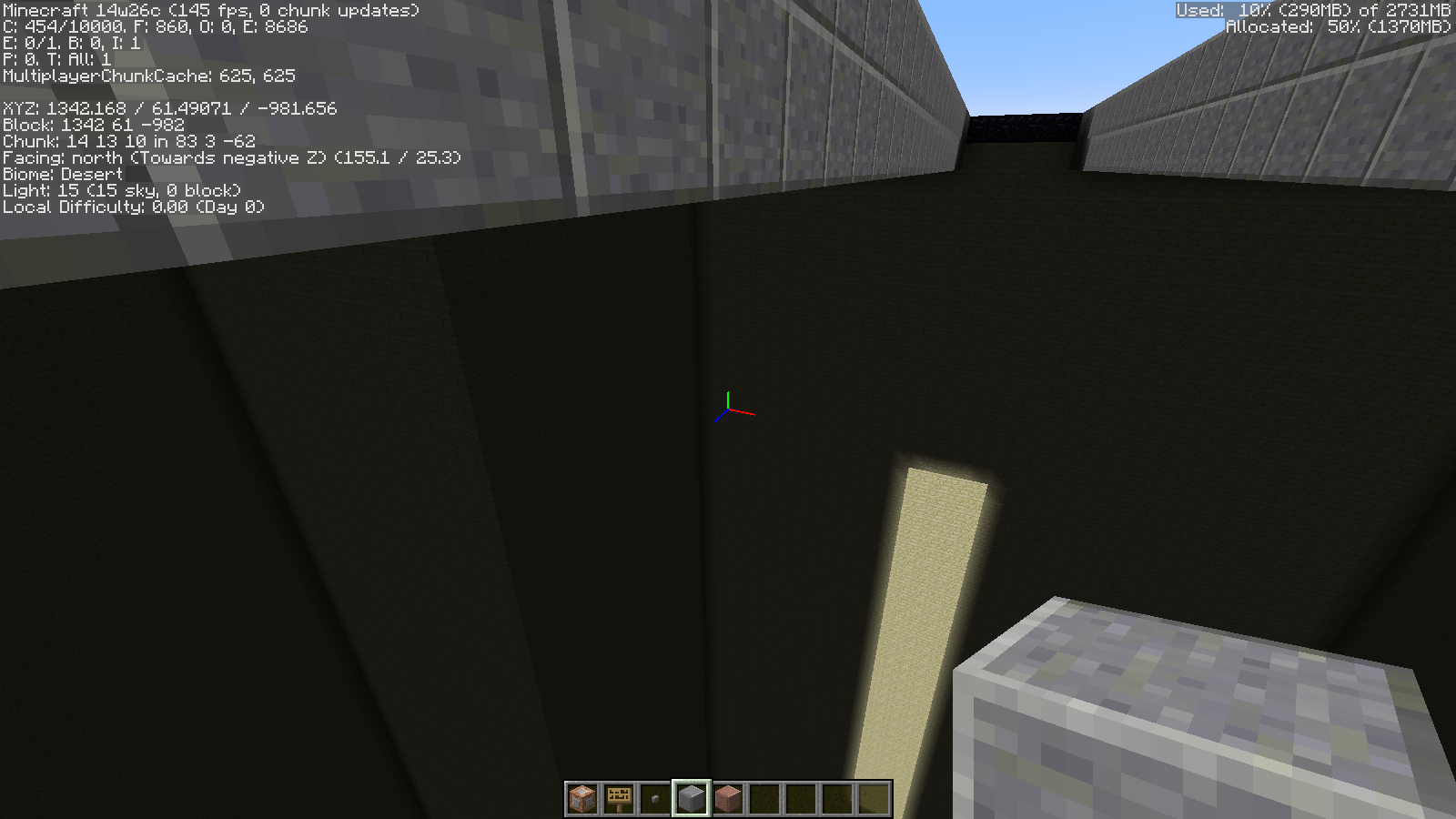

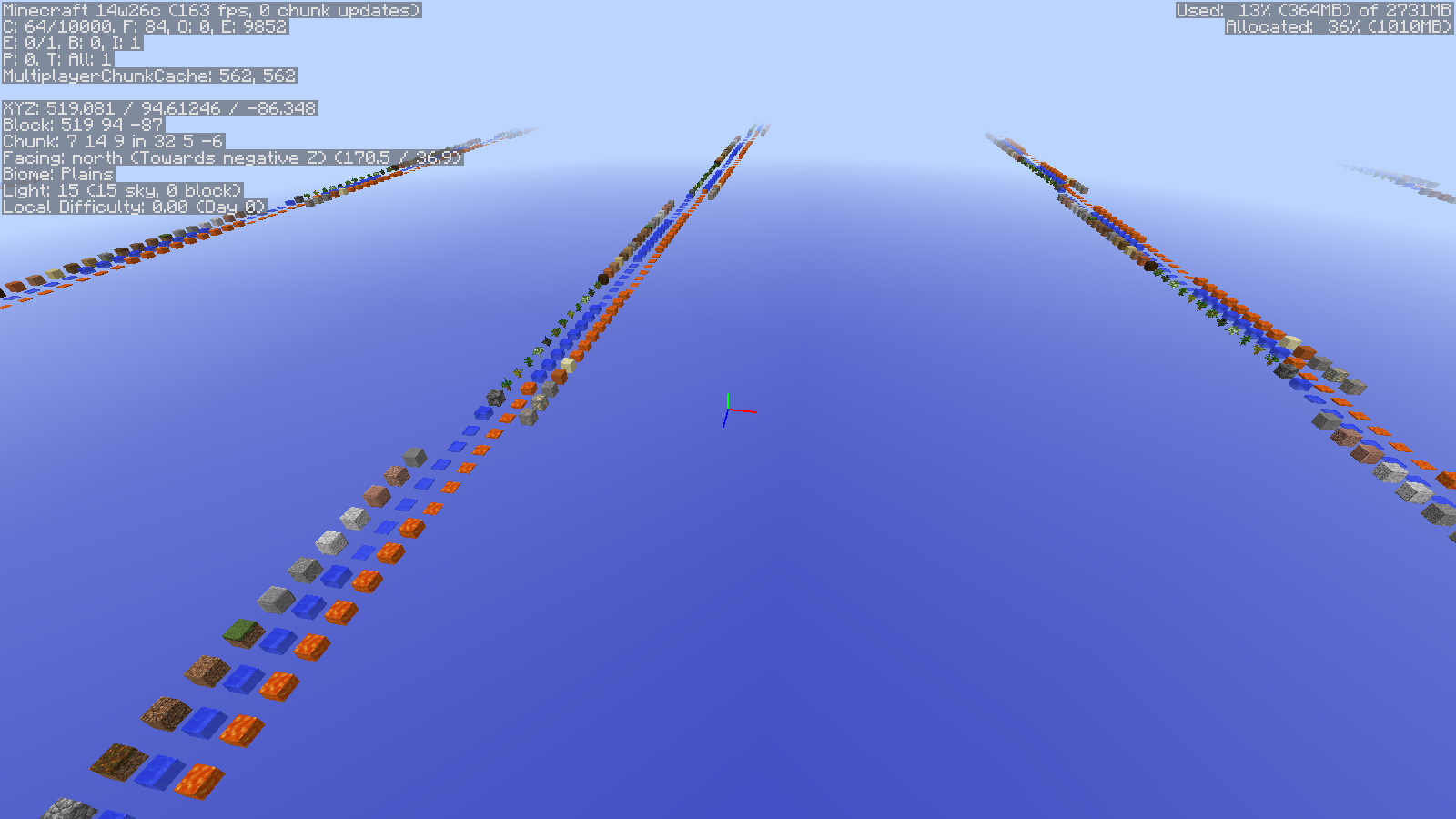


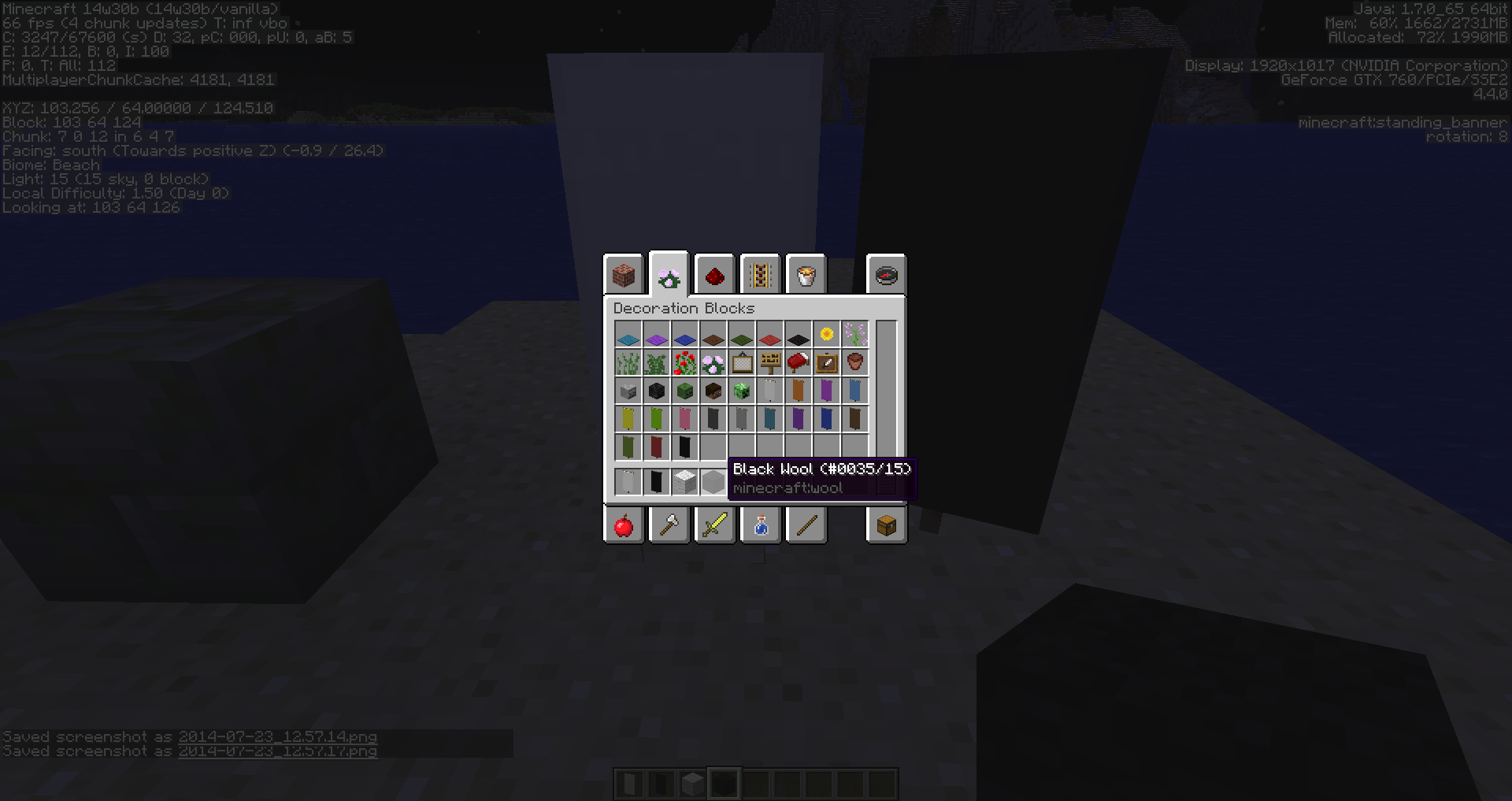
-When you upgrade any world (unless the world was open from an earlier snapshot) you'll will have some chunks that will disappear and any blocks that was placed before this 'c' snapshot.
This bug also appears in the debug world.-
saw a previous tweet explaining this
-When you upgrade any world (unless the world was open from an earlier snapshot) you'll will have some chunks that will disappear and any blocks that was placed before this 'c' snapshot.
This bug also appears in the debug world.-
saw a previous tweet explaining this
When you upgrade any world (unless the world was open from an earlier snapshot) you'll will have some chunks that will disappear and any blocks that was placed before this 'c' snapshot.
This bug also appears in the debug world.saw a previous tweet explaining this
When you upgrade any world (unless the world was open from an earlier snapshot) you'll will have some chunks that will disappear and any blocks that was placed before this 'c' snapshot.
This bug also appears in the debug world.saw a previous tweet explaining th
is
When you upgrade any world (unless the world was open from an earlier snapshot) you'll will have some chunks that will disappear and any blocks that was placed before this 'c' snapshot.
This bug also appears in the debug world.saw a previous tweet explaining the reason so
2014-06-26(obisdian walk path got deleted).png
Detector rails can only be activated when a minecart is on top of the detector
Works when you enter a player argument after the tp
ex: /execute @p ~ ~ ~ tp @p ~ ~1 ~
If you have a launcher issue please post the issue there /browse/MLC, unless its a game issue please post the game crash so a mod can help with the problem
This site is for bug reports for the* PC version of Minecraft only*, for the Console Edition(s) you have please go to
This ticket is invalid as it relates to a modified or 3rd party client, server, or launcher.
- Any non-standard client/server/launcher build needs to be taken up with the appropriate team, not Mojang.
- Any plugin issues need to be addressed to the creator of the plugin or resource pack.
- This site is for addressing issues related to the base unmodded Minecraft; Bukkit, Forge, Optifine, modded servers such as The Hive, Overcast, Showbot, Hypixel or any other modded system invalidates your ticket, unless the behavior can be reproduced in Vanilla.
- Additionally, if you have problems on large-scale modded servers, please report it to their site. It's probably not a bug in Vanilla Minecraft.
Can confirm this works only for this snapshot and works on easy, normal or hard mode
Confirmed for 14w26b on regular and on custom mob spawners
If this was opened in 14w26a or b then read this:
"You have to use a backup of your world that was never opened with 14w26a or 14w26b, otherwise opening the world save in 14w26c will destroy most of the chunks in your saved world.
Never use snapshots without making a backup of your saved worlds first."
From the snapshot post.
Fixed for a future version.
MC-59853Fixed for a future version.
MC-59854Fixed for a future version.
MC-59854Please post your crash log so someone can help
rabbits just came out so there will be fixes for the drops later on
Tested in a test world doesn't crash. Please post your crash report or this is an invalid report
The 'tag' in the clear command can't be used, works when you use this
/clear @a diamond 0 1 {display:{Name:Diamond},RepairCost:0}Dupe of
MC-14640Vechs made a video about this https://www.youtube.com/watch?v=JC-7TUo1a2c
hope a employee will fix this for the 'c' snapshot or an 'a' next week
This site is for Minecraft bugs not MCPE bugs. Please post all related bugs from mcpe on the community site at https://plus.google.com/u/0/communities/115091597876167755831
Please post your crash log (if you don't know how to visit this site: http://hopper.minecraft.net/help/finding-minecraft-data-folder/) and a mod will help towards your problem
Dupe of
MC-62166MC:PE bug reporting has been suspended on the Mojira. Please report bugs related to MC:PE via Google+, Reddit, or the Minecraft Forums.
This might be fixed with 14w30a, we will see if that happens
Confirmed for 14w30a and 14w30b shows for a split second or two.
Seems that its not in the tab completion when you search for something in /summon
Thanks couldn't find it even when searched
Probably as to do something with Ctrl+Pick Block as they keep the data 0 regardless of the flag
Possible dupe of
MC-62958Possible dupe of
MC-63924It seems that when you go over the 16 chunk distance you need at least 4 GB or more allocated or the game won't work as do most 64 bit programs that require more than 4 GB or they won't work properly.
Please force a crash by pressing F3 + C for 10 seconds while in-game and attach the crash report and someone will help you
Dinnerbone changed the rules so that anything that doesn't completely block the light will go through https://twitter.com/Dinnerbone/status/497366343428366336
If you are talking about the new wood fence and fence gate colors that would be in 14w32b and later
This site is for bug reports only. For feature suggestions or changes please go to: Minecraft Suggestions on Reddit.
Please force a crash by pressing F3 + C for 10 seconds while in-game and attach the crash report (minecraft/crash-reports/crash-<DATE>-client.txt) here so that we can diagnose your issue.
This site is for bug reports only. For feature suggestions or changes please see: Minecraft Suggestions on Reddit.
MC:PE bug reporting has been suspended on the Mojira. Please report bugs related to MC:PE via Google+, Reddit, or the Minecraft Forums.
Please attach the crash report from (minecraft/crash-reports/crash-<DATE>-client.txt) so that we can diagnose your issue.
They changed the look so that it would match the oak wood and Iron door image
can't combine sharpness with smite or bane of arthropods
Incomplete without a crash report from (minecraft/crash-reports/crash-<DATE>-client.txt).
Please attach it so that we can diagnose your issue.
Dupe
MC-66970Dupe
MC-66983Dupe
MC-66970Will be fixed for future version
MC-66970also please search or look at other bugs to see if they are or similar to your problem most likely you aren't the first one to find it.Already fixed
MC-66970in 14w33bAlredy fixed
MC-66970in 14w33b also please search or look at other bugs to see if they are or similar to your problem most likely you aren't the first one to find it.Alredy fixed
MC-66970in 14w33bAlready fixed
MC-66970in 14w33bAlready fixed
MC-66970in 14w33bDowngrading is not supported, also they changed books and signs to the new formatting (json) so its much easier for map makers/server admins to make a book without having 3rd party editors to add color text and unicode. Also its wise if you are upgrading or downgrading MC versions to make a backup before or the world(s) will not properly work.
Intended, unless you have the item that has been named to correspond with the NBT Lock name then it will open normally
Intended, any invisible mob/entity will be visible only when in spectator mode
Use this as a guide for the new recipe http://minecraft.gamepedia.com/Fences#Crafting_in_1.8
Incomplete without a crash report from (minecraft/crash-reports/crash-<DATE>-client.txt).
Please attach it so that we can diagnose your issue.
Incomplete without a crash report from (minecraft/crash-reports/crash-<DATE>-client.txt).
Please attach it so that we can diagnose your issue.
This will probably be fixed in 1.9 or a 1.8.X update as this requires them see what causes the issue and how to fix it. Just wondering was this a problem since availability (first person purchased/downloaded) or sometime in alpha or beta?
The Issue is not the trading, its the custom potions' since it has multiple of the same effects (id:15,blindness) the game couldn't handle it. So either only use one effect per a potion or change the id in each of the potions.
Please attach the crash report from (minecraft/crash-reports/crash-<DATE>-client.txt)
so that we can diagnose your issue.
Incomplete without a crash report from (minecraft/crash-reports/crash-<DATE>-client.txt).
Please attach it so that we can diagnose your issue.
Make sure the server you are going into is updated with the MC version you are using.
Dupe of
MC-62958Please force a crash by pressing F3 + C for 10 seconds while in-game and attach the crash report
(minecraft/crash-reports/crash-<DATE>-client.txt) here so that we can diagnose your issue.
Please force a crash by pressing F3 + C for 10 seconds while in-game and attach the crash report
(minecraft/crash-reports/crash-<DATE>-client.txt) here so that we can diagnose your issue.
Also make sure clouds are off which can increase fps on slower/older computers
Please attach the crash report from (minecraft/crash-reports/crash-<DATE>-client.txt)
so that we can diagnose your issue.
Dupe
MC-62958Dupe of
MC-62958dupe of
MC-62958MC:PE bug reporting has been suspended on the Mojira. Please report bugs related to MC:PE via one of the following:
Also don't put down future versions as you don't have access to them and don't create multiple bugs on a single issue as it will make it confusing for someone to help with that single problem you are having.
Thanks
Please force a crash by pressing F3 + C for 10 seconds while in-game and attach the crash report
(minecraft/crash-reports/crash-<DATE>-client.txt) here so that we can diagnose your issue.
Incomplete without a crash report from (minecraft/crash-reports/crash-<DATE>-client.txt). Please attach it so that we can diagnose your issue.
Also please don't put future version(s) as you don't have access to them and we don't fix worlds, we just tell what happened to them that's all.
Please try the latest version of mcedit here: https://khroki.github.io/MCEdit-Unified/ . If it works then the issue was probably fixed in a previous mcedit version.
Please force a crash by pressing F3 + C for 10 seconds while in-game and attach the crash report
(minecraft/crash-reports/crash-<DATE>-client.txt) here so that we can diagnose your issue.
Also don't duplicate your own issue one issue will be enough.
Your Java version is out of date! Even though you are using java 1.6.0_65. Please update your Java to the latest version: http://www.java.com/en/download/.
Also:
Your version of Minecraft is no longer supported. We are currently only accepting bugs found in the official release 1.8 and later.
This site is for bug reports only. For feature suggestions or changes please see: Minecraft Suggestions on Reddit.
Can confirm and reproduce for the affected version and 1.8.2pre1-4. I tried it in creative mode and it if you keep on holding it w/ innovatory empty it will auto fill with stack size. In survival mode it does the same thing but the items disappear when you let go of the middle mouse and the size goes back to normal.
I've attached a video showing the issue/bug
Thank you for your report.
However, your ticket has been resolved as incomplete.
We are unable to diagnose your issue due to the lack of proper debug information.
Please review the guidelines before reporting issues.
In case of a game crash, please also attach the crash log from minecraft/crash-reports/crash-<DATE>-client.txt.
Reminder: For technical support please use the Mojang Support Center.
This ticket is invalid as it relates to any number of these listed below:
On Windows Vista, 7, 8/8.1
On Mac
On Windows Vista, 7, 8/8.1
On Mac
Also, in the future can you please not post the mojang logo without an intended purpose. Thanks.
On Windows Vista, 7, 8/8.1
On Mac