 VictorIniRom
- VictorIniRom
- JIRAUSER773136
- Europe/Stockholm
- Yes
- No
 MC-269064
 MCPE-184388MCPE-184847
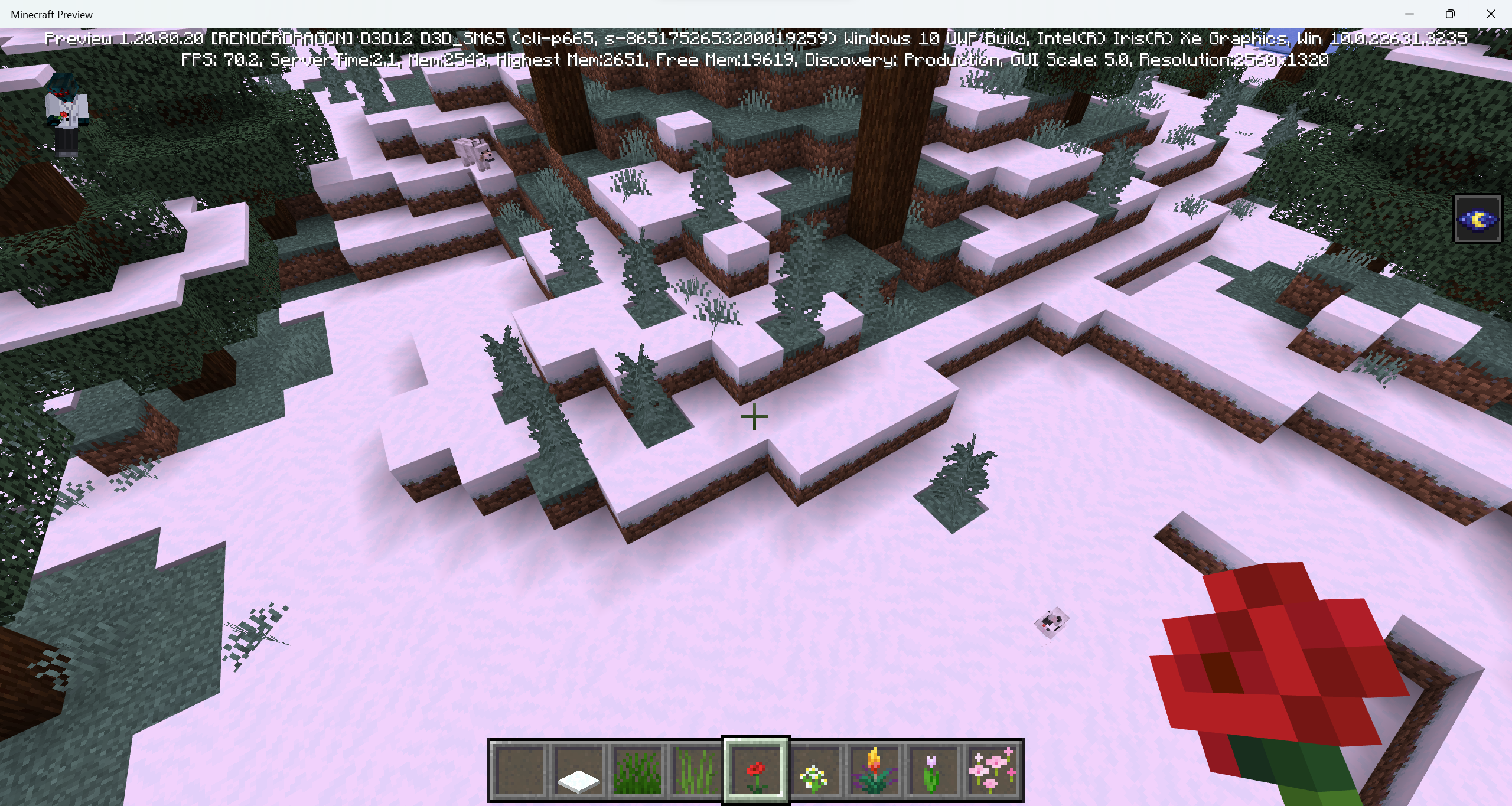
























Some plants don't mantain thesnow when placed or generatedSome plants don't mantain top snow when placed or generated
Screenshot 2024-03-03 135224.png
Steps to Reproduce:
1. Get a flower pot and some transparent block.
2. Place the flower pot on top of the transparent block.
3. Position yourself below the transparent block and look at the flower pot.
Observed Results:
As a result, you can see the bottom's model and texture is missing form the flower pot.Expected Results:
You should be able to see the bottom part of the flower pot.
Allay's fly animation sometimesget bugged.Allay's fly animation sometimes flicker.
Steps to Reproduce:
1. (I used an elytra but dont know if works with other ways).
2. Get damaged.
Observed Results:
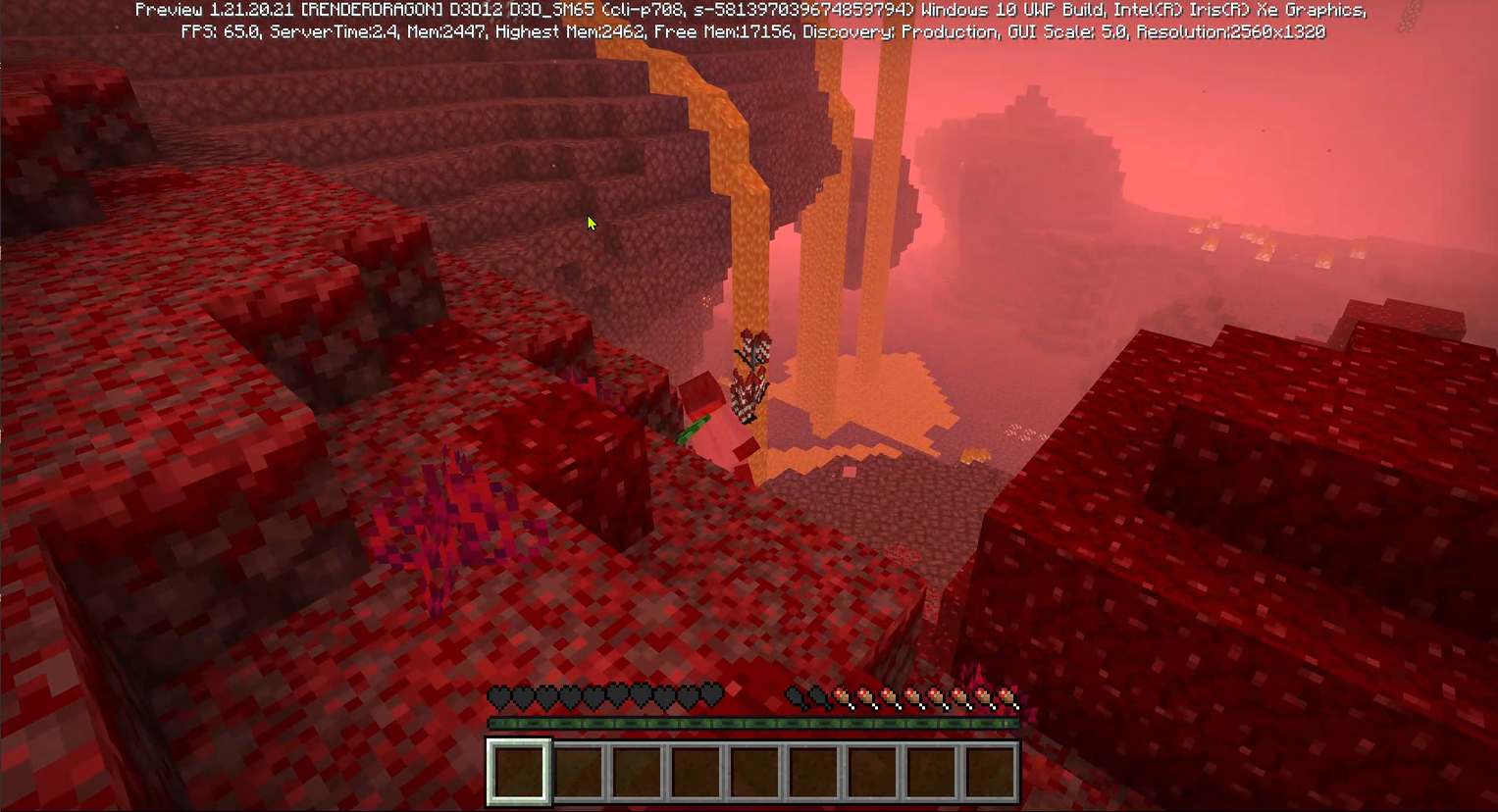
While using an elytra and hittong a wall, my hearts showed I was supposingly dead but I still was alive.
Expected Results:
If that hit actually had killed me, I should have died, instead, if that hit didnt kill me, the hearts should have appeared the correct whay thei should.
Steps to Reproduce:
1. (I used an elytra but dont know if works with other ways).
2. Get damaged.
Observed Results:
While using an elytra and hittong a wall, my hearts showed I was supposingly dead but I still was alive.
Expected Results:
If that hit actually had killed me, I should have died,instead, if that hit didnt kill me, the hearts should have appeared the correct whay thei should.Steps to Reproduce:
1. (I used an elytra but dont know if works with other ways).
2. Get damaged.
Observed Results:
While using an elytra and hittong a wall, my hearts showed I was supposingly dead but I still was alive.
Expected Results:
If that hit actually had killed me, I should have died, otherwise, if that hit didnt kill me, the hearts should have appeared the correct whay thei should.
Steps to Reproduce:
1. (I used an elytra but dont know if works with other ways).
2. Get damaged.
Observed Results:
While using an elytra and hittong a wall, my hearts showed I was supposingly dead but I still was alive.
Expected Results:
If that hit actually had killed me, I should have died, otherwise, if that hit didnt kill me, the hearts should have appeared the correct whay theishould.Steps to Reproduce:
1. (I used an elytra but dont know if works with other ways).
2. Get damaged.
Observed Results:
While using an elytra and hittong a wall, my hearts showed I was supposingly dead but I still was alive.
Expected Results:
If that hit actually had killed me, I should have died, otherwise, if that hit didnt kill me, the hearts should have appeared the correct whay they should.
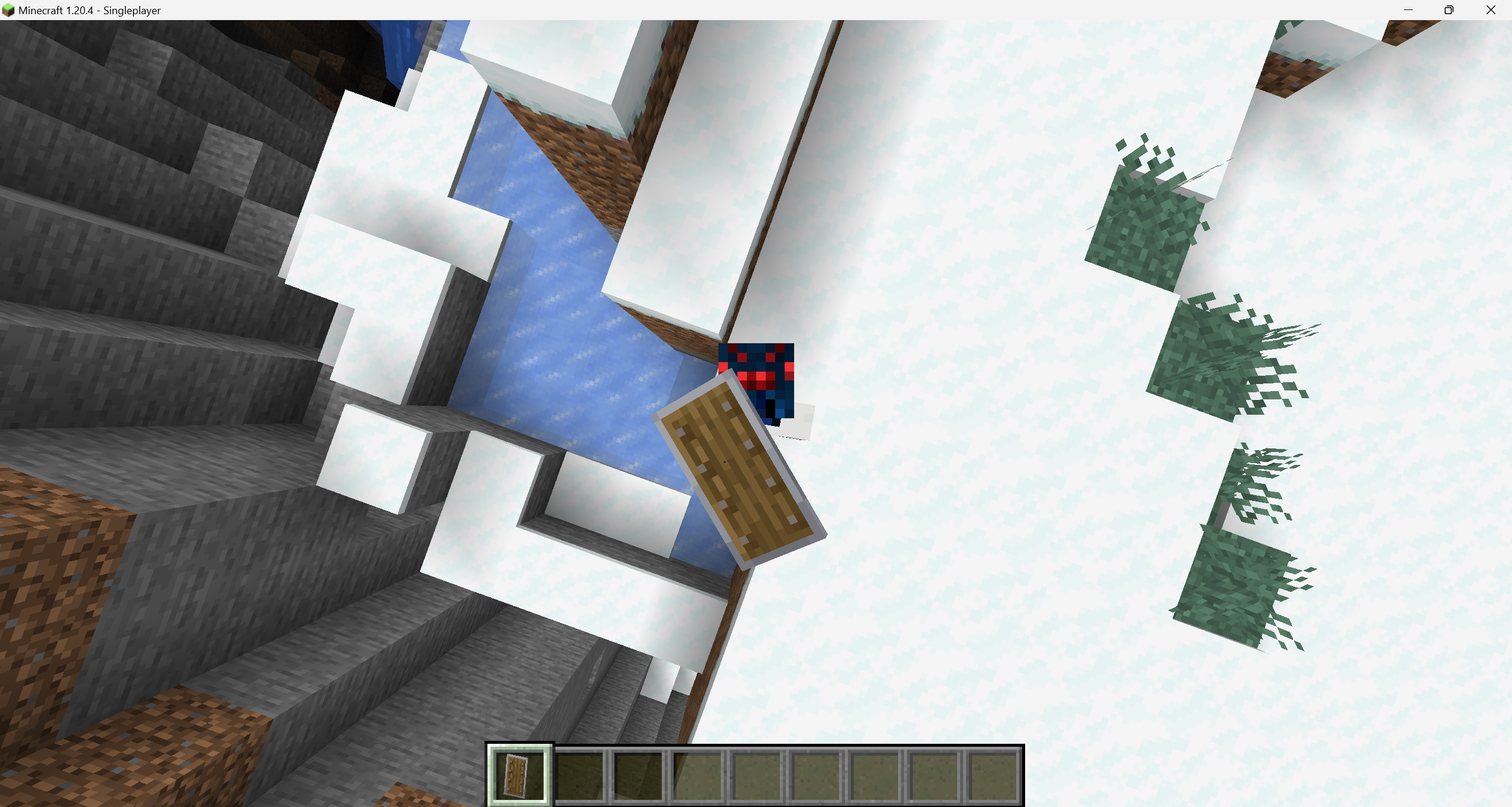
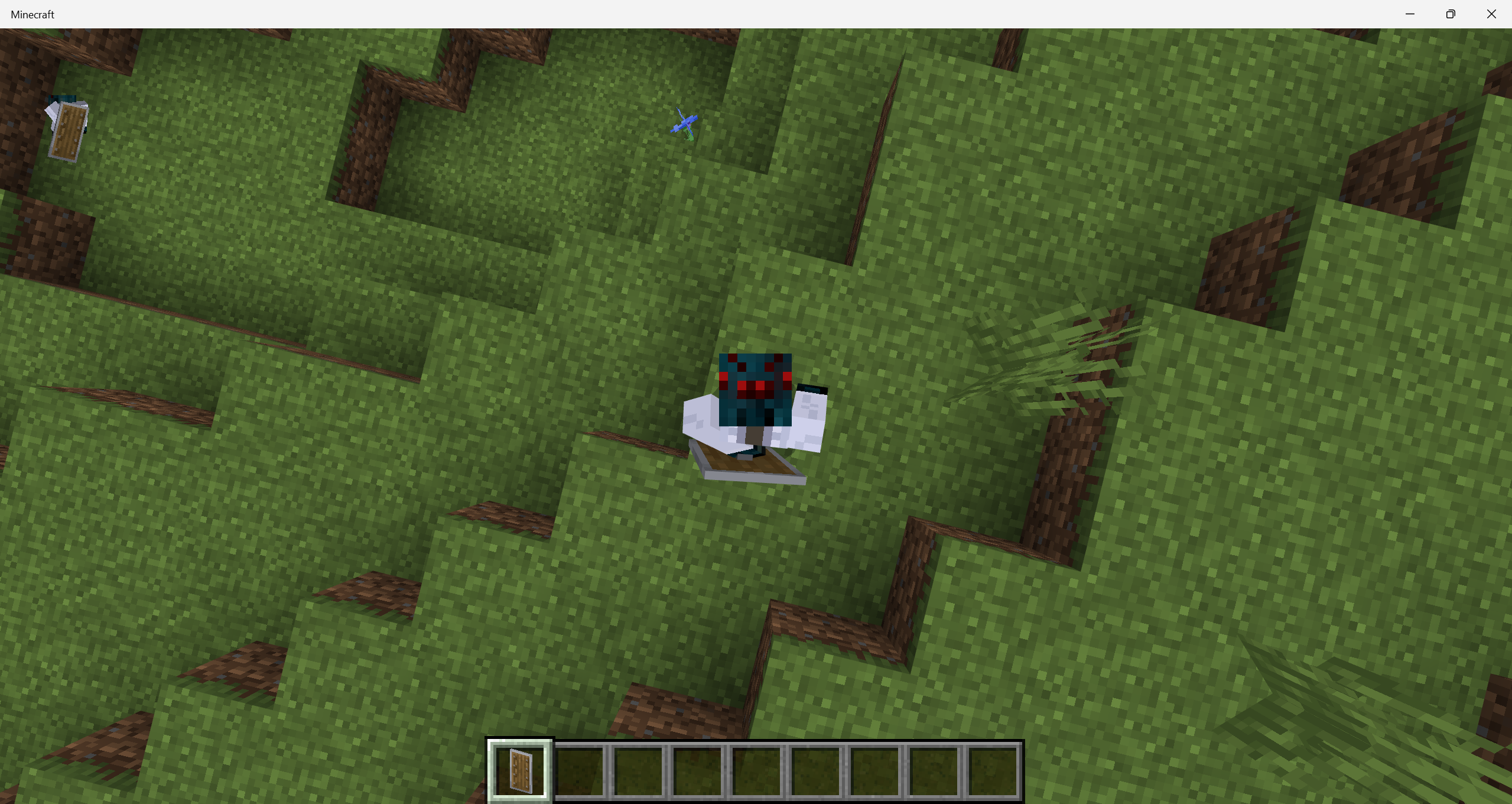
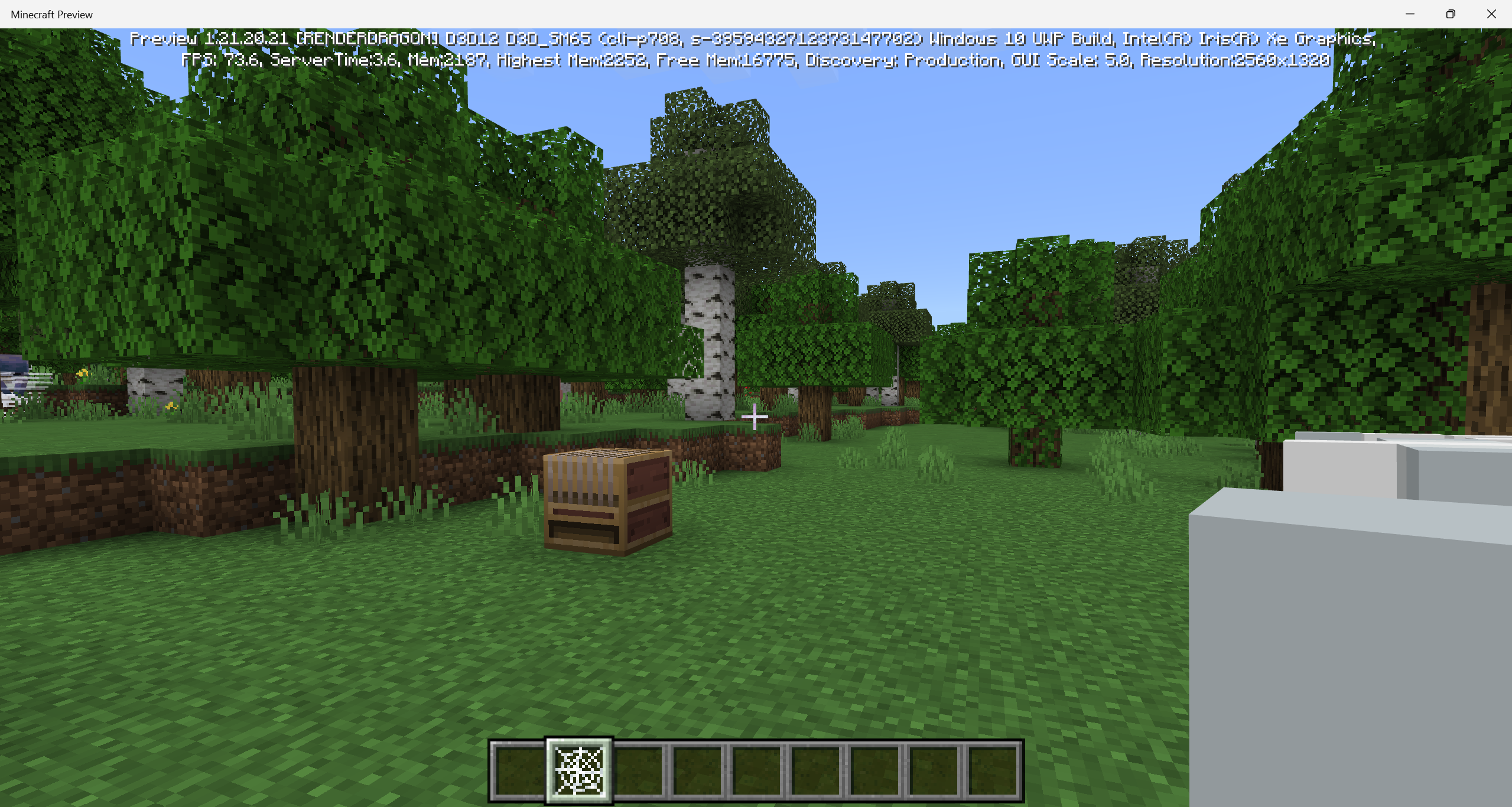
Steps to Reproduce:
- Get a cobweb in your hand.
- Look at it in first person.
- Look at it in third person.
Observed Results:
The position of the cobweb in the first perspective is odd, while in the third and second perspective is correct. (also happens in the head slot using: /replaceitem entity @s slot.armor.head 1 web)
Expected Results:
The cobwebs position should be correct in all three perspectives.
Steps to Reproduce:
- Get a cobweb in your hand.
- Look at it in first person.
- Look at it in third person.
Observed Results:
The position of the cobweb in the first perspective is odd, while in the third and second perspective is correct. (also happens in the head slot using: /replaceitem entity @s slot.armor.head 1 web)
Expected Results:
The cobwebs position should be correct in allthreeperspectives.

Steps to Reproduce:
- Get a cobweb in your hand.
- Look at it in first person.
- Look at it in third pers
on.Observed Results:
The position of the cobwebin thefirst perspective is odd, while in the third and second perspective is correct.(also happens in the head slot using: /replaceitem entity @s slot.armor.head 1 web)
Expected Results:
The cobwebs position should be correct in all perspectives.Steps to Reproduce:
- Get a cobweb in your head using command (/replaceitem entity @s slot.armour.head 1 web).
- Look at it in second/third perspective.
Observed Results:
The position of the cobweb on the second and third perspective is incorrect.
Expected Results:
The cobwebs position should be correct in all perspectives.
Cobweb is rendered incorrectly infirst personCobweb is rendered incorrectly in second and third perspective
Cobweb isrendered incorrectly in second and third perspectiveCobweb is displayed incorrectly in second and third perspective
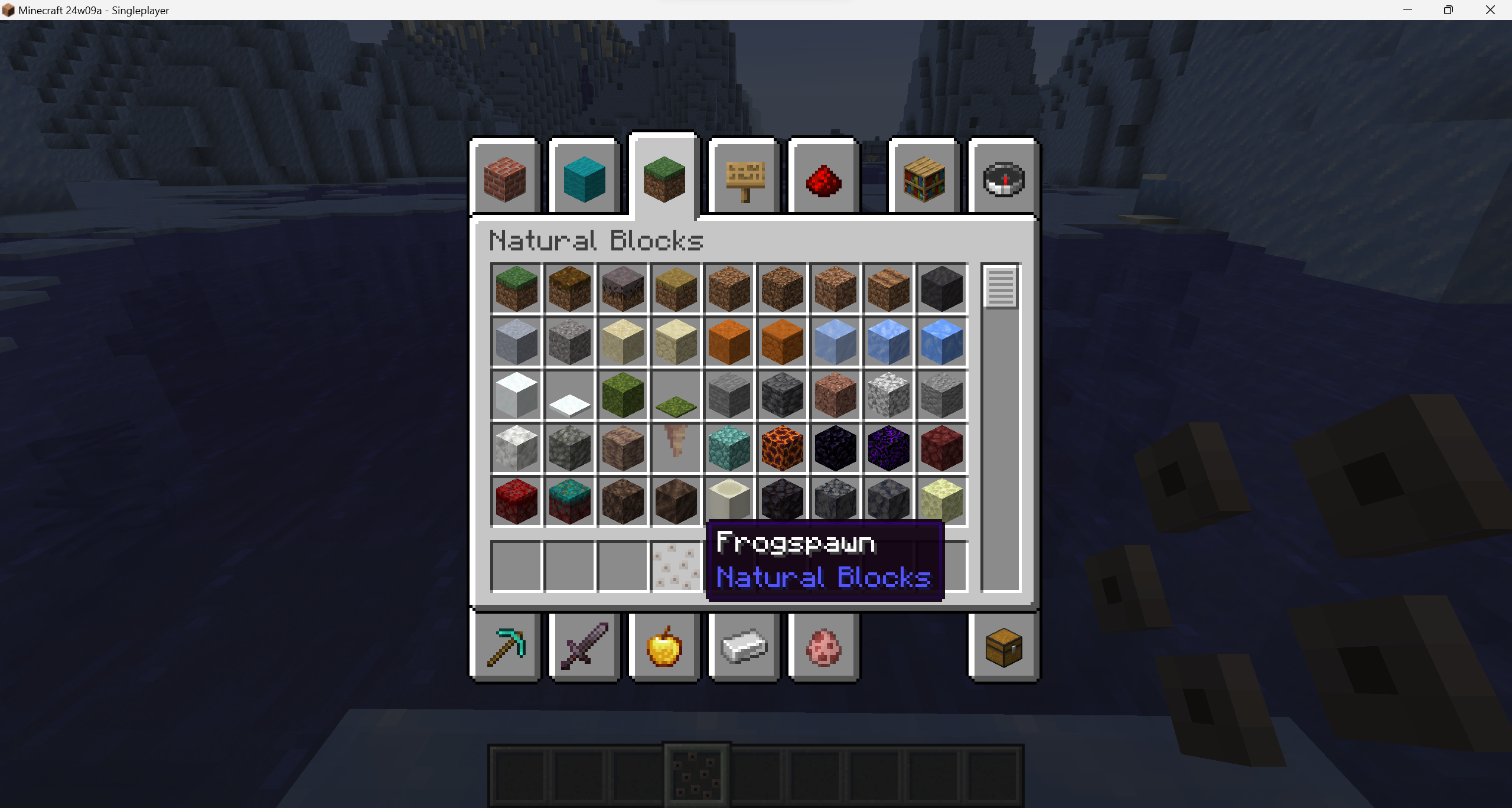
Item display sometimes has a strong shadow when brushing from suspicious sand/gravel
Steps to Reproduce:
1. Use a brush on a naturally generated suspicious sand or gravel.
2. Watch closely at the item displaying while brushing.
Observed Results:
The item display that will pop when finished brushing sometimes has an intense shadding preventing from seeing the item's texture.
Expected Results:
The item display shoud not have a strong shadow preventing from showing its texture.

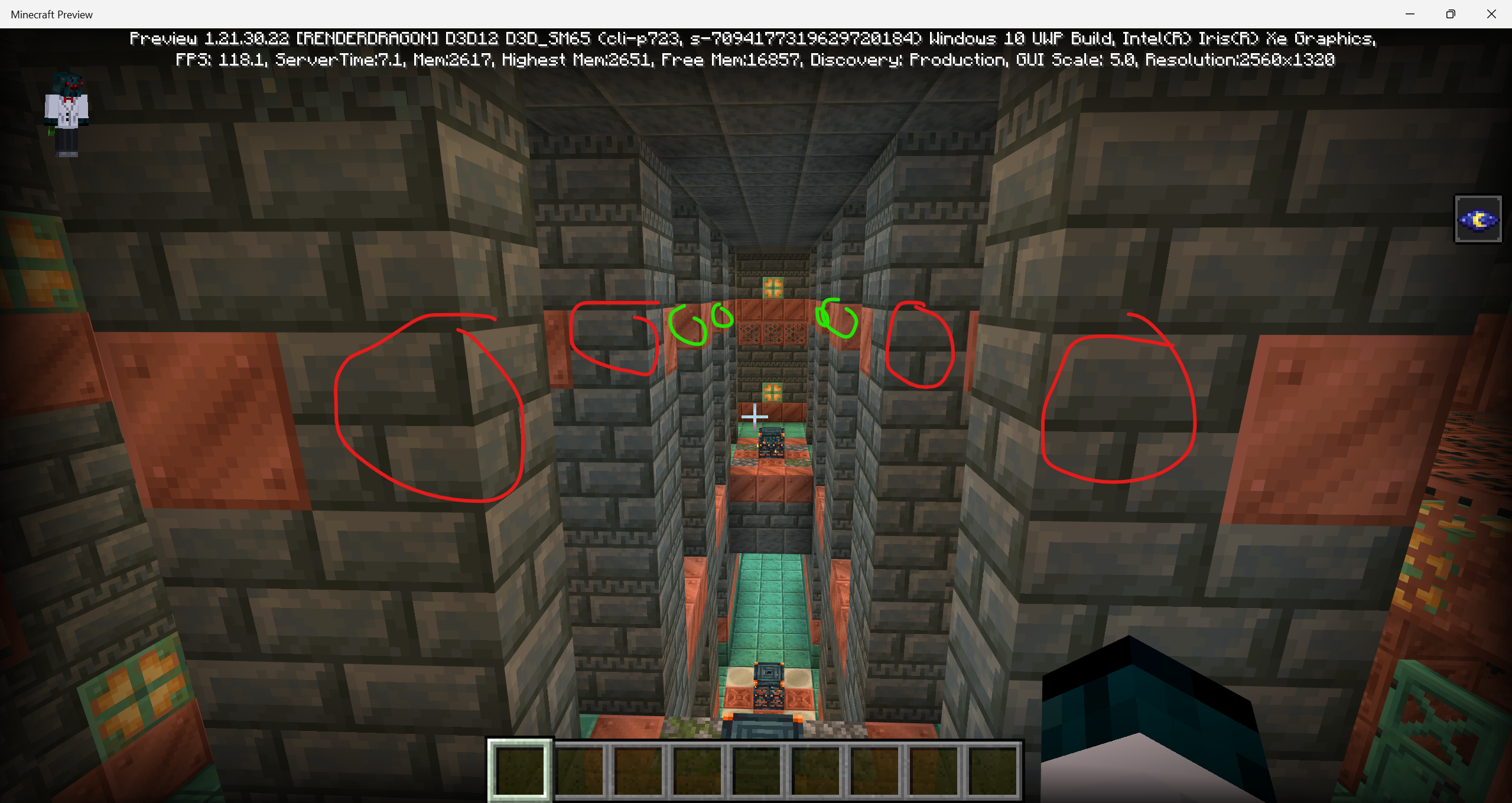
Seed: -7094177319629720184
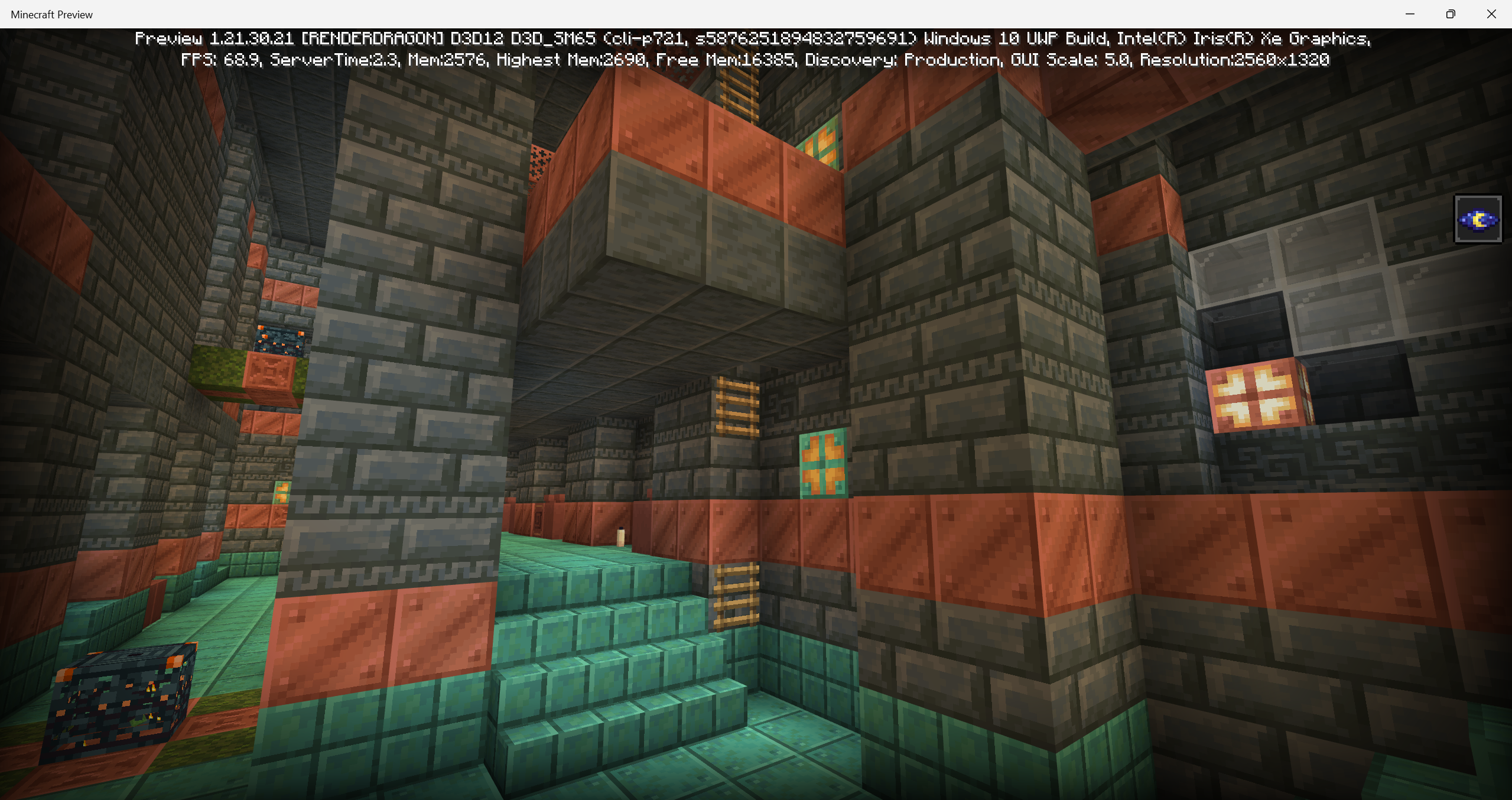
(broken pointed dripstone "image 7")
Coord: -237.93 -36.55 -208.99
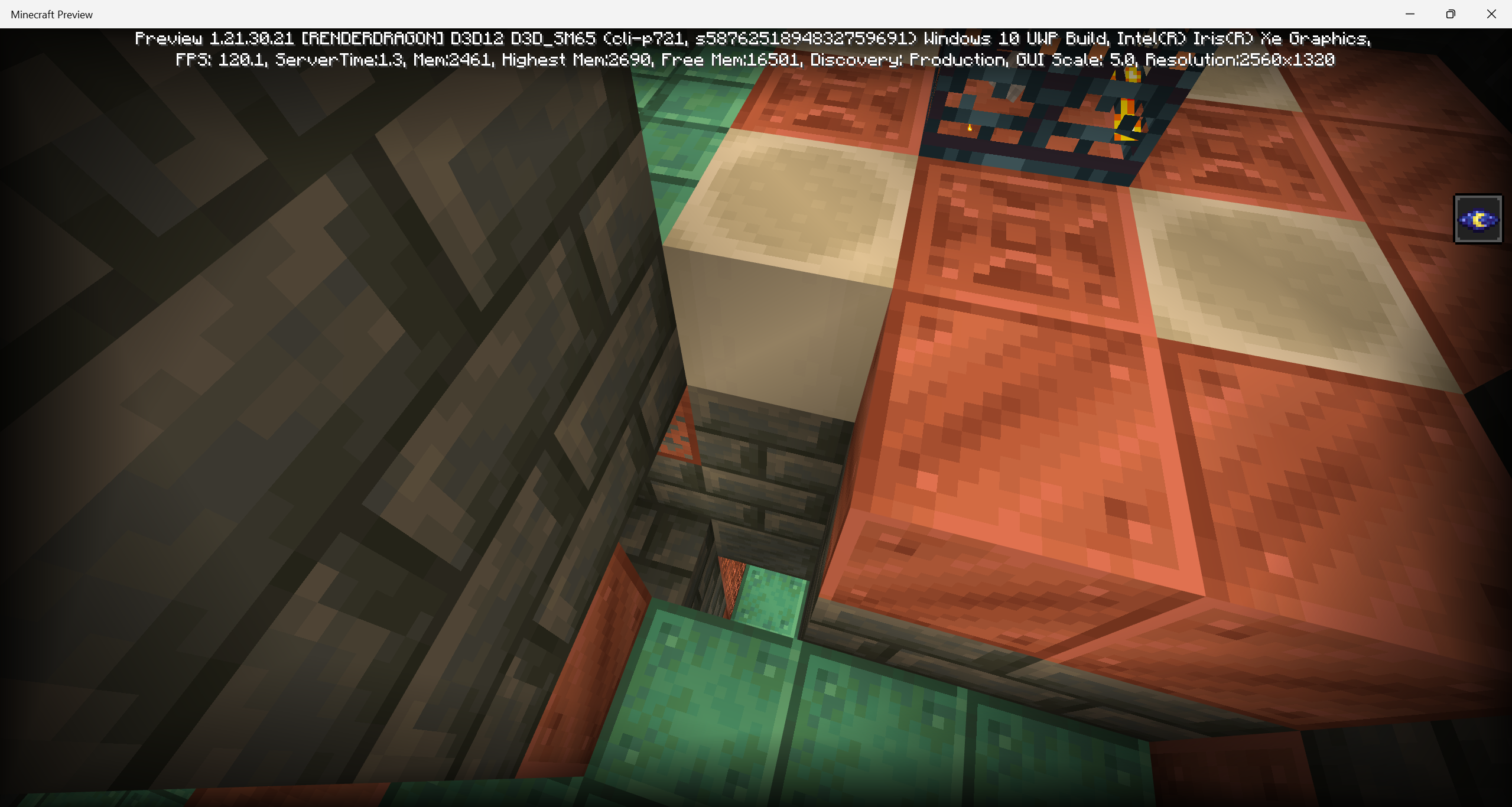
(missing waxed copper grates "image 8")
Coord: 2385.67 -22.00 -4.06
(incorrect blocks "image 9" --green = correct; red = incorrect–)
Coord: 2385.67 -22.00 -4.06 (same corridor)

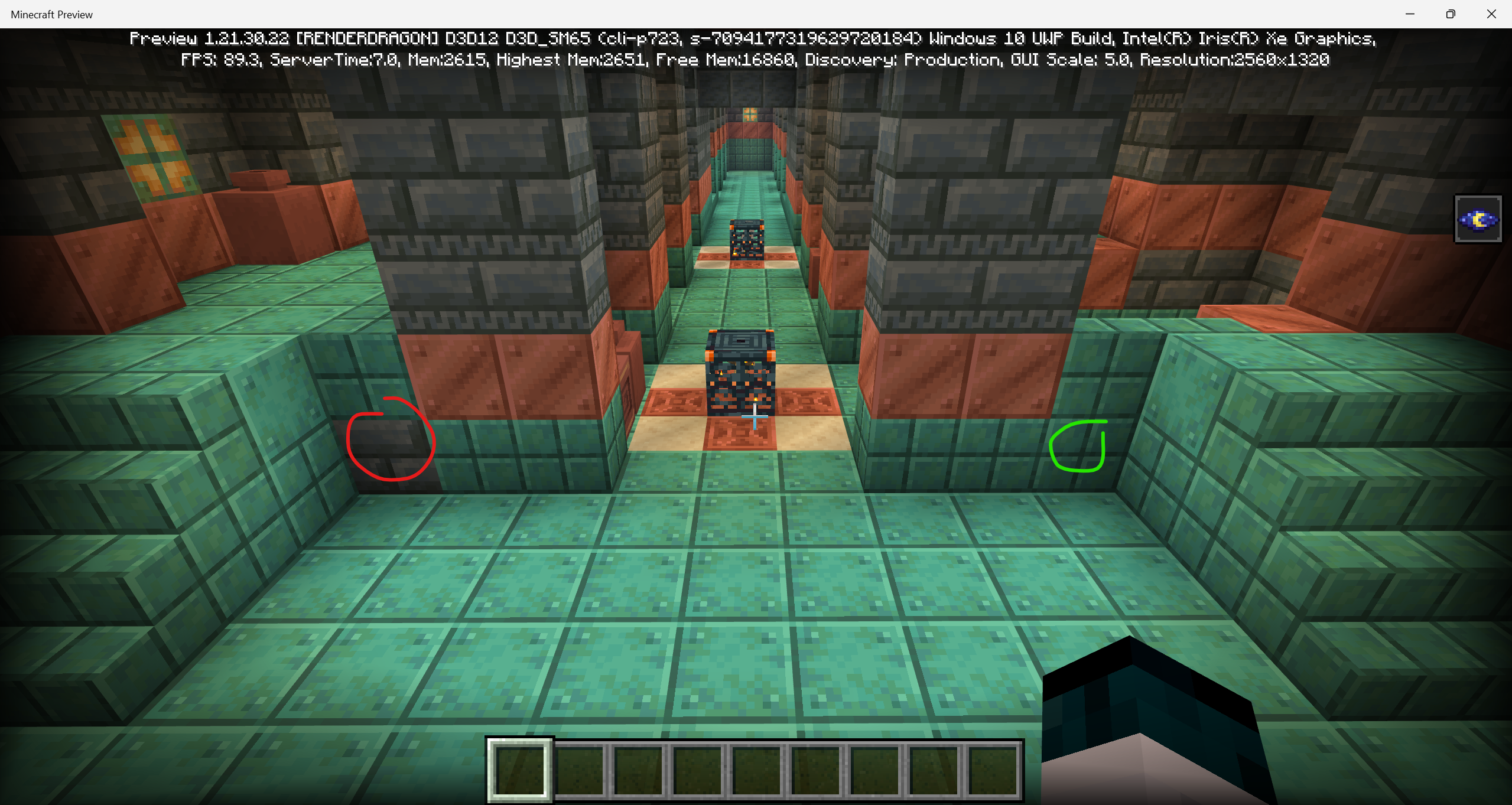
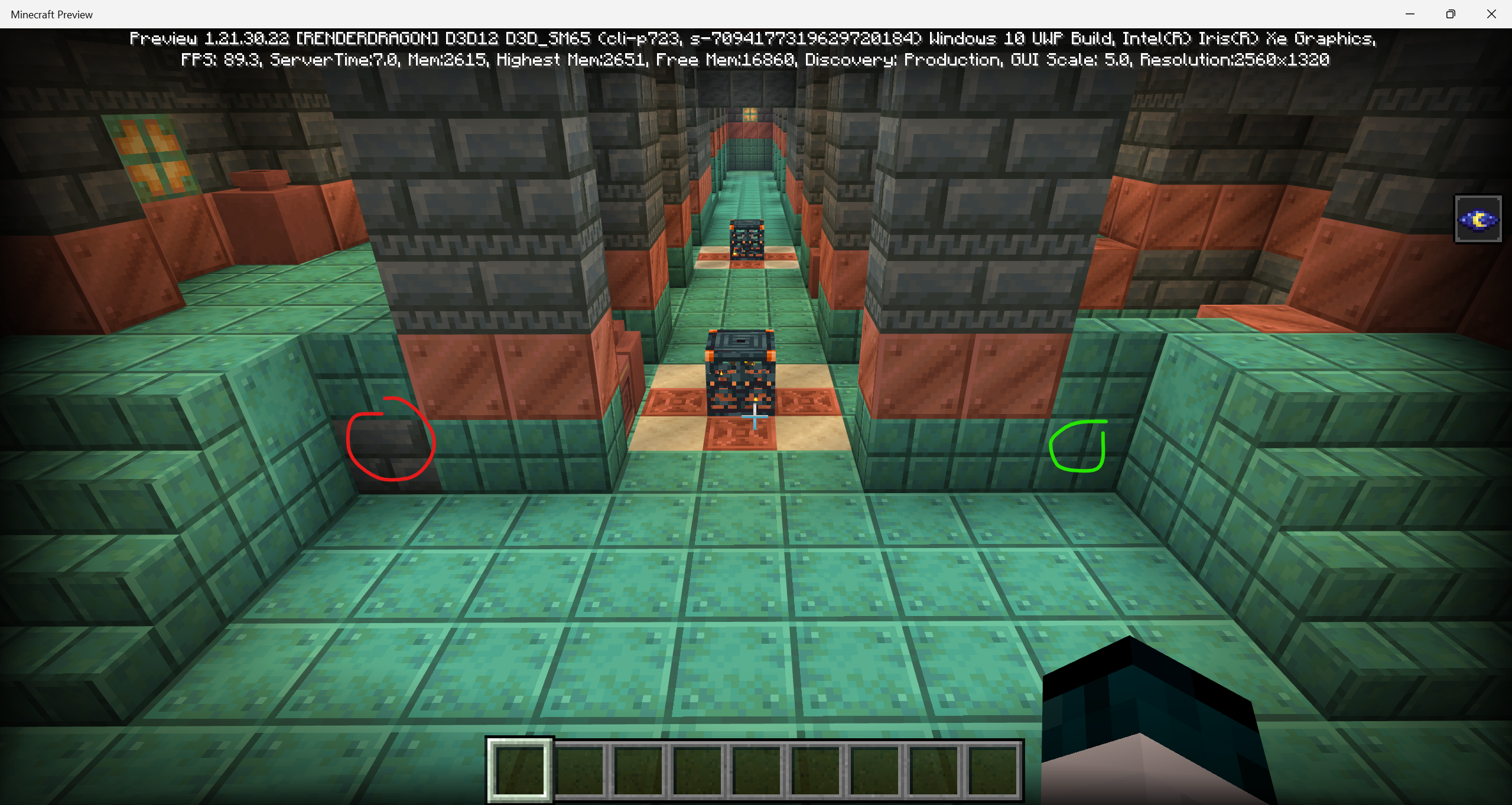

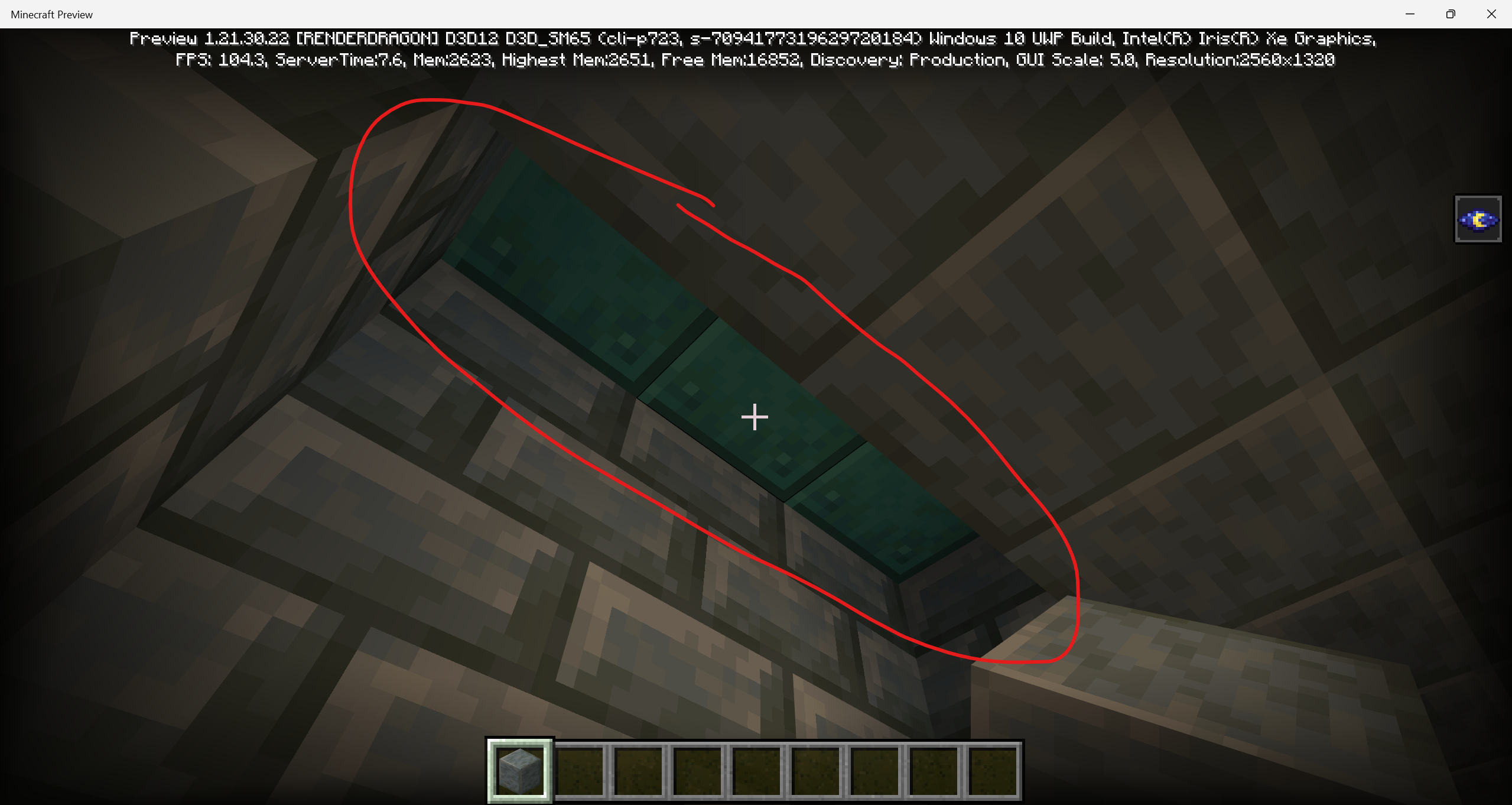
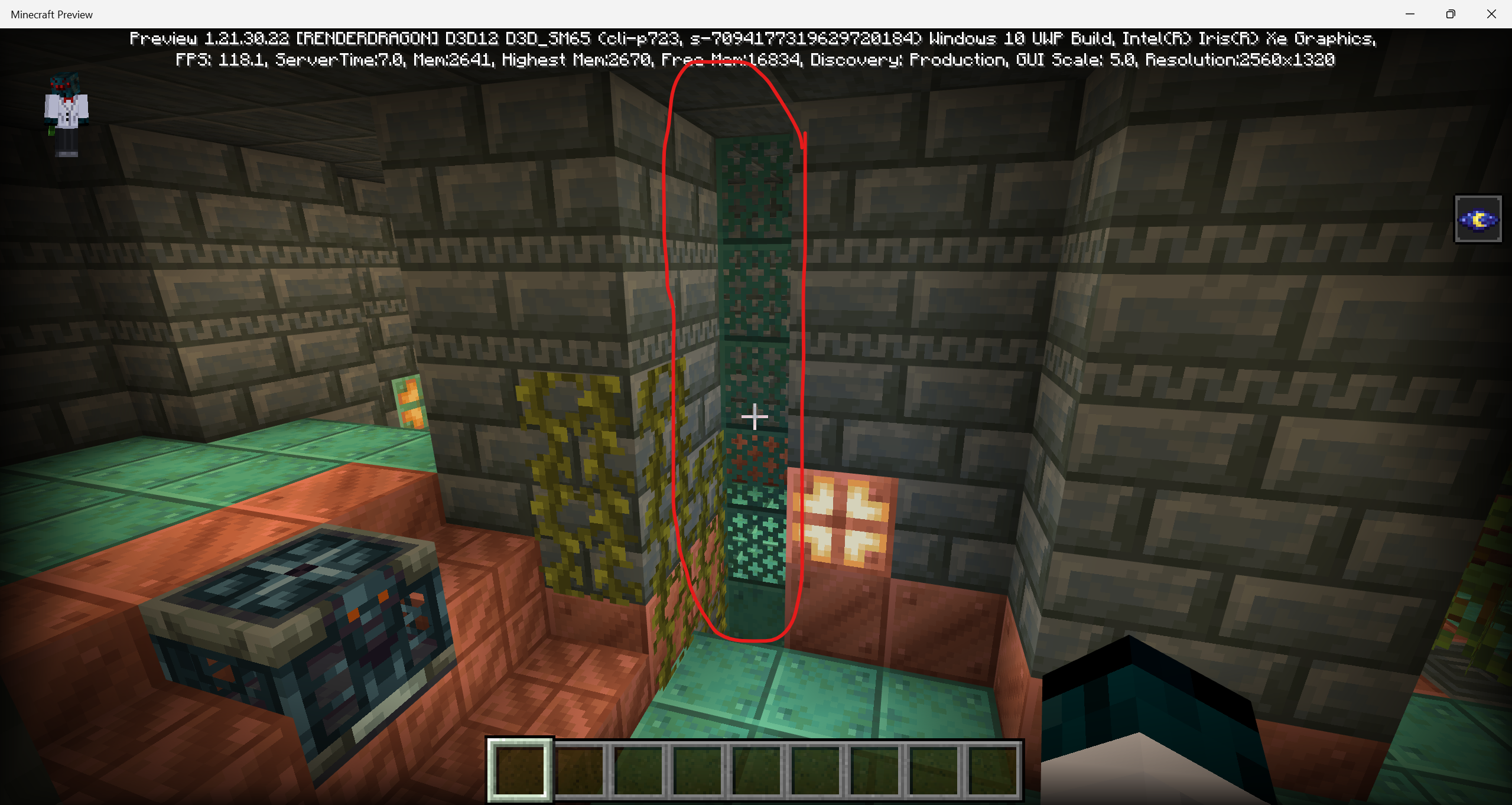







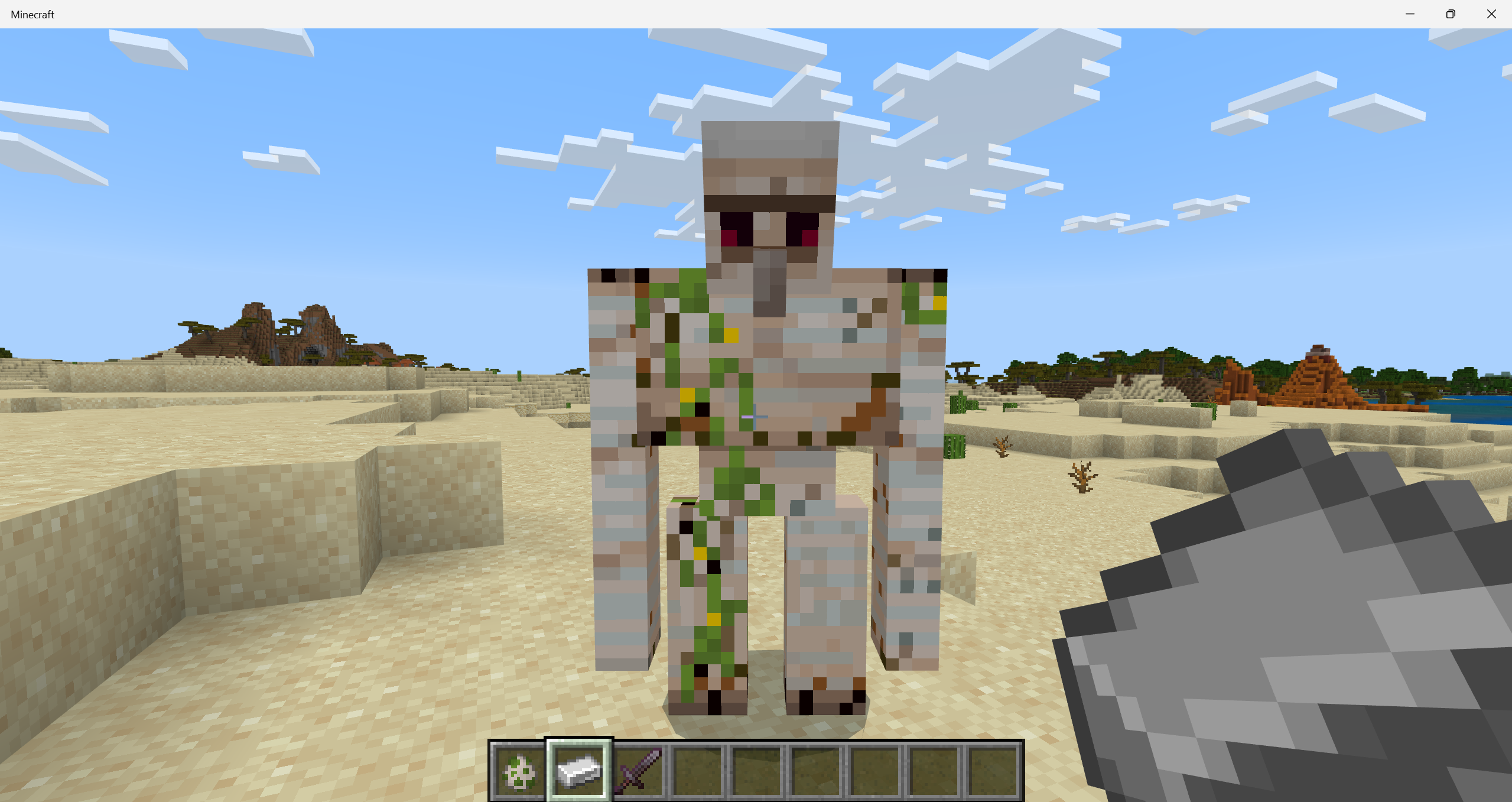
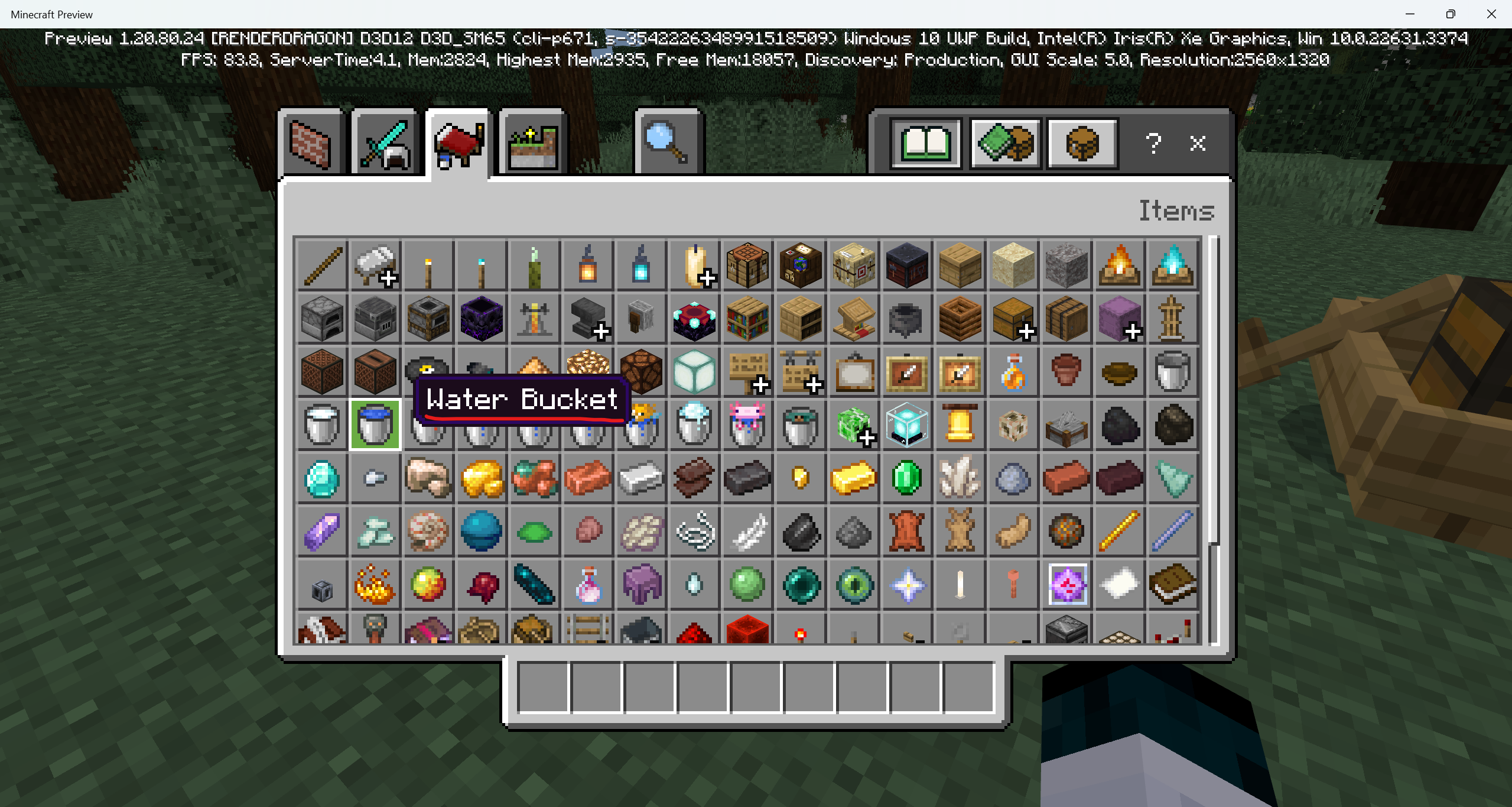
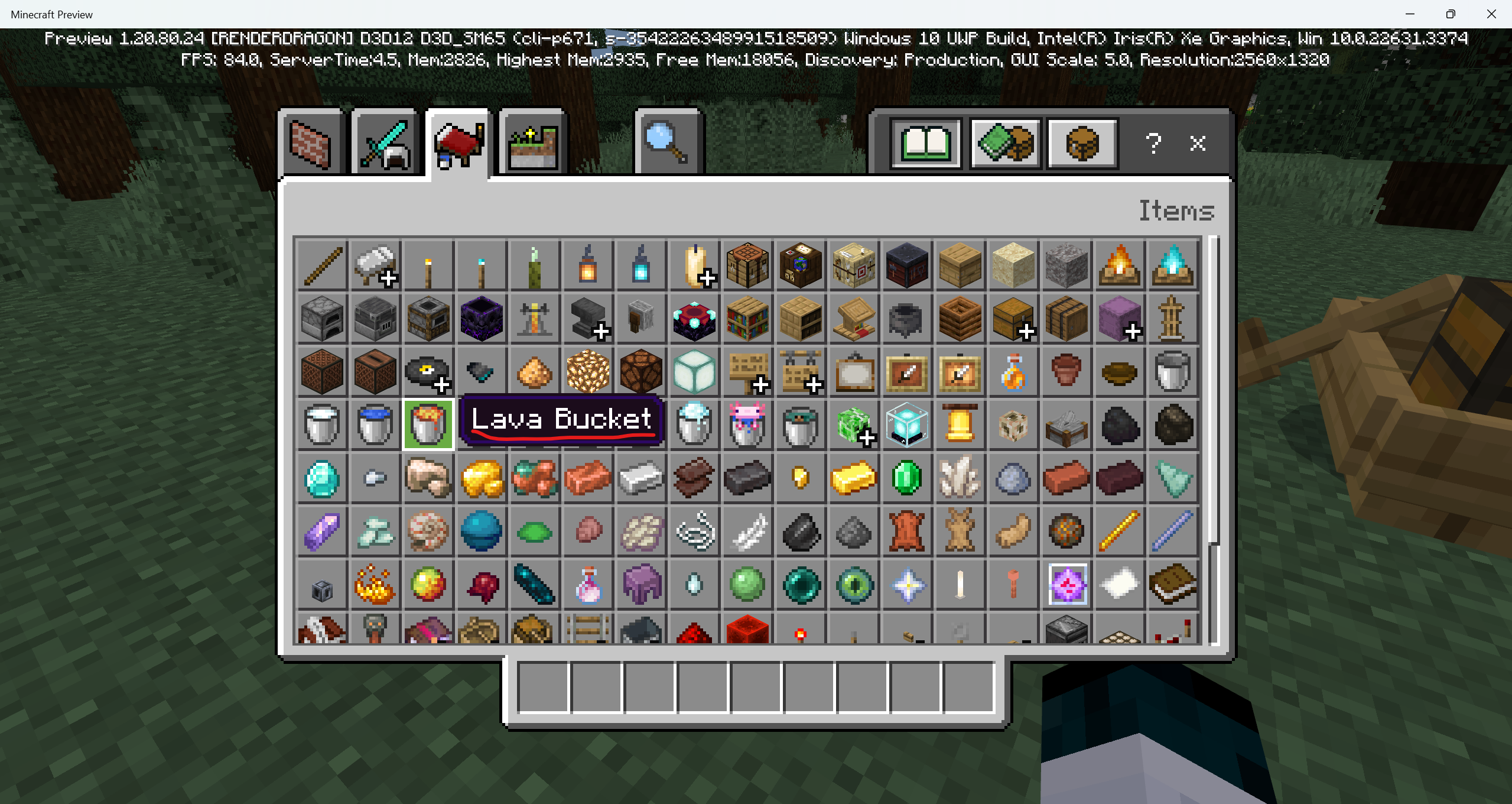
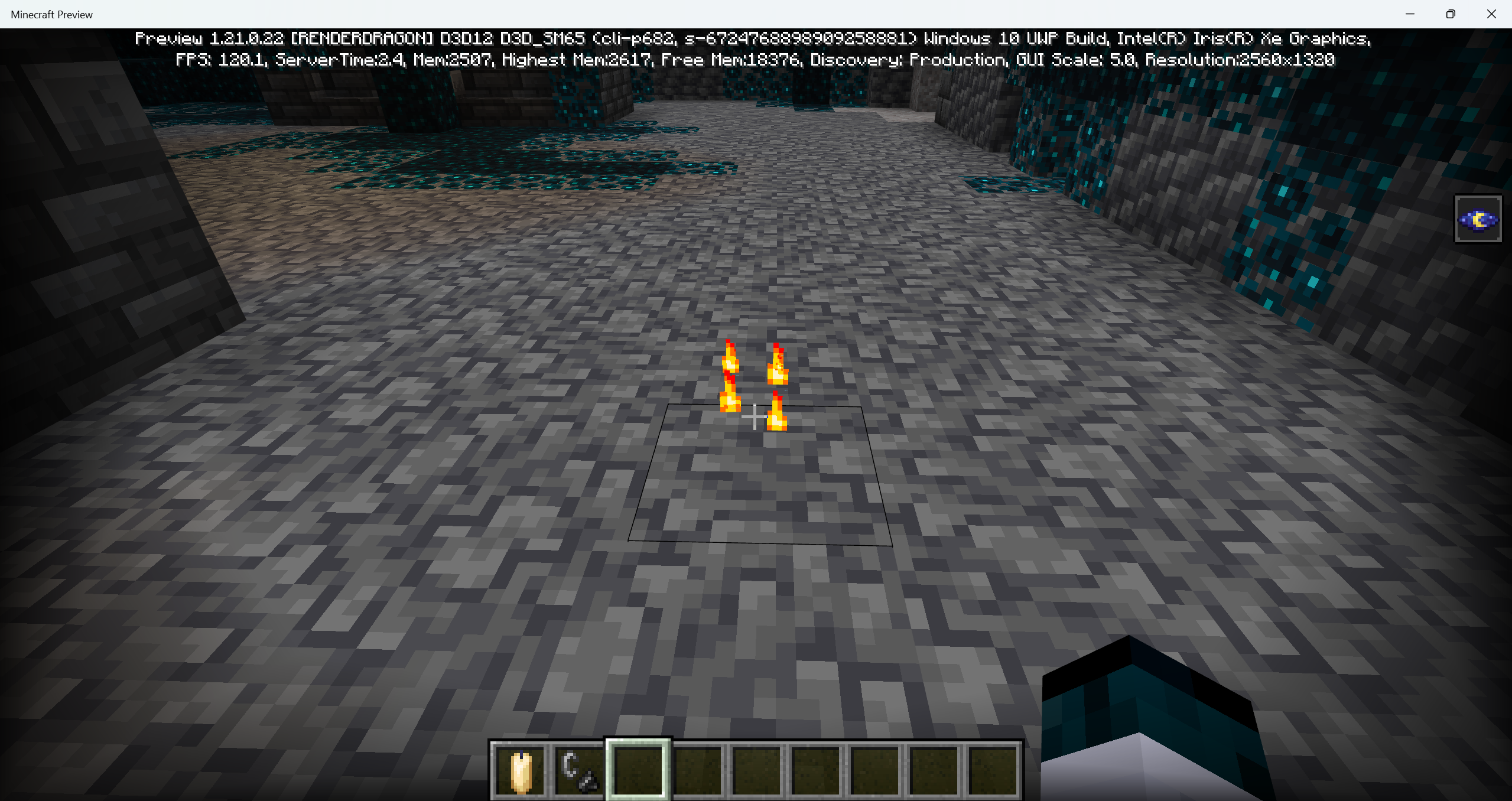
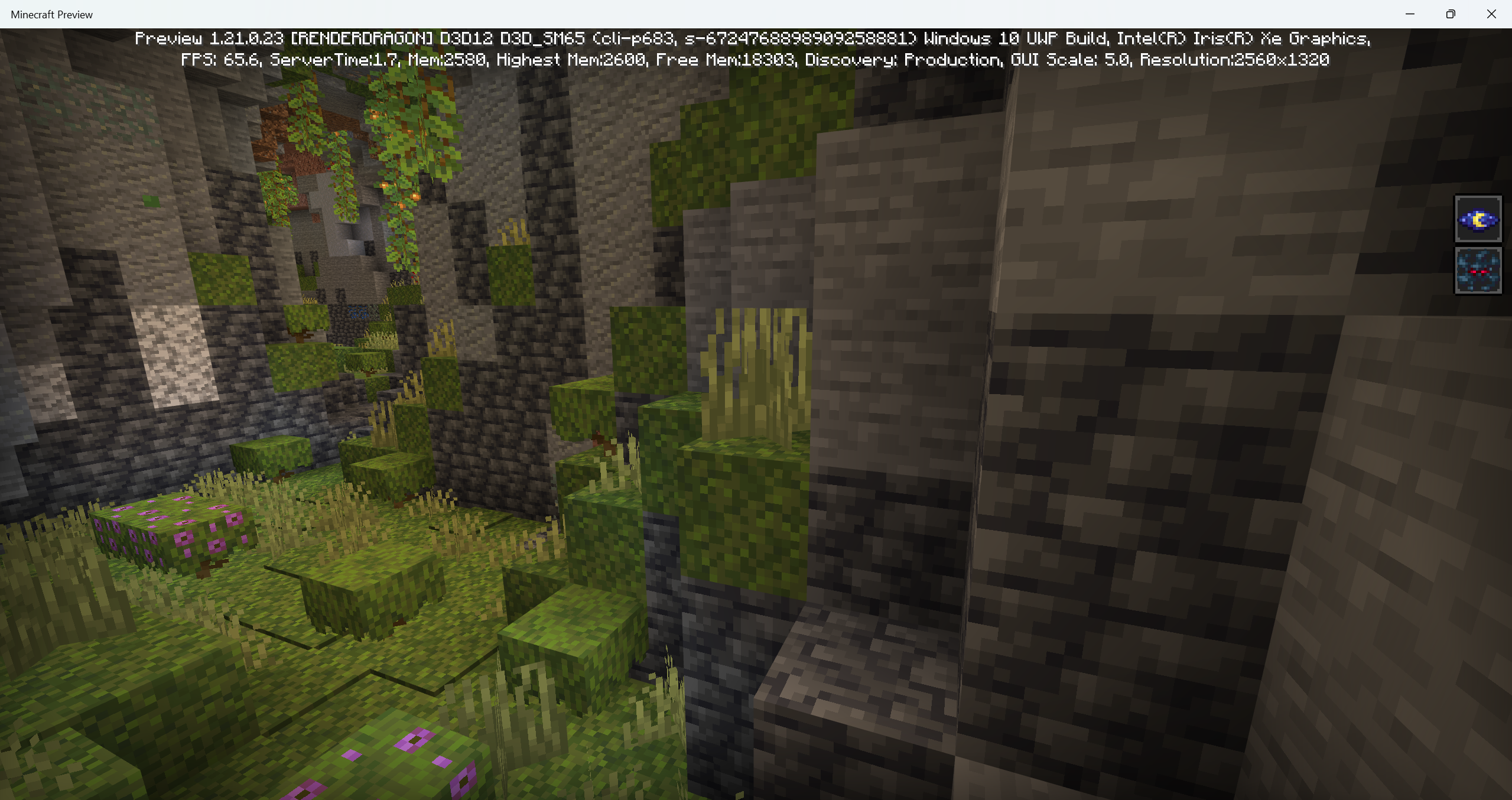
Sometimes zombies' texture gets brighter when they're near a light source using Deferred preview
Sometimes zombies' texture gets brighter when they're near a light source using Deferred tecnical preview
Sometimes zombies'/white candles' texture gets brighter when they're near a light source using Deferred tecnical preview
Steps to Reproduce:
1. Find a zombie/have a white candle on your hand.
2. Investigate its texture
Observed Results:
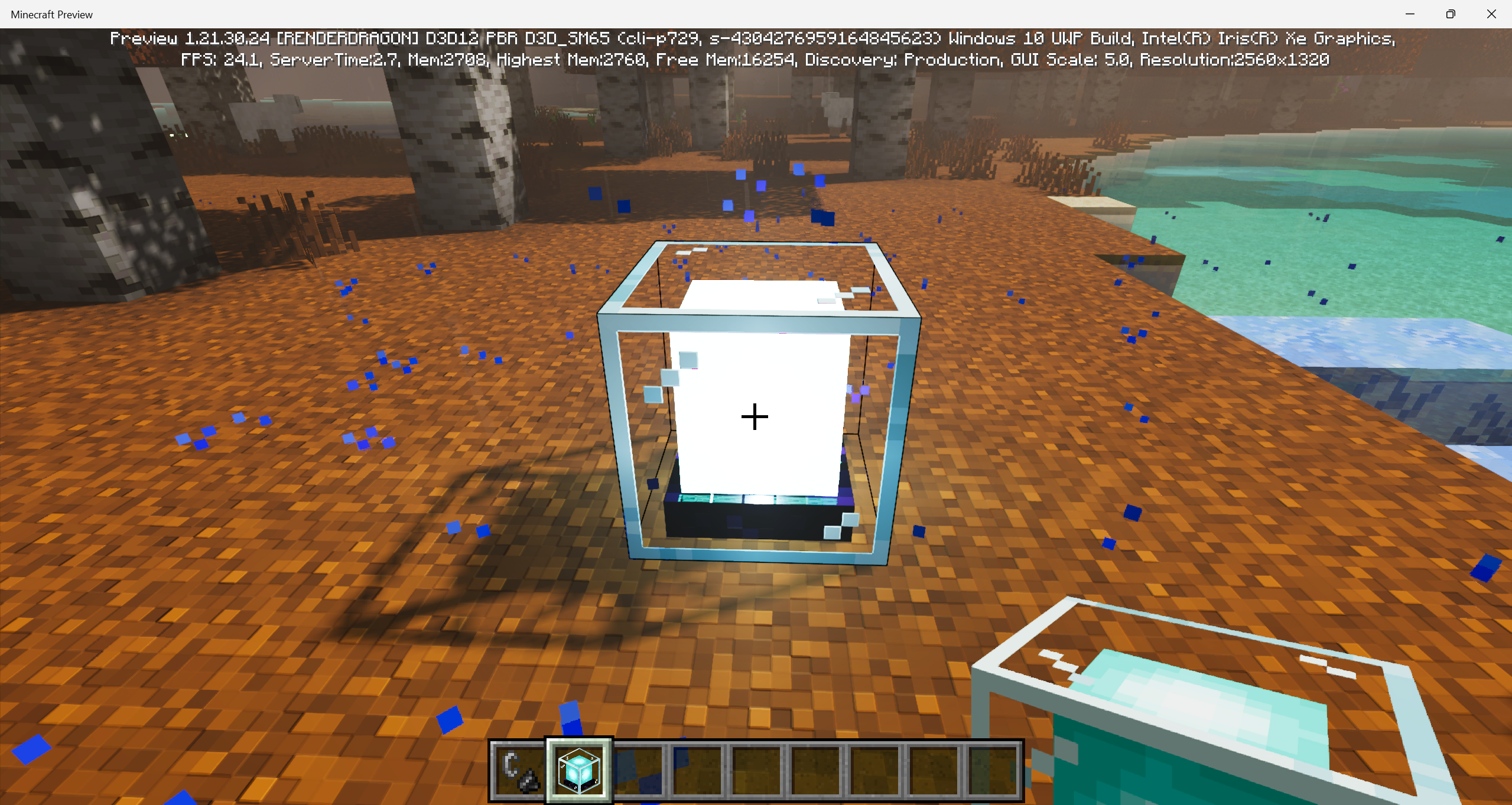
Sometimes the zombies'/white candles' texture gets brighter when there is a light source near it.
Expected Results:
Zombies'/white candles' texture should not get brighter but more visible instead.
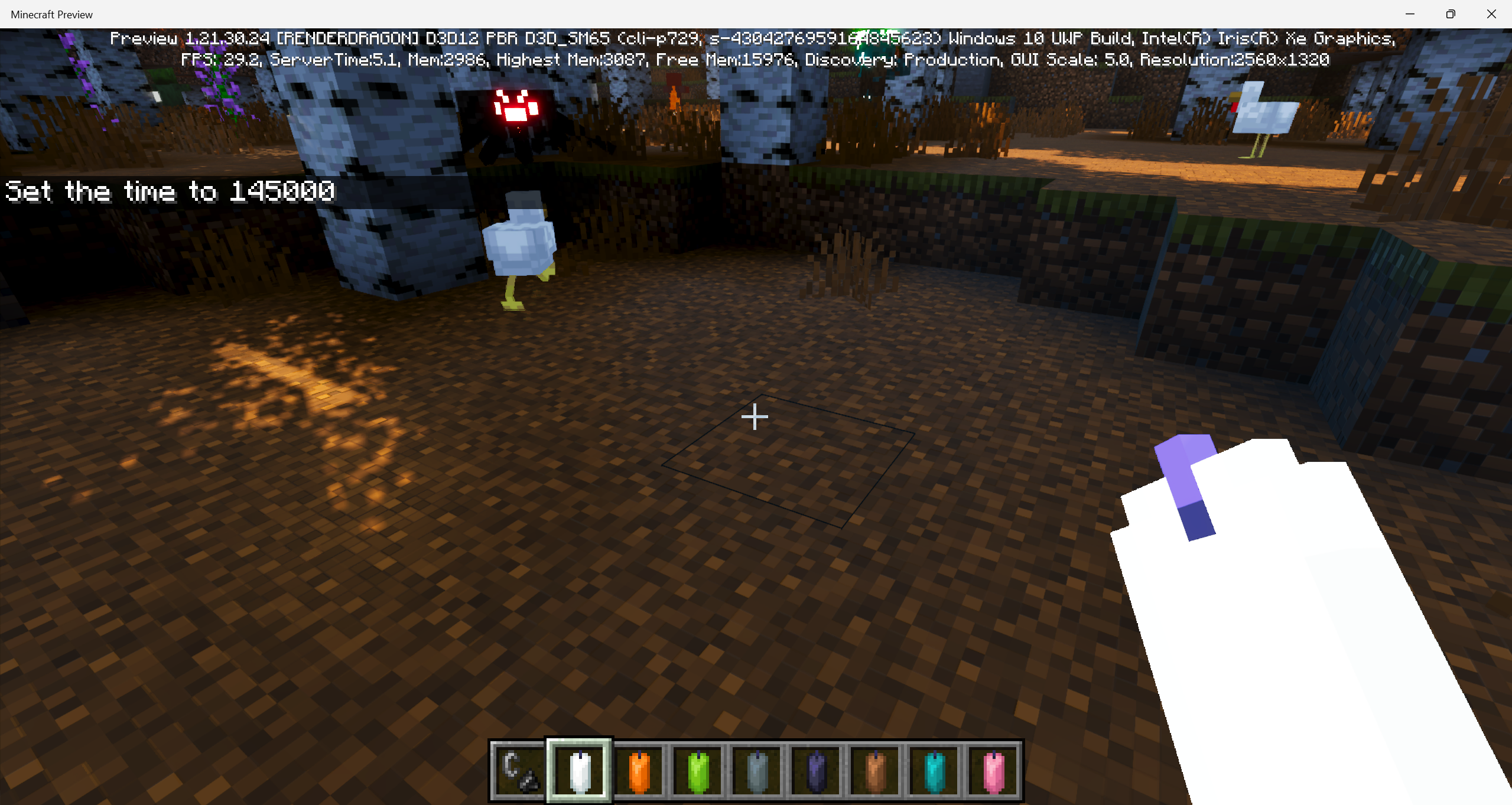
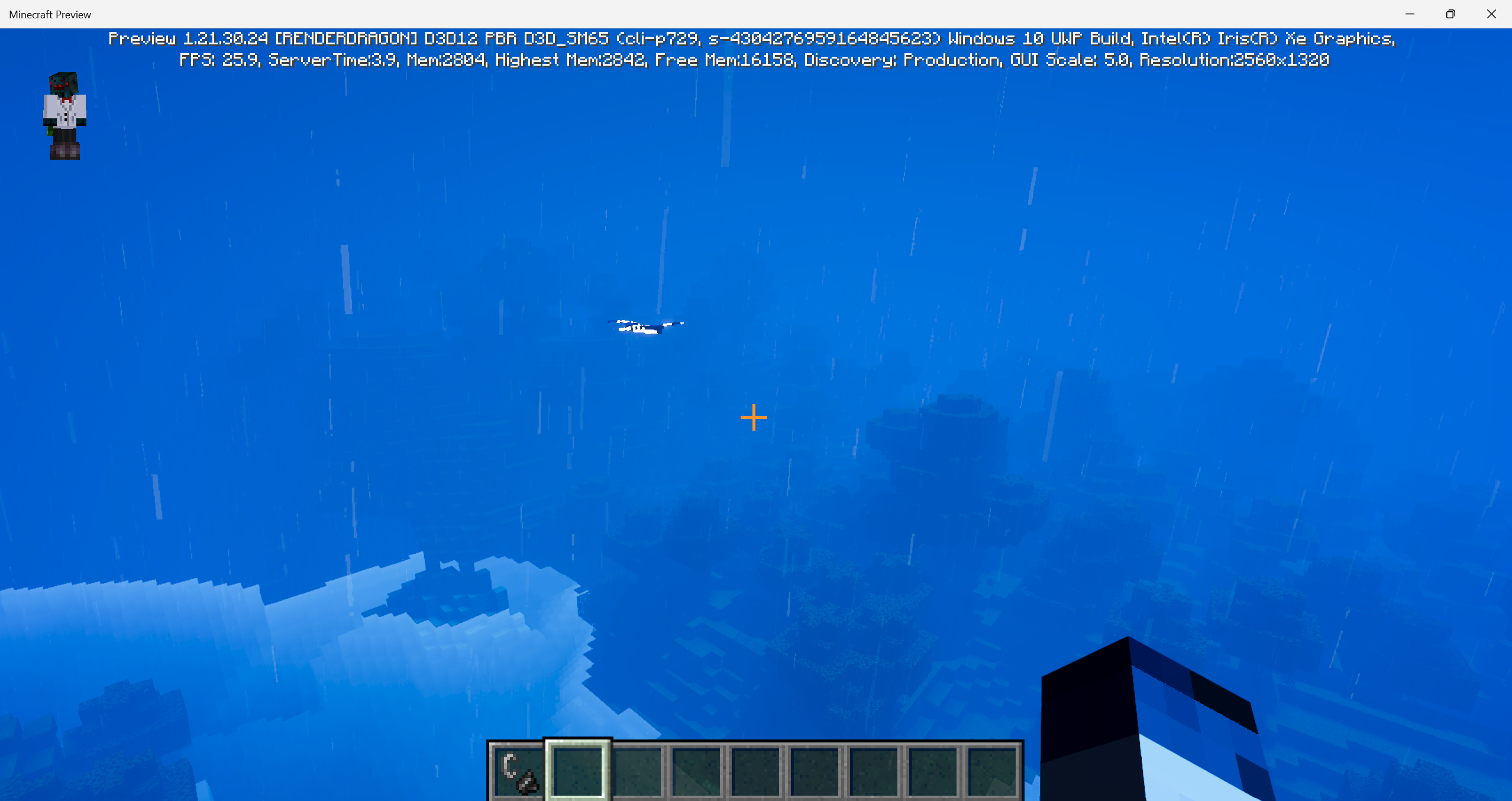
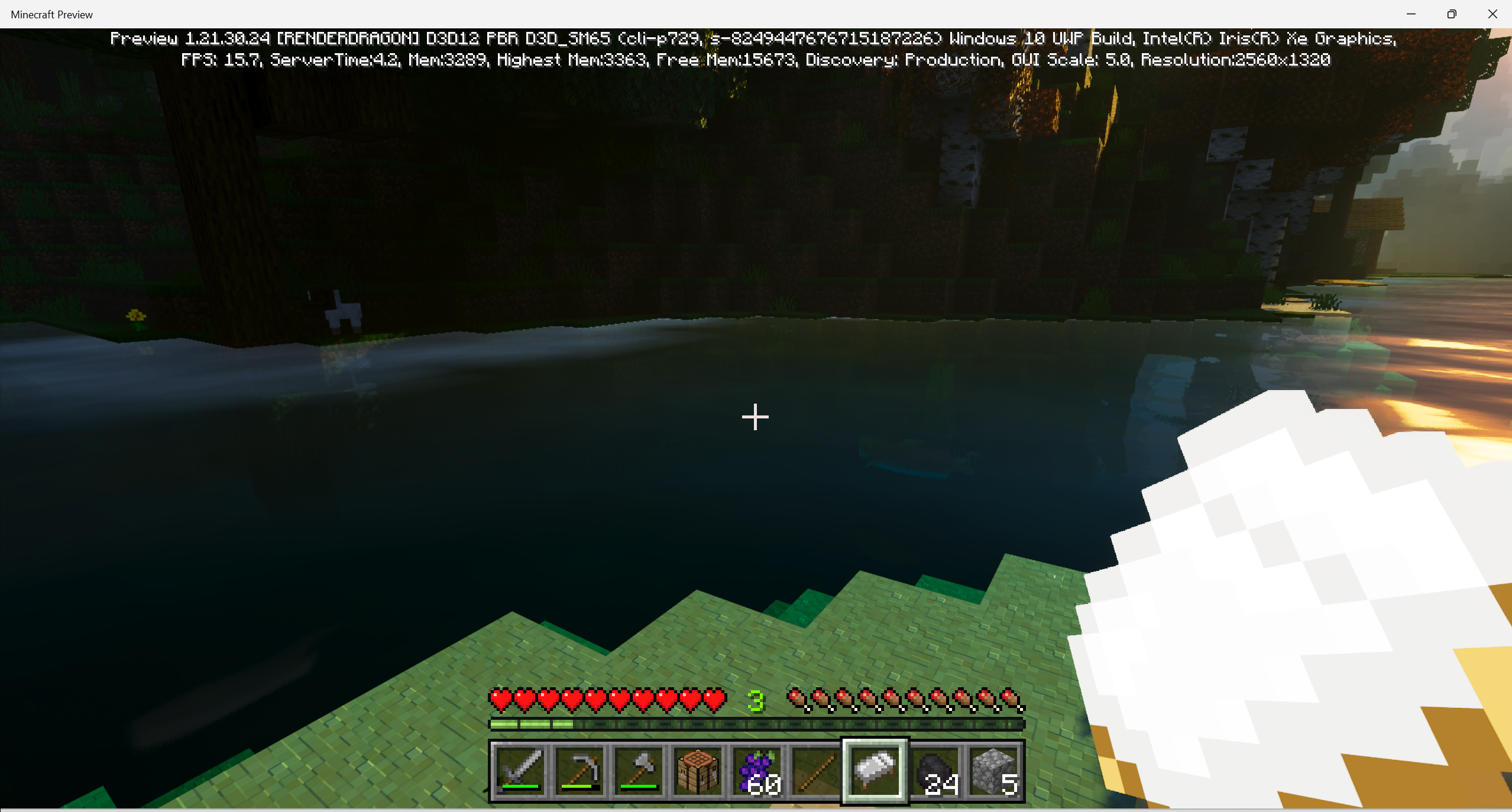
Sometimeszombies'/white candles' texture gets brighter when they're near a light source using Deferred tecnical previewSometimes entities'/blocks'/items' texture gets brighter when they're near a light source using Deferred tecnical preview
Steps to Reproduce:
1. Find a zombie/have a white candle on your hand.
2. Investigate its texture
Observed Results:
Sometimes thezombies'/white candles' texturegets brighter when there is a light source near it.
Expected Results:
Zombies'/white candles'texture should not get brighter but more visible instead.Steps to Reproduce:
1. Explore.
Observed Results:
Sometimes the texture of some items/mobs/blocks gets brighter when there is a light source near it.
Expected Results:
Their texture should not get brighter but more visible instead.

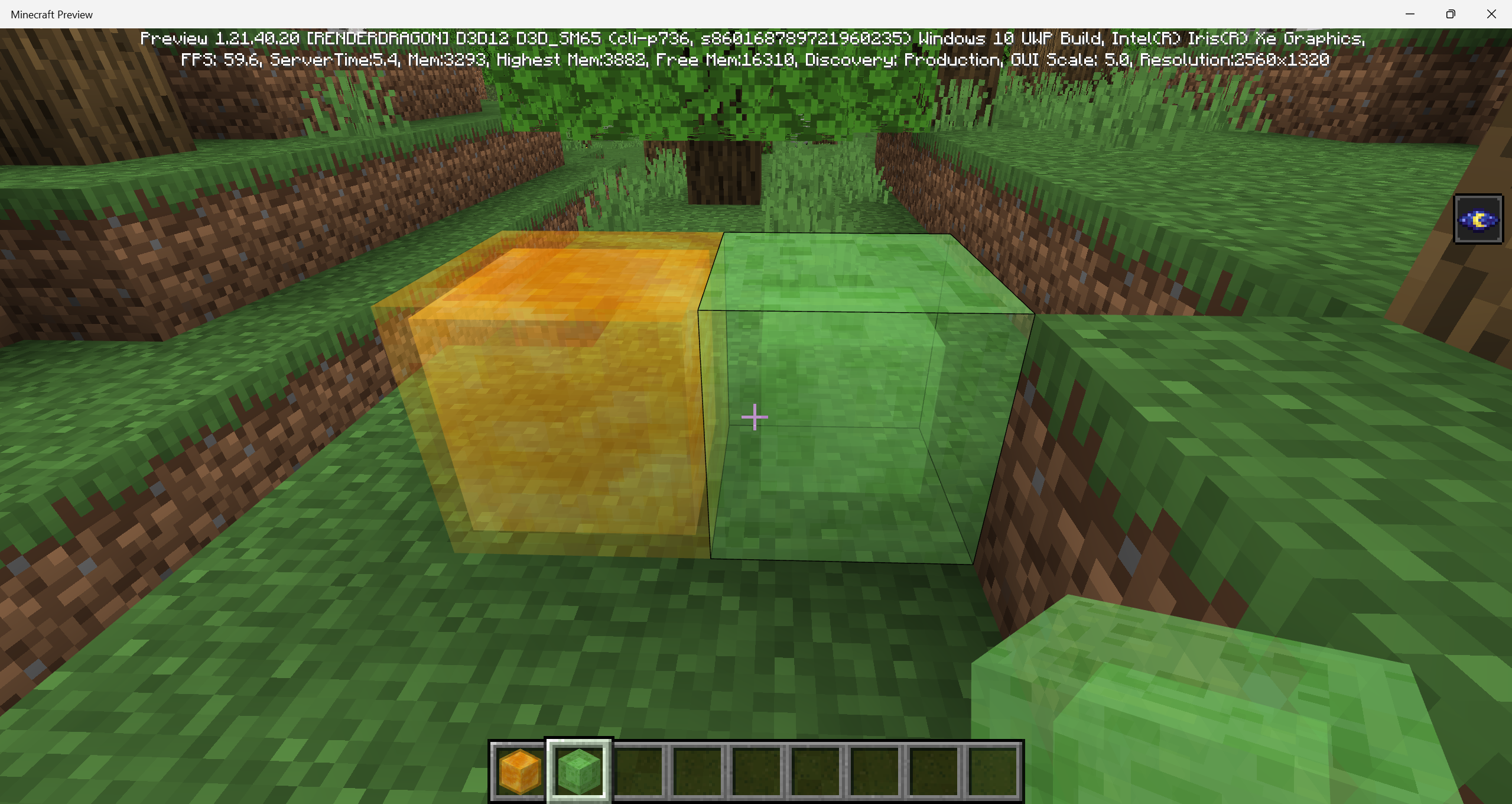
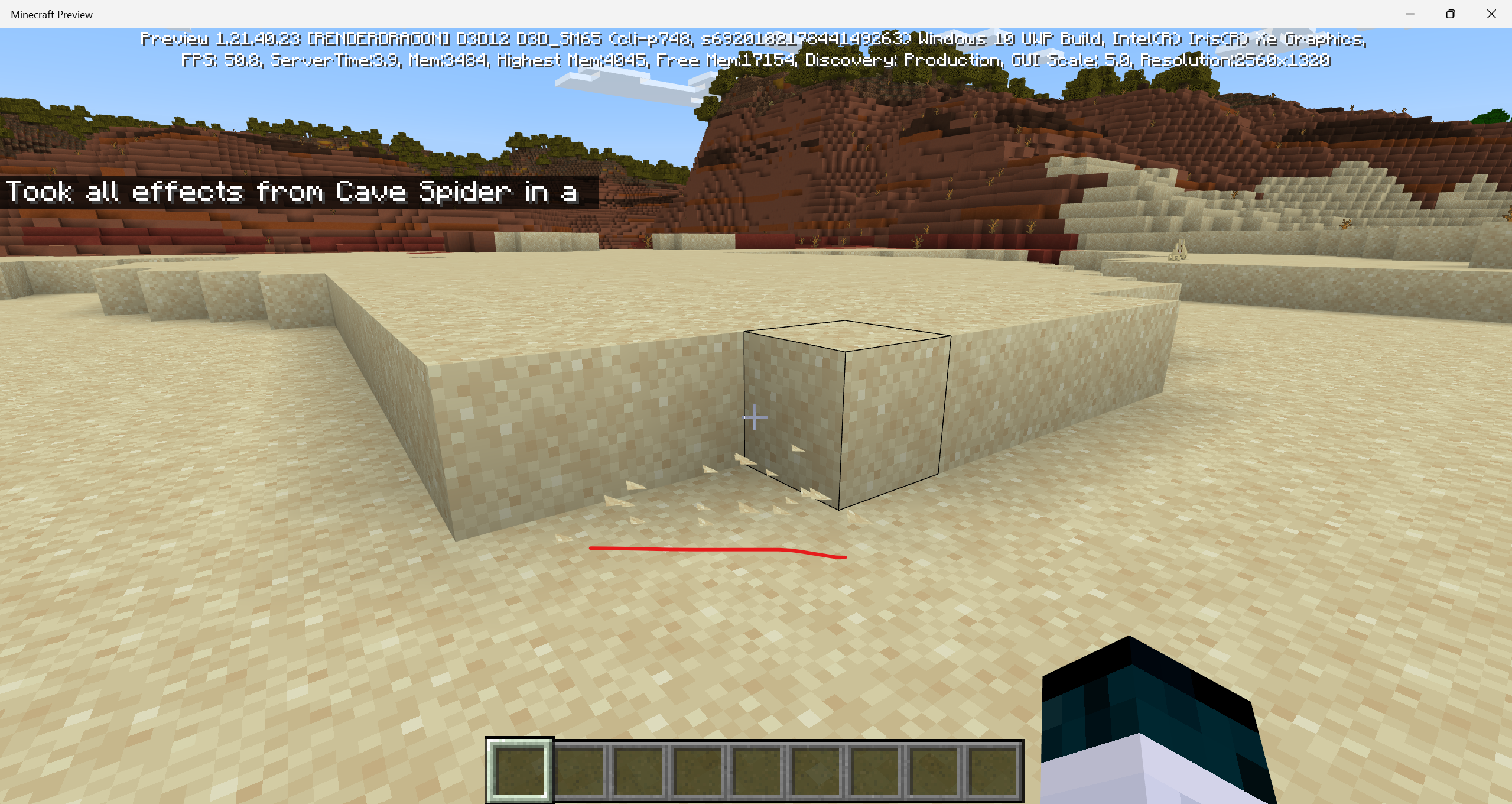

Steps to Reproduce:
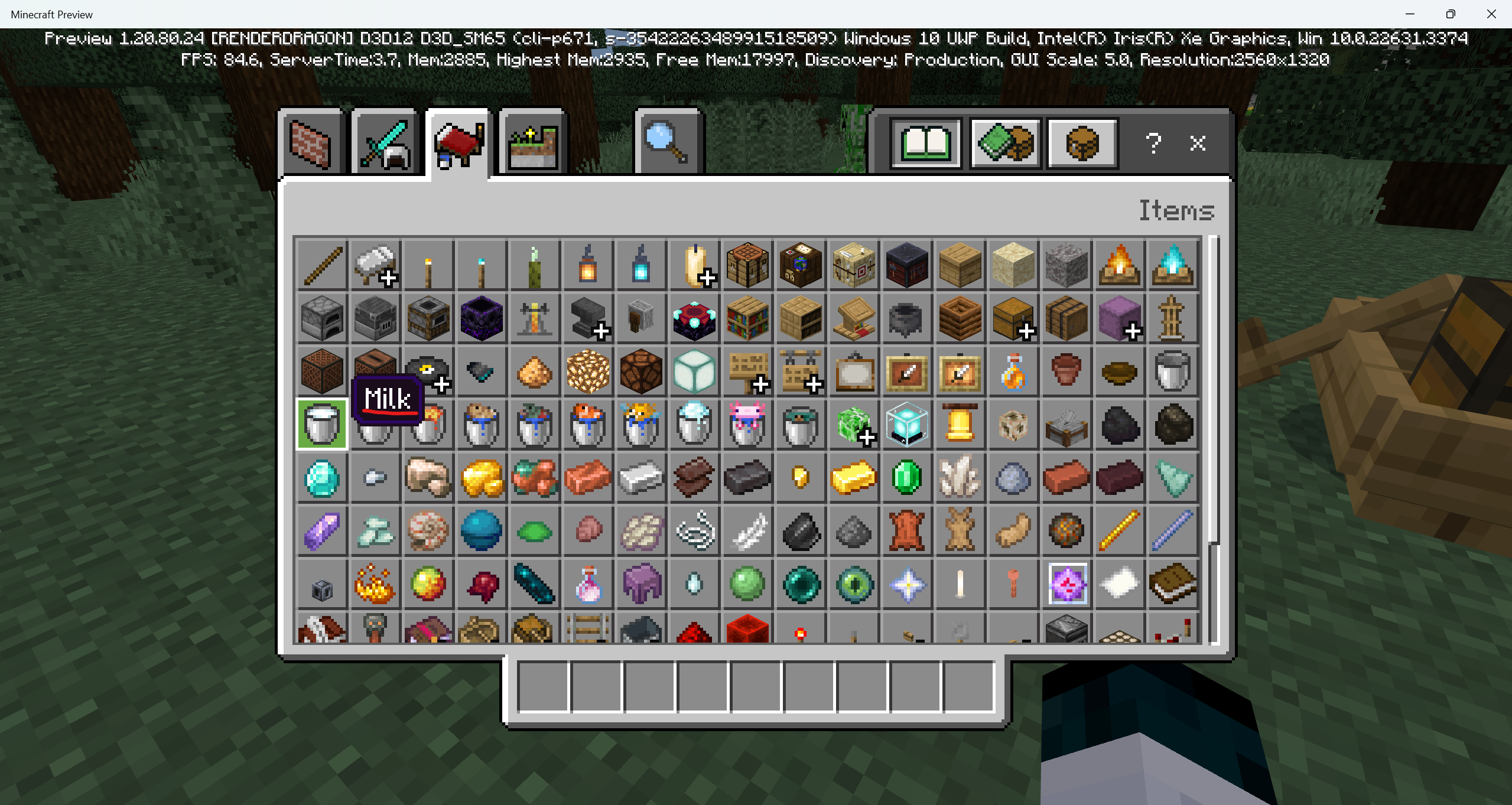
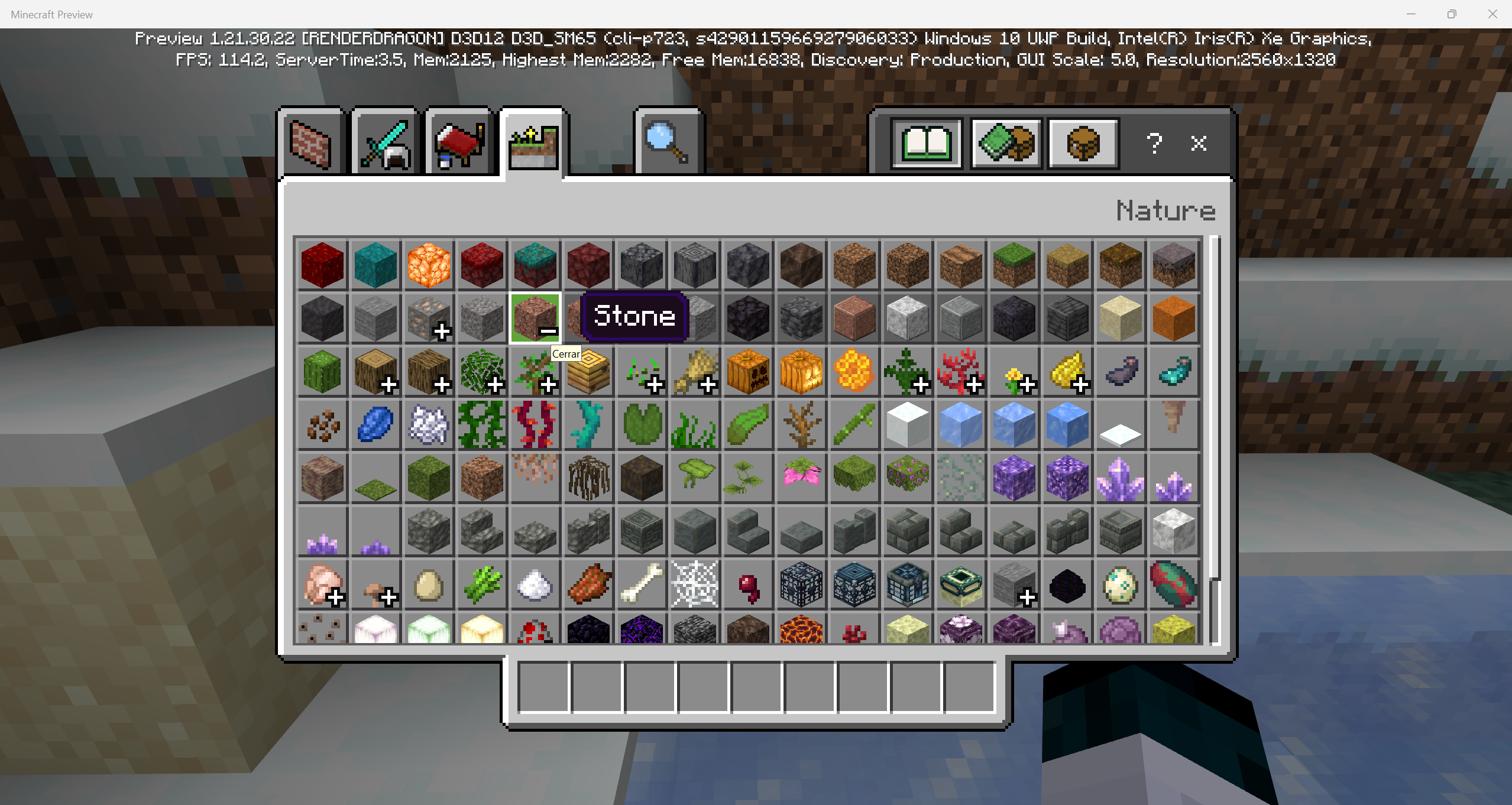
1. Go to the nature creative inventory tab.
2. Expand both coral blocks and coral decorations tabs.
3. Look at their order.
Observed Results:
Fire and bubble coral blocks are not in order as the decorations (Includes dead variants).Expected Results:
All coral blocks and coral decorations should be in the same order.
Mobs that spawn sometimes despawnalmost imediately.When too far away entities dispawn
Steps to Reproduce:
1. Go to a biome.
2. Whait for an entity to spawn.
3.
Watch the entity's behaviour.
Observed Results:
A lot of times entities dispawn when they should not.Steps to Reproduce:
1. Go to a biome.
2. Whait for an entity to spawn.
3. Step back until it despawns.
Observed Results:
When stiping back an entity, causes it to despawn.
Steps to Reproduce:
1. Go to a biome.
2. Whait for an entity to spawn.
3. Step back until it despawns.
Observed Results:
When stiping back an entity, causes it to despawn.
Expected Results:
Entities should not dispawn when the player is away, only when chunks are not loaded
Steps to Reproduce:
1. Go to a biome.
2. Whait for an entity to spawn.
3. Step back until it despawns.
Observed Results:
When stiping back an entity, causes it to despawn.
Expected Results:
Entities should not dispawn when the player is away, only when chunks are not loaded
(Examples PINNED on the comments section)
Steps to Reproduce:
1. Go to a biome.
2. Whait for an entity to spawn.
3. Step back until it despawns.
Observed Results:
When stiping back an entity, causes it to despawn.
Expected Results:
Entities should not dispawn when the player is away, only when chunks are not loaded
(Examples PINNED on the comments section)
Steps to Reproduce:
1. Go to a biome.
2. Whait for an entity to spawn.
3. Step back until it despawns.
Observed Results:
When stiping back an entity, causes it to despawn.
Expected Results:
Entities should not dispawn when the player is away, only when chunks are not loaded
(Examples PINNED on the comments section)
Steps to Reproduce:
1. Go to a biome.
2. Whait for an entity to spawn.
3. Step back until it despawns.
Observed Results:
When stiping back an entity, causes it to despawn.
Expected Results:
Entities should not dispawn when the player is away, only when chunks are not loaded
(Examples PINNED on the comments section)
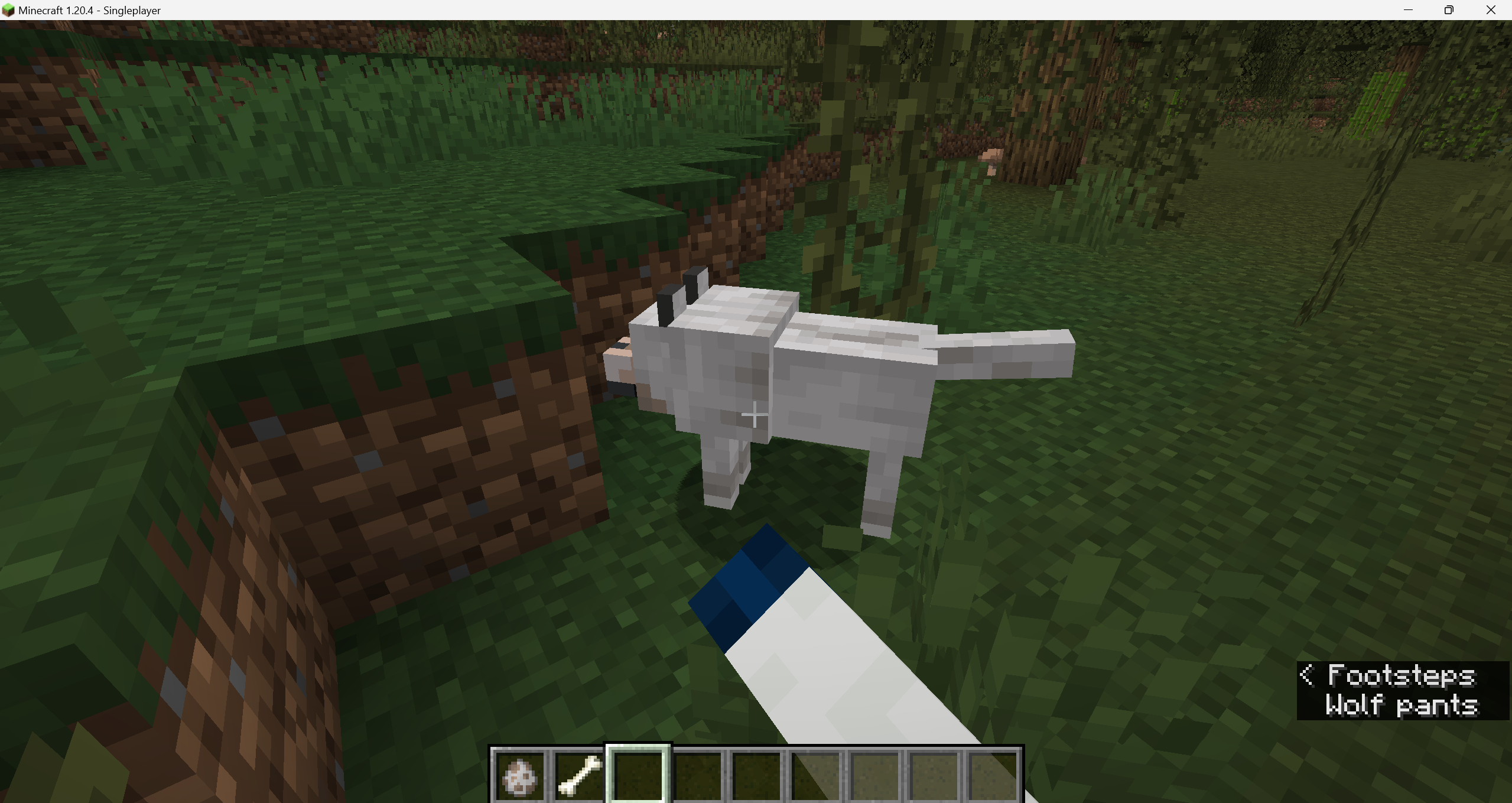
(NOTE) Its seems to just happen when naturally spawned mobs
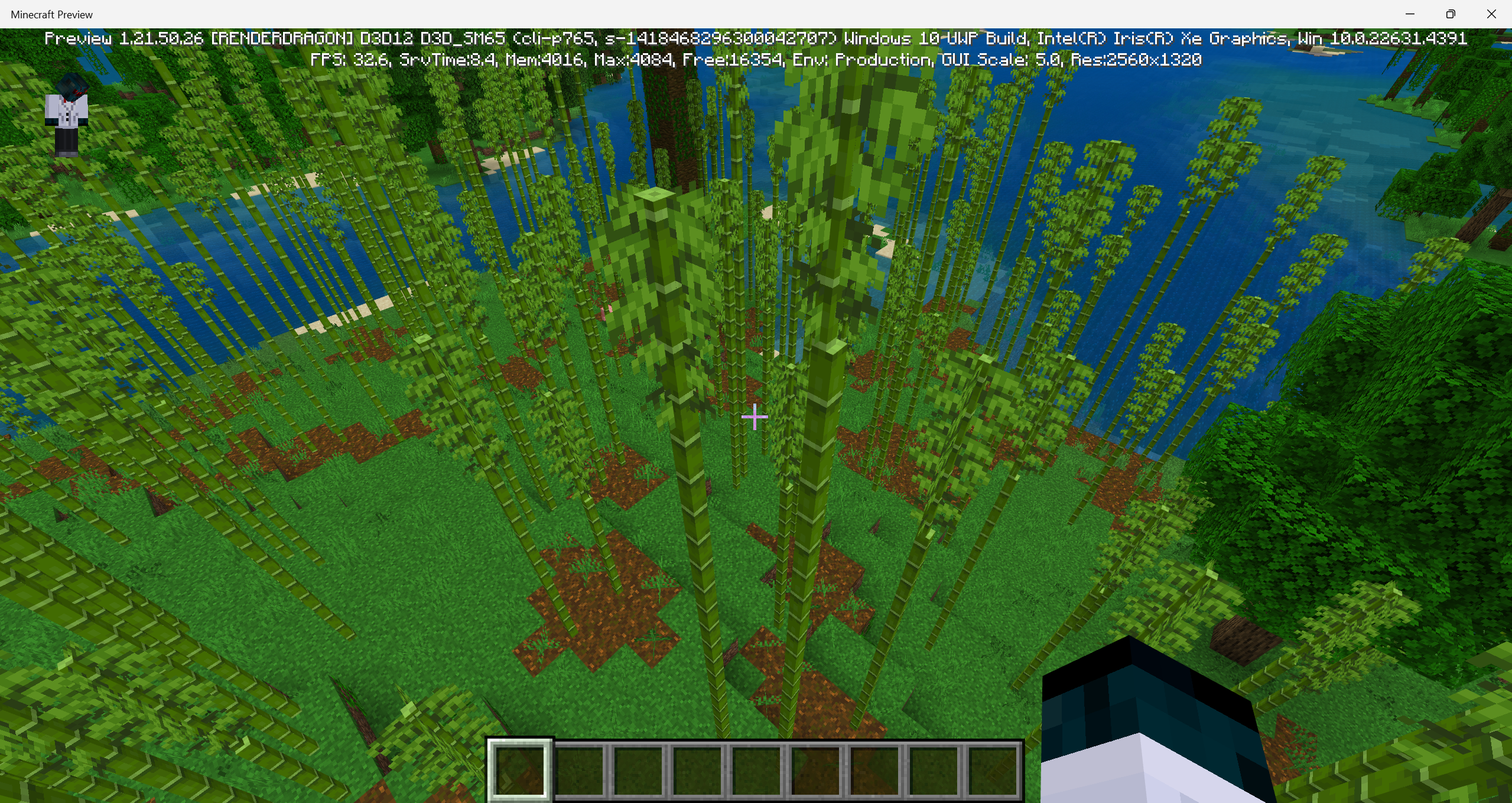
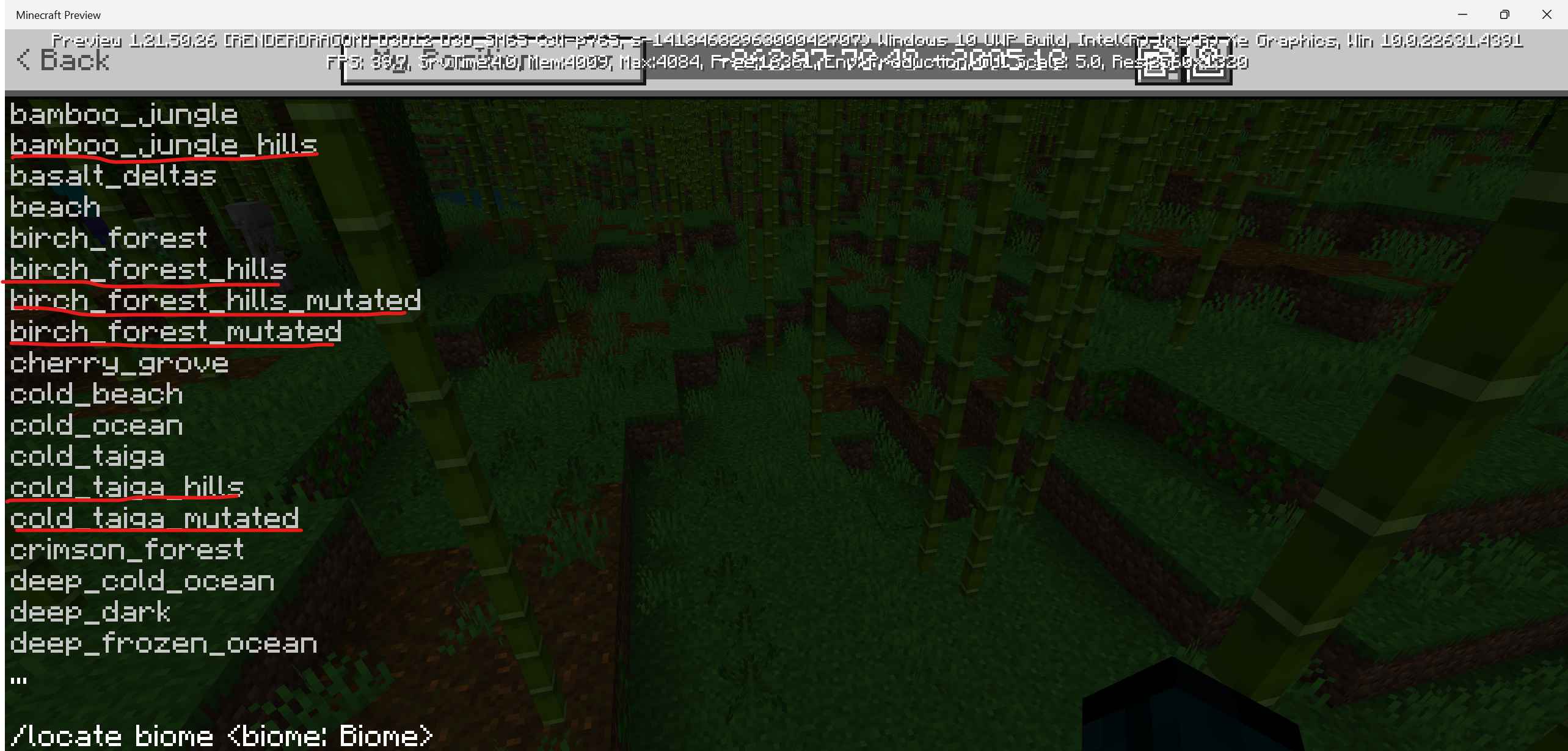

I know it's not that bad, but honestly I like seeing these types of bugs reported to get fixed
Well, actually no, what this issue referes is that sniffers never search for seeds, and always, as you can see on the reported video of MCPE-178301, 52 seconds of video and sniffers didn't even search for seeds.
What I mean is that nowdays the player cannot obtain torchflower seeds or pitcher pod seeds due to the sniffer never making the sniffing on ground animation.
I hope I can explain myself.
Sure, the word is very simle, but i hope it helps, the word is for the latest bedrock edition version.
Coords: -138 ~ 152
Sniffer Word.mcworld
I didn't wait for too long honestly, if thats a feature I would like to apologise for my missunderstanding.
In all my creative words with sniffers I tested them and never got any seeds.
I didn't play it on any Realm, just a normal creative world that I usualy do for testing vanilla things.
Ok, my bad, Sniffers do sniff and find seeds.
But, somethink that caught my eye is that with 6 Sniffers took like 15 min to find one, is that actually a feature?
I'd like to apologise for this report and the time it took for me to clear my mind.
still affects version 1.21.0.25
The reason of this report is due to sometimes the allays flicker when flying.
It also appears to be a playstation 4 error.
My apologies for my miss information.
Whenever an allay flyes, its animation sometimes flickers.
It happened to me for quite a long time on Playstation 4.
I've now uploaded a short video about the issue i'm talking about.
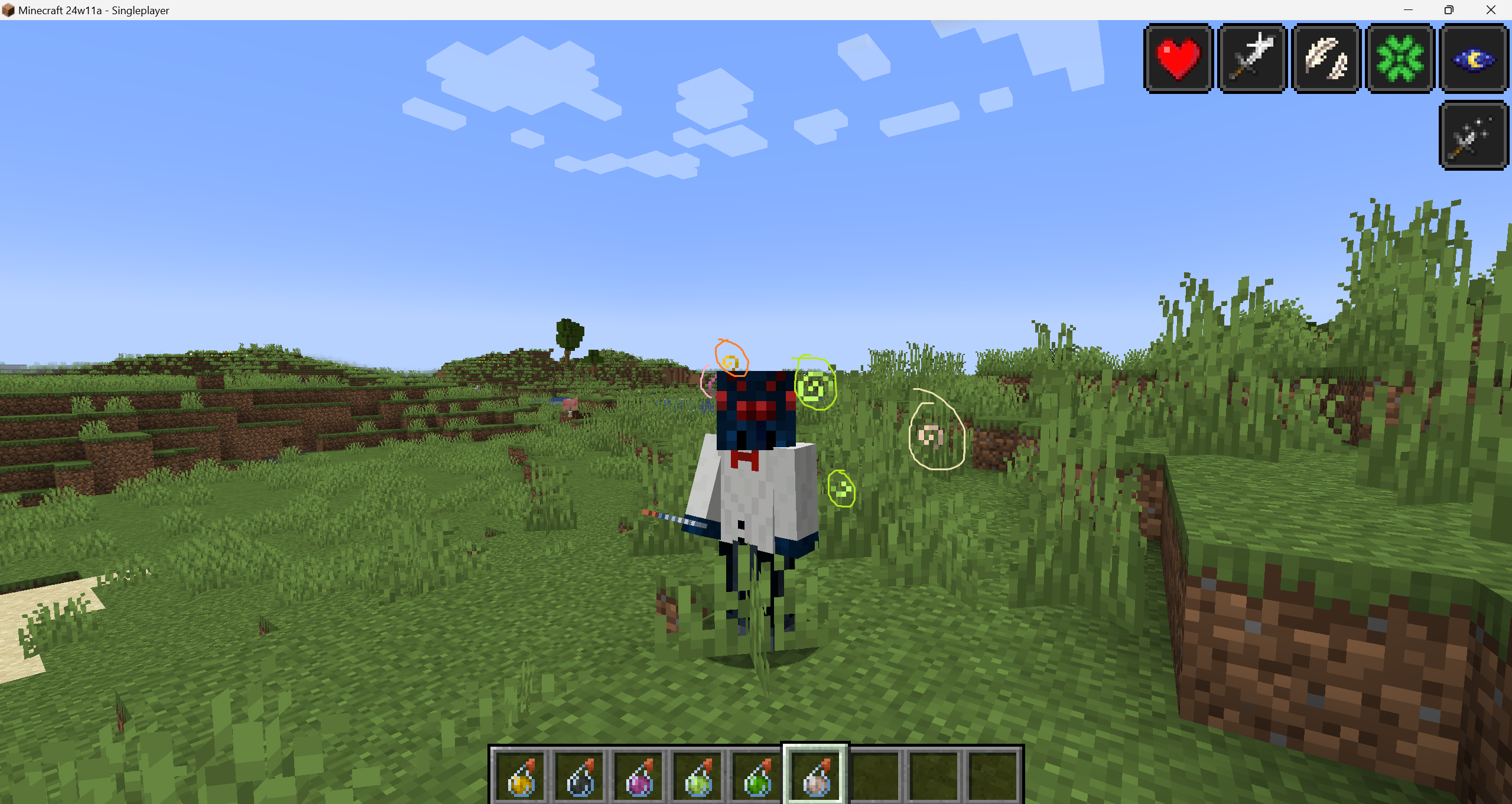
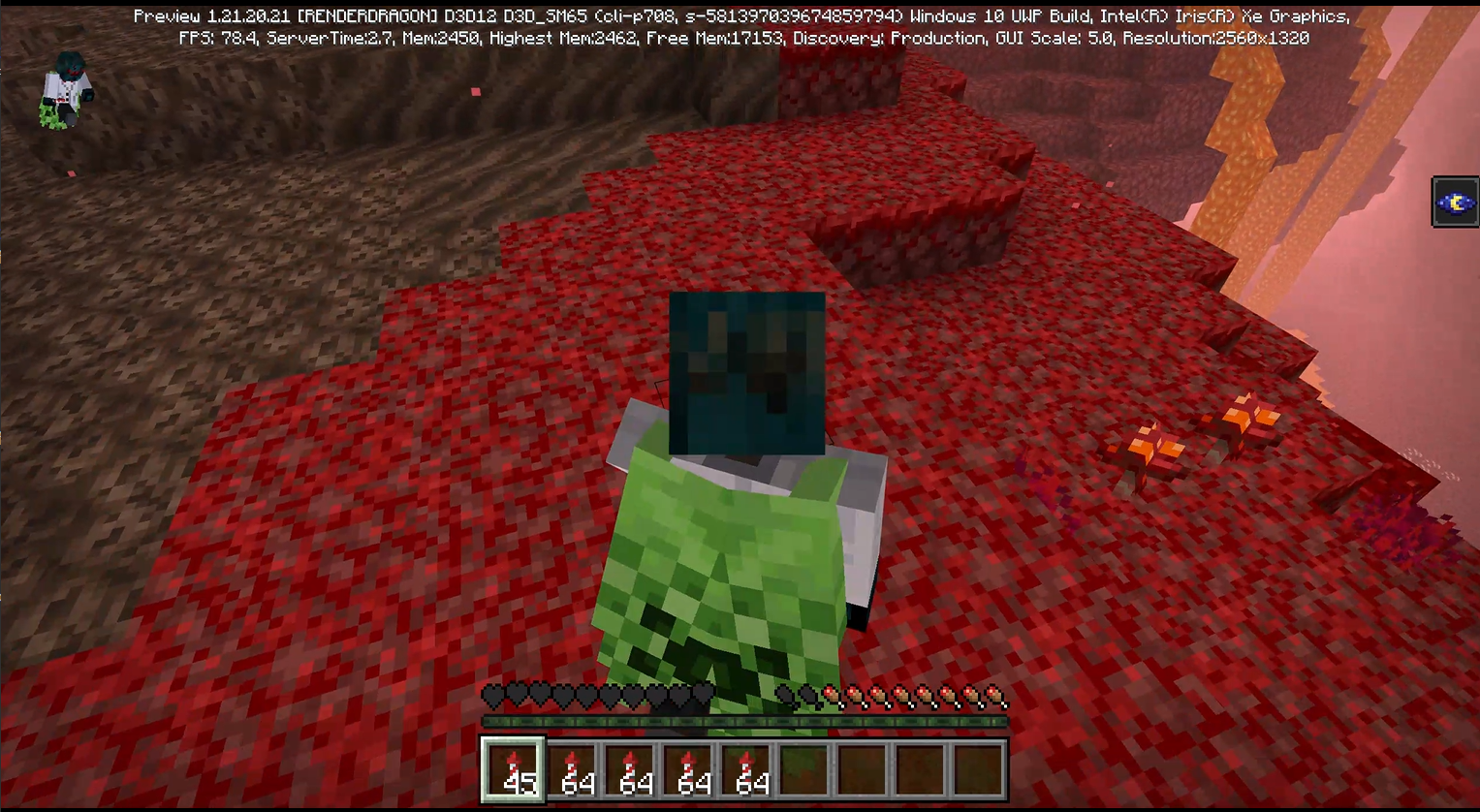
Suposingly, I had half a heart left, for the reason of dying in a small fall (image 3).
The bug maight be caused by the player sometimes not dying when it chould instead of the hearts don't showing when they should.
I don't use any resourse pack, as shown in the images, and still happens, I don't think its related to
MCPE-169754
when copied with ctrl + midle mouse button, the item sometimes displays correctly without the shadow
when copied with ctrl + middle mouse button, the black shadow dissapears and displays as it should be
On Java edition this does not happen, so in one of the two versions is not in parity
yes
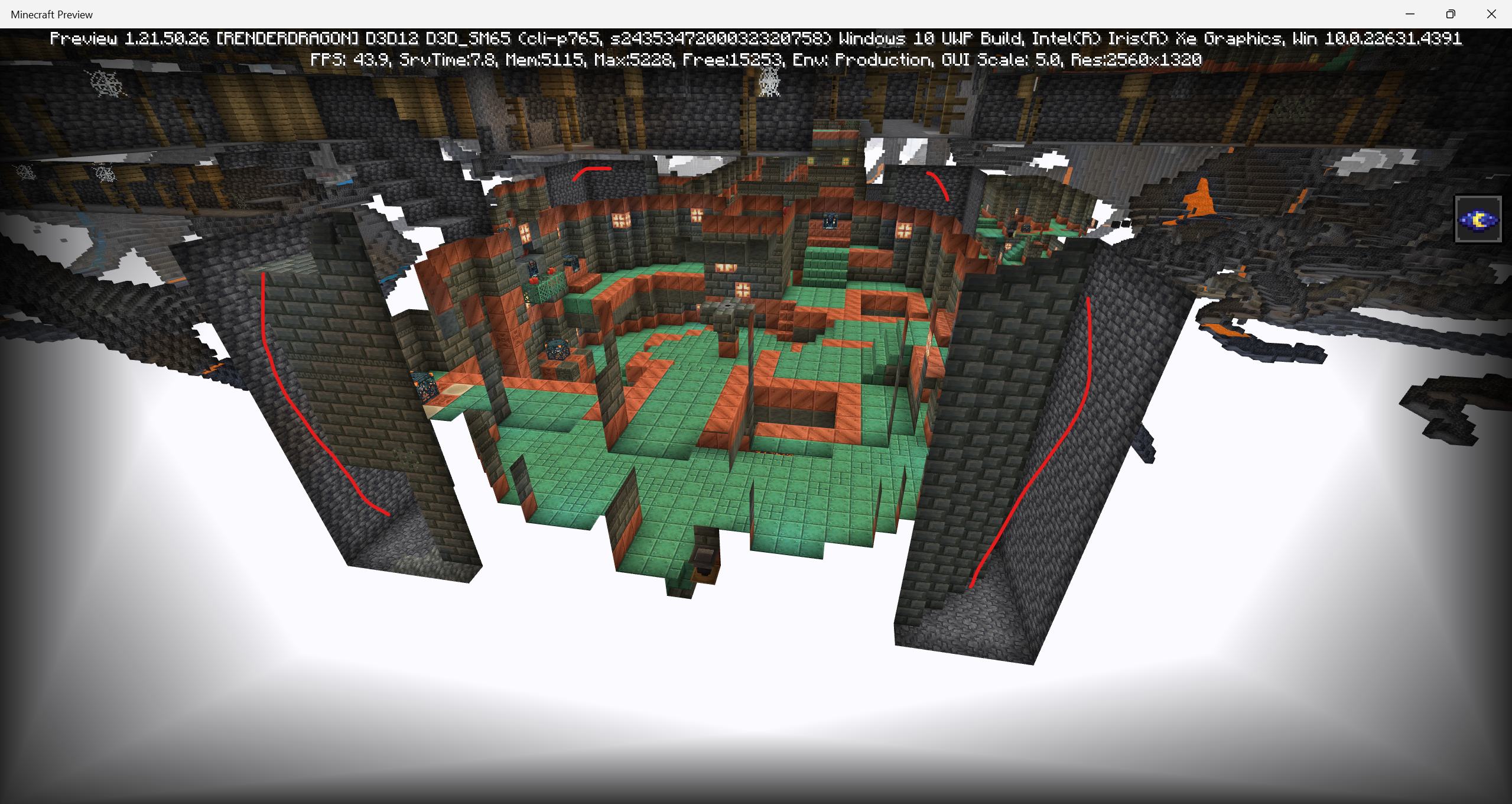
{}green = correct{}{}red = incorrect{}seed: 5876251894832759691
Coord 1: /tp @s 1698.95 -25.92 211.20 facing 1700.38 -28.00 212.40
Coord 2: /tp @s 1688.99 -20.09 218.95 facing 1687.00 -22.12 220.51
Coord 3: /tp @s 1690.40 -21.12 213.03 facing 1690.59 -23.33 211.00
Coord 4: /tp @s 1654.10 -23.12 182.27 facing 1654.28 -24.63 184.00
Coord 5: /tp @s 1658.53 -29.79 184.72 facing 1661.00 -30.38 187.93
Coord 6: /tp @s 1727.56 -33.74 144.86 facing ~ ~ ~ (both stairs)
----------------------------------------------------------------------------------------
Seed: -7094177319629720184
(broken pointed dripstone "image 7")
Coord: /tp @s -237.93 -36.55 -208.99
(missing waxed copper grates "image 8")
Coord: /tp @s 2385.67 -22.00 -4.06
(incorrect blocks "image 9")
Coord: /tp @s 2385.67 -22.00 -4.06 (same corridor)
(incorrect blocks "image 11")
Coord: /tp @s 2393.35 -34.00 -6.21 facing 2393 -35 -2.50 (correct blocks are found behing the player "waxed oxidized cut copper")
(missing blocks "image 12")
Coord: /tp @s 2365.30 -32.00 -4.44 facing 2366 -29 -6
(missing blocks "image 13")
Coord: /tp @s 2970.50 -22.81 -989.03 facing 2976 -24 -2990.49
(missing blocks "image 14")
Coord /tp @s 2974.66 -22.48 -984.02 facing 2971 -23 -983.51
(air blocks "image 15")
Coord /tp @s 61.51 -16.77 -414.91
Seed: 2435347200032320758
yes
(From my point of view)
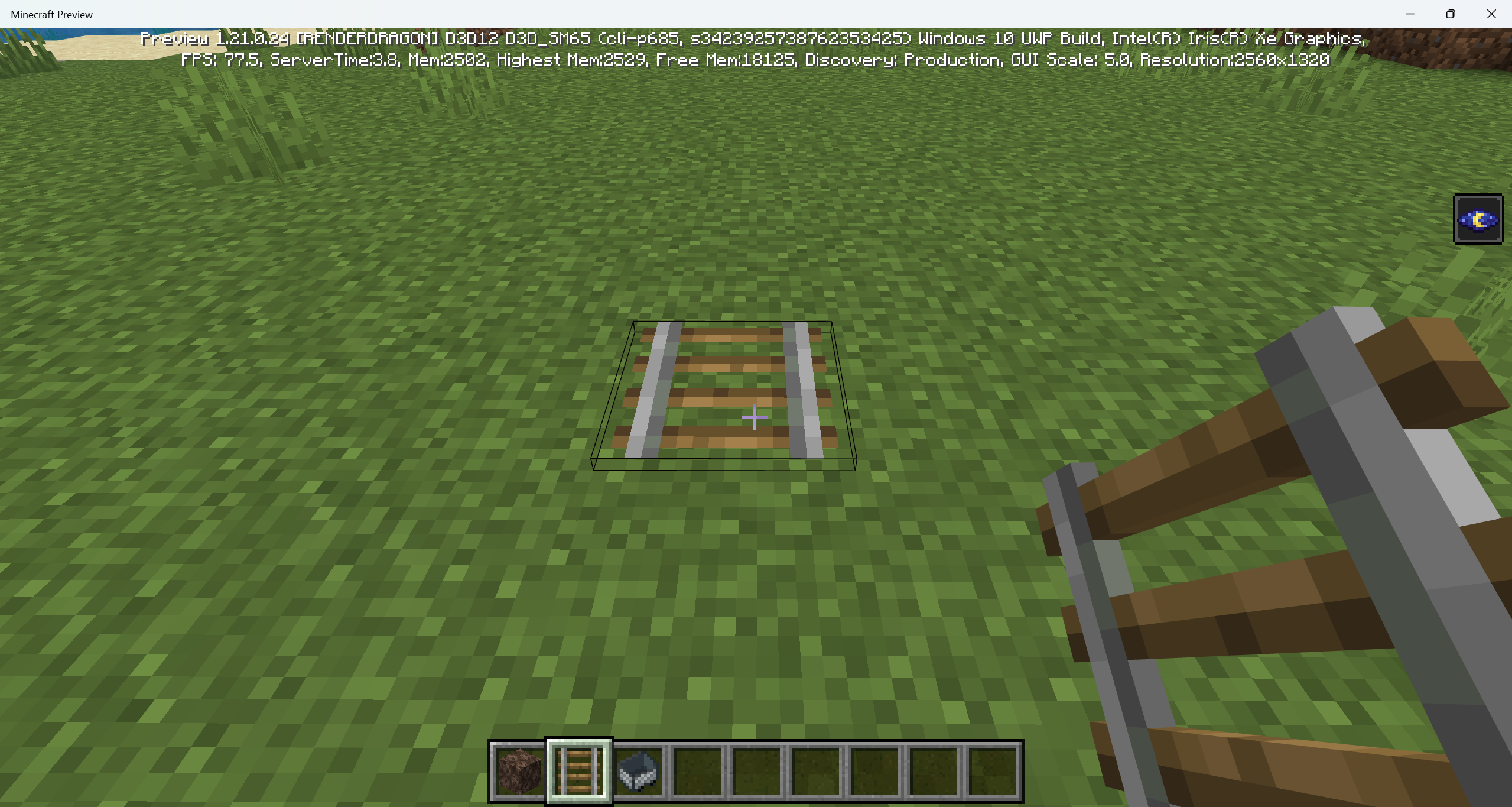
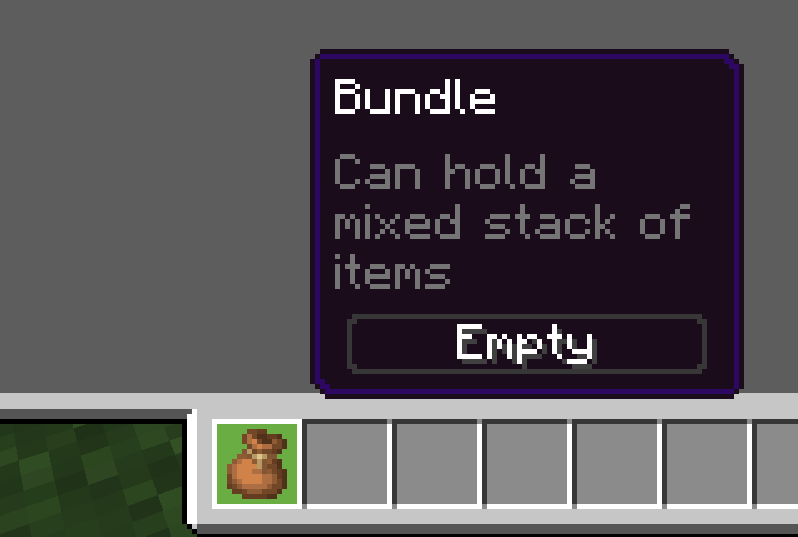
image 1: should be positioned more on the top, and on the left.
image 2: should be positioned more on the right.
image 3: should be positioned more on the bottom.
image 4: should be positioned more on the bottom.
image 5: should be positioned more on the bottom.
image 6: should be positioned more on the top.
image 7: should be positioned more on the top, and left.
image 8: should be positioned more on the right.
image 9: should be positioned more on the left.
image 10: should be positioned mor on the right.
I'll keep the report in case, in a future they decide to change it
I can confirm this issue was fixed on the latest preview (display in hand only, head display didn't "image 4 and image 5"), but didn't get updated on this report!
(Proof image inside the atachments "fixed.png")
(I didn't use any texture or resource pack, so it's been fixed)
thank you
image 1, 2, 3 are old examples but were fixed on the 1.21.30.23 Preview (fixed.png is the image that can prove it).
image 4, 5 are the displays that were not fixed yet.
It's the same bug that causes this brightness
(Can be fixed by reloading minecraft)
image 2 "white candle"
Its in all seeds and all Igloos that have the layer
Second and third perspective report done: MCPE-186375
Image 1 seed: 7410828374451207554
Image 1 coord: -511.72 -47.36 -2274.11
Due to some blocks changing sounds to match a newer form, I've thought the folowing list of blocks should be changed aswel to get a much more updated feeling.
Some of my choises were made for the reason of having other variants tat do have newer sounds, some examples are:
Example entities spawned naturally:
Minecraft Preview 2024-11-02 11-56-13.mp4
Minecraft Preview 2024-11-02 11-59-11.mp4
Examples entities spawned by spawnegg:
Minecraft Preview 2024-11-02 12-00-41.mp4
Can confirm
Can confirm is resolved in preview 1.21.50.26
I agree
Hi!
I have been looking what you where saying, and using the seed: 2435347200032320758
Here are my results:
Fixed:
Image 10: 2932.12 -32.83 -888.47
Not Fixed:
Image 11: 2937.13 -33.93 -884.82
Image 15: 61.51 -16.77 -414.91
Image 2 (If it is not working as intended)
Image 3 (If it is not working as intended)
Image 8: 2900.42 -21.28 -871.82 / 2916.41 -21.28 -883.40
Image 6 (Refering to both ladders): 2892.28 -32.73 -849.41
Image 9: 2895.37 -22.28 -850.51 / 2919.16 -21.43 -888.58