 Wntiv Senyh
- wntiv
- JIRAUSER561778
- Europe/Stockholm
- Yes
- No
 MC-202483
![[Mojang] slicedlime](../../../data/assets/gravatar/slicedlime.jpeg)
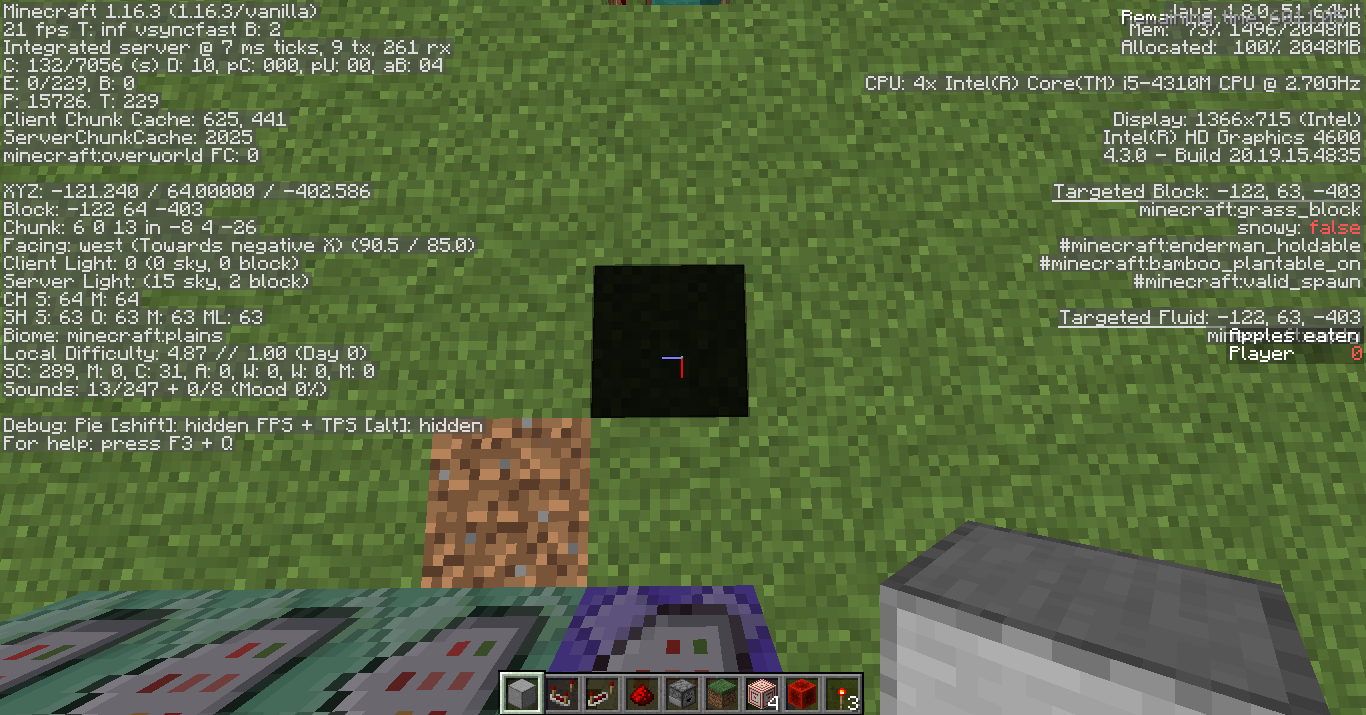
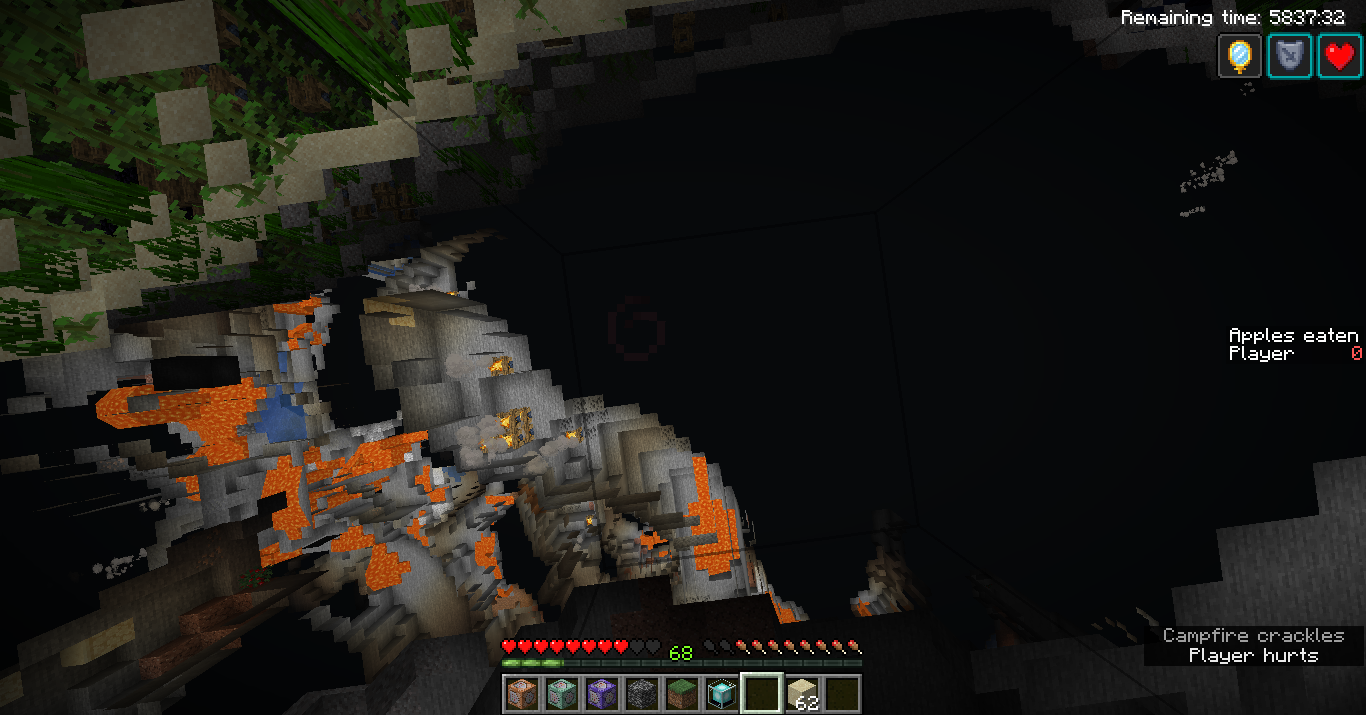




If you place a target block, /kill (or other means of death) then break the block, the blockspace will have light level 0. This only works after entering and exiting the end,
kand only sometimes???
If you place a target block, /kill (or other means of death) then break the block, the blockspace will have light level 0. This only works after entering and exiting the end, and only sometimes???
- Make an End Portal by spawn (not required, makes it easier)
- Go to the end
- Go back
- Place a target block
- /kill
- Break the target block
If you place a target block, /kill (or other means of death) then break the block, the blockspace will have light level 0. This only works after entering and exiting the end, and only sometimes???
- Make an End Portal by spawn (not required, makes it easier)
- Go to the end
- Go back
- Place a target block
- /kill
- Break the target block
Expected results: block-space has a normal light level (sky light 15)
Observed results: block-space has client-side sky light 0, server-side 15
2020-10-24_11.37.28.png
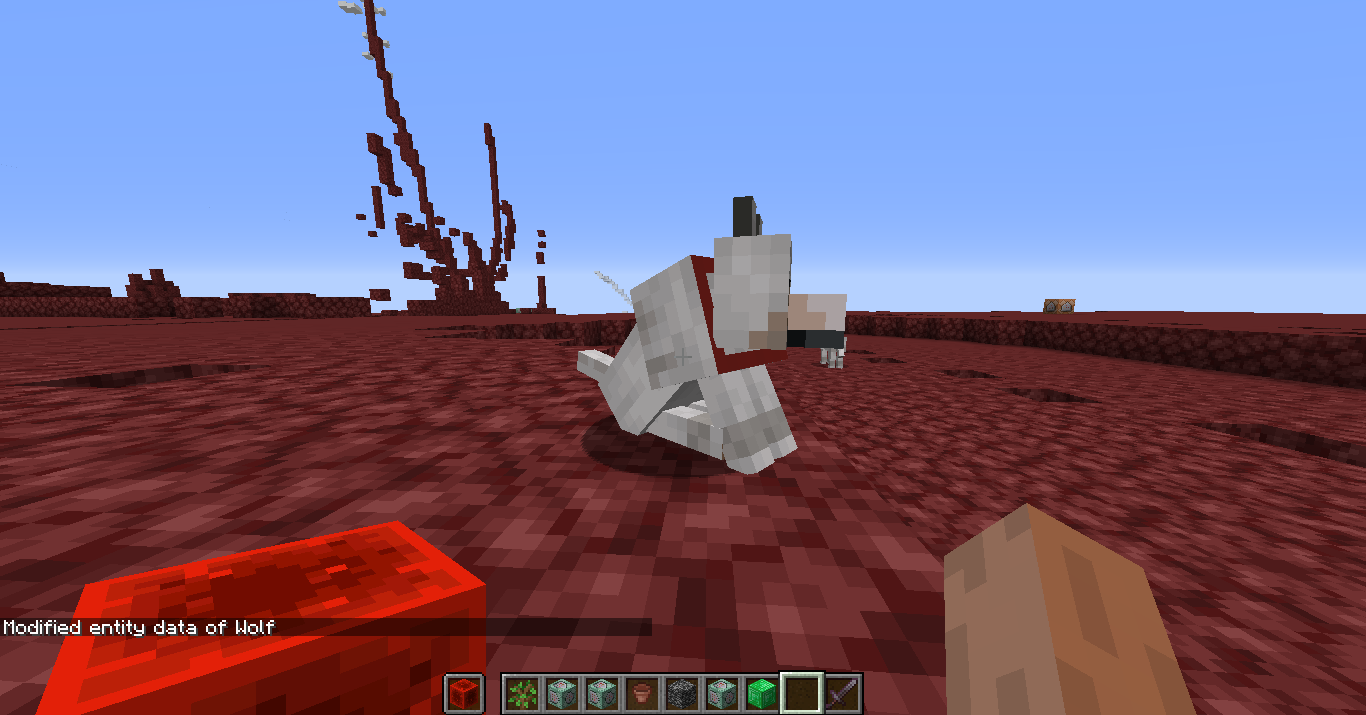
If you summon a dog, tame it and then do
/data remove entity [wolf UUID] OwnerIf you summon a dog, tame it and then do
/data remove entity [wolf UUID] Ownerthen the dog should become untamed. it doesn't and i assume this is a bug in the /data remove command (unless I've completely misunderstood how the command works)
Affects 1.18 experimental snapshot 1.
Jungle temple spawning nowhere near any jungles.
Seed: -8253318449362189534
Coords: /execute in minecraft:overworld run tp @s -1246.43 125.15 774.18 1465.94 36.45
Affects 1.18 experimental snapshot 1. (but I cant mark as such due to "You can't mark unreleased versions as affected")
Jungle temple spawning nowhere near any jungles.
Seed: -8253318449362189534
Coords: /execute in minecraft:overworld run tp @s -1246.43 125.15 774.18 1465.94 36.45
Affects 1.18 experimental snapshot 1
the world spawn for a world I randomly generated was in the middle of an ocean with no land nearby. I am pretty sure that in previous versions it was necessary for the world spawn to be on a "safe" block. Seed: -8253318449362189534
F3 screen
Affects 1.18 experimental snapshot 1. (but I cant mark as such due to "You can't mark unreleased versions as affected")
the world spawn for a world I randomly generated was in the middle of an ocean with no land nearby. I am pretty sure that in previous versions it was necessary for the world spawn to be on a "safe" block. Seed: -8253318449362189534
F3 screen
It's not a massive issue, but it's quite annoying.
I did notice this while playing with shulker boxes
regen 1 + resistance 2 (two beacons) gives plenty of time for looking around the area before you have to get out of the block
have done so
can any zombies spawn near/with the villager? they may be being converted to zombie villagers and despawning.
screenshot?
works as intended, your redstone is off, the piston is being powered by the redstone torch AND the redstone dust that is powering that torch. redstone torches have a 1-tick delay which is causing the quick retraction-extension.
could you include a screenshot?
i believe that works as intended, but i may be wrong.
I had this same thing happen to me, but when I was playing around the world border. I couldn't seem to reproduce it then though. All the same, although I don't know what causes this it is a very weird bug, seeing as the loot table for the planks and sticks should be gone by now, so how does it know that that's what it should drop??? Where is it getting that from???
The bug tracker only watches bugs that are in English, if you want this to be seen and fixed put it through google translate.
I've had lead knots staying on without leads before, but at the time I didn't know what caused it, but I think it might be possible in other ways as well because I don't think I was using boats or minecarts. I think if you punch it it will disappear.
Probably visual glitch???
You might accidentally be pressing F1, or may have your key binds changed in some way that causes this. whatever the cause, it seems to be something to do with the F1 feature.
Perhaps press F1, sounds like that feature.
I've had sound issues when going in and out of fullscreen in Minecraft
what @Tokes said, but you are also summoning an evoker fang for every entity in the world from every entity in the world, meaning each tick each entity in the world is summoning an evoker fang for each entity in the world. you can fix this by replacing the second @e with @s:
/execute as @e at @e run summon minecraft:evoker_fangs ^becomes:
/execute as @e at @s run summon minecraft:evoker_fangs ^you can solve the problem of evoker fangs summoning more evoker fangs (as @Tokes mentioned) by using:
almost definitely due to the click handler already on Redstone ore. try shift-clicking for now tho, that might work.
are you in creative mode, or with excessive regen/armor/resistance etc.
i don't think they're meant to
this happens to me sometimes, usually i just alt-tab and it start working again.
Works as Intended, I believe...
Thats Intended, it's called Quasi-connectivity
I tried your seed and I spawned at Y=64 next to a forest, so....
"Removes much useful functionality" - I actually find this extremely useful for my datapack.
I don't think that this is a bug.
World is probably corrupted.
This issue is actually often caused by the Microsoft account migration, somewhere in your Microsoft account options you should be able to enable/disable multiplayer. I think it's in privacy settings but I'm not sure. It may also be due to what age you put when creating a Microsoft account because if you are too young it might stop you from playing. One way to get around this is join a Microsoft Family at https://account.microsoft.com/family/. Otherwise, try looking around your Microsoft account settings https://account.microsoft.com/. Other than that, I can't help. Good Luck!
This issue is actually often caused by the Microsoft account migration, somewhere in your Microsoft account options you should be able to enable/disable multiplayer. I think it's in privacy settings but I'm not sure. It may also be due to what age you put when creating a Microsoft account because if you are too young it might stop you from playing. One way to get around this is join a Microsoft Family at https://account.microsoft.com/family/. Otherwise, try looking around your Microsoft account settings https://account.microsoft.com/. Other than that, I can't help. Good Luck!
This issue is actually often caused by the Microsoft account migration, somewhere in your Microsoft account options you should be able to enable/disable multiplayer. I think it's in privacy settings but I'm not sure. It may also be due to what age you put when creating a Microsoft account because if you are too young it might stop you from playing. One way to get around this is join a Microsoft Family at https://account.microsoft.com/family/. Otherwise, try looking around your Microsoft account settings https://account.microsoft.com/. Other than that, I can't help. Good Luck!
I dunno, maybe report this to PopOS, as Minecraft doesn't actually have much control over all of that.
This issue is actually often caused by the Microsoft account migration, somewhere in your Microsoft account options you should be able to enable/disable multiplayer. I think it's in privacy settings but I'm not sure. It may also be due to what age you put when creating a Microsoft account because if you are too young it might stop you from playing. One way to get around this is join a Microsoft Family at https://account.microsoft.com/family/. Otherwise, try looking around your Microsoft account settings https://account.microsoft.com/. Other than that, I can't help. Good Luck!
I want to say it's almost definitely a datapack???
This issue is actually often caused by the Microsoft account migration, somewhere in your Microsoft account options you should be able to enable/disable multiplayer. I think it's in privacy settings but I'm not sure. It may also be due to what age you put when creating a Microsoft account because if you are too young it might stop you from playing. One way to get around this is join a Microsoft Family at https://account.microsoft.com/family/. Otherwise, try looking around your Microsoft account settings https://account.microsoft.com/. Other than that, I can't help. Good Luck!
This issue is actually often caused by the Microsoft account migration, somewhere in your Microsoft account options you should be able to enable/disable multiplayer. I think it's in privacy settings but I'm not sure. It may also be due to what age you put when creating a Microsoft account because if you are too young it might stop you from playing. One way to get around this is join a Microsoft Family at https://account.microsoft.com/family/. Otherwise, try looking around your Microsoft account settings https://account.microsoft.com/. Other than that, I can't help. Good Luck!
Does it say "Failed to login: null"? Because if so, this may be caused by the Microsoft account migration, somewhere in your Microsoft account options you should be able to enable/disable multiplayer. I think it's in privacy settings but I'm not sure. It may also be due to what age you put when creating a Microsoft account because if you are too young it might stop you from playing. One way to get around this is join a Microsoft Family at https://account.microsoft.com/family/. Otherwise, try looking around your Microsoft account settings https://account.microsoft.com/. Other than that, I can't help. Good Luck!
Definitely Works as Intended.
I have been doing command blocks for many years and have never come across this problem. Have you tried relogging, checking the "Previous Output" section or even just testing with a few "say hi" command blocks?
What error message are you getting?
@Dhranios is right, since the villager has no work station, it immediately loses it's profession. Works as Intended. Try putting a workstation nearby.
RaidID tag will be deleted if the game can't find a raid with that ID or the raider is outside of the range of that raid. Works As Intended.
You can't use more than 100% of the CPU
Have you checked your controls?
Esc > Options > Controls
Its supported on Chromebooks, just not Chrome OS. He said he is using Linux, so he should still be able to run it.
Im pretty sure that's an aquifer
Try setting your "Graphics" option to "Fabulous!"
Surely just fix by making an item frame drop its item upon death, similar to how shulker box items do.
This could be fixed by postponing the rail's check for a block beneath it till the next tick (ie in the code check for unsupported rails BEFORE performing piston pushes, this would delay rail check to the next tick)