 xland44
- xland44
- xland44
- Europe/Stockholm
- Yes
- No
 MC-10276


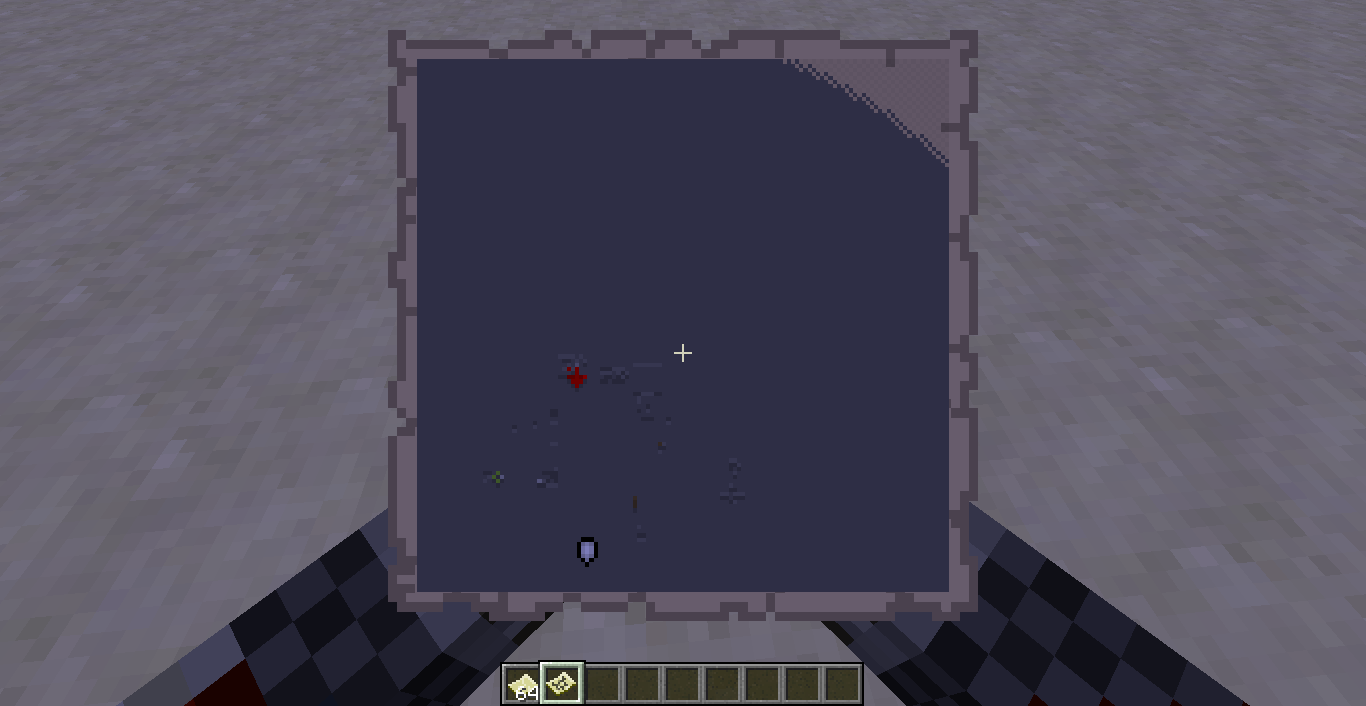



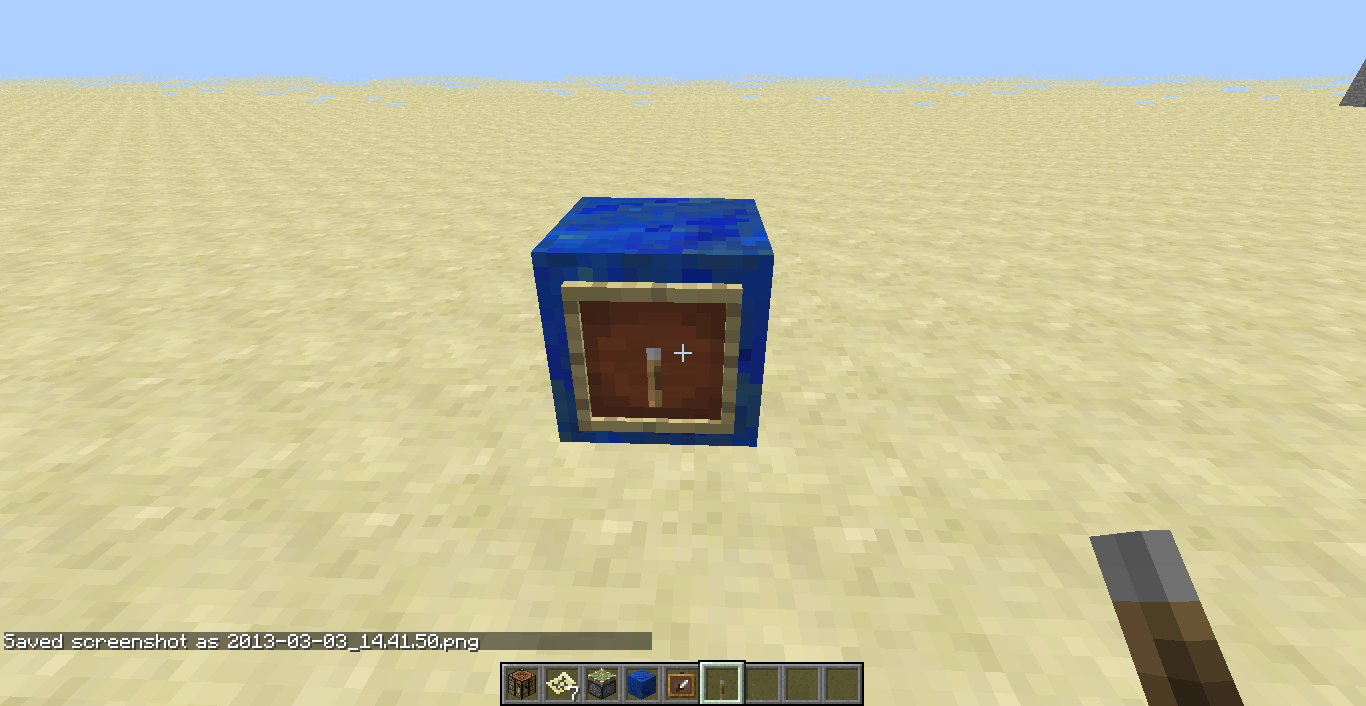

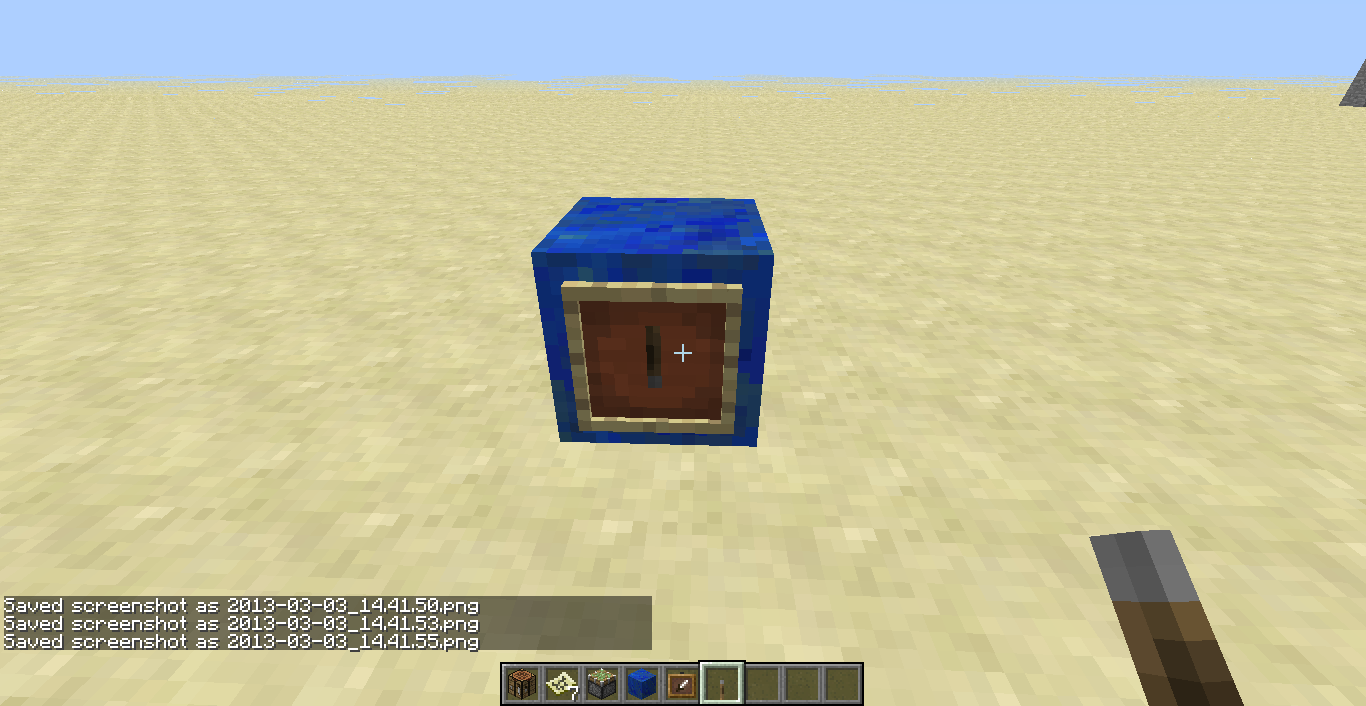



Well, as of 1.4.7 I think, when making a map and opening it for the first time, the map is completely loaded, without having to explore anything. However, there was an "unexplored" part on the map. (Superflat "redstone ready" prefix was used)
Well, as of 1.4.7 I think, when making a map and opening it for the first time, the map is completely loaded, without having to explore anything. However, there was an "unexplored" part on the map. (Superflat "redstone ready" prefix was used)
The same bug happens when making the map bigger (As in, placing paper around the map in the crafting table).
2013-04-01_19.16.23.png
Well then, if I'm still on 1.5, I've just found another bug, as I've updated on the first day.............
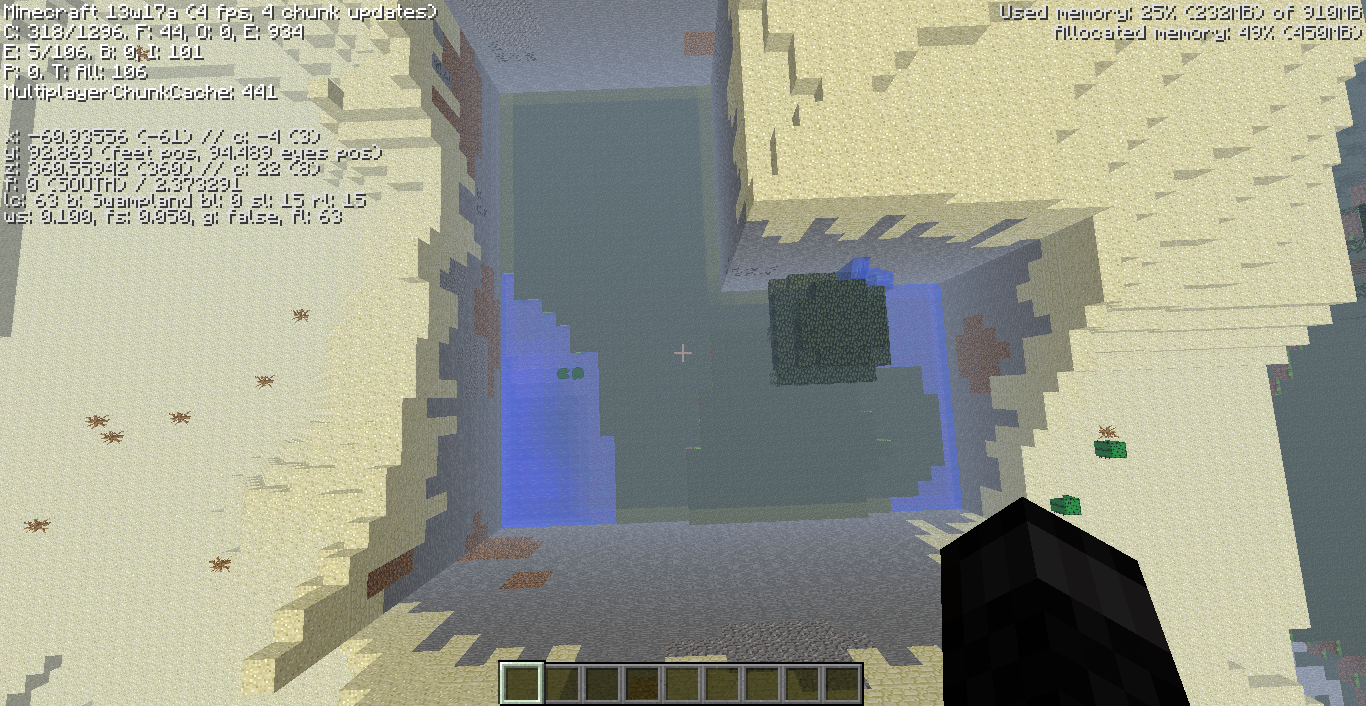
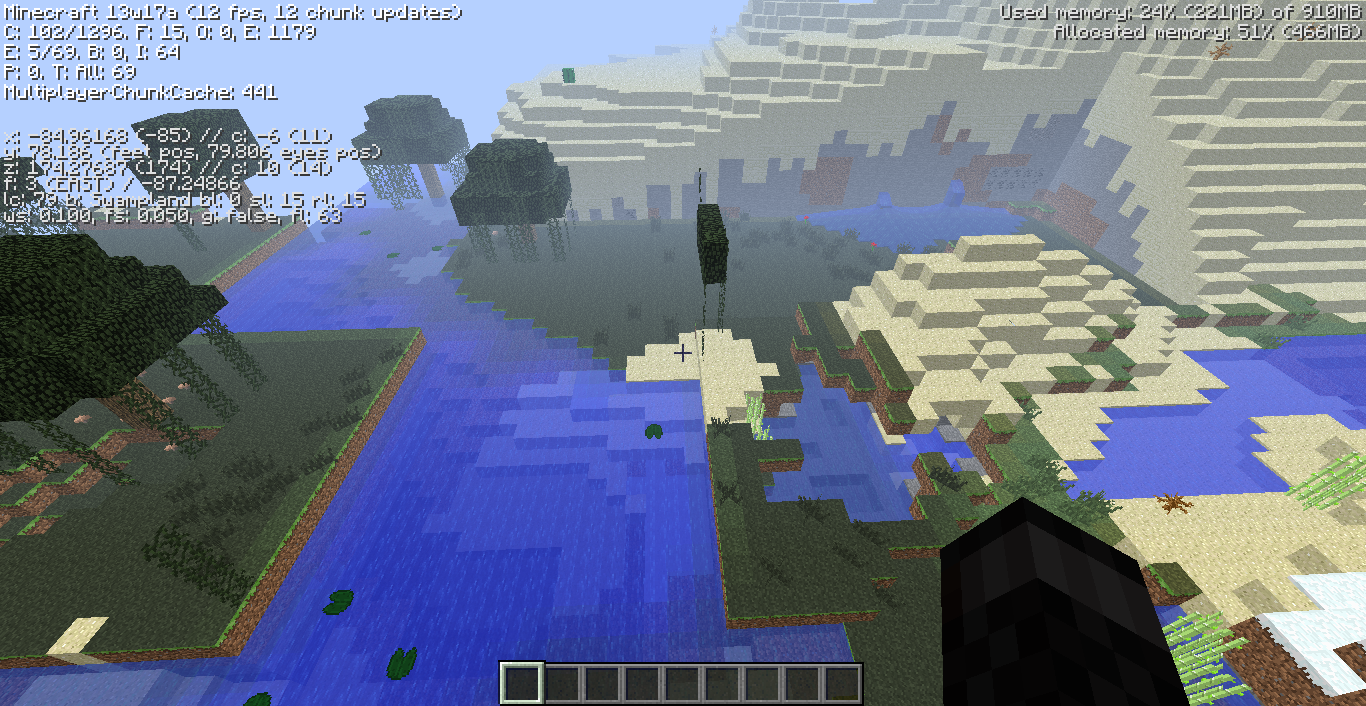
I entered a random seed, and got this. At first it seemed awesome, as there was an abandoned mineshaft right under the first desert chunk I saw (First time I see a mineshaft within 50 blocks distance of spawn). A weird thing about the desert: They had perfet straight stops that looked as if someone built it, it didn't fit the terrain and seemed to be overlapping, and in several parts it looks like a mountain was cut in the middle.
To see it yourself, the seed is 4919780781367771259
Sorry, this is my first time posting a bug, so I didn't think to do that. Thanks for the heads up.
You need to place it on the top side of it
Um, animated blocks and items in texture packs now requires the animation definition in snapshot 13w09a (previously it was optional)
Haha, heres a famous youtuber showing about it under the title "Troll Furnace." http://www.youtube.com/watch?v=CekZ3axmtoM
I agree. They should make sandstone yellow, and not gray.
There are two reasons for this:
1- The hopper's 5 slots are full
2 - You picked the items up before the hopper could.
Did you bother to check Tails' post or the "Resolution:"? They both say that this is a duplicate.
Uhm, which versions?
This really sucks, as I just changed how paintings look like on my texture pack, and I cant see how they look like as I have no worlds with paintings (I don't use paintings unless if I'm doing a secret door)
Uh, it was fixed? I still experience this bug in 1.5.1
Yeah, I didn't really understand it. I already know that you can connect to 1.5 servers, but what does that have to do with anything? I placed it in 1.5.1 SP, not MP.
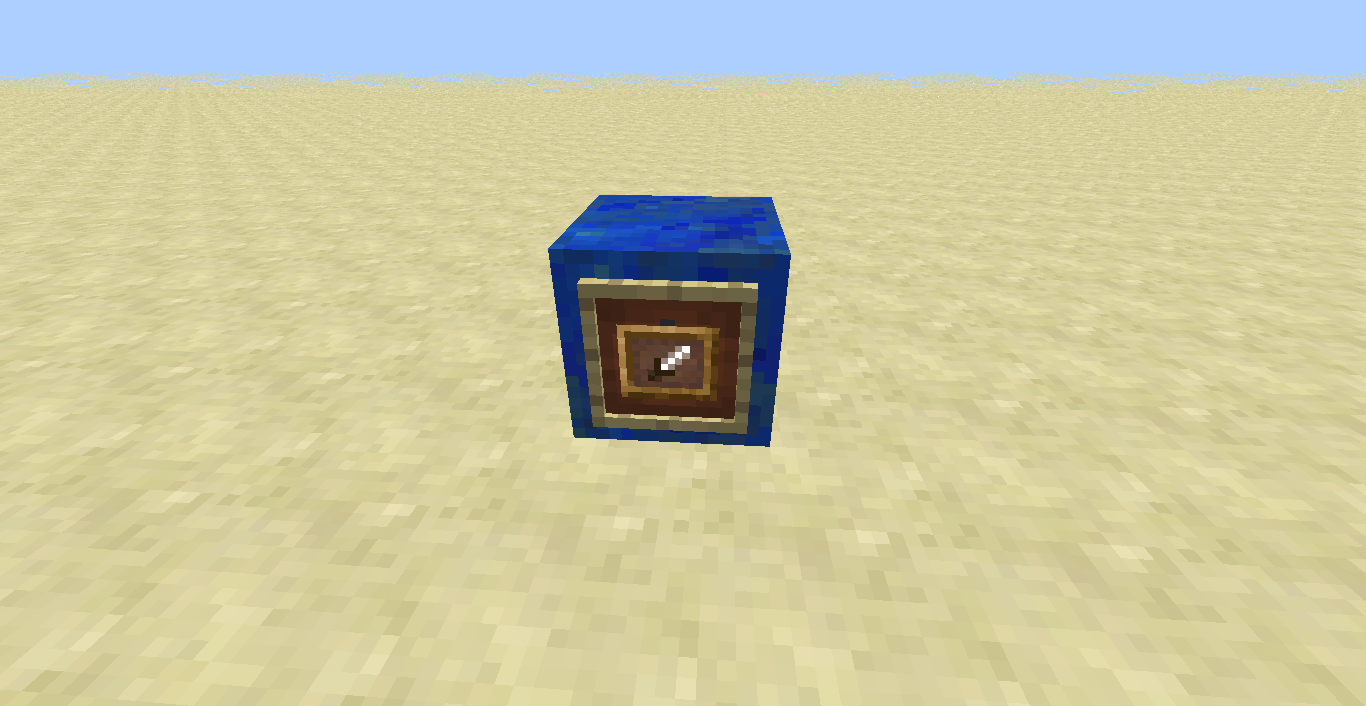
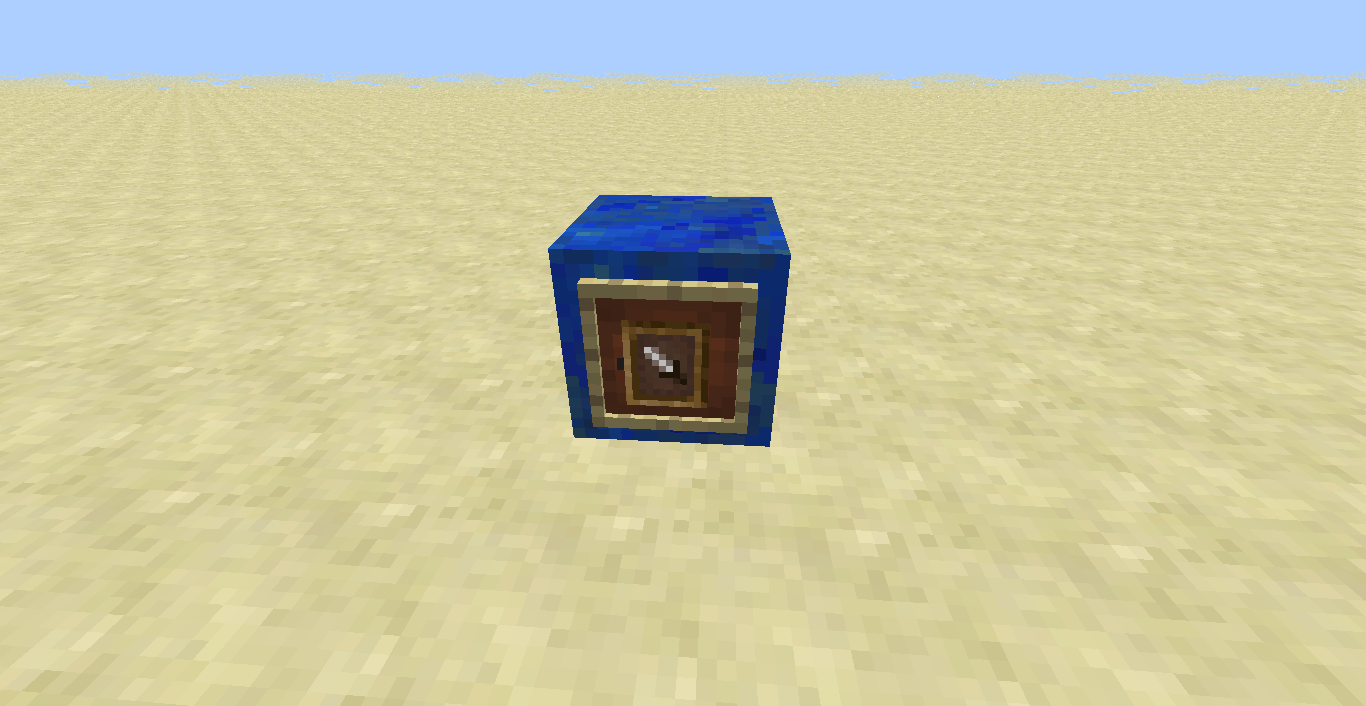
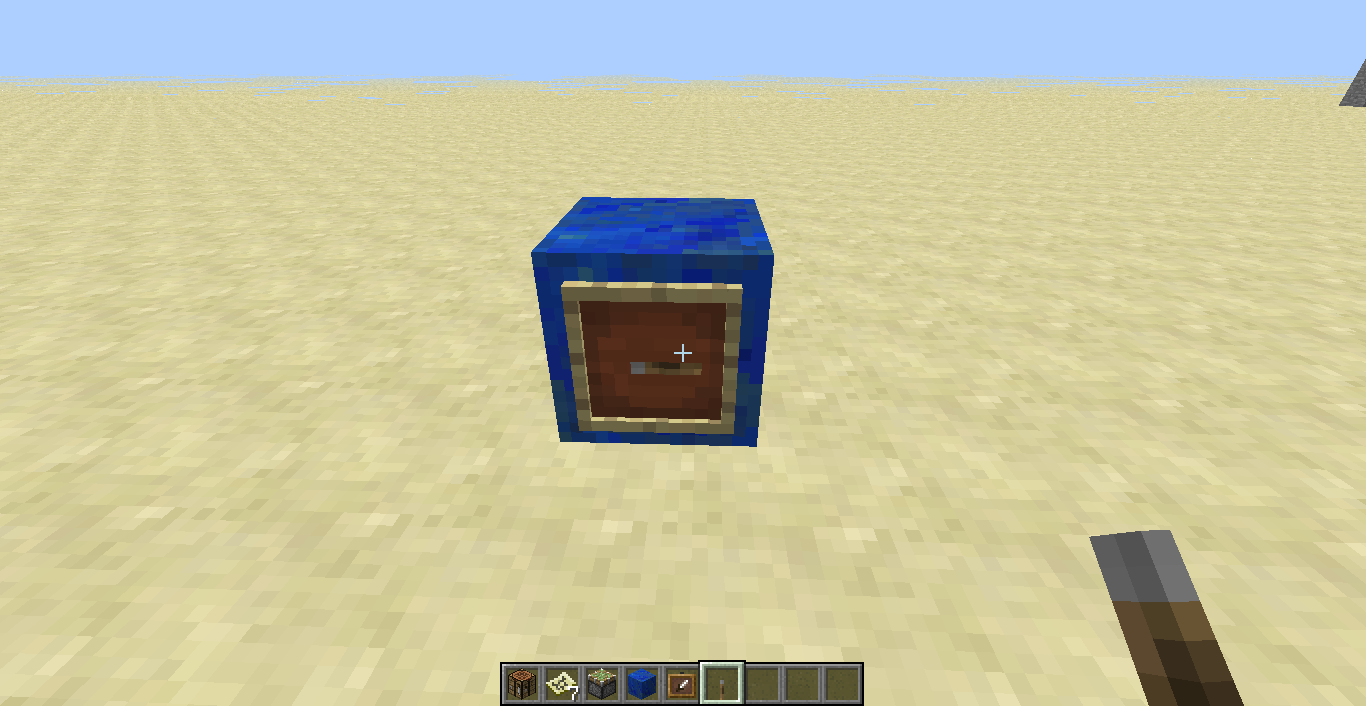
OK, heres five screenshots, somehow I managed to screenshot the painting during the first 0.5 seconds I placed it, before it dissapeared. I'll upload three pictures: Me placing it both in survival and in creative, after me placing it both in survival and in creative, and me breaking the block it was placed on.
Both in creative and in survival, though I only show breaking the block while in survival. The painting vanishes without giving anything about when my hand pulls back from placing it. You can place multiple paintings in the same block, and upon breaking the block (you can't break the paintings) they all appear as items on the ground.
No, I am on a vanilla multiplayer server with only me and my friend in it.
Vote for this to be fixed please.
Well, yeah. That's natural. Why do you thing sand breaks when going through a torch? It doesn't have any room to fall in, as a torch is a block,
I'm quite sure this is intended, horse armor increases the horse's defense, doesn't necessarily need to show it though.
Not at all, a decent coder for a mod I'm working on fixed it quite easily. If he can fix it, they definitely can.
I searched Fullscreen, and another search with "F11"
I think it might be because it's powering the block under it, which powers the piston.