 Noah Gil
- xlash123
- xlash123
- America/Havana
- Yes
- No
 MC-11198
![[Mojang] Grum (Erik Broes)](../../../data/assets/gravatar/grum.png)
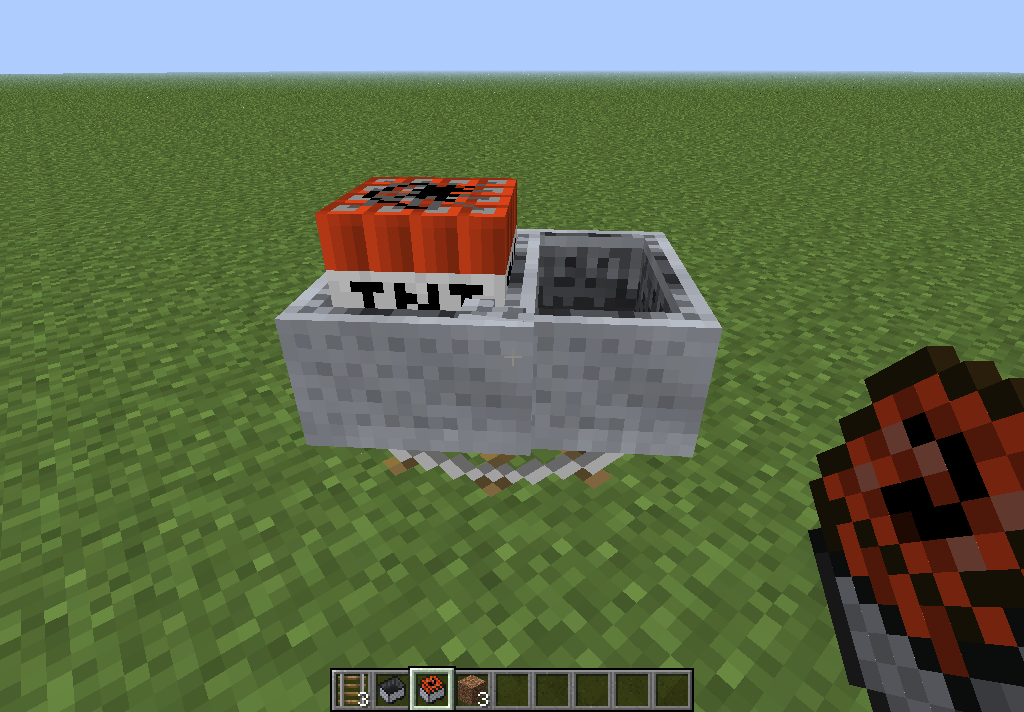
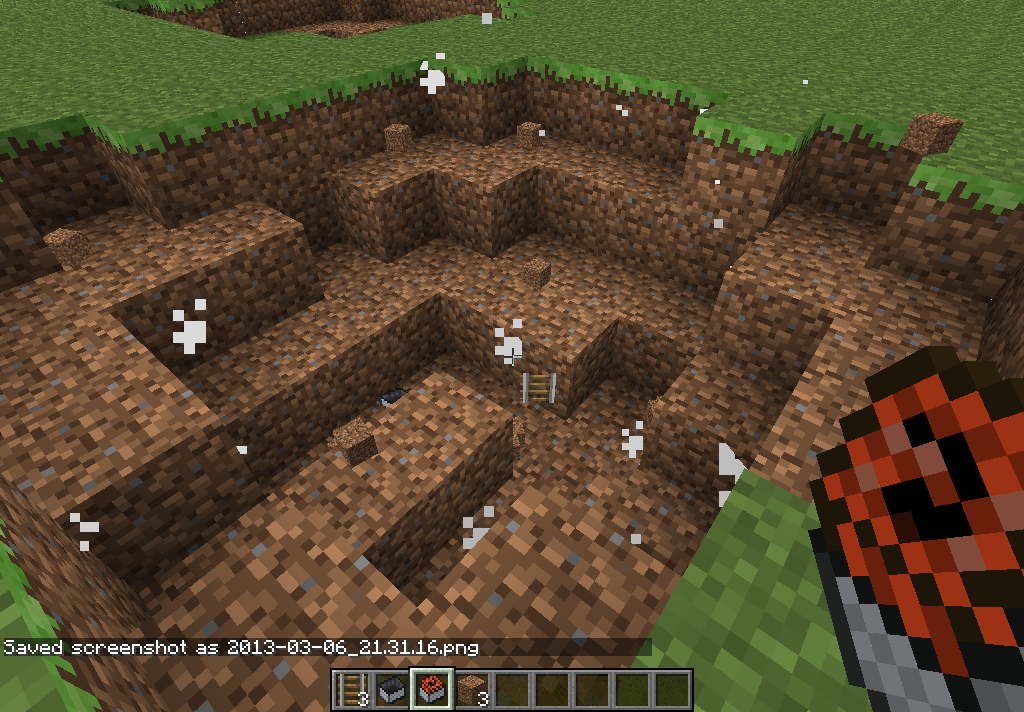

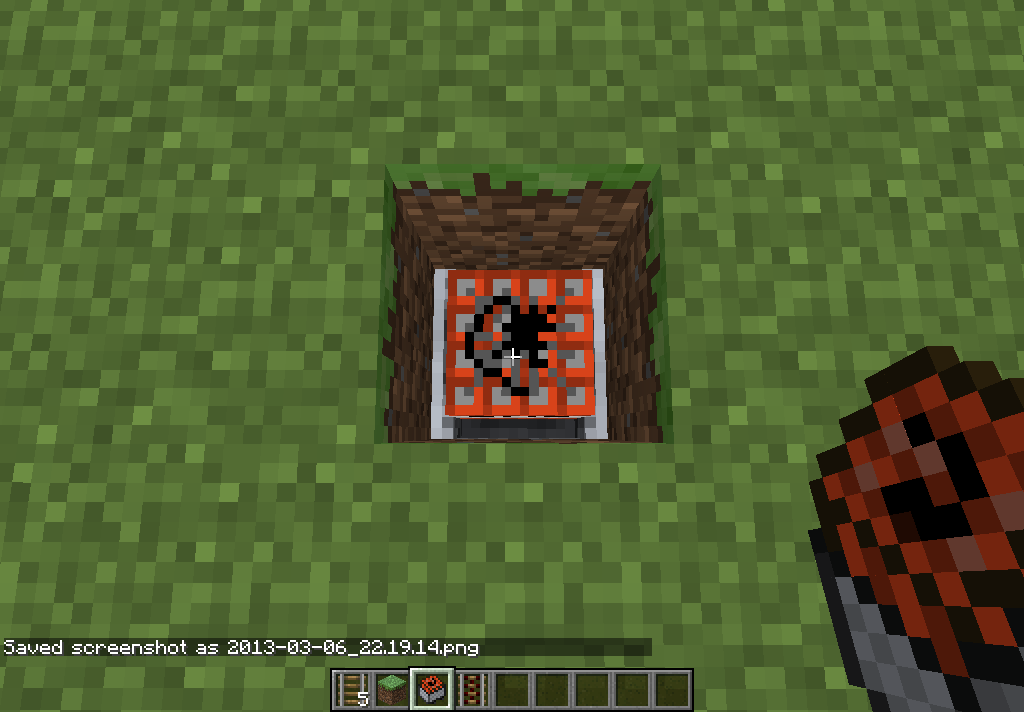

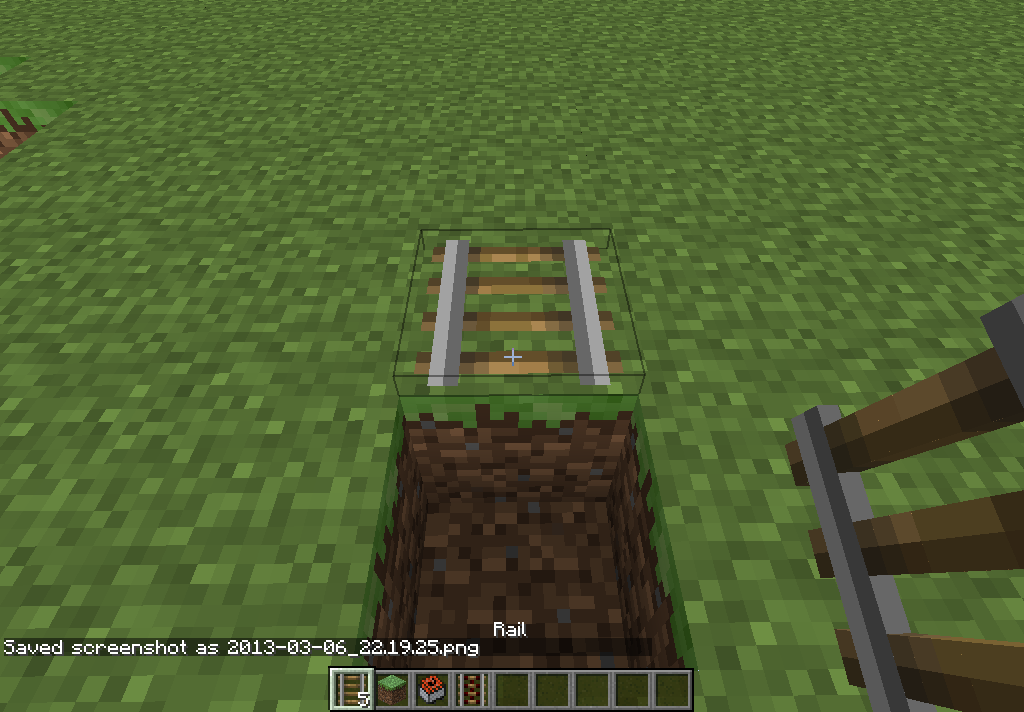
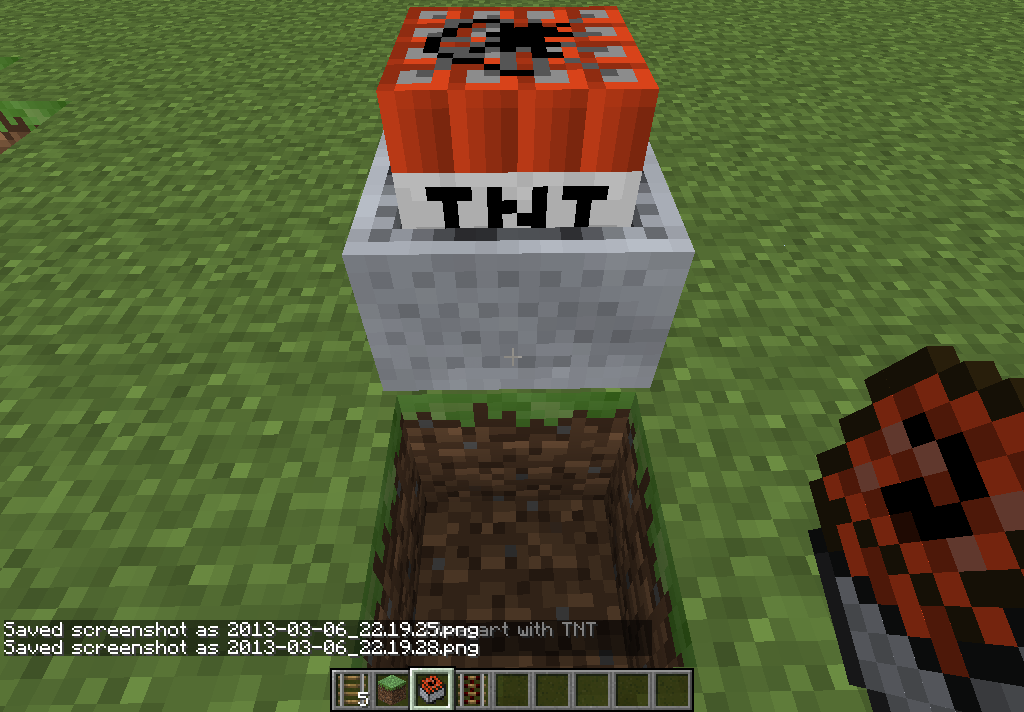
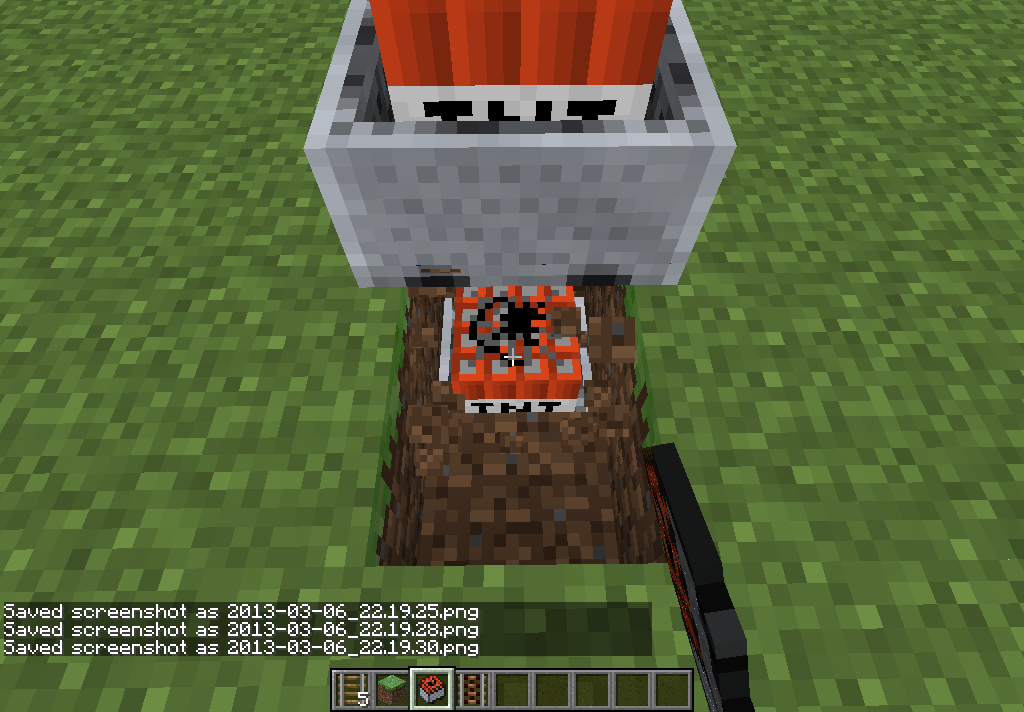
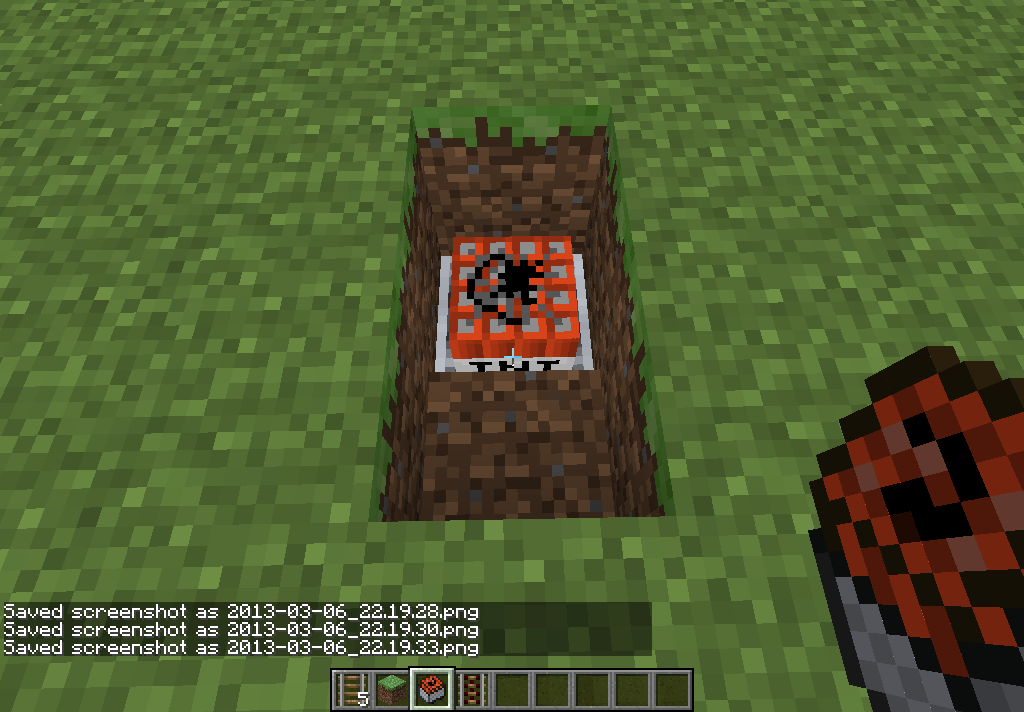


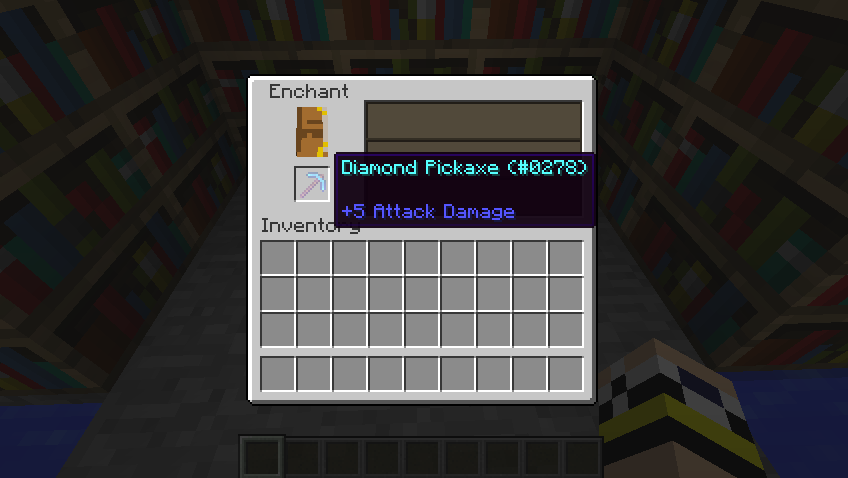


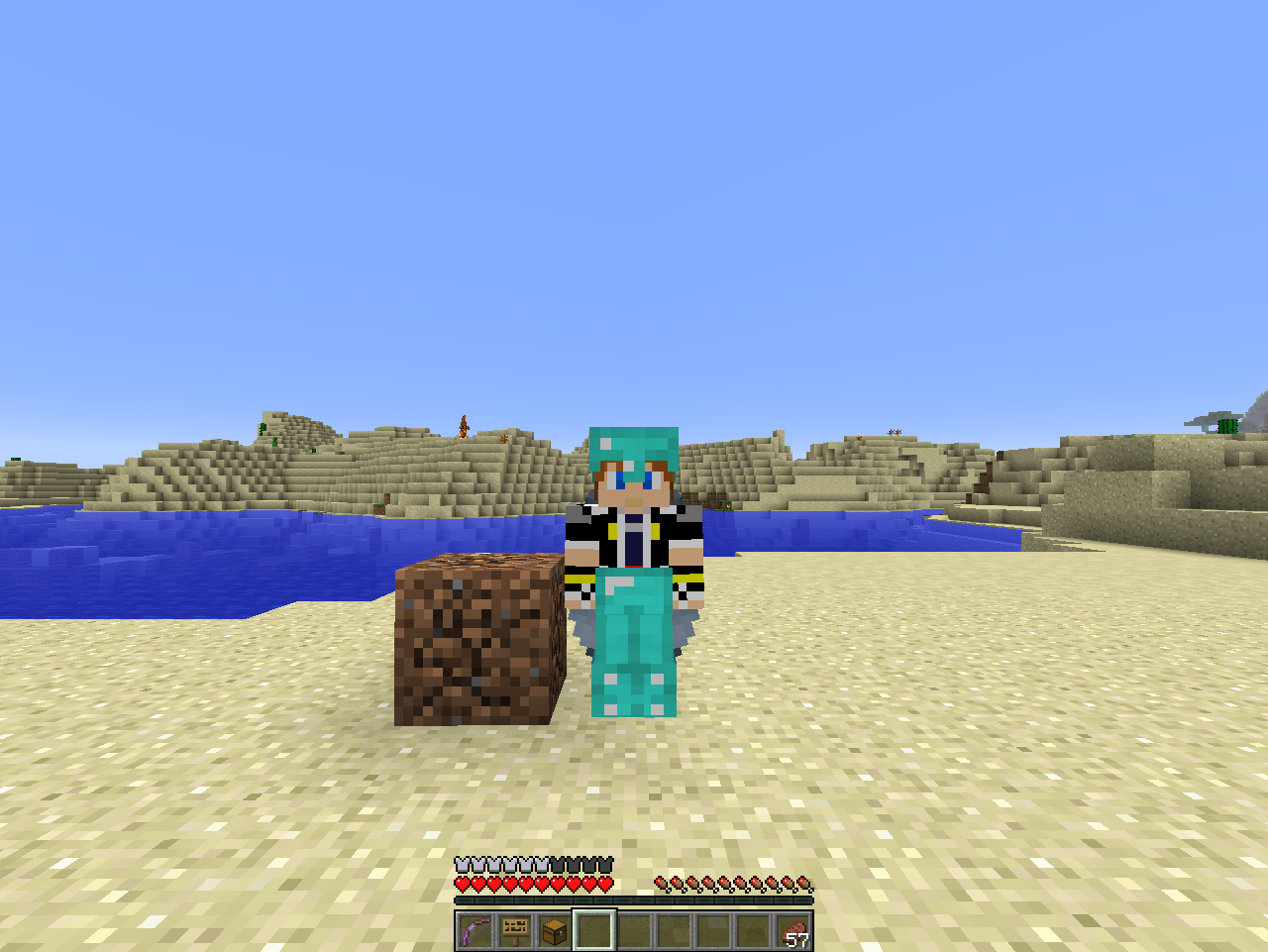
When I entered this village, I saw water comming out from the farm like there was a hole in the farm but there isn't.
See for yourself
seed: 5481915211951425789
x = 89
y = 52
z = 28
Flatland setting: 2;7,50x3,2;1;village
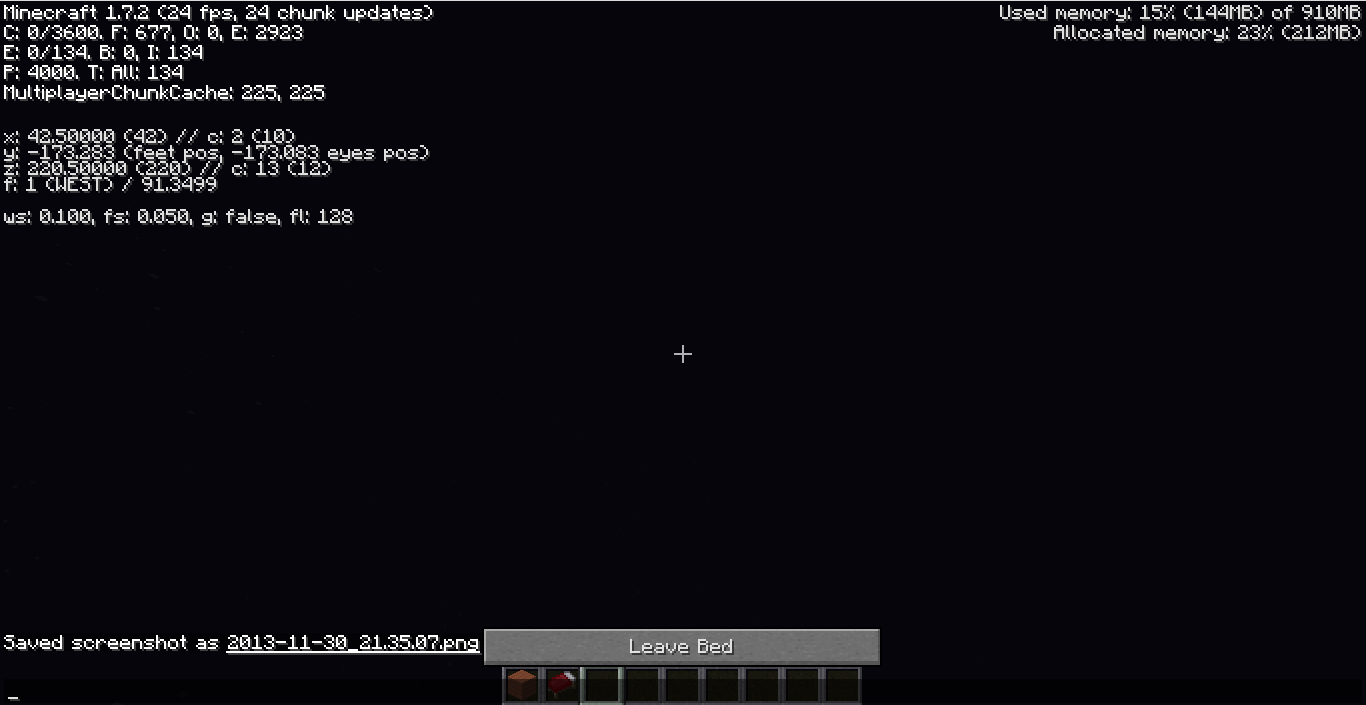
When sleeping in a bed on a server at a high enough level, the player is said to be under y =-18When sleeping in a bed on a server at a high enough level, the player is said to be under y = 0
Description
When trying to use /title or /tellraw to display the scoreboard value of an entity that is not a player, nothing appears, even though it says the command ran successfully. For tellraw, a blank line appears.How to reproduce
1. Summon an entity.
2. Set up a scoreboard objective.
3. Give the entity a value on the objective.
4. Use /title or /tellraw to display the value of the objective on the entity.
Ex: /tellraw @a {score:{name:"@e[type=ArmorStand]",objective:"Score"}} or /tellraw @a {score:{name:"*",objective:"Score"}}When the exact same steps are done on a player instead of an entity, the score will appear, while the non-player entity's score will not.
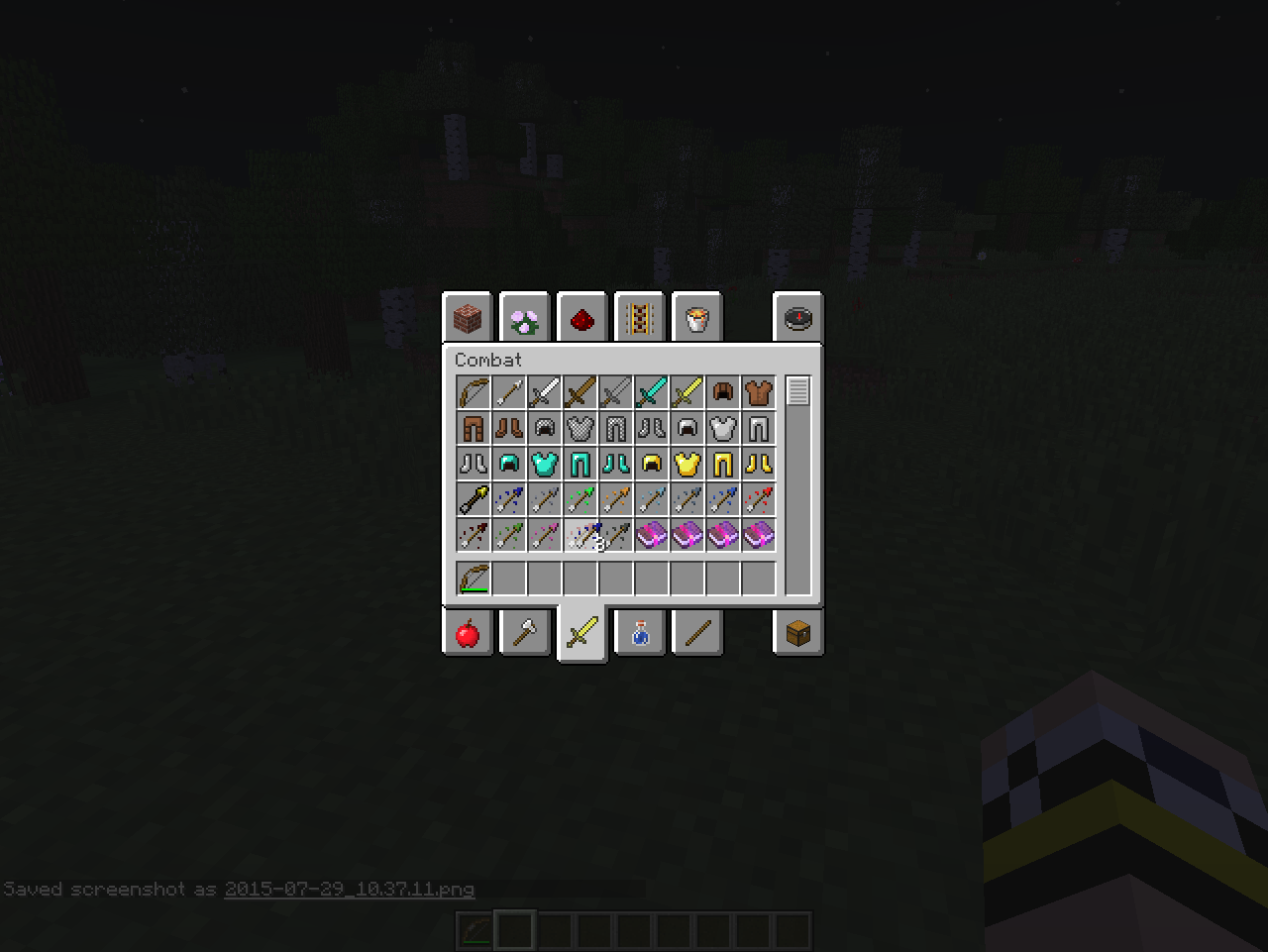
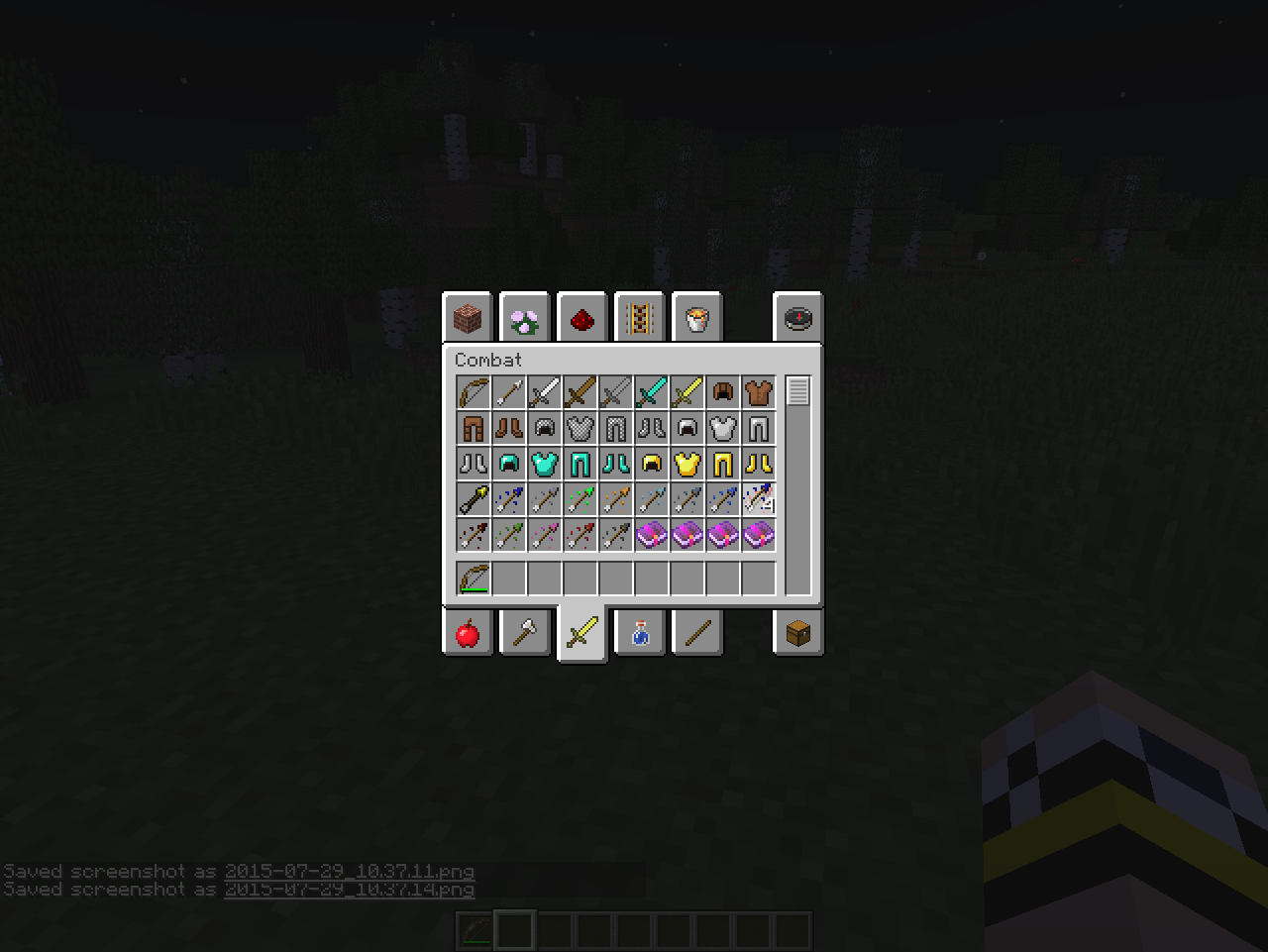
When holding an item, notably the tipped arrows, and clicking on another item of the same id and damage value but different nbt, it will add to the stack, instead of
switching the item.When holding an item, notably the tipped arrows, and clicking on another item of the same id and damage value but different nbt, it will add to the stack, instead of removing the item.
Cracks remain on block when moving headfast
When breaking a block, moving your head to where you aren't breaking a block will often make it retain it's cracks. When you go back to mine it, while still having left click on, it will continue where it left off. I tested this in single player.
Steps to Reproduce
1. Have a block.
2. Hold down left click. During this whole procedure, do not let go of left click.
3. Start breaking the block in front of you. Quickly, move your mouse so you aren't breaking the target block or any other block.
4. Repeat step 3 until the target block retains it cracks.
5. Move back to breaking the target block and it continues to break where it left off.What was expected
I expected the block to lose its cracks when I stopped mining it.This is similar to
MC-62124, but not the same.
When breaking a block, moving your head to where you aren't breaking a block will often make it retain it's cracks. When you go back to mine it, while still having left click on, it will continue where it left off. I tested this in single player.
Steps to Reproduce
1. Have a block.
2. Hold down left click. During this whole procedure, do not let go of left click.
3. Start breaking the block in front of you. Quickly, move your mouse so you aren't breaking the target block or any other block.
4. Repeat step 3 until the target block retains it cracks.
5. Move back to breaking the target block and it continues to break where it left off.What was expected
I expected the block to lose its cracks when I stopped mining it.This is similar to
MC-62124, but not the same.Video of the Bug
https://youtu.be/qCMQIOe4UUE
This can also happen if you push a minecart of any kind into a minecart with tnt on a normal rail even if you dont push it very fast.
MC-11198seed: 5481915211951425789
x = 89
y = 52
z = 28
Flatland setting: 2;7,50x3,2;1;village
Confirmed in 1.7.2
This also happens when the chat is open.
I didn't receive a black screen.
I've also been able to reproduce this many times by pushing a villager into a minecart, pushing the minecart off the rail, and breaking the minecart.
It's even on the picture for the snapshot on the Mojang website!
I can duplicate this bug every time I make a TNT cannon. It seems to have to do with having enough fire power. For example, 1 block of TNT will not break any blocks underwater, but 5 will break blocks underwater.
Cannot confirm. Falling sand renders perfectly fine. Is there any special steps to reproduce this with, and do you have any screenshots?
Confirmed for 11b.
This is really weird. I was just having this problem and now it's not happening. When I first saw it, I thought something weird happen in Minecraft so I shut down the client. After that, the bug still persisted. Then I logged out of my single player world for a bout 5 minutes, went back on, and it went away. Any explanations for that?
Don't you just hate when you search for it and you don't find it? Oh well. I tried.
I've been having the same issue. I was running Xorg on my system, then switched to Wayland and had this issue. Switching back to Xorg, the problem was resolved. I also tried toggling the Discrete Scrolling and Raw Input settings, but no changes were made. The closest thing was altering the scrolling sensitivity, but got similar results to OP. If there's anything you want me to try out to further diagnose this, please let me know.
Edit: This issue is still prevalent on 1.19.2
I've found a workaround for this issue. The underlying problem appears to be with XWayland. Using this repo (https://github.com/Admicos/minecraft-wayland/tree/one-nineteen , specifically the `one-nineteen` branch), and setting the JVM arguments to `-Dorg.lwjgl.glfw.libname=/usr/lib/libglfw.so`, I was able to patch GLFW to allow Minecraft to run using Wayland natively. After that, scrolling worked as expecting with Raw Input and Discrete Scrolling enabled. Switching back to the non-patched GLFW by removing the JVM arguments, the previous bugged behavior reappeared.