 xz_seer
- xz_seer
- JIRAUSER608190
- Europe/Stockholm
- Yes
- No
 MCPE-117600
 BDS-16725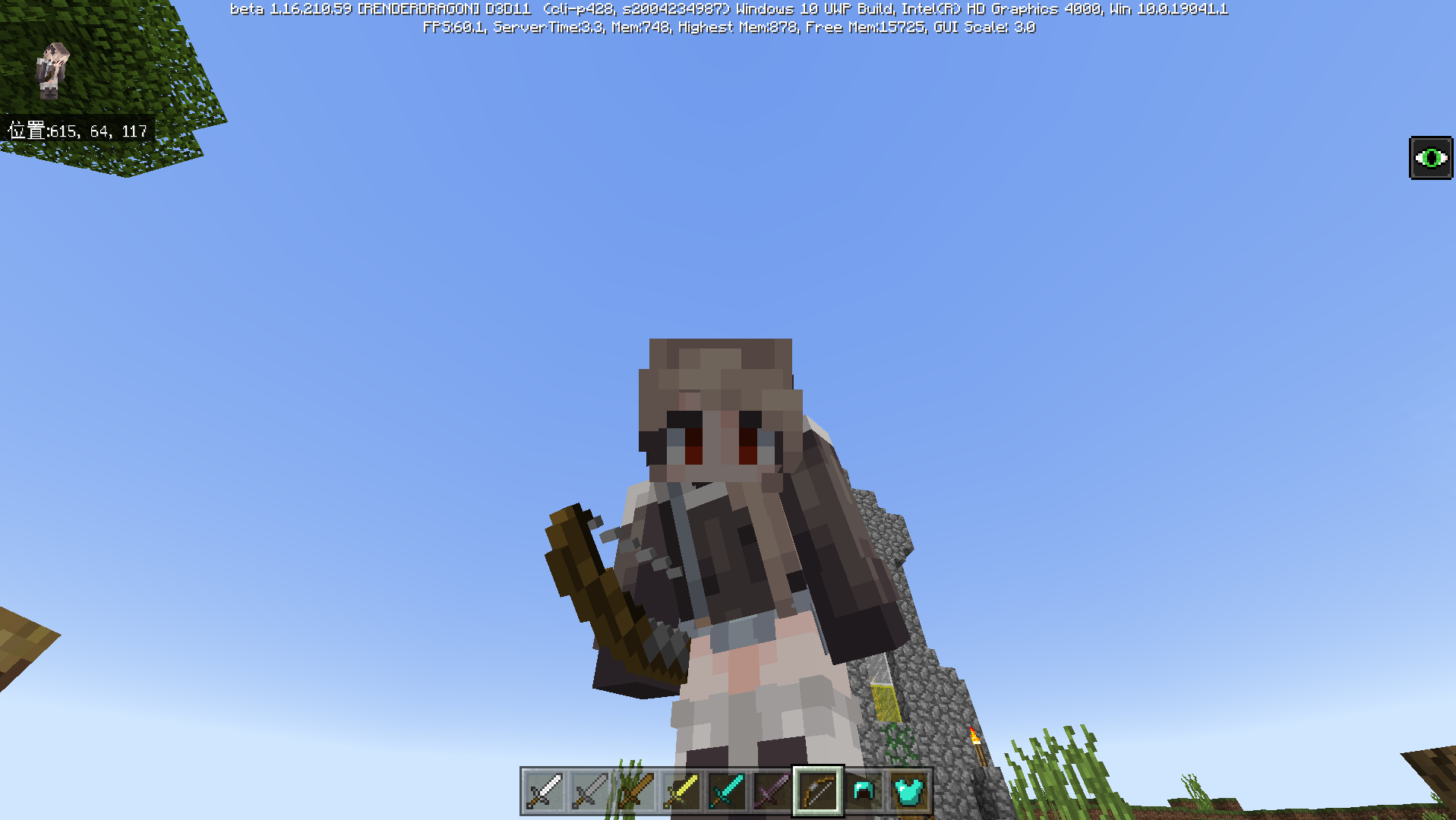
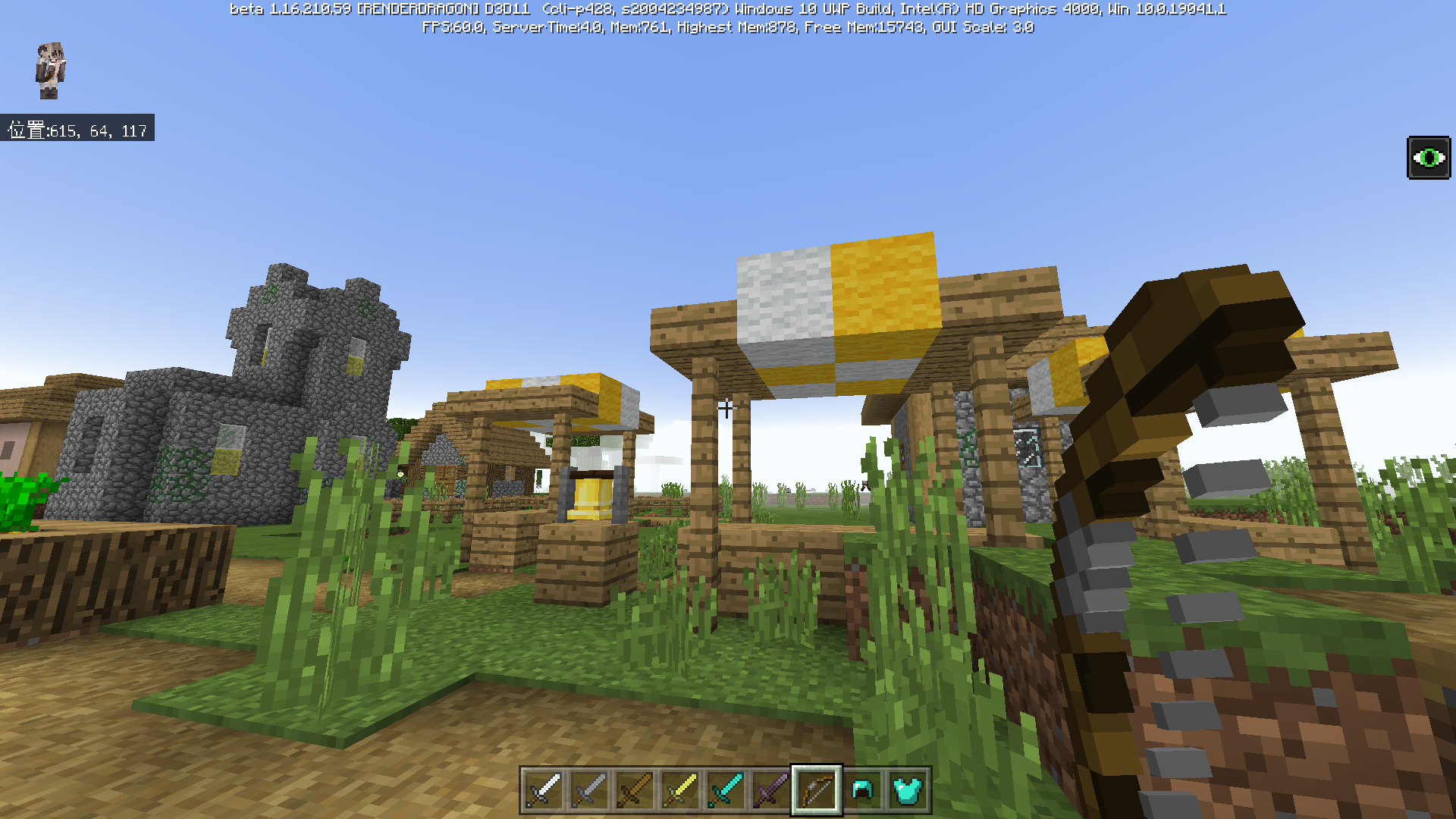

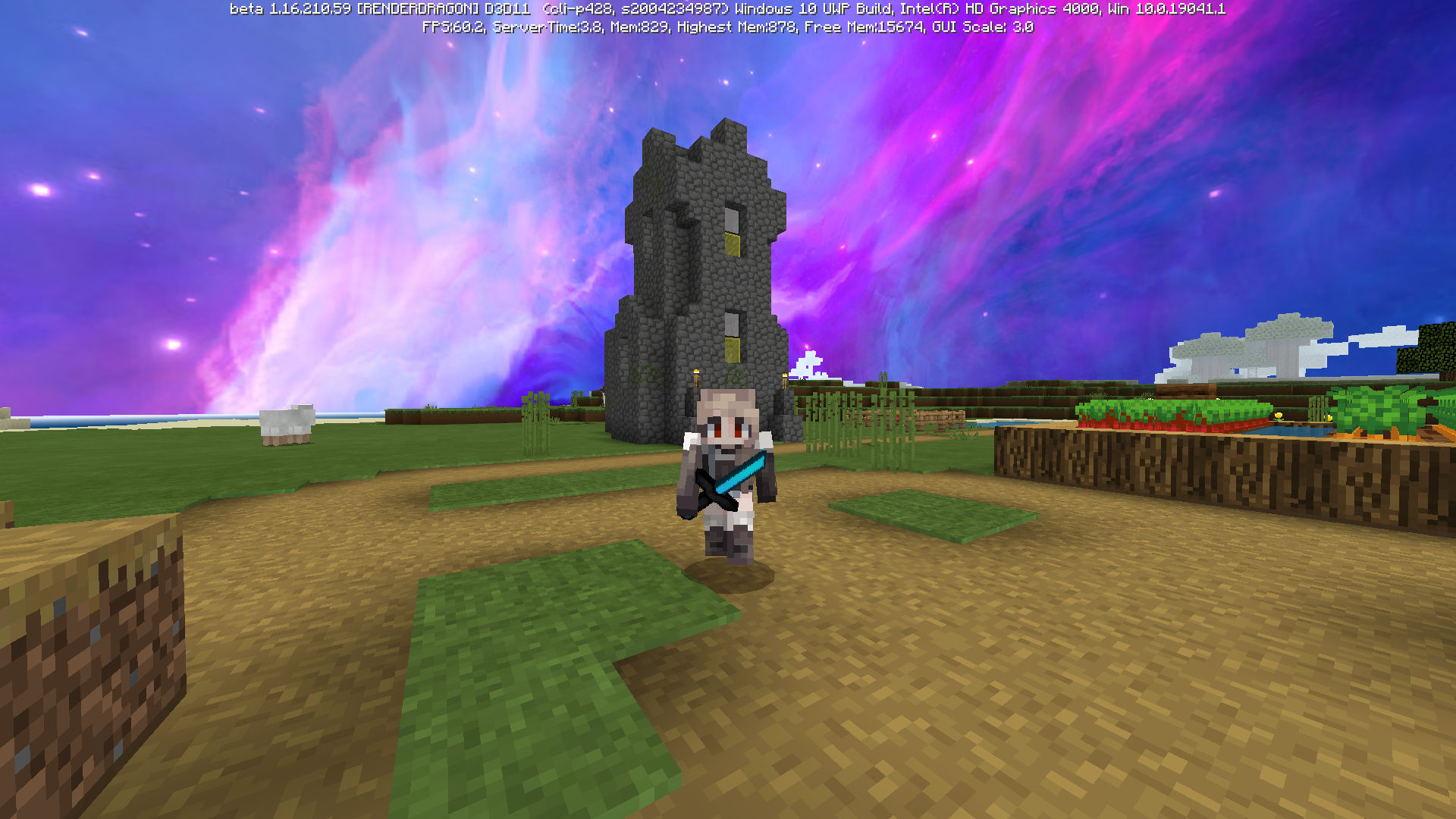
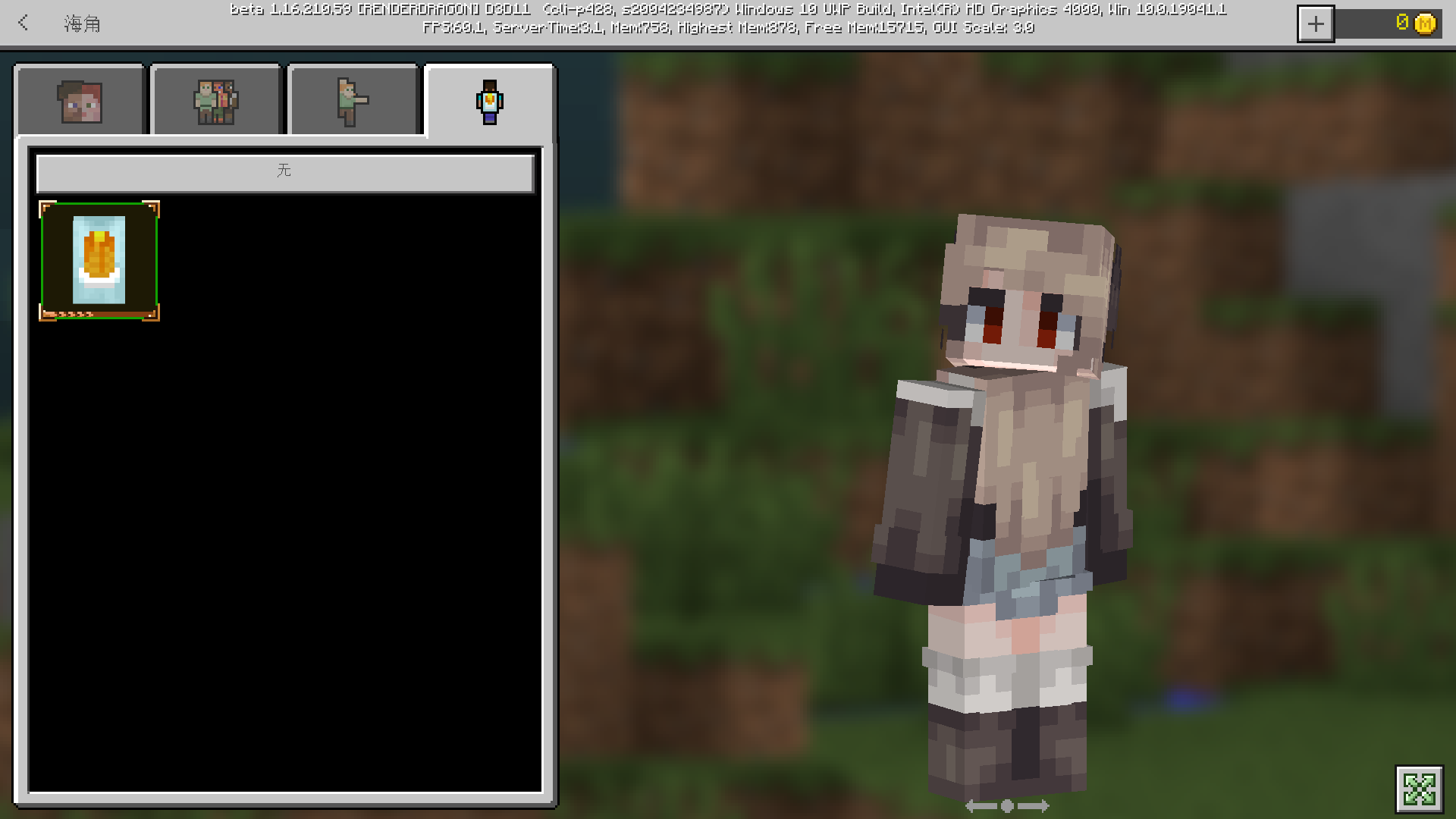
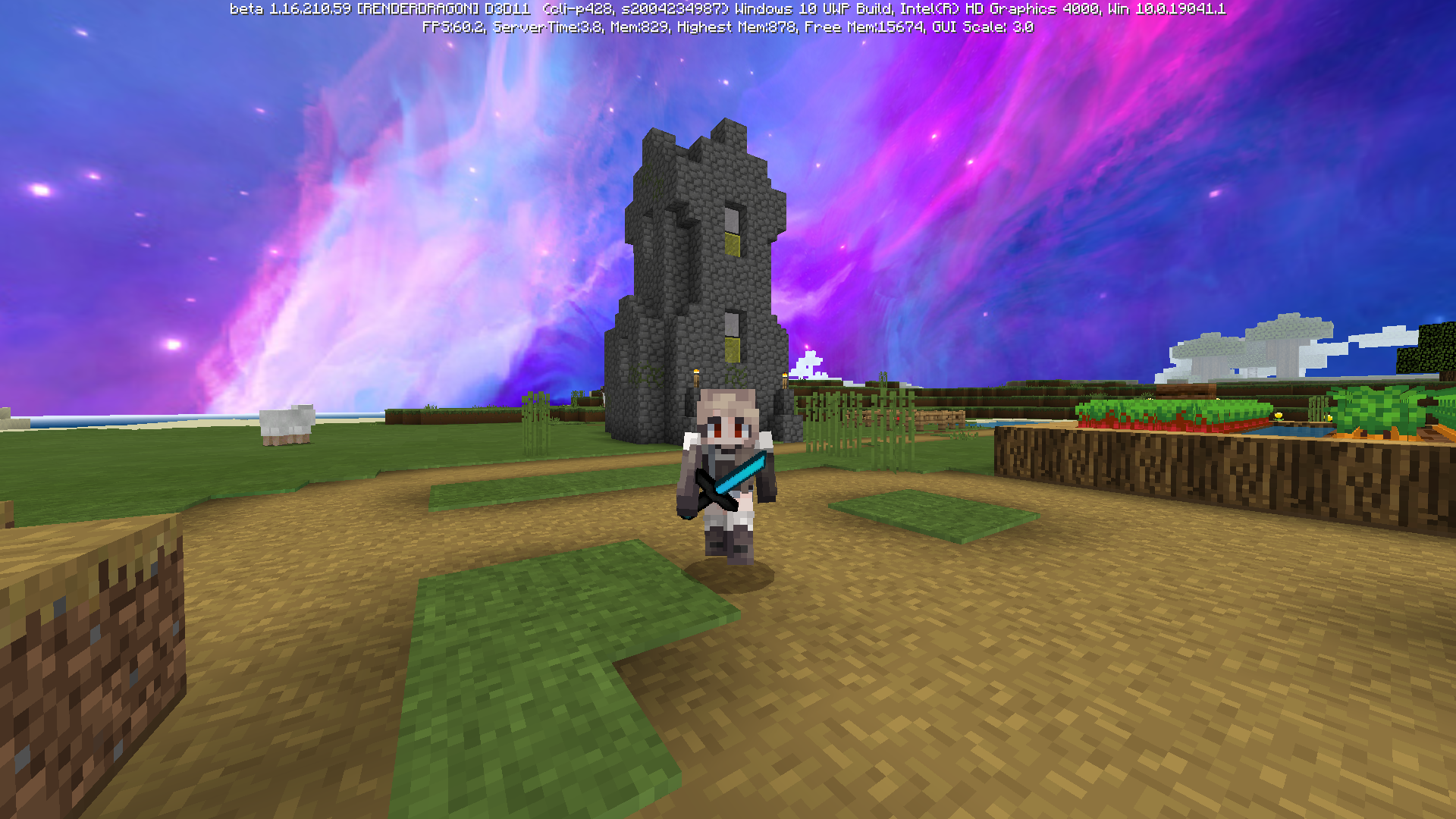


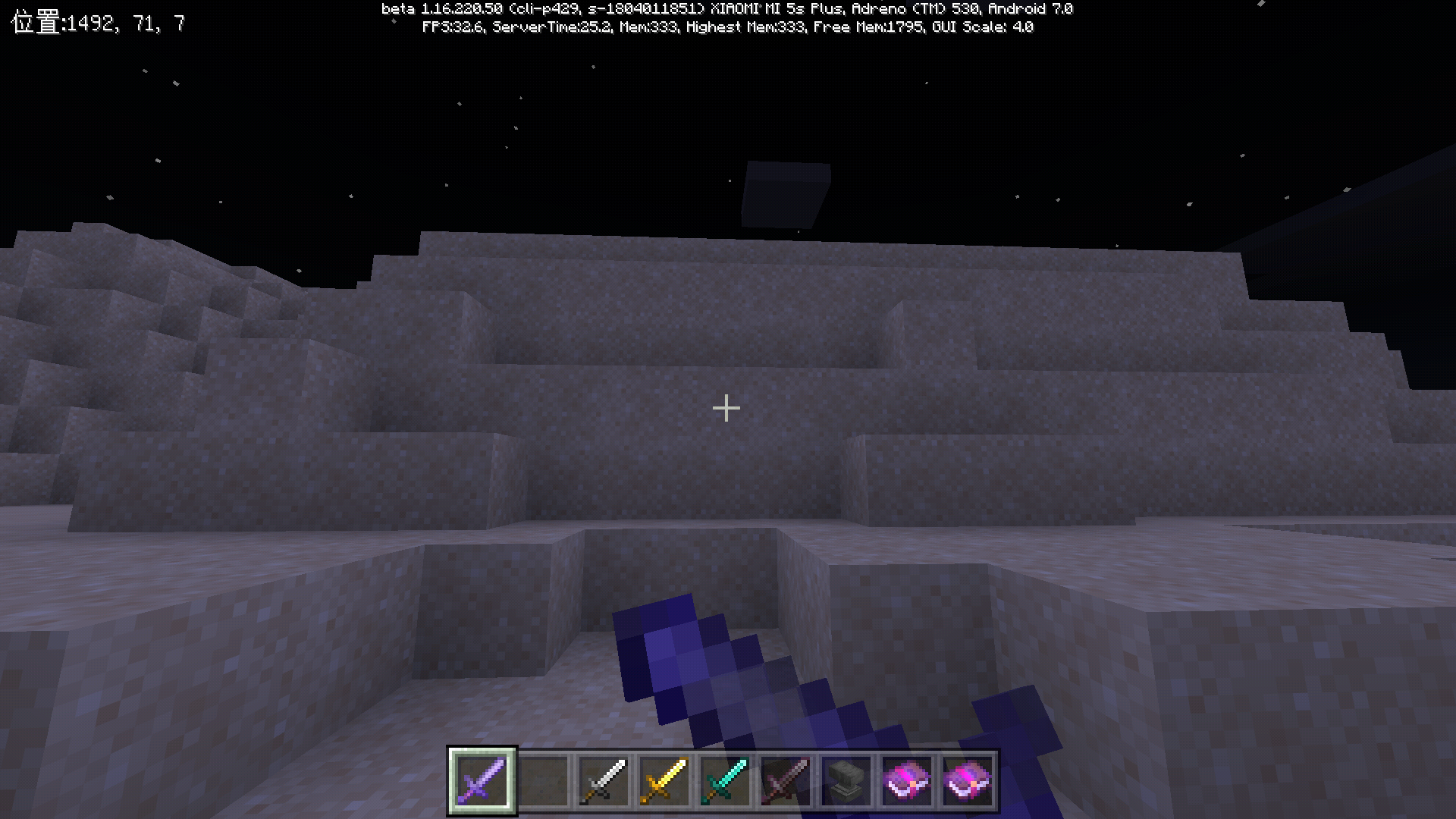
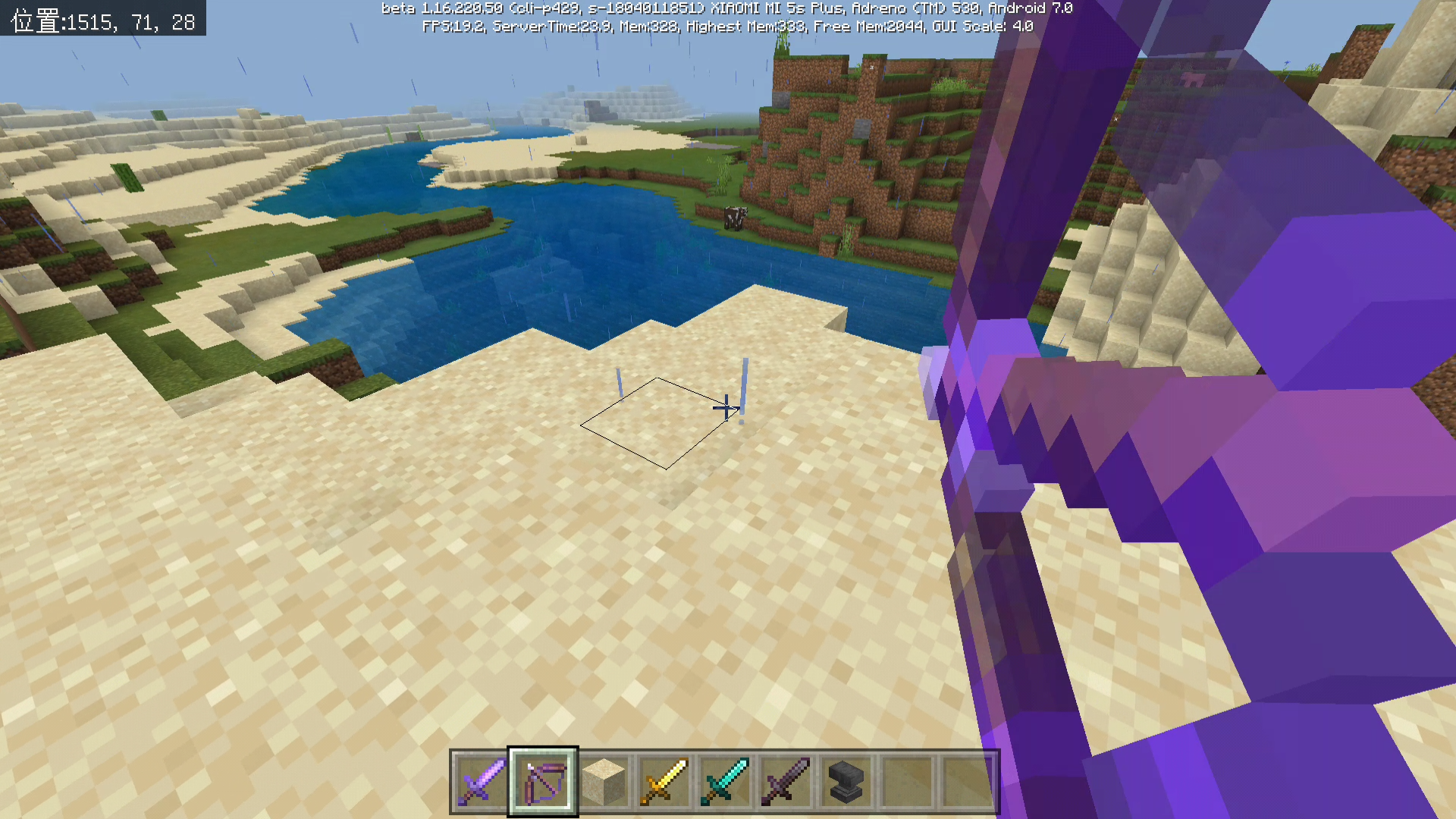


The attachable item with "minecraft:foil" can't show its glint,
because "minecraft:foil" doesn't mean it make the "variable.is_enchanted" be true.
The attachable item with "minecraft:foil"
can't show its glint,
because "minecraft:foil" doesn't mean it make the "variable.is_enchanted" be true.The attachable item which is with "minecraft:foil",but without an enchantment, can't show its glint,because "minecraft:foil" doesn't mean it make the "variable.is_enchanted" be true.
I hope this bug will be fixed as soon as possible.
awa
The attachable item which is with "minecraft:foil",but without an enchantment, can't show its glint,because "minecraft:foil" doesn't mean it make the "variable.is_enchanted" be true.
I hope this bug will be fixed as soon as possible.
awa
The attachable item which is with "minecraft:foil",but without an enchantment, can't show its glint,because "minecraft:foil" doesn't mean it make the "variable.is_enchanted" be true.
I hope this bug will be fixed as soon as possible.
awa
The attachable item which is with "minecraft:foil",but without an enchantment, can't show its glint,because "minecraft:foil" doesn't mean it make the "variable.is_enchanted" be true.
I hope this bug will be fixed as soon as possible.
awa
The attachable item which is with "minecraft:foil",but without an enchantment, can't show its glint,because "minecraft:foil" doesn't mean
it make the "variable.is_enchanted" be true.I hope this bug will be fixed as soon as possible.
awa
The attachable item which is with "minecraft:foil",but without an enchantment, can't show its glint,because "minecraft:foil" doesn't mean that it could make the "variable.is_enchanted" be true.
I hope this bug will be fixed as soon as possible.
awa
The attachable item which is with "minecraft:foil",but without an enchantment, can't show its glint,because "minecraft:foil" doesn't mean that it could make the "variable.is_enchanted" be true.
I hope this bug will be fixed as soon as possible.
awa
The attachable item which is with "minecraft:foil",but without an enchantment, can't show its enchanting glint,because "minecraft:foil" doesn't mean that it could make the "variable.is_enchanted" be true.
I hope this bug will be fixed as soon as possible.
awa
The attachable item which is with "minecraft:foil",but without an enchantment, can't show its enchanting glint,because "minecraft:foil" doesn't mean that it could make the "variable.is_enchanted" be true.
I hope this bug will be fixed as soon as possible.
awa
From November 13, 2023, this problem still exists, and it has nothing to do with whether to use the modified shader glsl files of the third party.
"Material.enchanted", can not be used for "Minecraft: Foil" for the true (such as Enchanted Golden Apple)that item ,does not have an enchanting property.
sorry i create a wrong page , i am so sorry about that...i should put it in BE area
After my t
esting, in the full screen and wider small window states of Win11 or Win10, the first-person rendering of "attachable" is normal. However, in the taller small window states, the model that leans to the right will lean even more to the right, and the model that leans to the left will lean even more to the left.However, when running the same package on Android's MCBE, there will be an abnormal offset, specifically in the top right corner.
I want to remind you that the following description may not be accurate. In my description, it is as if the center of the first-person perspective has been shifted to the top right.
One of my friends said that this issue only occurs with "attachable", and adding rendering to the player entity will not have this problem.
Another friend of mine said that this anomaly also occurs on the player entity.
However, it is true that we do not have a means to adapt model animations based on screen ratios (or there is no existing official tutorial to reference).
After my tsting, in the full screen and wider small window states of Win11 or Win10, the first-person rendering of "attachable" is normal. However, in the taller small window states, the model that leans to the right will lean even more to the right, and the model that leans to the left will lean even more to the left.
The issue I am reporting is an offset anomaly of the model rendering in the Android app of the same package. This is mainly related to different platforms and can be consistently reproduced. I welcome the official staff to contact me through the email associated with my Jira account so that I can privately provide the resource package for testing. The comparison experiment of different window resolutions is just a speculation that it is related to the resolution, and it is not the main focus of this report.
However, when running the same package on Android's MCBE, there will be an abnormal offset, specifically in the top right corner.
I want to remind you that the following description may not be accurate. In my description, it is as if the center of the first-person perspective has been shifted to the top right.
One of my friends said that this issue only occurs with "attachable", and adding rendering to the player entity will not have this problem.
Another friend of mine said that this anomaly also occurs on the player entity.
However, it is true that we do not have a means to adapt model animations based on screen ratios (or there is no existing official tutorial to reference).
![[Mod] EVGENSYPERPRO](../../../data/avatars/users/92853.png)
No, now it's only about new items.
In java Edition,there was a 1.13 update for name and namespace changement.Maybe your question is on this ?
It can be seen that there are problems in the location, attack animation and model of the new attachable items, and the previous version has not been restored
This still exists in the latest version of mcbe1.20.41, which has existed for a long time since the updated versions of attachable and texture_mesh of 1.16.210. It seems that not only enchanted materials, but also other materials will have invalid or static effects on attachables using the texture_mesh model.
(This problem will not appear in the real enchanted tools and weapons. The following contents are just some of my attempts, but the enchanted materials can indeed be used on texture_mesh).
other material problems:
After many attempts, when I use creeper's materials, the skeleton model of texture_mesh and the image of enchanted_item_glint.png, the in-game effect is to cover the original enchanted golden apple model.
However, if I use the default material of the solid, the rendering will not work at all, and it will not work at all when I use translucent maps.
这个问题仍在1.20.41和1.20.50版本上存在
这个问题仍在1.20.41和1.20.50版本上存在
This problem should be expanded.
I believe that this issue should be extended to the problem between texture meshes and materials, as well as the problem of there being too many unsplit item IDs in MCBE and Molang not supporting queries for multiple item, block, or entity data values.
Since the release of version 1.16.210, attachables and texture_mesh skeletal models have provided great assistance in the representation of armor, accessories, and first-person items. However, many objects in MCBE that have not undergone the flattening update have received many limitations in their namespace. The IDs for potions have not been split. The namespace for items such as snowballs, fire charges, and some raw meats is the same as their (projectile) entities, which prevents the use of attachables. There is no official systematic documentation for the rendering of first-person items, and original items like bows cannot be used as examples because they have hardcoded, non-data-driven parts.
For example, the minecraft:variant component in entity files in behavior packs and the format of minecraft:potion:1 in recipe files in behavior packs cannot be used elsewhere (or there is no systematic tutorial or documentation mentioning this).
The issue I am reporting is an offset anomaly of the model rendering in the Android app of the same package. This is mainly related to different platforms and can be consistently reproduced. I welcome the official staff to contact me through the email associated with my Jira account so that I can privately provide the resource package for testing. The comparison experiment of different window resolutions is just a speculation that it is related to the resolution, and it is not the main focus of this report.
You can use it in the 069 package when writing credits, but It has now been updated to 090. Would you like to learn about it?
you can search for it on the youtube ,i will upload it soon