 yellowcamper
- yellowcamper
- yellowcamper
- Europe/Stockholm
- Yes
- No
 MC-148533
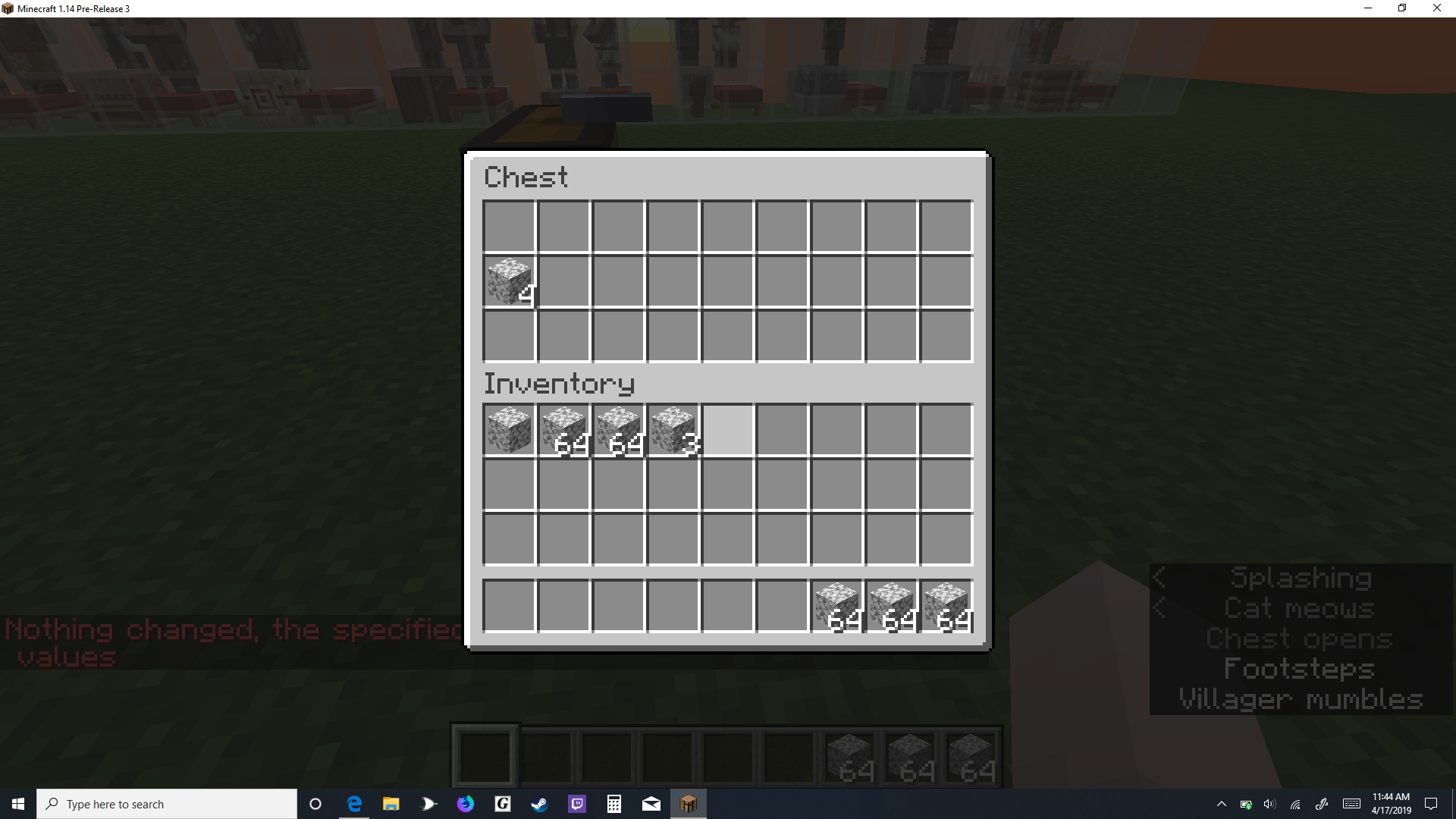


there is no way to copy Inventory[\{Slot: 9b}] from a player to Items[\{Slot: 0b}] of a chest, if you try to do this, slot: 9b copies to slot 9b only, and even if the data is incorrect if there is an item in that slot, it will give an error for that data already being there.
command used:
/data modify block -1 4 7 Items[\{Slot: 0b}] set from entity @p Inventory[\{Slot: 9b}]
there is no way to copy Inventory[\{Slot: 9b}] from a player to Items[\{Slot: 0b}] of a chest, if you try to do this, slot: 9b copies to slot 9b only, and even if the data is incorrect if there is an item in that slot, it will give an error for that data already being there.
command used:
/data modify block -1 4 7 Items[
{Slot: 0b}] set from entity @p Inventory[
{Slot: 9b}]
there is no way to copy Inventory[\{Slot: 9b}] from a player to Items[\{Slot: 0b}] of a chest, if you try to do this, slot: 9b copies to slot 9b only, and even if the data is incorrect if there is an item in that slot, it will give an error for that data already being there.
command used:
/data modify block -1 4 7 Items[
{Slot: 0b}] set from entity @p Inventory[
{Slot: 9b}]
there is no way to copy Inventory"[
{Slot: 9b}]" from a player to "Items[
{Slot: 0b}]" of a chest, if you try to do this, slot: 9b copies to slot 9b only, and even if the data is incorrect if there is an item in that slot, it will give an error for that data already being there.
command used:
/data modify block -1 4 7 Items[
{Slot: 0b}] set from entity @p Inventory[
{Slot: 9b}]
there is no way to copy
{Slot: 9b}Inventory"[{Slot: 0b}
]"from a player to"Items[
]"of a chest, if you try to do this, slot: 9b copies to slot 9b only, and even if the data is incorrect if there is an item in that slot, it will give an error for that data already being there.
command used:
/data modify block -1 4 7 Items[
{Slot: 0b}] set from entity @p Inventory[
{Slot: 9b}
]there is no way to copy
Inventory[{Slot:9b}]from a player to
Items[{Slot:0b}]of a chest, if you try to do this, slot: 9b copies to slot 9b only, and even if the data is incorrect if there is an item in that slot, it will give an error for that data already being there.
command used:
/data modify block -1 4 7 Items[{Slot: 0b}] set from entity @p Inventory[{Slot: 9b}]
there is no way to copy
Inventory[{Slot:9b}]from a player to
Items[{Slot:0b}]of a chest, if you try to do this, slot: 9b copies to slot 9b only, and even if the data is incorrect if there is an item in that slot, it will give an error for that data already being there.
command used:
/data modify block -1 4 7 Items[{Slot:0b}] set from entity @p Inventory[{Slot:9b}]
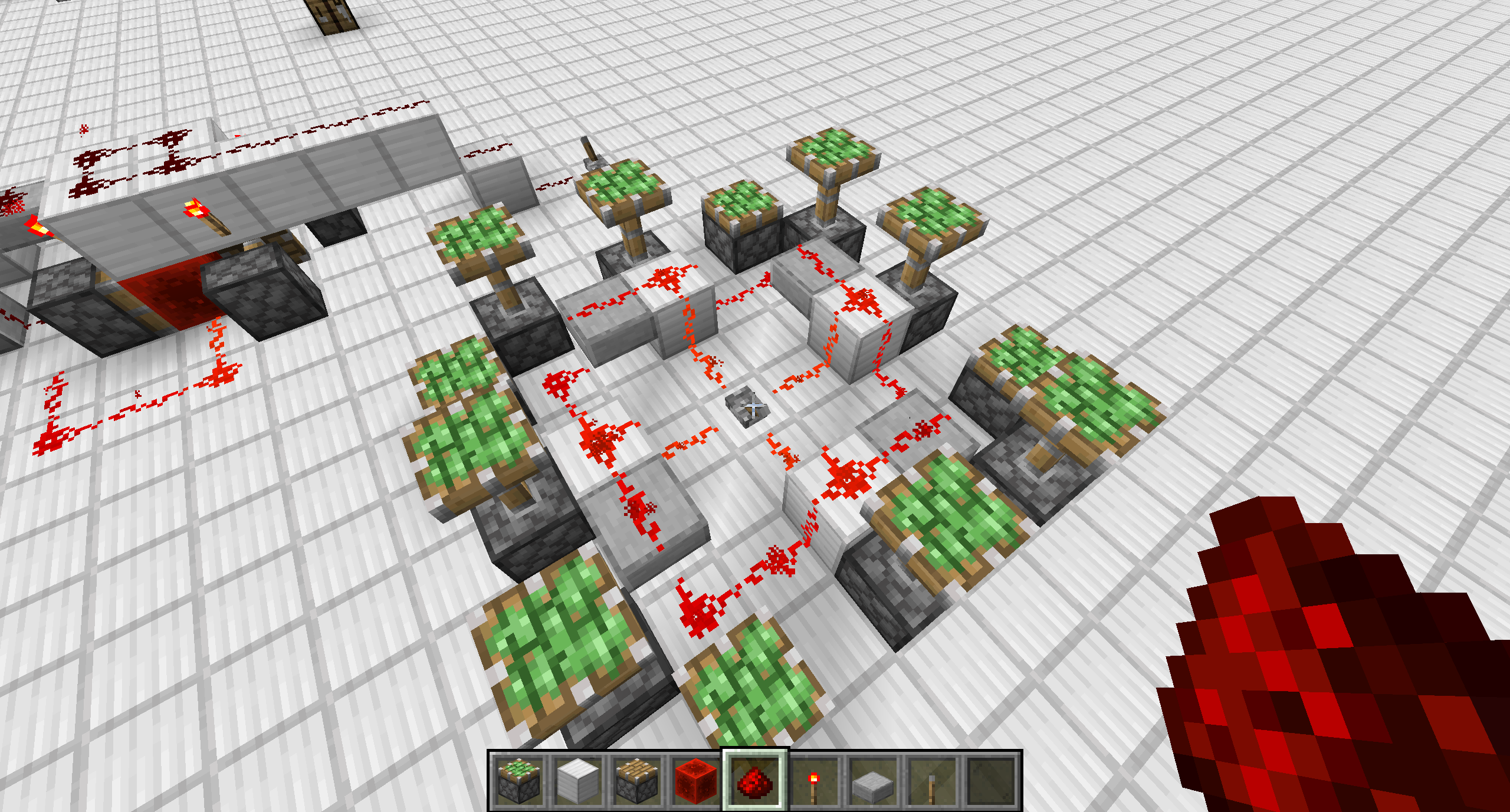
I believe the attached photo shows all that is necessary, however the corner pistons should not be powered at all, I have attached the world for anything else you would like to check.
edit: it is not only pistons
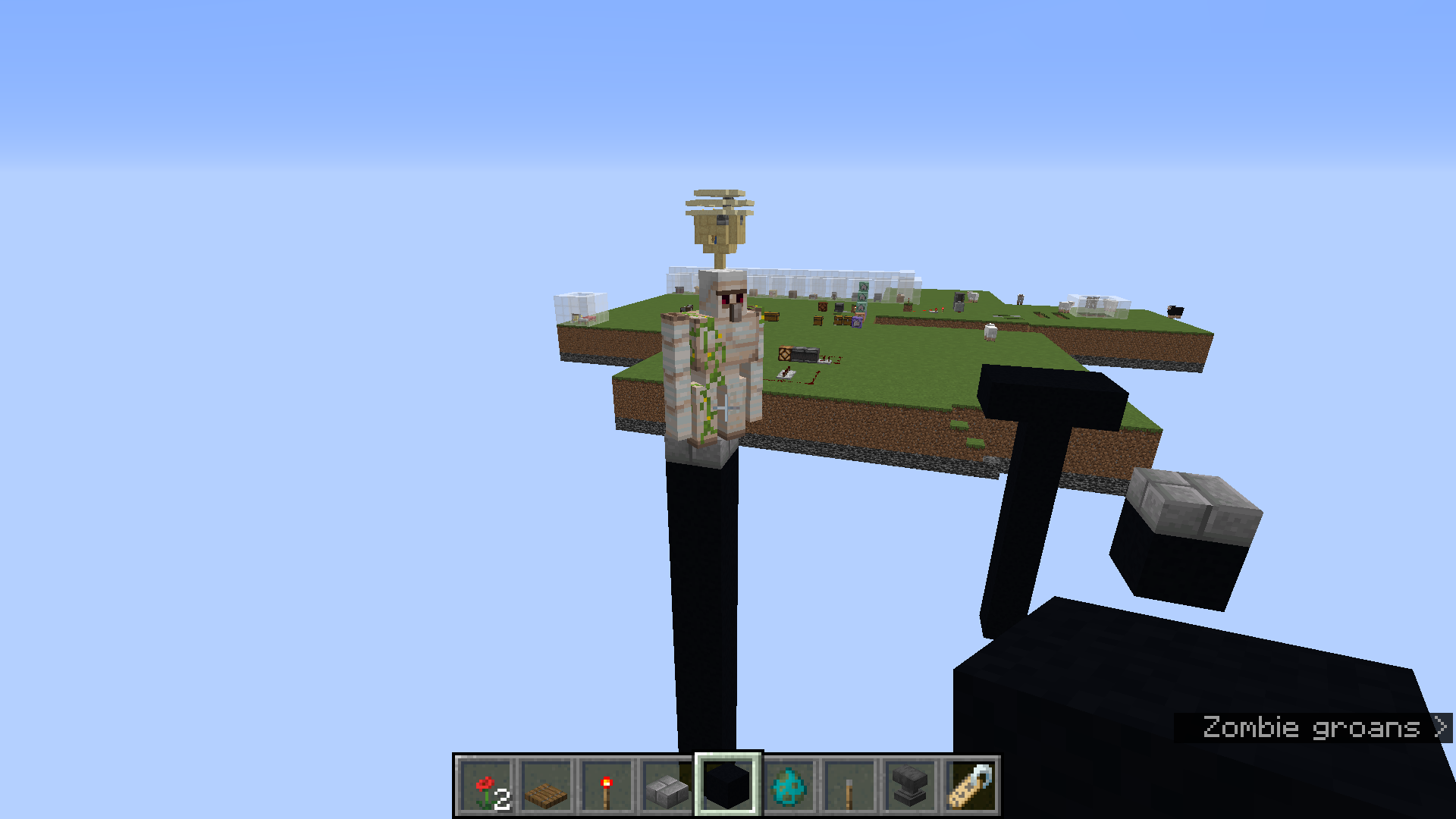
Using default keybinds and holding shift+space+w will not make you go forwards, you will be stuck in place. Some more bizarre effects come from hitting another direction directly before "w", leading to going that direction instead.
EDIT: Another glitch with Crouch-Flying is that if you are sprinting in the air, then start Crouch-Flying, you will start falling in Y position, rather than having a constant Y.
Using default keybinds and holding shift+space+w will not make you go forwards, you will be stuck in place. Some more bizarre effects come from hitting another direction directly before "w", leading to going that direction instead.
EDIT: Another glitch with Crouch-Flying is that if you are sprinting in the air, then start Crouch-Flying, you will start falling in Y position, rather than having a constant Y.
EDIT 2: Turns out that this was just an issue with my keyboard driver. This issue only happens with that key combination, so it was unnoticed until I played Minecraft, so I though it was an issue with the latest snapshot. – this is NOT a Minecraft bug, PLEASE IGNORE.
Crouch-Flying in Creative Cannot go Forwards - FIXED: Please Ignore
add minecraft 1.14.4