 MC-189335
Mojang Studios logo is not respecting GUI Scale in loading screen
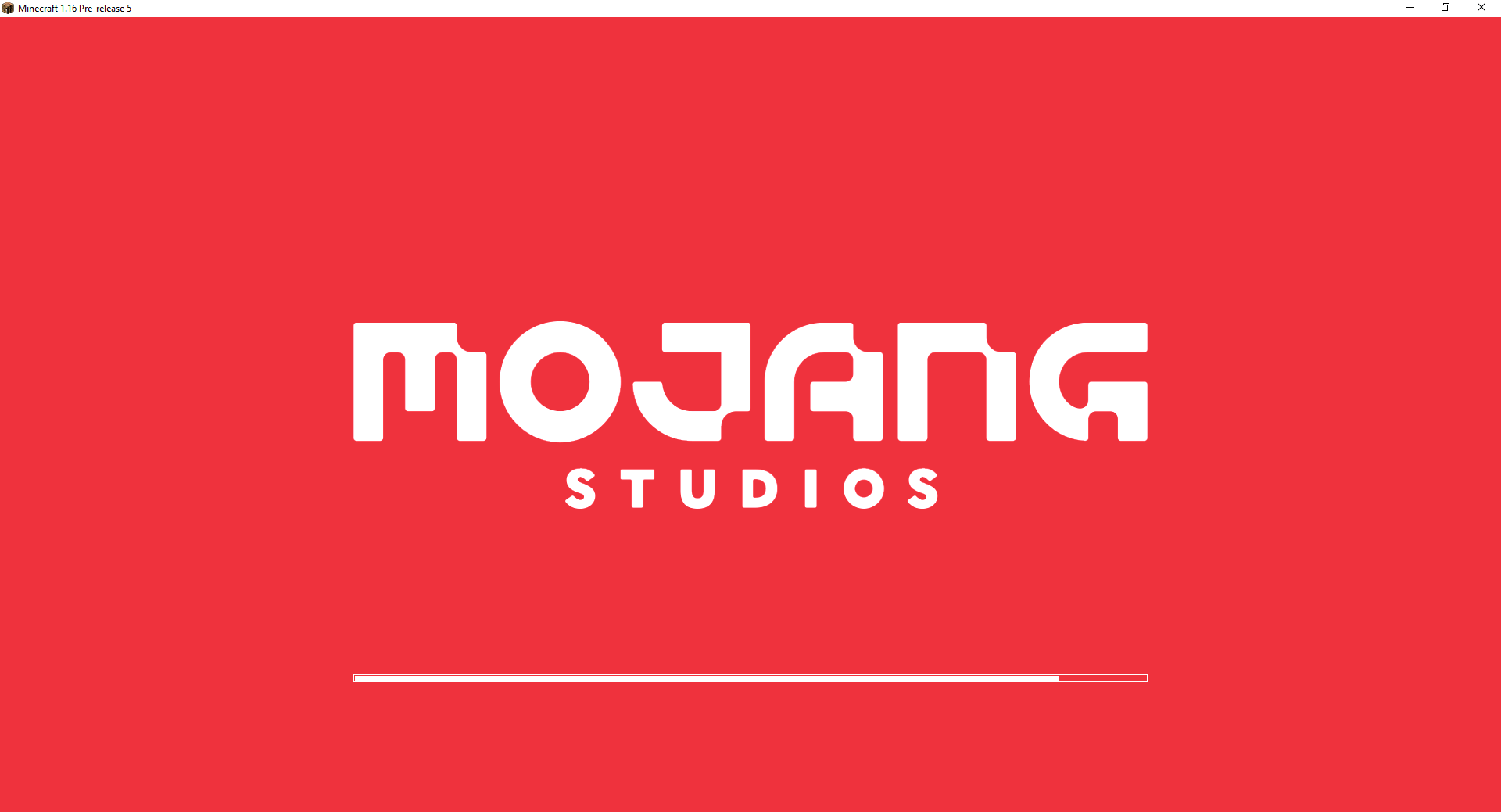
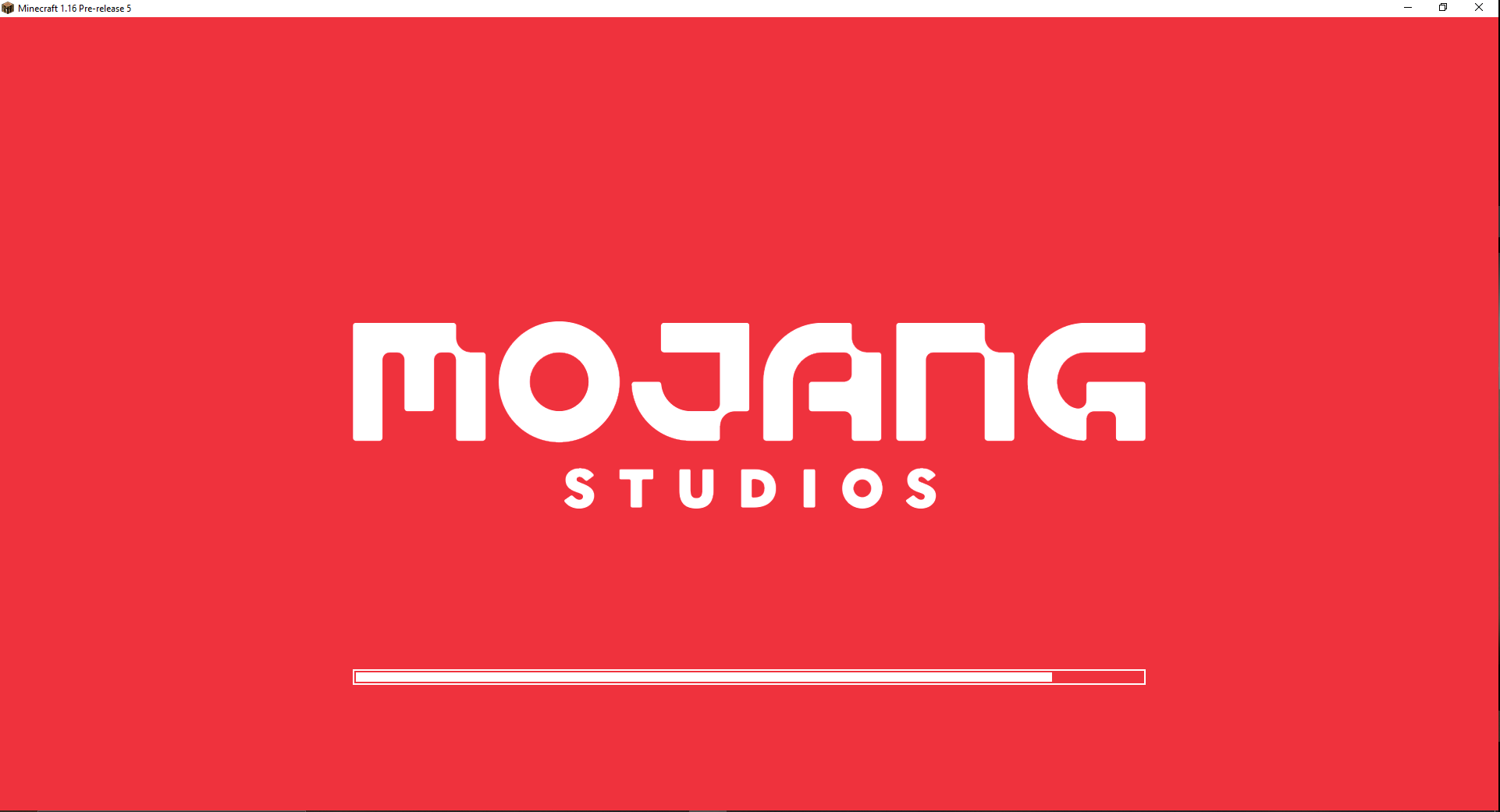
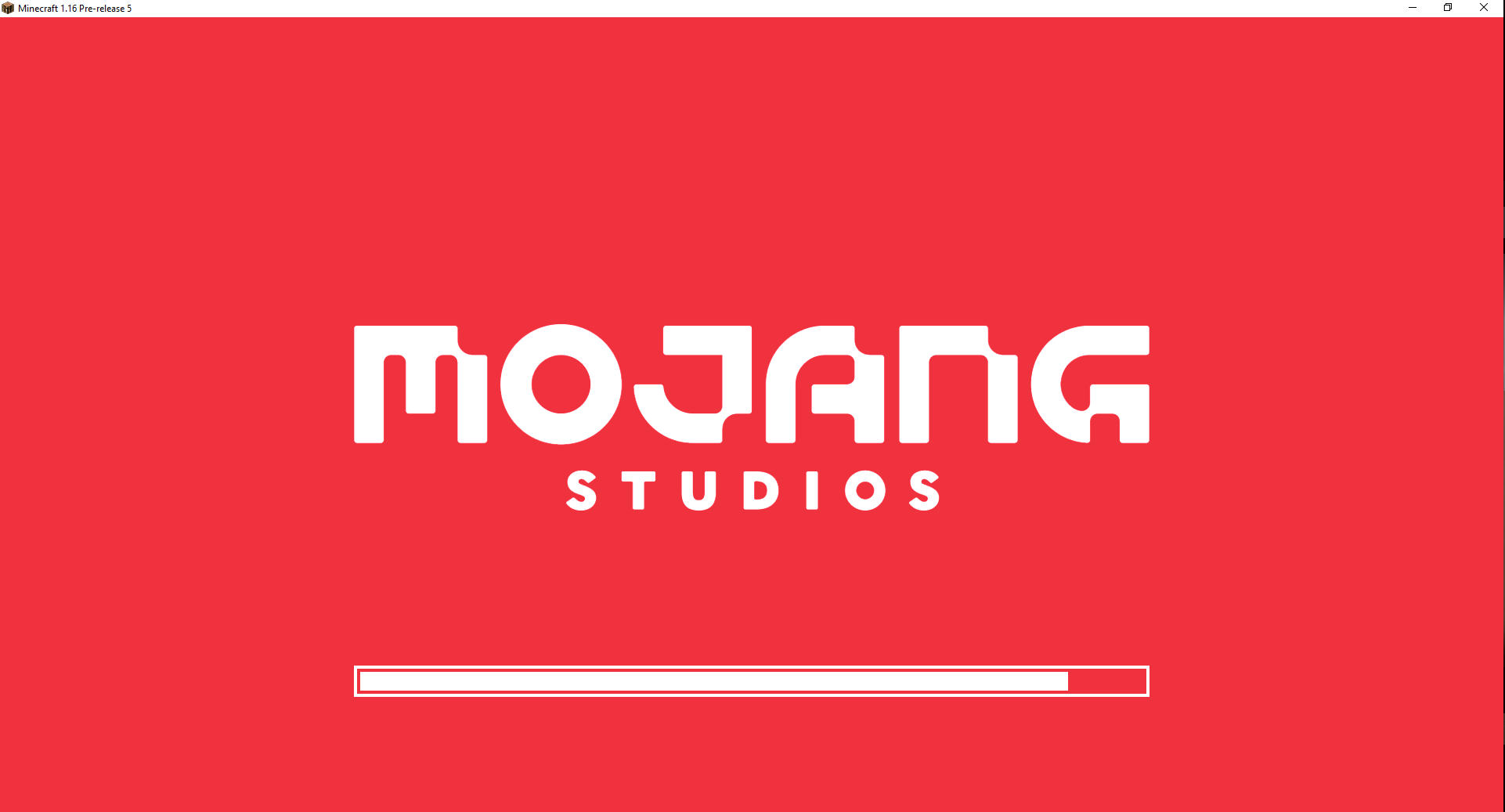
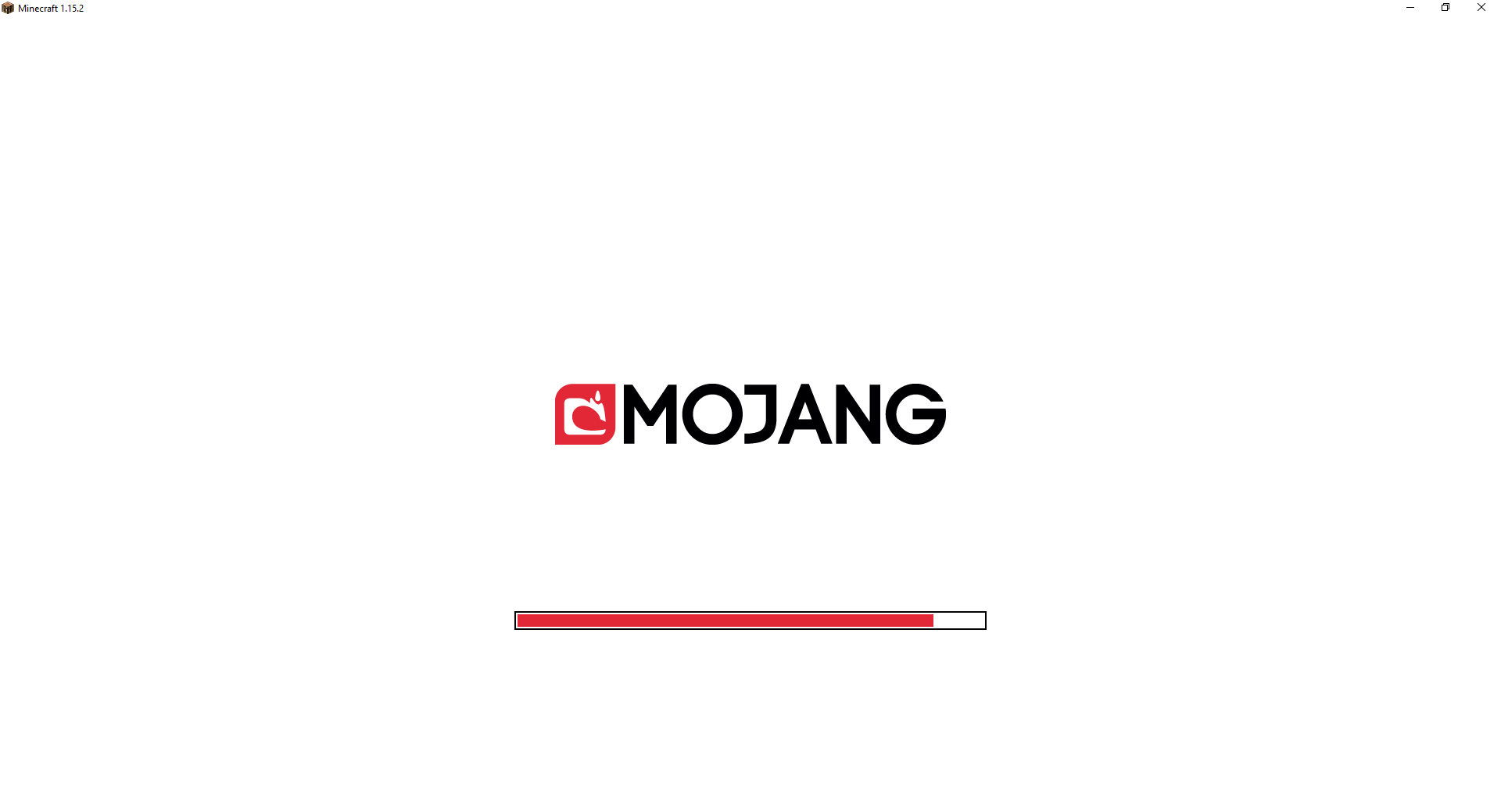
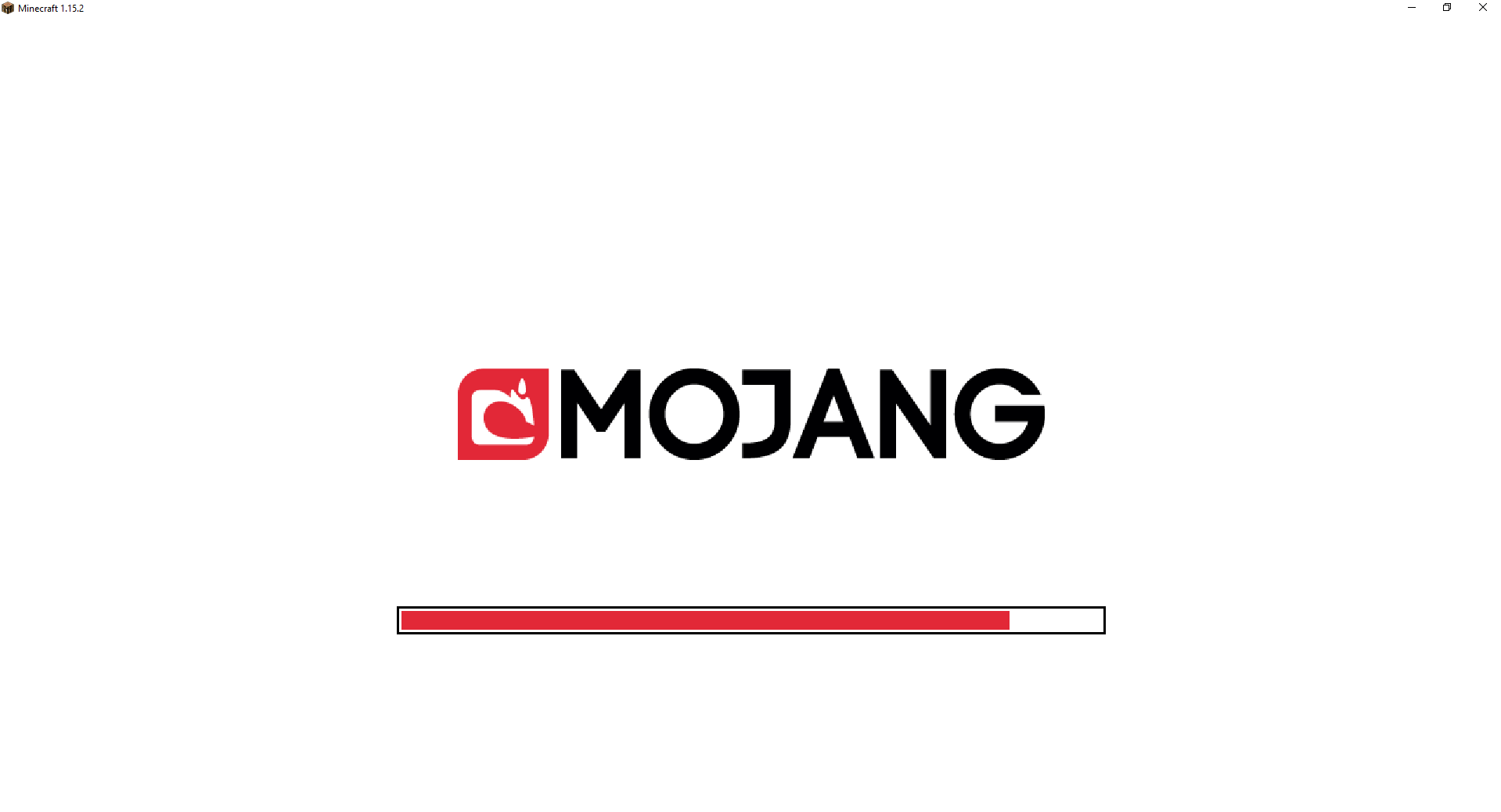
When launching Minecraft, or chaning language, a progress bar with the new Mojang Studios logo is showed, and before the new logo was released, the Mojang logo was respecting the GUI Scale, making itself bigger or smaller depending on your settings.
This is not the case anymore, the Mojang Studios logo isn't respecting the Scale but the progress bar does.
Steps to reproduce:
1- Launch Minecraft
2- Change the GUI Scale from the Options menu
3- Change the language
4- Click "Done" and you'll see the Mojang Studios logo will stay the same size but the progress bar will change it's size




Created Issue:
Mojang Studios logo is not respecting GUI Scale in loading screen
When launching Minecraft, or chaning language, a progress bar with the new Mojang Studios logo is showed, and before the new logo was released, the Mojang logo was respecting the GUI Scale, making itself bigger or smaller depending on your settings.
This is not the case anymore, the Mojang Studios logo isn't respecting the Scale but the progress bar does.
Steps to reproduce:
1- Launch Minecraft
2- Change the GUI Scale from the Options menu
3- Change the language
4- Click "Done" and you'll see the Mojang Studios logo will stay the same size but the progress bar won't
Attachments8
When launching Minecraft, or chaning language, a progress bar with the new Mojang Studios logo is showed, and before the new logo was released, the Mojang logo was respecting the GUI Scale, making itself bigger or smaller depending on your settings.
This is not the case anymore, the Mojang Studios logo isn't respecting the Scale but the progress bar does.
Steps to reproduce:
1- Launch Minecraft
2- Change the GUI Scale from the Options menu
3- Change the language
4- Click "Done" and you'll see the Mojang Studios logo will stay the same size but the progress bar w
on'tWhen launching Minecraft, or chaning language, a progress bar with the new Mojang Studios logo is showed, and before the new logo was released, the Mojang logo was respecting the GUI Scale, making itself bigger or smaller depending on your settings.
This is not the case anymore, the Mojang Studios logo isn't respecting the Scale but the progress bar does.
Steps to reproduce:
1- Launch Minecraft
2- Change the GUI Scale from the Options menu
3- Change the language
4- Click "Done" and you'll see the Mojang Studios logo will stay the same size but the progress bar will change it's size
![[Mod] Michael Wobst](../../../data/avatars/users/37868.png)
![[Mojang] Adrian Östergård](../../../data/assets/gravatar/nighter.jpeg)

The current layout of the loading screen has been confirmed as intended by Mojang here: MC-189335
The logo staying the same size might be WAI as it mirrors other games, but I doubt that the inconsistency between the bar and logo sizes is intentional.
Reply to Math Nerd -> I doubt it's WAI because in Bedrock Edition the logo looks much smaller, but also, it doesn't allow to change it's size by changing the GUI Scale
I don't understand the point of changing the progress bar GUI Scale but not the logo's... But well, WAI...