 Numeritos
- numeritos
- numeritos
- Europe/Madrid
- Yes
- No
 WEB-2485
![[Mojang] Adrian Östergård](../../../data/assets/gravatar/nighter.jpeg)
 MCPE-88518
 Normal
![[Mojang] Mega_Spud (Jay Wells)](../../../data/avatars/users/92696.png)
 MC-221685
![[Mojang] Maxime Lebrot](../../../data/avatars/users/18941.svg)

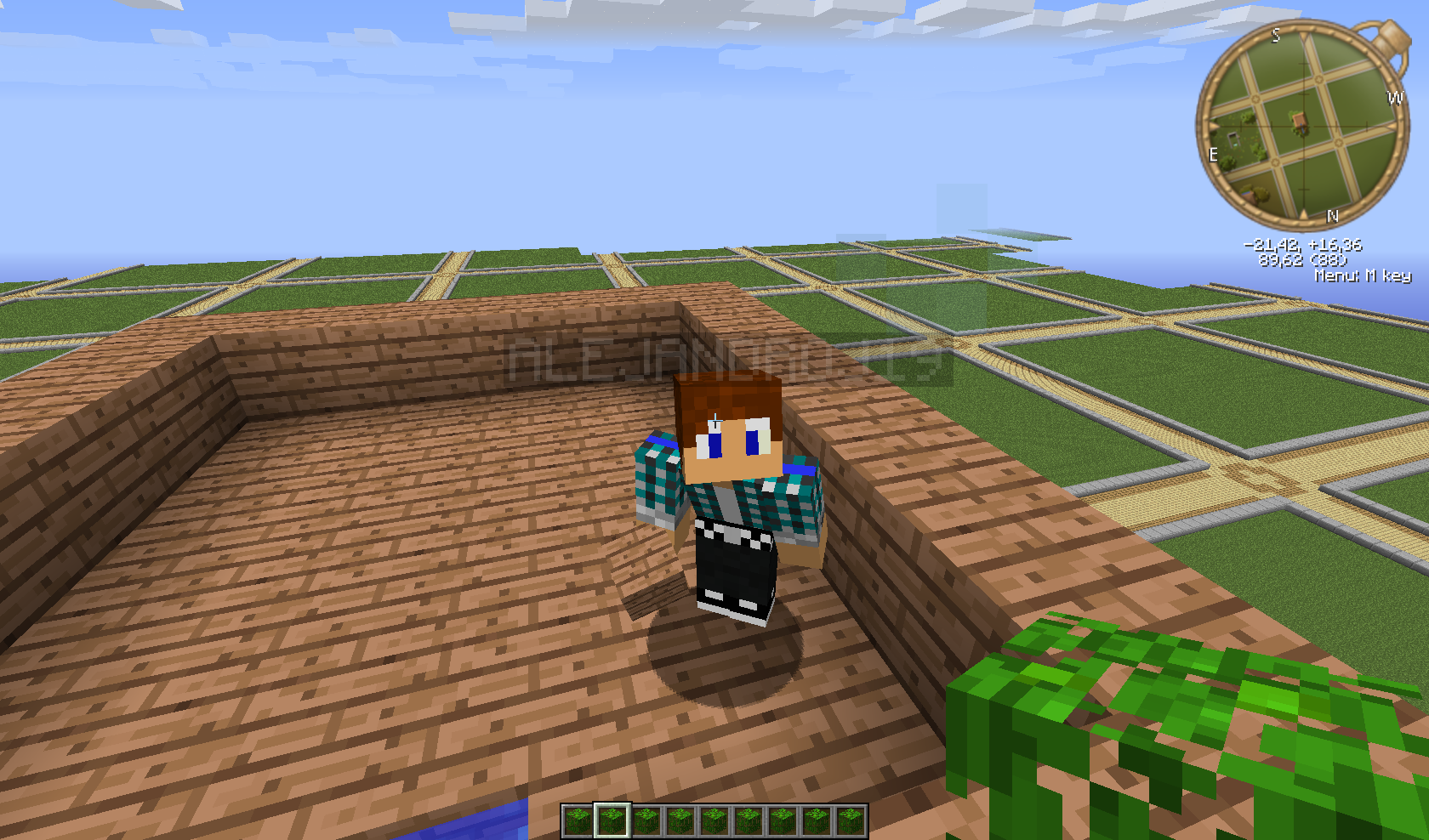
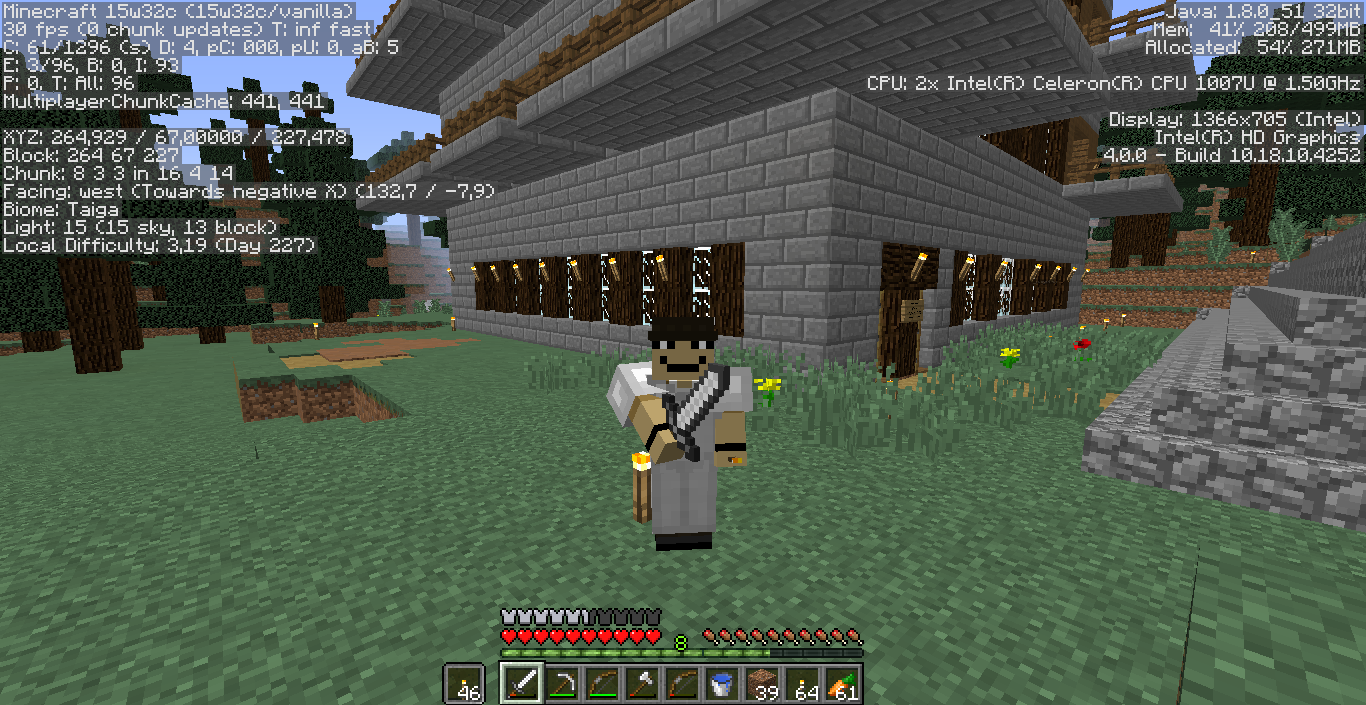










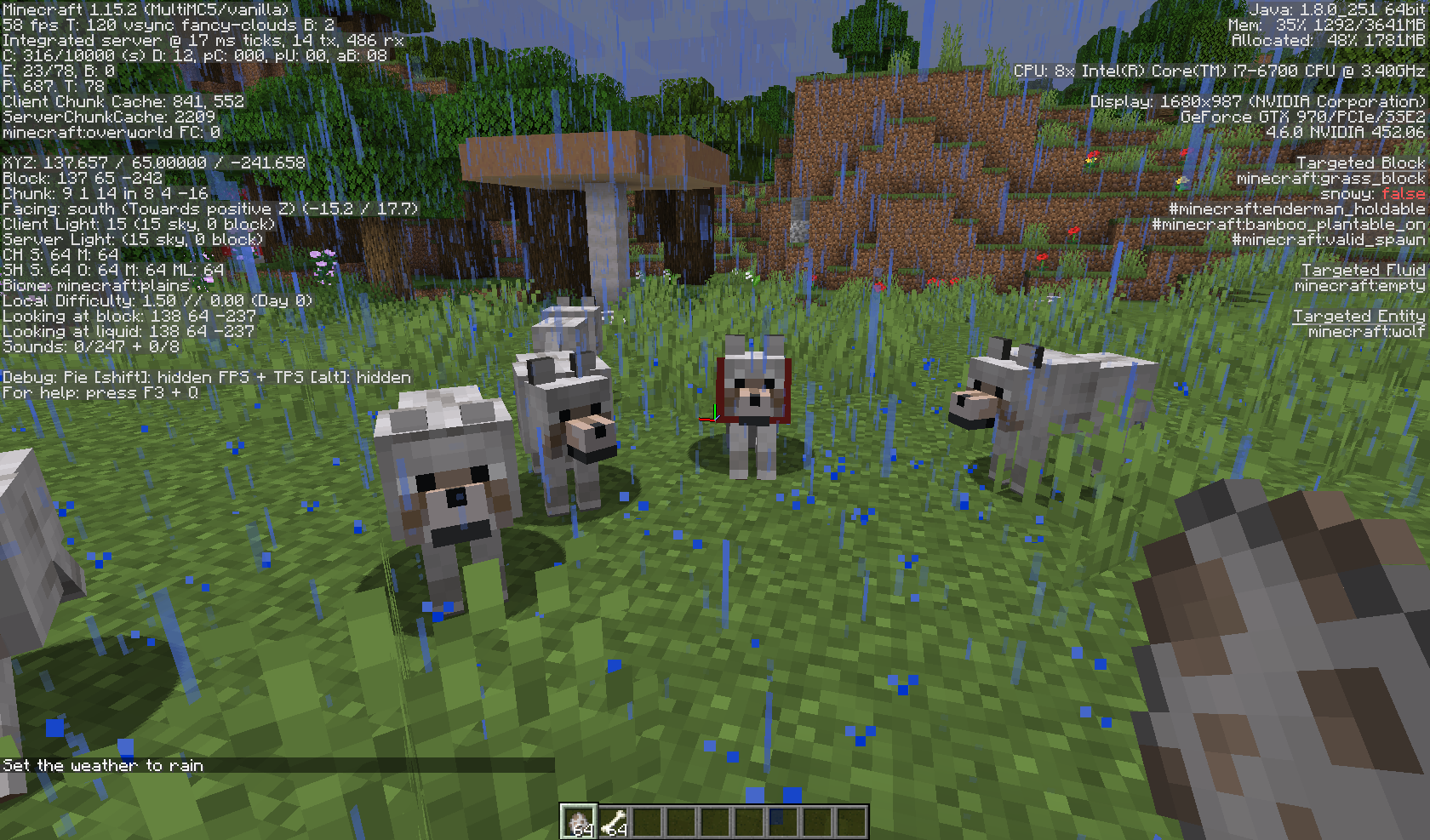


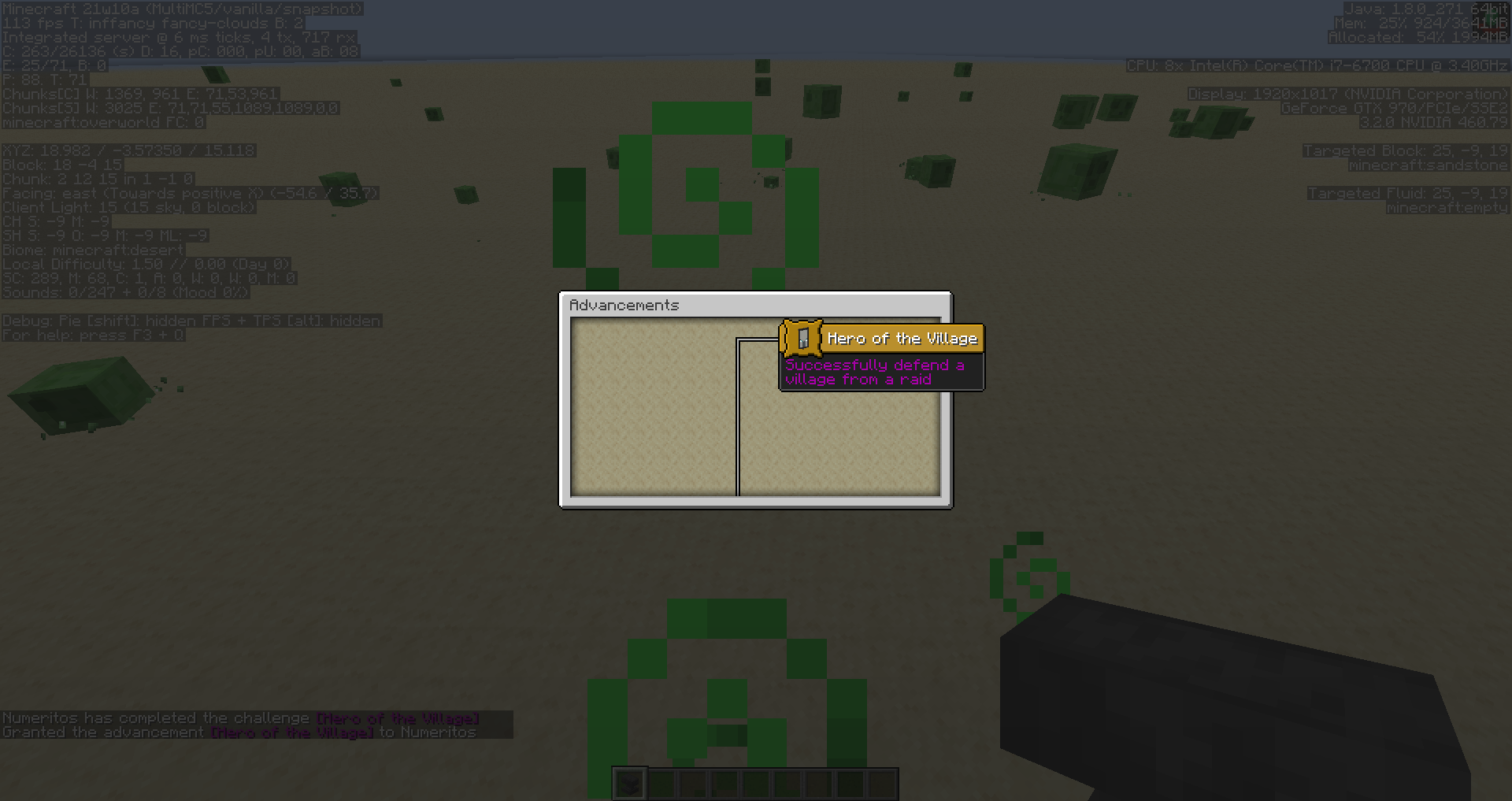

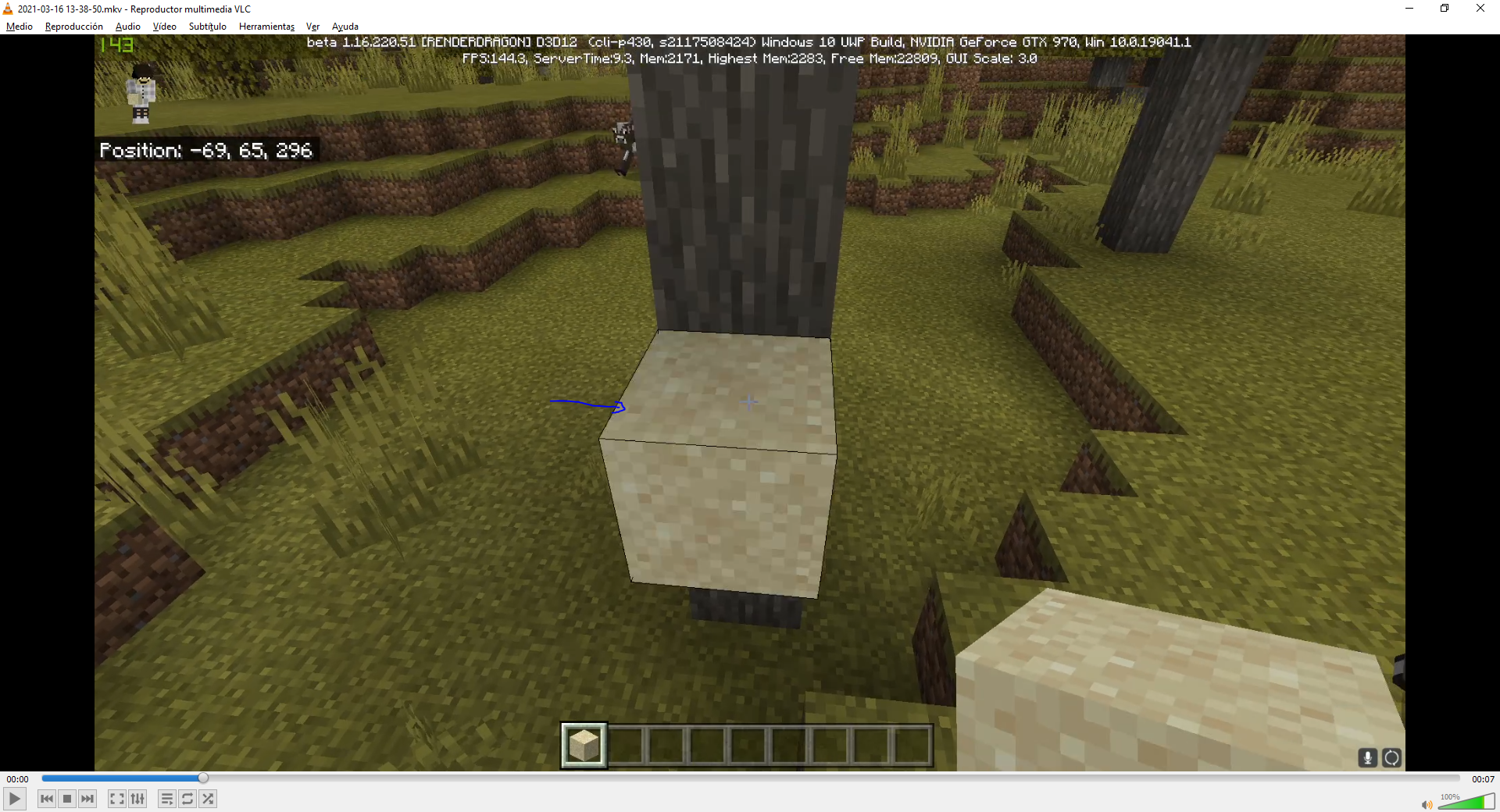
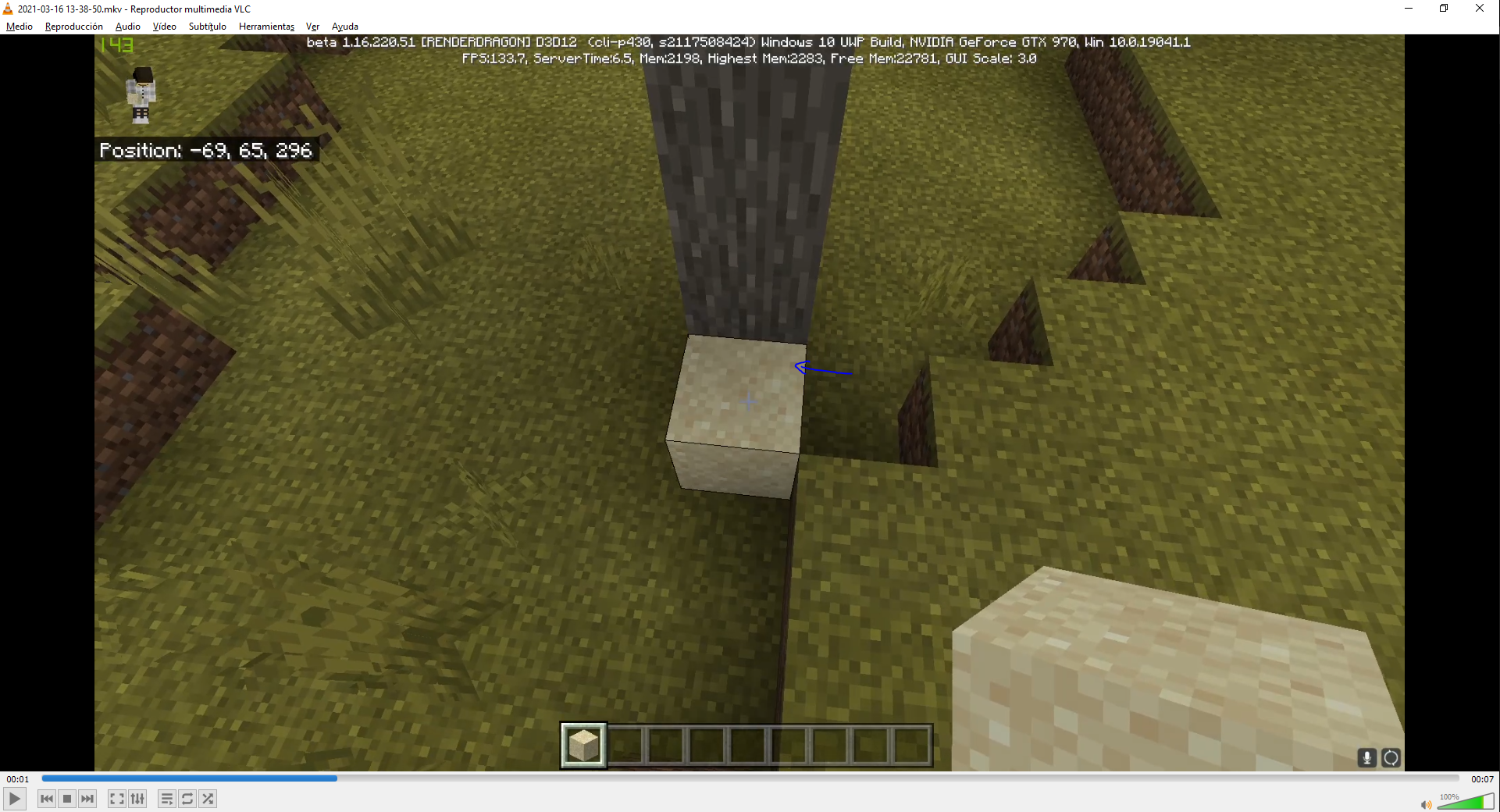

Sorry, i try this on a bukkit server, in single-player not pass this. Please close the issue, but if you work with bukkit team, it's all of leaves.
When you mantain the right click on the mouse while you have the sword, making the block animation, the sword isn't crossed right when another player, or yourself on third person see it.
(The 1.6.4 photo, was done by a friend of mine, because I don't have a ery powerfull PC. That's why it has
ananother skin.)
When you're eating some food, and you're on 3rd person mode, the character uses the "use" animation (like when applying bone meal to a crop), instead of the eating animation that you see on 1st person.
EDIT: I attatched a bedrock edition video witch shows how the animation should look like.
When you're eating some food, and you're on 3rd person mode, the character uses the "use" animation (like when applying bone meal to a crop), instead of the eating animation that you see on 1st person.
EDIT: I atta
tched a bedrock edition video witch shows how the animation should look like.When you're eating some food, and you're on 3rd person mode, the character uses the "use" animation (like when applying bone meal to a crop), instead of the eating animation that you see on 1st person.
EDIT: I attached a bedrock edition video which shows how the animation should look like.
2019-09-11 23-58-38.mp4
As gold nuggets, gold blocks aren't used for Bartering.
This is intended.
Mark only 1.16 pre5 if you tested in that version, please.
Also, make sure gamerule doMobSpawning is enabled and mob-spawning is enabled on the server as well.
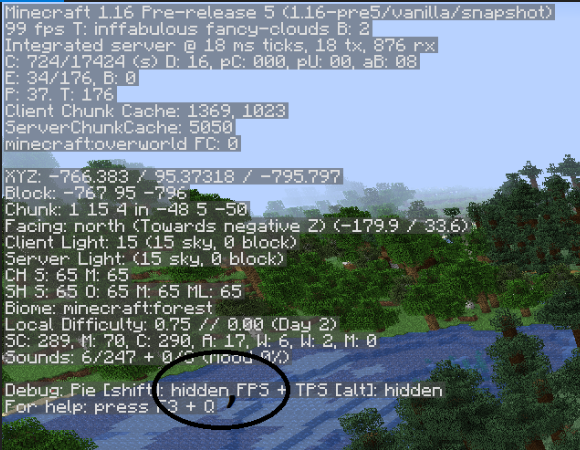
I would recommend to attach a crash log on the attachments, you can create one by pressing F3 + C for 10 seconds.
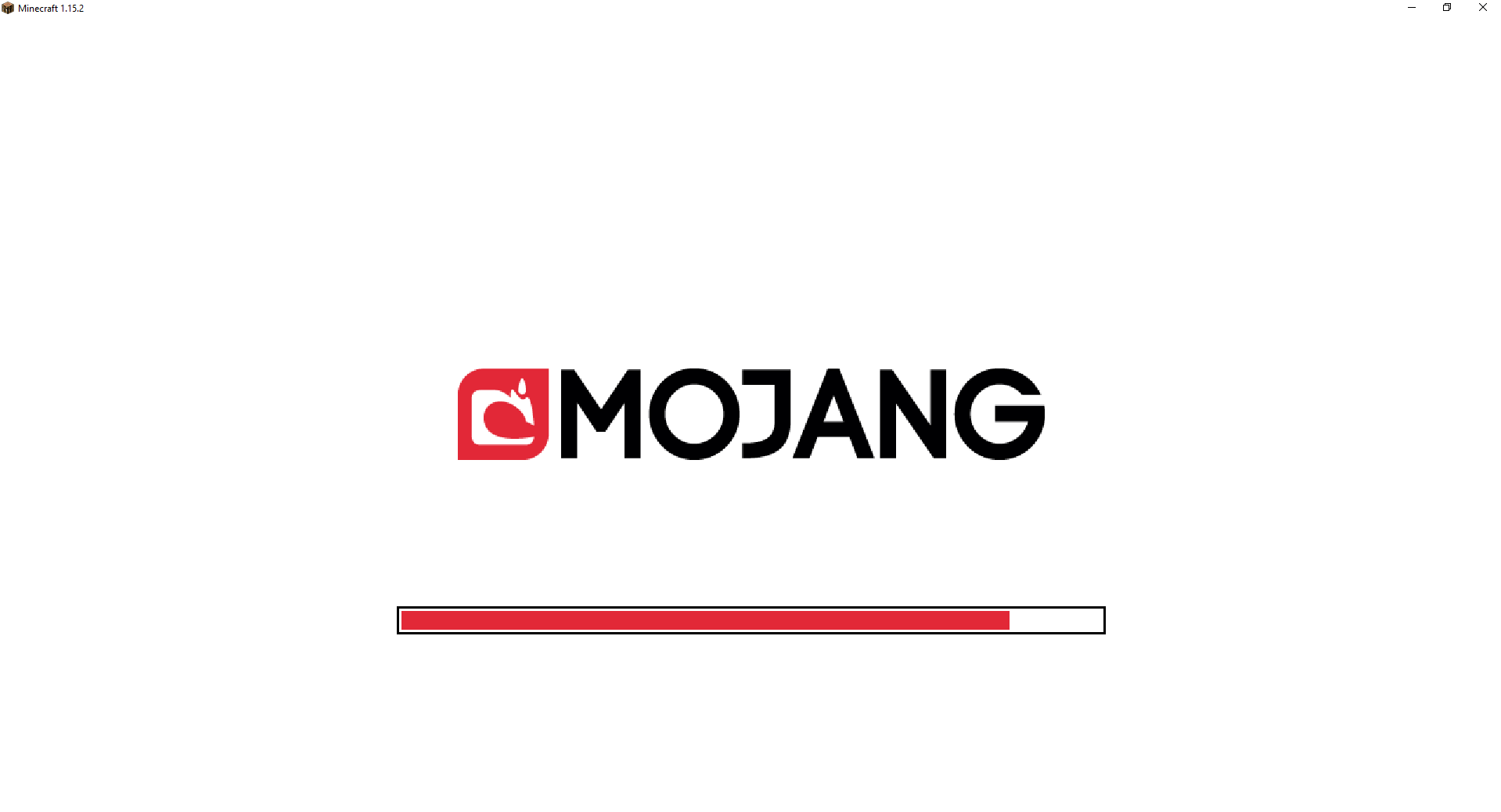
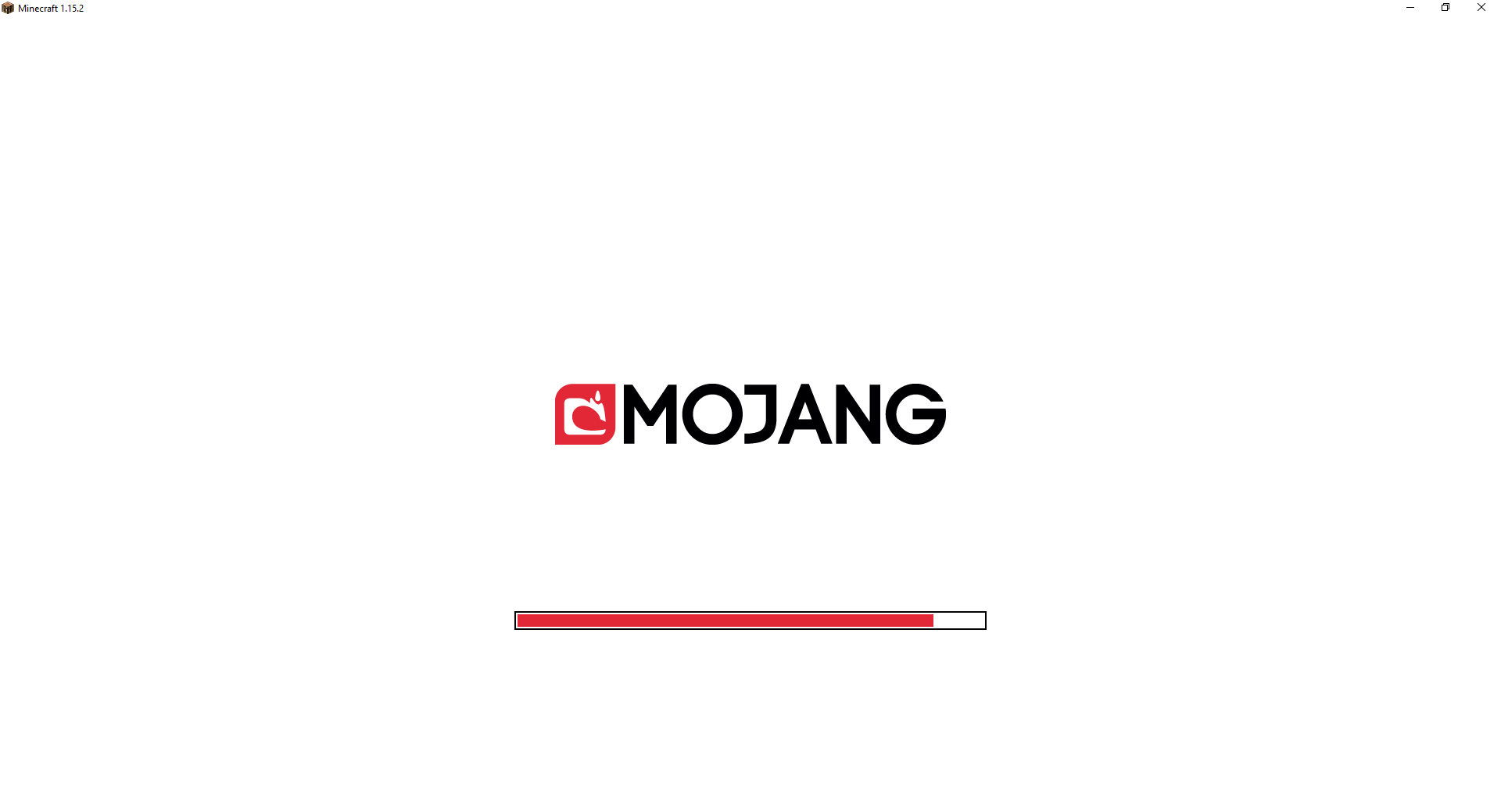
When launching Minecraft, or chaning language, a progress bar with the new Mojang Studios logo is showed, and before the new logo was released, the Mojang logo was respecting the GUI Scale, making itself bigger or smaller depending on your settings.
This is not the case anymore, the Mojang Studios logo isn't respecting the Scale but the progress bar does.
Steps to reproduce:
1- Launch Minecraft
2- Change the GUI Scale from the Options menu
3- Change the language
4- Click "Done" and you'll see the Mojang Studios logo will stay the same size but the progress bar w
on'tWhen launching Minecraft, or chaning language, a progress bar with the new Mojang Studios logo is showed, and before the new logo was released, the Mojang logo was respecting the GUI Scale, making itself bigger or smaller depending on your settings.
This is not the case anymore, the Mojang Studios logo isn't respecting the Scale but the progress bar does.
Steps to reproduce:
1- Launch Minecraft
2- Change the GUI Scale from the Options menu
3- Change the language
4- Click "Done" and you'll see the Mojang Studios logo will stay the same size but the progress bar will change it's size
Anvilssometimes destroy items when falling on them even if they aren't placed successfullyAnvils always destroy items when falling on them even if they aren't placed successfully
The bug
When an anvil lands on top of an item, the item will be deleted. This is also the case when the anvil cannot be placed successfully (i.e. if there's already another block in the same spot), but in this case it doesn't happen consistently.
To reproduce
- Place a torch (or a sapling, or another transparent block) on the ground
- Throw an item inside of that block
- Let an anvil fall on top of that block
- The anvil drops as an item when reaching the ground
→Sometimes the item you threw will be deleted (crushed by the anvil),sometimes it will still be thereVideo
The bug
When an anvil lands on top of an item, the item will be deleted. This is also the case when the anvil cannot be placed successfully (i.e. if there's already another block in the same spot),
but in this case it doesn't happen consistently.To reproduce
- Place a torch (or a sapling, or another transparent block) on the ground
- Throw an item inside of that block
- Let an anvil fall on top of that block
- The anvil drops as an item when reaching the ground
→
Sometimesthe item you threw will be deleted (crushed by the anvil),sometimes it will still be thereVideo

The bug
When an anvil lands on top of an item, the item will be deleted. This is also the case when the anvil cannot be placed successfully (i.e. if there's already another block in the same spot),
but in this case it doesn't happen consistently.To reproduce
- Place a torch (or a sapling, or another transparent block) on the ground
- Throw an item inside of that block
- Let an anvil fall on top of that block
- The anvil drops as an item when reaching the ground
→Sometimesthe item you threw will be deleted (crushed by the anvil),sometimes it will still be thereVideo
The bug
When an anvil lands on top of an item, the item will be deleted. This is also the case when the anvil cannot be placed successfully (i.e. if there's already another block in the same spot), but in this case it doesn't happen consistently.
To reproduce
- Place a torch (or a sapling, or another transparent block) on the ground
- Throw an item inside of that block
- Let an anvil fall on top of that block
- The anvil drops as an item when reaching the ground
→Video
Anvilsalways destroy items when falling on them even if they aren't placed successfullyAnvils sometimes destroy items when falling on them even if they aren't placed successfully
![[Mod] Asteraoth](../../../data/avatars/users/92886.png)

Numeritos, old reports are not reopened if they were indeed previously fixed; new reports (like this one) are preferred. Only when the fix attempt didn't actually fix it does the report get reopened.
Please fix this bug! The skeleton is a zombie with bow!
you're right please close the issue
All leaves.
Add older versions, affects too.
Work as intended... Really?
It works well on 1.6.4 and before, now it's a simply bug, so you can easily fix this.
It was more beautiful in 1.6.4 Now it looks ugly.
For me, it works well.
It would be nice if the base of the golem doesn't exist, the dispenser drop the skull.
It's not duplicate, the bug of the other report, was resolved. This is another bug. The another is 2 blocks high, this is from 1.7, mid block high.
Confirmed for Snapshots 15w31a, 31b, 31c, 32a, 32b, 32c.
Now ok...
Still an issue at 1.11.1. I hope this issue is fixed shortly, users with this problem can't play MCW10 properly...
By the way, only happens with existing worlds, worlds created on 19w36a aren't affected by this
Confirmed for 19w38a and 19w38b
Can confirm in 1.16 pre2
Can confirm in 1.16 pre2
Can confirm in 1.16 pre2
Can't reproduce or fixed on 1.16 pre2
Can confirm in 1.16 pre2
Fixed in 1.16 pre2 due to
MC-187358Can reproduce on 1.16 pre2
Can't reproduce on 1.16 pre2, seems fixed
Seems resolved in 1.16 pre2 too
Can't reproduce on 1.16 pre2, maybe is an issue with "Fabulous" graphics and some GPU's/CPU's
Can confirm on 1.16 pre2
Can confirm on 1.16 pre2
Can confirm on 1.16 pre2
Can confirm on 1.16 pre2
Can confirm on 1.16 pre2
Affects 1.16 pre2
Affects 1.16 pre2
EDIT: It seems to only affect Creative mode, drops work normally on Survival
Affects 1.16 pre2
Affects 1.16 pre2
Affects 1.16 pre2 - https://youtu.be/qcKJT4Qj4pk
Affects 1.16 pre2, I have a GTX 970 graphics card. Fabulous graphics turned on.
Affects 1.16 pre2
Affects 1.16 pre2
Affects 1.16 pre2
As [Mod] violine1101 said,
MC-187449was re-opened, so I think the "Fix version" for this (MC-56653) should be 20w22a, as that was the last version to have the WAI way of XP droppingAffects 1.16 pre2
Affects 1.16 pre2
Affects 1.16 pre2
Affects 1.15.2 and 1.16 pre2
If the world was generated on 1.16 pre1, you must load a backup, as they say on the minecraft.net post:
"Note that worlds opened in 1.16 pre-release 1 are corrupt and will not work in any way in 1.16 pre-release 2 (this includes using the re-create world button). Please restore an older backup or create a brand new world to play in this pre-release."
Also, relating to the report, can't reproduce it on 1.16 pre2
Can confirm, world created on 1.16 pre2, vanilla server downloaded from launcher.
Can't reproduce on 1.16 pre2, world loads normally, player tp's to the overworld spawn
Although it is marked as fixed, can reproduce to me in 1.16 pre3
(new world generated in pre3)
Duplicate of
MC-184613Affects 1.16 pre3
I've tested this on 1.9 (version where skeleton traps were added) and my result was that Skeleton Horses (EntityHorse back in 1.9) were having randomized MovementSpeed values.
Also, I've tested out in witch version was this problem "created" and I have noticed that in 1.11 it already happens, but in 1.10 no, then, it is very likely that the ID change of the skeleton horse of the 16w32a is the cause of this bug.
Cannot reproduce in 1.16 pre3, villagers were picking up food until their inventory fills up, then they stopped picking up food, seems normal behavior.
To the OP: Think that a Villager will never run out of food, so if it have not enough food for dropping, it will not drop and will not be able to reproduce with another villager. Also check if you have a bed for the baby villager to spawn.
Affects 1.16 pre3
Affects 1.16 pre3
Affects 1.15.2 and 1.16 pre3
Affects 1.16 pre3
Affects 1.16 pre3
Affects 1.16 pre3
Happens on 1.16 pre3 and while riding any entity
Affects 1.16 pre3
Happening also on a GTX 970 with Fabulous graphics enabled
Can confirm.
Duplicate of
MC-187598Duplicate of
MC-188675Please don't mark 1.15.2 as affected as Piglins aren't in the game on that version.Also, Piglins have a chance to dance or not, you just haven't been lucky.As "Piglins dancing is too rare" this report is invalid as this is a feature request and Mojira is only for bug reports. Please refer to feedback.minecraft.net and request it there
Duplicate of
MC-188694Duplicate of
MC-188675Duplicate of
MC-188675Duplicate of
MC-188675Duplicate of
MC-188675Affects 1.16 pre5
Affects 1.16 pre5
Affects 1.16 pre5 also with portal blocks
Affects 1.16 pre5, particles only appear if you place an egg on top of another egg.
Affects 1.16 pre5
Affects 1.16 pre5
I just created a world on 1.13, used /locate to locate a Monument, and I've load the world on 1.16 pre5, used /kill @e[type=guardian] and guardians were spawning normally.
It is probably that you loaded the world on 1.16 pre1 and this broke this structure.
Duplicate of
MC-188987Duplicate of
MC-188987, please use search function before posting.Duplicate of
MC-188987, please use search function before posting.Duplicate of
MC-188987, please use search function before posting.Duplicate of
MC-188987, please use search function before posting.Duplicate of
MC-188675, make sure you play on 1.16 pre5Duplicate of
MC-188987This is caused by Mip-map levels, im not sure if it is counted as a bug or is intended
Please make sure you exit the menu by pressing "Done" instead of using "ESC" key
This is WAI as 1.16 pre5 ->
MC-188655Affects 1.16 pre5 // Since the ticket was kind of outdated, I want to request ownership, I'll update it accordingly.
Affects 1.16 pre5
Affects 1.16 pre5,
although it always crush the item.// Since the ticket was kind of outdated, I want to request ownership, I'll update it accordingly.Duplicate of
MC-188987, please use English when you report bugs.Duplicado de
MC-188987, por favor, utiliza el inglés cuando reportes errores.Affects 1.16 pre 5
Duplicated of
MC-188987It can be related with
MC-15270Affects 1.16 pre 5, I want the ownership of this bug to keep it updated
Duplicated of MC-123619
Affects 1.16 pre5
Affects 1.16 pre5
Affects 1.16 pre5, I would ask for ownership to update the report accordingly
Please force a crash with F3 + C and attach it to the report so we can get more information
Duplicated of
MC-188987That's because you only disable links from the chat. Not the "Esc" menu.
I think it's WAI
Duplicated of
MC-188987Duplicated of
MC-188987Affects 1.16.0.67, also I would like to request ownership to mantain this report updated
Affects 1.16.0.67, also I would like to request ownership to maintain this report updated
Affects 1.16.0.67, also I would like to request ownership to maintain this report updated
Affects 1.16.0.67, also I would like to request ownership to maintain this report updated
Affects 1.16 pre5, also duplicated of MC-118561
Affects 1.16 pre5
Affects 1.16 pre5
Affects 1.16 pre5
I can't reproduce in 1.15.2 or 1.16 pre 5, it always stop shifting and it doesn't crash :s
Reply to Math Nerd -> I doubt it's WAI because in Bedrock Edition the logo looks much smaller, but also, it doesn't allow to change it's size by changing the GUI Scale
This is WAI. 1-9 keys have the same behavior
This happens because a fence doesn't connect to an open trapdoor, so when you open it, you can approach the hitbox of the fence, and then, when you close the trapdoor, the fence changes his hitbox to a "connected fence" and, because you are inside his hitbox, you can clip through it.
I personally wouldn't count this as a bug
This is intended.
This report is invalid.
Please use English when you report any bugs.
Duplicate of
MC-188987Duplicate of
MC-188987Duplicate of
MC-188987Duplicate of
MC-188987Please provide more information.
Duplicate of
MC-188987Duplicate of
MC-188987This report is invalid.
Duplicate of
MC-188987Was your world opened in 1.16 pre1?
I also liked the way it was before, but well, a bug is likely to be resolved, and this was a bug, so...
Maybe we can have a conversation on the original report (
MC-188655), and the developers can re-evaluate the report?I hope this report is re-evaluated, and try to add a way to keep the use of the numeric keys in this section, but also to make them work in the search bar ... One solution would be that you could only type if the mouse is above the search bar.
Duplicate of
MC-118616This report is invalid.
Please use English for your reports.
This report is invalid.
Please use English for your reports.
Duplicate of
MC-88967Duplicate of
MC-188987This report is invalid.
Please use English when you report any bug.
Duplicate of
MC-188987I think this is resolved as when you wake up from a bed you now spawn in the center of the block, not the corner, so the bug described can no longer happen.
This bug was fixed on 1.16 pre4, please make sure you're playing on that version or a newer one
This is intended.
This is intended. You need to upgrade from diamond using a Smithing Table.
I don't understand the point of changing the progress bar GUI Scale but not the logo's... But well, WAI...
1.16 Pre-release 6 seems to behave like pre-4 and older versions
Duplicate of
MC-189526Older versions than the latest snapshot/release aren't supported anymore.
This has been fixed on pre6.
This report is invalid.
Can confirm.
Affects 1.16 pre6
Duplicate of
MC-188987This was fixed on 1.16 pre6, please mark the version you're playing next time.
Duplicate of
MC-189856This YouTube video from AntVenom could help us gather more information about this bug https://www.youtube.com/watch?v=91Feq0dHw28
Affects 1.16 pre7
Affects 1.16 pre7
This report is invalid.
Older or/and modded versions of Minecraft aren't supported in the bug tracker.
Test it in the latest pre-release and see if happens, please.
Always make sure you test on the latest snapshot/release before posting and marking them as affected
Affects 1.16 pre7, also if you click a world, and then move to other with the arrow keys.
Please attach screenshots.
Affects 1.16-pre8
This report is invalid.
Please make sure you report bugs in the correct section, you reported a Bedrock Edition bug on Java's bugtracker.
Duplicate of MC-159283
Affects 1.16-pre8
If you loaded your world in pre1, it is likely to be corrupt, so make sure you load a backup from before updating to pre1 and test it there
Please force a crash log by holding F3 + C 10 seconds and post it here so we can gather more information
Can't reproduce.
Can't reproduce.
Please make sure the Endermite was spawned from an Enderpearl insted of the Spawn Egg
Affects 1.16-rc1
Affects 1.16-rc1
@Aries Mars, as I said, if you loaded the world in pre1, the world just gets corrupt, so there's no way to get the monument working again unless you load a backup from BEFORE pre1, or stay on the same world and just find a new monument
This report is invalid.Doors and Signs never were waterloggable, this is a feature request and should be posted infeedback.minecraft.netAs Marty McFly says, duplicate of
MC-125351Every world has a 21x21 block-area where the player can spawn if no bed/respawn anchor is found, so probably this is intended.
Can confirm with lower-resolutions like 300x260, also F3 menu left-size collide with right-size
Affects 1.16-rc1
@Bailey Stuart -> It is likely not to be fixed by 1.16 release, fixing this bug will probably break terrain generation on nether/overworld as trees and terrain decoration works the same on both dimensions
Duplicate of
MC-187598Modded versions of the game aren't allowed here, please test the issue without Optifine
Affects 1.16-rc1
Fire Aspect II is the highest level for F.A., so combining two of these books, will give you a F.A. II book, nothing wrong here
Can't reproduce
In creative mode you can enchant everything with any enchant, this is intended.
Affects 1.16-rc1
Affects 1.16-rc1
Are you playing on singleplayer or a server?
This is intended, you should place the torch in the same tick that the Dragon Egg is an entity instead of a block, so it begins to fall through the torch and drop.
Also, you can try to place a block under the Dragon Egg and a torch under the block you placed, so, when you break the block, the Dragon Egg will fall and drop.
This report is invalid.
Affects 1.16-rc1
Affects 1.16-rc1
Please don't mark unaffected versions as affected (you can't enter Minecraft Realms from a snapshot)
Affects 1.16-rc1
Affects 1.16-rc1
Affects 1.16-rc1
Affects 1.16-rc1
Affects 1.16-rc1
Affects 1.16-rc1
Affects 1.16-rc1
Affects 1.16-rc1
Affects 1.16-rc1
Can't reproduce in 1.16-rc1
Affects 1.16-rc1, a growing kelp created a water source block
Affects 1.16-rc1
Affects 1.16-rc1
Affects 1.16-rc1
Affects 1.16-rc1
Affects 1.16-rc1, also a subtitle "Item Frame empties" is showed