 MC-38862
After turning 3D off character models are miscolored
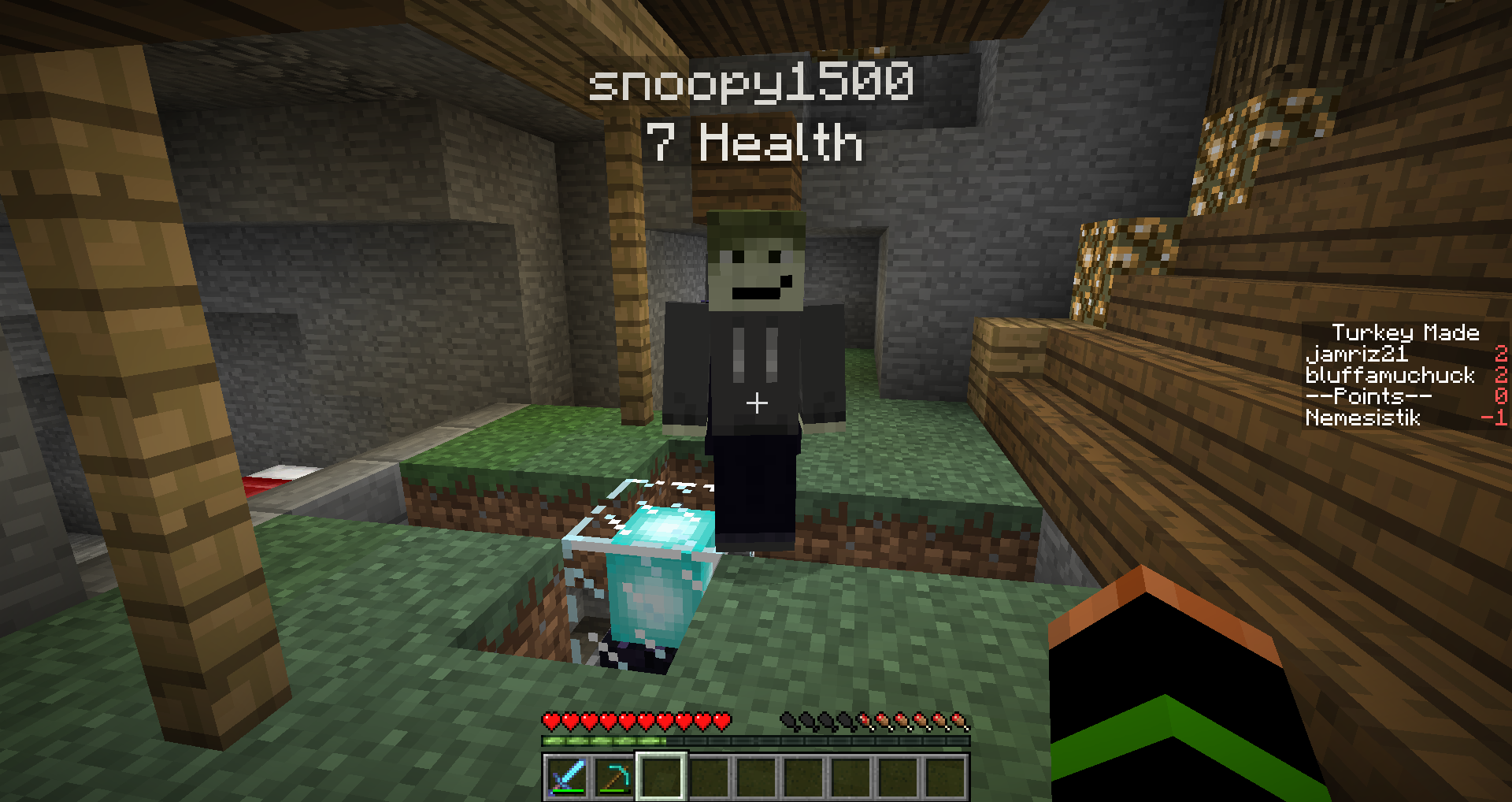
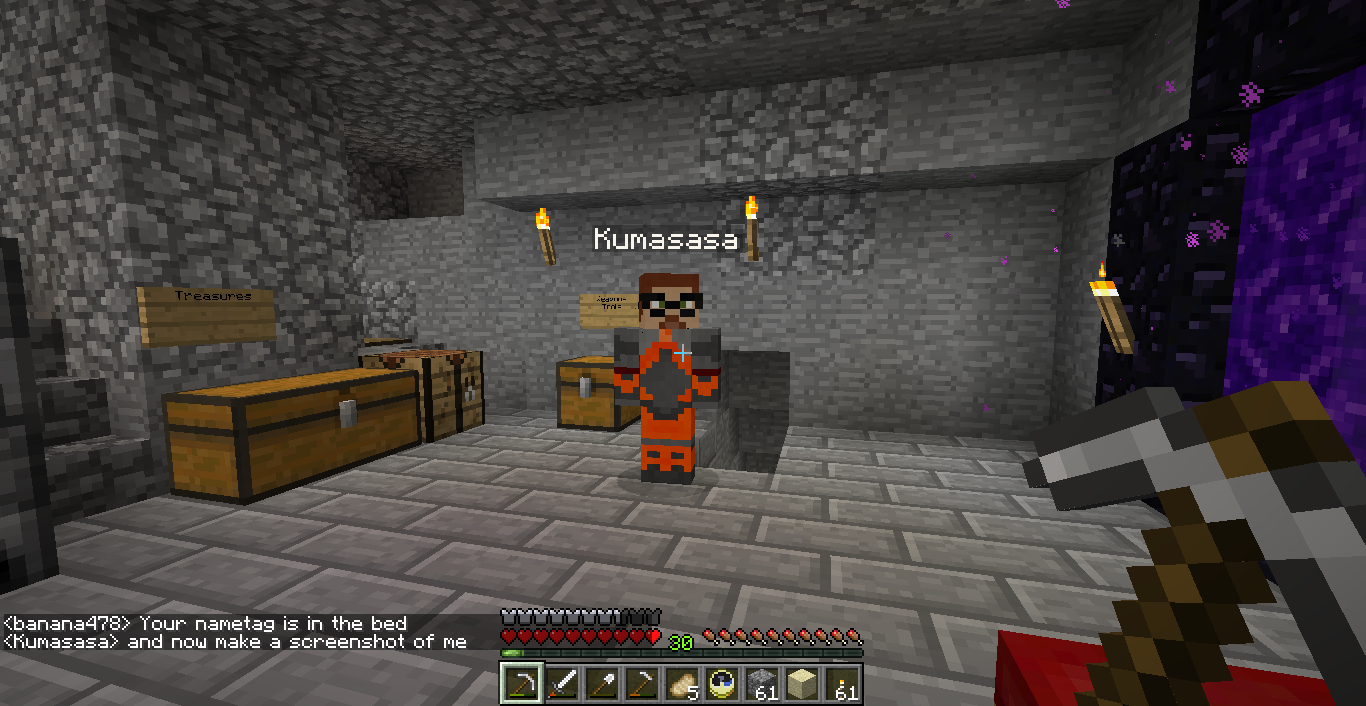
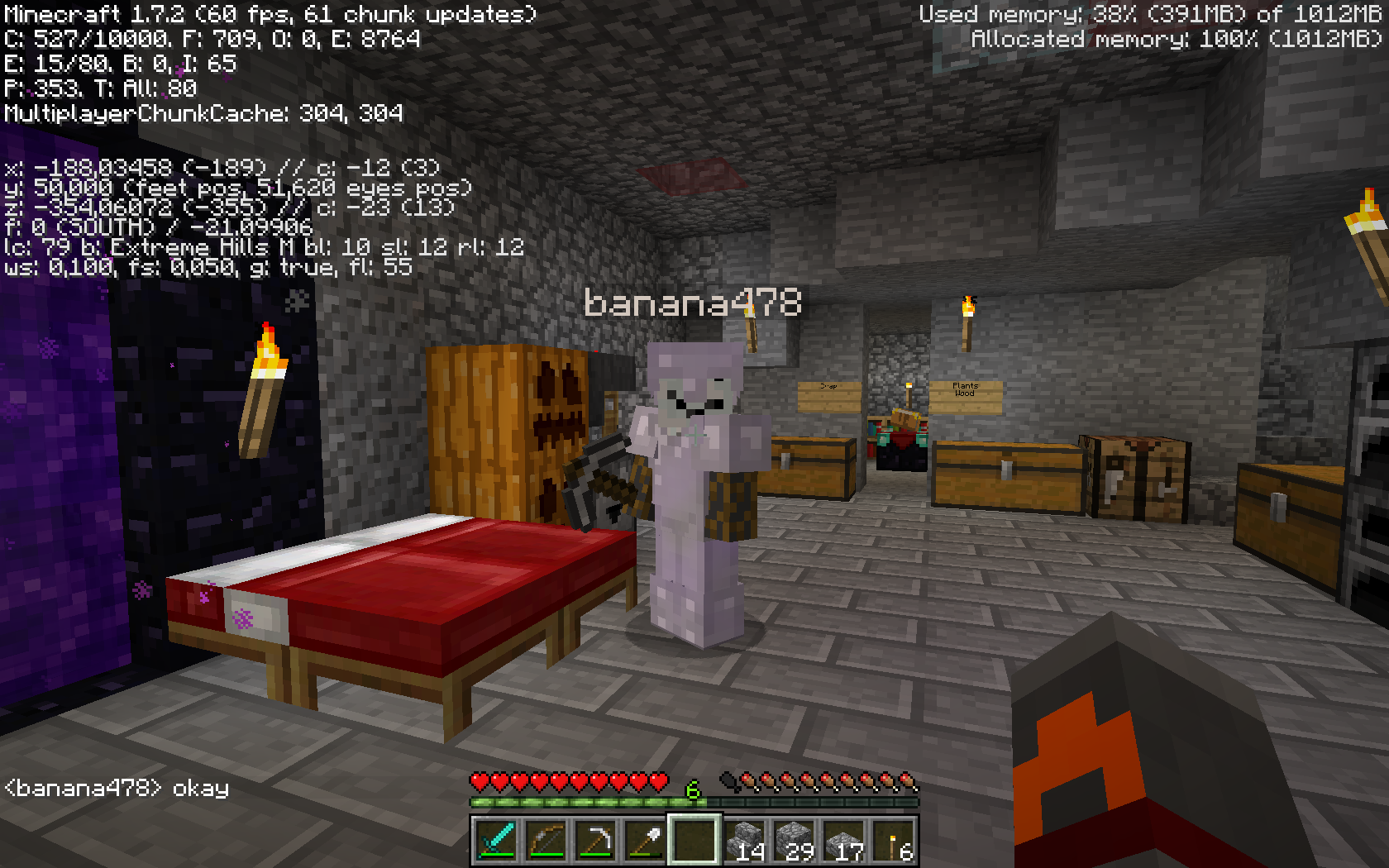
I was playing around with my 3D monitor trying to see if it could display the 3D Minecraft runs (It doesn't btw) but when I turned off the 3D in the game my friends player model was discolored. It had a slight blue tinge. I had him try turning on and of 3D but it didn't do the same thing. He is using OSX and I am not sure his Java version.
Environment
Windows 7
Java 7 (build 1.7.0_13-b20)




Created Issue:
After turning 3D off character models are miscolored
I was playing around with my 3D monitor trying to see if it could display the 3D Minecraft runs (It doesn't btw) but when I turned off the 3D in the game my friends player model was discolored. It had a slight blue tinge. I had him try turning on and of 3D but it didn't do the same thing. He is using OSX and I am not sure his Java version.
Environment
Windows 7
Java 7 (build 1.7.0_13-b20)
Attachments2
- Unresolved
- Open
- Unconfirmed
- Survival
- 3D Glich Graphical Model Player
- 1.7.2
2013-11-03_09.13.29.png

Cannot confirm, see screenshots.
Please force a crash by pressing F3 + C for 10 seconds while in-game and attach the crash report (minecraft/crash-reports/crash-<DATE>-client.txt) here.
Unable to reproduce as well.