 MCD-4830
Freeze during game play - workaround: put Switch to sleep & wakeup using power button
Three players. First day had no crashes. Second day of playing. Nintendo Switch Online is active for cloud saves. No Mojang/Xbox online account.
Two crashes with pictures:
- One crash was during "All have fallen"... hung during the count down.
- Another was while rolling against a wall and another playing pushing on the wall.
Two other crashes/hangs occurred without pictures were during normal game play.
We're very thorough and backtrack to fill out the entire map. We push on every wall. It's very frustrating to lose 30-45 minutes of progress. 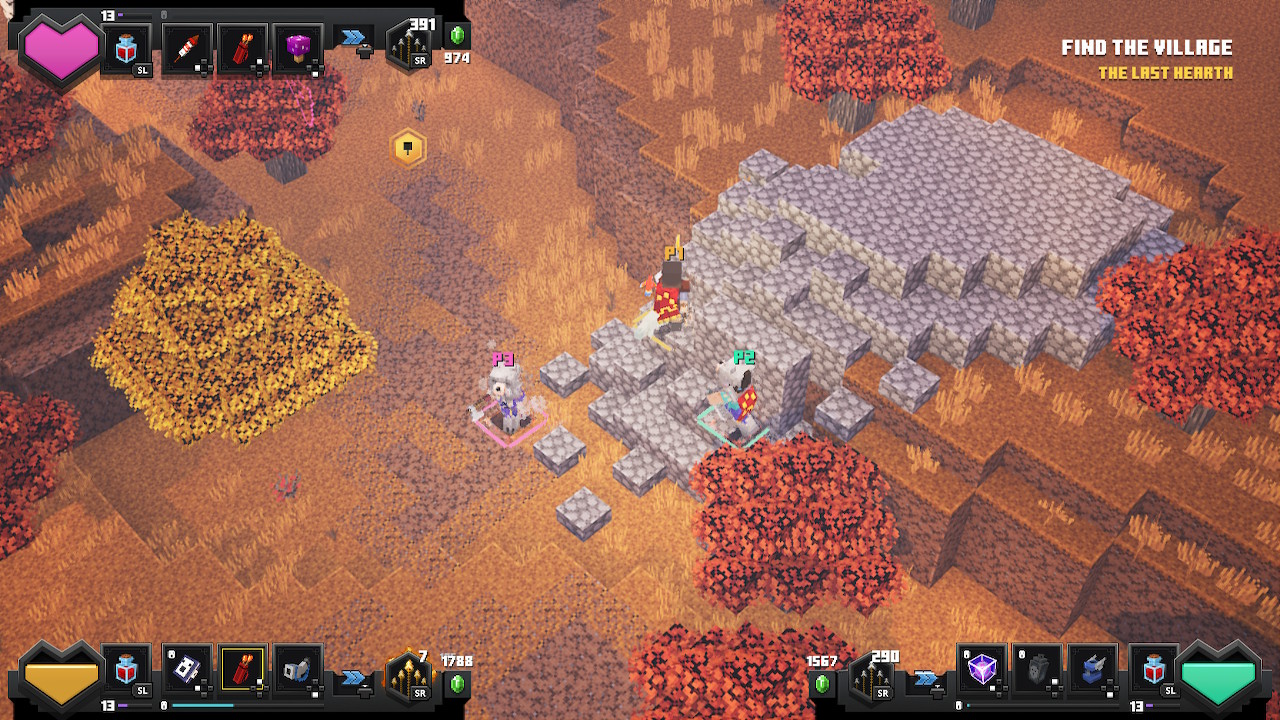
Linked Issues


Created Issue:
Multiple crash/hang during game play
Three players. First day had no crashes. Second day of playing. Nintendo Switch Online is active for cloud saves. No Mojang/Xbox online account.
Two crashes with pictures:
- One crash was during "All have fallen"... hung during the count down.
- Another was while rolling against a wall and another playing pushing on the wall.
Two other crashes/hangs occurred without pictures were during normal game play.
We're very thorough and backtrack to fill out the entire map. We push on every wall. It's very frustrating to lose 30-45 minutes of progress.
Attachments2
Multiple crash/hang during game playFreeze during game play - workaround: put Switch to sleep & wakeup
Freeze during game play - workaround: put Switch to sleep & wakeup using power button
![[MCQA] Bartłomiej Słodkowski](../../../data/avatars/users/18941.svg)
duplicates
Just froze again. This time, P2 was selling items in inventory in the crypt. No enemies were in range.
Extremely frustrating. We're about to give up on the game until the next version is released.
Found a simple fix on reddit by u/MatLambert:
"The solution is simple, just hit the power button on the console to turn the unit off, then turn it back on, go back into game and you should be good, problem solved and you're right back to where you were"
This 'fix' did work.
Note that we did try putting the Switch to sleep from the Home screen using a remote controller and that won't fix the problem.
When the freeze happens, you have to put the Switch to sleep and wake it back up again using the button on the console while the frozen game screen is showing. (Confirmed once tonight.)
This is likely a duplicate of
MCD-1354It seems like the freeze problem occurs more often when we enter the inventory screen during gameplay and make a change that causes a Save to occur.
We saw our first game crash yesterday, not just a recoverable freeze.
Yes, this is likely a duplicate of
MCD-1354.