 Steven Bytnar
- bitsobytes
- JIRAUSER577235
- America/Chicago
- Yes
- No
 MCD-4830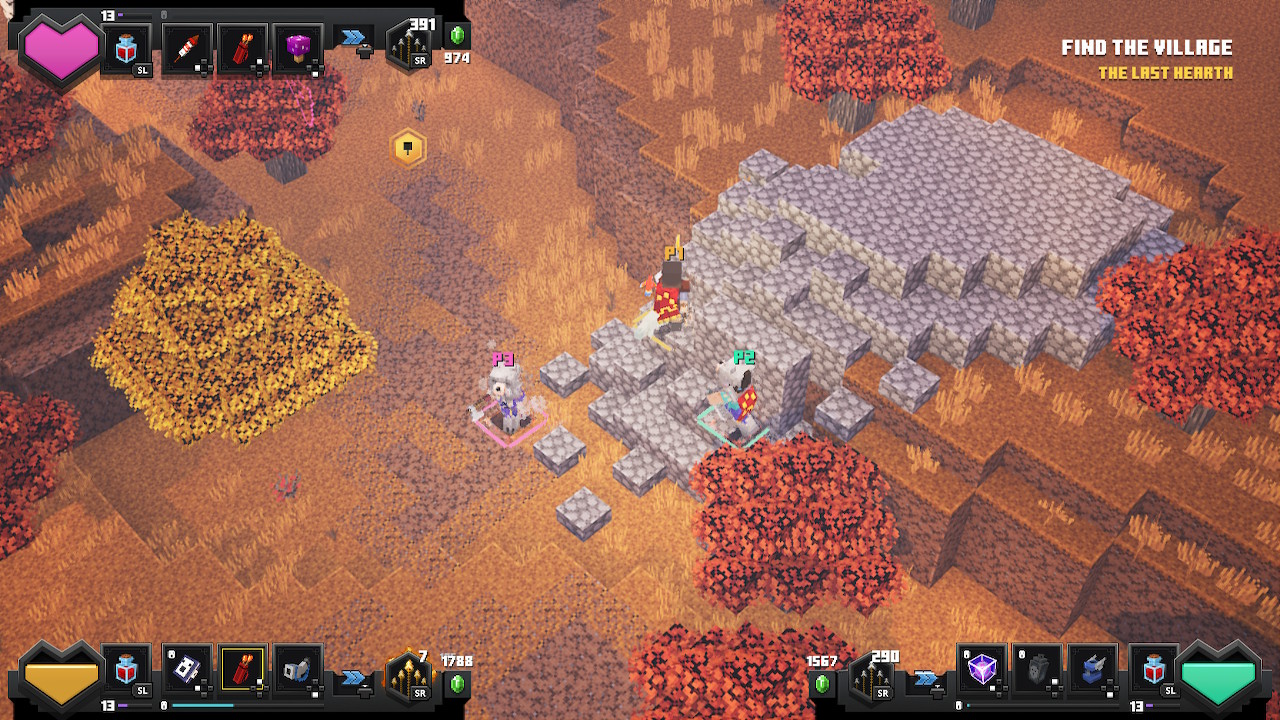

Changed Summary:
Multiple crash/hang during game playFreeze during game play - workaround: put Switch to sleep & wakeup
Changed Summary:
Freeze during game play - workaround: put Switch to sleep & wakeup using power button
Just froze again. This time, P2 was selling items in inventory in the crypt. No enemies were in range.
Extremely frustrating. We're about to give up on the game until the next version is released.
Found a simple fix on reddit by u/MatLambert:
"The solution is simple, just hit the power button on the console to turn the unit off, then turn it back on, go back into game and you should be good, problem solved and you're right back to where you were"
This 'fix' did work.
Note that we did try putting the Switch to sleep from the Home screen using a remote controller and that won't fix the problem.
When the freeze happens, you have to put the Switch to sleep and wake it back up again using the button on the console while the frozen game screen is showing. (Confirmed once tonight.)
Regarding @Robert R's problem with iPads not seeing each other... that was the same problem I had too.
Robert suggested goto main iPad Settings, scroll down to the Minecraft app, and set "Local Network" to ON. That did it! Thank you Robert!
It seems like the freeze problem occurs more often when we enter the inventory screen during gameplay and make a change that causes a Save to occur.
We saw our first game crash yesterday, not just a recoverable freeze.
Yes, this is likely a duplicate of
MCD-1354.You're not alone. This same crash log happens on my son's iPad Mini (AppVariant 1:iPad5,2:13.)
2.16.210.05(2.16.210) was crashing at the end of the loading screen.
If you delete XBLStorage.json and turn off WiFi/Cellular data, it crashes earlier in the loading screen, but with the same thread throwing the same exception.
Oldest crash log is March 20th.... he's turning feral over not being able to play Minecraft!
My son had some problems with servers like CubeCraft just before the app started having this problem.
I wonder if this issue is related to
MCPE-121930?We have the same problem. 3 players. The first time it recovered like it usually would when we put the switch to sleep using the button on the switch: hold until prompted to sleep, hit again to sleep, wait a few seconds, hit the button to wake up. This used to result in a controller pairing screen when resuming the game. Now the game video is stuck but background sounds are still playing. Game has to be forced closed. Very unhappy about losing 50 minutes of progress on the stronghold!!!
@Wes Beckwith may have something there regarding the fireworks arrows. We play 3 player and one player always uses fireworks arrows. Within a minute of starting our last game session, we accidentally went into the sub-screen once (not inventory), then went right into battle with a lot of mobs. Right away, the first exploding fireworks arrow caused the game to freeze (not crash). Since then, we played one game without fireworks arrows and it didn't freeze. I know that's not a great correlation of success or failure, but maybe, just maybe inventory/sub-screen and/or using fireworks arrows have something to do with it. All along since our first freeze, we've been avoiding all inventory/sub-screen access during games and the freeze rate seems significantly lower with that behavior.
Both times we played this level with 3 players we had this glitch happen when the ancient guardian hit 25% life or less. No amount of running around or attempts to bait it out worked. We used the spinblade artifact with multiple players to finally defeat the elder guardian and the ancient guardian, but it took a long time. Arrows at the bridge area would get stuck in mid air and no kind of other projectile are effective.
This happened with a "Spellcraft" template single player world on an older iPad mini.
The fire spell was being used excessively to destroy some dummies .
.
The game lagged a lot and then generated this error.
v1.19.30.